A review of 'Obtainium,' an Android app distributed solely on GitHub that allows you to install, manage, and automatically update apps similar to F-Droid.

Android apps distributed on Google Play and F-Droid will notify your smartphone when an update is available, allowing you to update them. However, apps distributed only on GitHub require you to manually download the apk file and install it yourself, meaning you have to update them on your own. 'Obtainium' is a convenient tool that supports the installation of Android apps distributed only on release pages like GitHub, similar to F-Droid. It allows you to directly install and manage updates from the app's release page, and even handles automatic updates, making it useful in cases where installation is difficult through other means.
Obtainium
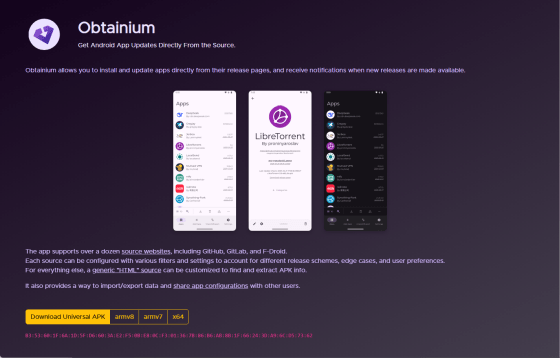
ImranR98/Obtainium: Get Android app updates straight from the source.
◆Features
The official website describes the features of Obtainium as follows:
- Supports over 10 app distribution sites, including source code hosting sites such as GitHub and GitLab.
・Supports various release methods
- Filtering and settings can be configured according to the user's preferences.
- Even for sites that don't explicitly state support, customization allows for searching and extracting APK files from HTML.
- Supports data import and export, and allows sharing of app settings with other users.
◆Installation
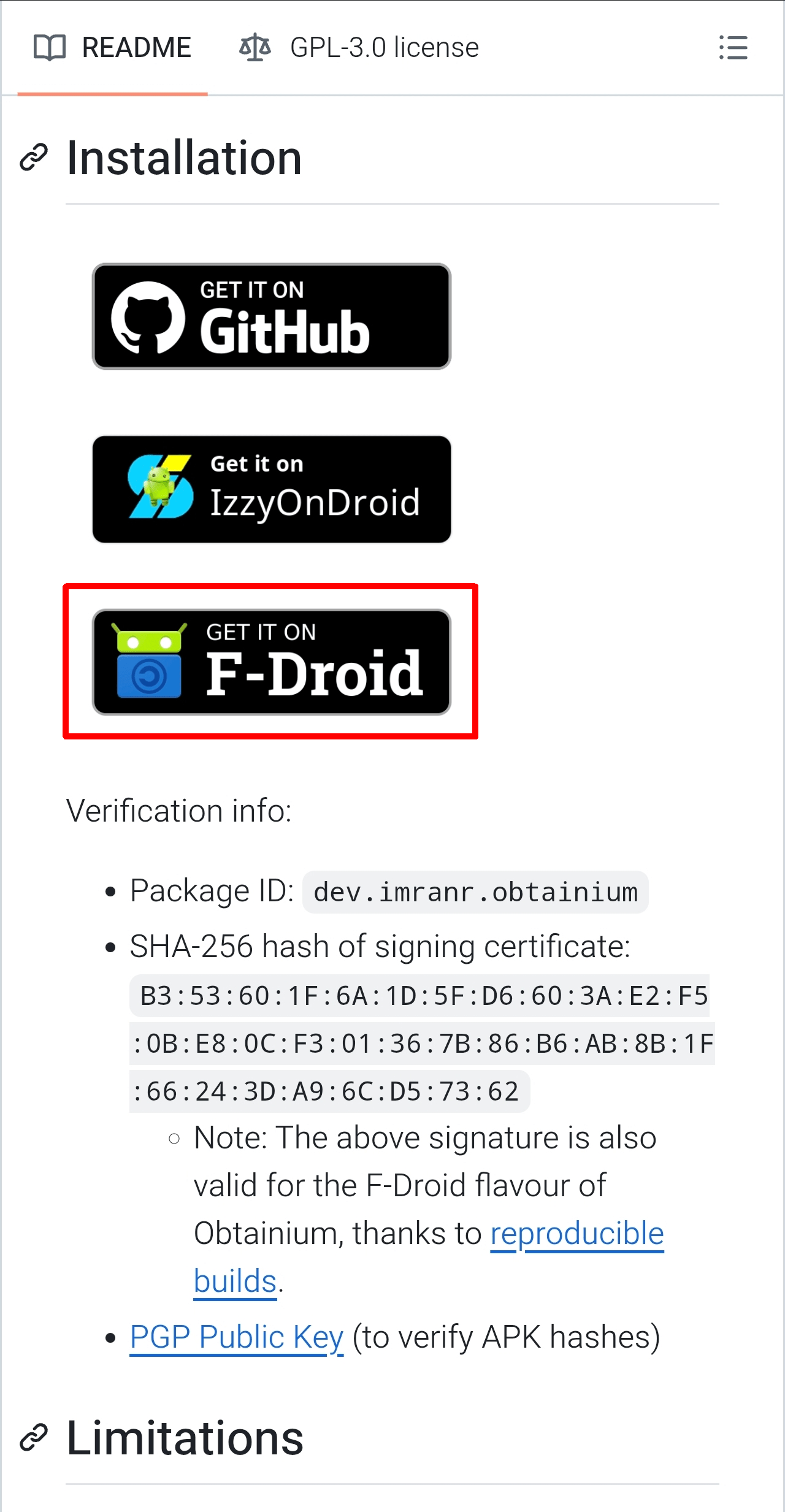
The official GitHub page lists the following download sites as places to obtain the app:
GitHub
IzzyOnDroid
F-Droid
This time, we will install it using F-Droid. We will assume that the F-Droid app is already installed in your apps folder, so please refer to the following for installation and usage instructions.
'F-Droid' allows you to easily install and automatically update free, open-source Android apps other than those on Google Play - GIGAZINE
https://gigazine.net/news/20260504-f-droid/
Open the official GitHub repository on your smartphone and tap the F-Droid banner under the 'Installation' section.
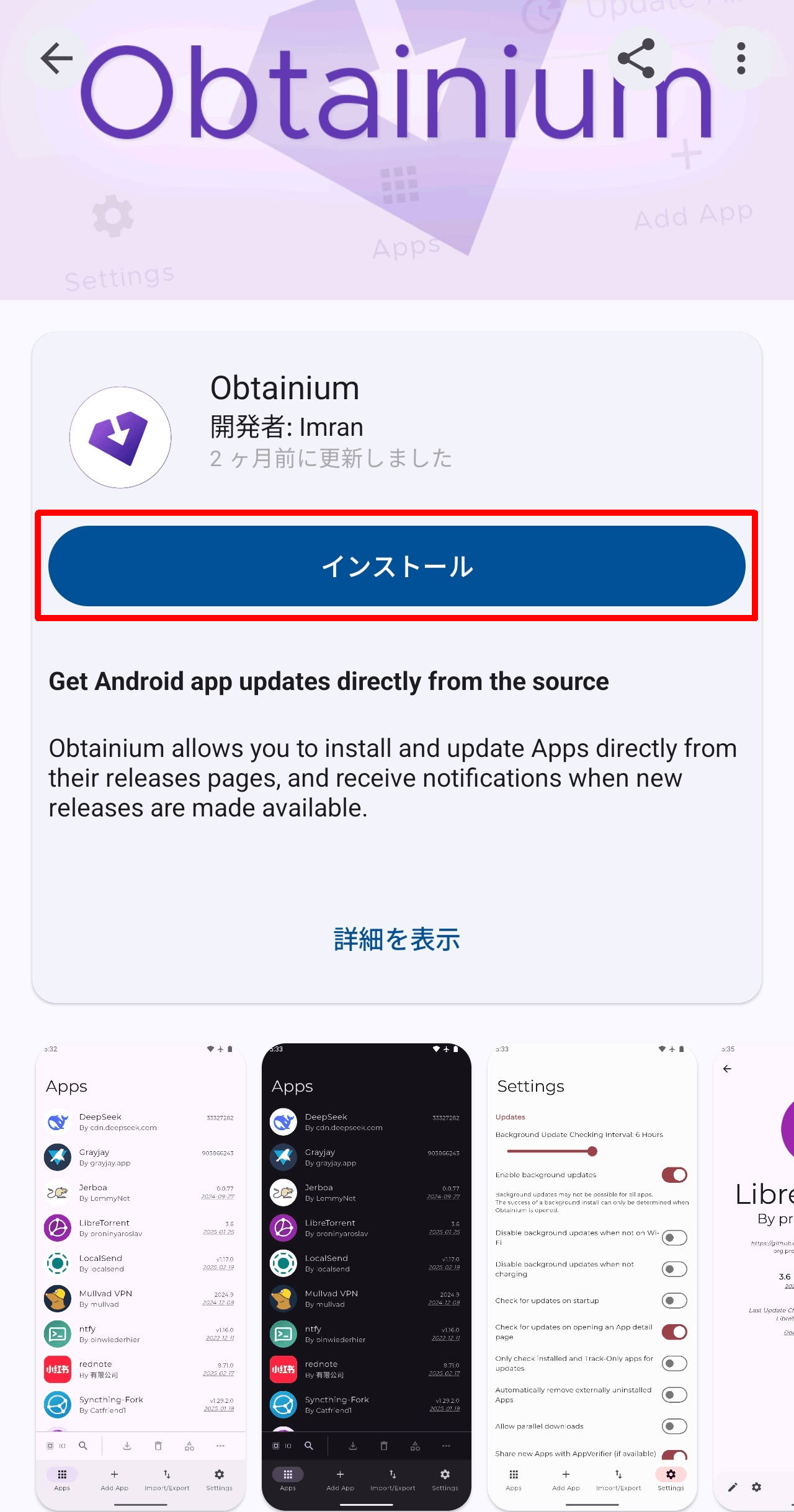
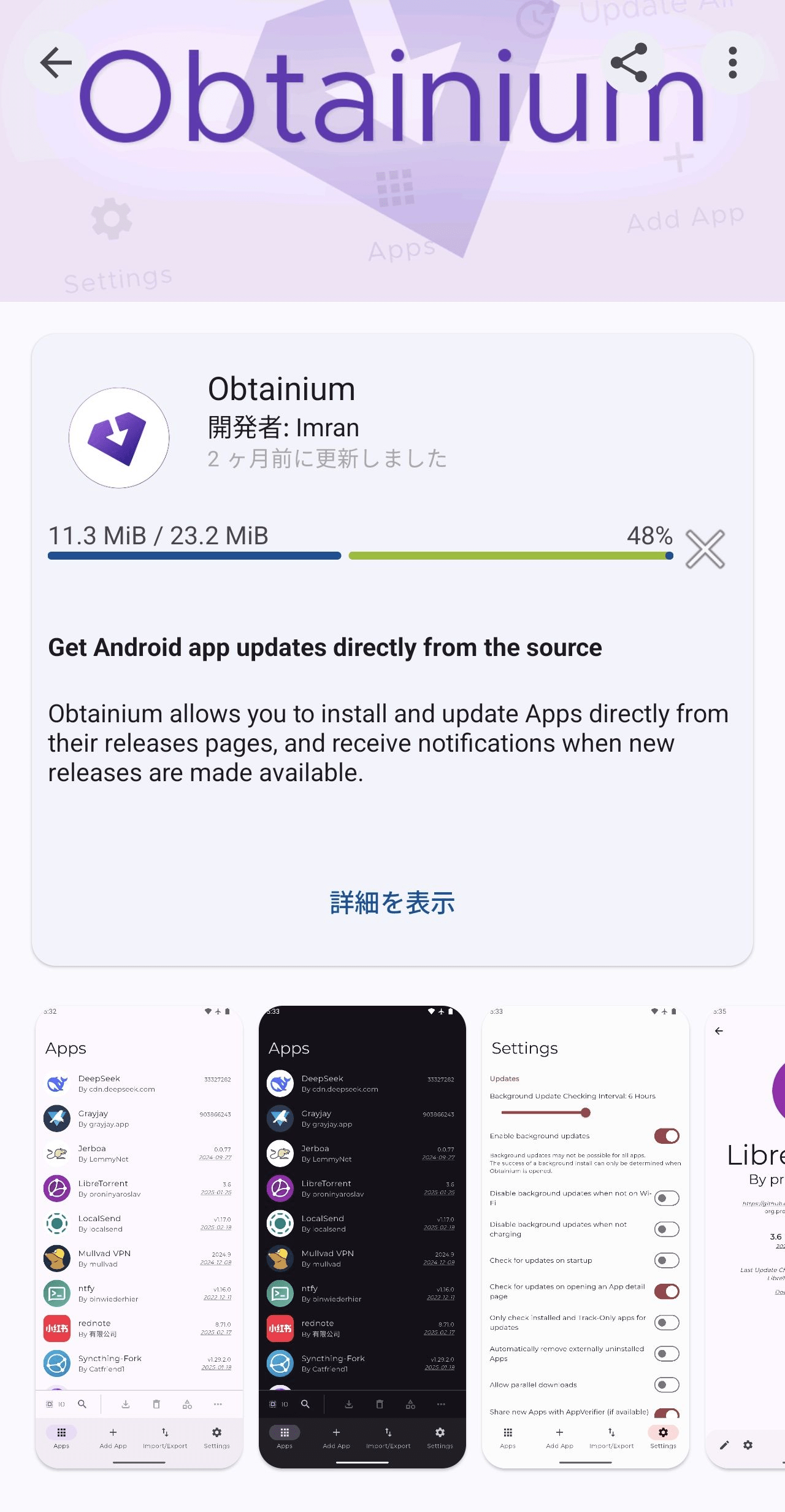
The F-Droid app will launch and open the Obtainium page, so tap the 'Install' button.
The download will begin and a progress bar will be displayed.
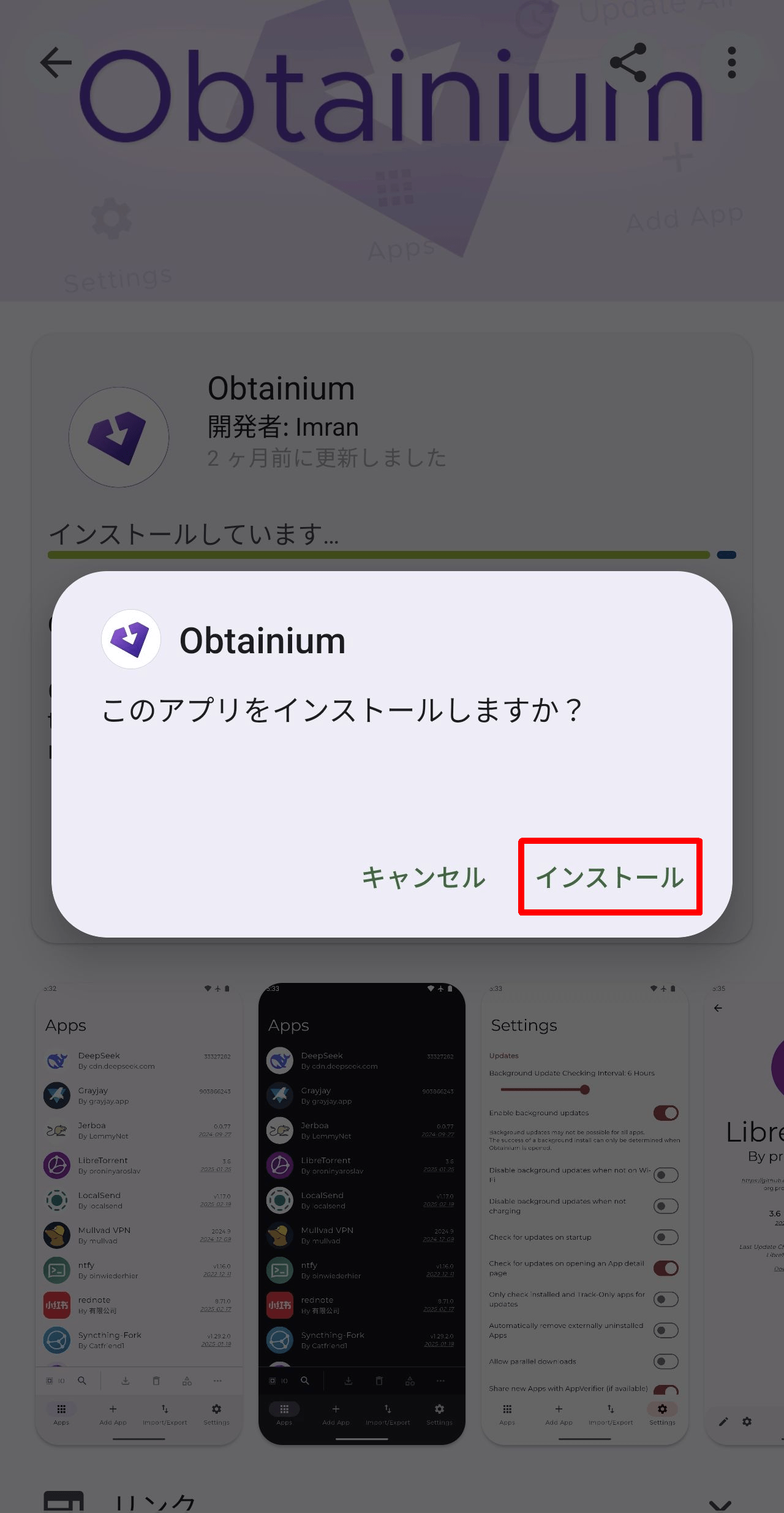
Once the download is complete, a pop-up will appear asking 'Do you want to install this app?'. Tap 'Install'.
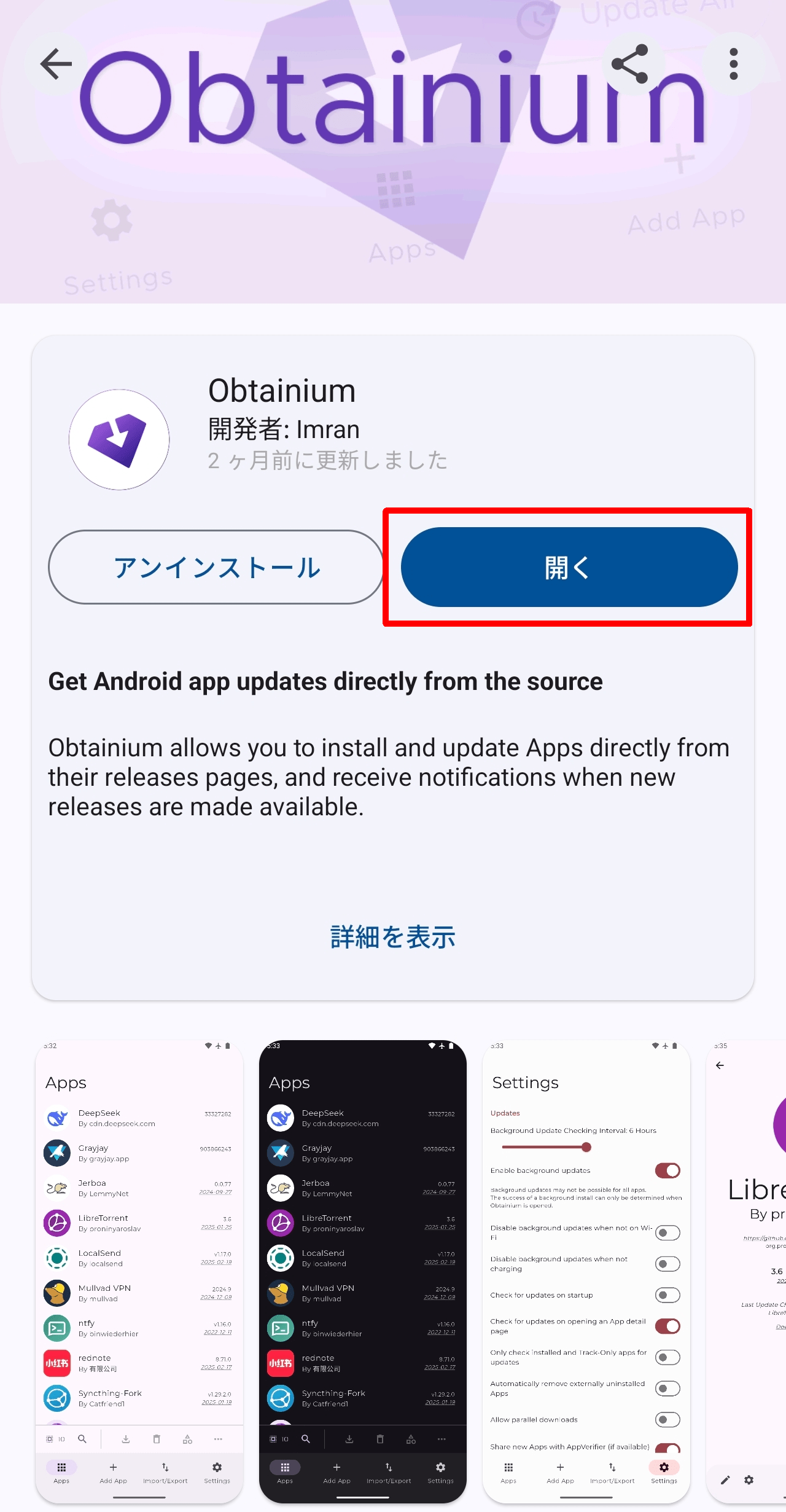
Once the installation is complete, an 'Open' button will appear; tap it to launch Obtainium.
◆Initial startup operations
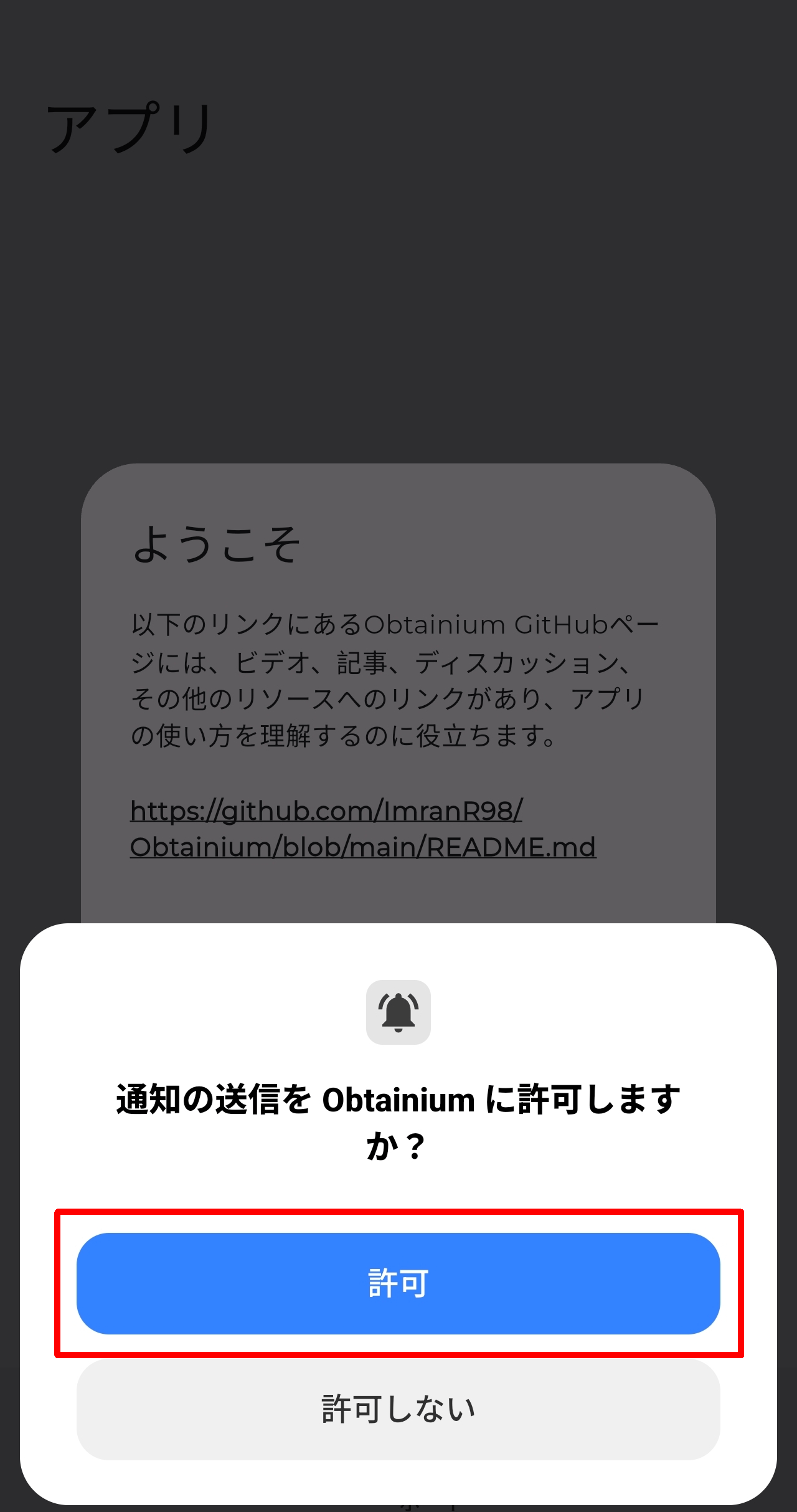
Upon first launch, a pop-up will appear asking, 'Do you want to allow Obtainium to send notifications?' Tap 'Allow'.
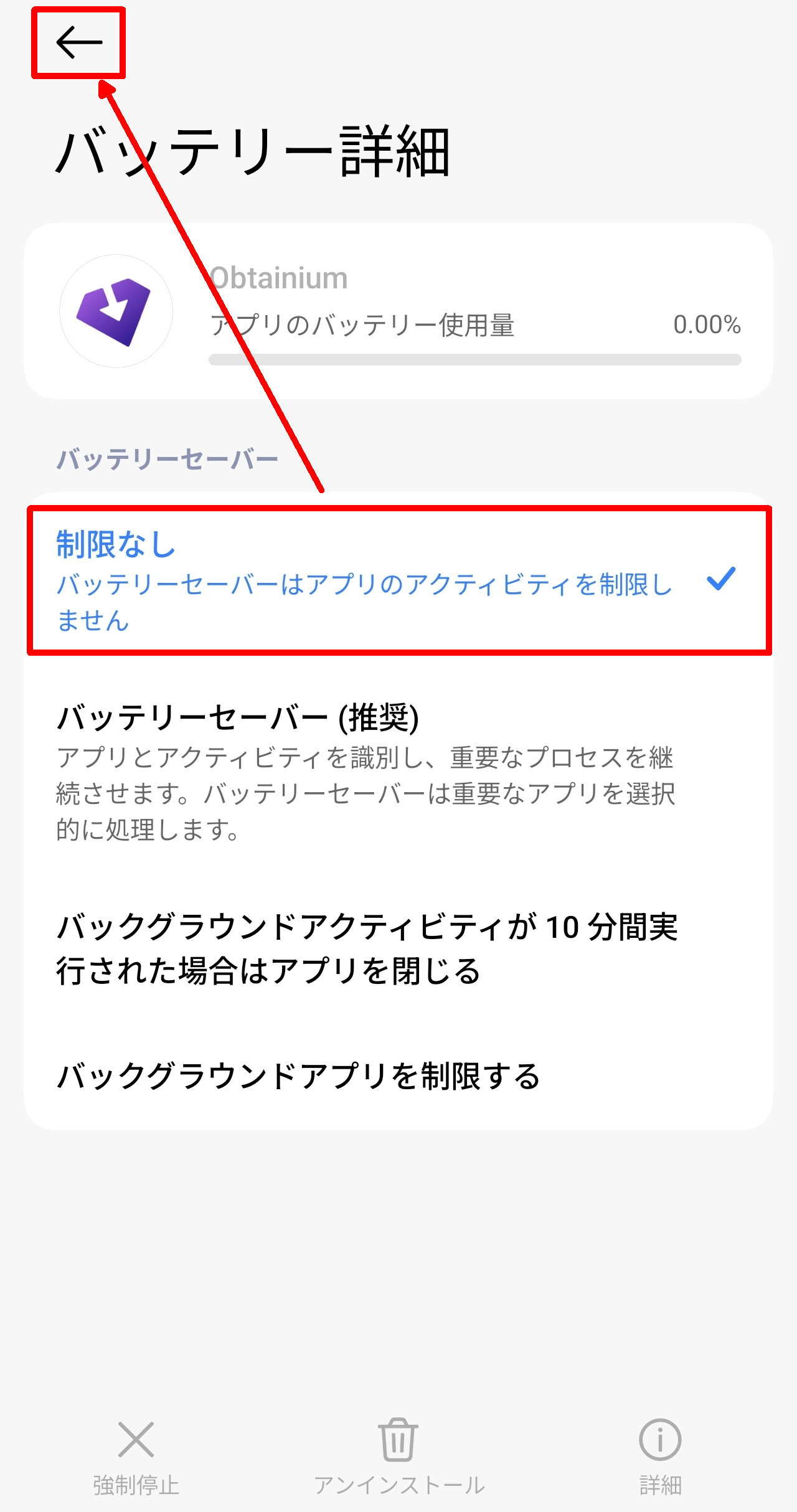
The OS 'Battery Details' screen will then be displayed, so change it to 'Unlimited' and then tap the left arrow icon to return to Obtainium.
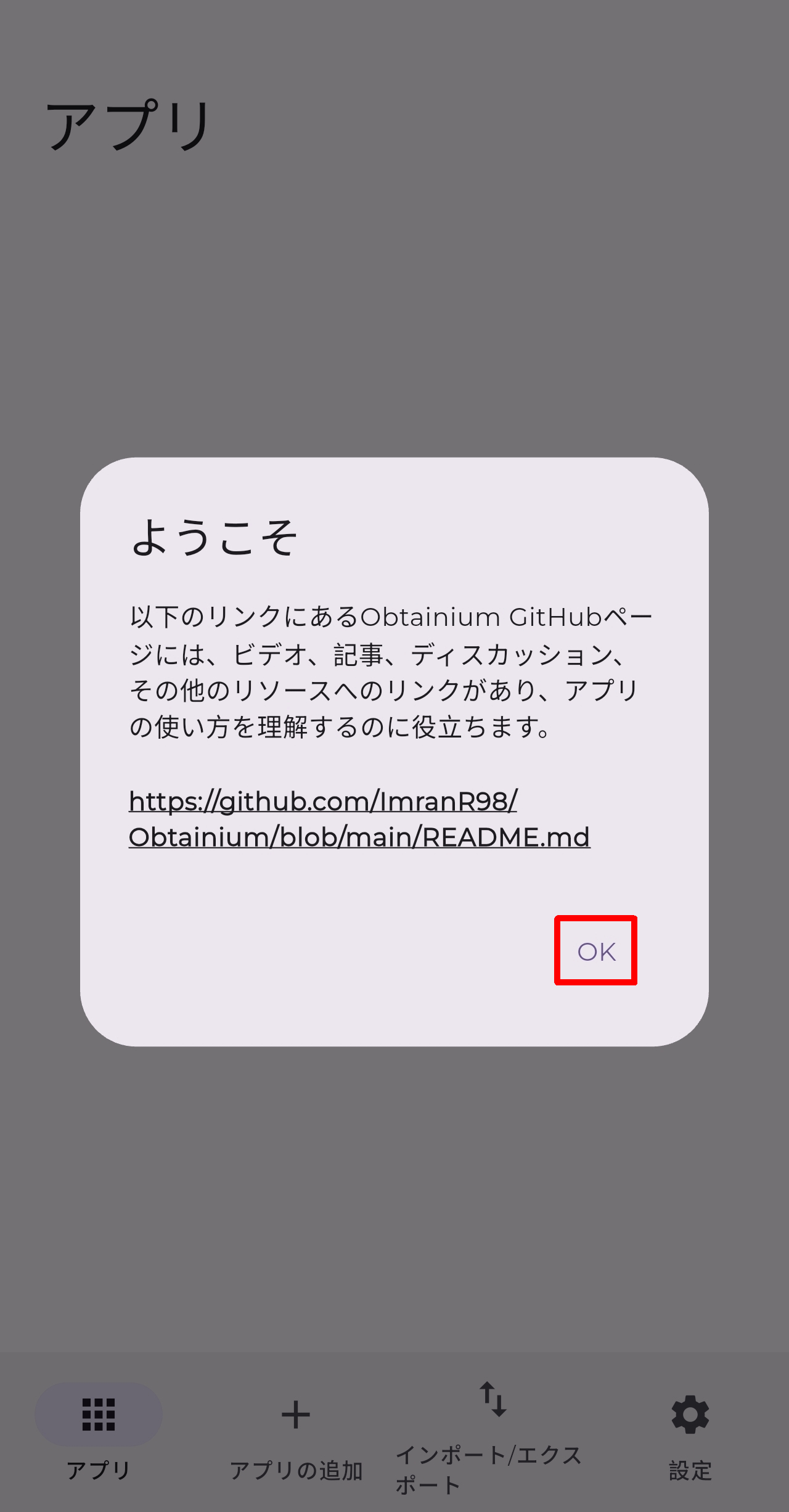
A 'Welcome' pop-up will appear, so tap OK.
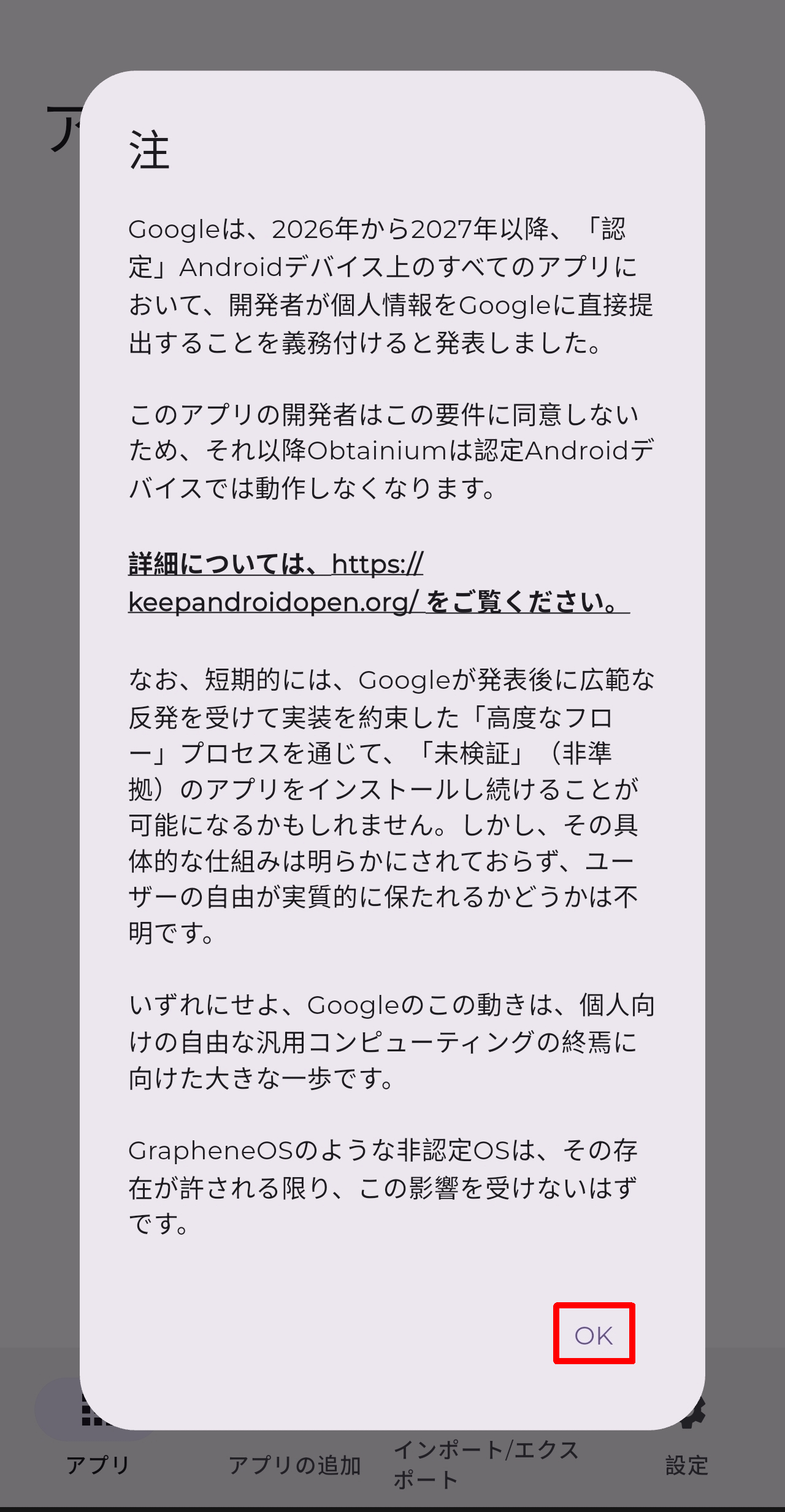
A 'Note' pop-up will appear, so tap OK.
◆Adding apps
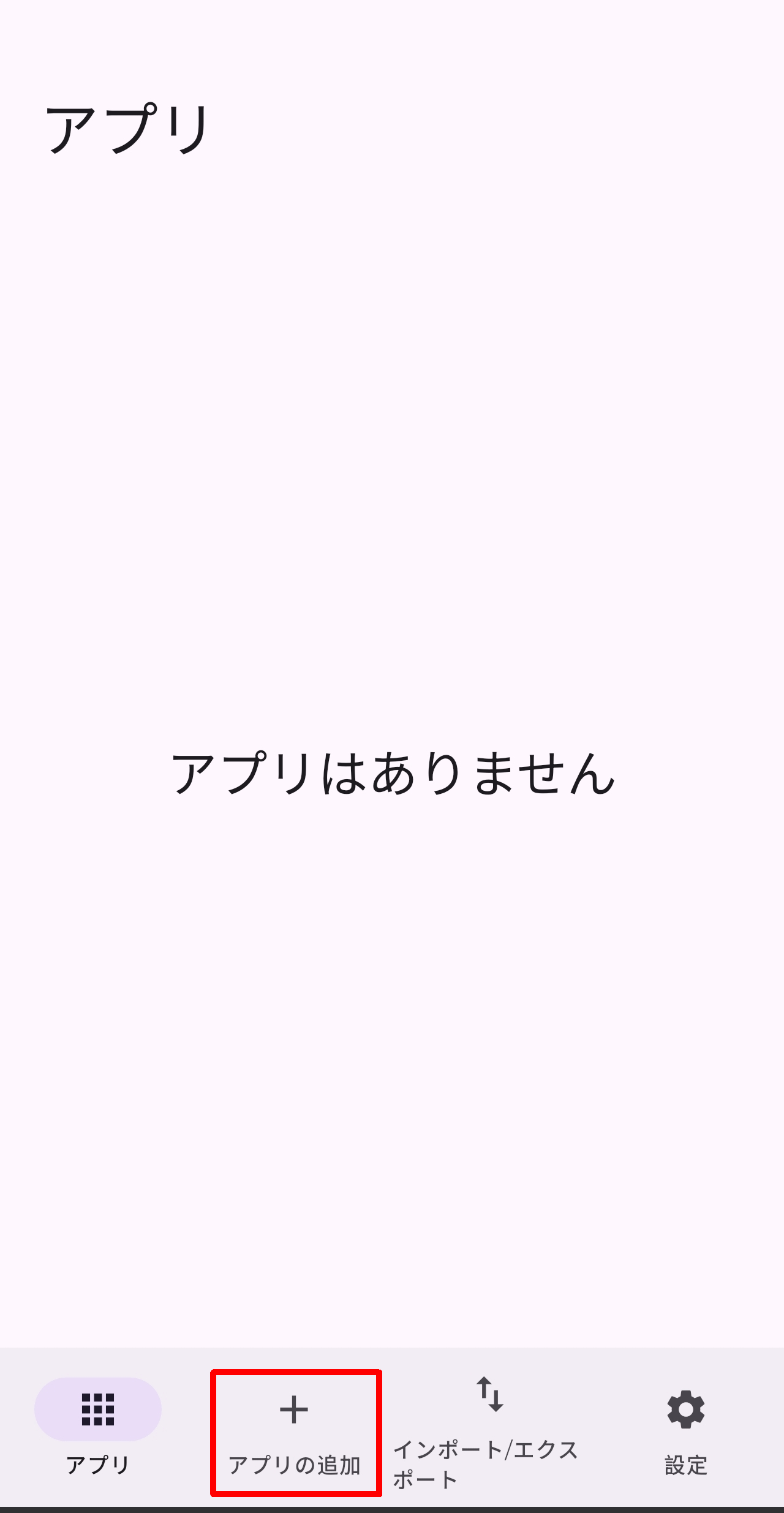
Immediately after launching the app, an empty 'Apps' tab is displayed. To install other apps from Obtainium, tap the 'Add Apps' tab to switch screens.
The initial state of the 'Add Apps' tab.

This time, we will install the following app from GitHub.
Releases · eszdman/PhotonCamera
Enter the GitHub URL in 'App source URL,' select 'GitHub' under 'Override source,' and tap the 'Add' button.
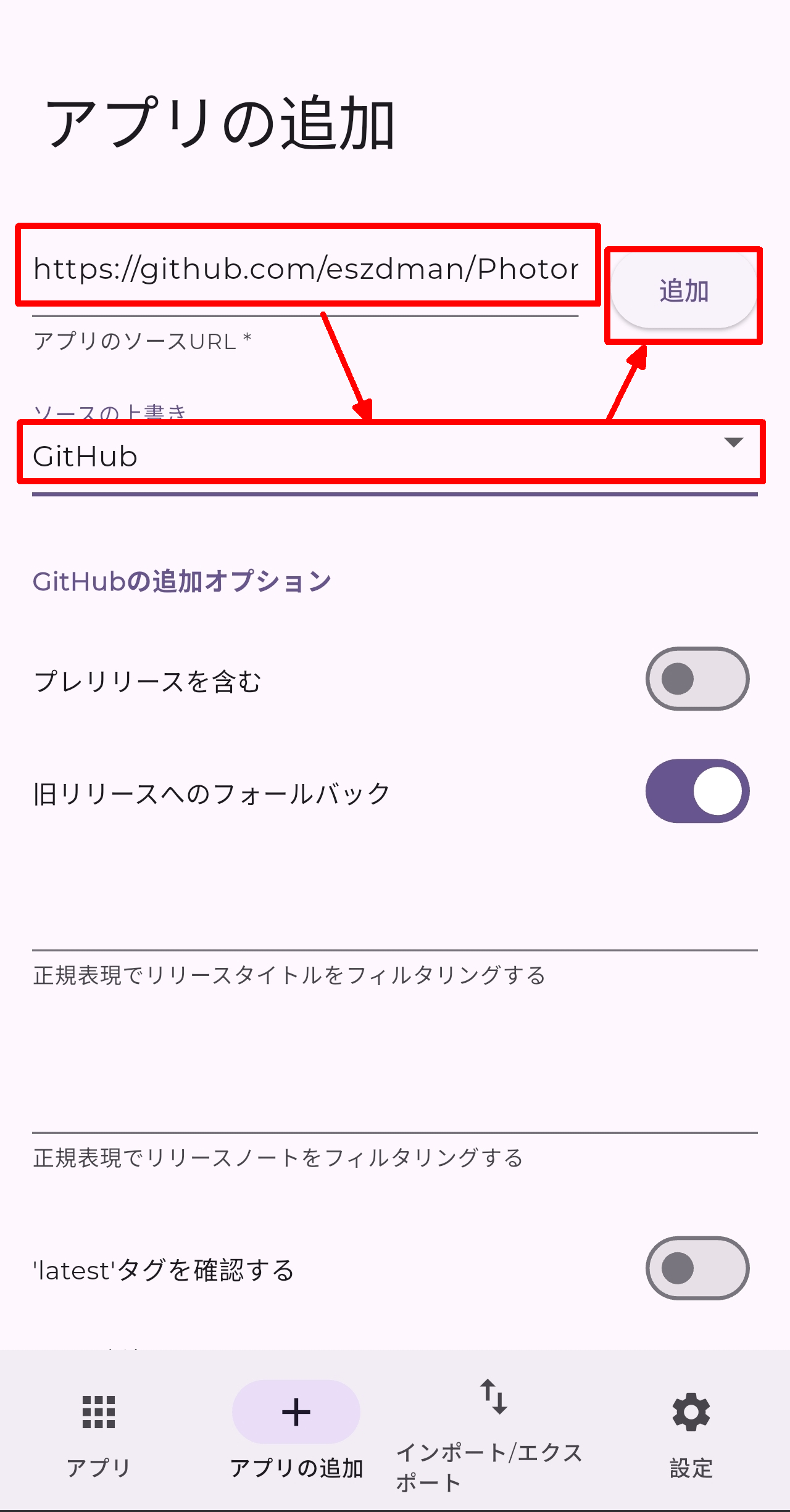
The error message 'No suitable release was found' appeared, and I was unable to add the app.
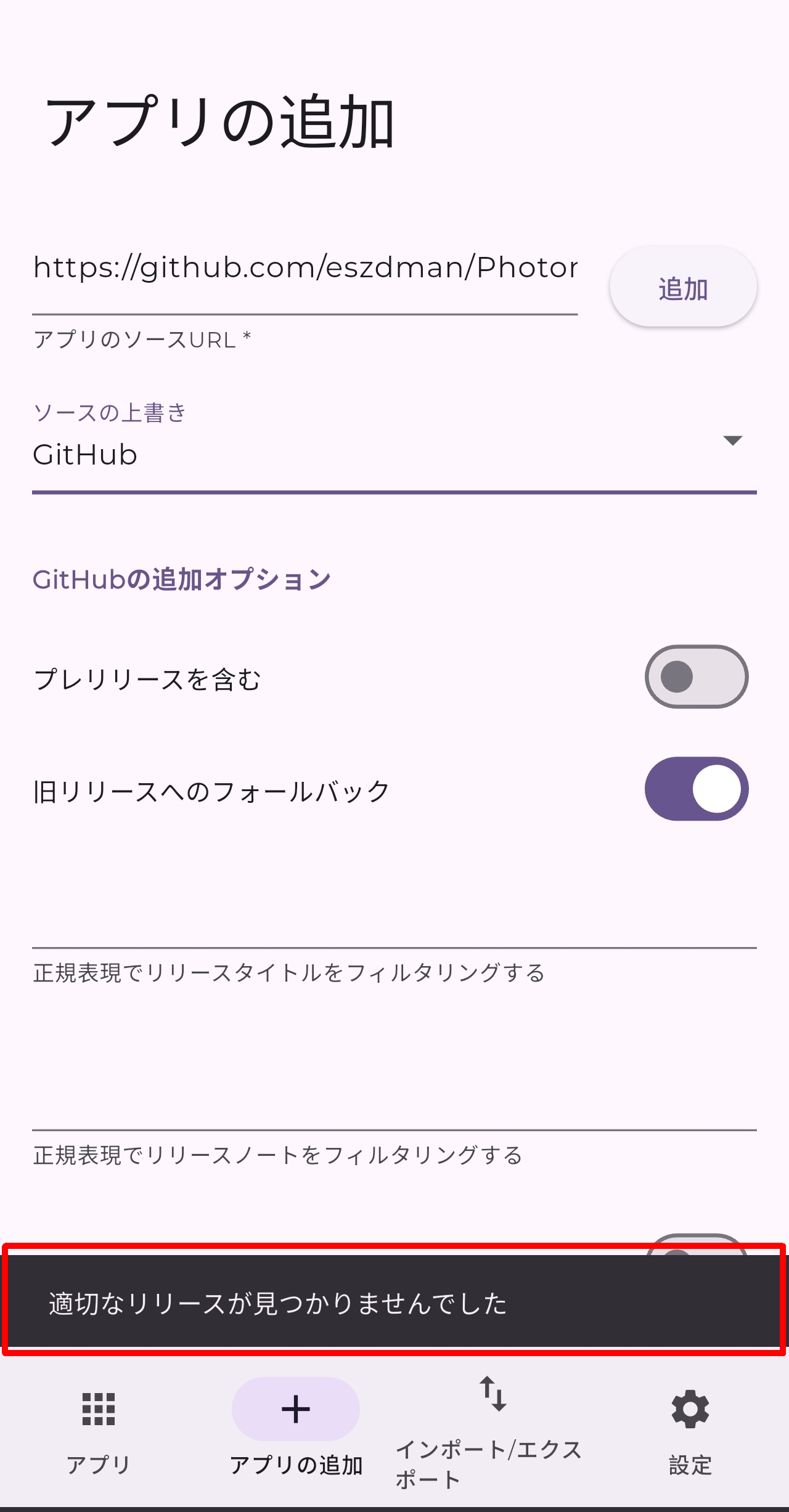
Upon checking the GitHub releases to confirm, I found that 'Pre-release' had been added to every single release.
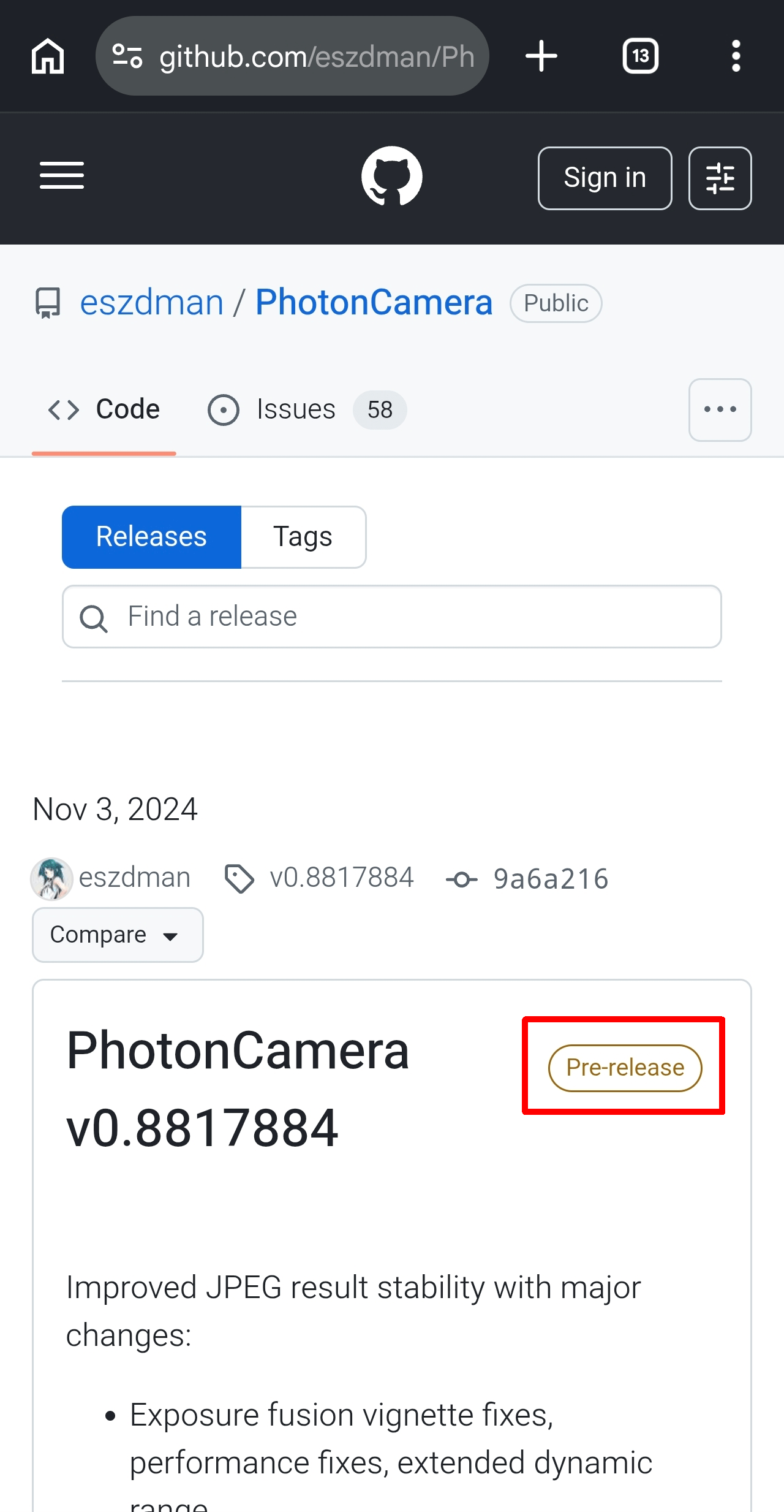
Go back to Obtainium, turn on 'Include prerelease,' and tap the 'Add' button again.
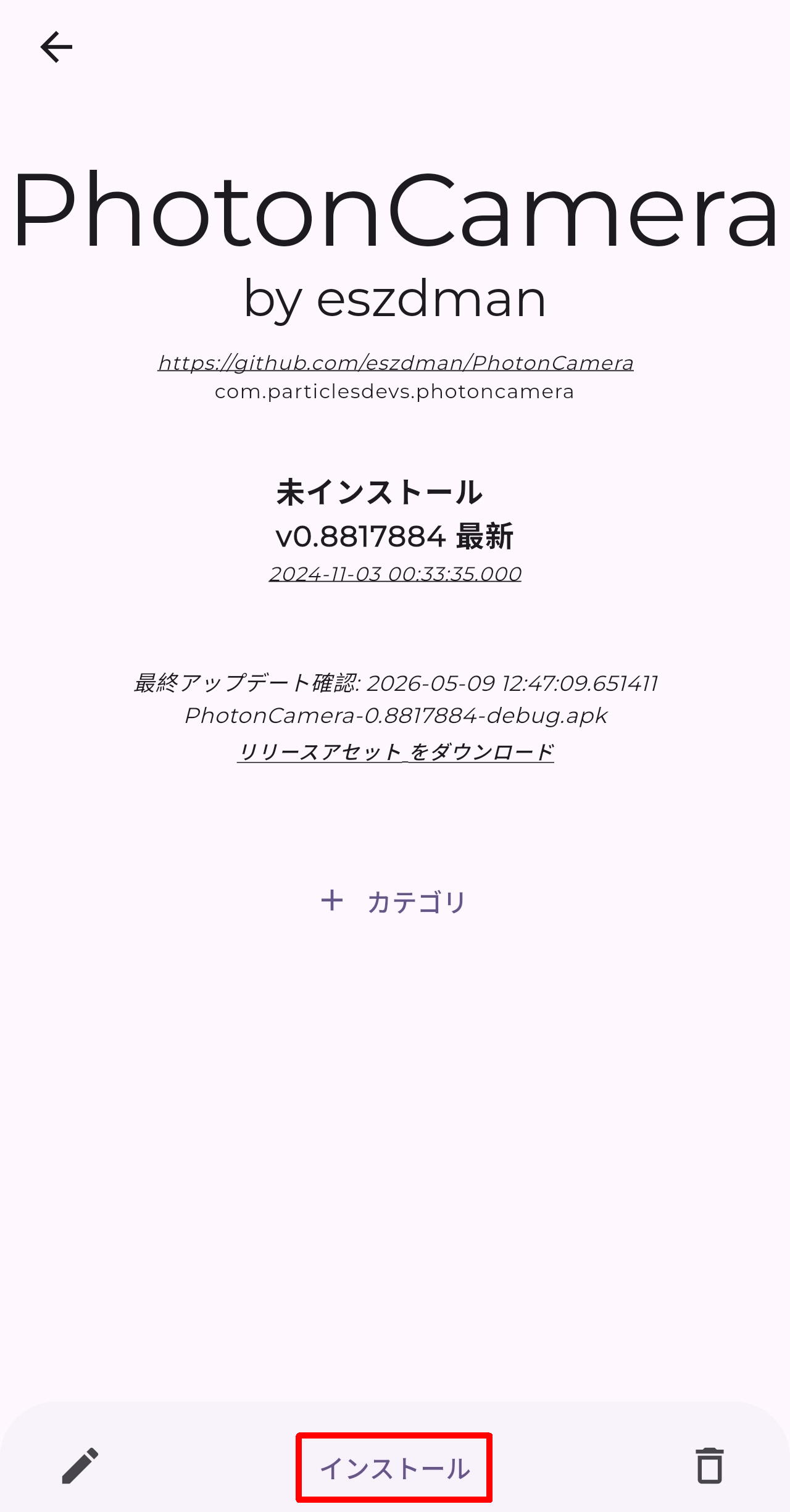
This time, no error message appeared, and the 'PhotonCamera' screen was displayed, so I tapped 'Install'.
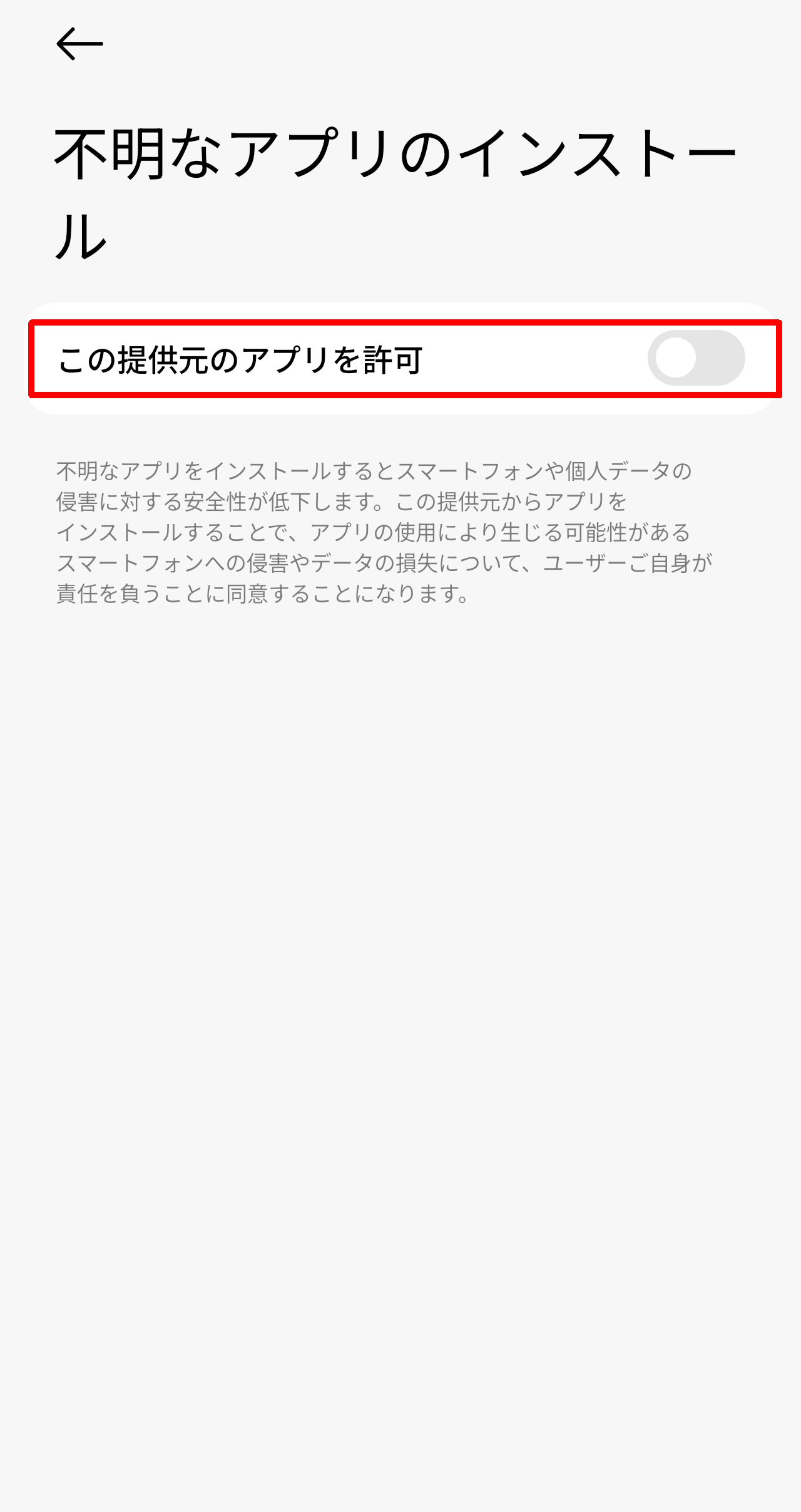
During the initial installation, Obtainium will not have sufficient permissions, so a 'Install an unknown app' screen will appear. Turn on 'Allow apps from this source'.
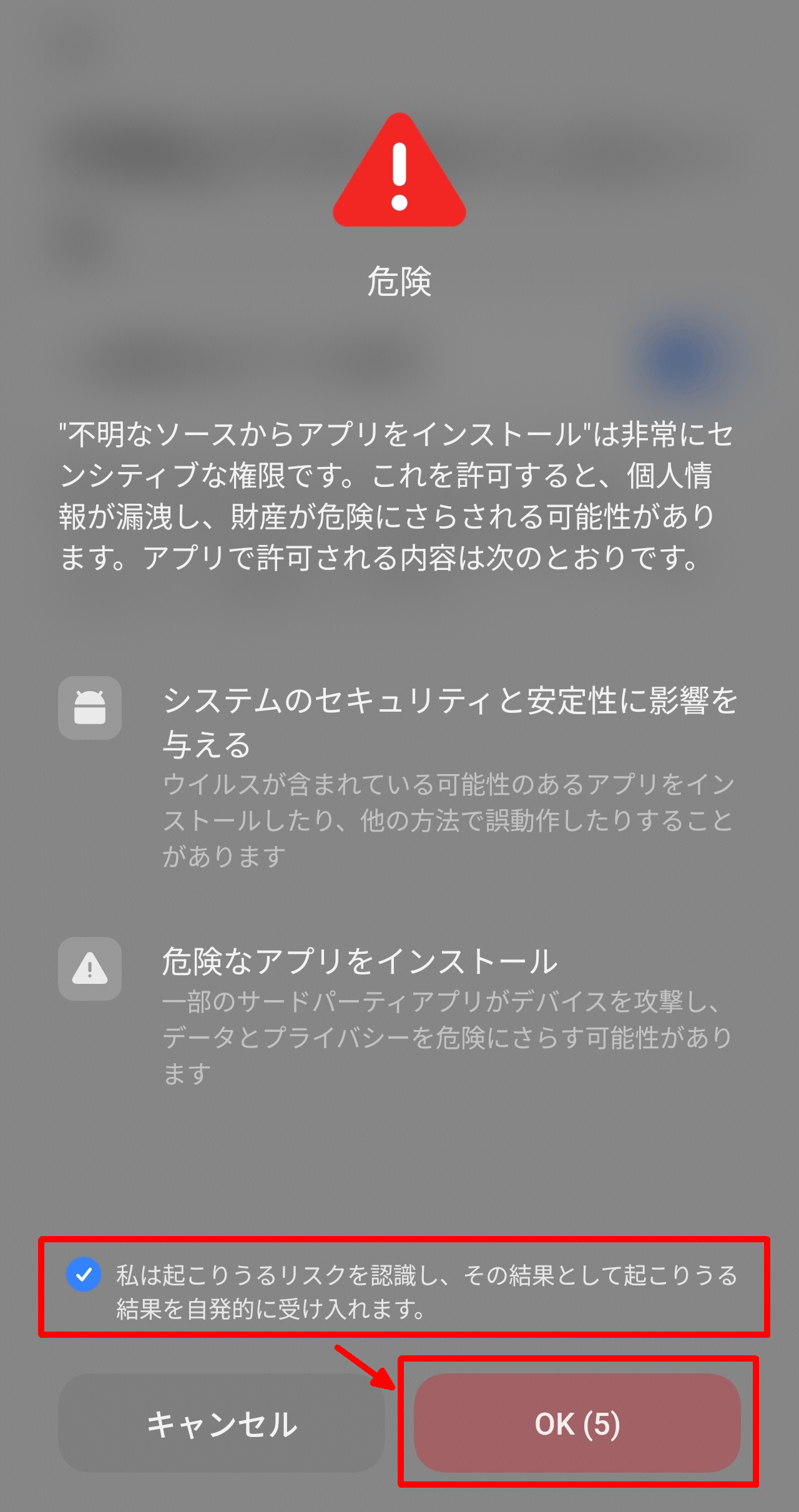
A 'Danger' overlay will appear, so check the box that says 'I understand the potential risks' and tap the OK button. Please note that the OK button will not be enabled for a few seconds after checking the box to prevent accidental taps.
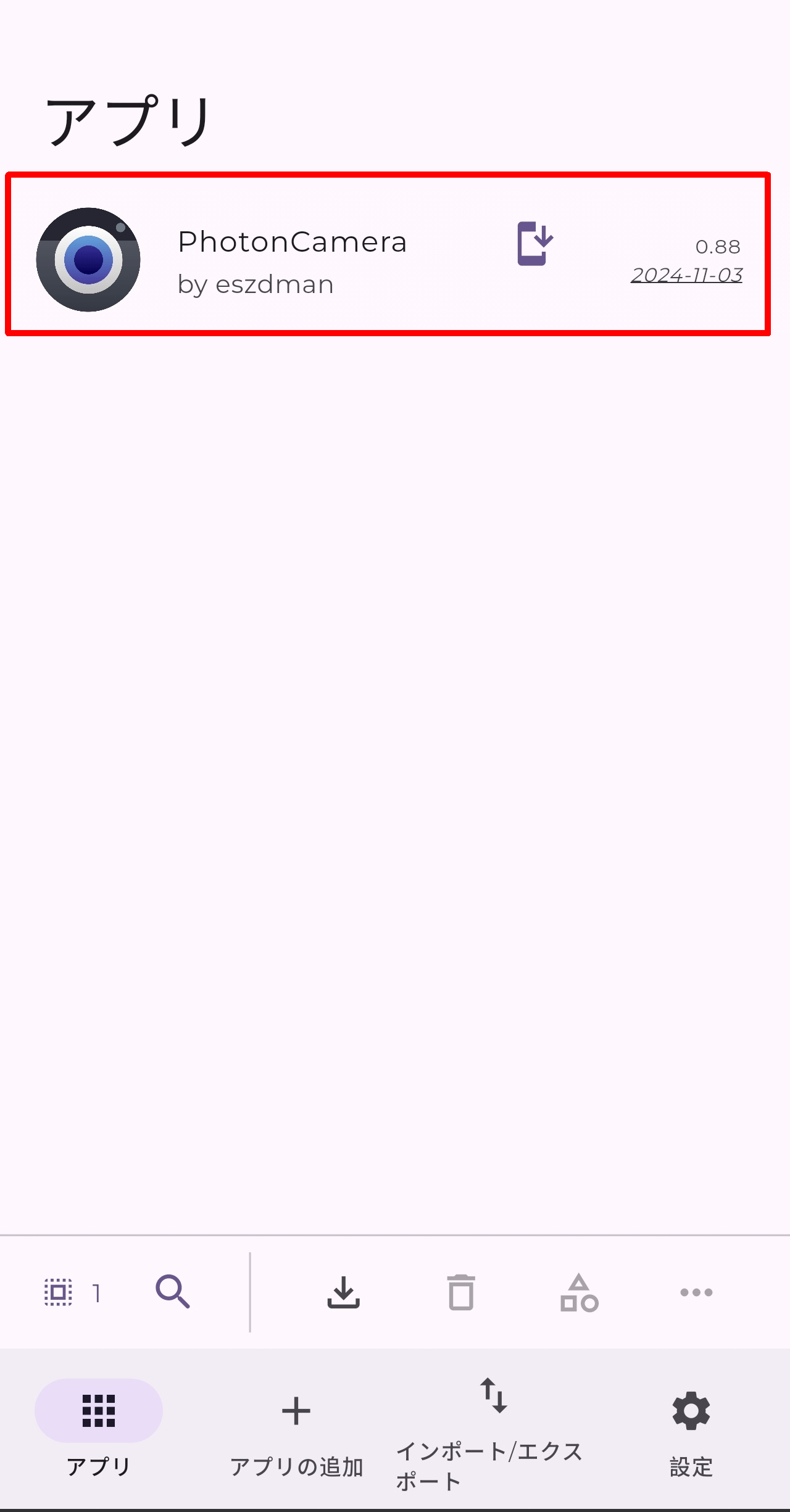
After installation is complete, return to Obtainium and check the 'Apps' tab. You should see 'PhotonCamera' listed, confirming that the installed app is now under Obtainium's management.
◆Import/Export
The 'Import/Export' tab is displayed.
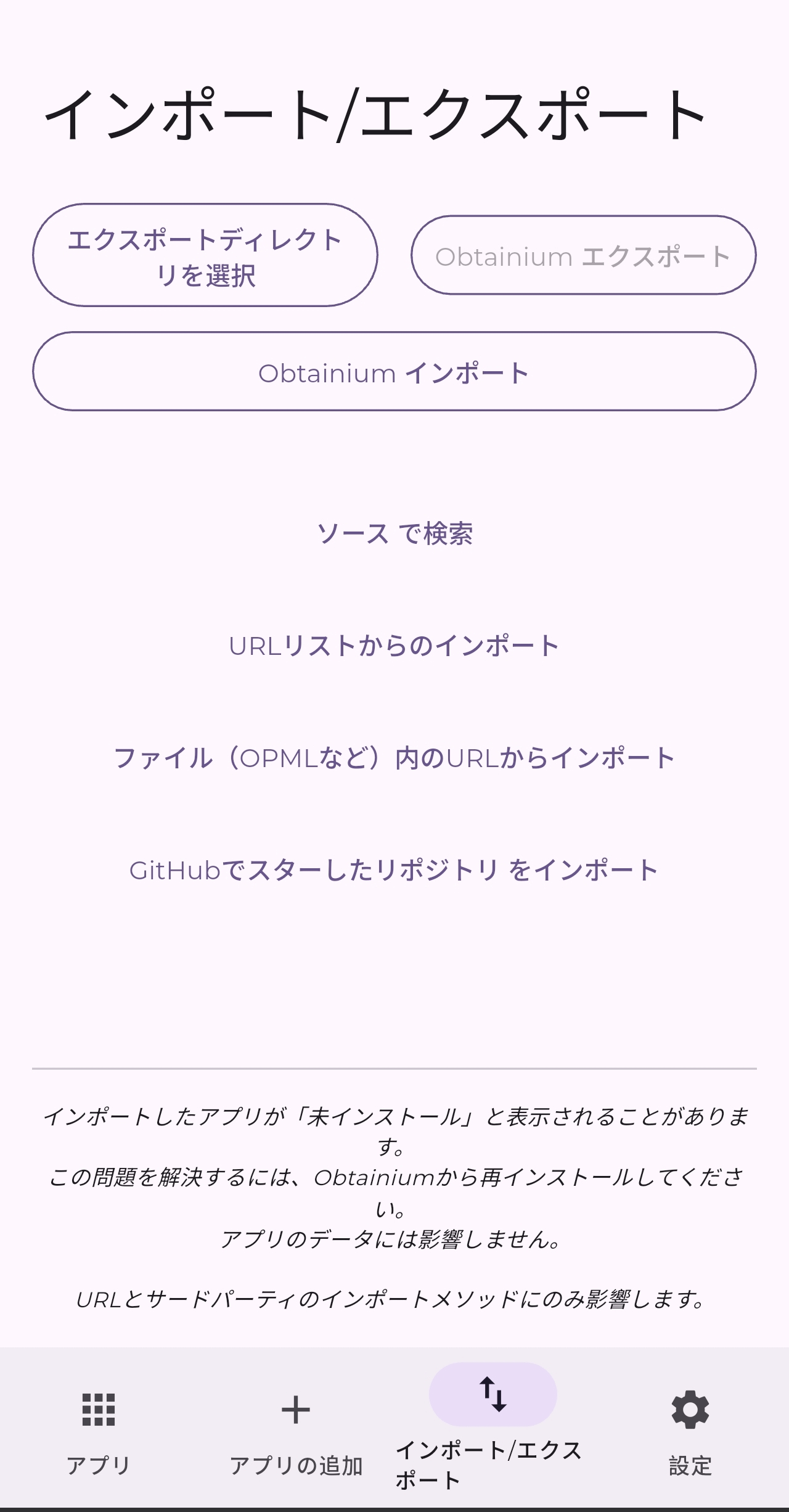
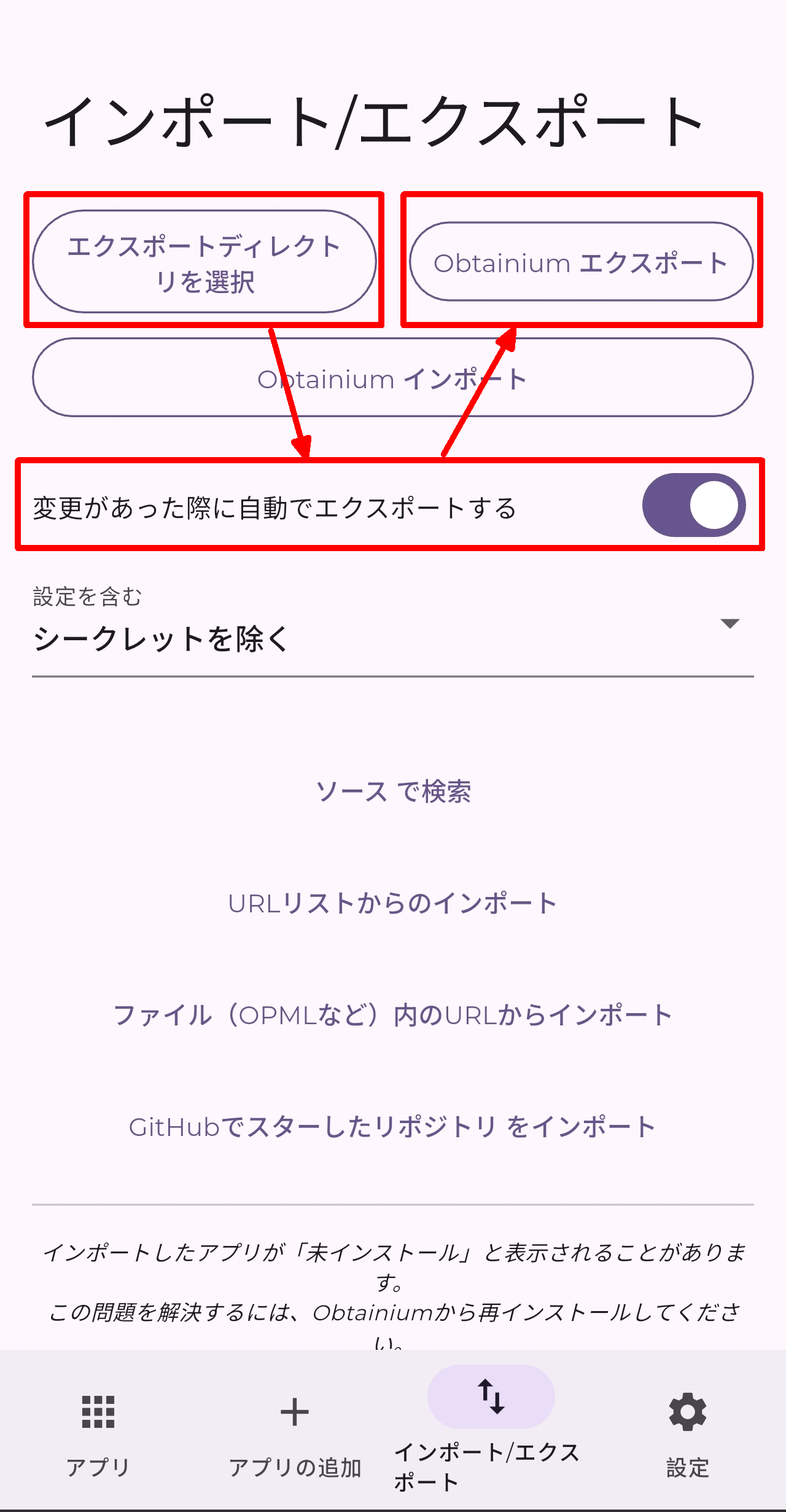
To export, first tap the 'Select Export Directory' button, set the export destination, then turn on 'Automatically export when changes are made,' and tap 'Obtainium Export.'
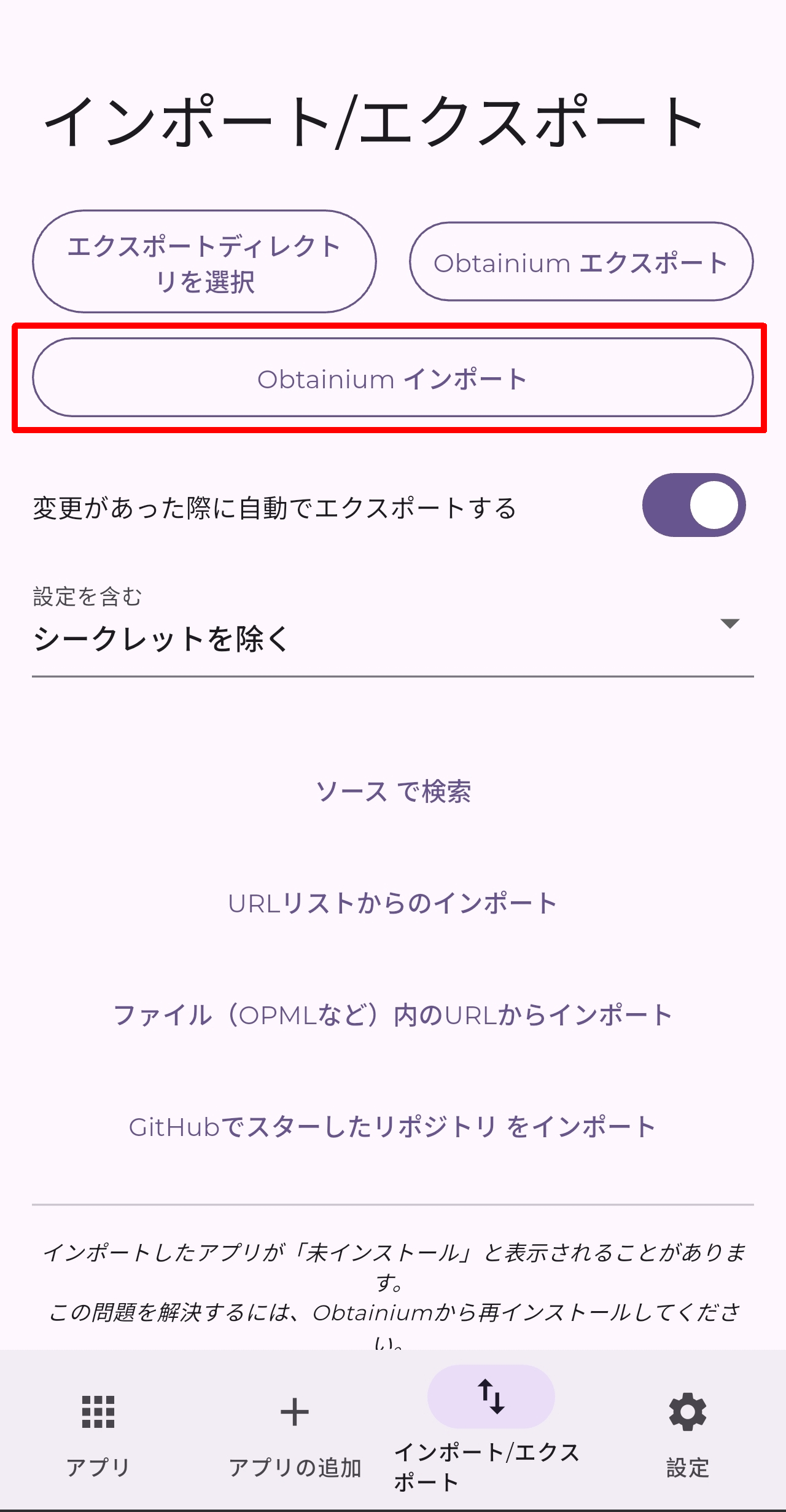
To import, simply tap 'Obtainium Import' and select the export file.
◆Settings
The 'Settings' tab is as follows:
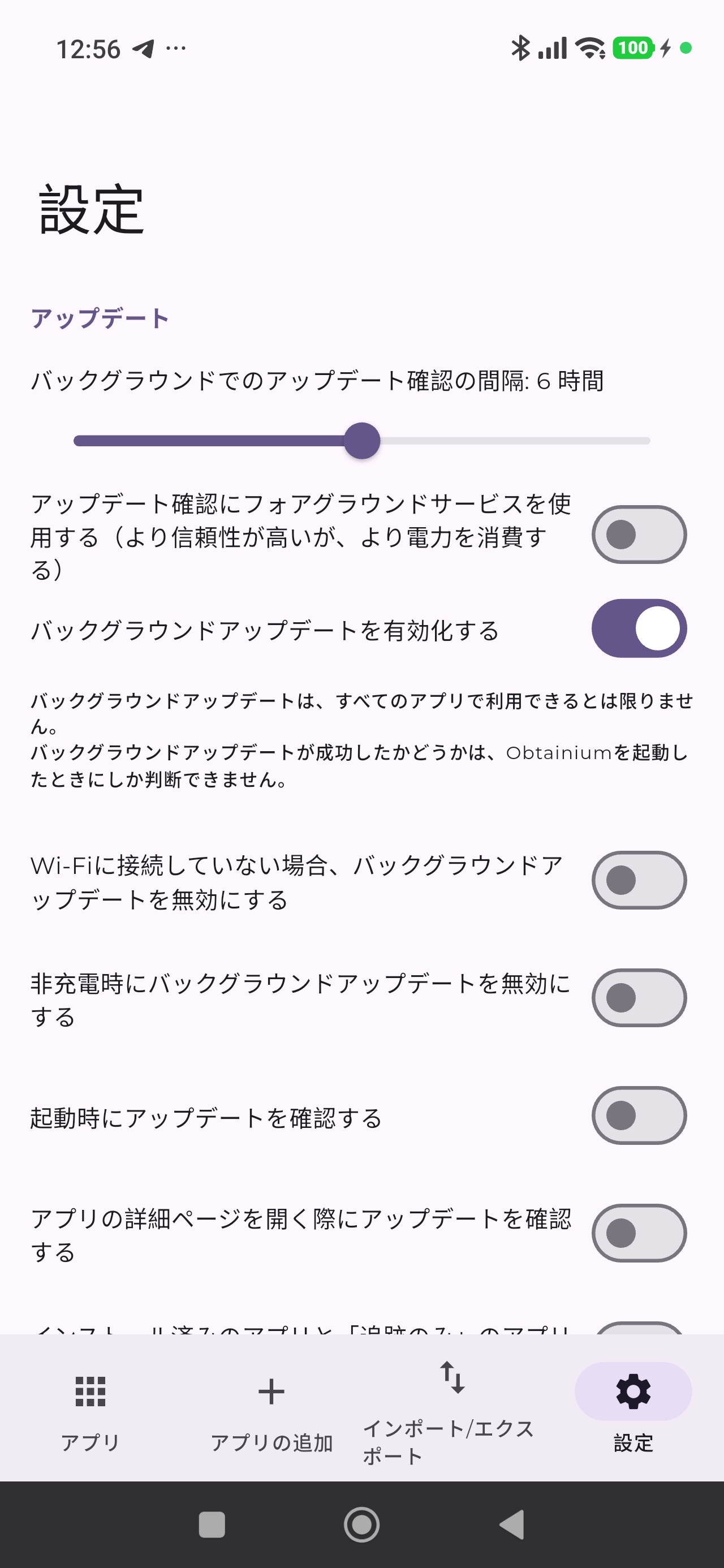
The settings include the following:
● Update
- Interval of background upgrades
- Use a foreground service to check for updates
Enable background updates.
- Disable background updates if you are not connected to Wi-Fi.
- Disable background updates when not charging.
- Check for updates at startup
- Check for updates when opening the app's details page.
- Check only for updates to installed apps and apps that are 'tracking only'.
- Automatically remove apps that have been uninstalled externally.
Allow parallel downloads
- Share a new app with AppVerifier
Install using Shizuku or Sui.
Set Google Play as the installation source.
● Source-specific settings
GitHub personal access token
- 'sky22333/hubproxy' instance for GitHub requests
GitLab personal access token
●Exterior
·theme
- Use the Pure Black Dark theme
Use Material You
• Color selection
How to arrange apps
- App sorting order
·language
Use system fonts
- Display the source webpage on the app page.
- Pin apps with updates to the top of the list.
- Move uninstalled apps to the bottom of the app list.
Group by category
- Do not display the 'Tracking only' warning.
- Do not display warnings about the source of the APK download.
- Disable page transition animations
- Reverse the page transition animation.
- Highlight inconspicuous tappable objects.
●Category
+Category
◆Summary
Obtainium is a powerful tool that can serve as a third option for installing Android apps, allowing you to manage the installation of apps that are not supported by either the official Google Play or unofficial app repositories such as F-Droid or IzzyOnDroid. While there is a strong element of personal responsibility involved, it broadens the range of apps you can install and makes management easier, so if you're interested, give it a try.
Related Posts:



in Software, Smartphone, Review, Posted by log1c_sh