Read You is a free RSS reader for Android that can also be used in conjunction with FreshRSS.

While
Read You | F-Droid - A free and open-source Android app repository
https://f-droid.org/packages/me.ash.reader/
◆Features
According to the F-Droid page, Read You has the following features:
Subscribe to the feed link
Import from OPML
- Article synchronization
- Notification of article updates
Get the complete content
Filter by unread or star rating
Grouping feeds
• Supports multiple languages
- Export as OPML
Search for articles
They also mentioned that 'further features are planned to be added.'
◆Installation
This guide assumes that the F-Droid app is already installed on your device. Please refer to the following for installation and usage instructions.
'F-Droid' allows you to easily install and automatically update free, open-source Android apps other than those on Google Play - GIGAZINE
https://gigazine.net/news/20260504-f-droid/
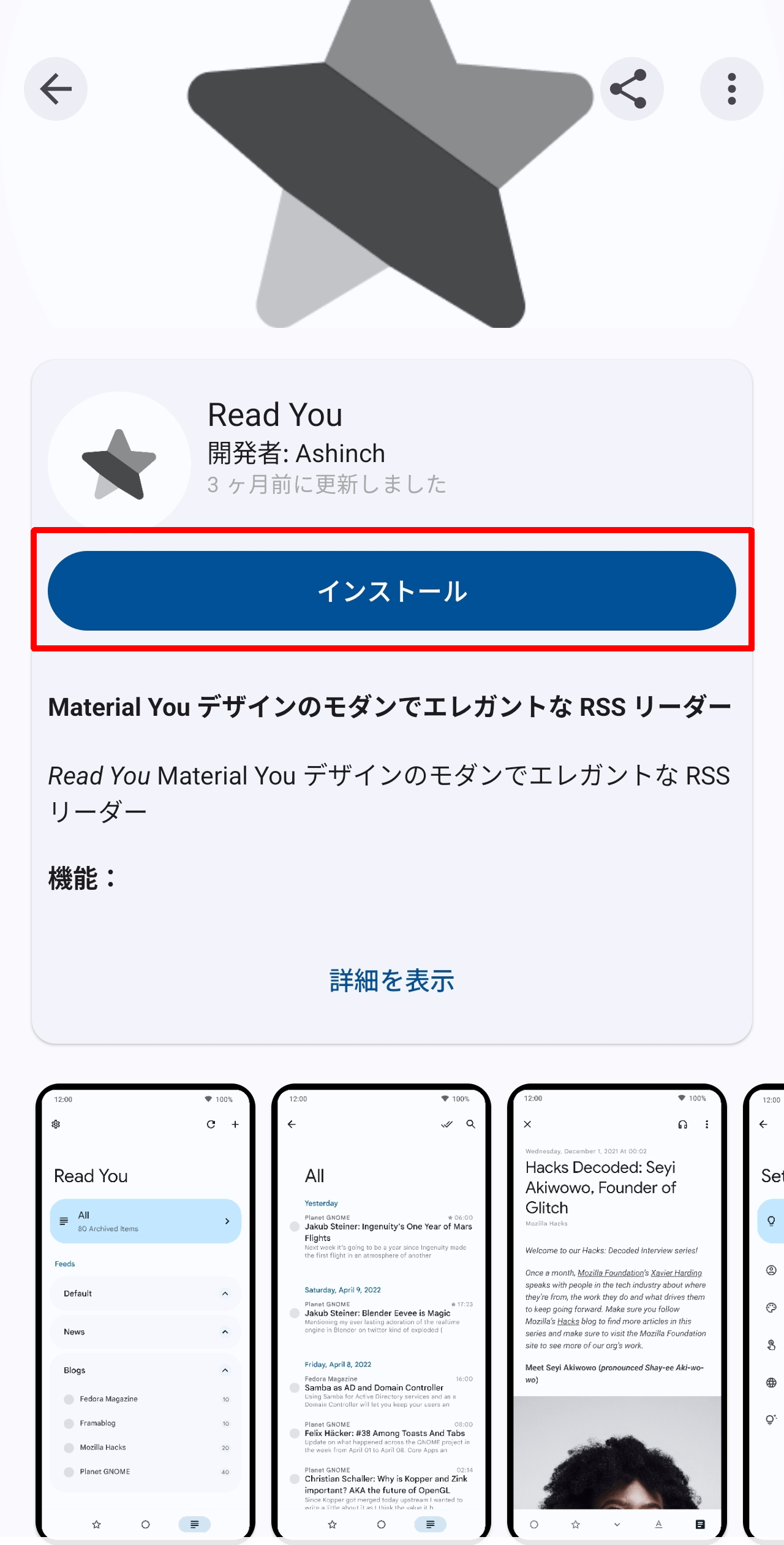
Open the URL on the F-Droid Read You page in the F-Droid app and tap 'Install'.
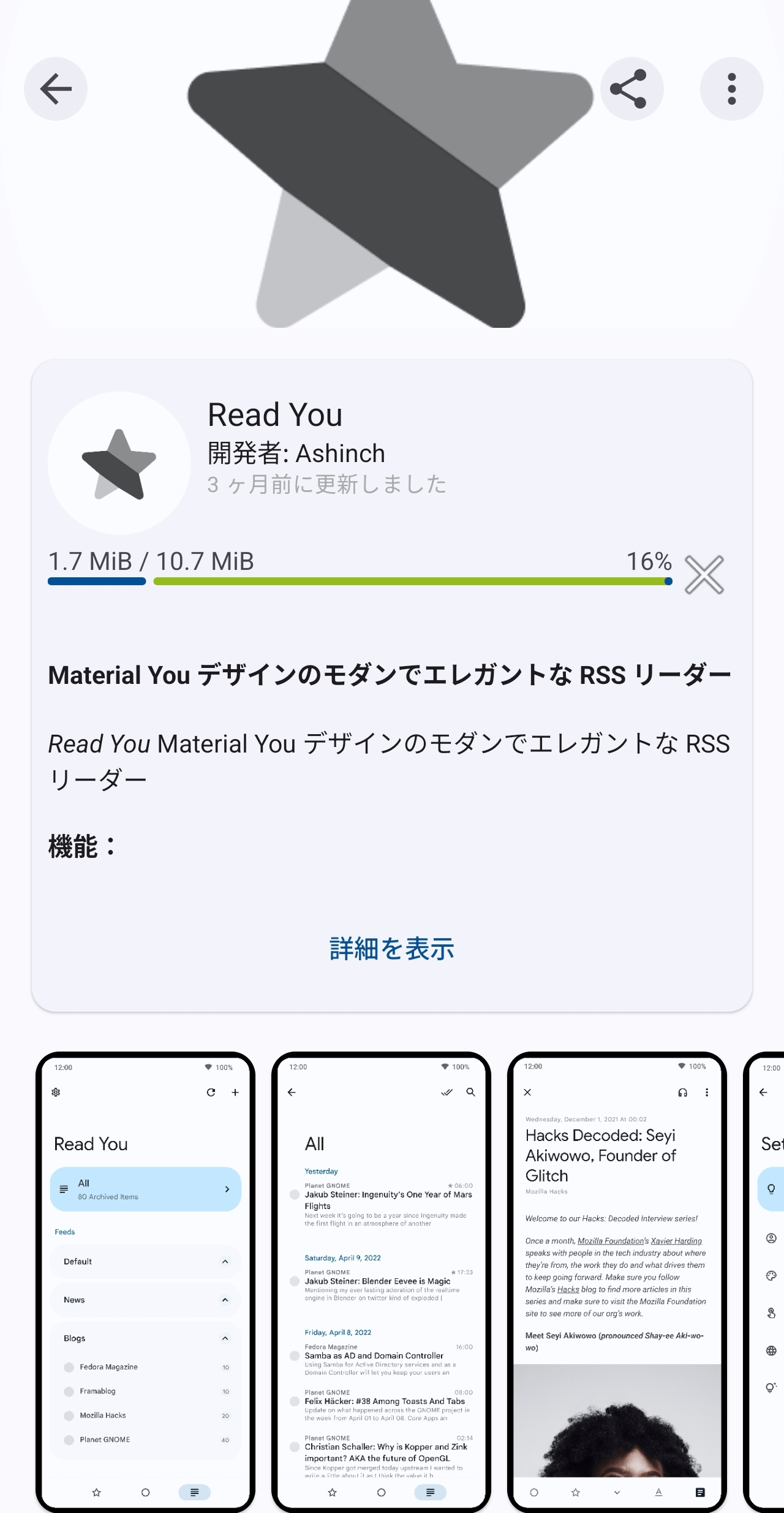
The download will begin and a progress bar will be displayed.
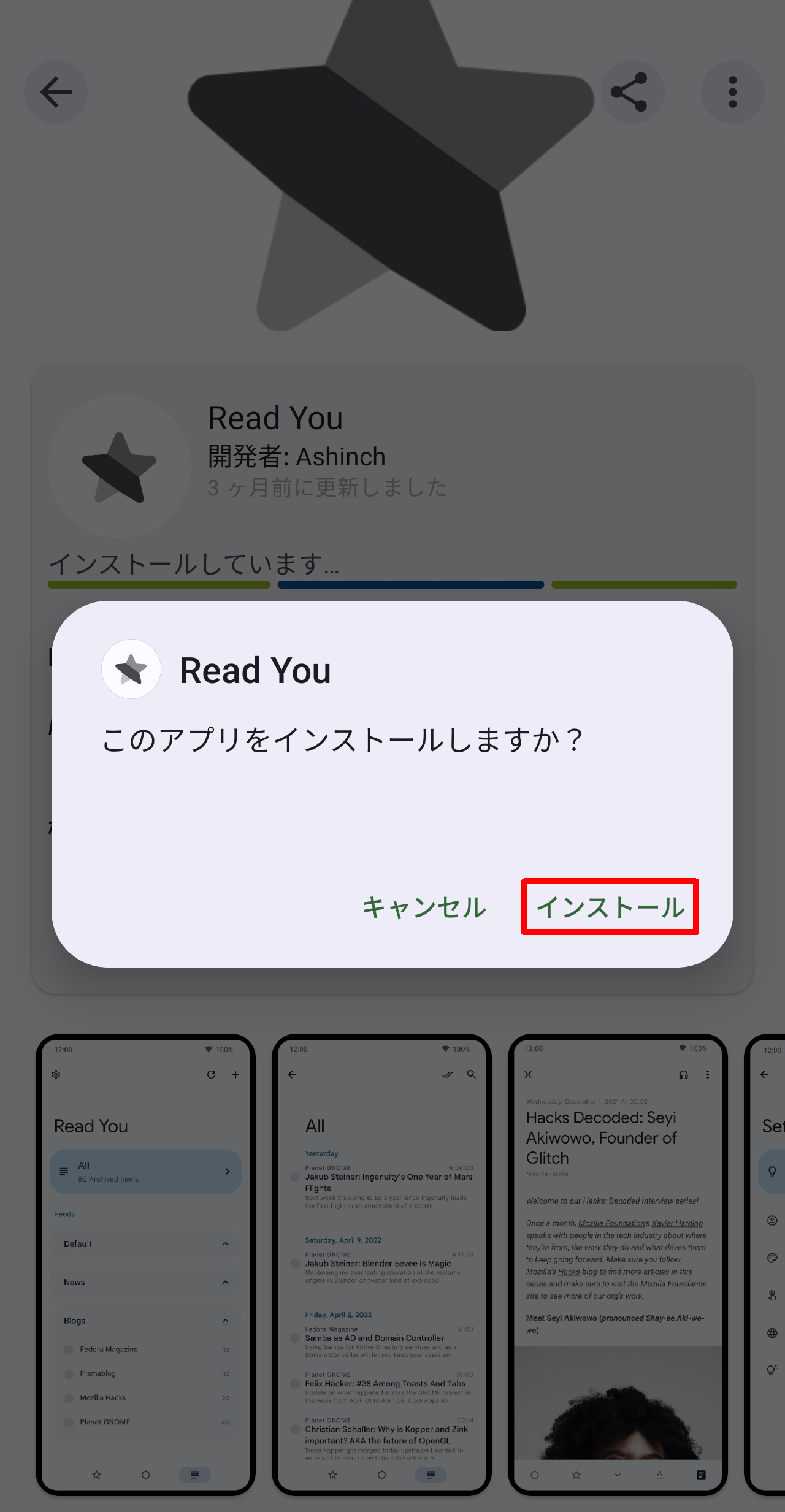
Once the download is complete, a pop-up will appear asking 'Do you want to install this app?'. Tap 'Install'.
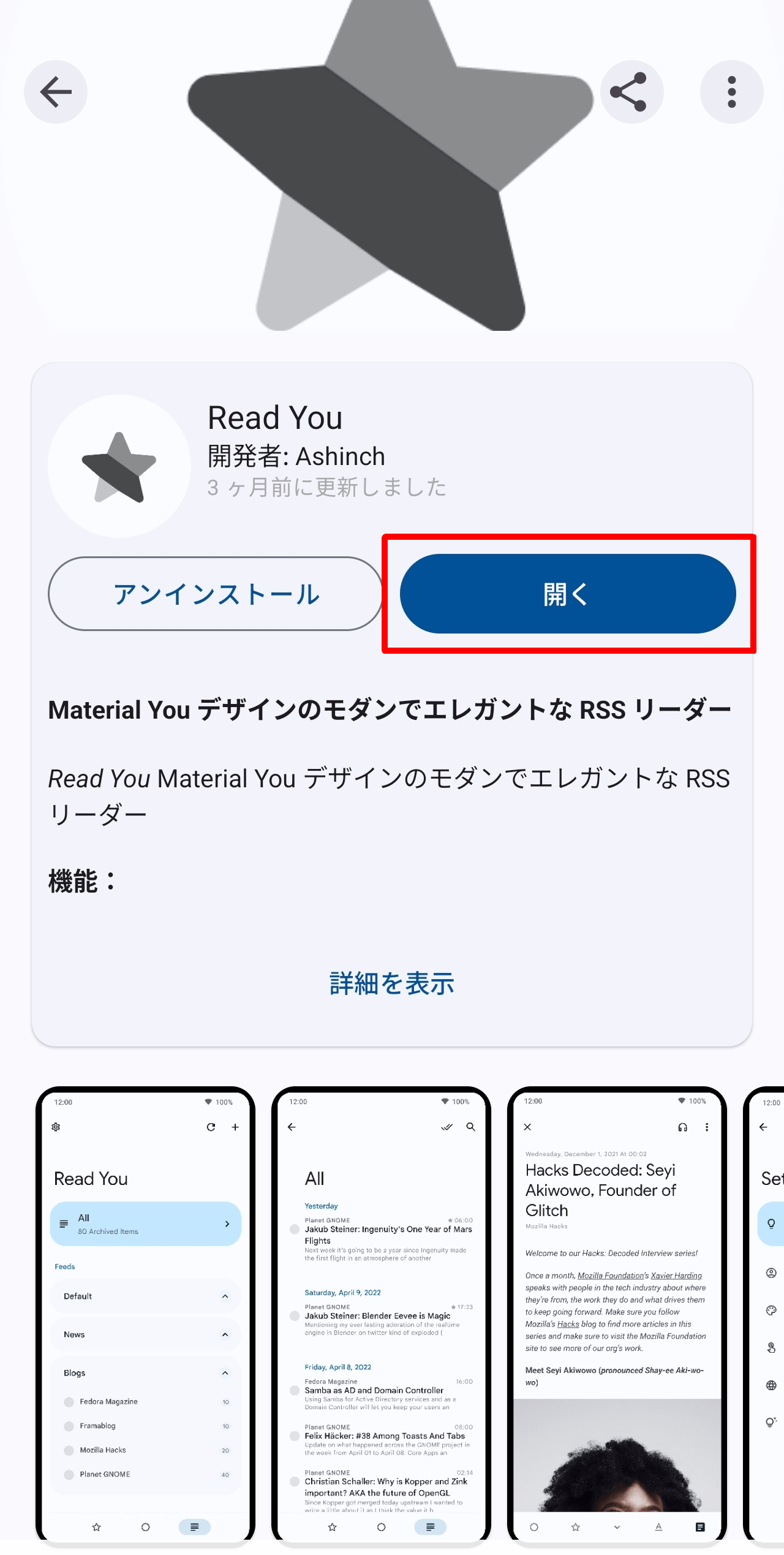
A 'Open' button will appear, so tap it.
◆Initial startup settings
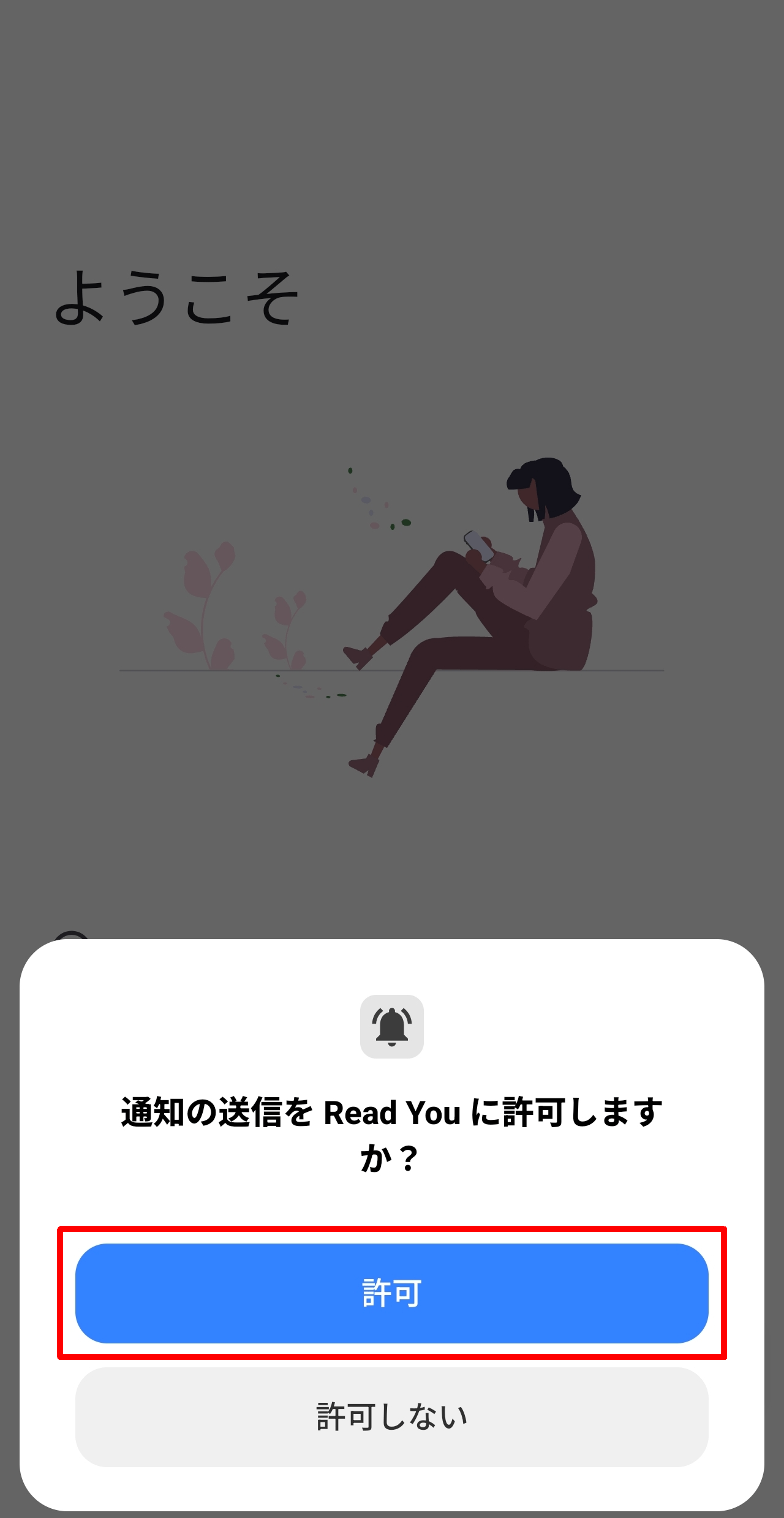
When you launch the Read You app for the first time, a pop-up will appear asking, 'Do you want to allow Read You to send notifications?' Tap the 'Allow' button.
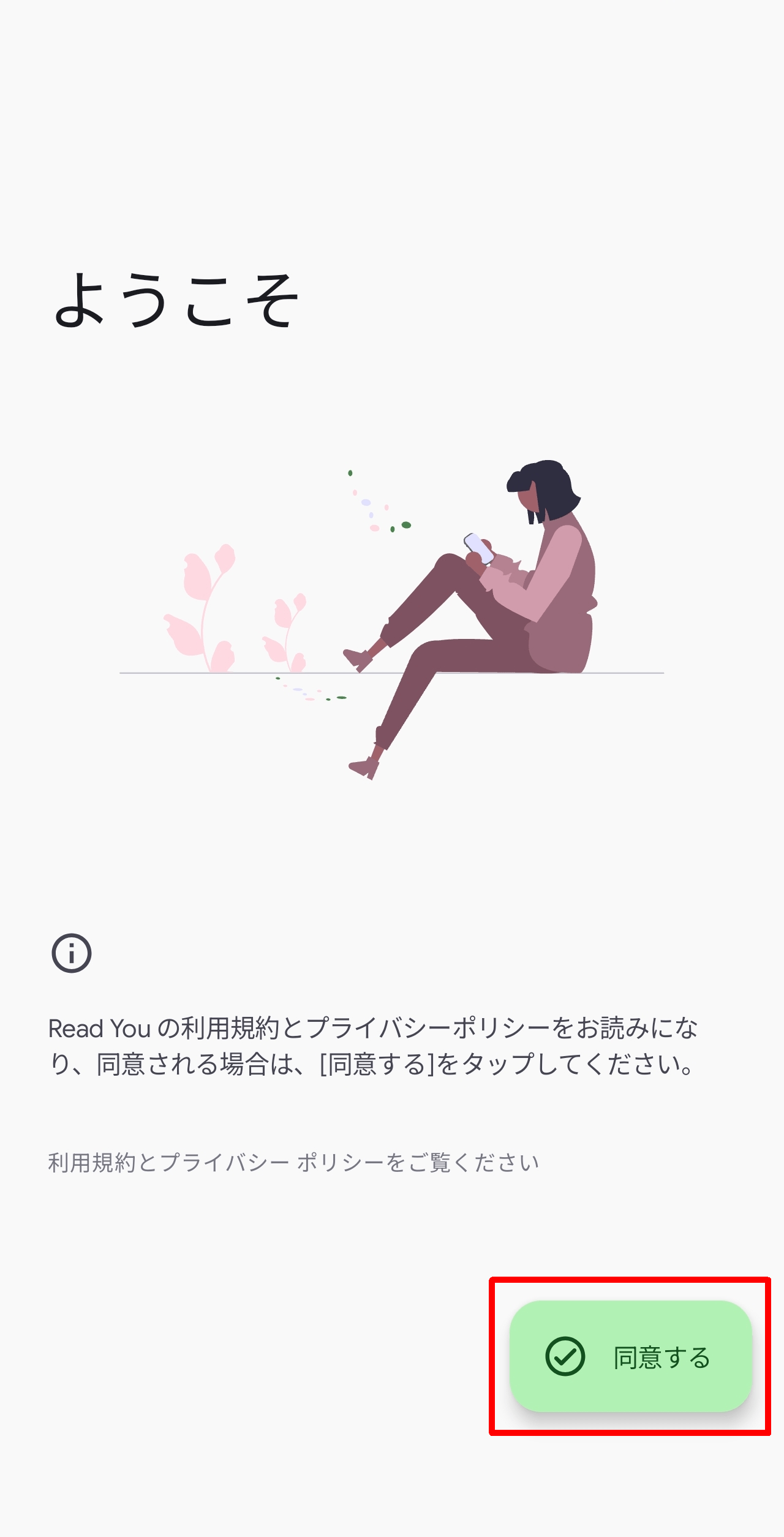
A 'Welcome' screen will appear. Please review the Terms of Service and Privacy Policy, then tap 'Agree'.
◆Adding an RSS feed
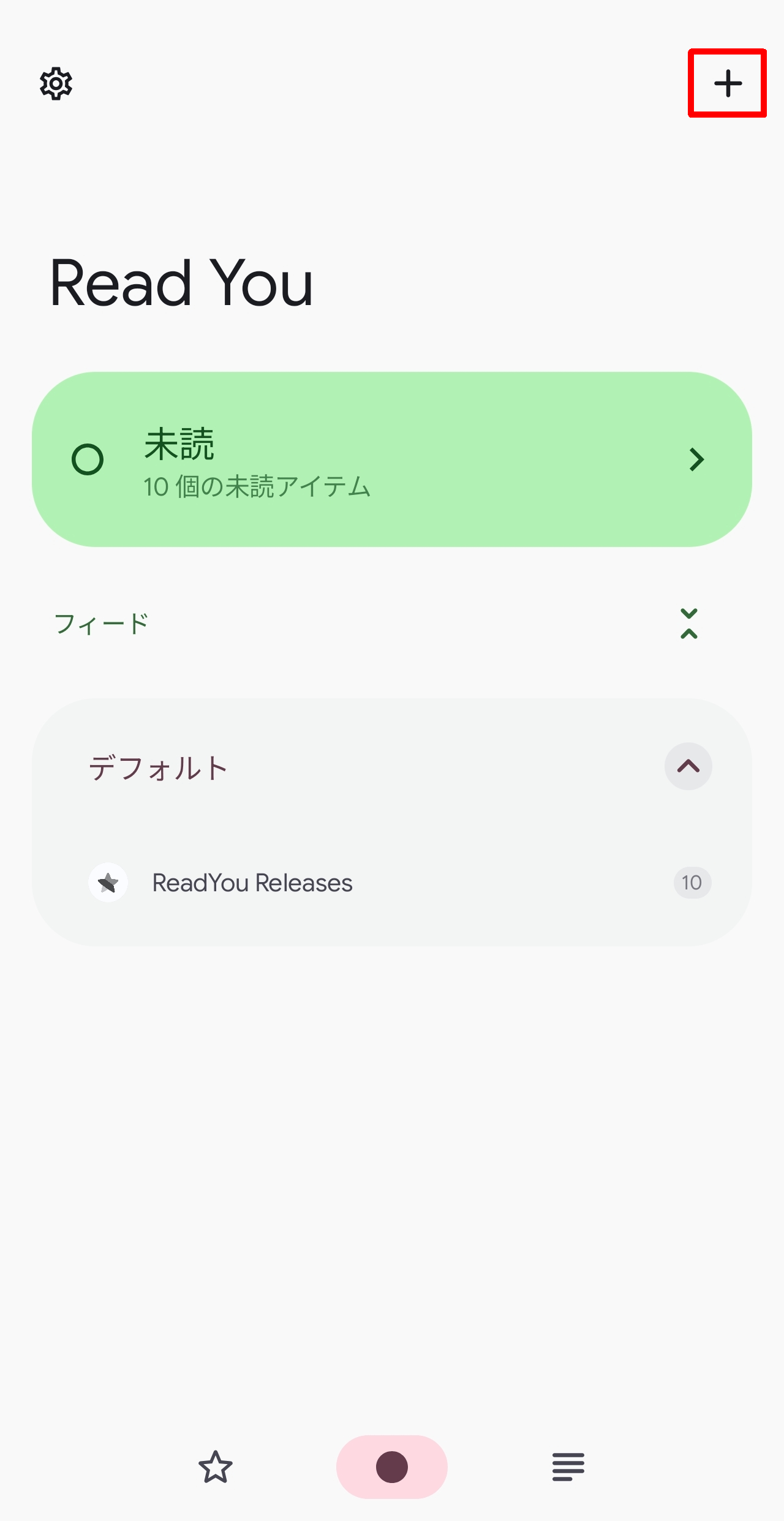
When Read You is launched, the 'Unread' tab is selected on the main screen. To add an RSS feed to subscribe to, tap the '+' icon in the upper right corner of the screen.
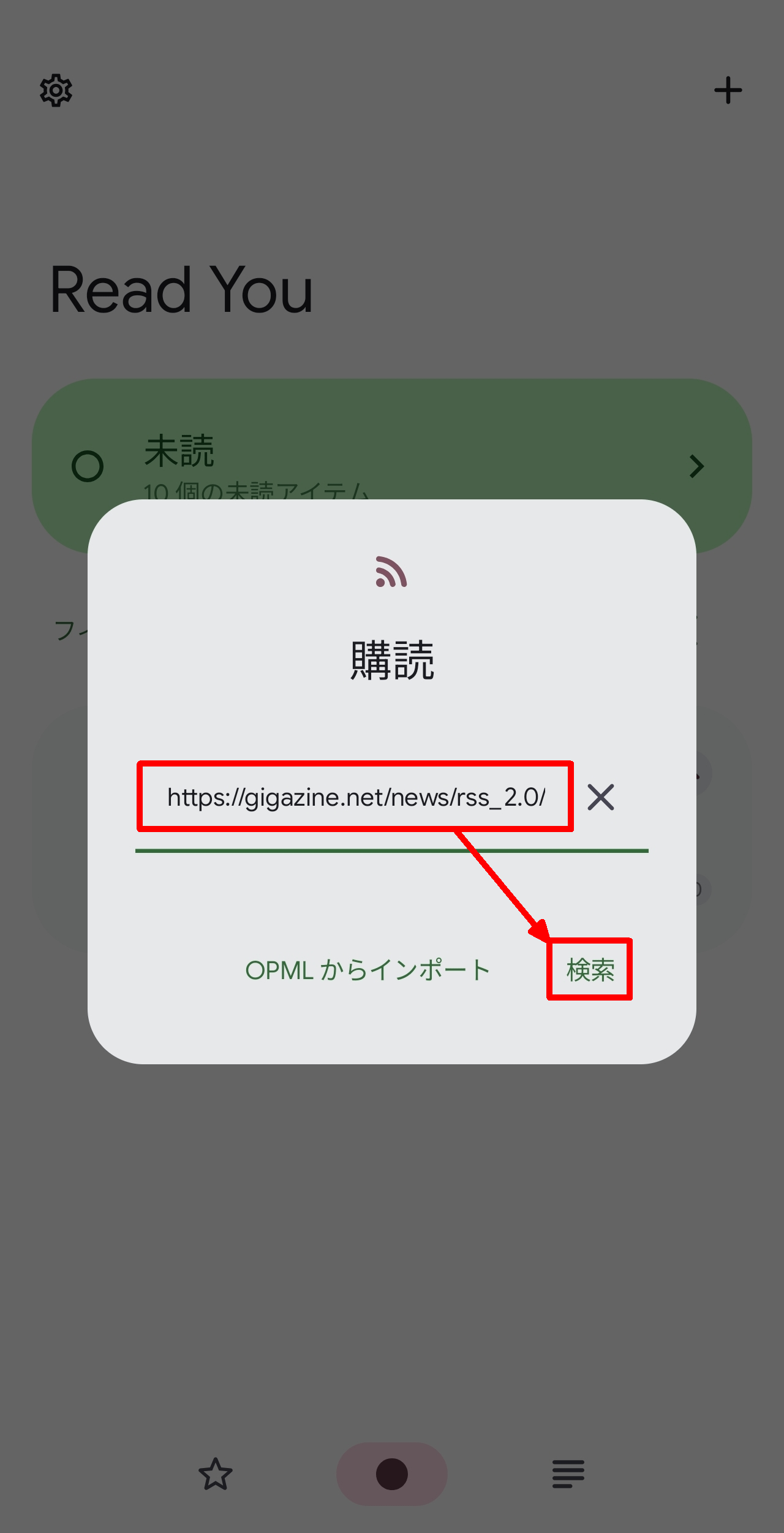
A 'Subscribe' pop-up will appear. Enter the URL of the RSS feed in the text box in the center and tap 'Search'. This time, we'll add
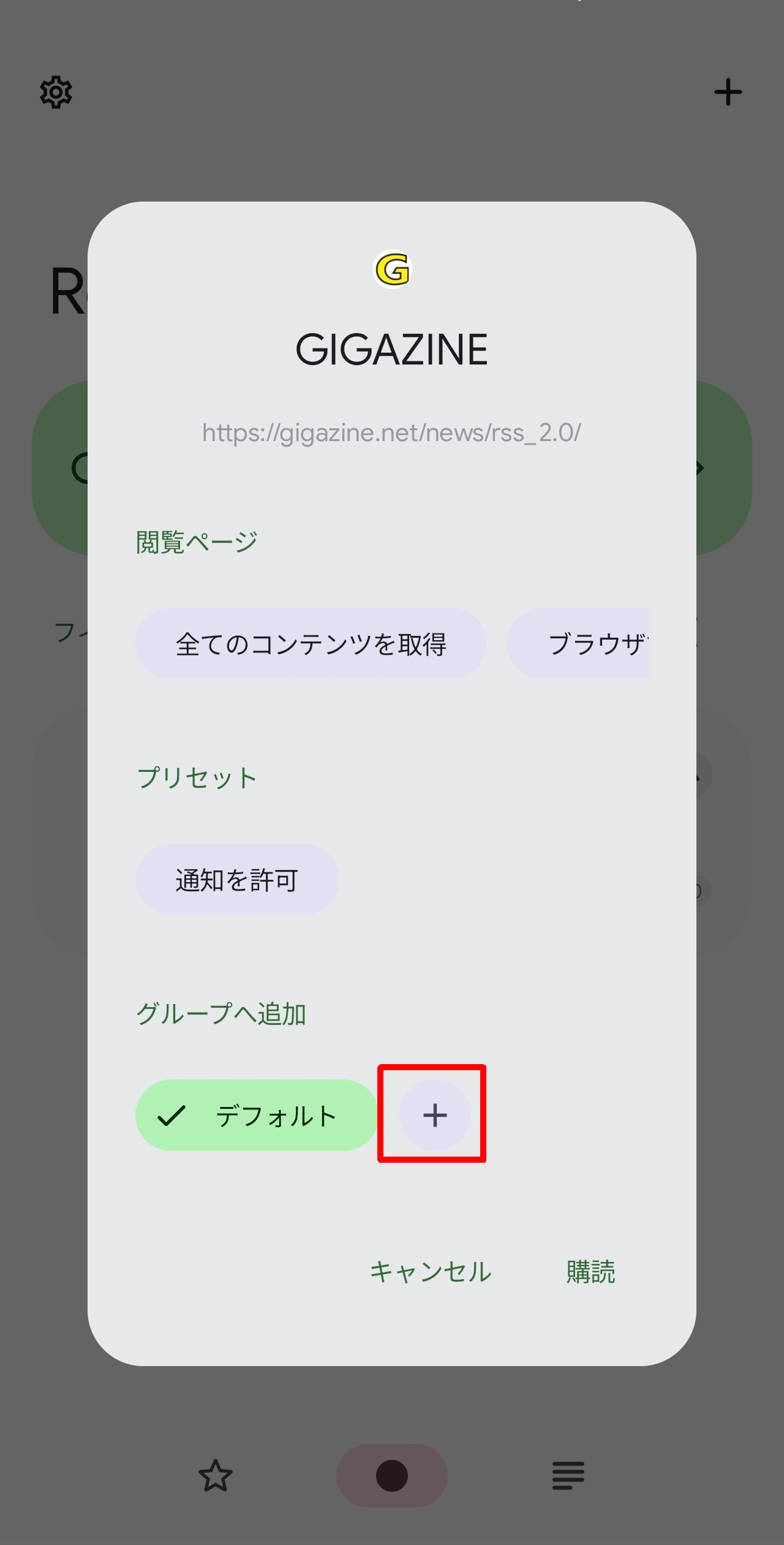
If the RSS feed URL exists, the feed title will pop up. You can tap 'Subscribe' at this point, but the group will revert to 'Default,' so tap the '+' icon to add a group.
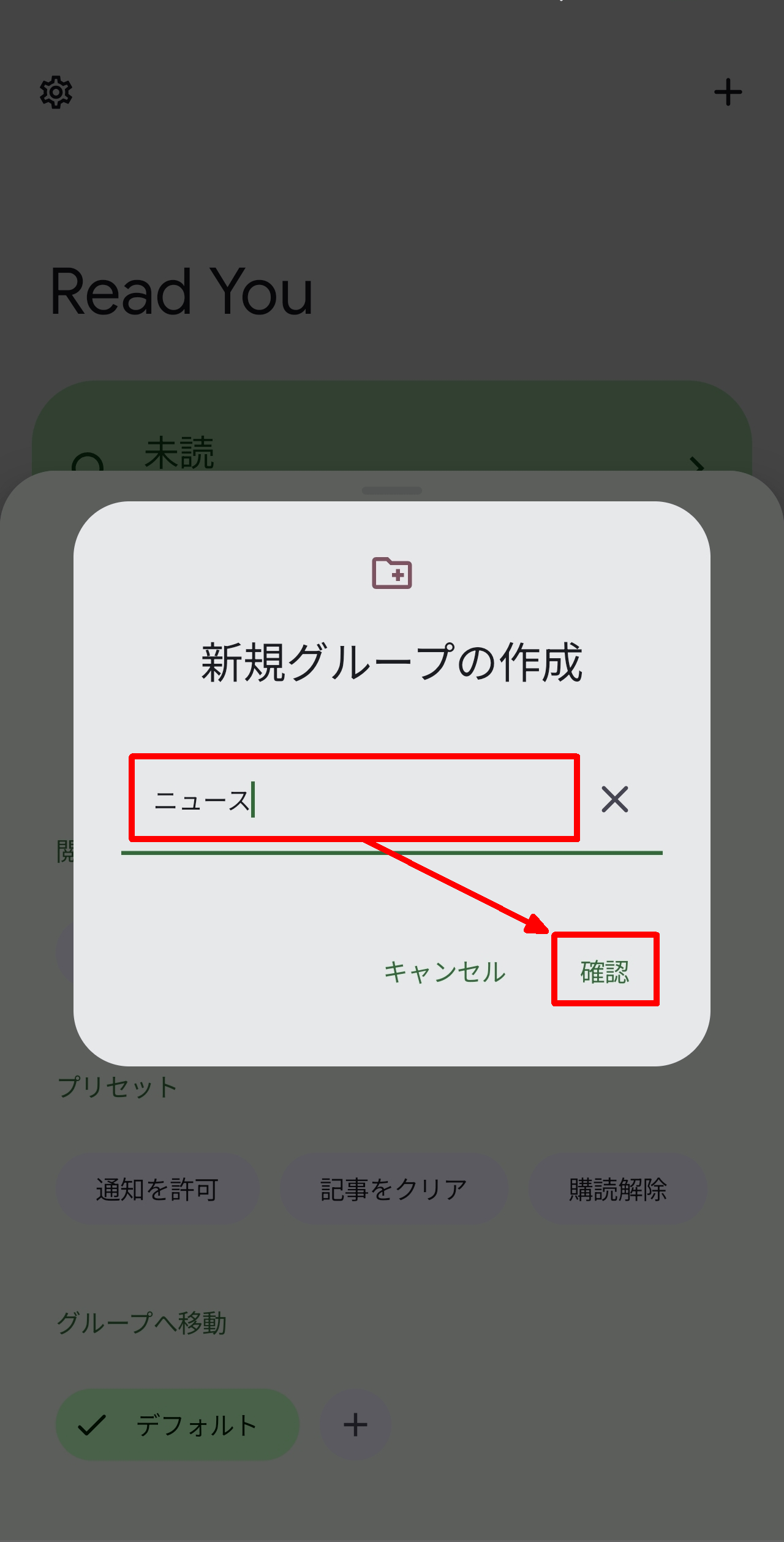
A pop-up titled 'Create New Group' will appear. Enter the name of the group you want to add in the text box in the center and tap 'Confirm'.
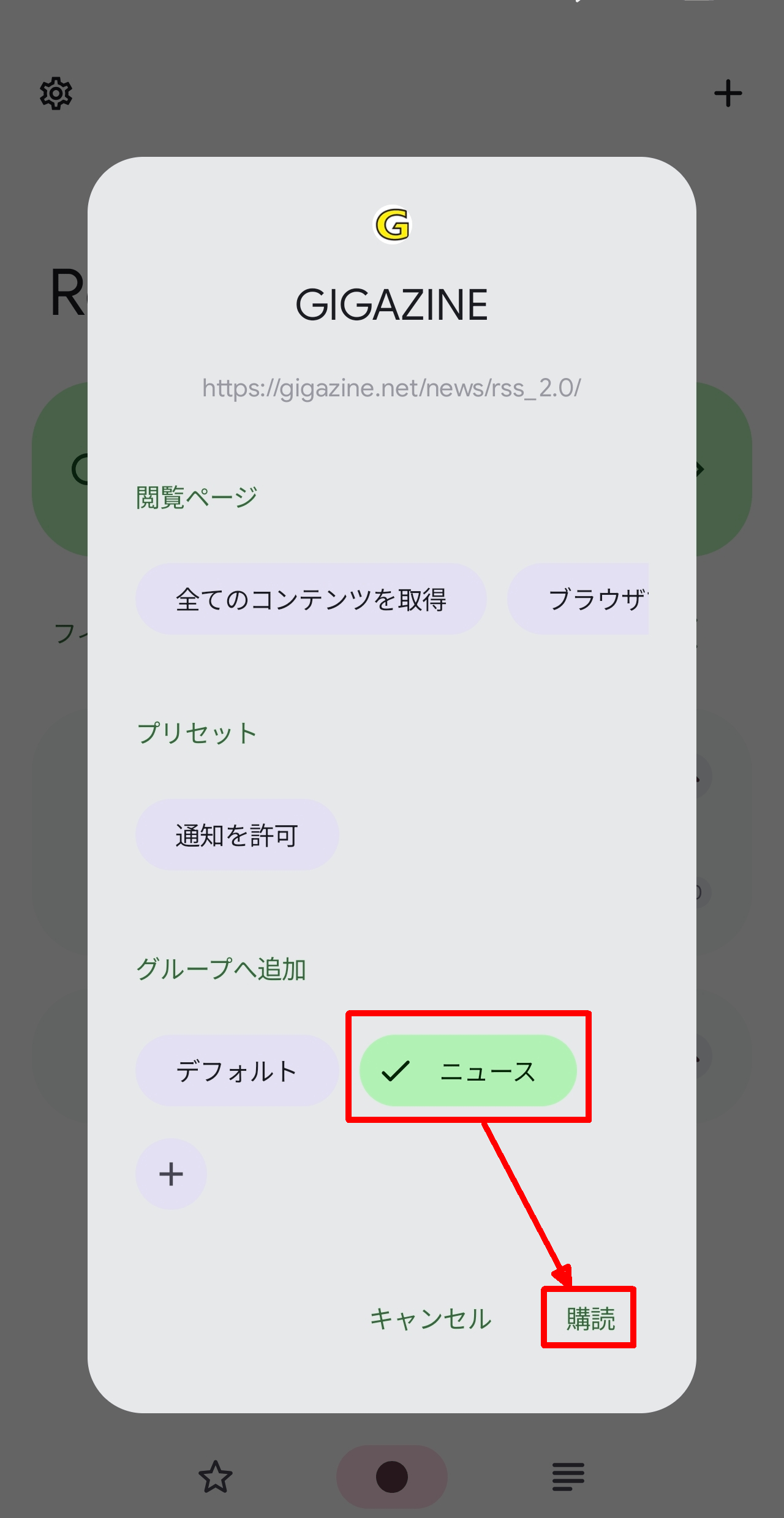
You will return to the original screen, but the group you added will still be selected, so tap 'Subscribe'.
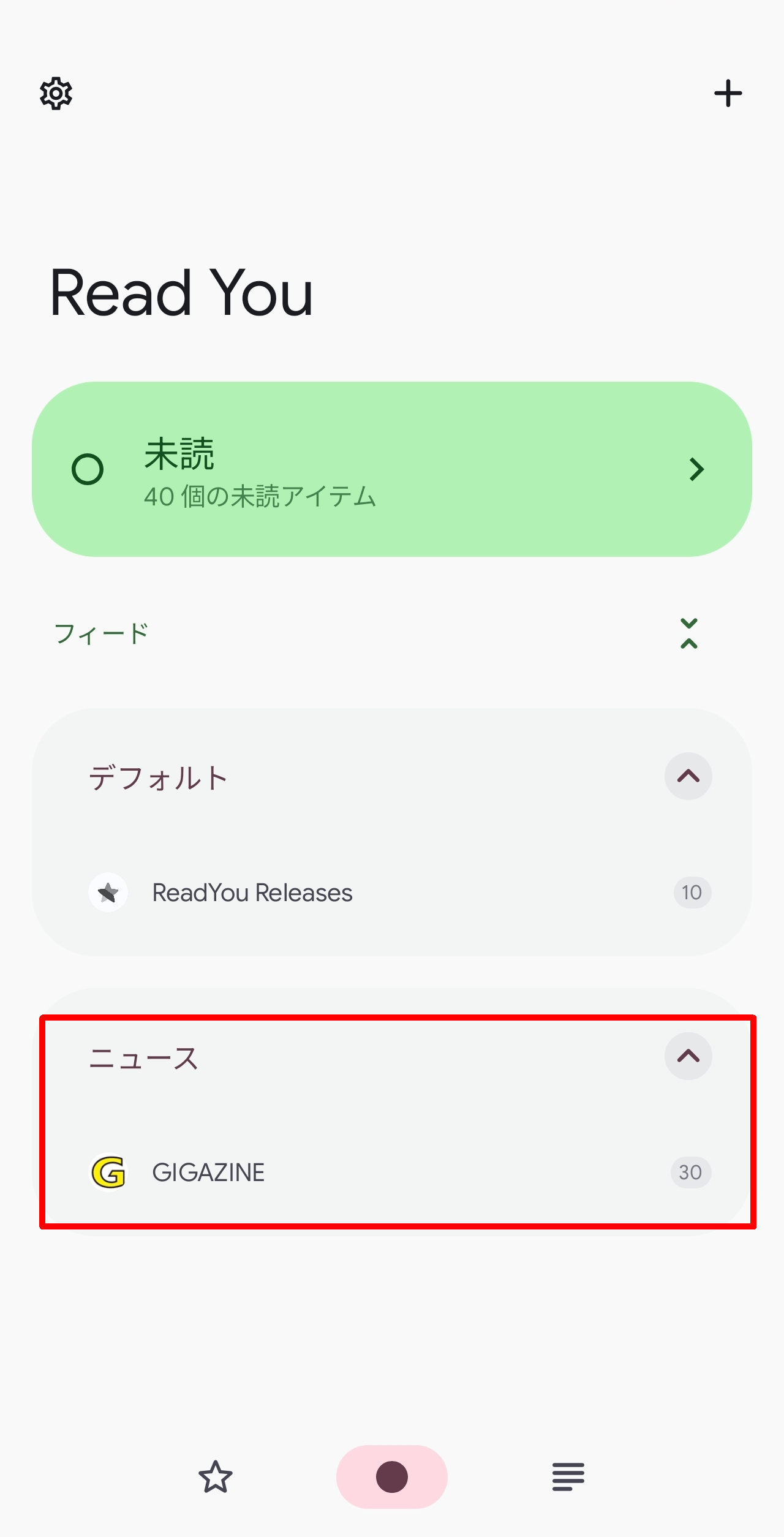
When you return to the main screen, the RSS feed you added will be displayed below the group you added. To view the contents of the feed, tap on it.
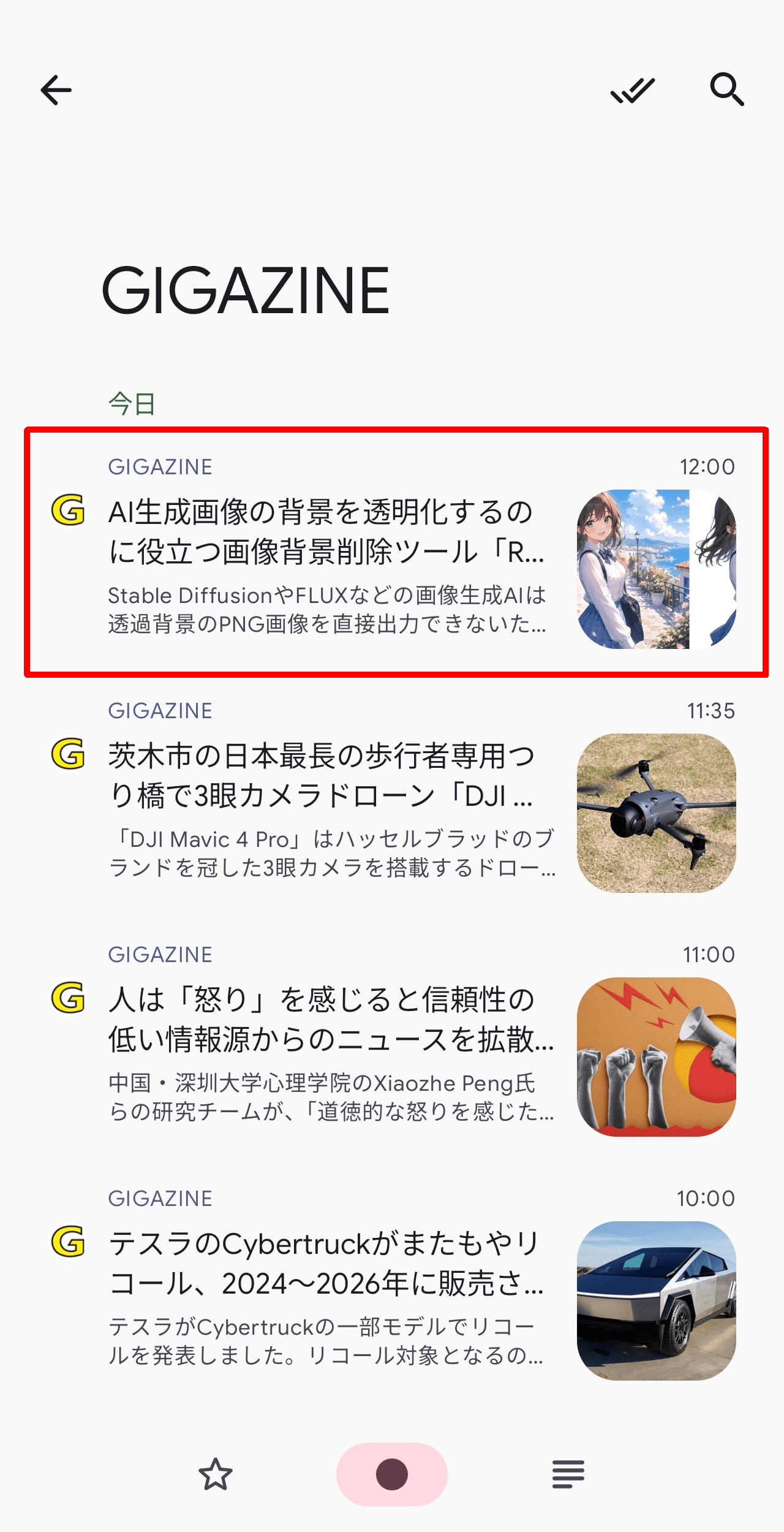
A list of feed items will be displayed. Tap an item to view it individually.
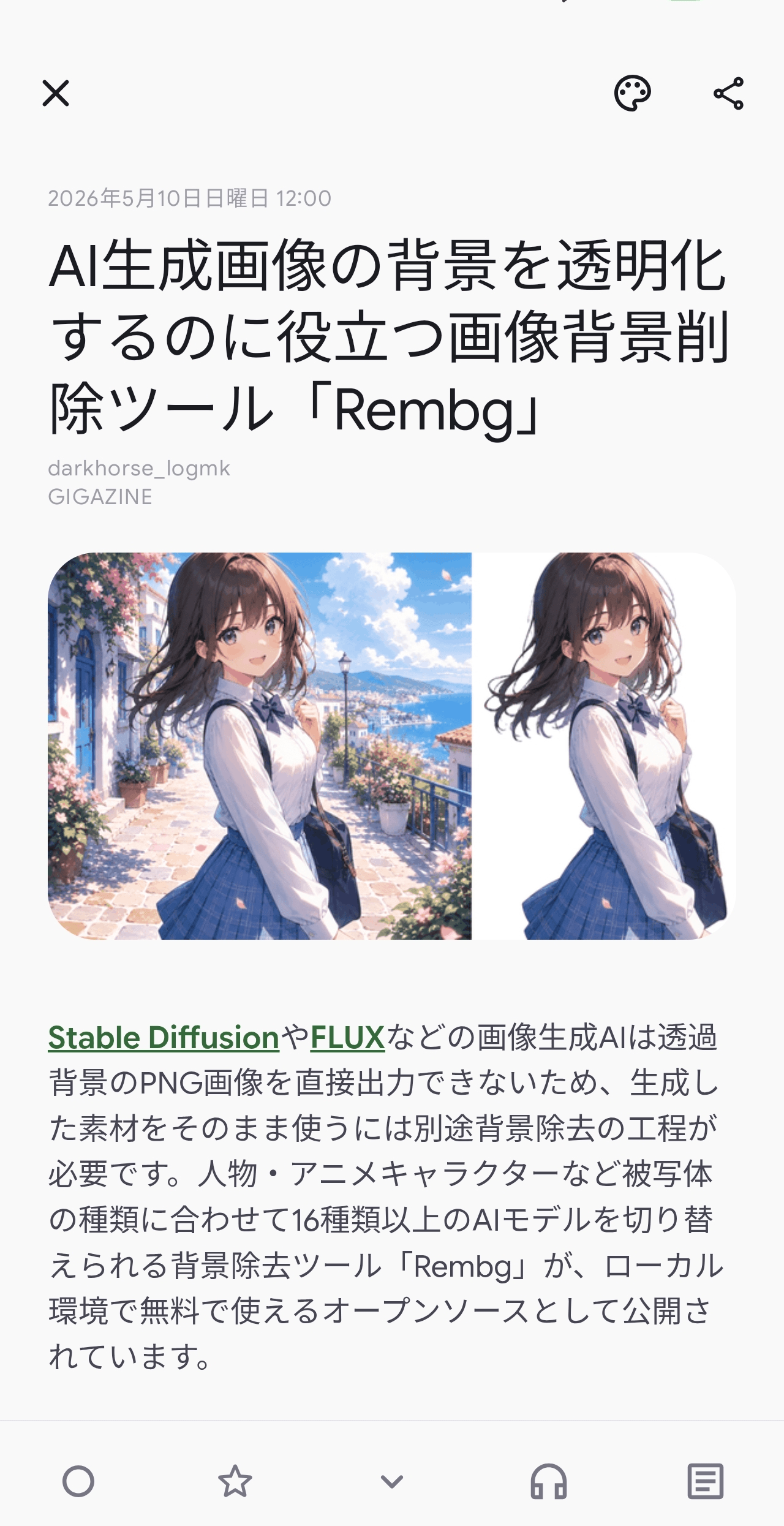
The item details will be displayed. If set as an item, you can tap it to go to the webpage.
◆Importing from OPML
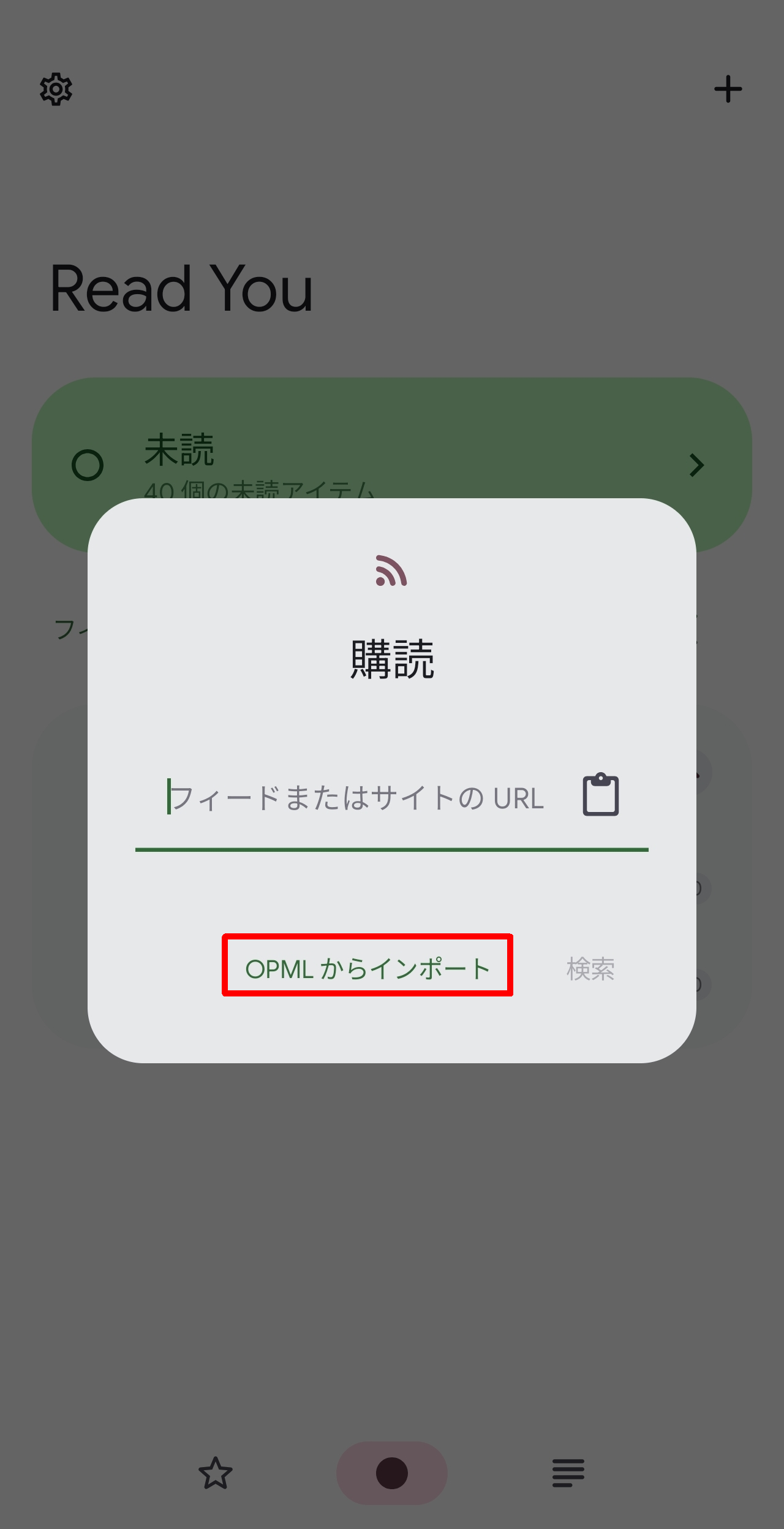
You can transfer an exportable OPML file created with another RSS reader to your smartphone and import it into Read You. The procedure is the same as adding an RSS feed up to the point where the 'Subscribe' pop-up appears, but then tap 'Import from OPML'.
Find the OPML file you transferred to your smartphone and tap it.
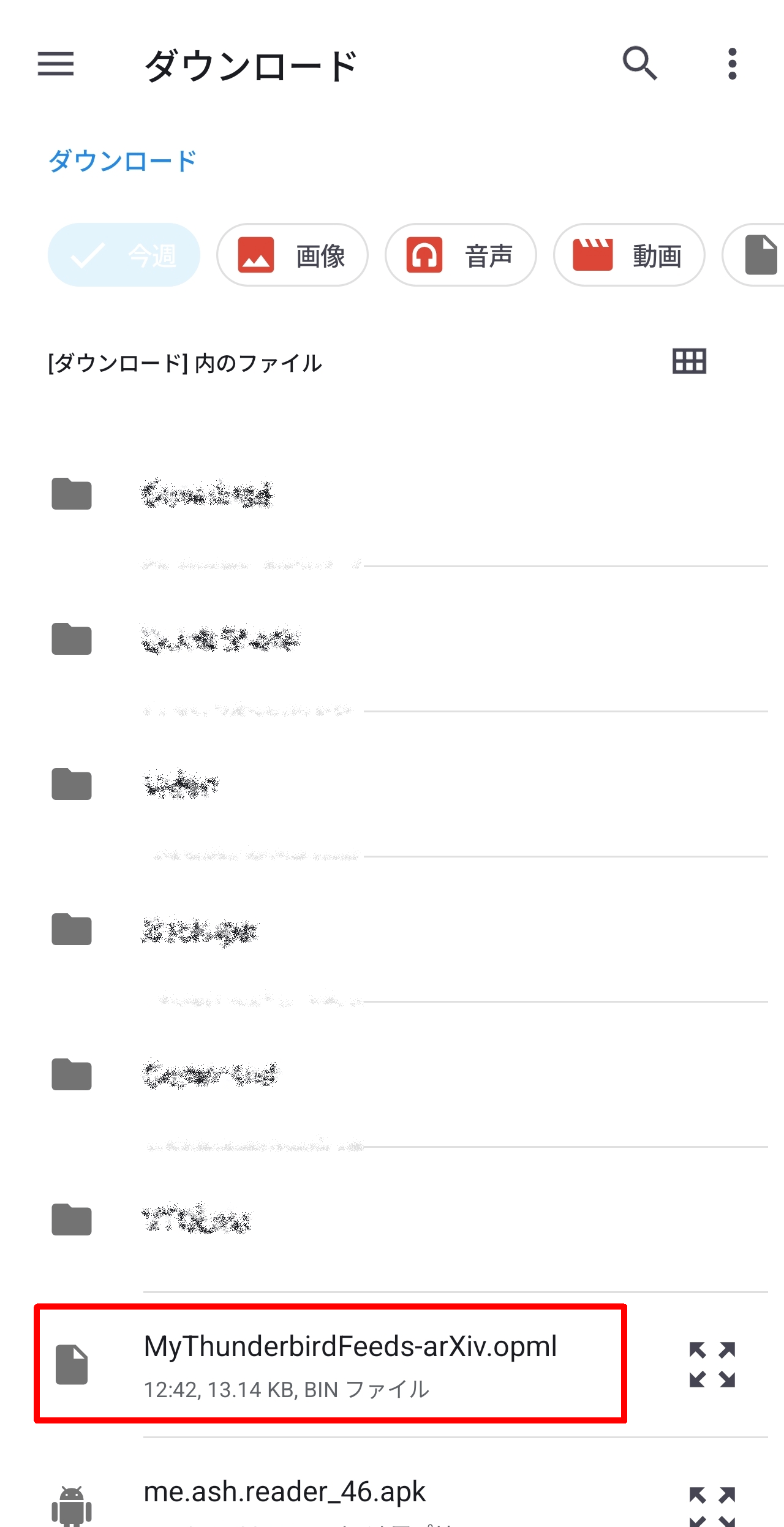
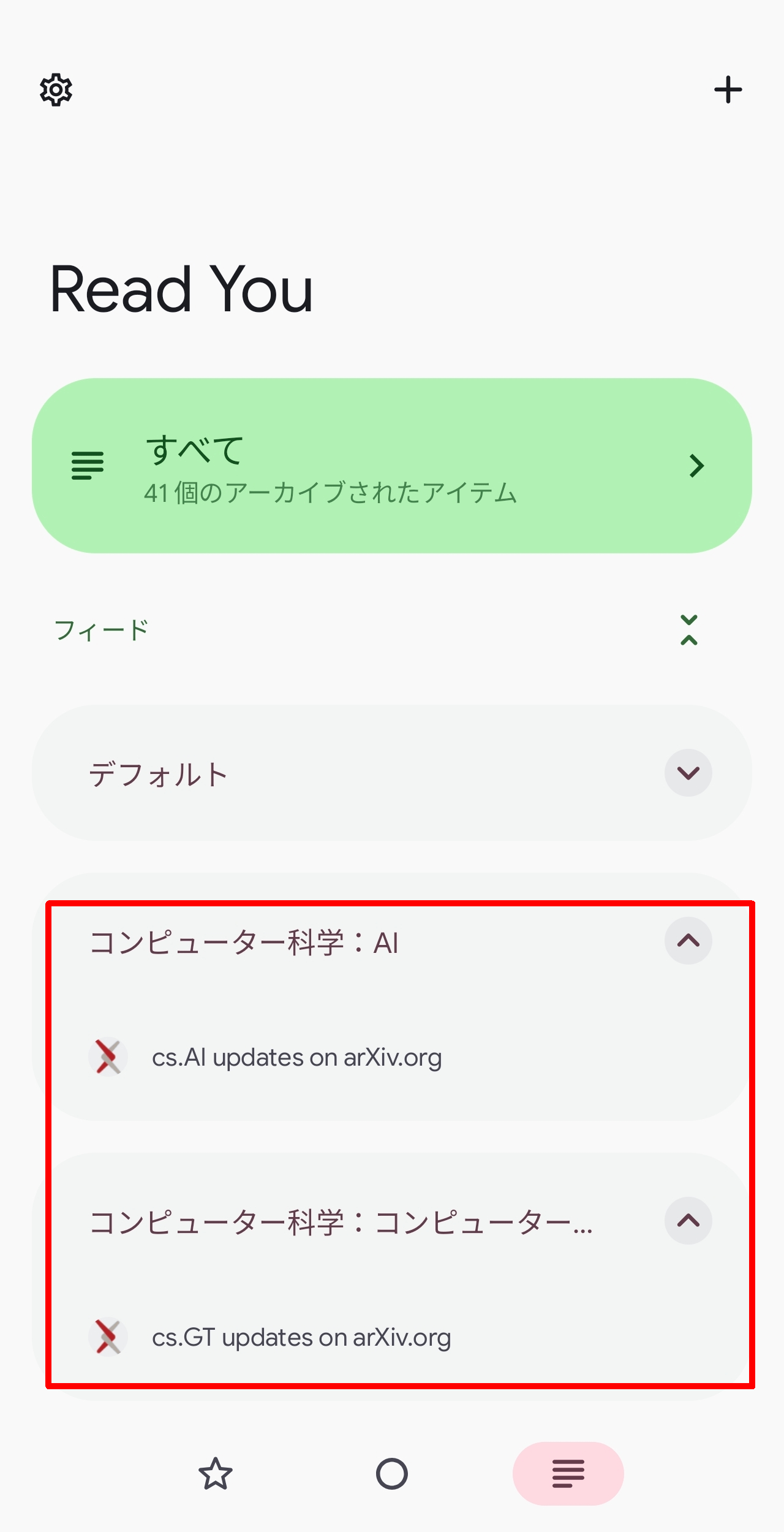
Upon returning to the main screen, the group was reflected and the RSS feed had been added. Since there were no unread entries in the added feed, it was displayed under the 'All' tab.
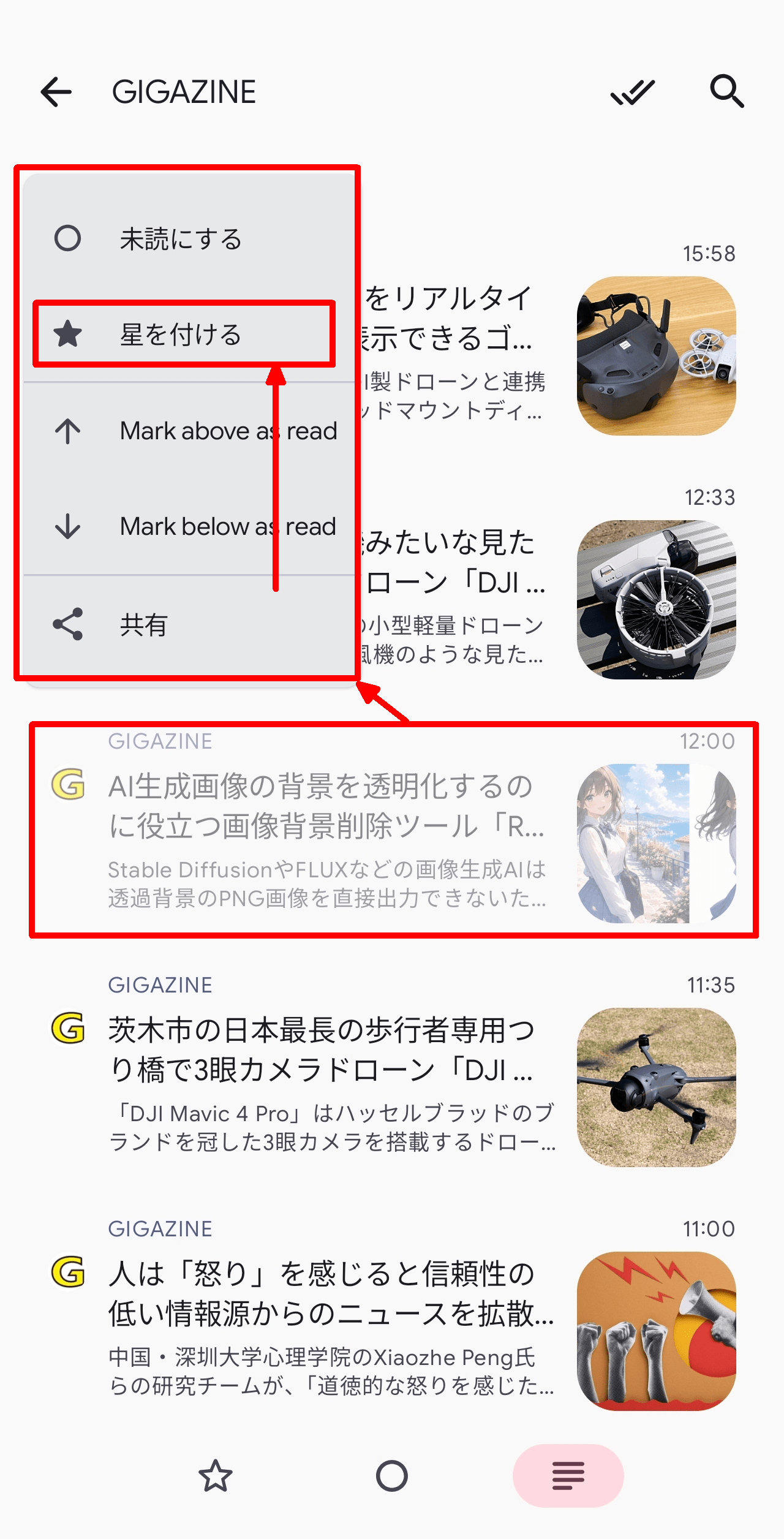
Additionally, if you long-press an item in the feed list, a pop-up menu will appear, allowing you to mark the item with a star by selecting 'Add a star.'
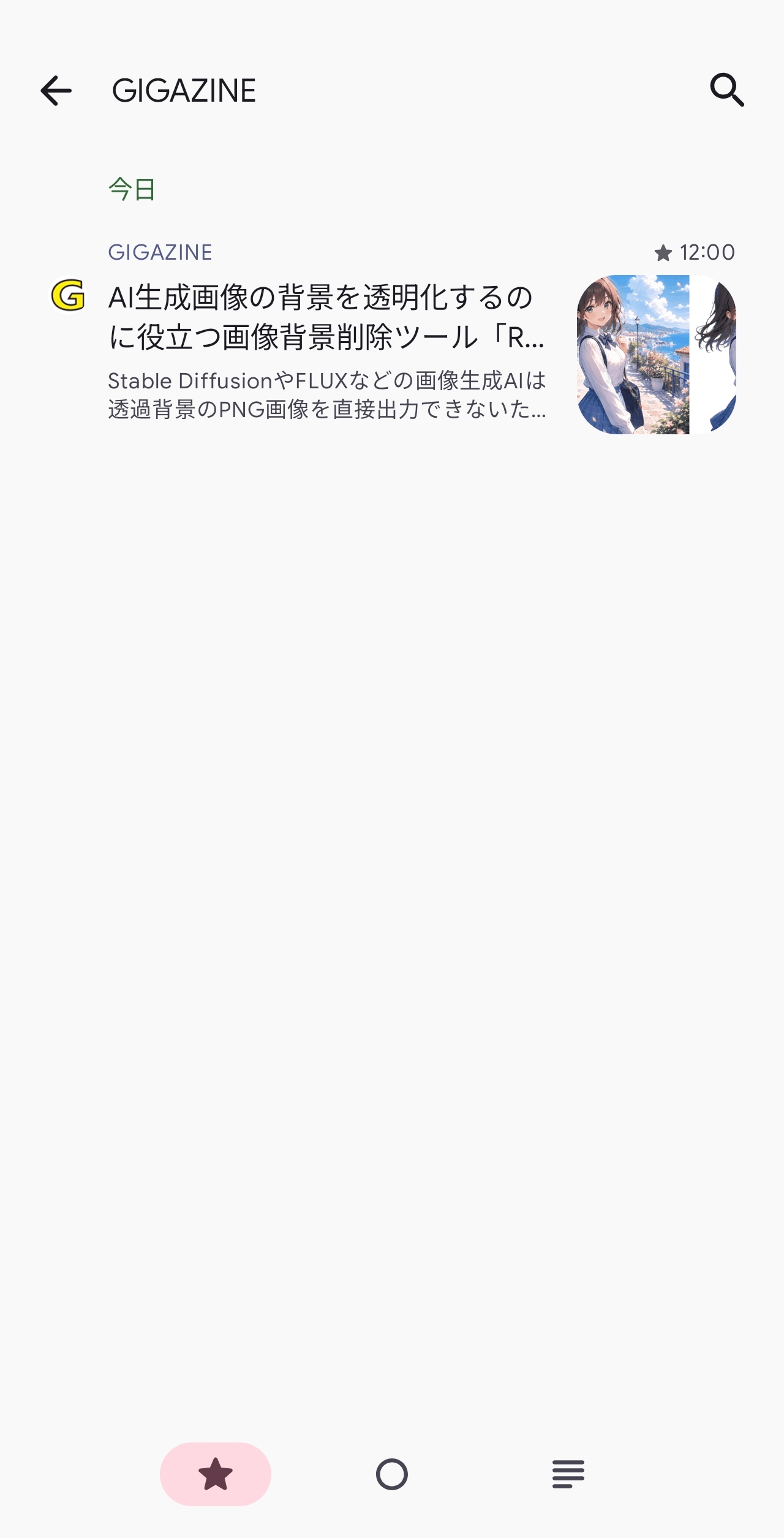
Items marked with a ★ can be viewed in the 'Starred Items' tab on the main screen.
◆Settings
Tapping the gear icon in the upper left corner of the main screen will take you to the 'Settings' screen.
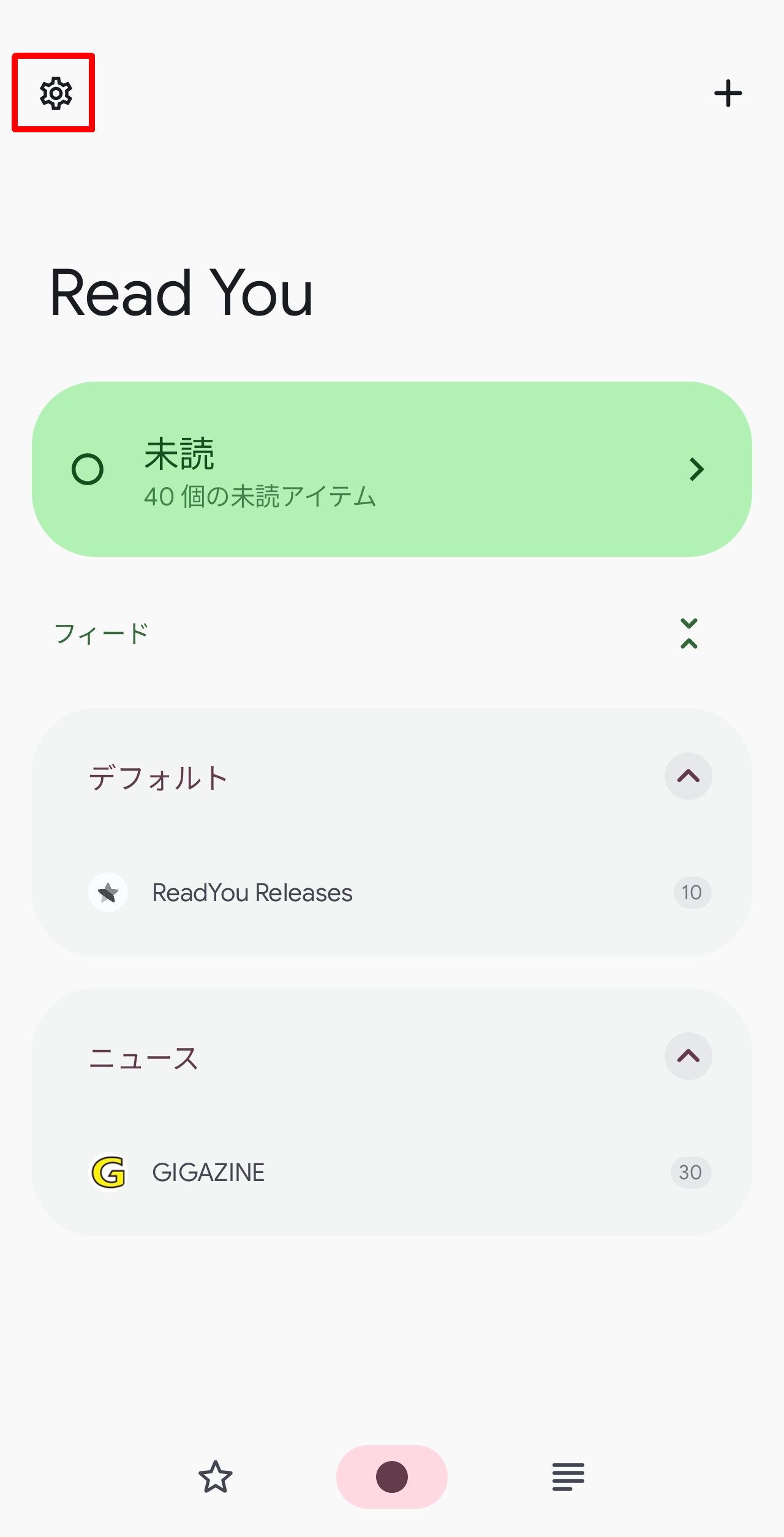
The Read You settings are as follows:
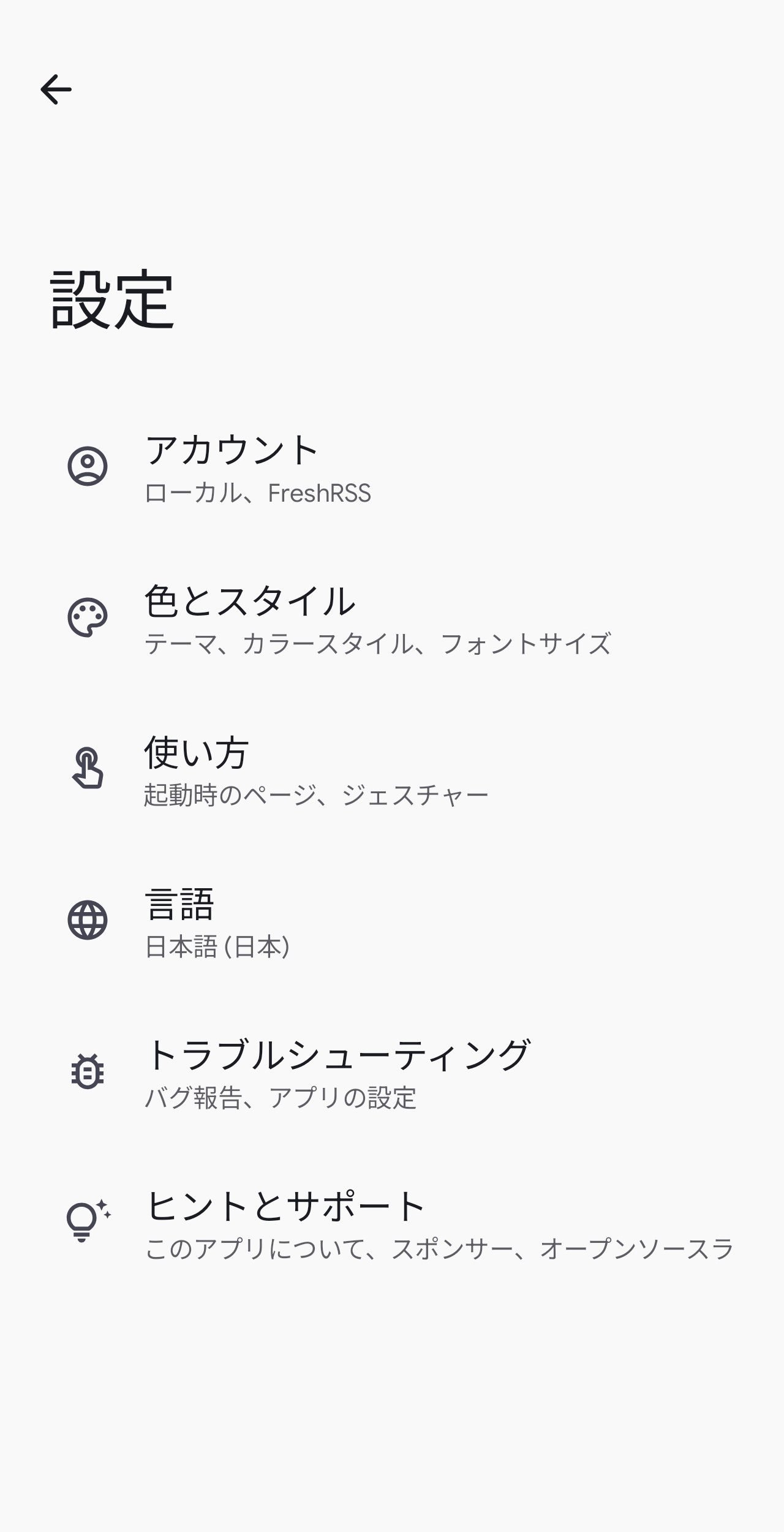
● Account
By adding a FreshRSS account, a self-hosted RSS reader, you can access FreshRSS feeds. You can select the account to switch to by tapping the account name.
• Read You: Settings for the default local account 'Read You'
- Add an account: Add a local FreshRSS account.
● Color and style
• Wallpaper color
Basic colors
Dark theme
Basic fonts
• Feed page
Flow page
• Viewing page
● How to use
• Start page: Feed page, Flow page
- Standard filter: Initial selection tab on the main screen (starred, unread, all)
- Hide empty groups
Swipe left
Swipe right
- Sort unread articles
- Mark as read when scrolling
Pull from bottom
Pull to switch article
- The app that appears when you click the link
·browser
Shared share
● Language
- Choose from 40 languages, or use your device's language.
●Troubleshooting
- Bug reports: Issues page on GitHub
Import from JSON
Export to JSON
●Tips and support
Become a sponsor
GitHub main page
Join the Telegram group
GitHub page: Getting Started
List of dependent libraries
◆Summary
ReadYou is a highly functional RSS reader for Android that is available for free. It's also easy to use, so if you're interested or want to try using RSS, please give it a try.
Related Posts:


in Software, Smartphone, Review, Posted by log1c_sh