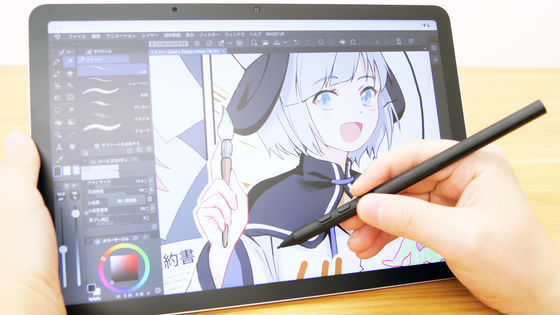
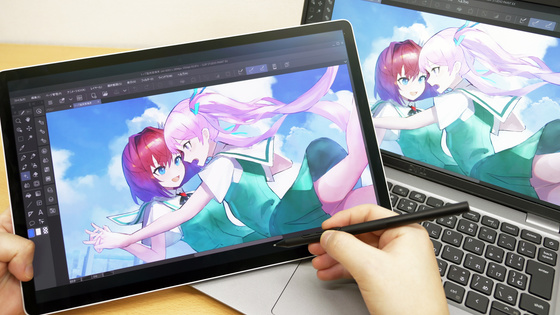
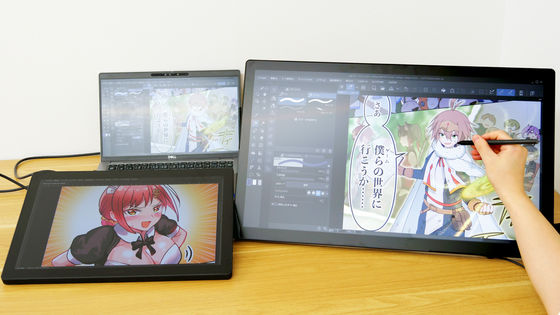
I took tons of photos of the 'Wacom MovinkPad Pro EVA Edition,' Wacom's professional pen tablet specializing in drawing, which has collaborated with Evangelion to create an Evangelion-themed design from the exterior to the UI.
The
Wacom MovinkPad Pro EVA Edition
https://www.wacom.com/ja-jp/products/wacom-movinkpad-pro-14-eva-edition
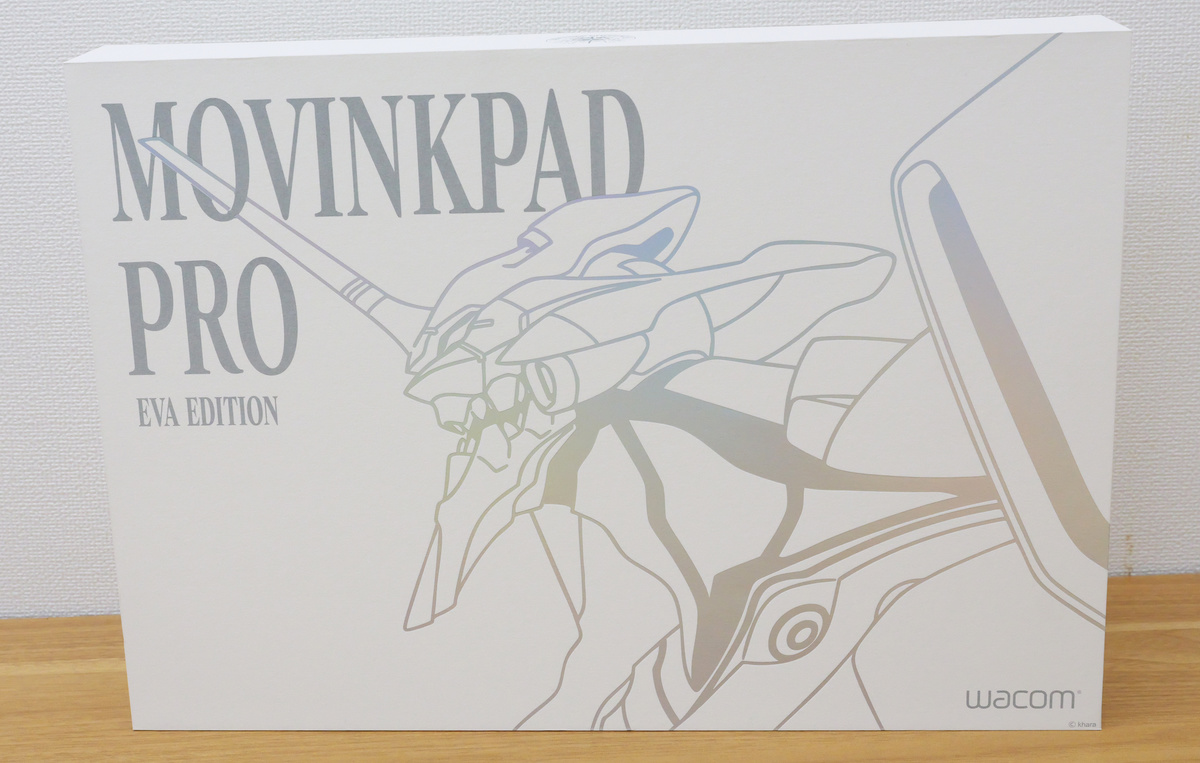
The packaging for the Wacom MovinkPad Pro EVA Edition.
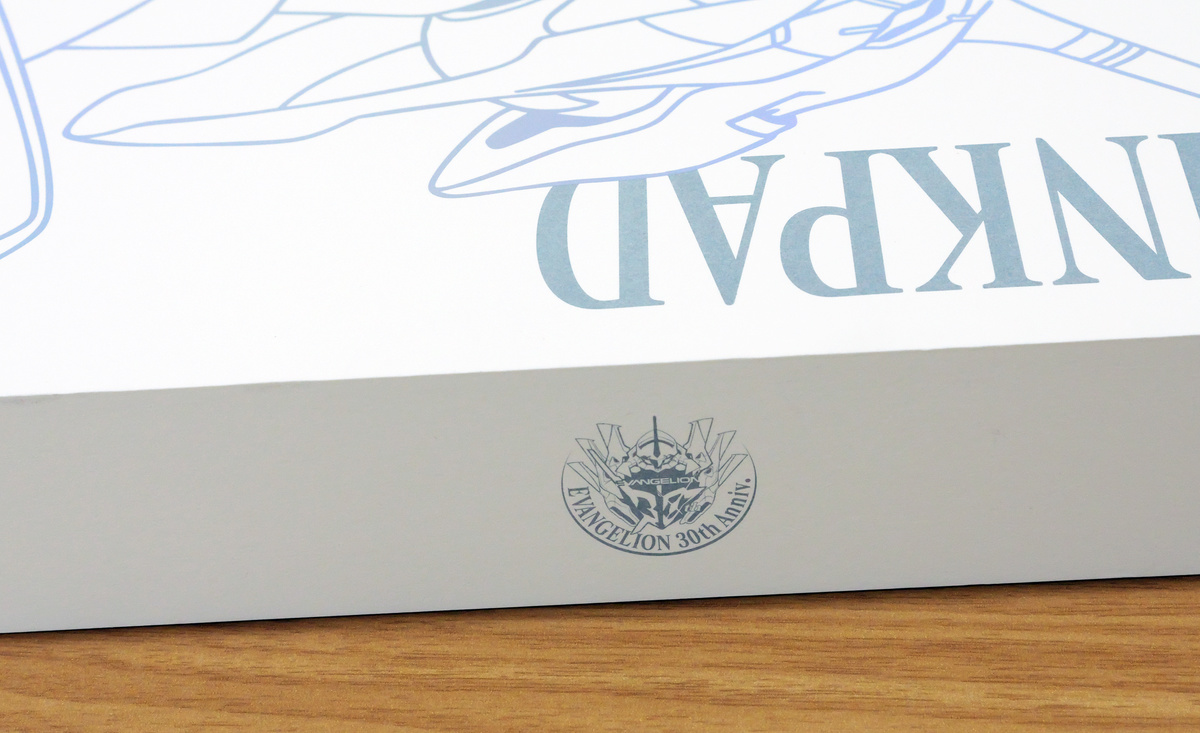
The top of the package featured a commemorative logo for
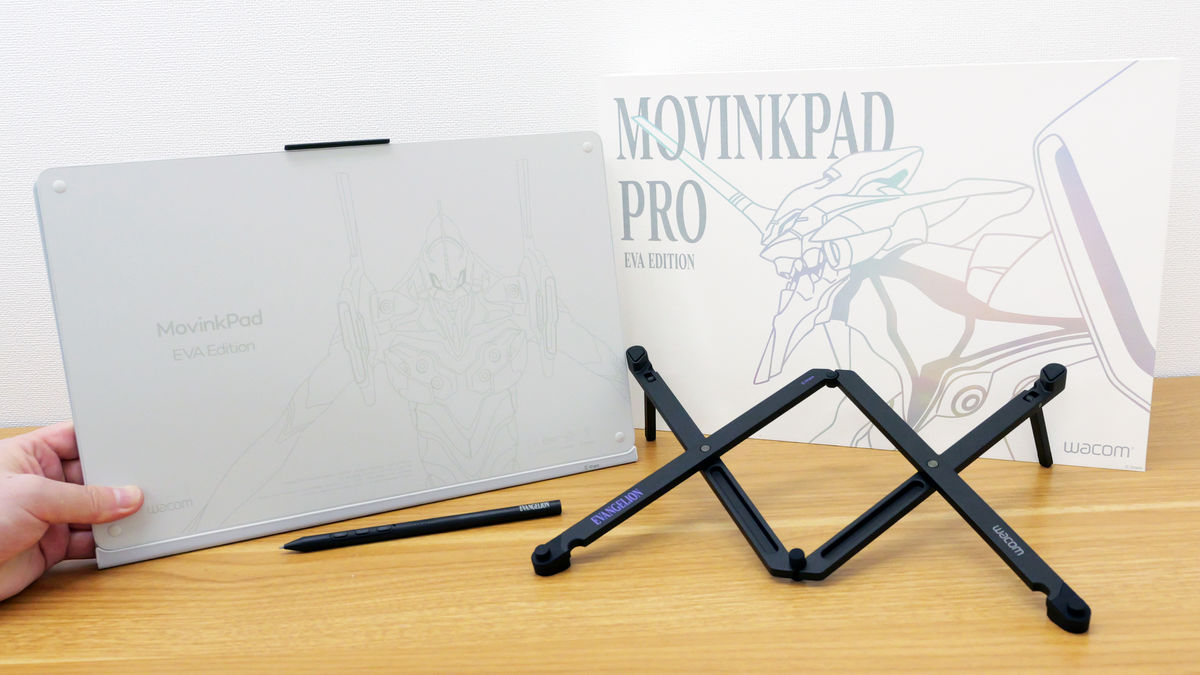
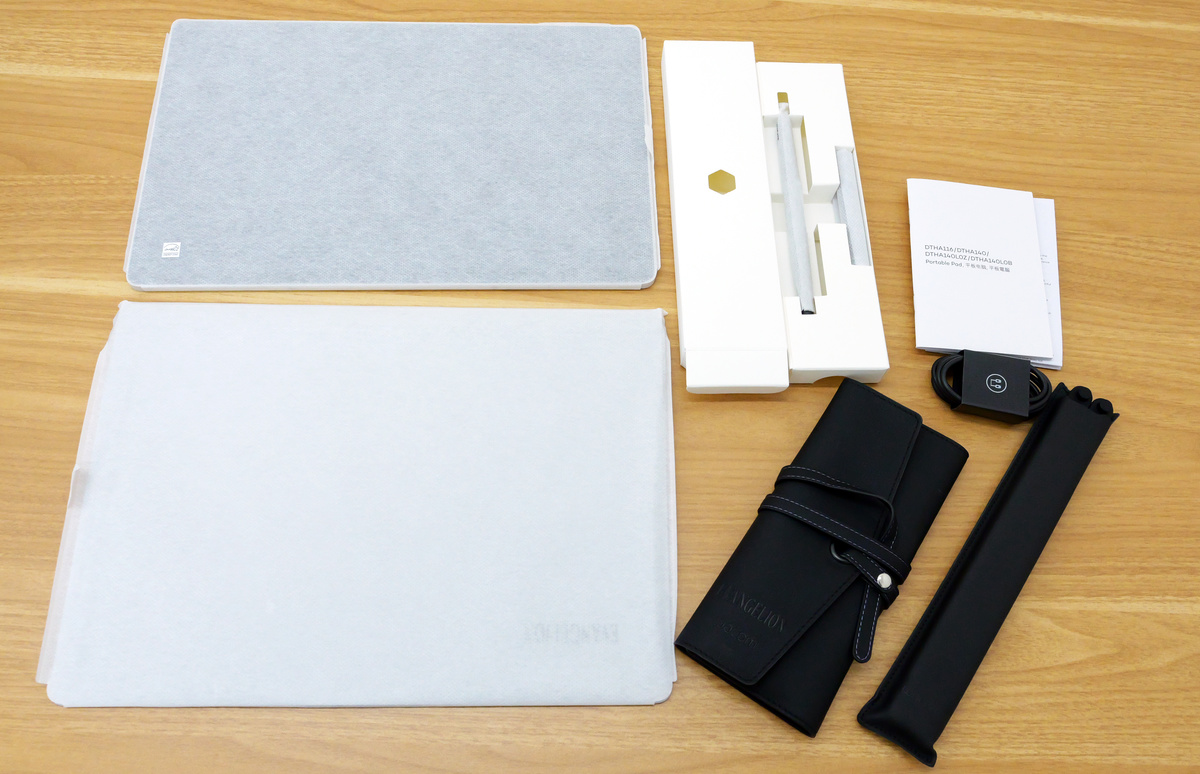
The package includes the Wacom MovinkPad Pro EVA Edition main unit, cover, Wacom Pro Pen 3, specifications document, USB-C cable (1.0m), Wacom Rollup Case, and Wacom Foldable Stand.
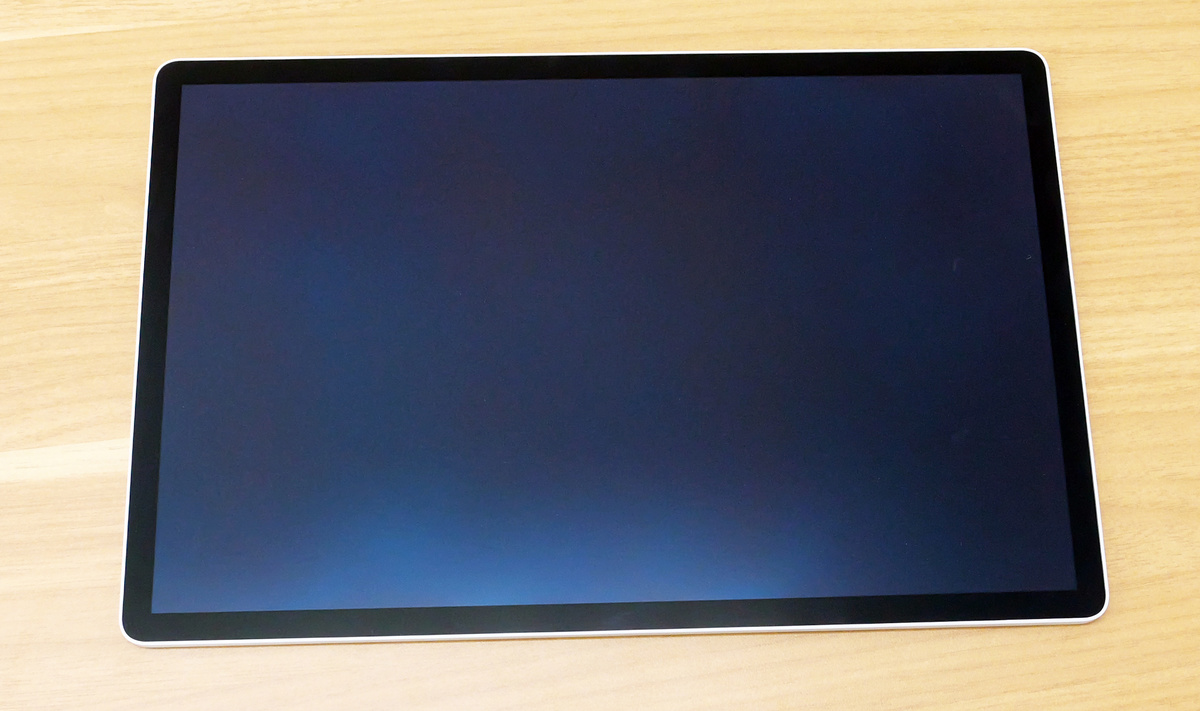
The Wacom MovinkPad Pro EVA Edition looks like this. From the front, it looks the same as the regular Wacom MovinkPad Pro 14.
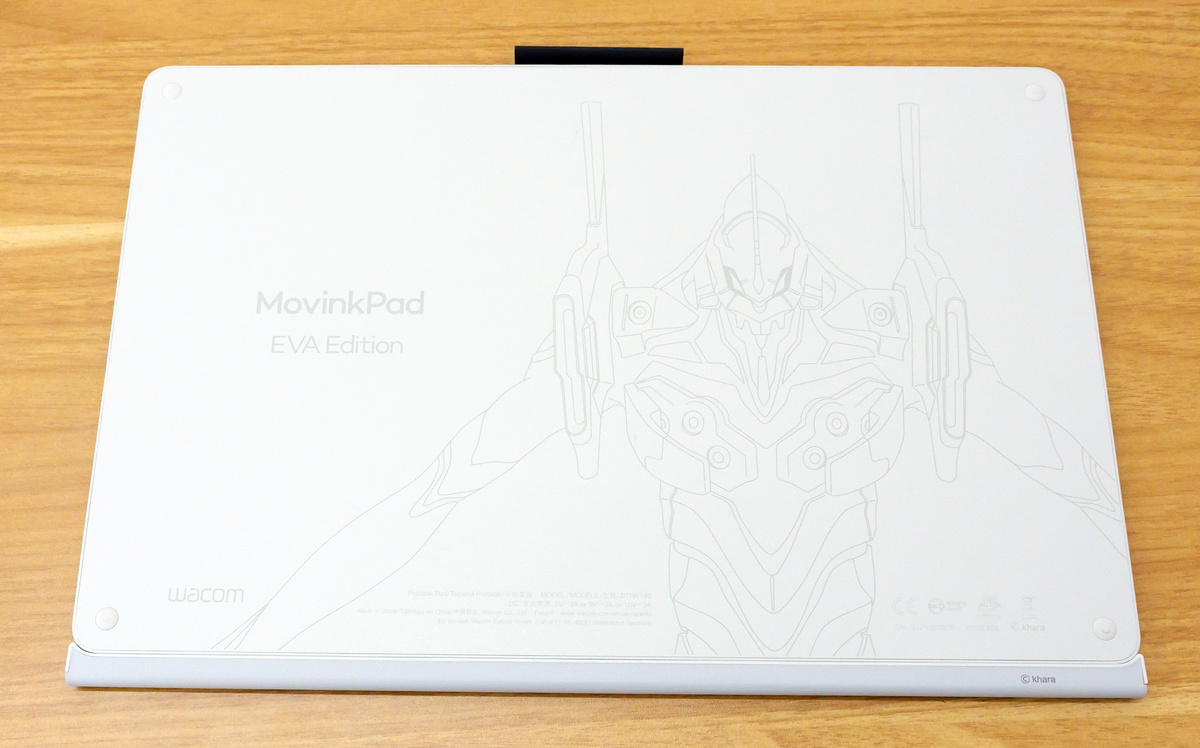
The back features artwork of Evangelion Unit-01.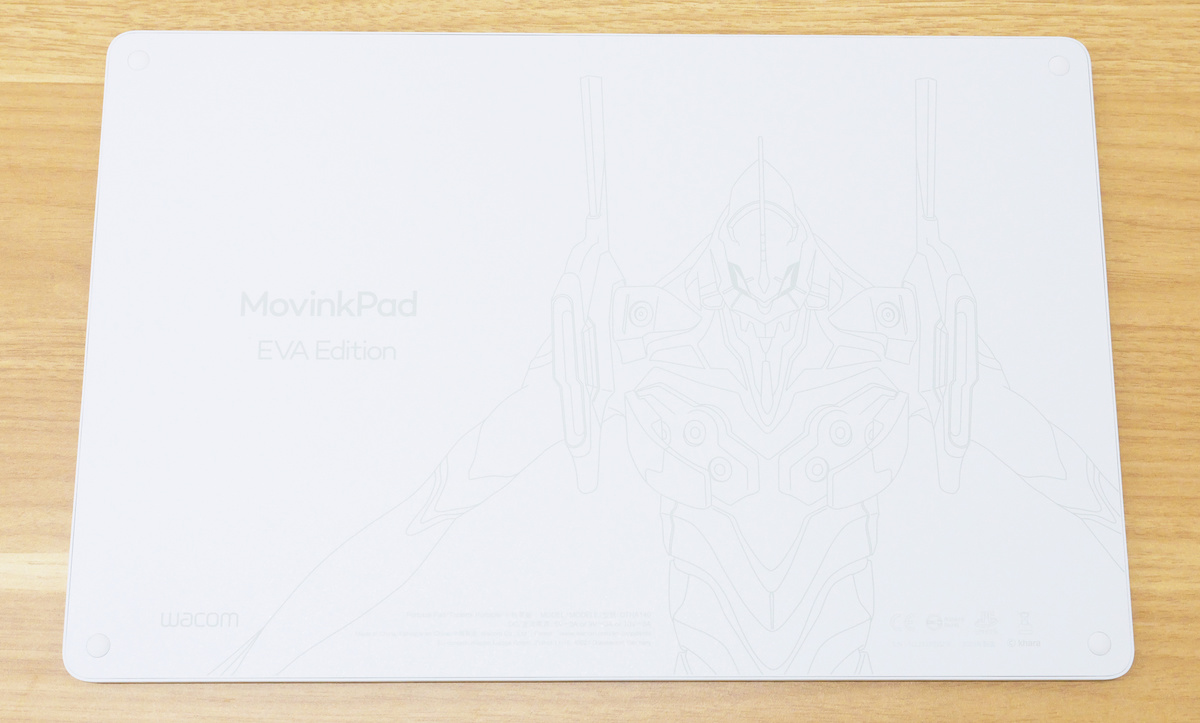
You can see what the Wacom MovinkPad Pro EVA Edition looks like when it starts up in the following video.
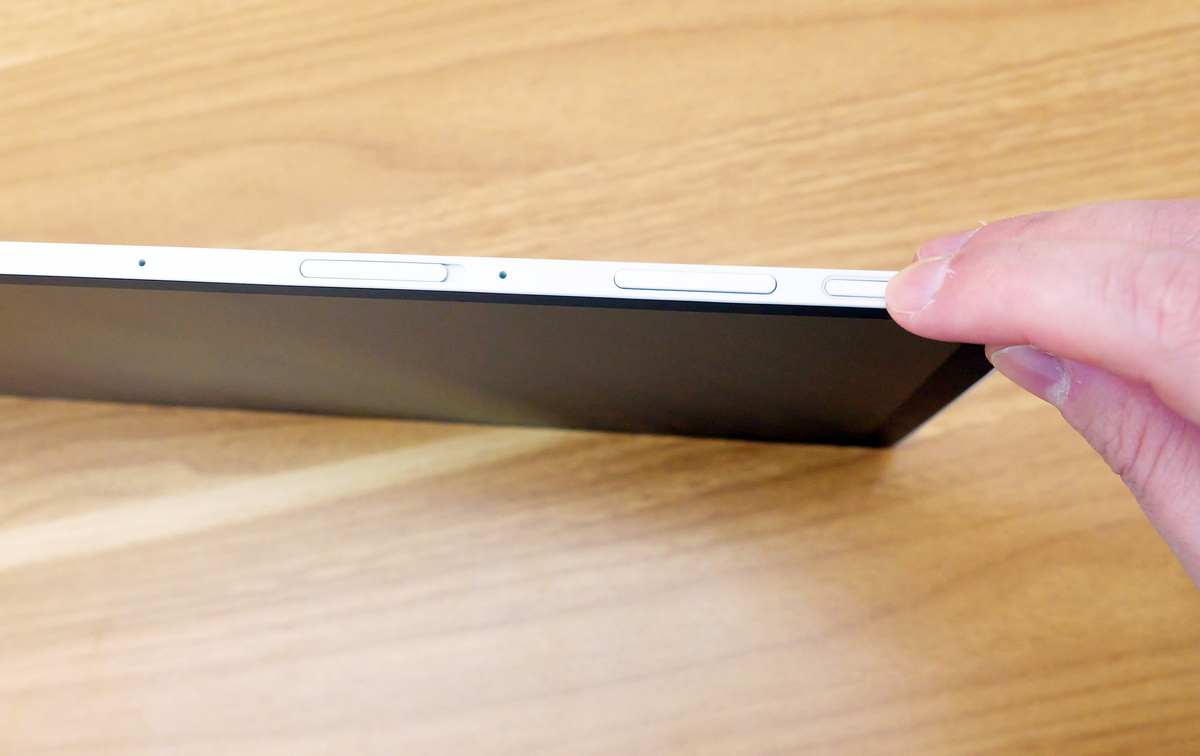
Press the power button in the upper right corner to turn it on.
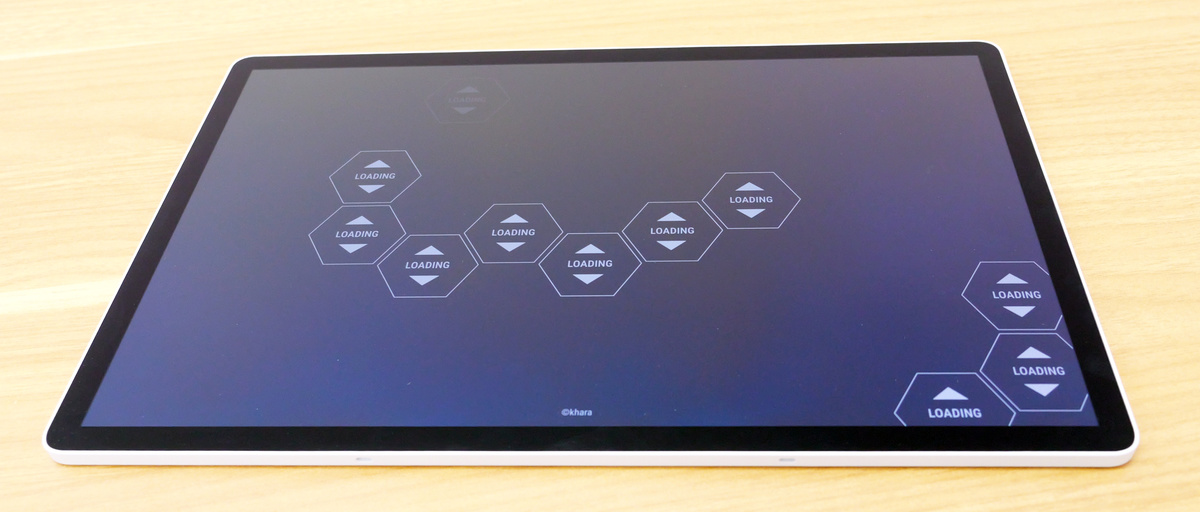
The loading screen after the power is turned on also had an Evangelion theme.
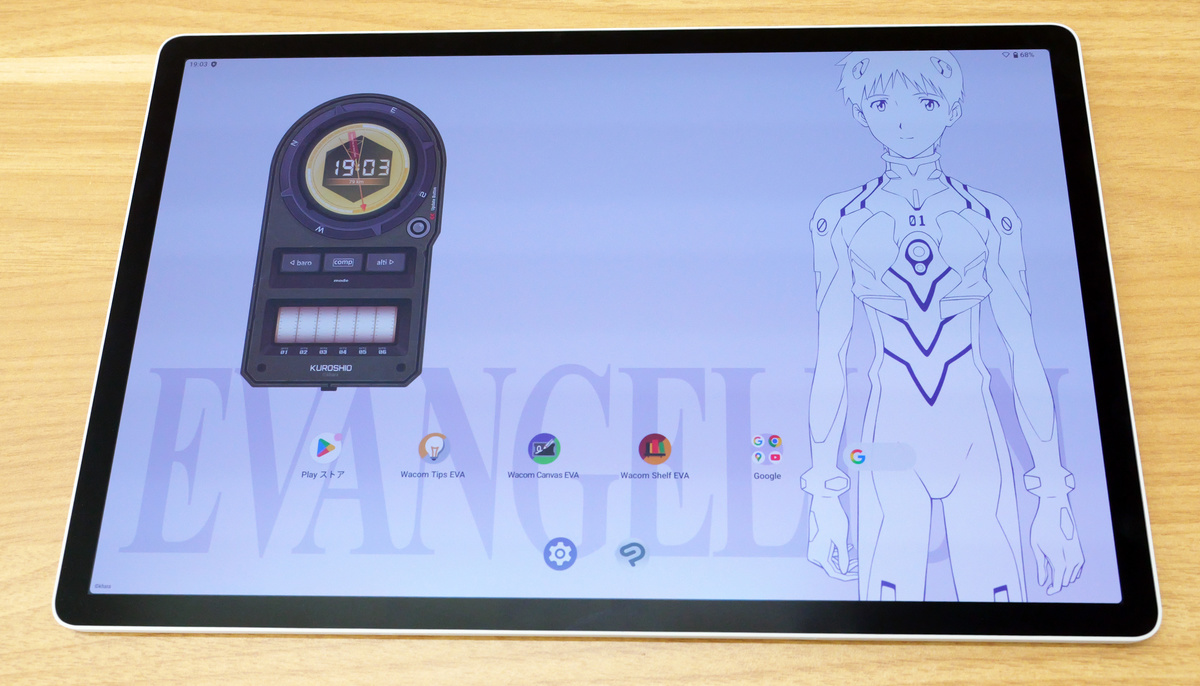
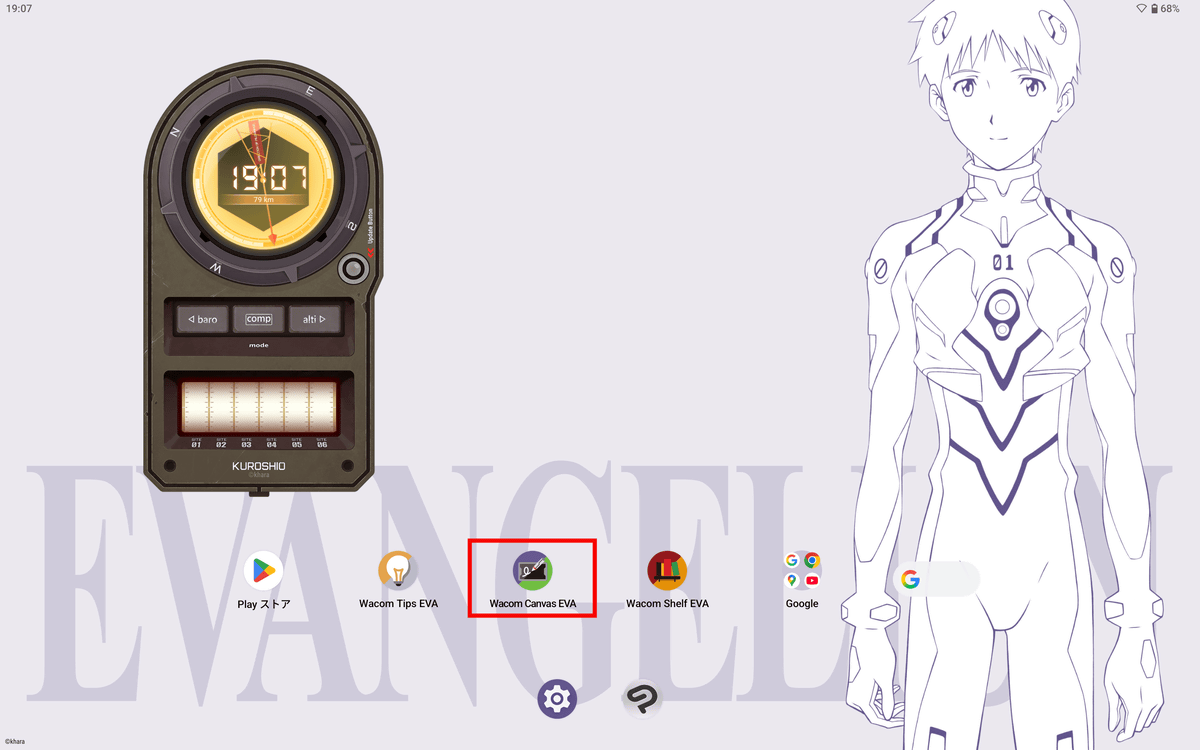
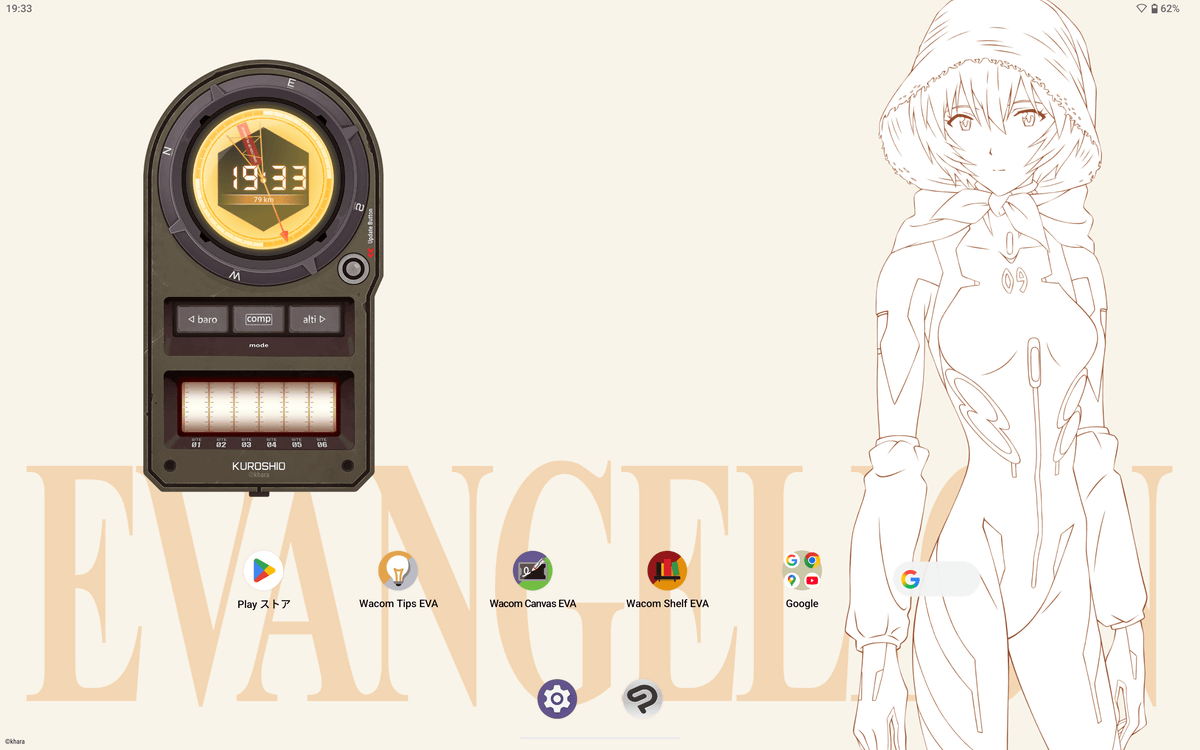
The home screen looks like this. On the left is the 'Wacom CClock EVA' widget, which is exclusive to the Wacom MovinkPad Pro EVA Edition and includes clock and compass functions.
The 'Wacom Canvas' app, a simple drawing application that comes standard with Wacom tablets, has been transformed into an Evangelion-themed 'Wacom Canvas EVA' app for the Wacom MovinkPad Pro EVA Edition.
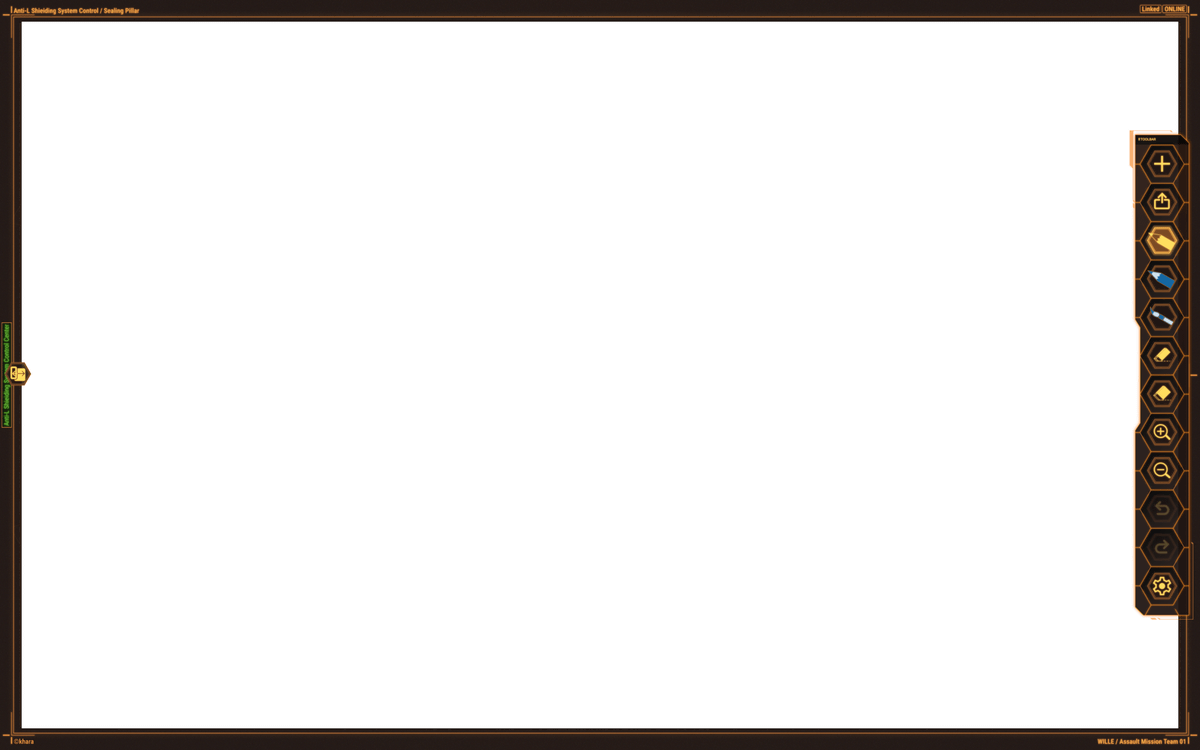
When you open the Wacom Canvas EVA, it looks like this. The coloring and honeycomb design of the UI are all Evangelion-themed.
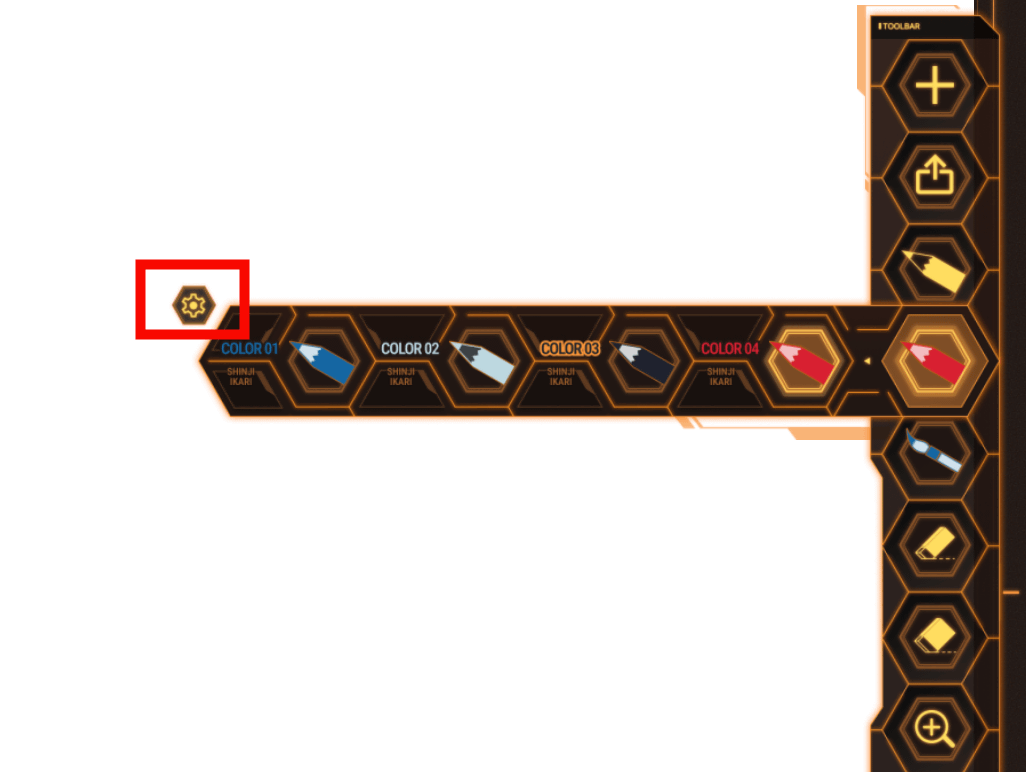
Additionally, the color palette includes colors inspired by Evangelion characters. You can select a character by tapping the gear icon.
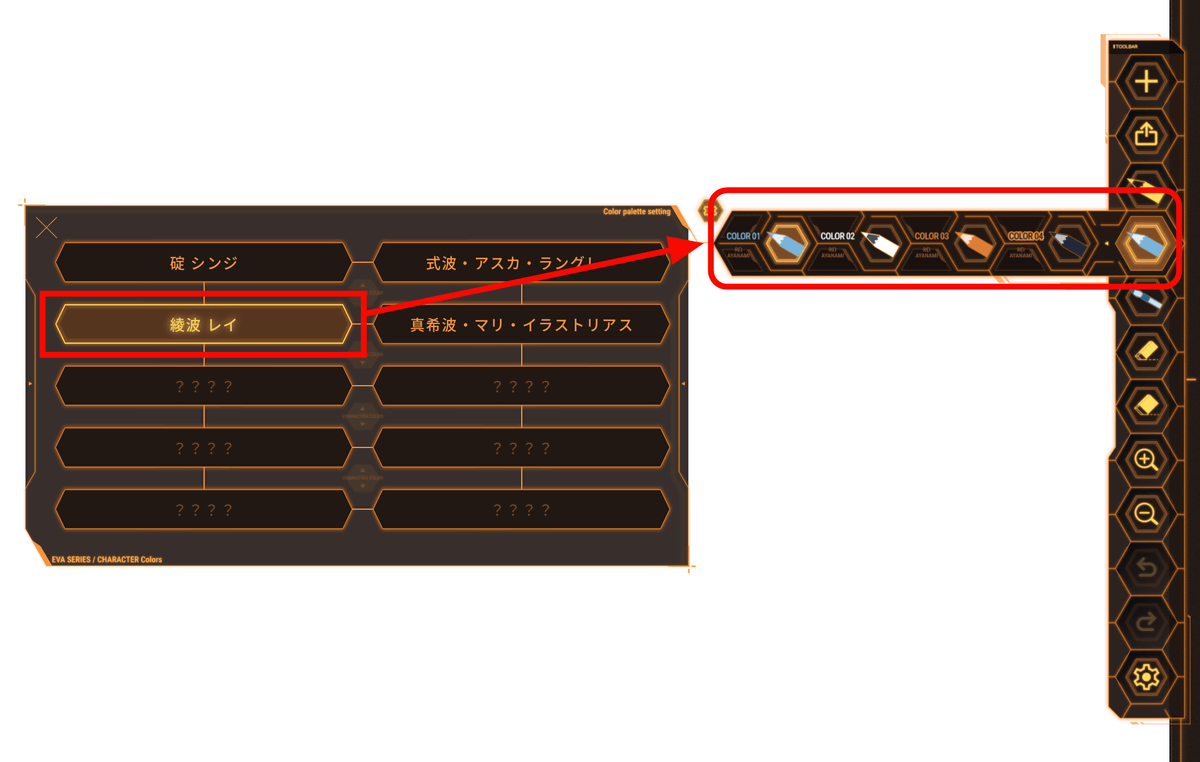
When I selected 'Rei Ayanami,' the color palette changed to a color scheme reminiscent of Rei Ayanami.
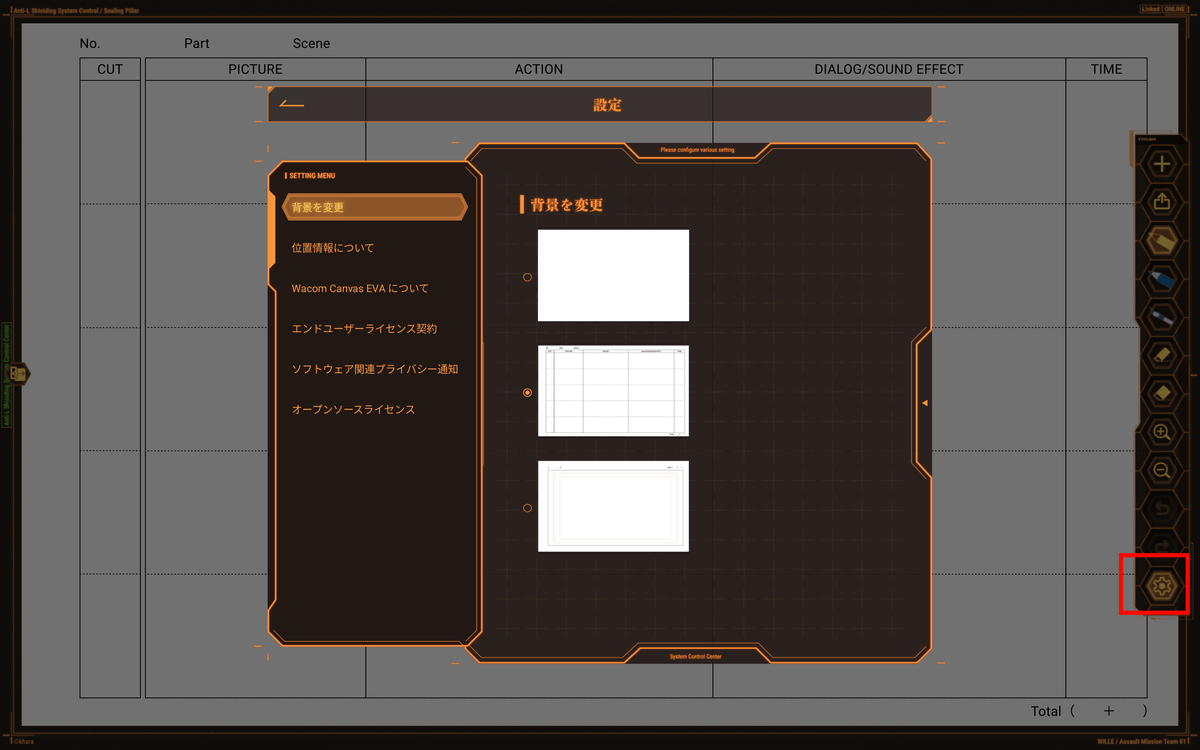
Additionally, the Wacom Canvas EVA's settings icon allows you to change the background to an anime storyboard style.
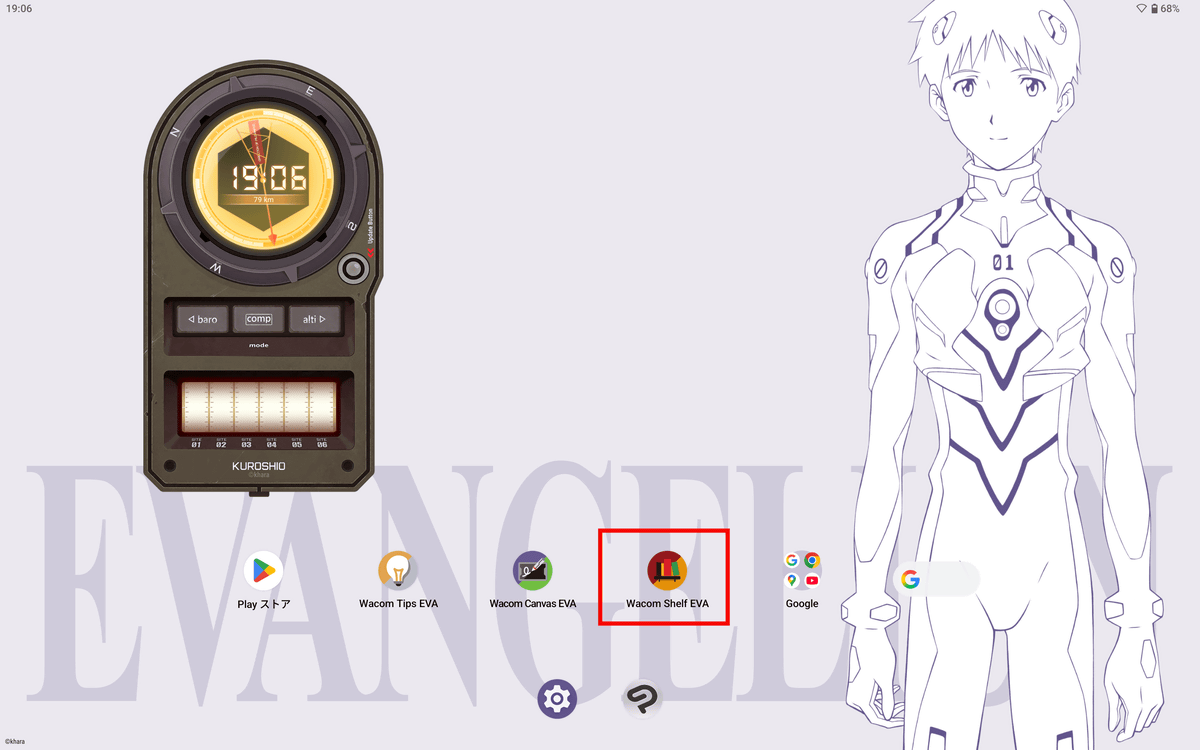
Additionally, the Wacom Shelf, used for saving drawings, screenshots, and other data, has been upgraded to the 'Wacom Shelf EVA.'
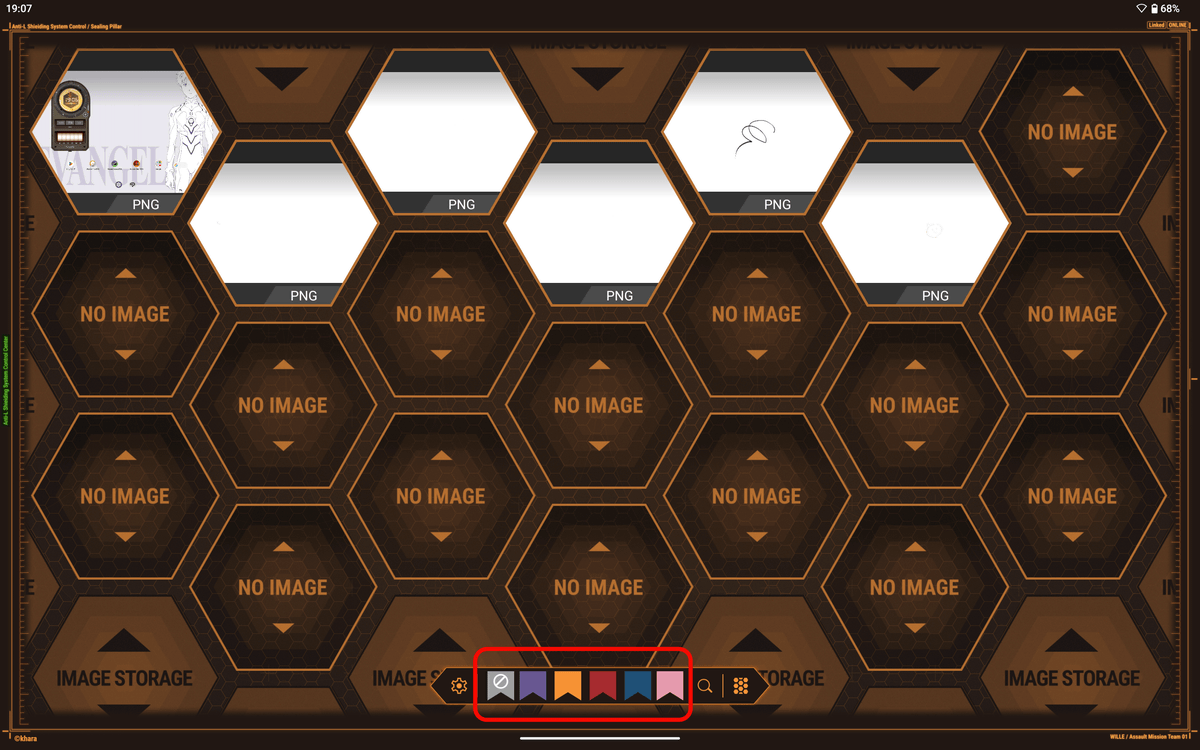
The Wacom Shelf EVA looks like this: Saved files are displayed in a honeycomb design, and the tags attached to the files are colored to resemble characters from Evangelion.
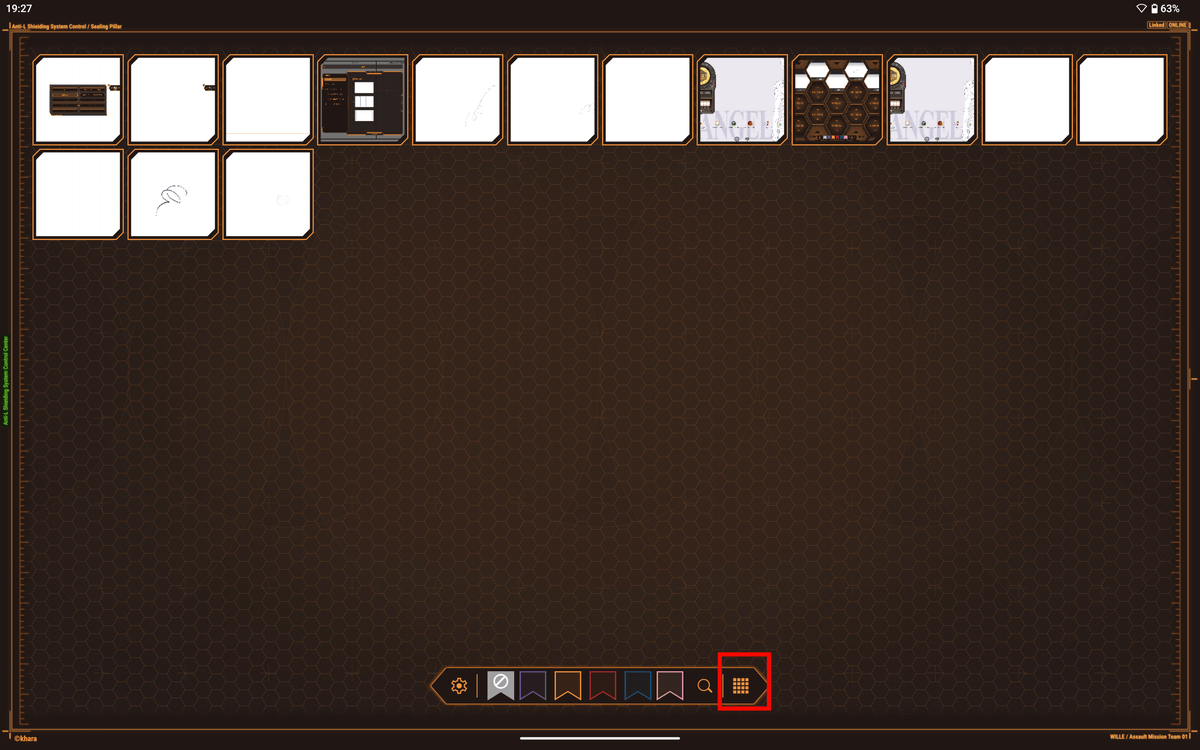
You can change the display by tapping the icon in the bottom right corner.
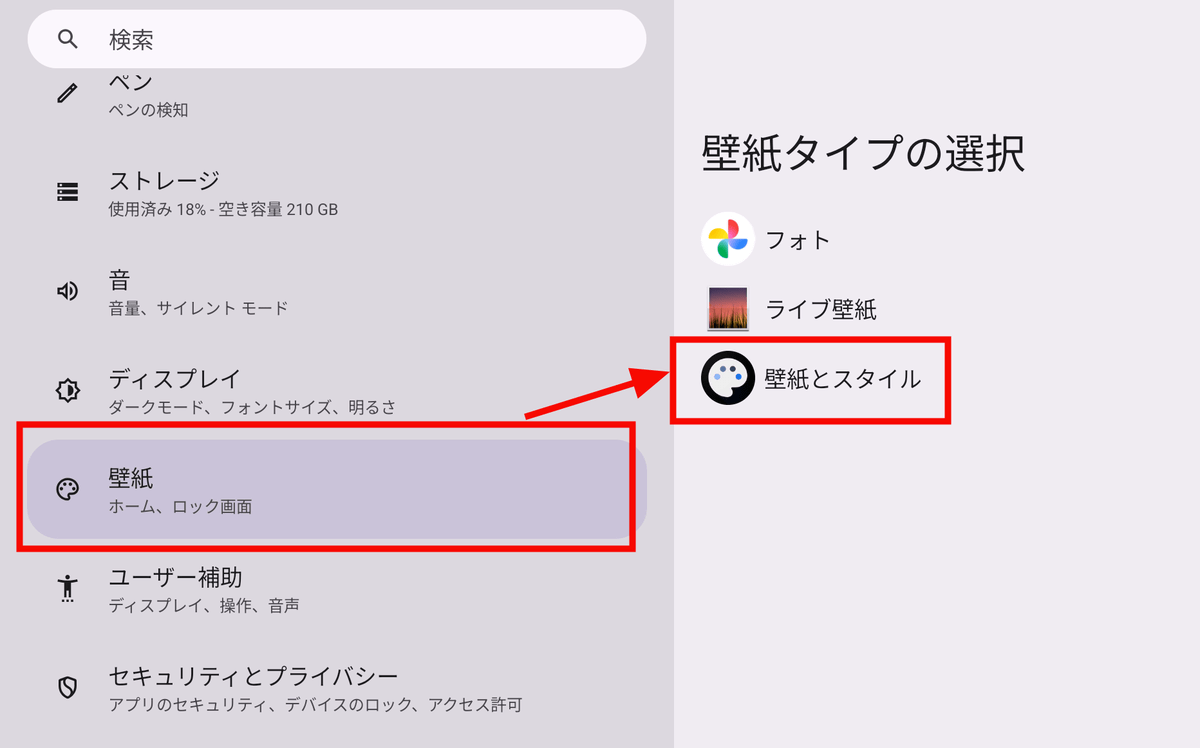
You can change the background displayed on the lock screen and home screen from the Settings app. Open the Settings app, select 'Wallpaper,' and then tap 'Wallpaper & Style.'
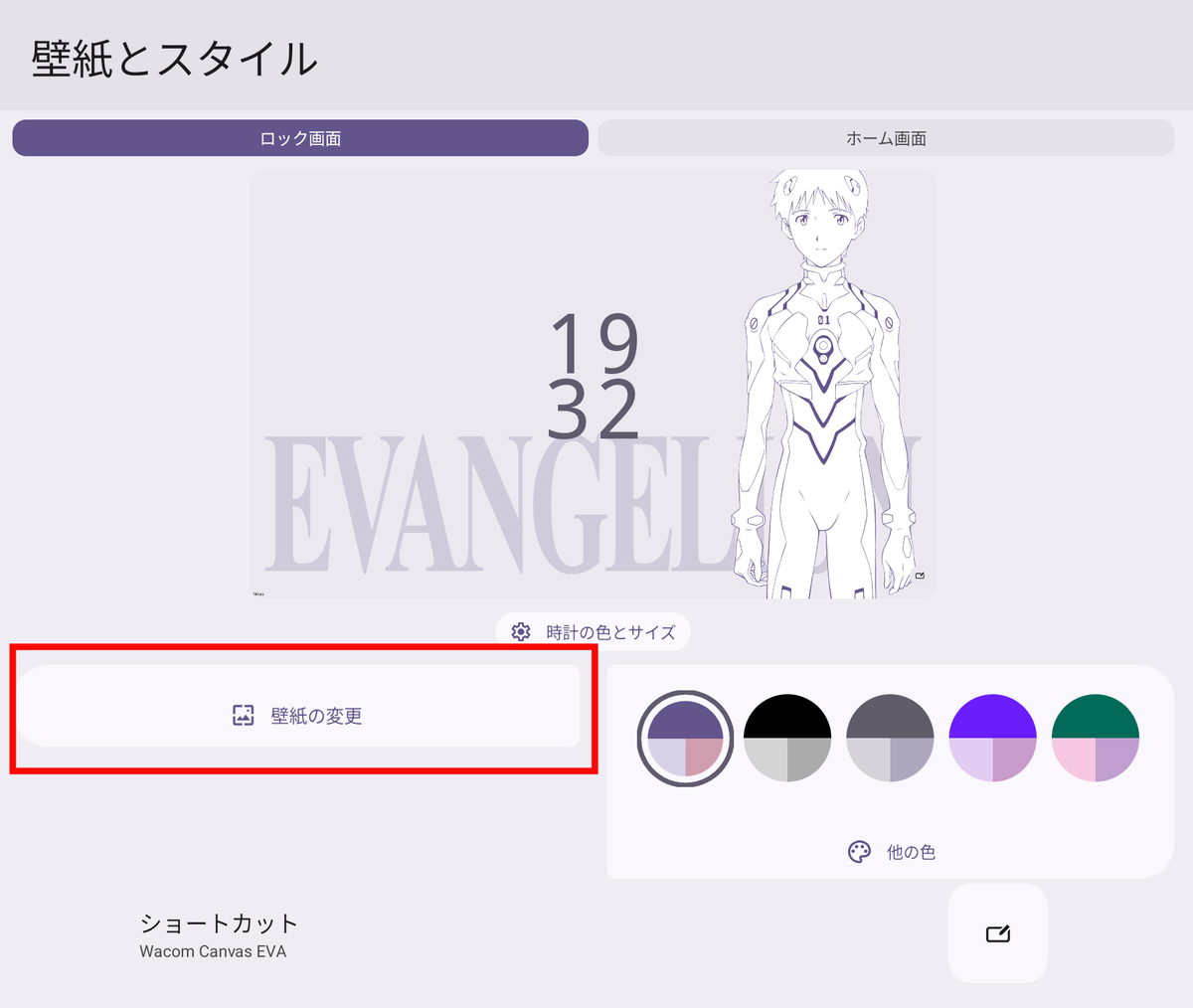
Tap 'Change Wallpaper'.
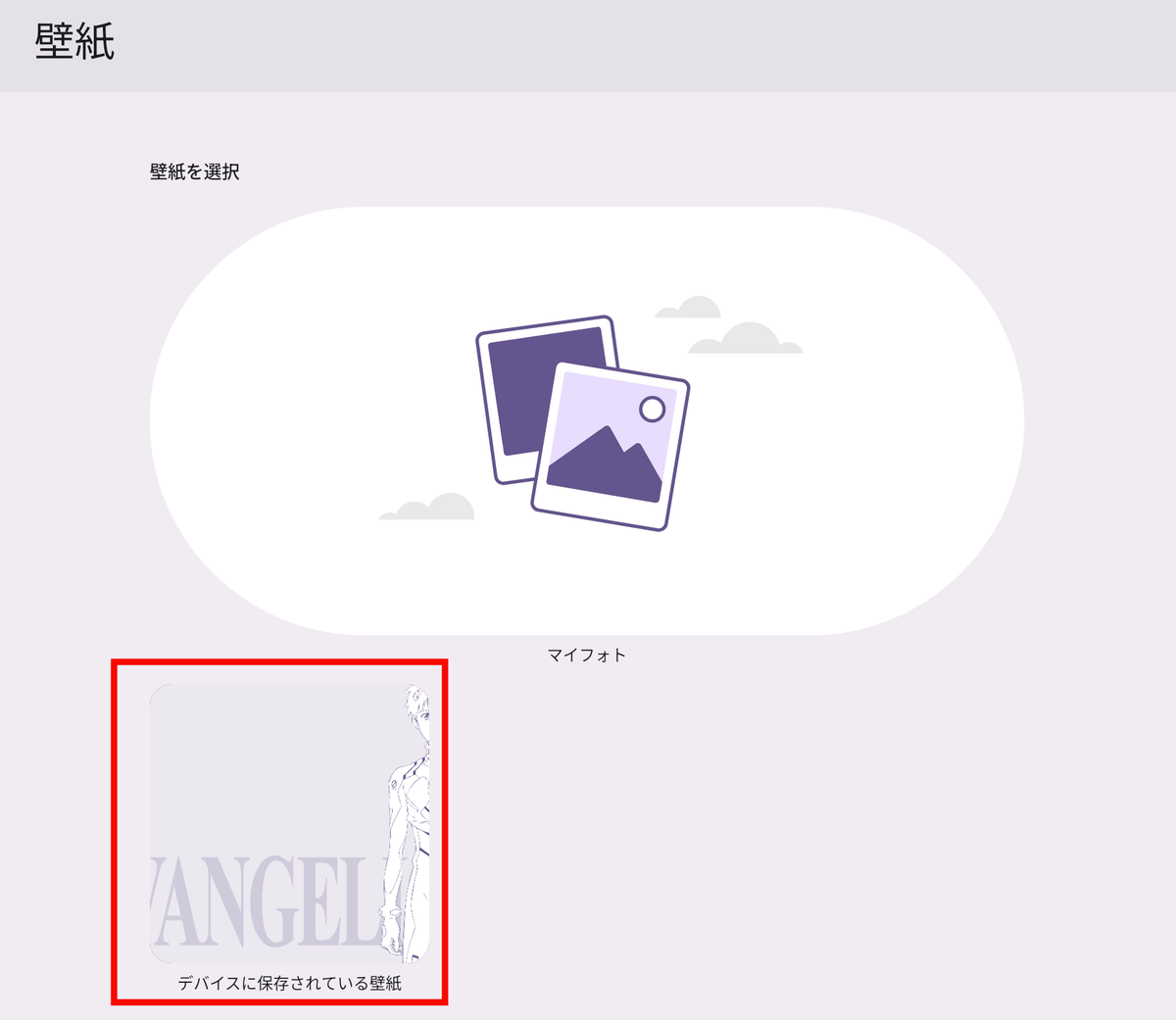
Tap 'Wallpapers saved on your device'.
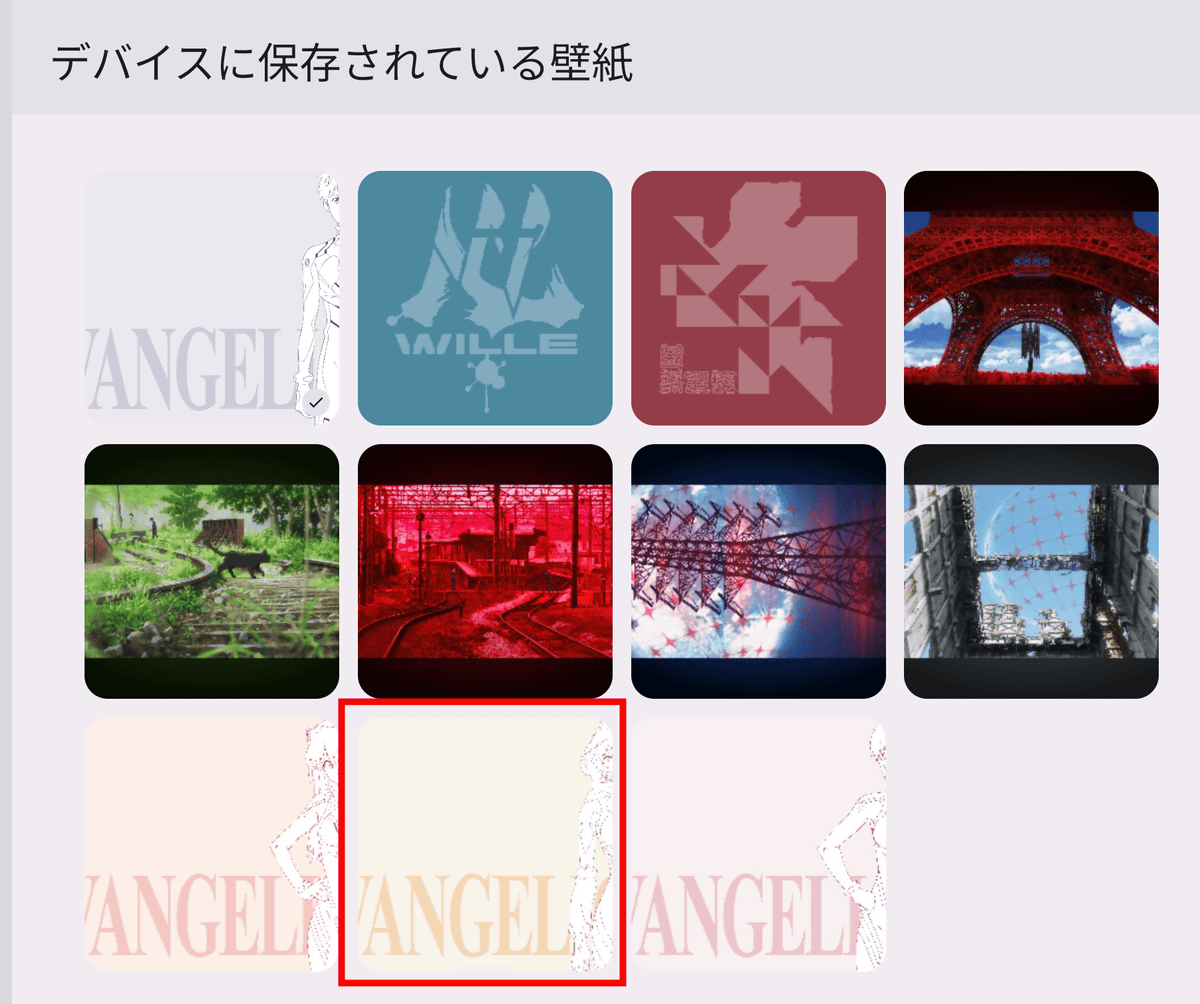
By default, the app includes four character backgrounds, two designs featuring the logo, and five background art images. Select the image you want to set as the background.
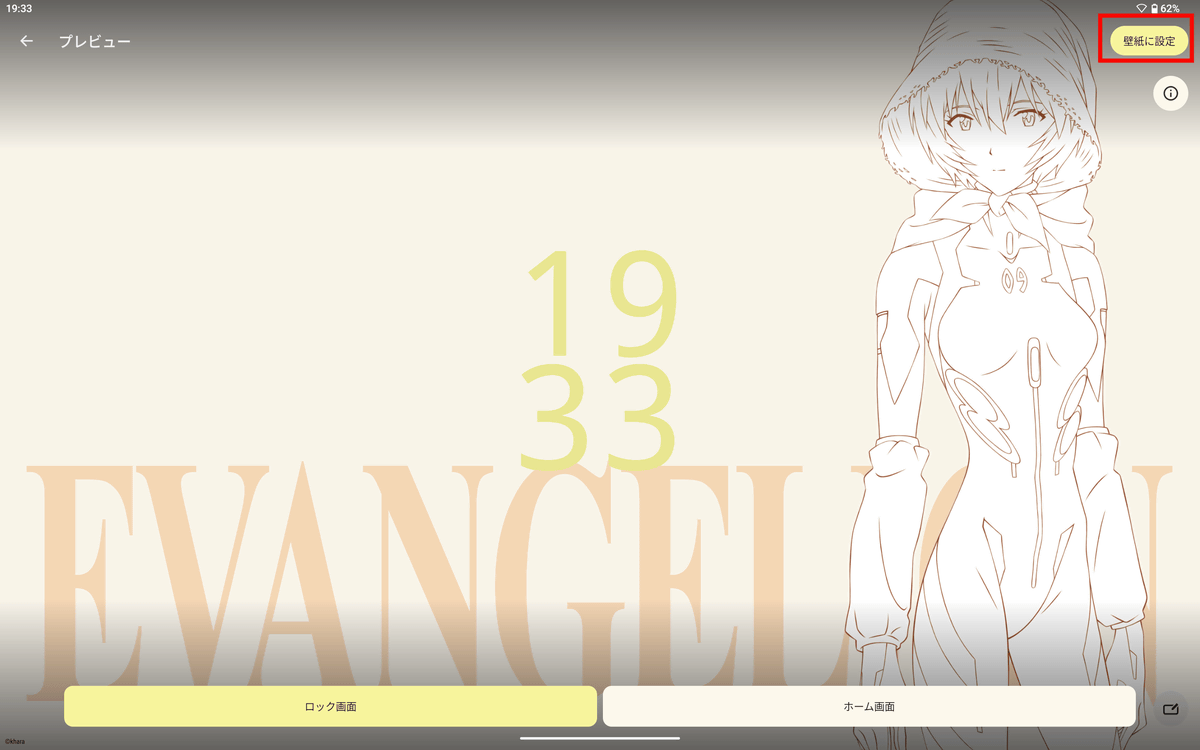
A preview will be displayed, so tap 'Set as wallpaper'.
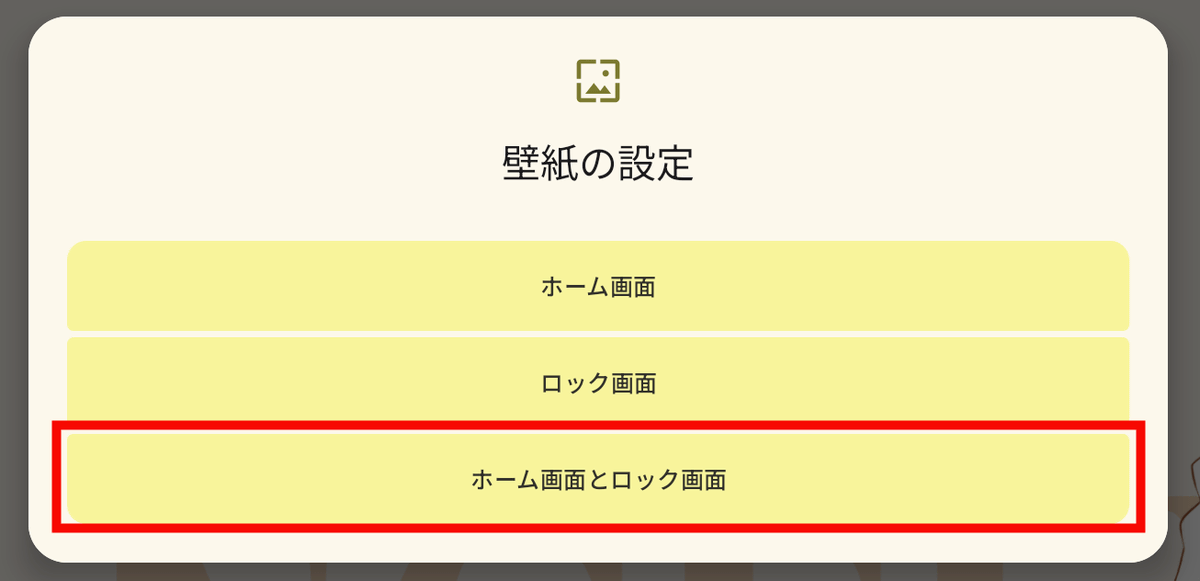
Tap 'Home screen and lock screen'.
The background has been changed.
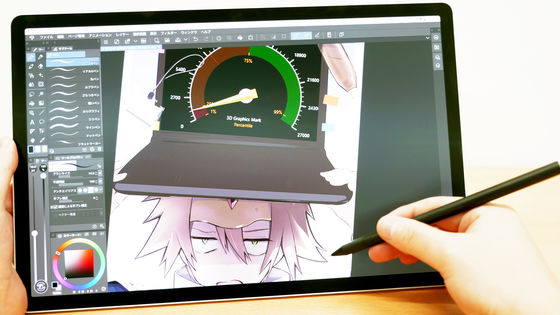
The performance of the Wacom MovinkPad Pro 14, which is specifically designed for drawing, can be better understood by reading the following article.

The Wacom MovinkPad Pro EVA Edition comes with various accessories featuring Evangelion designs. Below is the EVA Edition of the Wacom MovinkPad Pro 14 Cover .
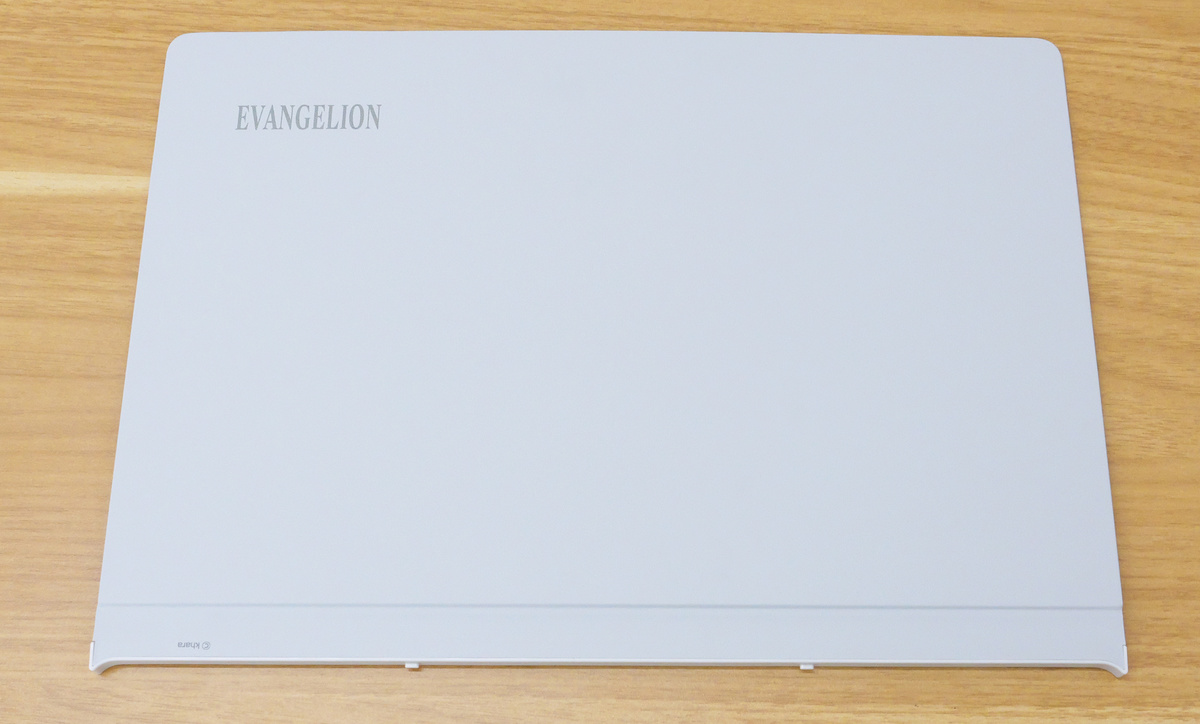
Align the hole on the bottom of the Wacom MovinkPad Pro EVA Edition with the protrusion on the Wacom MovinkPad Pro 14 Cover, and it will click into place magnetically.
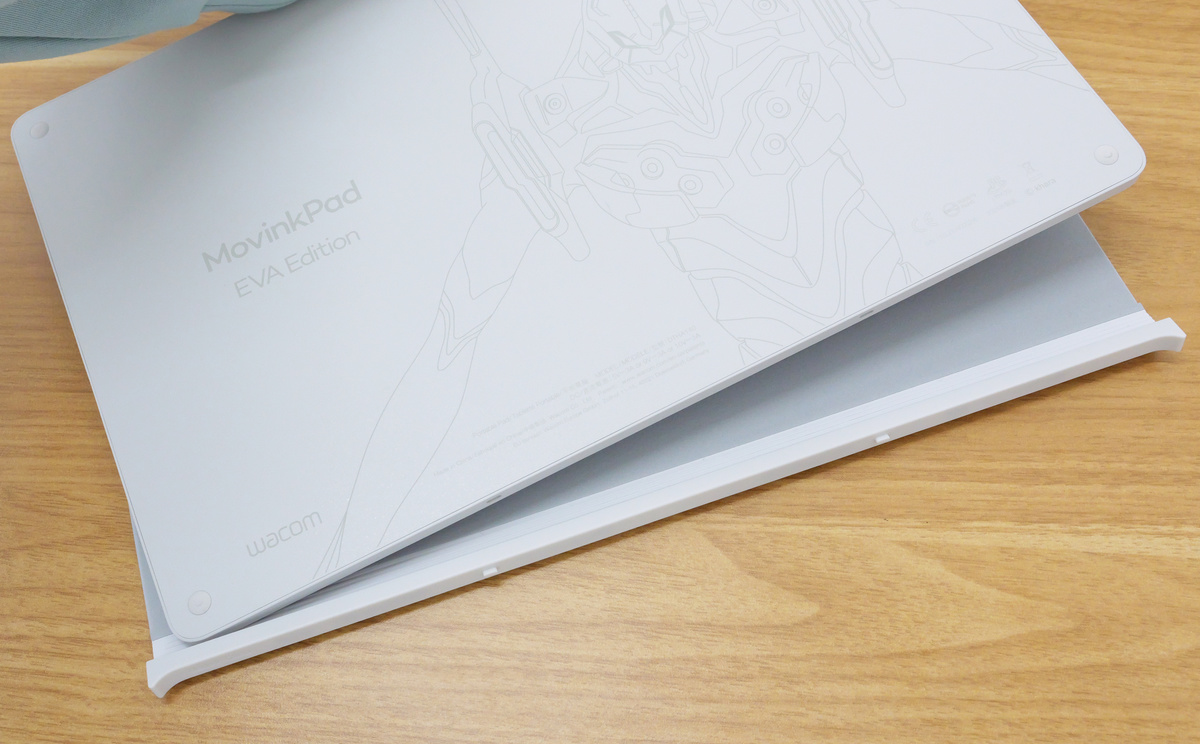
Attaching a cover protects the screen when carrying or storing the device.
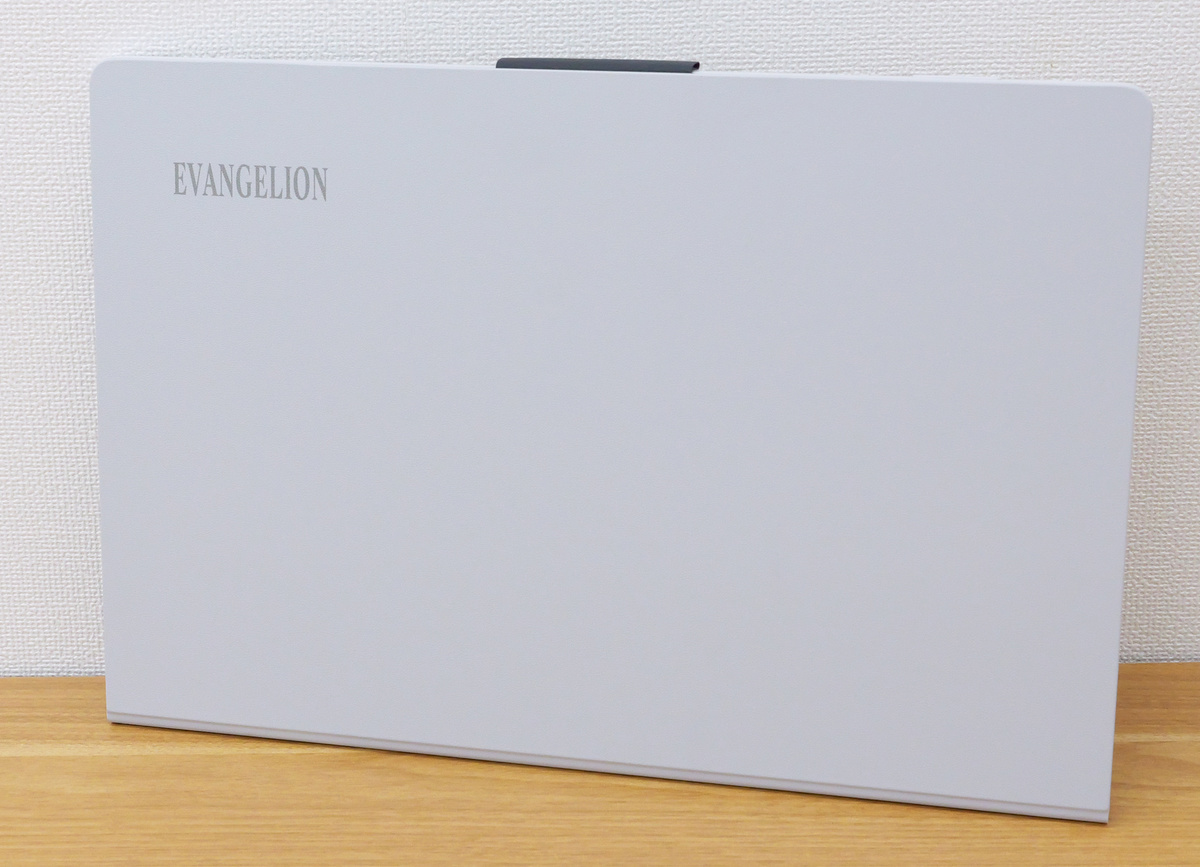
The back with the cover on looks like this.
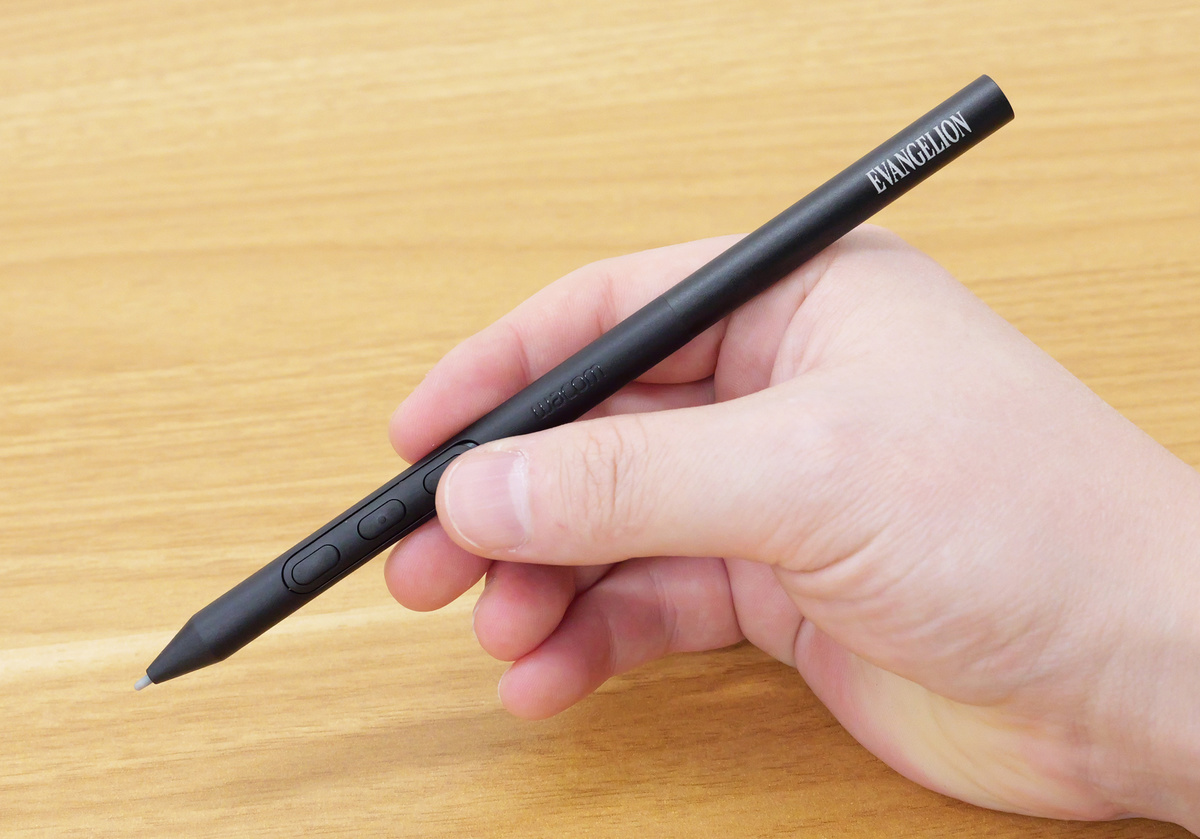
Additionally, the included Wacom Pro Pen 3 also has the EVANGELION logo engraved on it.
The Wacom Rollup Case, convenient for storing the Wacom Pro Pen 3 and USB cable, is also available in an EVA Edition.
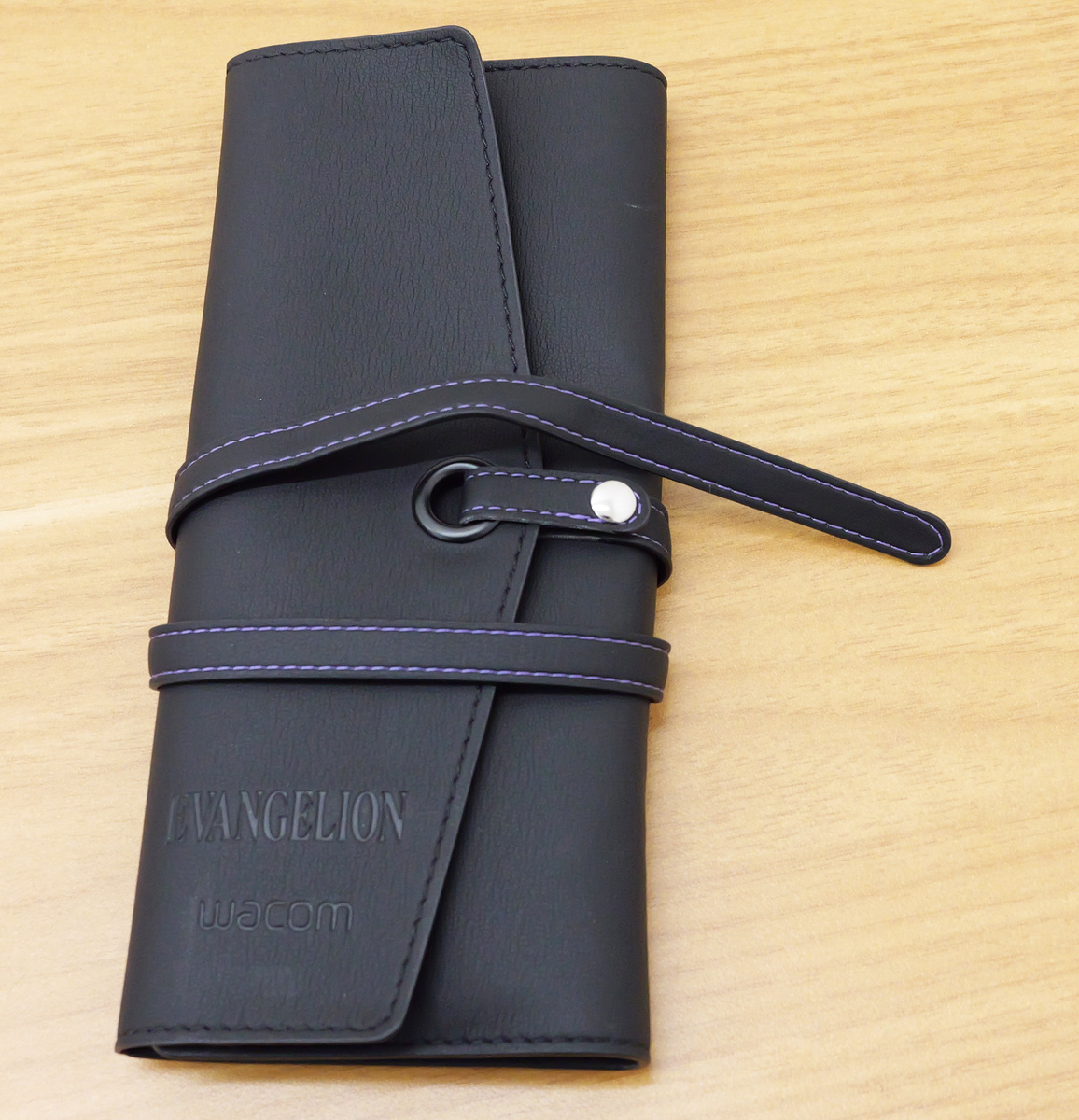
When you open the Wacom Rollup Case, you can store pens and other items as shown below, which is useful for storage and carrying.
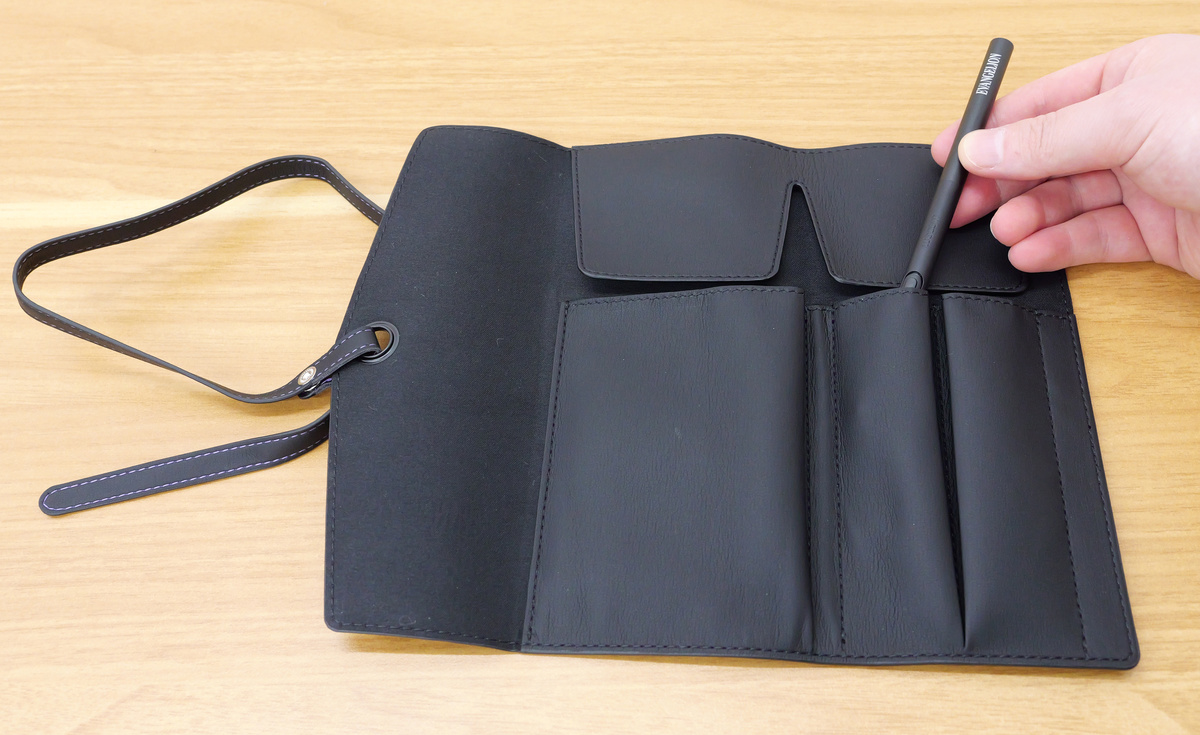
Below is
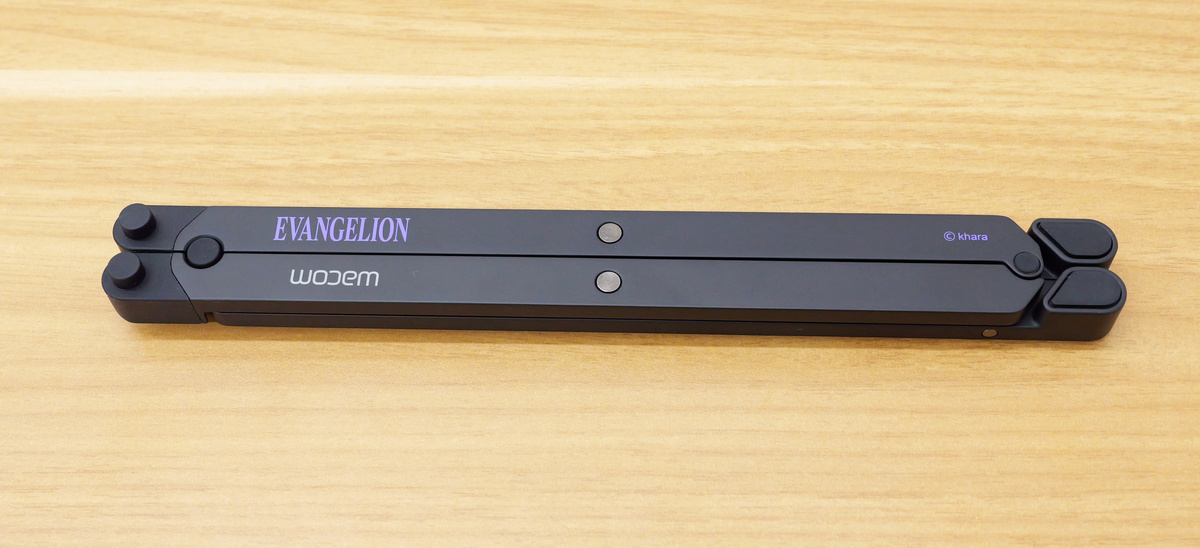
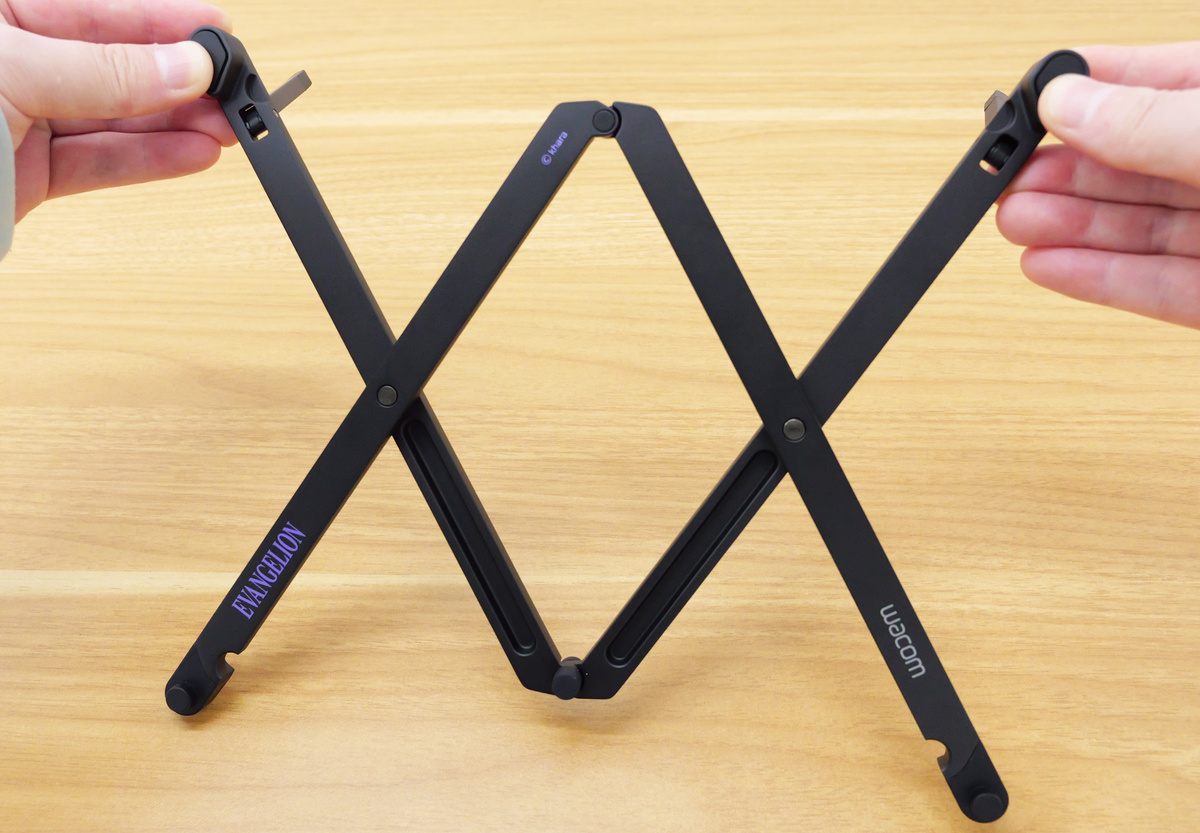
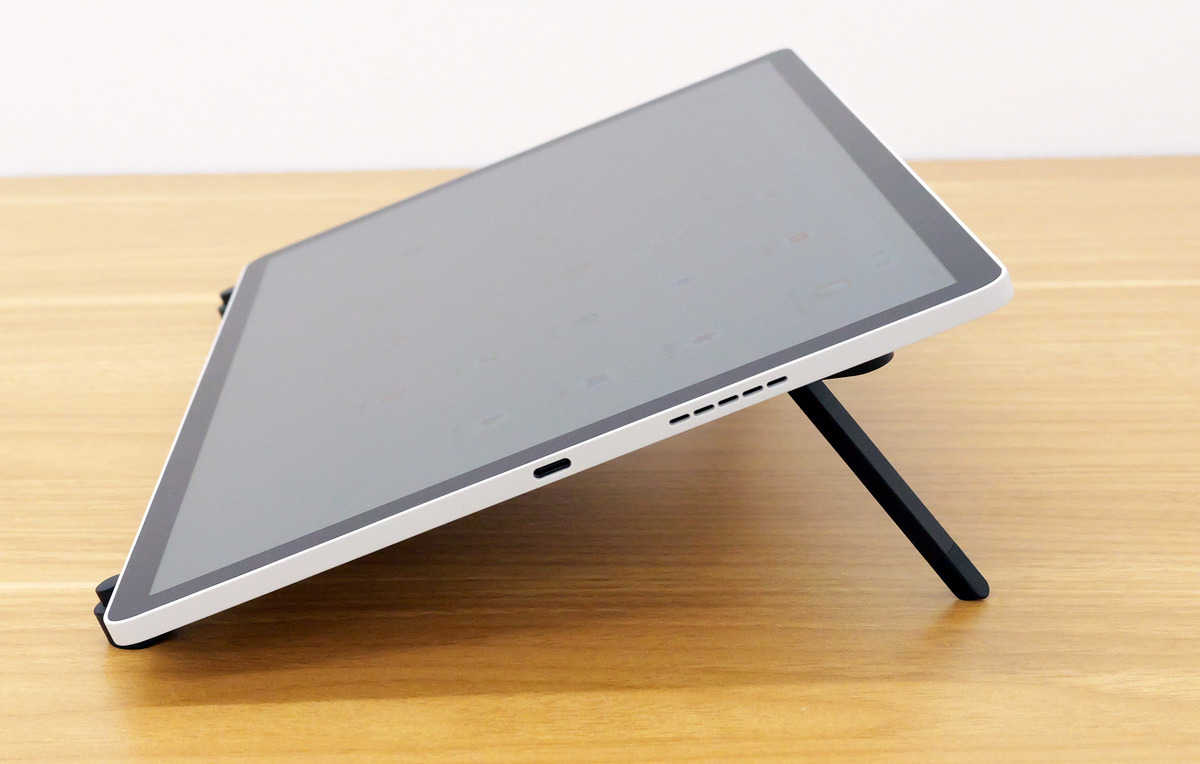
The Wacom Foldable Stand can be extended to the left and right for use.
This is what the Wacom MovinkPad Pro EVA Edition looks like when propped up. The angle is 20 degrees.
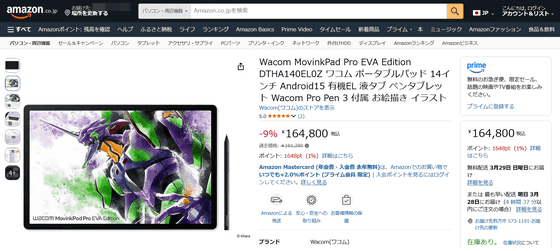
The 'Wacom MovinkPad Pro EVA Edition,' a set including the Wacom MovinkPad Pro 14 with an Evangelion theme and peripherals, is priced at 181,280 yen at the Wacom Store. It is also available on Amazon.co.jp, where it is priced at 164,800 yen (tax included) at the time of writing.
Amazon.co.jp: Wacom MovinkPad Pro EVA Edition DTHA140EL0Z Wacom Portable Pad 14-inch Android 15 OLED Display Pen Tablet with Wacom Pro Pen 3 Included for Drawing and Illustration: Computers & Peripherals
Related Posts: