Google Gemini's native macOS app is now available.
Google has released a desktop app for its AI assistant, Gemini, for Mac. This means that macOS users can now access Google Gemini through a native desktop app, rather than via a web browser.
Gemini for macOS - A native desktop app with your own personalized AI.
Installing this native desktop app eliminates the need to connect to the Google Gemini web app through a browser, as was previously required. For example, you can bring up the main window using the shortcut Option + Shift + Space. You can also track your past Gemini conversations by logging into your Google account.

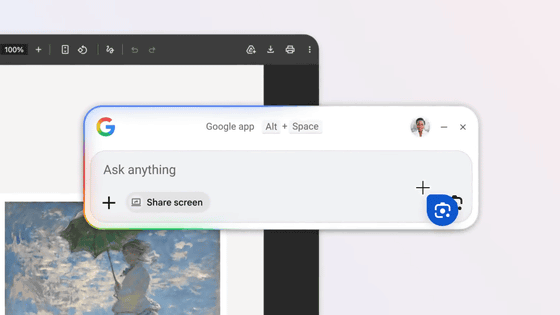
Additionally, pressing the Option + Space shortcut will display an overlay window that allows you to interact with Google Gemini.

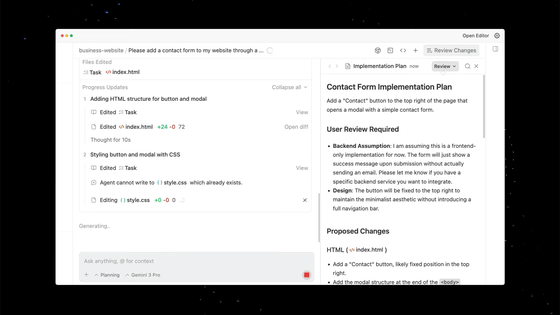
Google CEO Sundar Pichai commented, 'We're introducing Gemini for Mac. This is our first desktop Gemini app for macOS. The team developed this initial version using Antigravity, and it only took a few days from the idea to a prototype of a native Swift app.'
Introducing Gemini on Mac.
— Sundar Pichai (@sundarpichai) April 15, 2026
It's the first time we're bringing the @Geminiapp to desktop. The team built this initial release with @Antigravity , and it went from an idea to a native Swift app prototype in a few days.
More features on the way! pic.twitter.com/YRy0Pqq6zo
The macOS version of the Gemini app is compatible with macOS Sequoia (15.0) and later, and is available for free download in all languages and countries where Gemini is supported.
Related Posts: