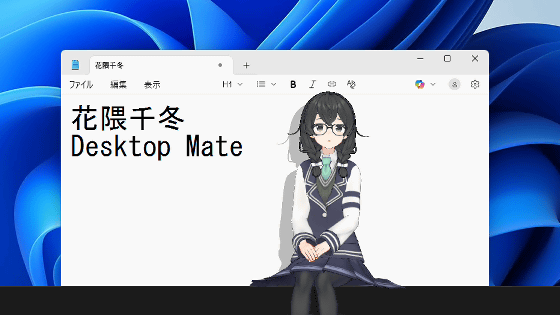
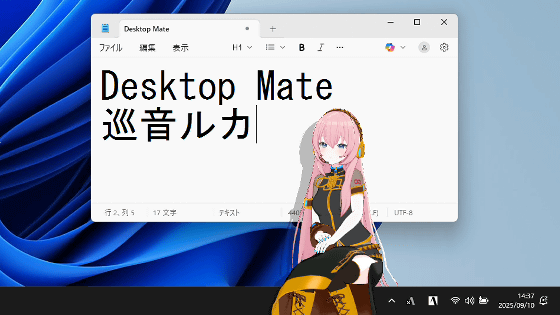
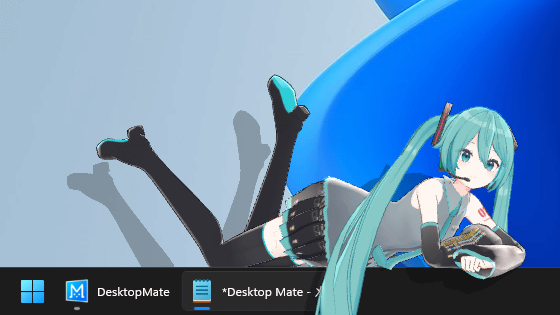
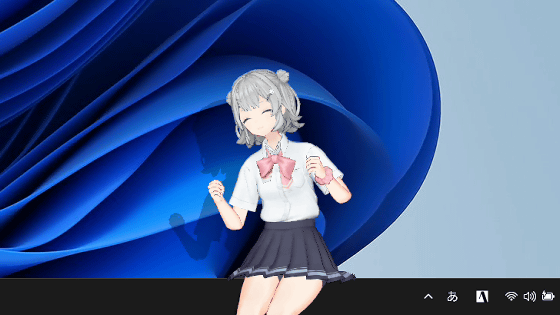
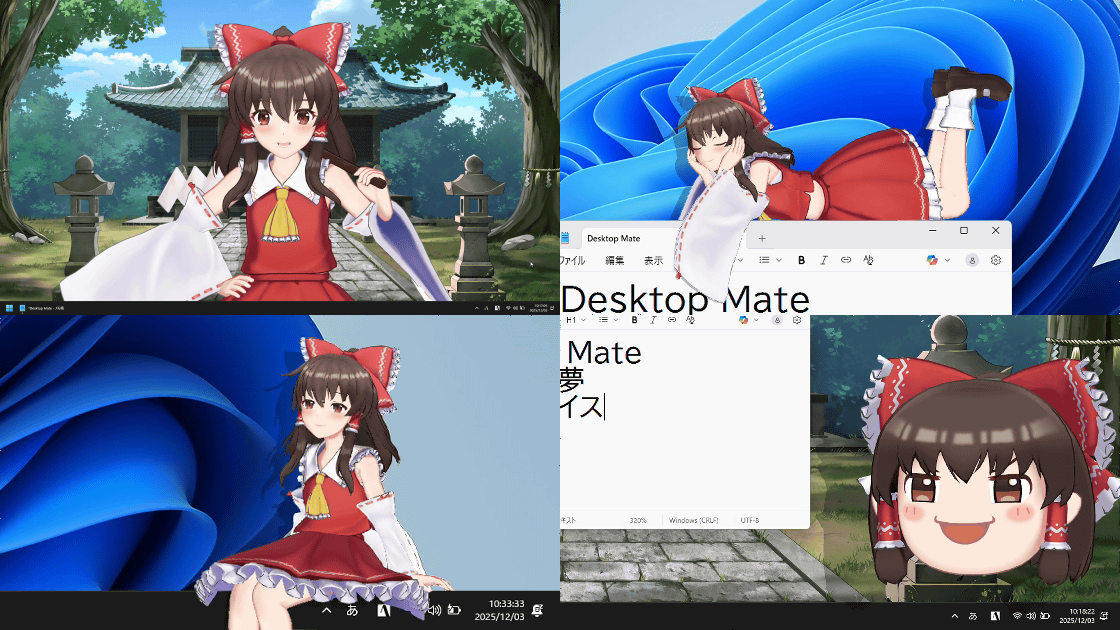
The DLC for Desktop Mate has been released, which lets you summon the talking Reimu Hakurei and Yukkuri Reimu to your desktop. I tried it out, featuring newly recorded voices by Sumire Uesaka and Yukkuri voices.
'
Steam: Desktop Mate Hakurei Reimu DLC
https://store.steampowered.com/app/4018660/Desktop_Mate__DLC/
Steam: Desktop Mate Yukkuri Reimu DLC
https://store.steampowered.com/app/4161240/Desktop_Mate__DLC/
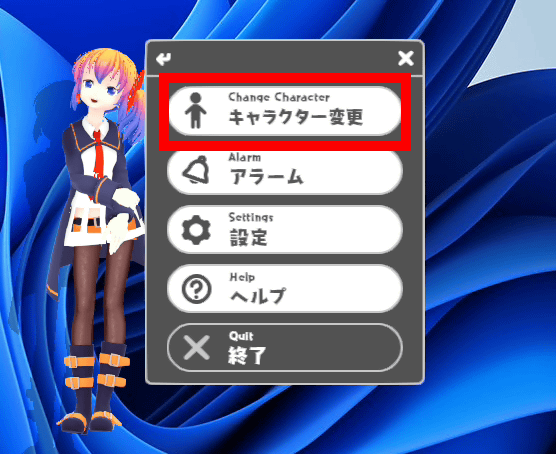
Desktop Mate itself is a free app available on Steam, but you can add Reimu Hakurei and Yukkuri Reimu to your list of playable characters by purchasing the paid DLC at the link above. To display Reimu Hakurei on your desktop, first launch Desktop Mate and click 'Change Character' in the right-click menu.
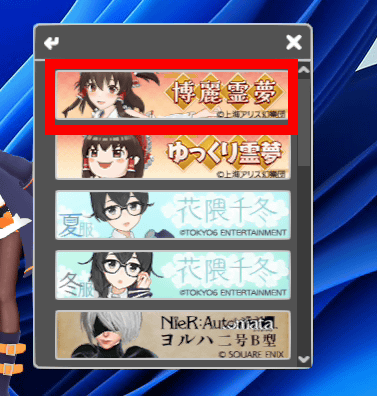
Click on Hakurei Reimu.
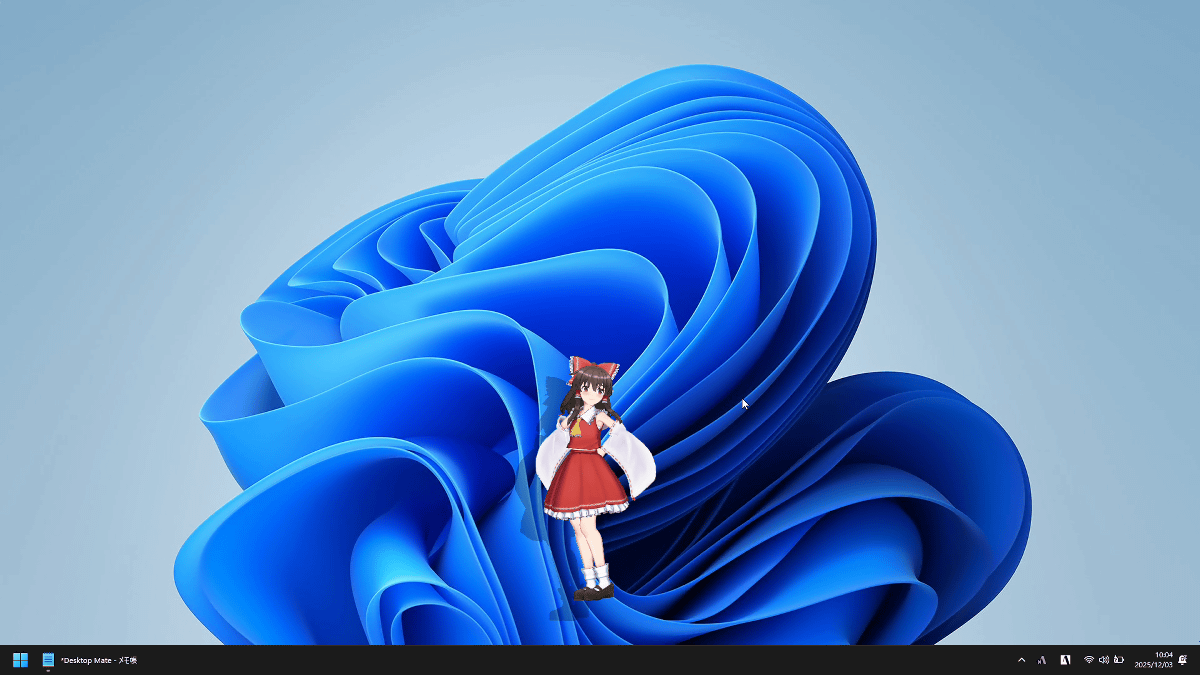
Reimu appeared on the screen.
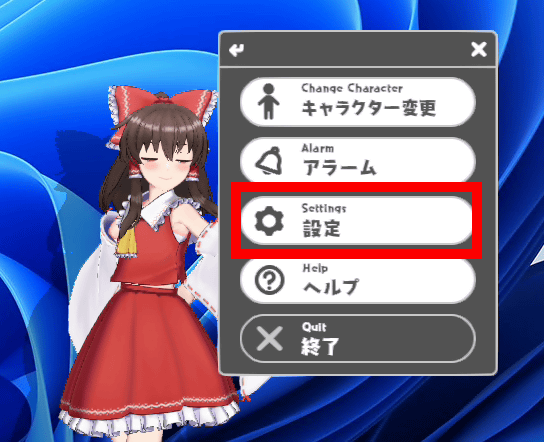
'Desktop Mate Hakurei Reimu DLC' comes with two wallpapers, so let's check them out. Click 'Settings' in the right-click menu.
You can change the wallpaper on your PC by clicking on the two wallpapers in the wallpaper change section.
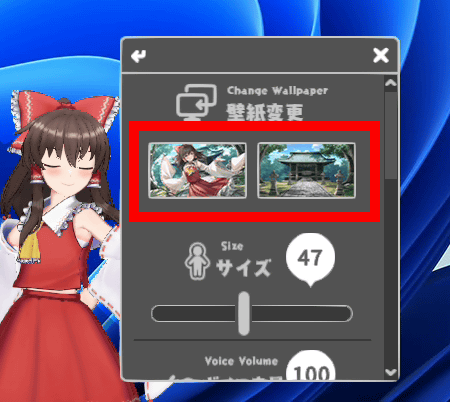
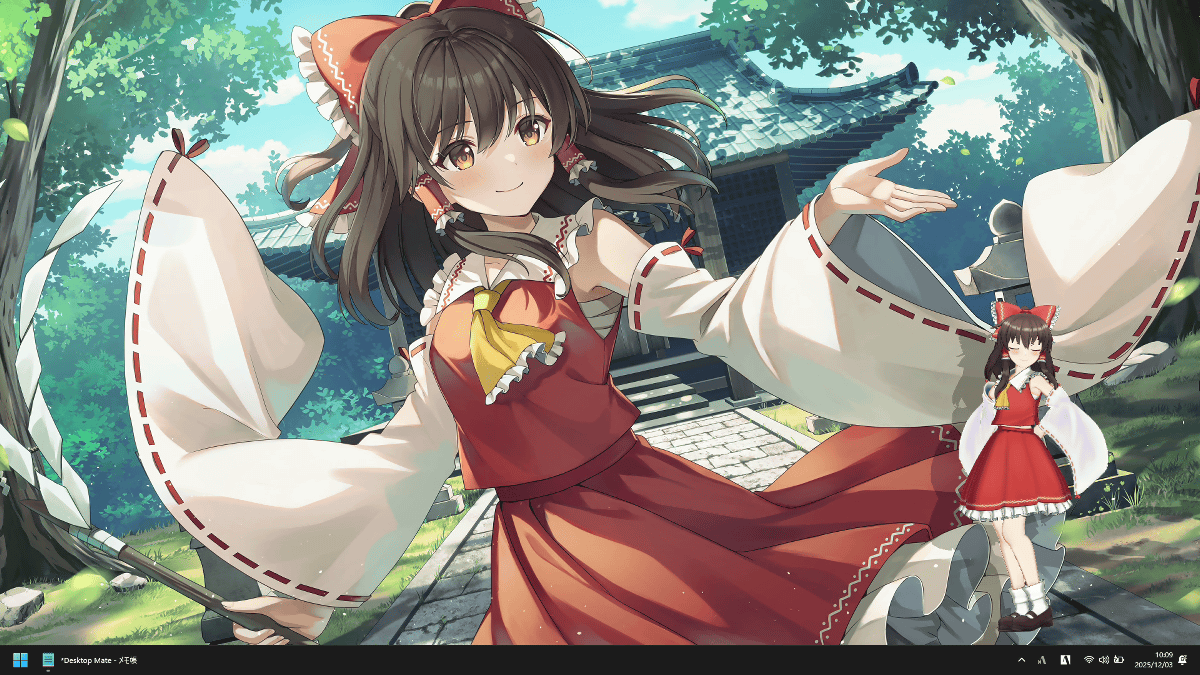
I tried setting the wallpaper.
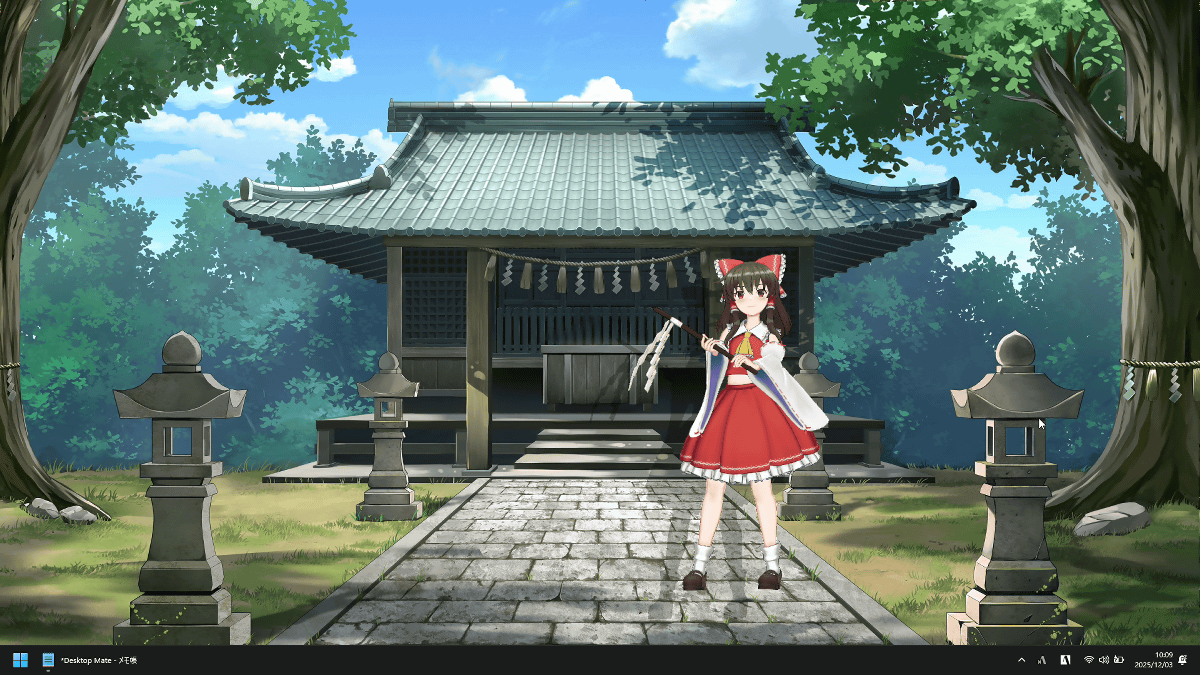
Another wallpaper looks like this.
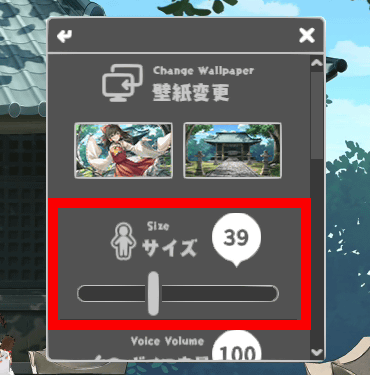
You can also adjust Reimu's size between 1 and 100 by moving the slider in the size field on the settings screen.
This is what it looks like in size 1. Reimu is displayed small in the bottom right.
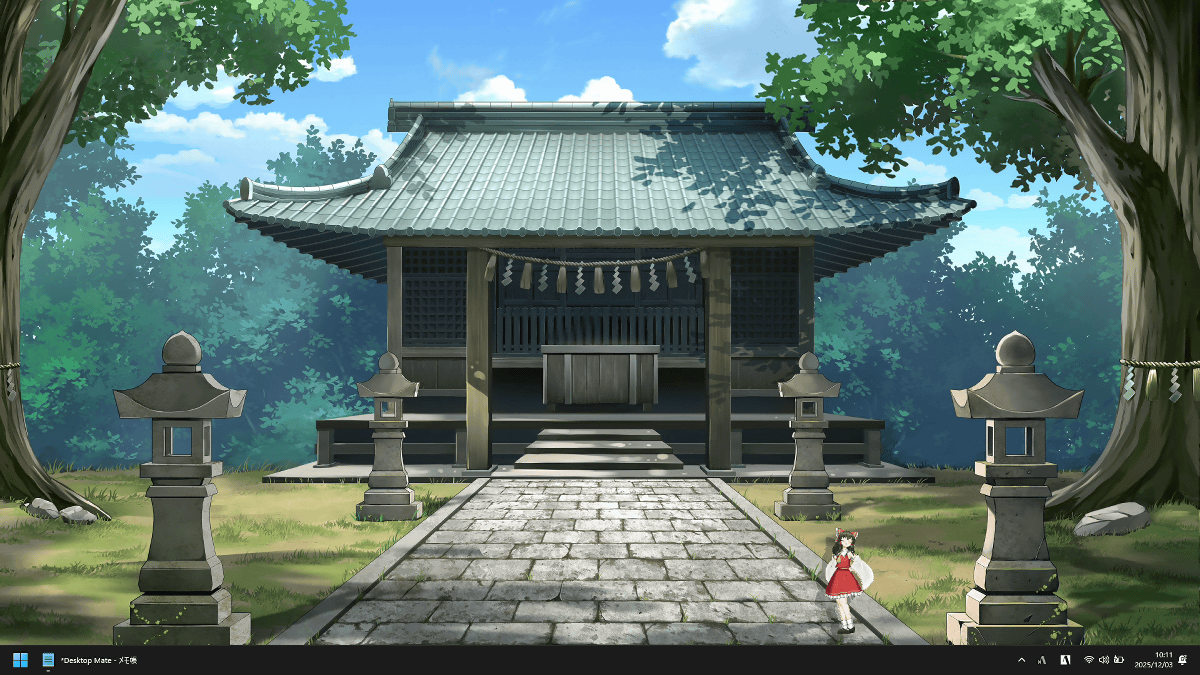
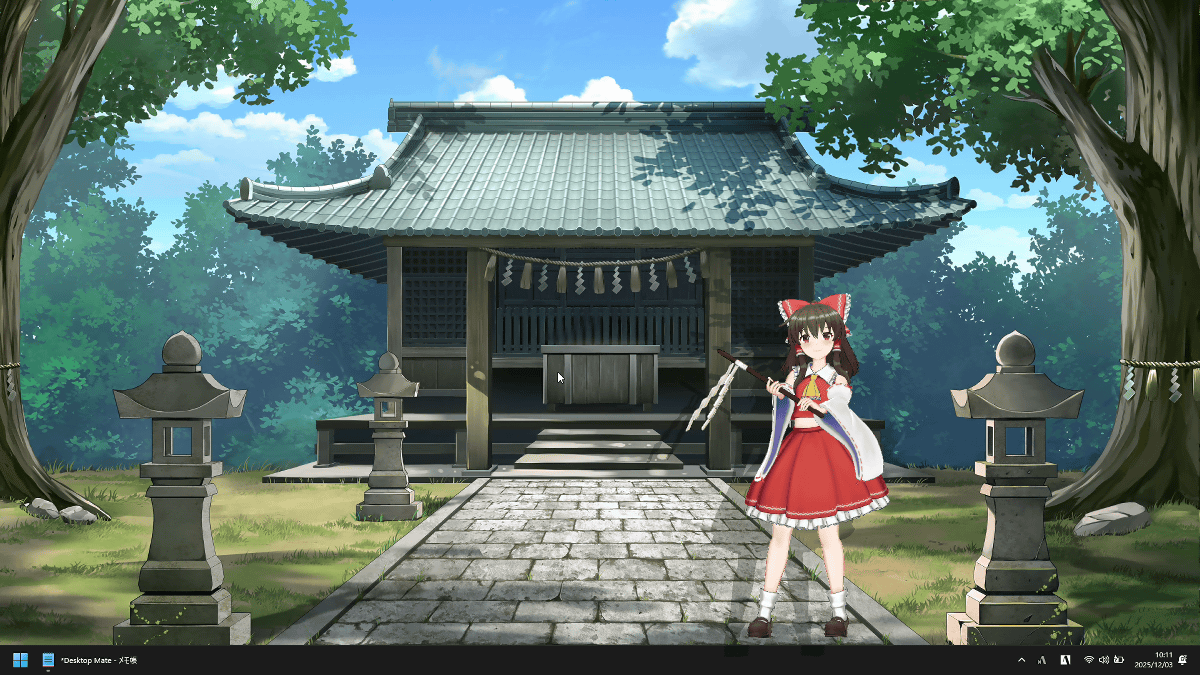
Size 50.
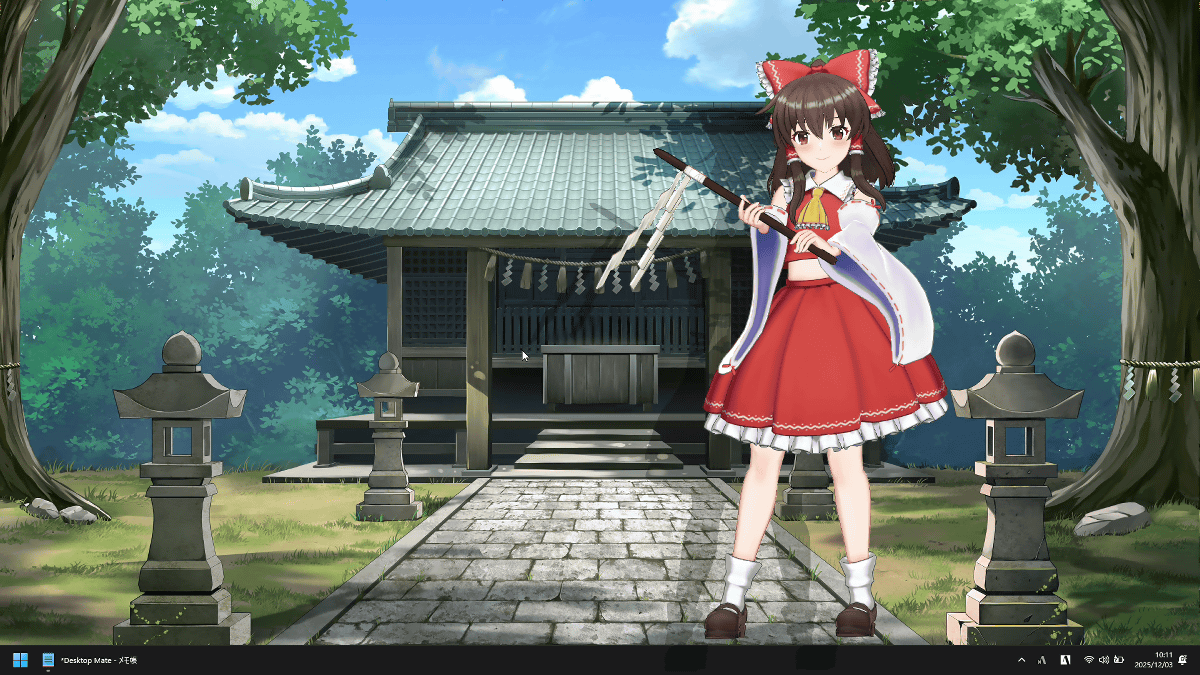
Size 100 is quite large.
You can adjust Reimu's display position by dragging her. You can also place her on a window or taskbar, or hide her on either side of the screen. Additionally, voices and motions will play in response to clicks and other actions. You can see Reimu's actual movements and voice in the video below.
It also has an alarm function, and Reimu will let you know when it's time.
Reimu Hakurei, voiced by Sumire Uesaka, tells you the time from your PC screen [Desktop Mate] - YouTube
Yukkuri Reimu looks like this. Yukkuri Reimu is distributed as a separate DLC from Hakurei Reimu and does not include wallpapers.
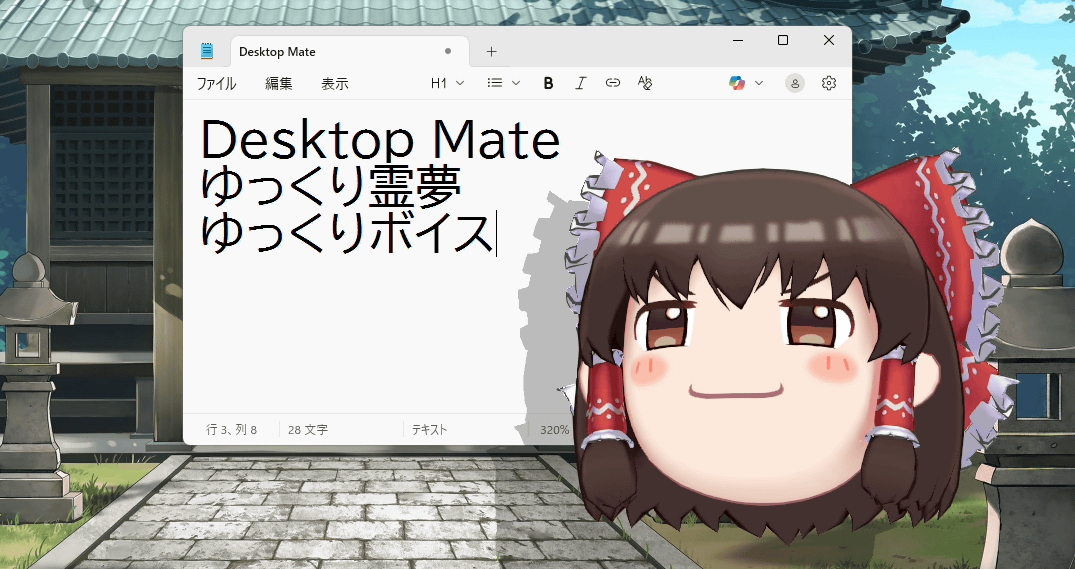
I tried changing the size. Size 1 is quite small.
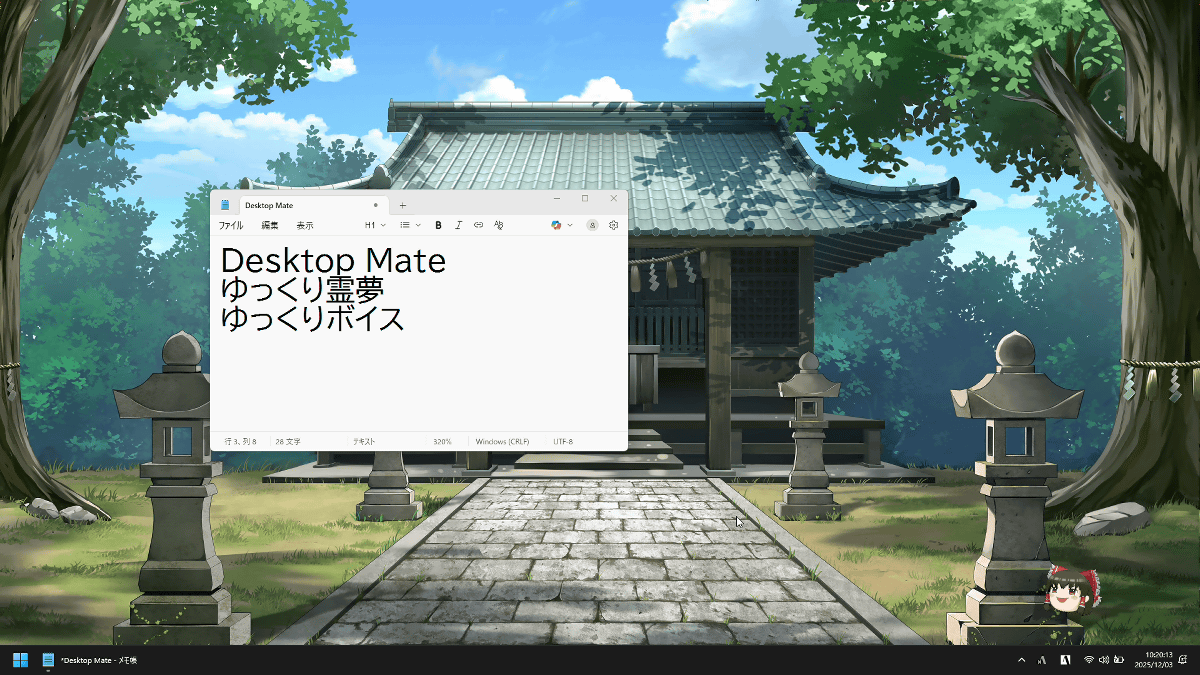
Size 50.
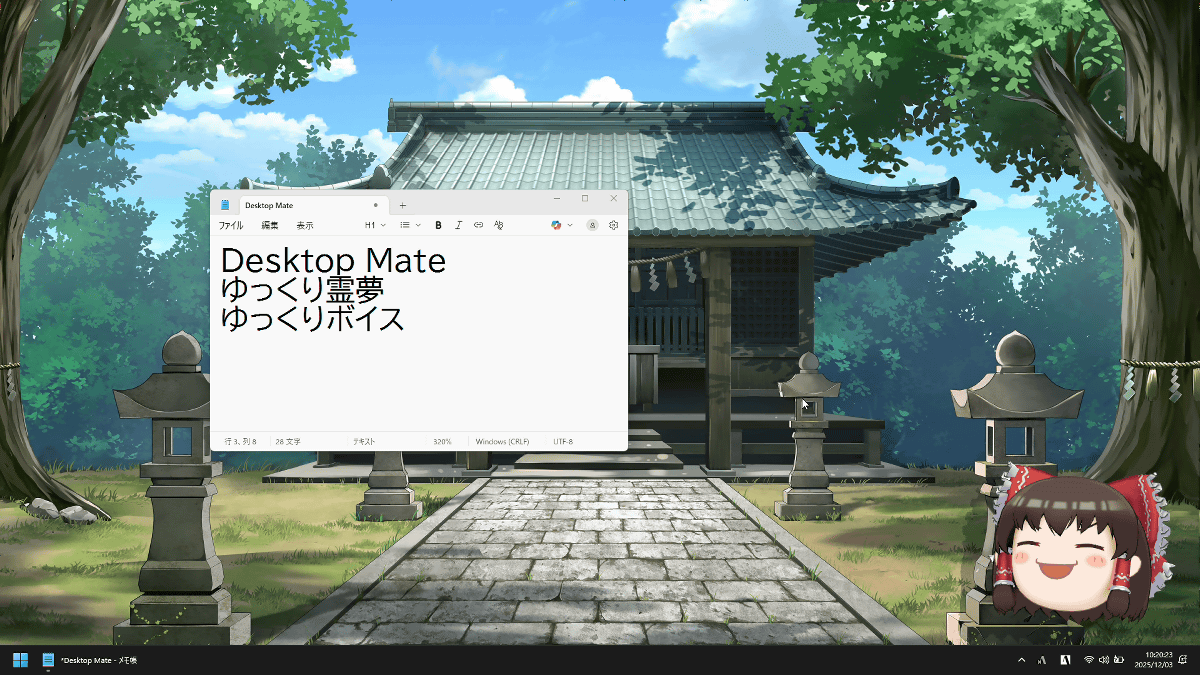
Size 100.
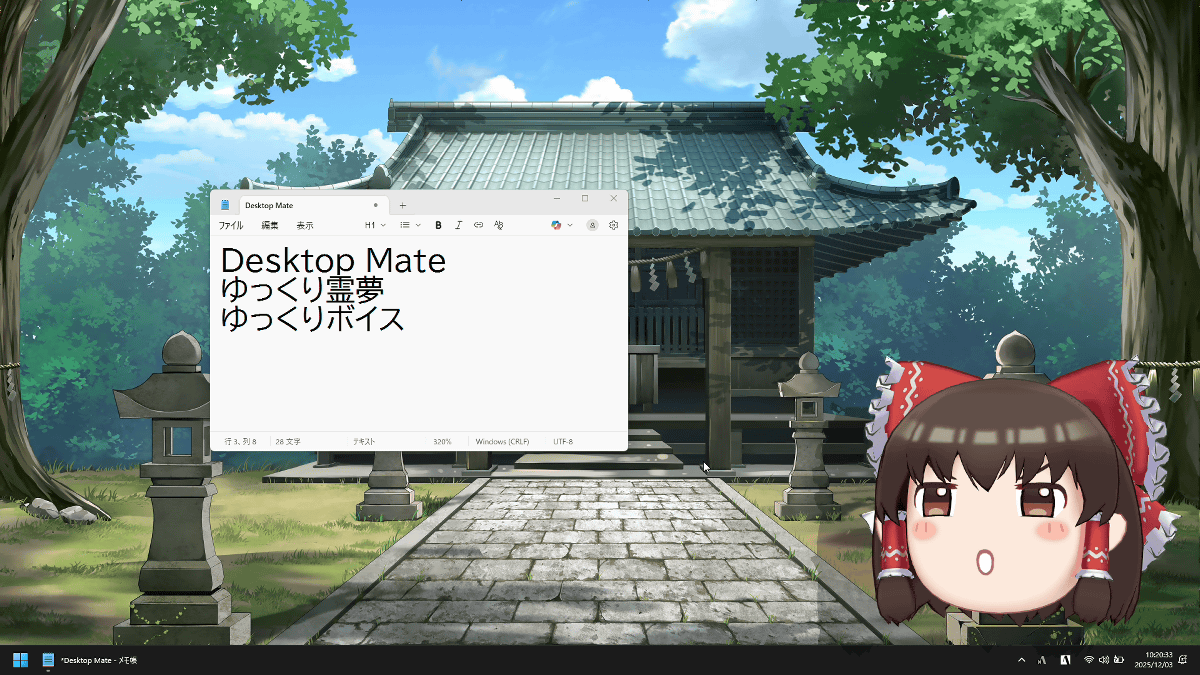
The display position of Yukkuri Reimu can also be freely changed, and the familiar Yukkuri voice is also included.
It also has an alarm function.
Alarm function that lets you know the time with Yukkuri Reimu [Desktop Mate] - YouTube
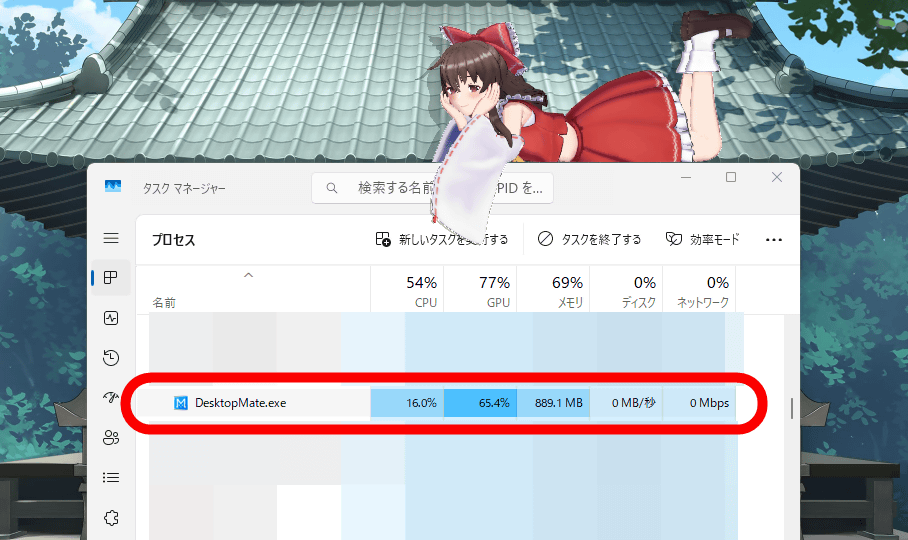
Desktop Mate is an app that draws characters in 3D, so it places a considerable load on the GPU. For reference, on a laptop equipped with an Intel Core i7-1065G7 , Desktop Mate's GPU usage was around 68%. This won't be a problem in an environment with a dedicated GPU, but in an environment with only an iGPU, the PC may run slowly.
Desktop Mate itself is free, while the 'Desktop Mate Hakurei Reimu DLC' is priced at 2,200 yen (tax included), and the 'Desktop Mate Yukkuri Reimu DLC' is priced at 1,100 yen (tax included). DLC for 'Kirisame Marisa' and 'Yukkuri Marisa' is also planned.
Related Posts: