GitHub Copilot evolves from an 'AI assistant' to an 'AI development team,' revealing the full scope of its dedicated app.
GitHub announced details about the ' GitHub Copilot app ' on June 2, 2026. The GitHub Copilot app is a desktop application that was
GitHub Copilot app: The agent-native desktop experience - The GitHub Blog
https://github.blog/news-insights/product-news/github-copilot-app-the-agent-native-desktop-experience/
In software development, there's a growing trend to entrust AI agents with tasks beyond simply writing code, such as bug investigation, issue handling, pull request correction, and code review. However, this has led to problems such as the hassle of switching between multiple screens, the burden of reviewing the code generated by the agent, and the difficulty in understanding what has been verified.
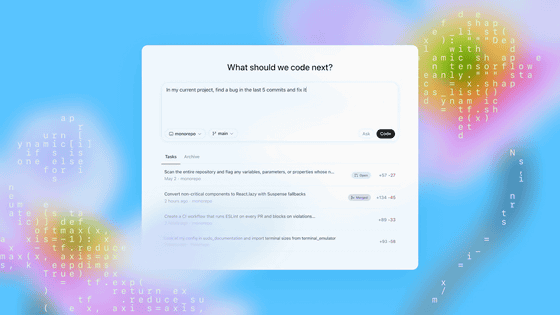
The GitHub Copilot app is a desktop application developed to address these issues specific to agent development. It allows for the centralized management of multiple agent tasks and also includes features for collaborative work between humans and AI. As of the time of writing, it is available as a technical preview for Copilot Pro, Copilot Pro+, Copilot Business, and Copilot Enterprise users.
The standout feature of the GitHub Copilot app is the 'My Work' screen. The My Work screen allows you to view sessions, issues, pull requests, and background automation for connected repositories all in one place. This means you can track parallel work—for example, one agent investigating a production bug, another implementing an issue, and yet another responding to review comments—all on a single screen.
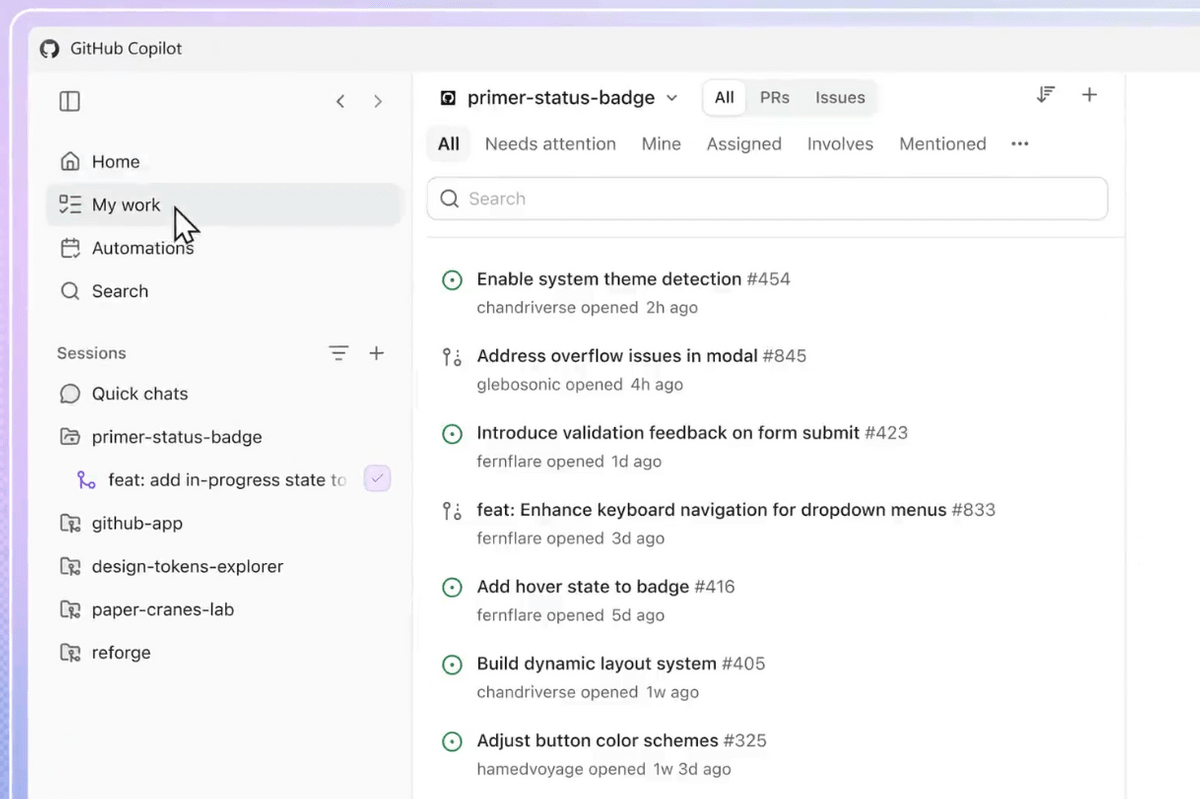
Each agent session operates using 'git worktree,' a Git mechanism that creates separate workspaces from the same repository. This reduces the likelihood of conflicts when working on multiple tasks simultaneously, and the GitHub Copilot app automatically handles the creation and cleanup of workspaces.
GitHub also offers 'Agent Merge,' a feature that guides pull requests through the review and merging process. Agent Merge monitors the status of CI (Continuous Integration), a system that automatically runs tests and builds when code changes are made, and tracks required reviewers and failed checks while proceeding with the necessary merge tasks. Developers can specify the scope of tasks to delegate to Copilot, such as 'pass CI,' 'address review comments,' and 'merge when conditions are met.' You can see how the GitHub Copilot app actually handles the process from issue to merge in the following video.
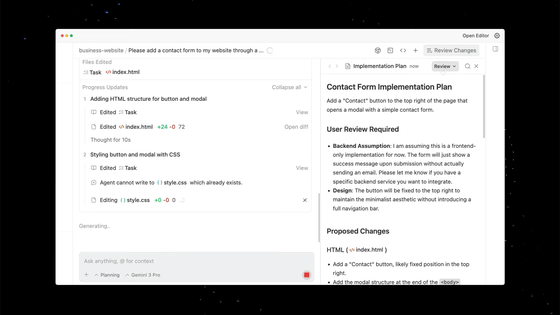
Furthermore, the GitHub Copilot app will gain a 'Canvas' feature. In chat alone, agent plans, modifications, and verification results tend to get buried in long conversation history, but Canvas will display plans, pull requests, browser sessions, terminals, deployments, and workflow status, allowing developers to edit, approve, and revert the content. GitHub positions Canvas as the beginning of 'agent experience,' or AX for short.
A sandbox is also provided for agents to safely execute, verify, and modify code. The local sandbox allows restricted execution on the user's machine, while the cloud sandbox runs the agent in a temporary Linux environment hosted by GitHub.
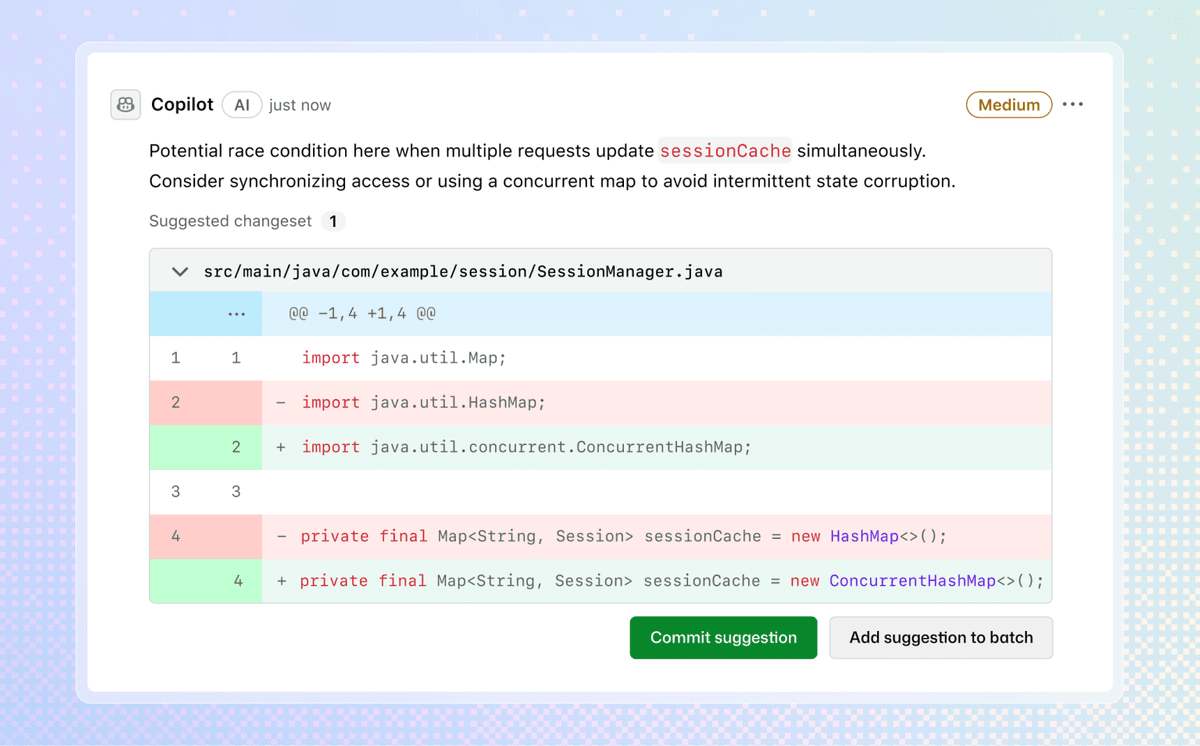
The code review functionality will also be enhanced. Copilot code review can now reflect an organization's unique standards, internal systems, and development context, and administrators can set the review intensity on a per-repository basis. Skills such as the security-focused '/security-review' and '/rubberduck,' which critiques implementations using multiple models, are also introduced.
GitHub plans to make the same agent functionality available not only in the Copilot app, but also in terminals, the cloud, and custom tools. Using the core 'GitHub Copilot SDK,' it will be possible to develop apps and tools that utilize the same agent execution platform as the Copilot app from Node.js/TypeScript, Python, Go, .NET, Rust, and Java.
The Copilot CLI for terminals has also been revamped, adding a new text user interface (TUI), voice input, and scheduled tasks, as well as the ability to schedule recurring prompts and background tasks.
GitHub states that 'professional software development requires judgment, verification, and accountability.' Their approach is to combine the GitHub Copilot app, sandboxing, code reviews, automation, and context management to allow agents to handle more of the work while developers continue to manage quality and release decisions.
Related Posts: