Dashy is a free service that allows you to create your own customized dashboards and manage logins for each user. It's self-hostable and runs on Docker.
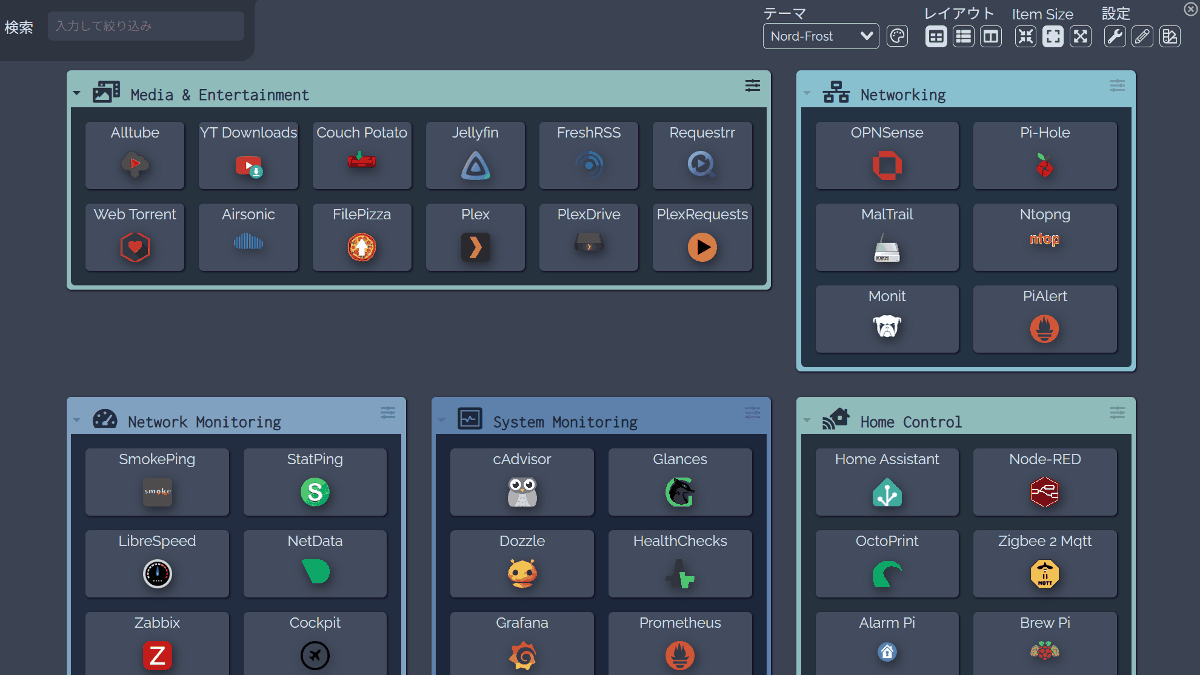
Bookmarks aren't enough, and monitoring tools are too rigid. For home server administrators like you, ' Dashy ' is just right. It's a modern, open-source dashboard that organizes numerous service links on a single screen and allows you to check online status and install widgets such as RSS feeds and weather forecasts.
Dashy - The Ultimate Homepage for your Homelab | Dashy
Lissy93/dashy: A self-hostable personal dashboard built for you. Includes status-checking, widgets, themes, icon packs, a UI editor and tons more!
Demo Homelab
https://demo.dashy.to/
◆Introduction to Dashy's features
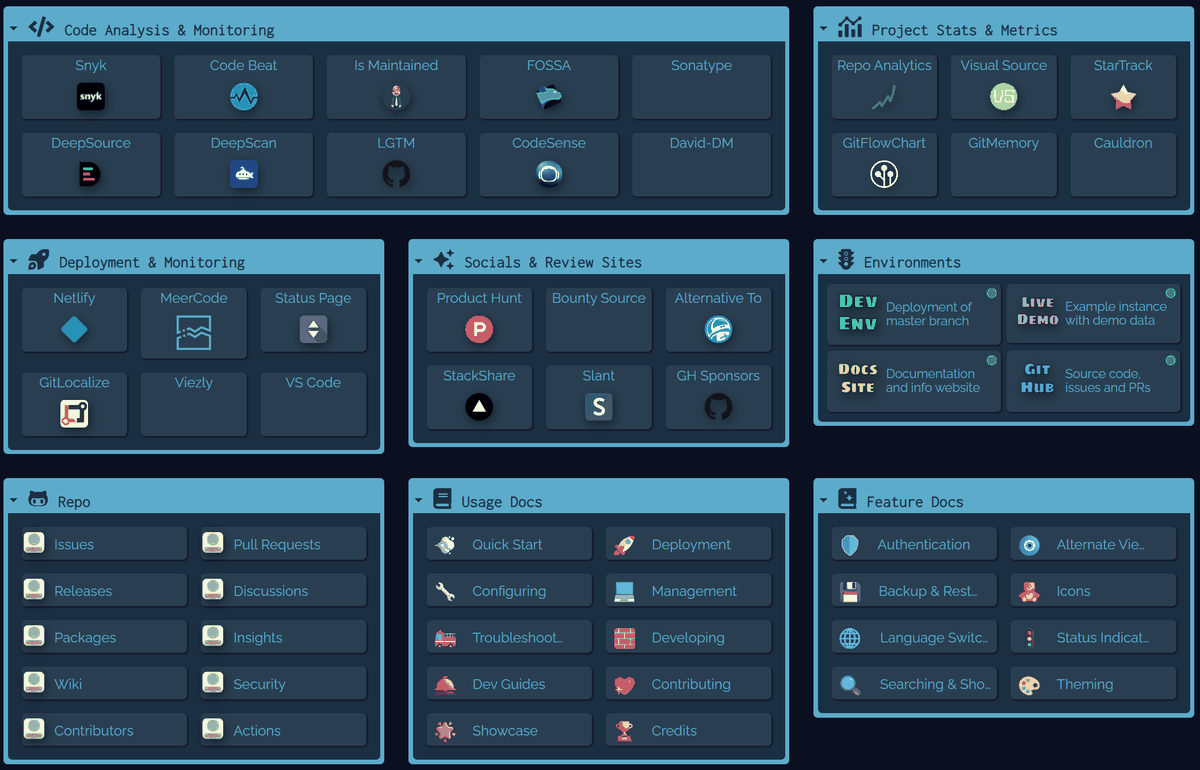
- Organize numerous service links in a card format.
You can group and arrange them by section.
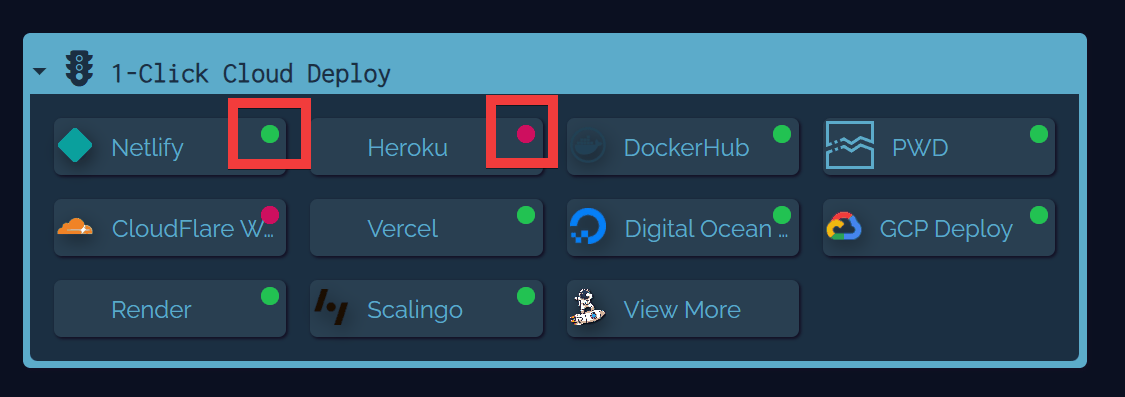
- You can check in a list whether the service is operational or not.
You can choose which sites to check the operational status of and which sites not to.
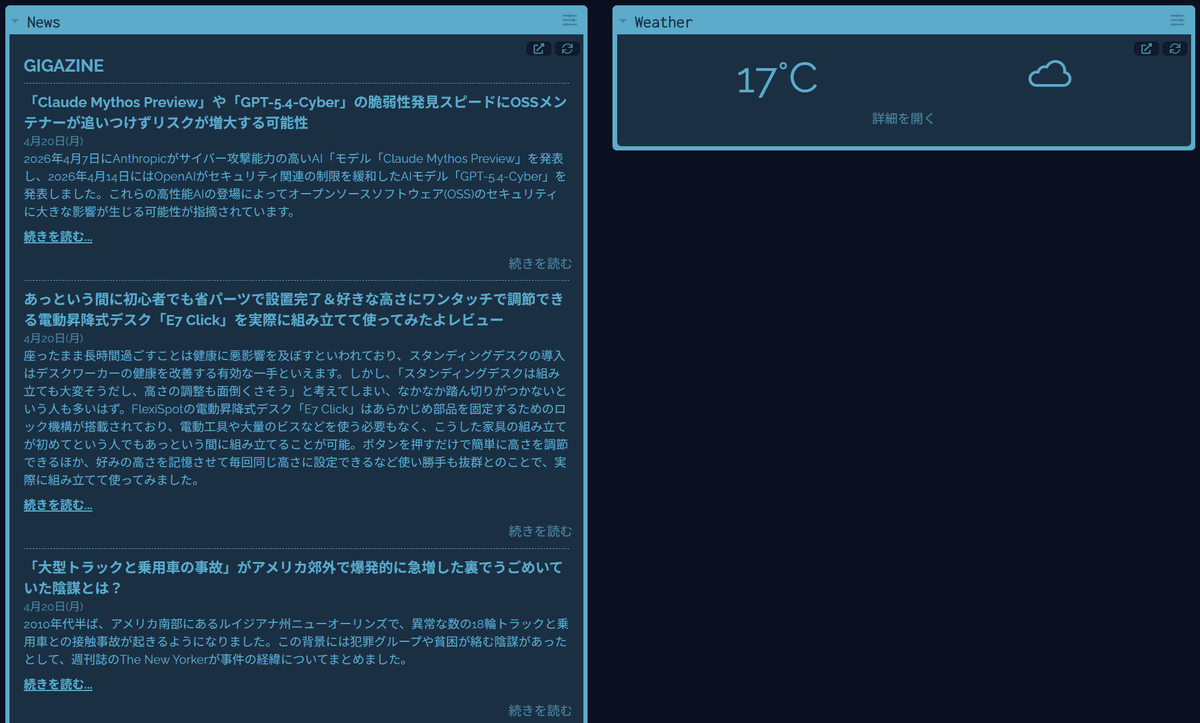
- Add and display widgets such as RSS feeds and weather forecasts.
You can add widgets to display various information.
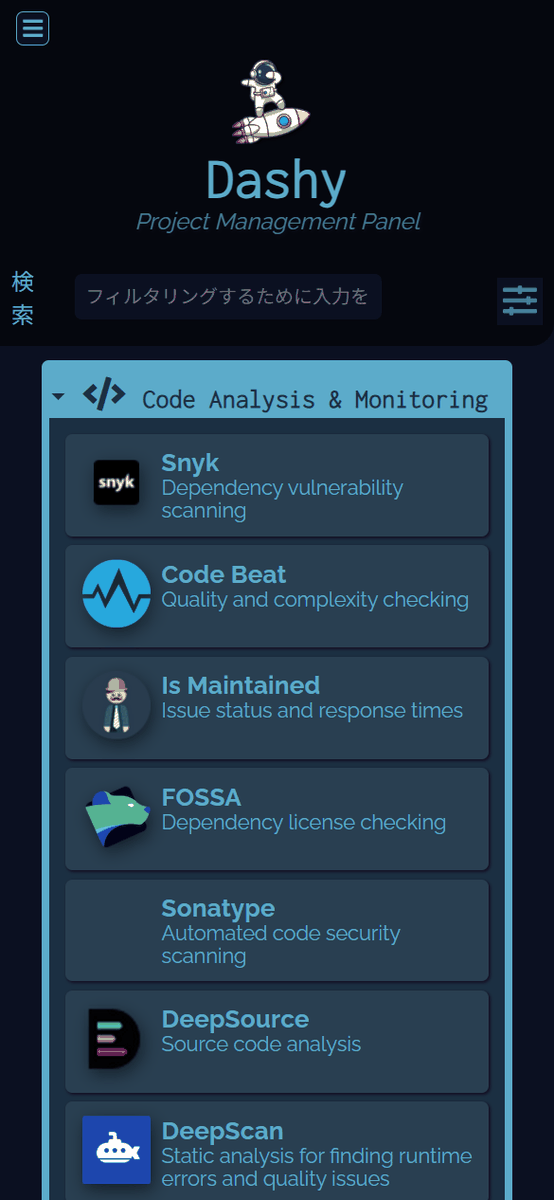
• Smartphone compatible
The website is responsive and adjusts its display to match the screen resolution.
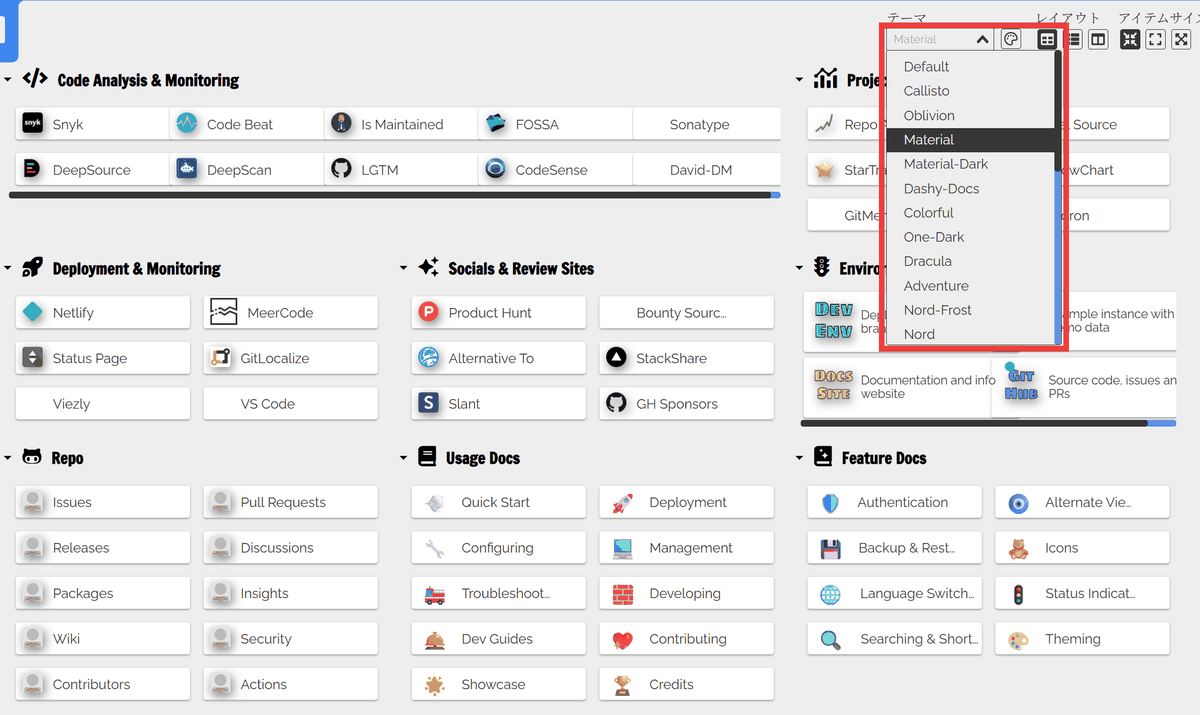
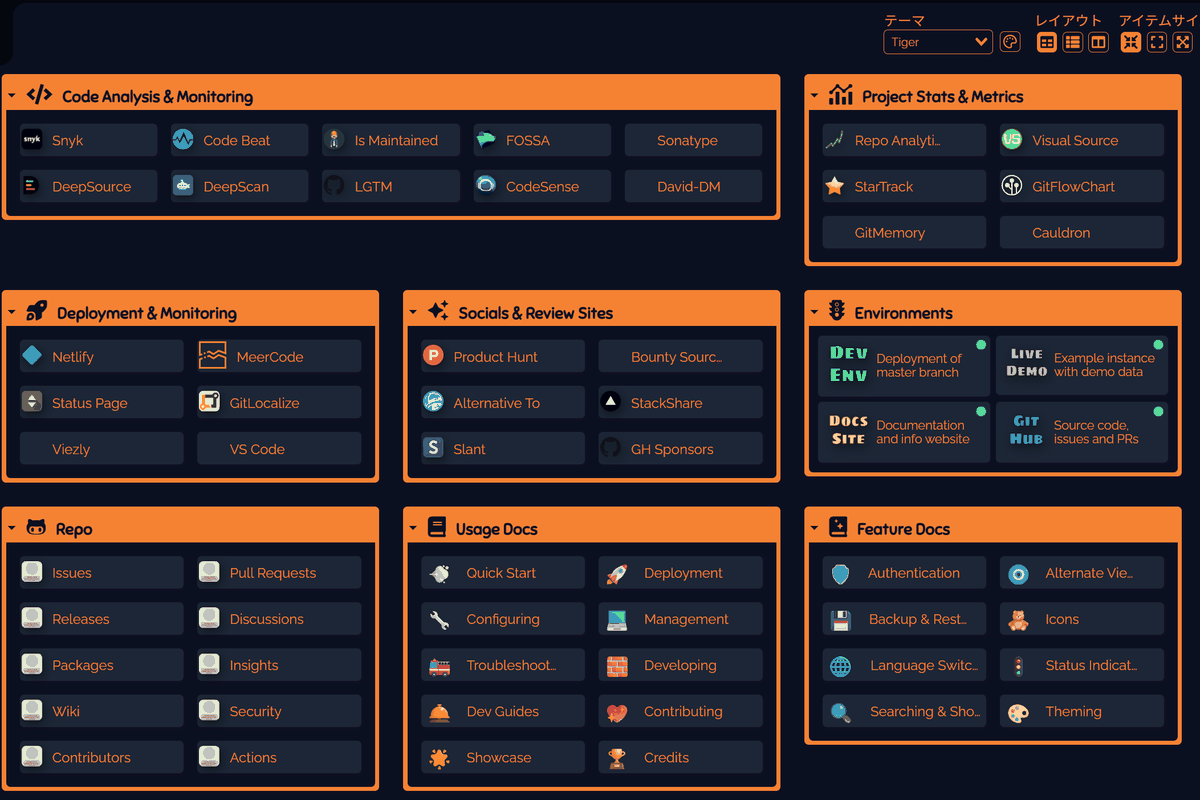
• A wide variety of themes
Changing the theme will drastically alter the appearance. Below is an example of how 'Material' looks.
The following is an example of how 'Tiger' is displayed.
• Login function
Creating a user will enable the login function.
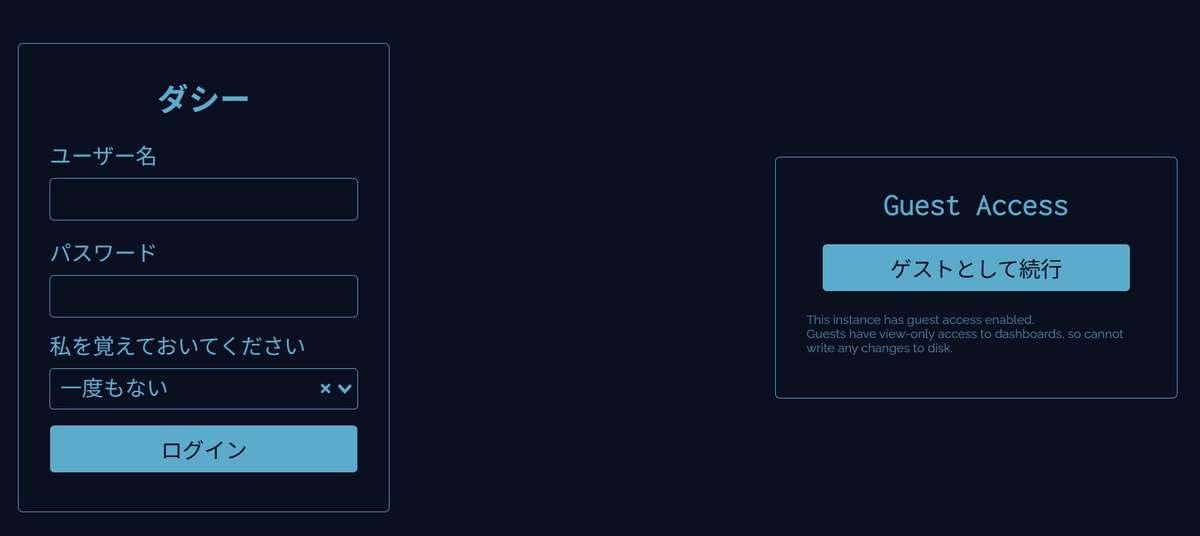
◆ Authority
Admin
You can customize the dashboard display and have all permissions.
User
This user can view the dashboard after logging in. While some display settings, such as theme changes, can be customized, adding or editing links is not possible.
Guest
This user does not need to log in and can only view items that are set to public.
◆How to build Dashy
This time, we will set up an environment on Windows with
 mkdir dashy
 cd dashy
Create a docker-compose.yaml file and add the following content.
 services:
 dashy:
 Image: lissy93/dashy
 container_name: Dashy
 ports:
 - 8080:8080
 environment:
 - NODE_ENV=production
 volume:
 - ./dashy-data:/app/user-data
 health check:
 test: ['CMD', 'node', '/app/services/healthcheck']
 interval: 1m30s
 Timeout: 10s
 Retries: 3
 start_period: 40s
Create a folder for saving data.
mkdir dashy-data
Download the configuration file and place it in the 'dashy-data' folder.
 curl -L -o conf.yml https://raw.githubusercontent.com/Lissy93/dashy/refs/heads/master/user-data/conf.yml
 mv conf.yml dashy-data/
Start the container.
docker compose up -d
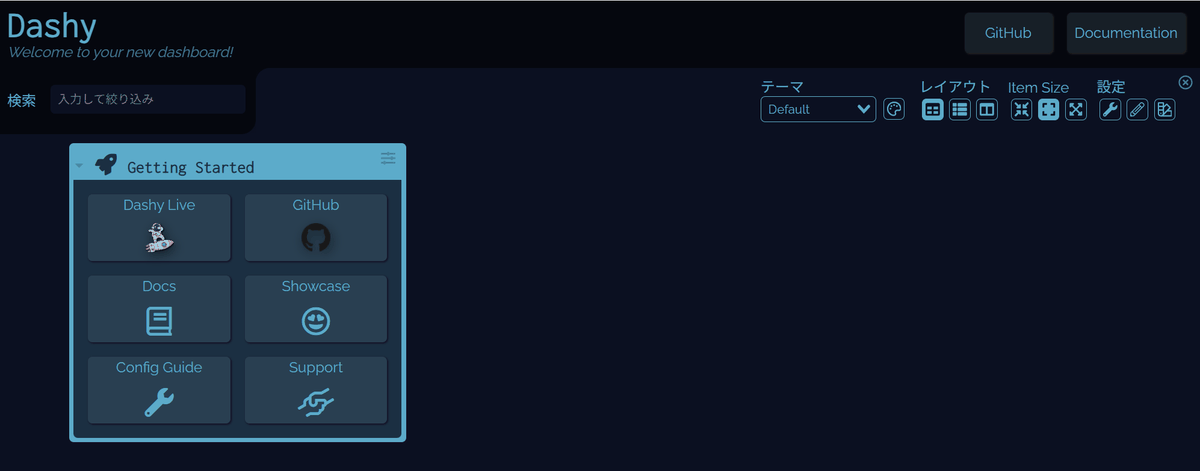
Accessing 'http://localhost:8080' in your browser will display the initial Dashy screen.
This is a convenient tool that allows you to manage various types of information on a single screen, although its users are limited to people who use multiple web services on a daily basis, those who have set up a home server environment, and those who always check the operational status of services as part of their monitoring work.
Related Posts: