A photo review of the Acer Swift Air 16, an ultra-lightweight and ultra-thin notebook PC weighing just 990g.
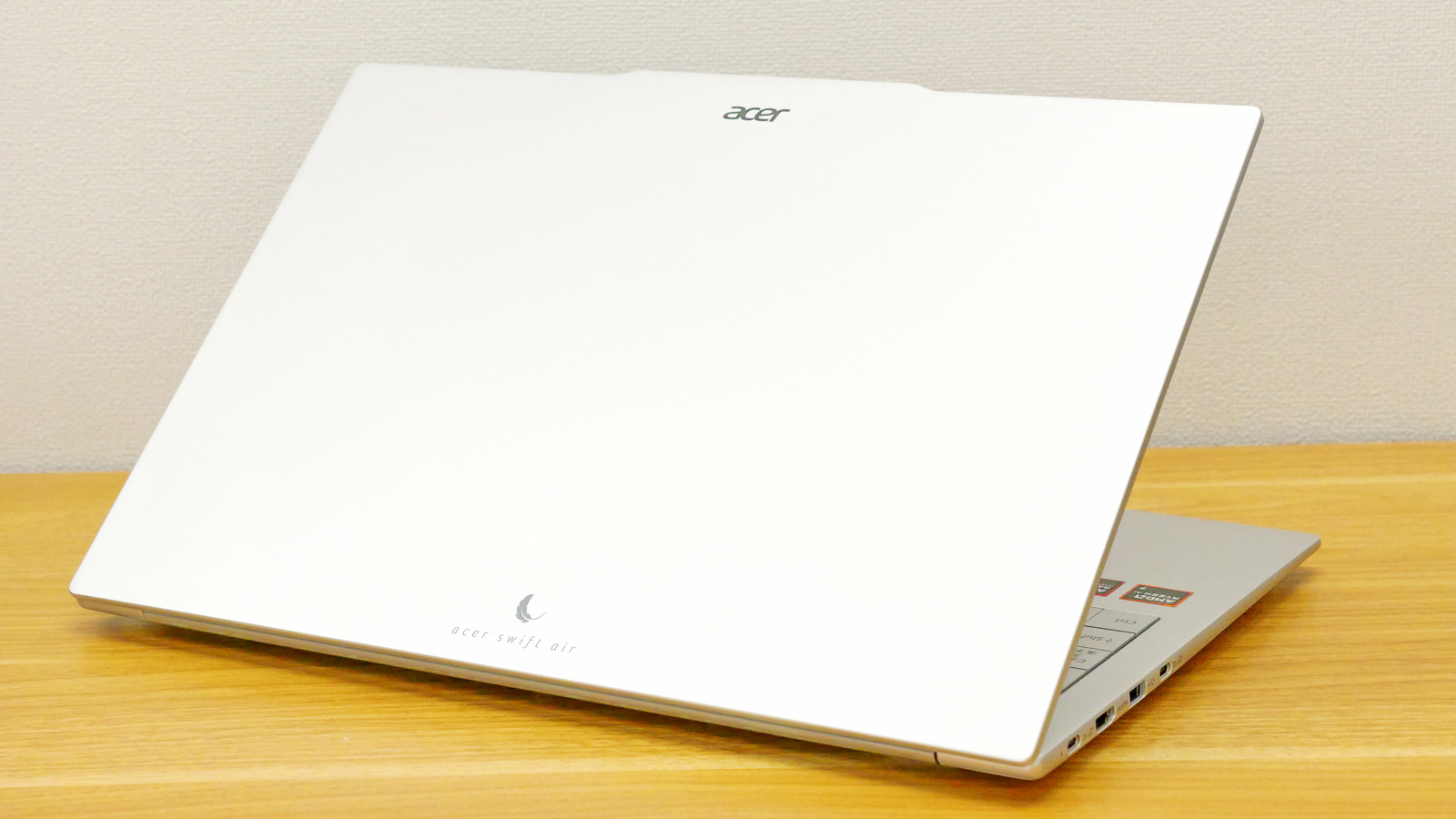
Acer, a PC manufacturer, has released the ' Acer Swift Air 16, ' a notebook PC that prioritizes portability, weighing only 990g while featuring a 16-inch display. We were able to borrow a unit from Acer, so we first checked its hardware design, including its appearance and keyboard feel.
Acer Swift Air 16 | Ultra-thin and lightweight laptop | Acer Japan
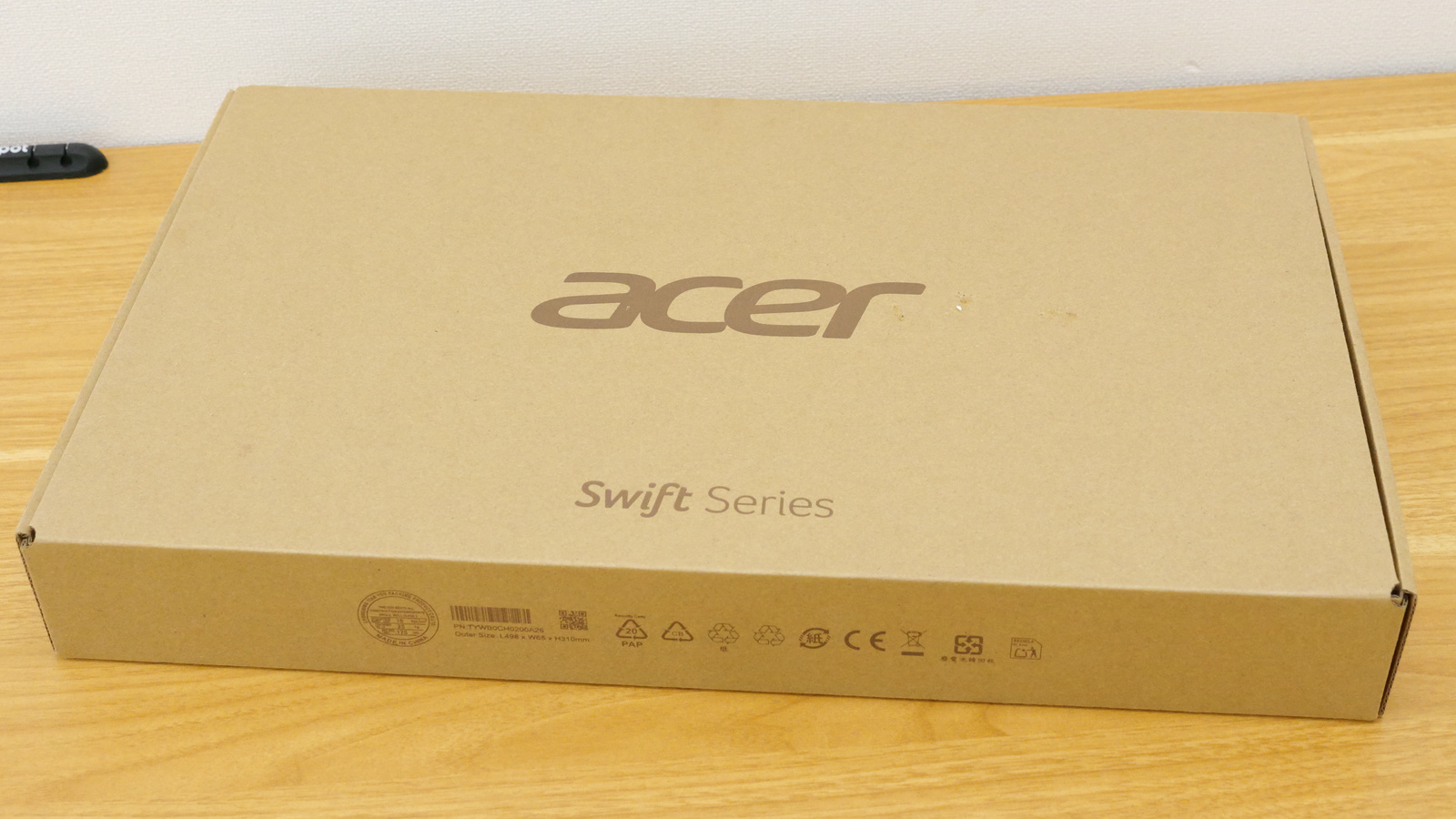
The box for the Swift Air 16 that arrived from Acer.
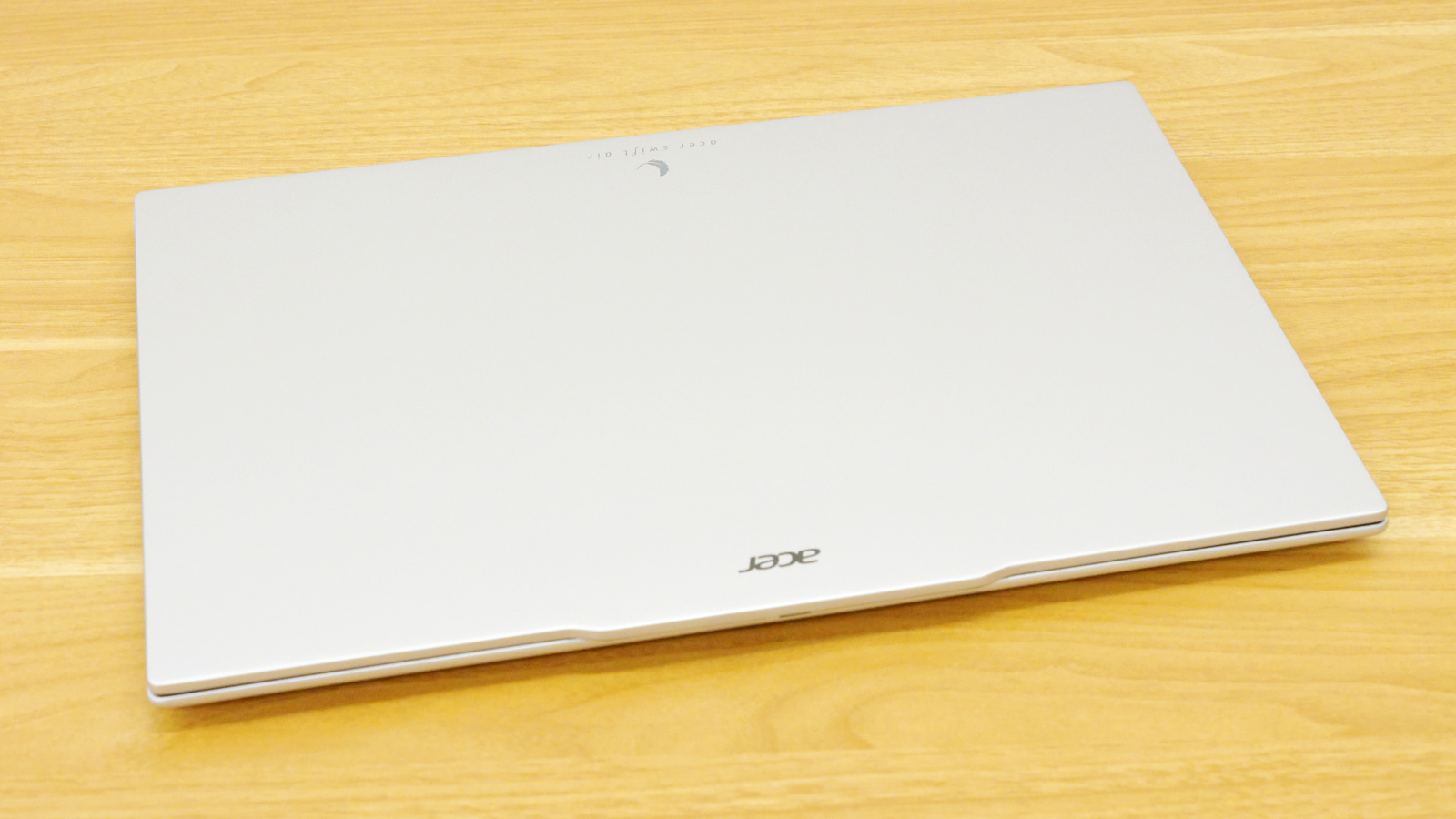
The Swift Air 16 itself. Dimensions are 358.9mm (width) x 239.7mm (depth) x approximately 15.9mm-16.5mm (thickness). It features a magnesium-aluminum alloy body with a matte finish and a cool, smooth feel.
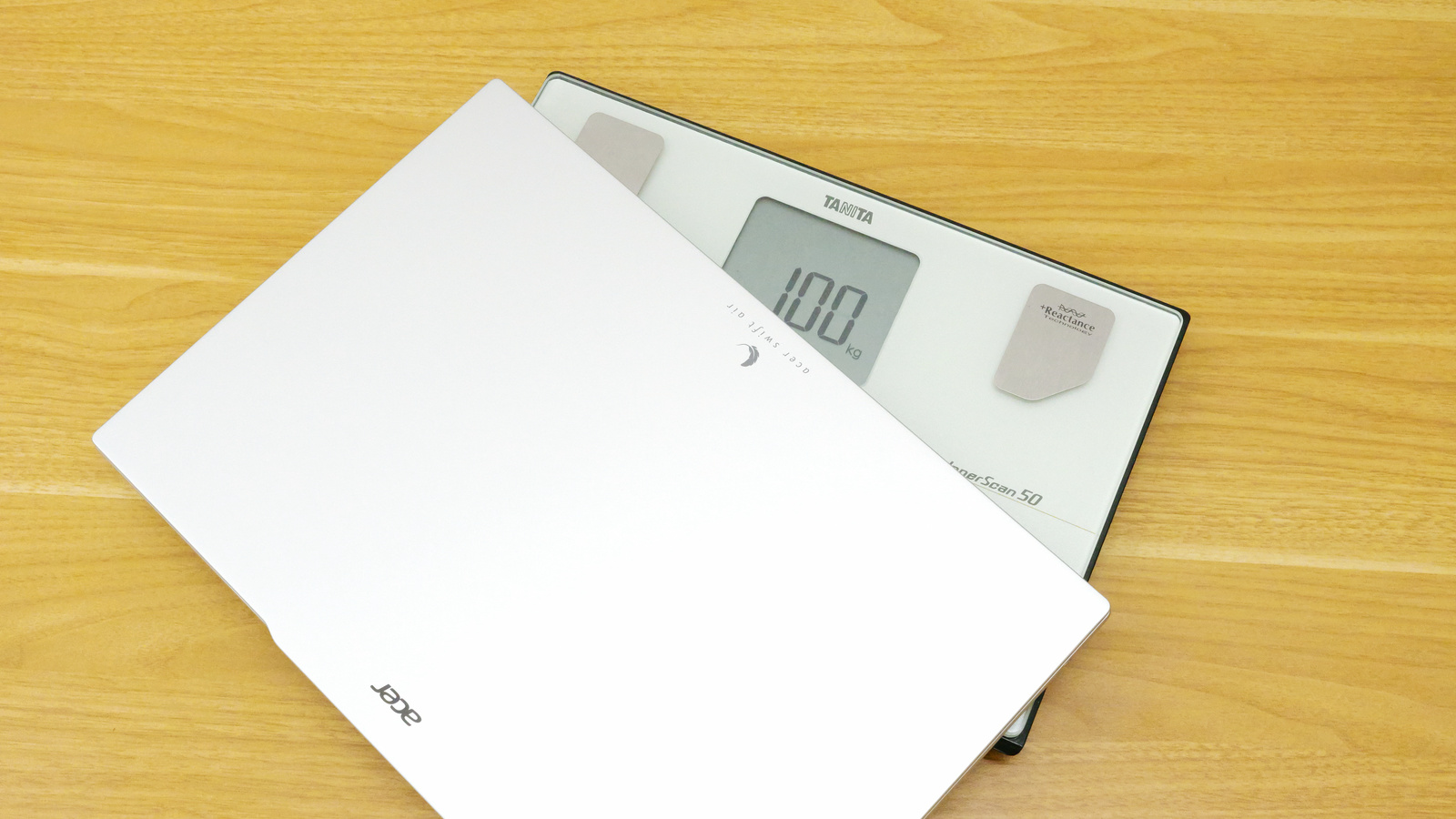
The weight was 990g. However, the actual weight measured on a scale with a minimum unit of 50g was 1.0kg.
When you actually hold it in your hands, it's surprisingly light and thin for a 16-inch laptop, so you can easily carry it around in one hand.
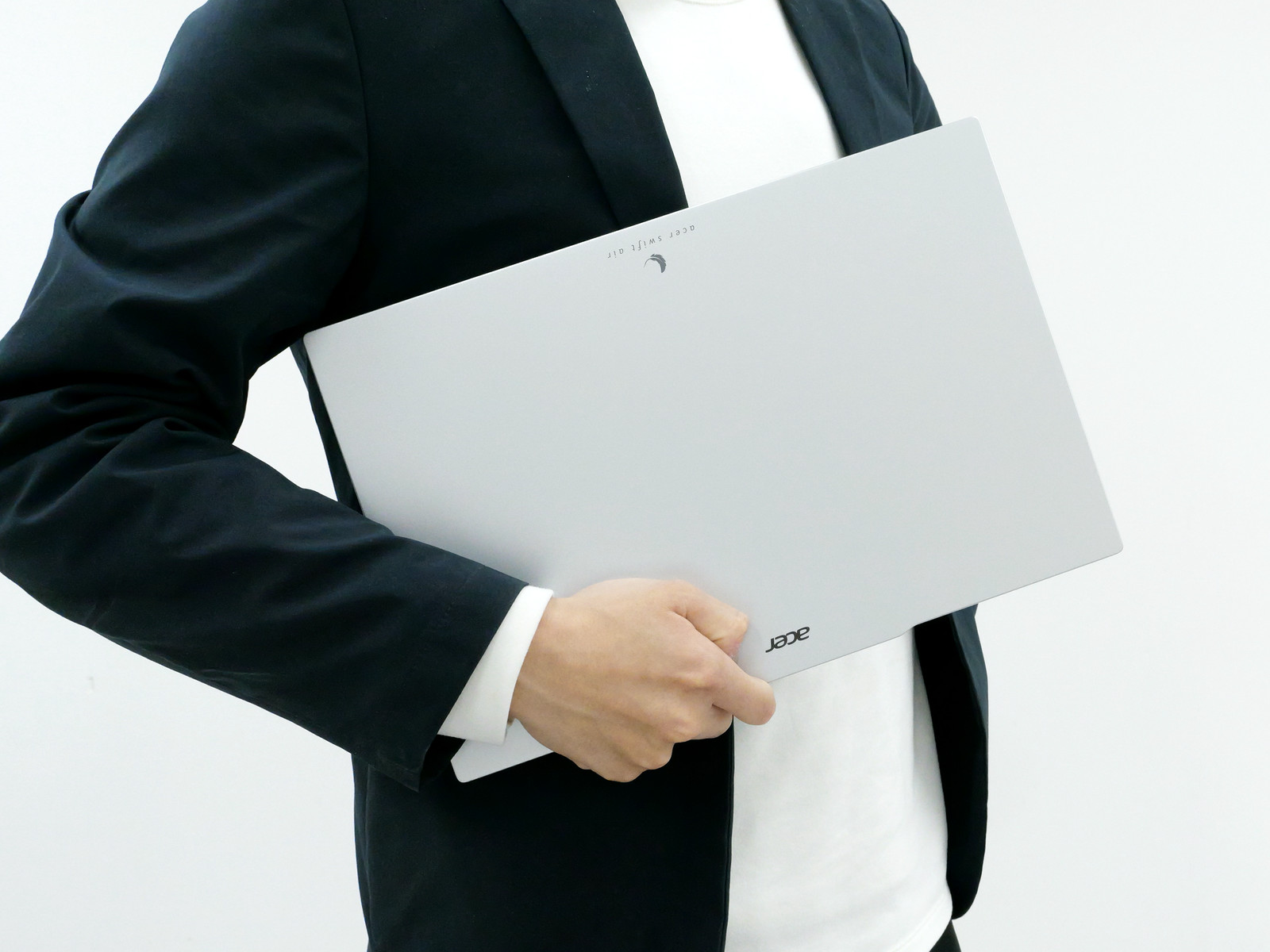
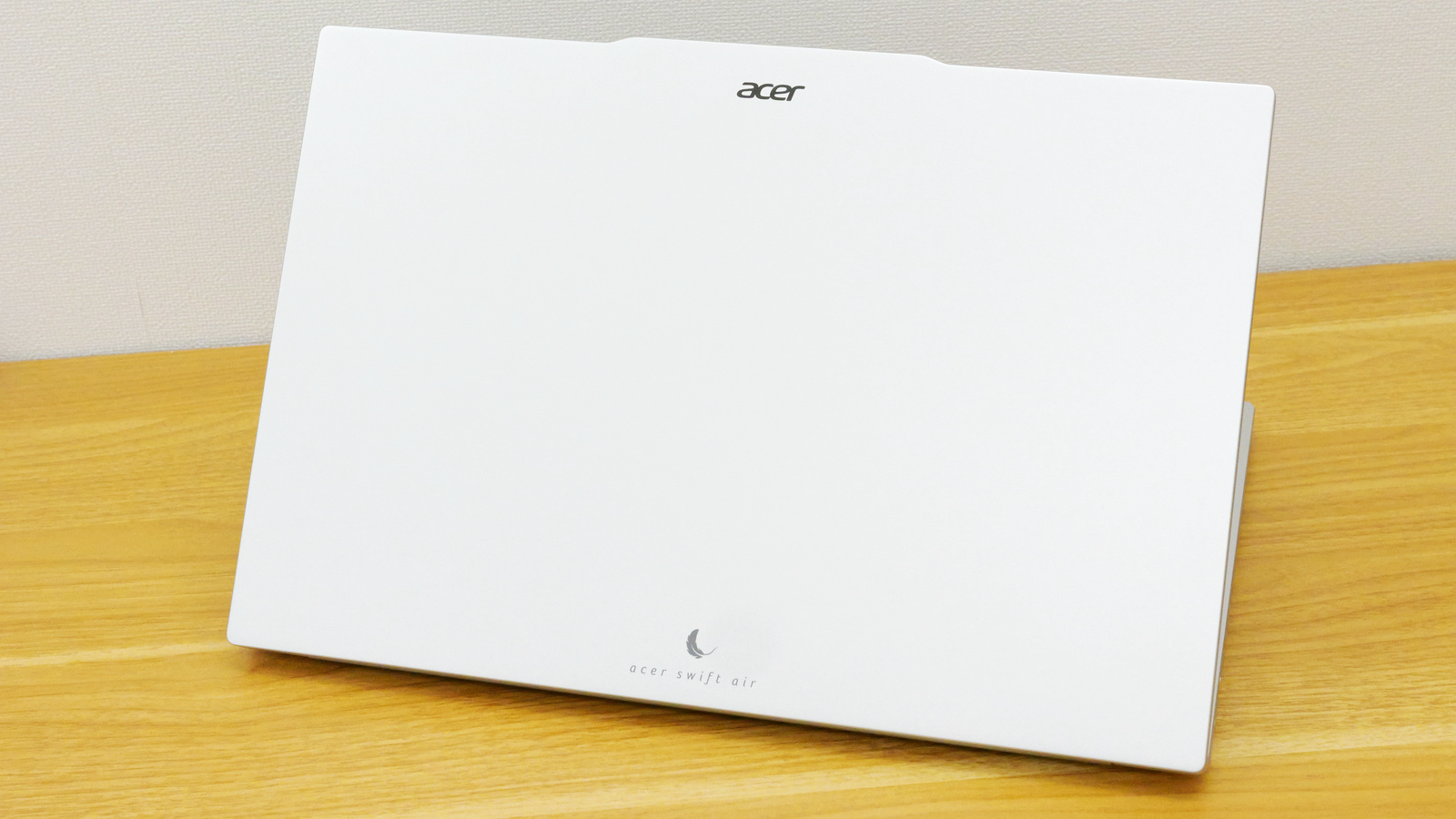
The color is light silver. The top surface is engraved with the Acer logo and the words 'acer swift air' along with the logo icon.
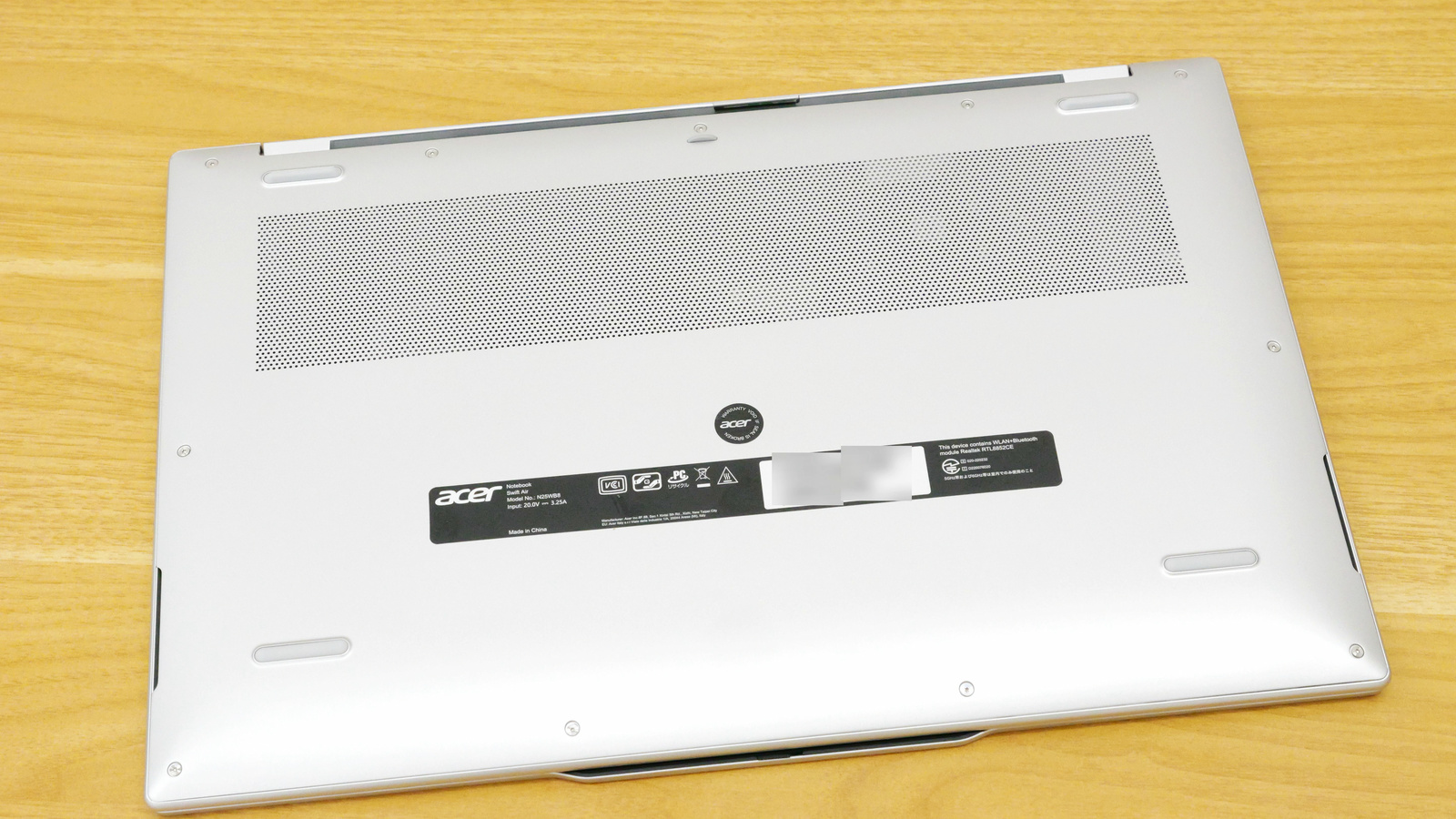
This is what the underside looks like. There are four rubber feet to prevent slipping. You can also see the exhaust fan duct. The underside isn't completely flat; it has a curved design at the edges.
The front is completely blank. The top surface has a protruding section that serves as a handle, making it easy to open the display. Additionally, a magnet is built in, so when closed, the display snaps securely into place on the keyboard.
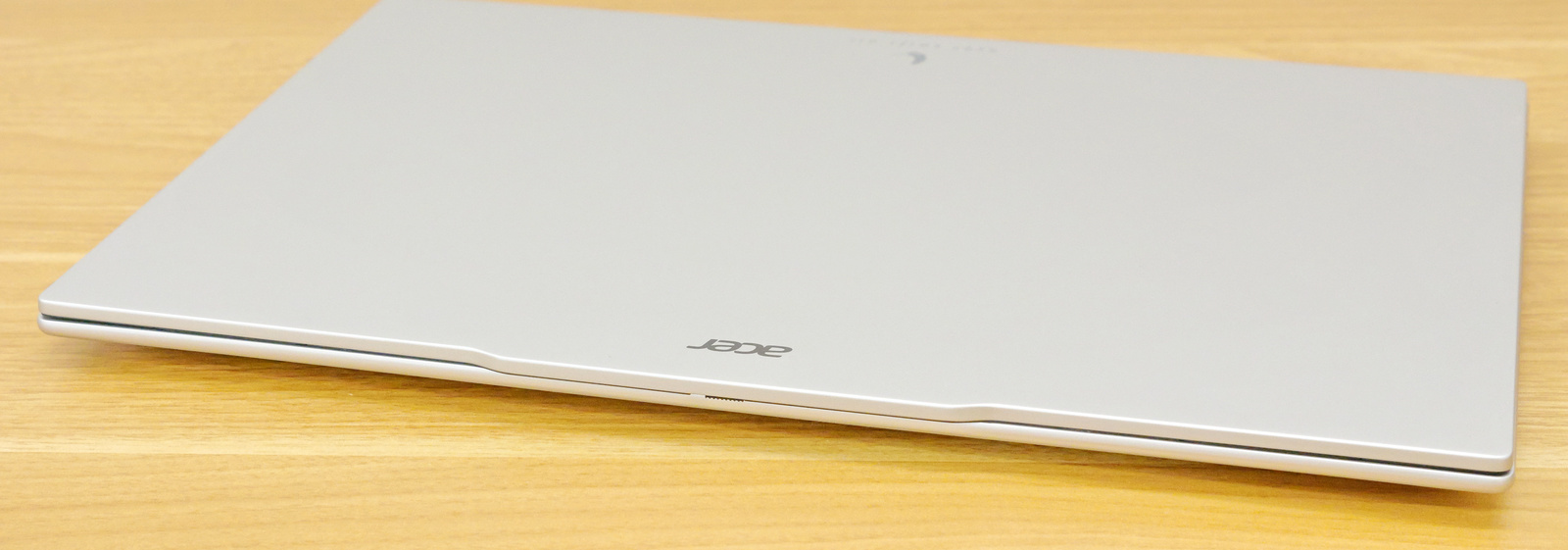
The hinge area on the back.
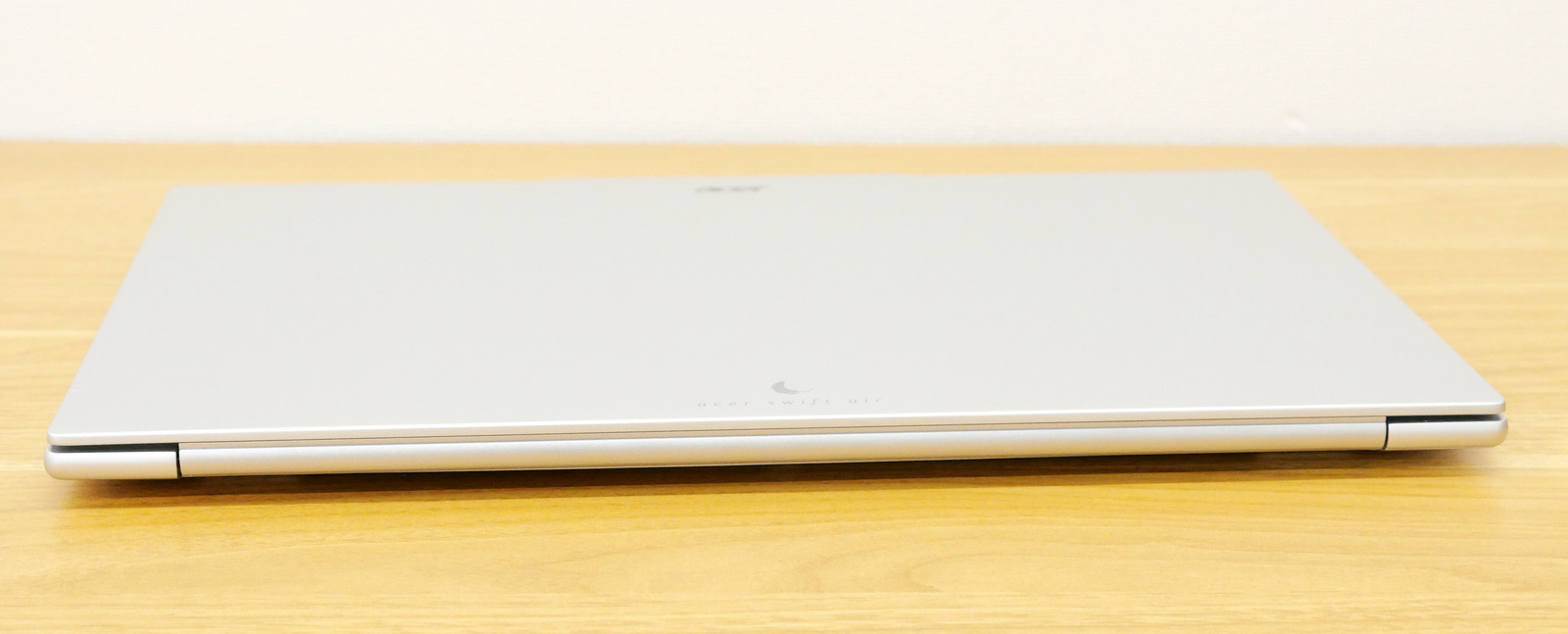
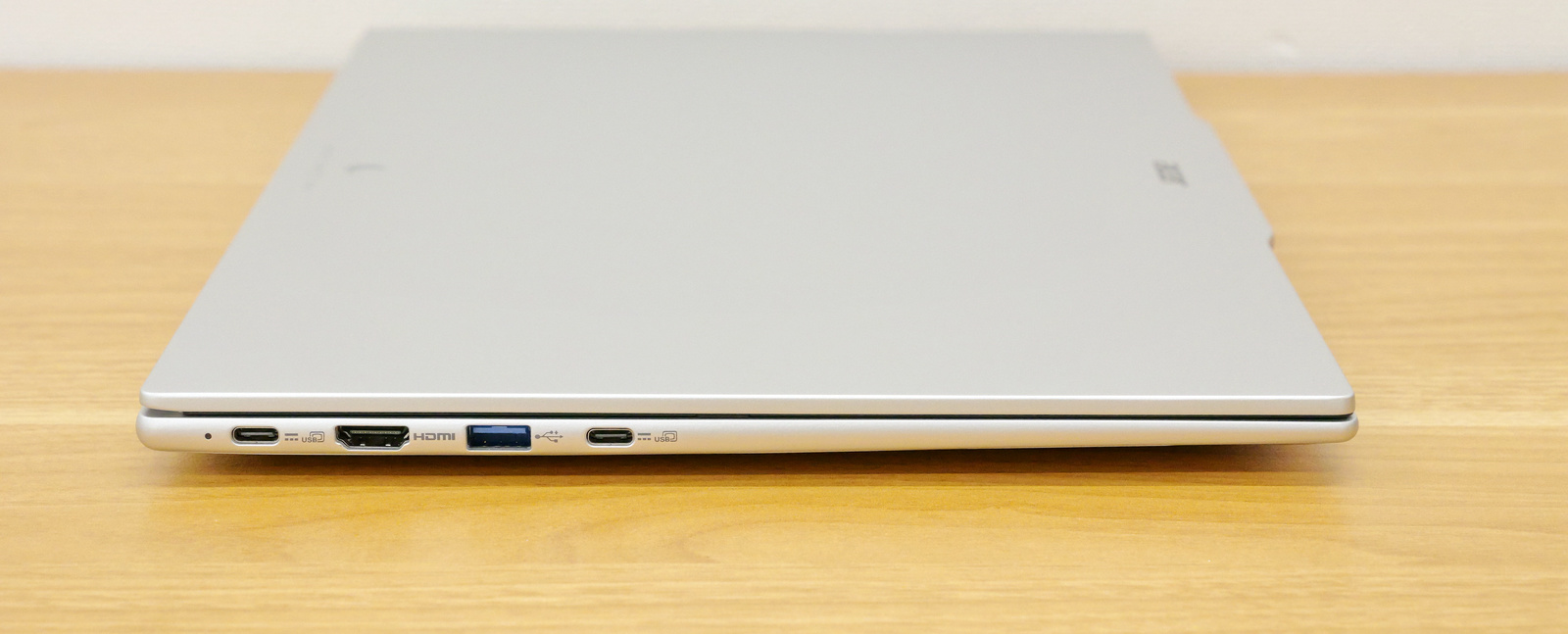
On the left side are a USB 3.2 Gen 1 compatible USB Type-C port, an HDMI output port, a USB 3.2 Gen 1 compatible USB Type-A port, and another USB 3.2 Gen 1 compatible USB Type-C port. Both USB Type-C ports support Power Delivery (PD) and video output.
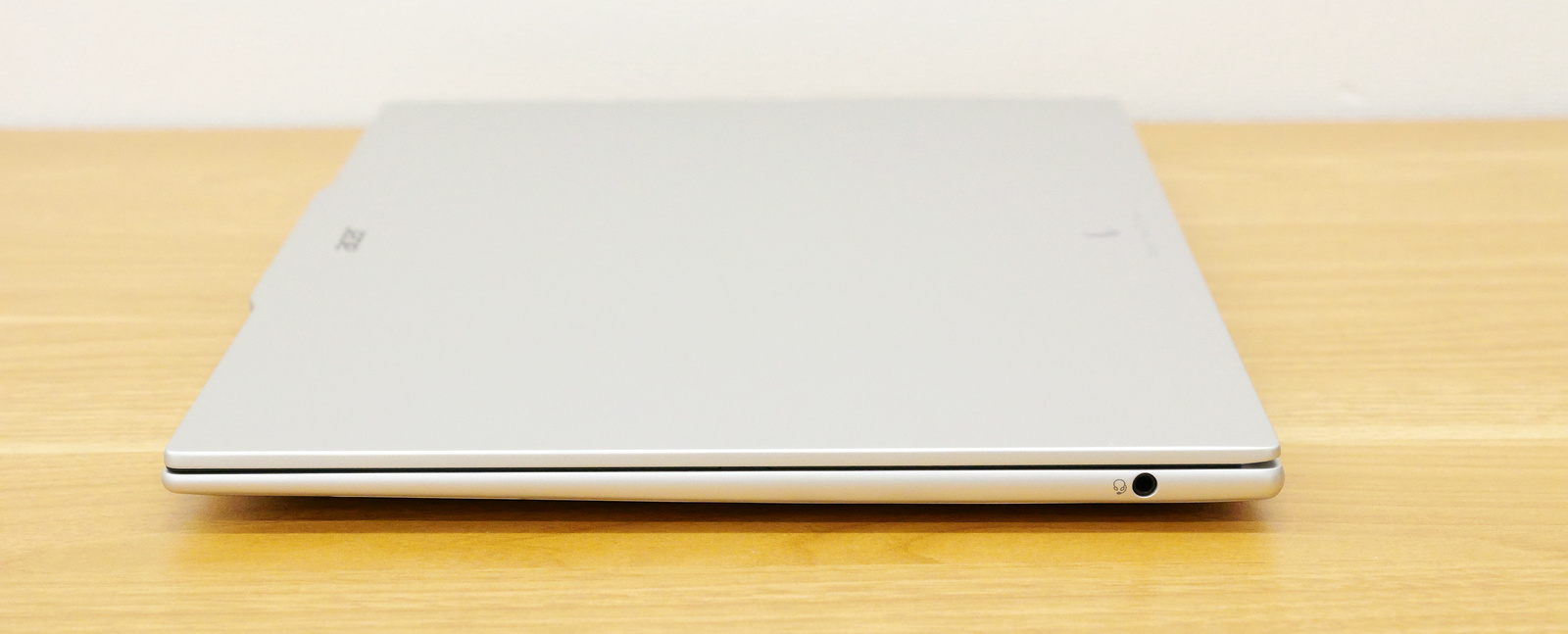
There is a 3.5mm audio jack on the right side.
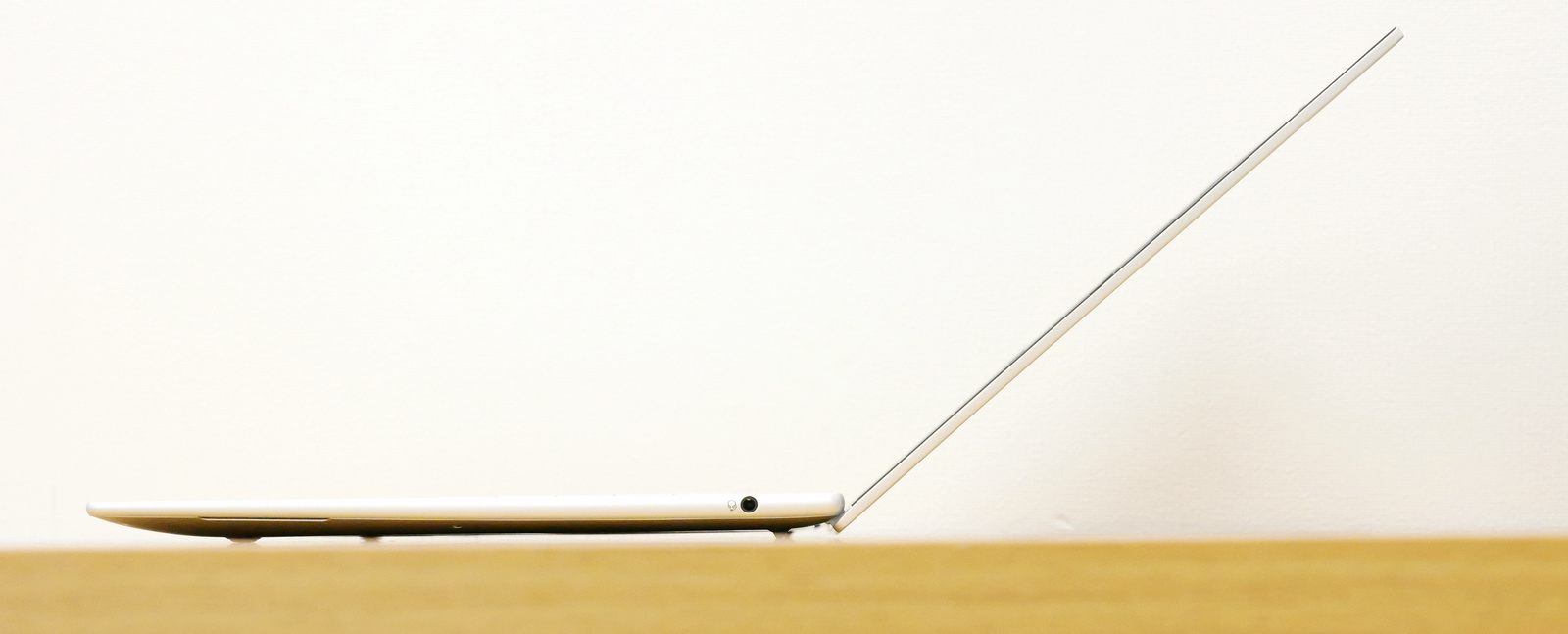
I opened my Swift Air 16.
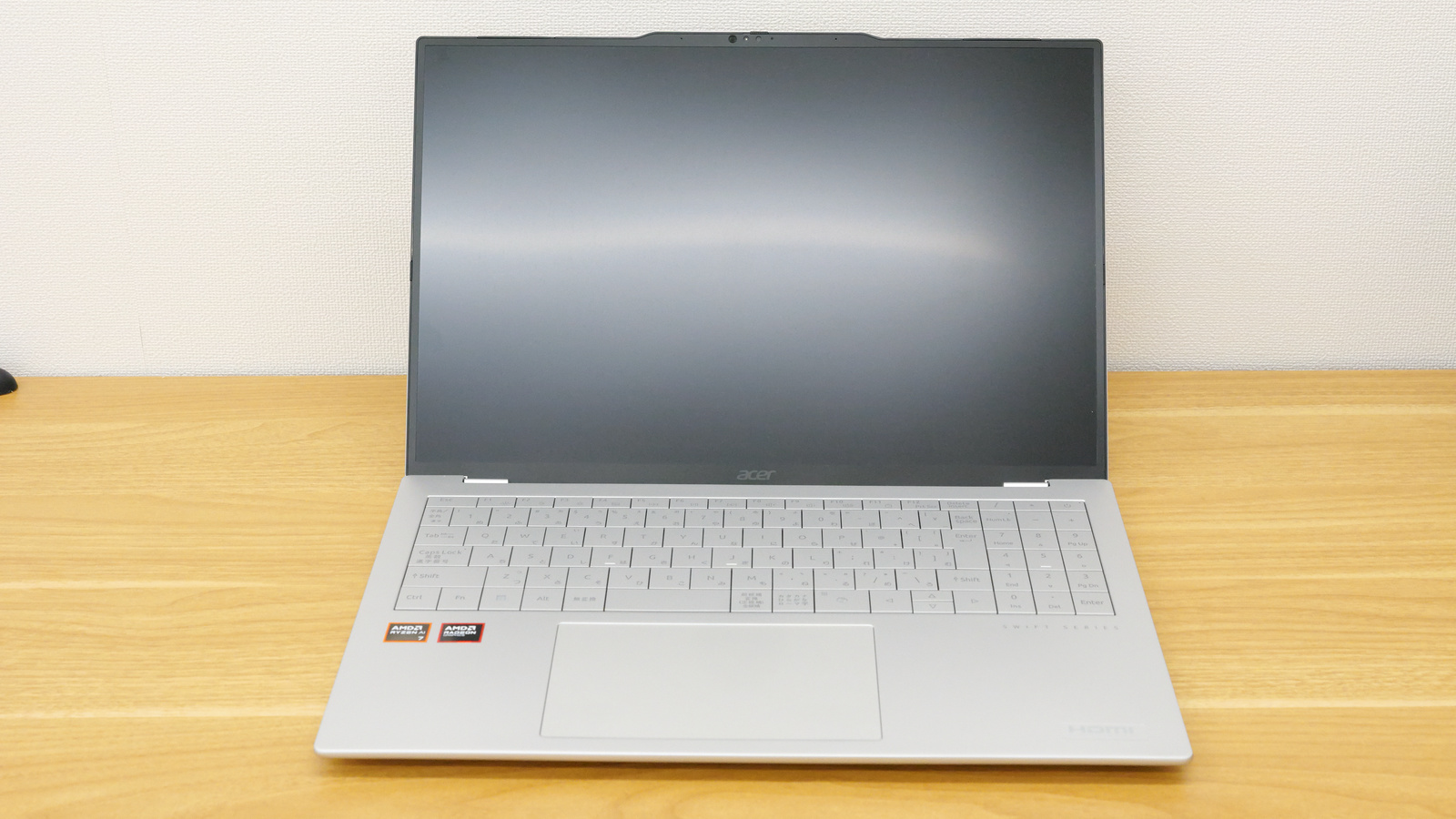
The display opens to approximately 140 degrees.
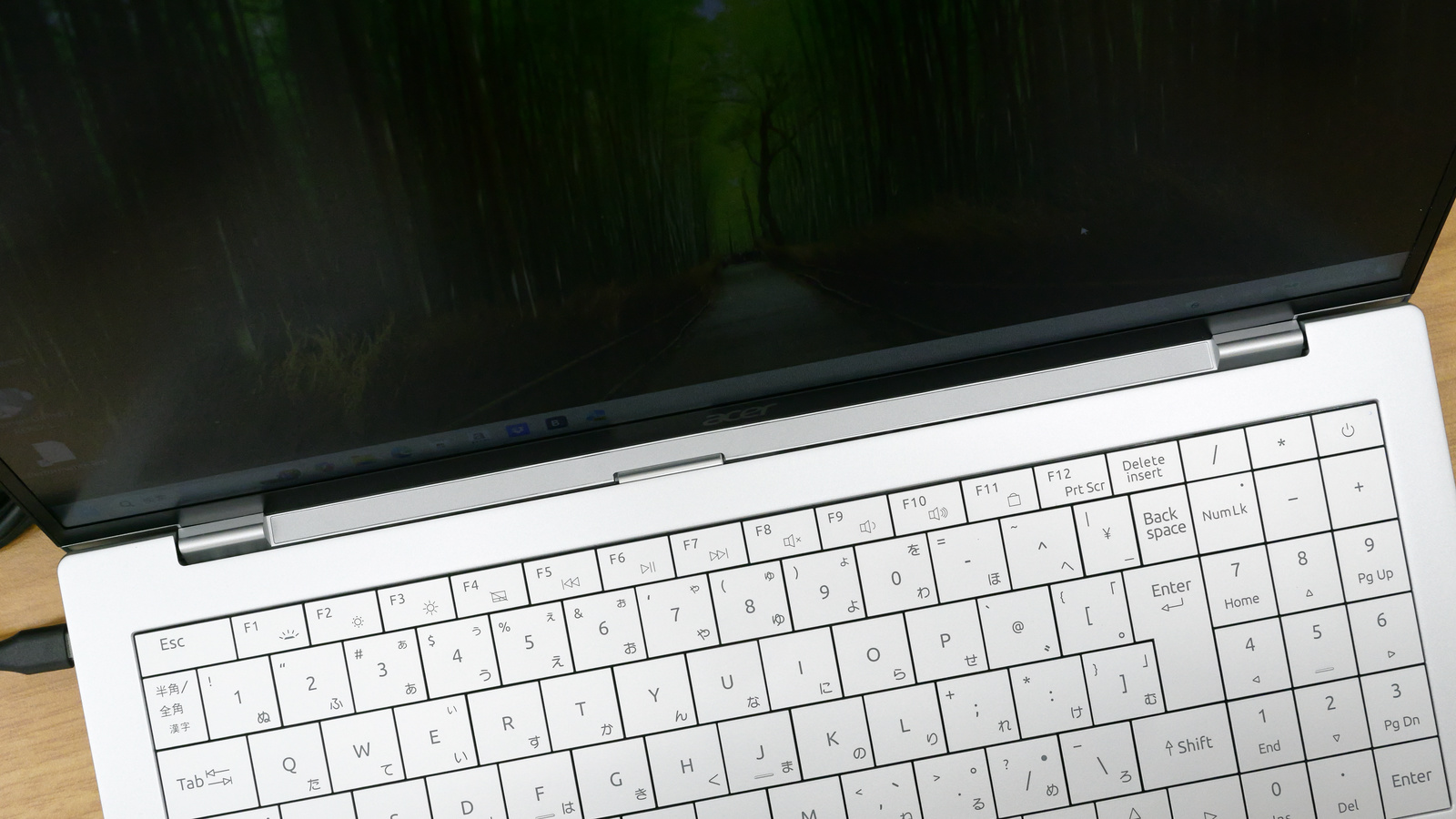
The hinge part looks like this.
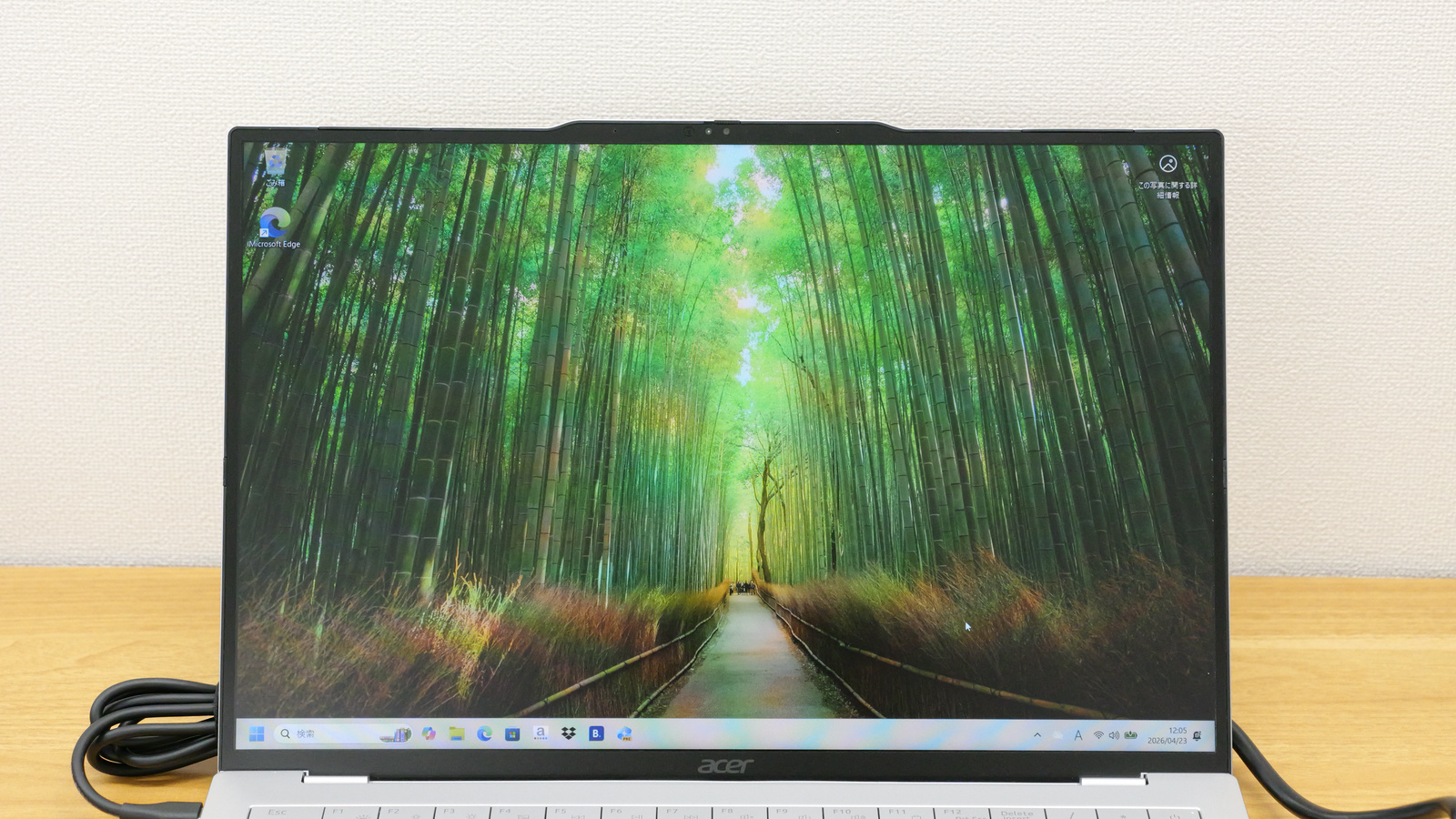
I turned on the power to check the display. The 16-inch display has a resolution of 1920 x 1200 pixels and an aspect ratio of 16:10. It's a non-glare IPS LCD.
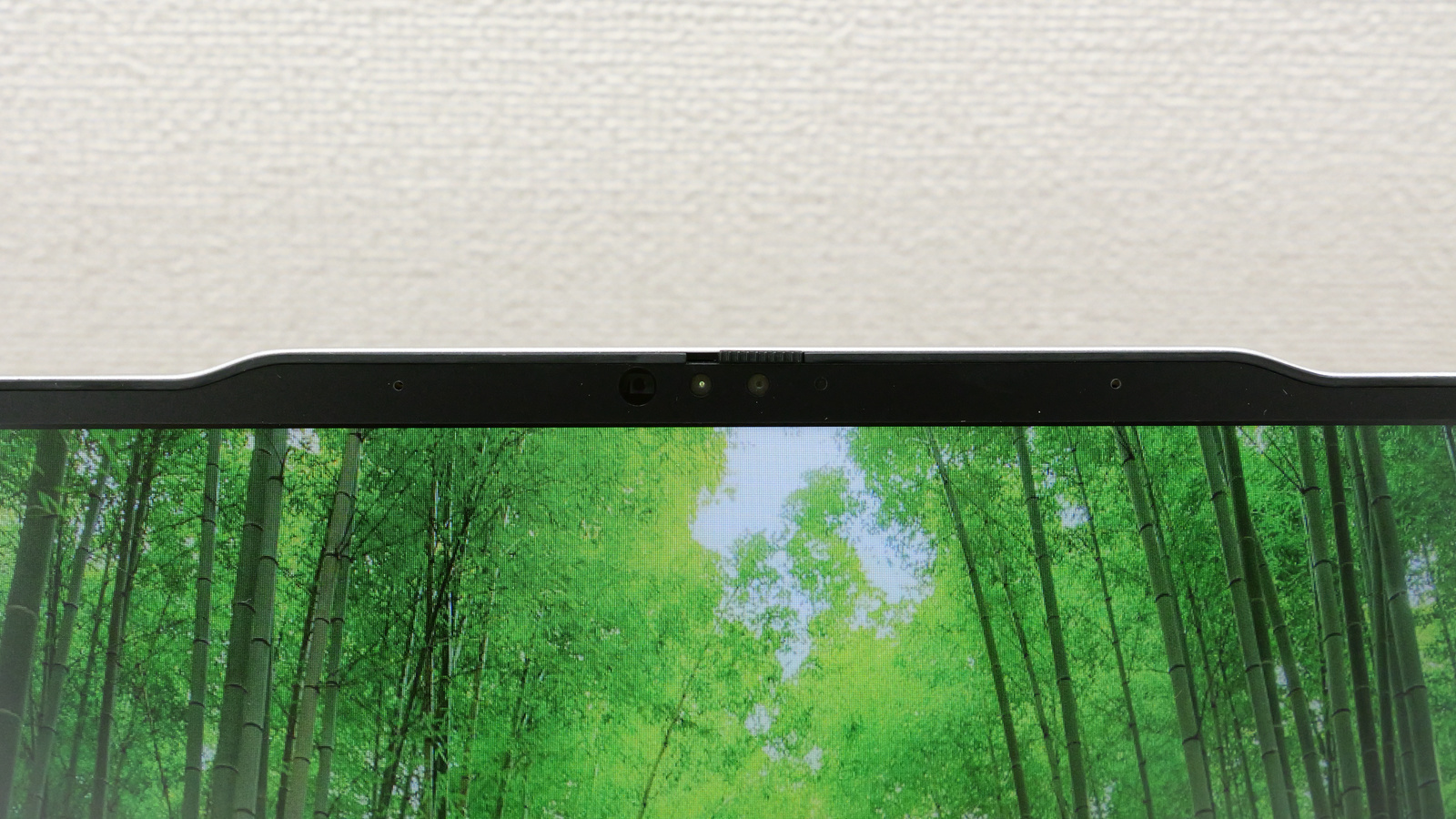
The top of the display features a 2.07-megapixel Full HD camera. It supports Windows Hello facial recognition and also includes a physical slide switch to cover the camera.
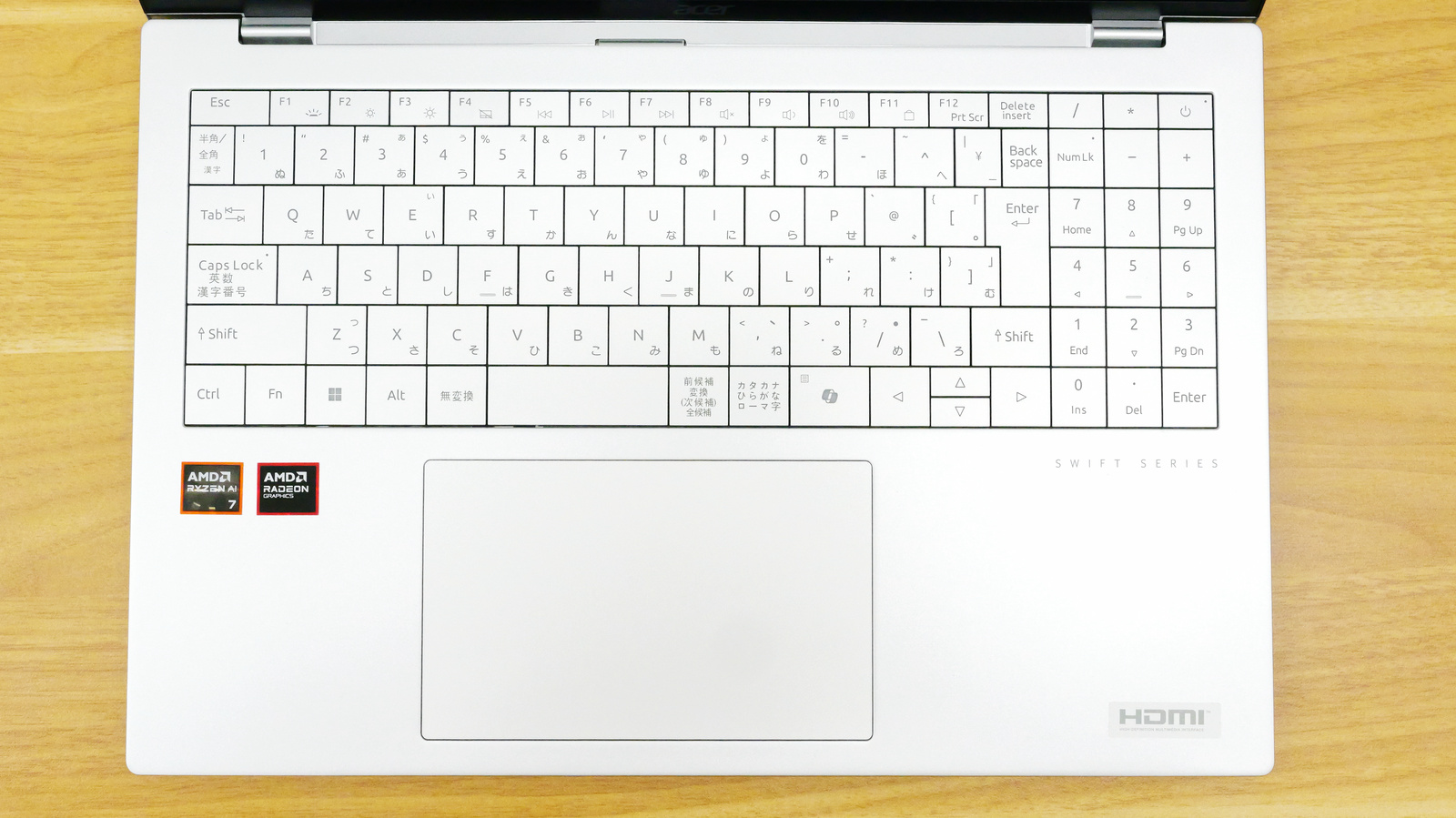
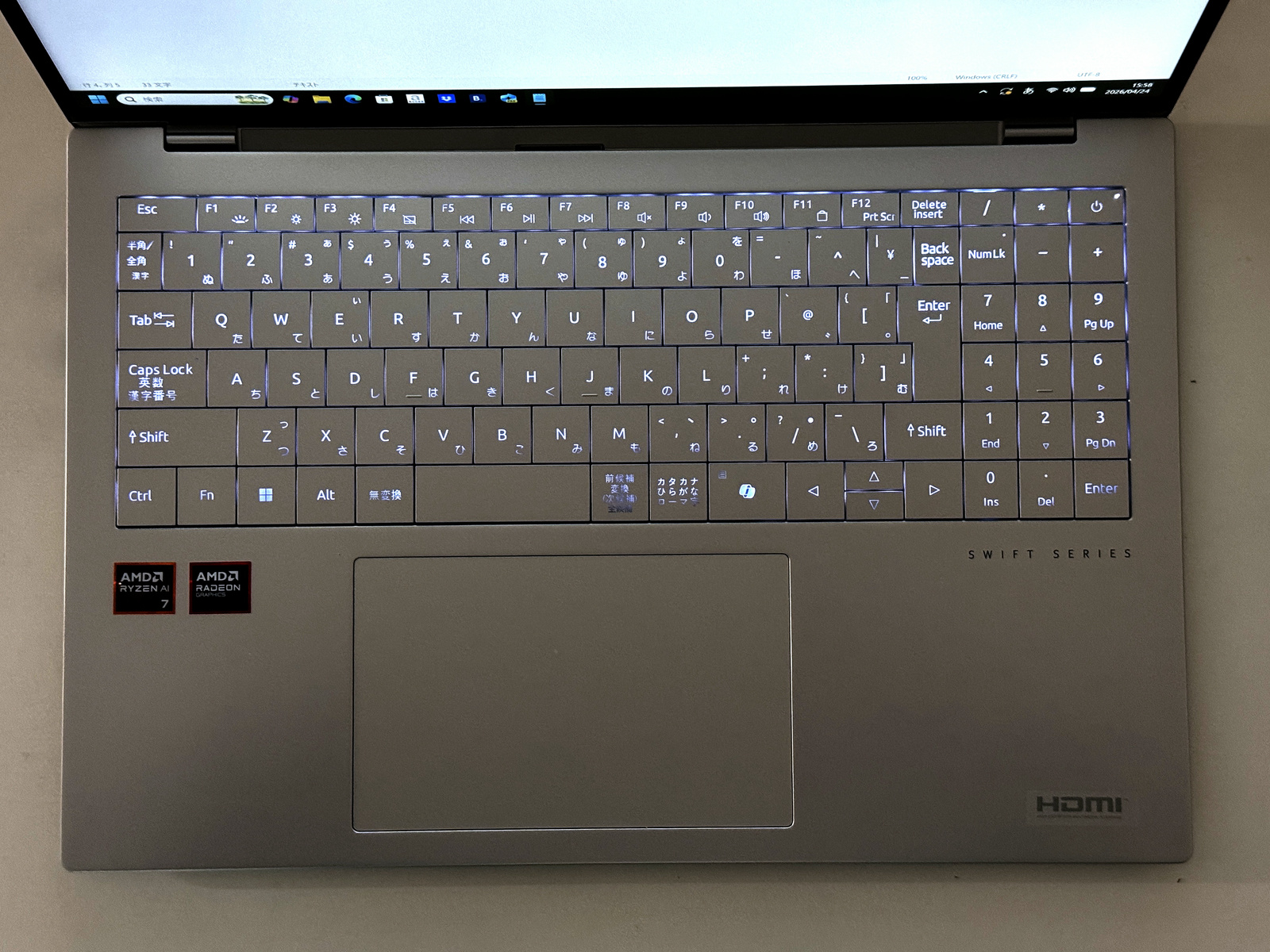
The keyboard has a Japanese layout with a numeric keypad on the right. The key to the right of the Ctrl key is a Copilot key. Because of the numeric keypad, the Enter key, right Shift key, and spacebar appear slightly narrower.
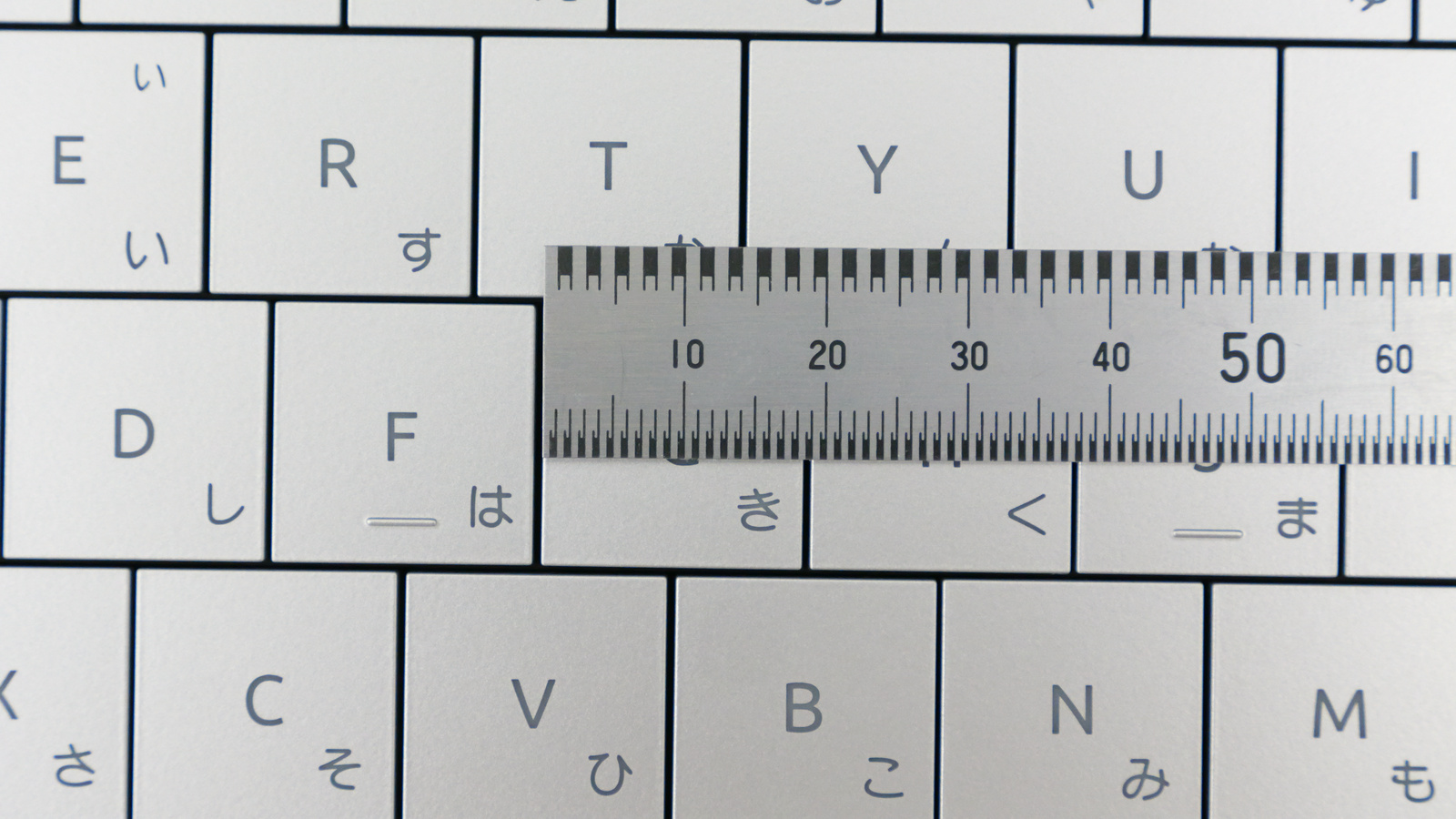
The key pitch is approximately 19mm according to actual measurements. The gap between keys is approximately 0.7mm according to actual measurements.
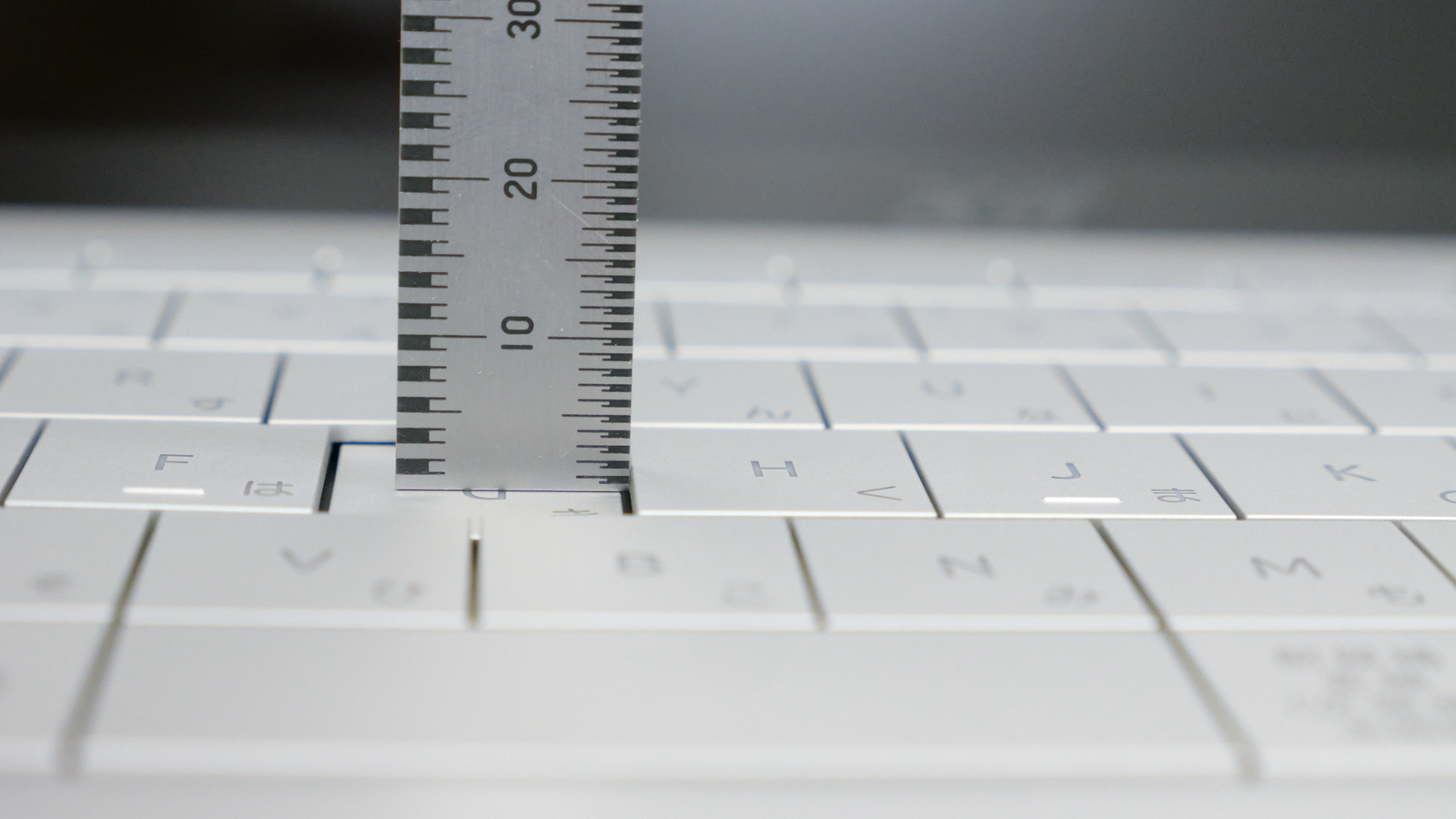
The key travel is about 1.5mm.
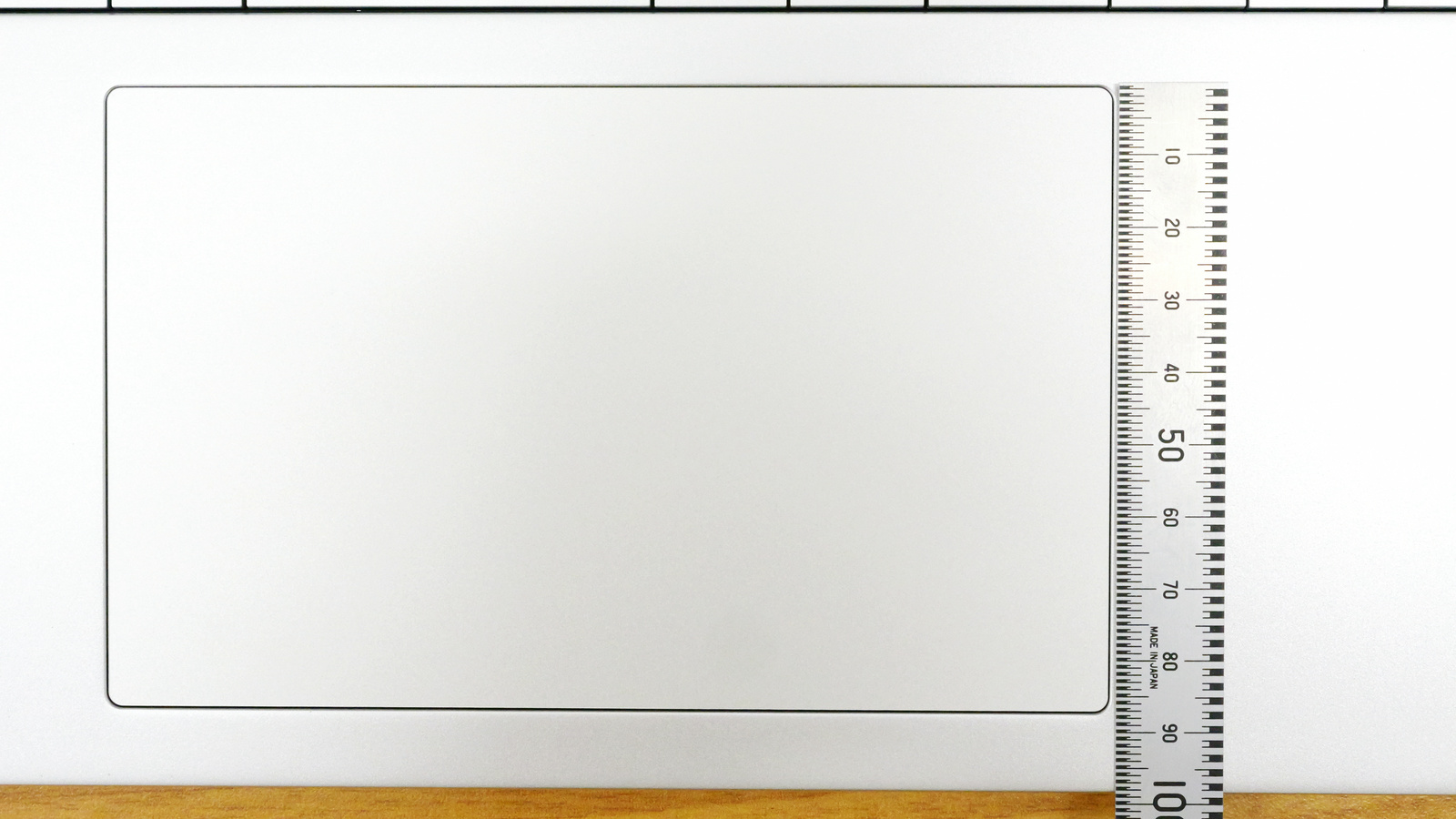
The trackpad area measures approximately 14cm x 8.7cm and is positioned slightly to the left of the center of the PC.
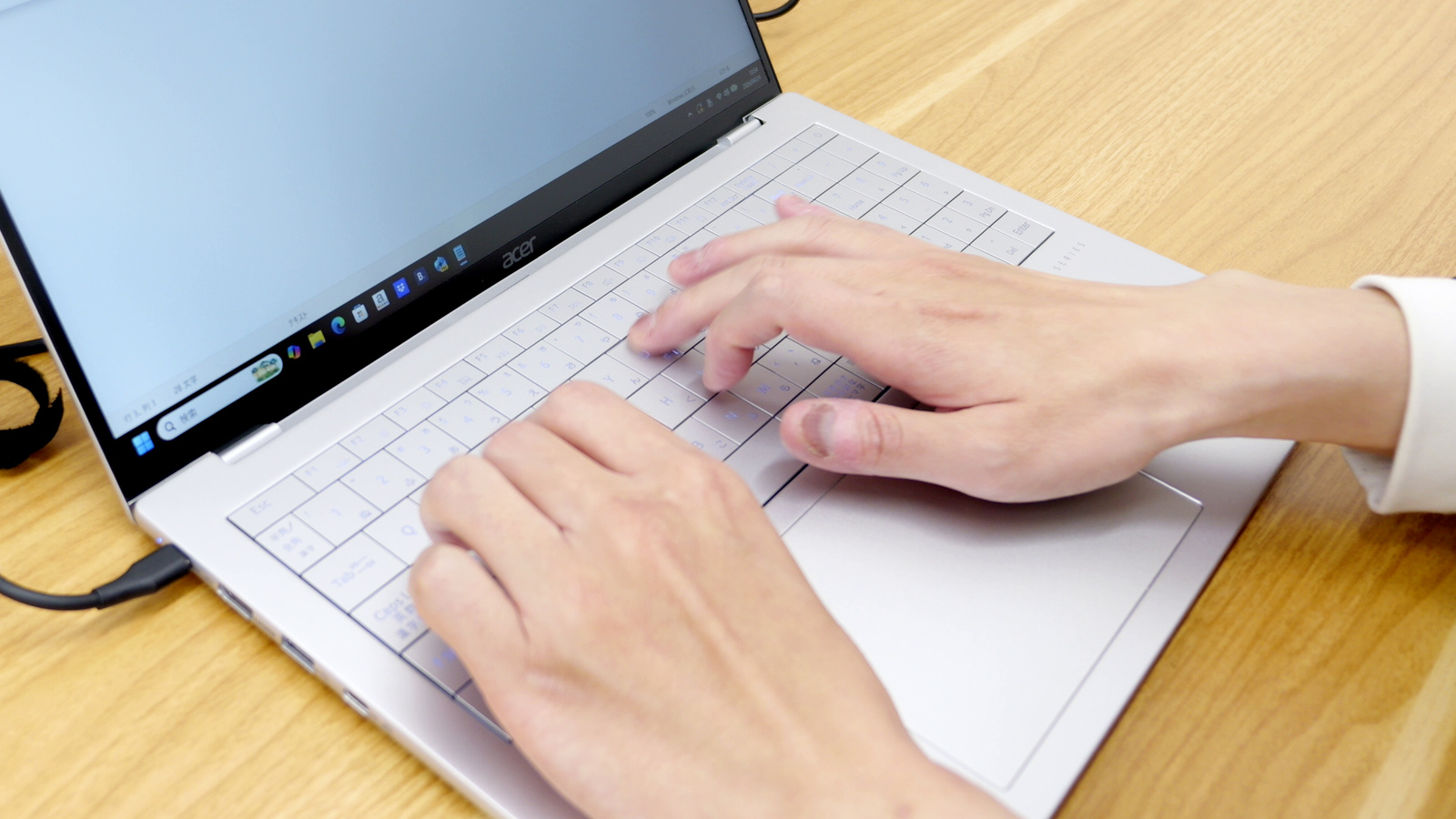
The following video shows the Swift Air 16's keyboard and trackpad in actual use.
The key presses have a light, flapping sound, but you can feel them firmly pressed all the way down. The trackpad is quite large, and the click buttons are built into the bottom of the trackpad, making a distinct clicking sound as it depresses. If you have small hands, the trackpad might be a little too large to operate comfortably, and it might take some getting used to.
The keyboard had a built-in backlight.
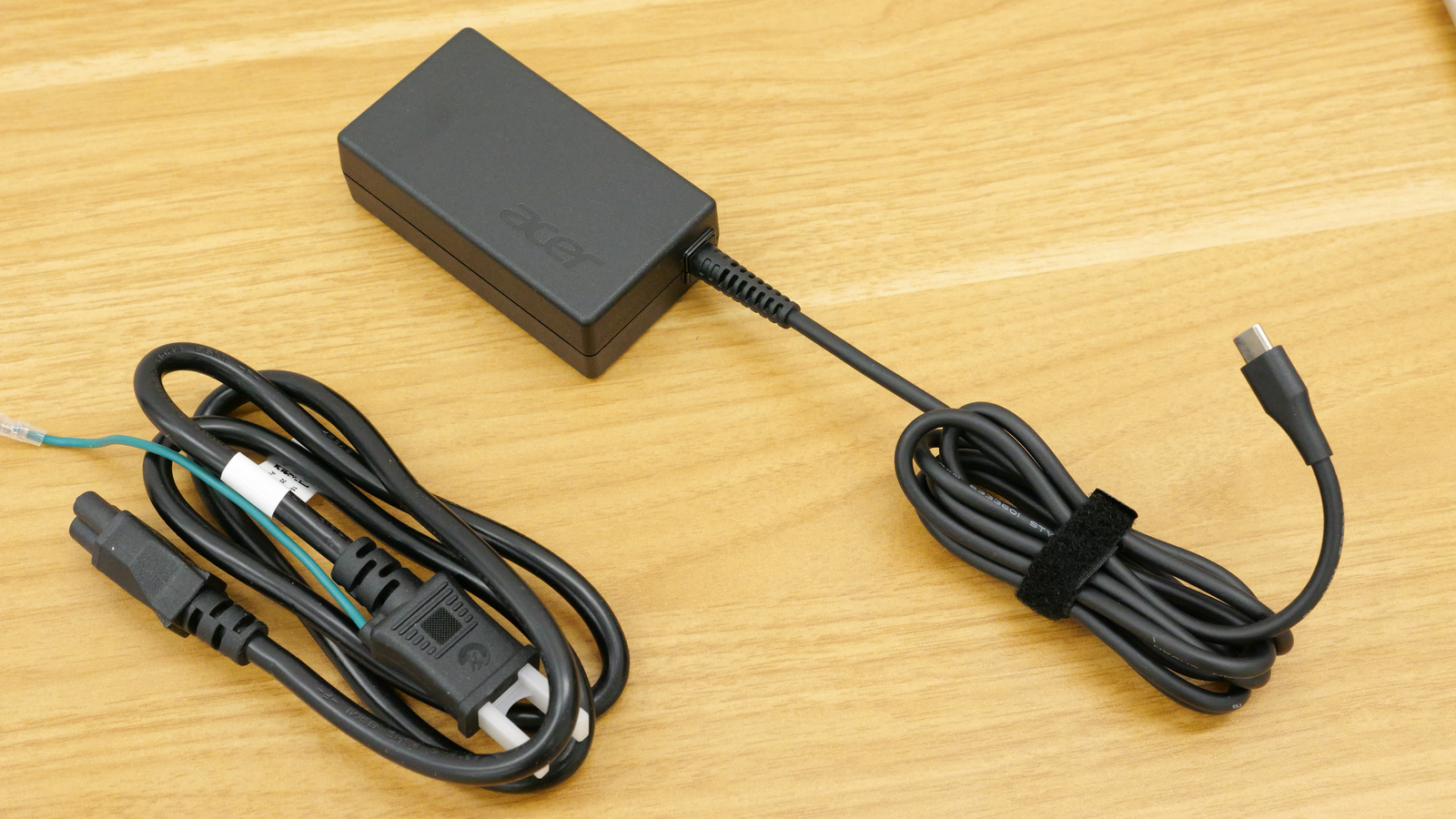
Power cable and AC adapter.
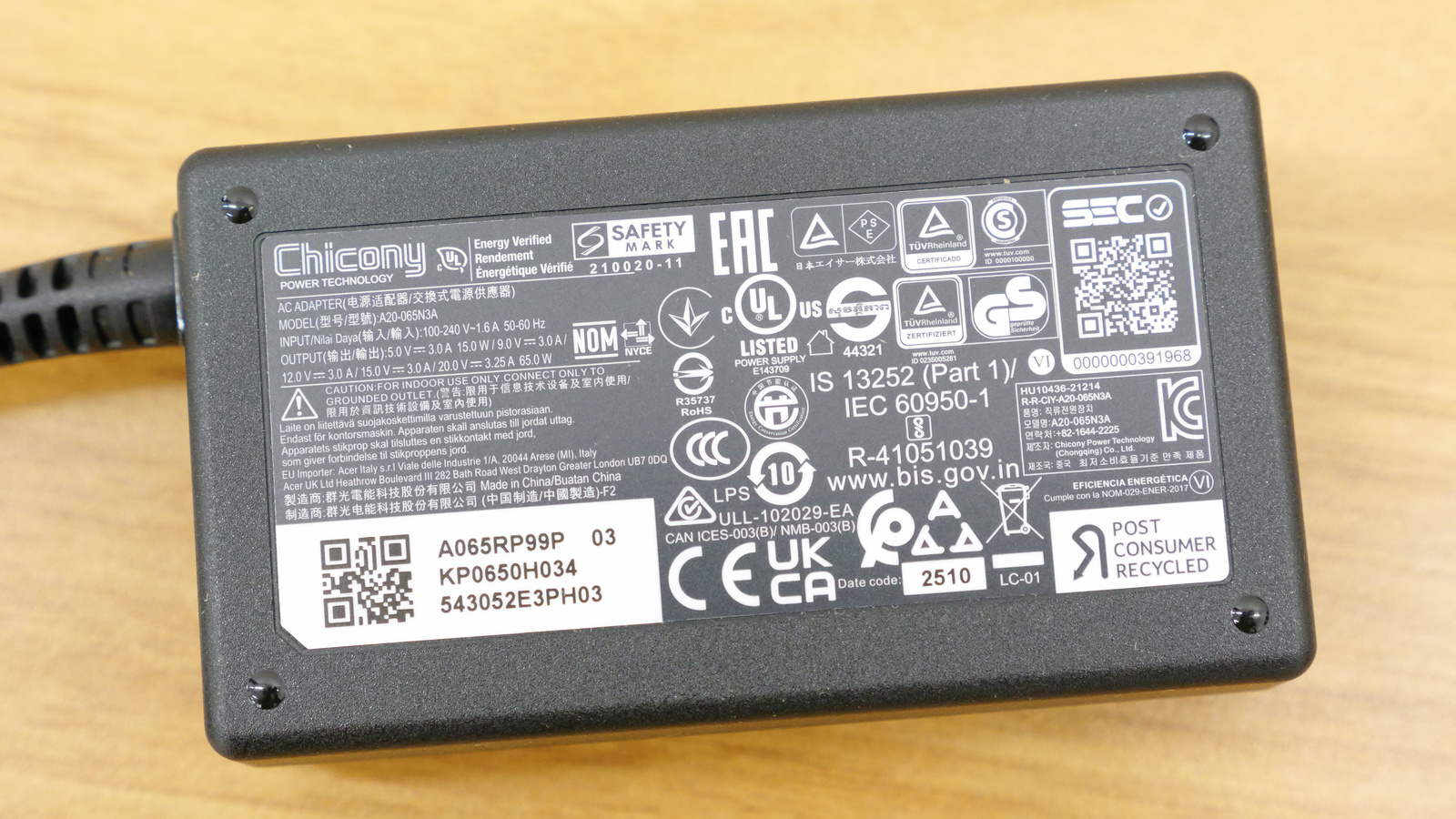
The AC adapter had a maximum output of 65W (20V x 3.25A).
Next time, we plan to run benchmarks to check the specifications of the Swift Air 16.
[to be continued]
Related Posts: