The Framework Laptop 13 Pro, an ultra-thin notebook PC that is fully repairable, upgradeable, and compatible with older models, has arrived.
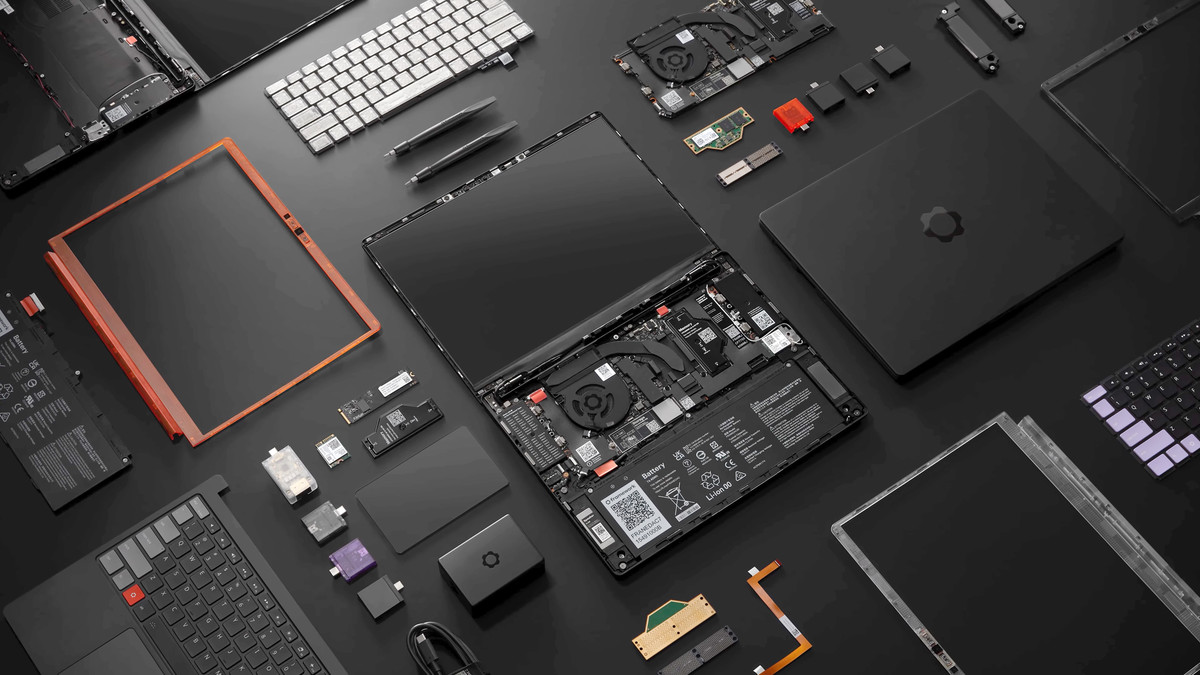
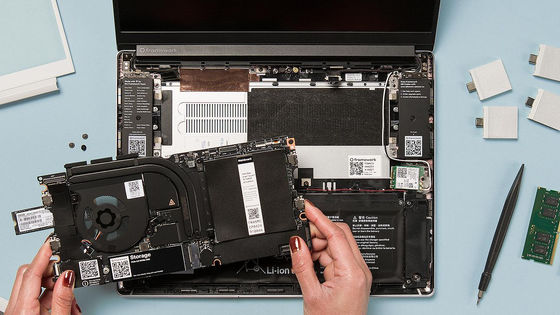
Framework, a manufacturer of laptops where all parts are replaceable, just like a custom-built PC, allowing users to upgrade parts at their leisure or easily replace parts themselves during repairs, has announced the ' Framework Laptop 13 Pro .' One of its selling points is that it's a Linux-first PC with Ubuntu pre-installed, and it boasts an Intel Core Ultra Series 3 processor and a 20-hour battery life.
Framework | Framework Laptop 13 Pro: Intel Core Ultra 3 & LPCAMM2
We heard you: the new Framework Laptop 13 Pro. - YouTube
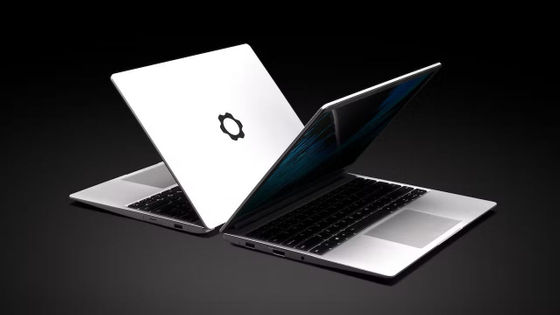
Framework Laptop 13 Pro. The body color is the new black aluminum.
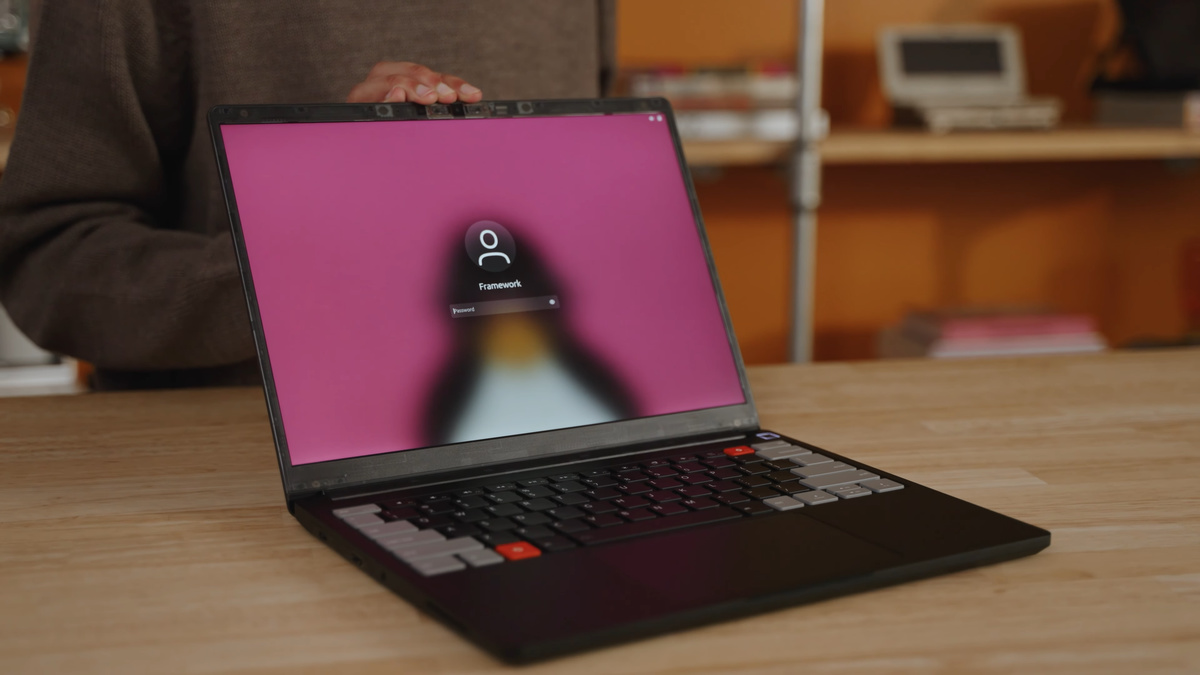
The body is made of aluminum.
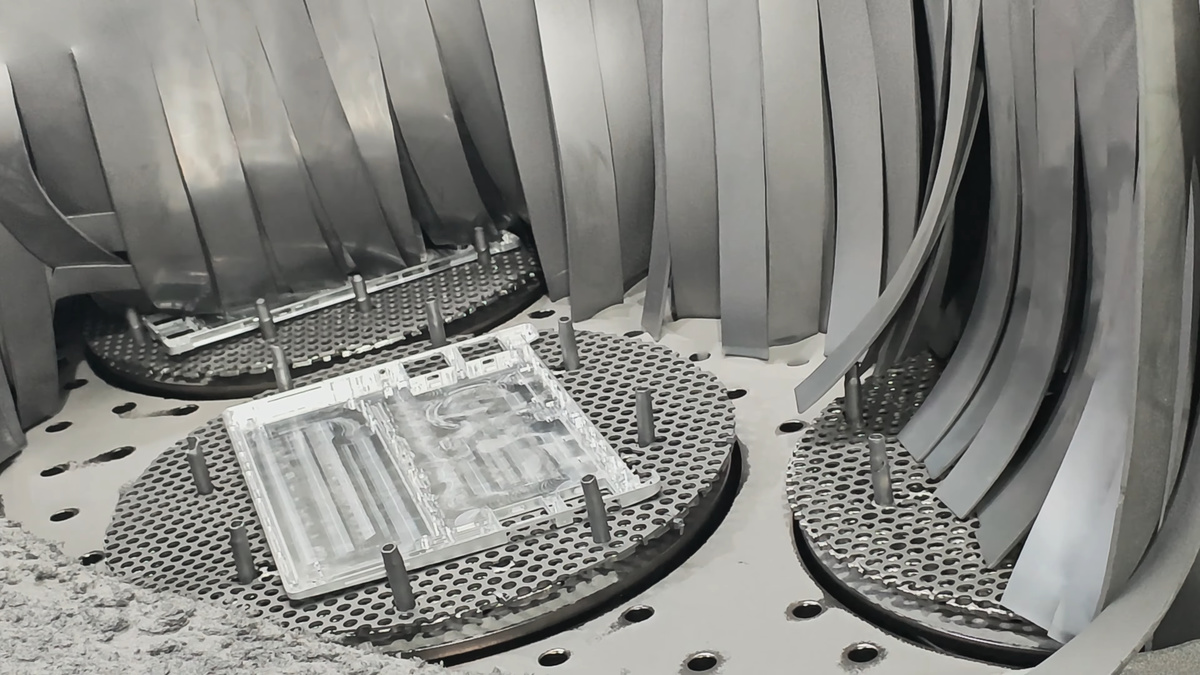
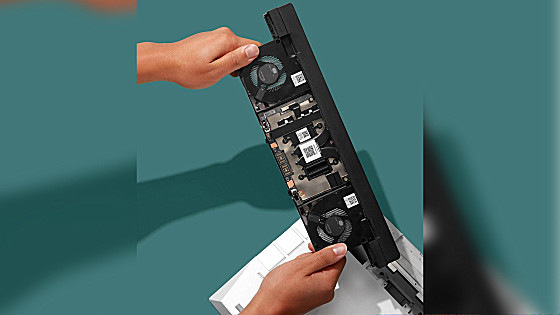
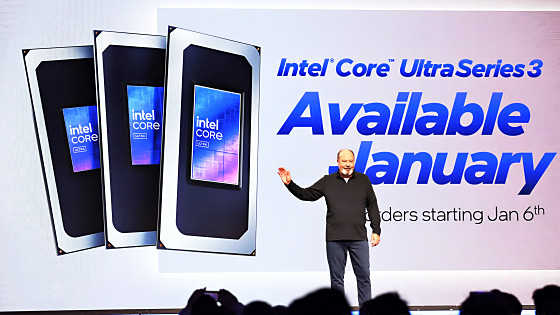
It features an Intel Core Ultra Series 3 processor (Panther Lake). The memory has been changed from standard DDR5 DIMMs to LPDDR5X-8533 memory packaged in LPCAM2 modules. This is because the adoption of high-speed LPDDR5X is essential to use Intel's high-performance integrated GPUs, Arc B390/B370, and it is also to maintain as much as possible the modular replaceability and upgradeability that Framework has emphasized while using low-power and high-speed LPDDR5X memory.
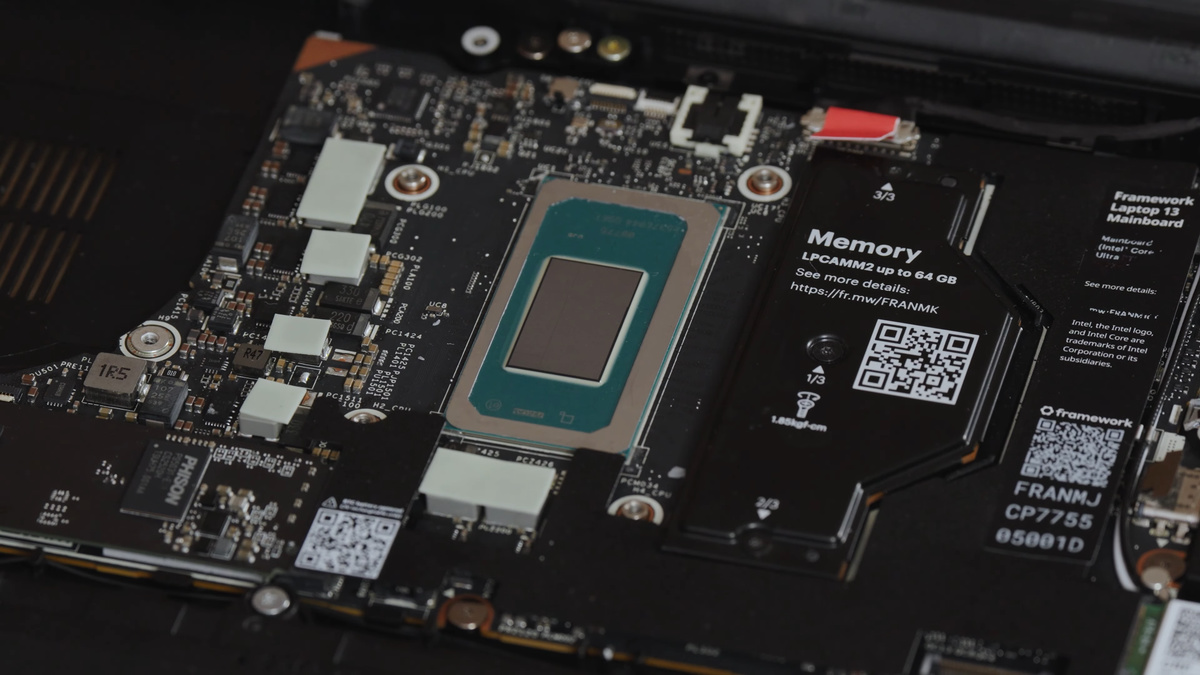
The motherboard is compatible with previous models, so it can be replaced directly. However, the memory will need to be replaced.
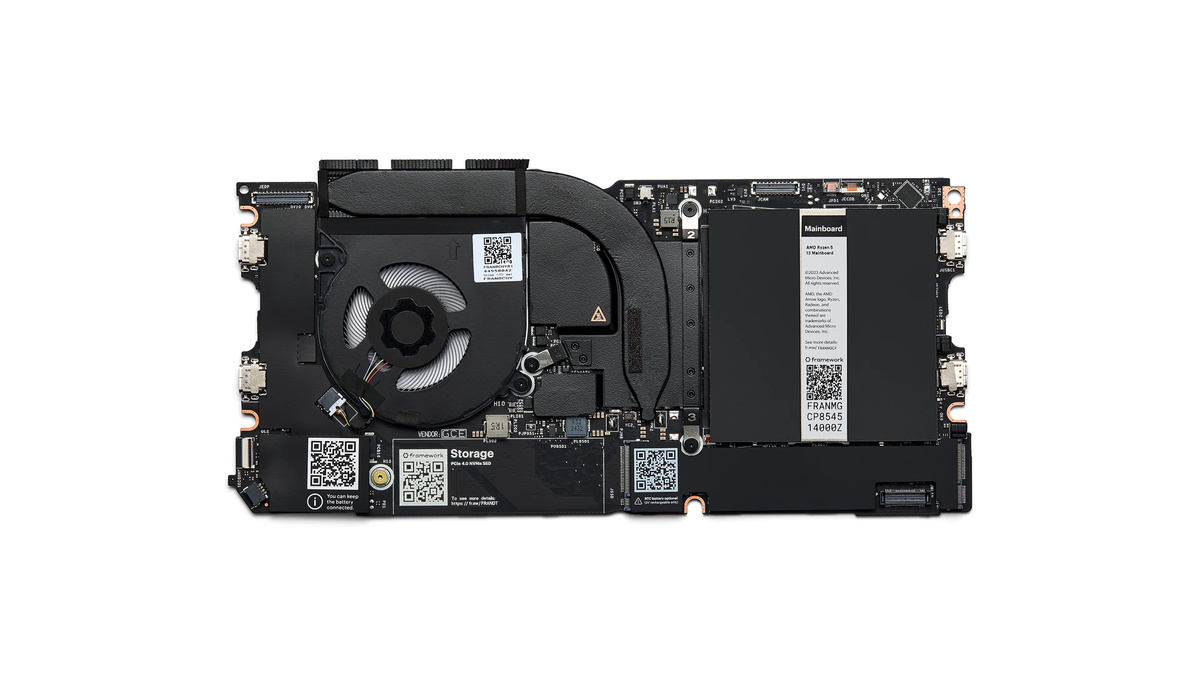
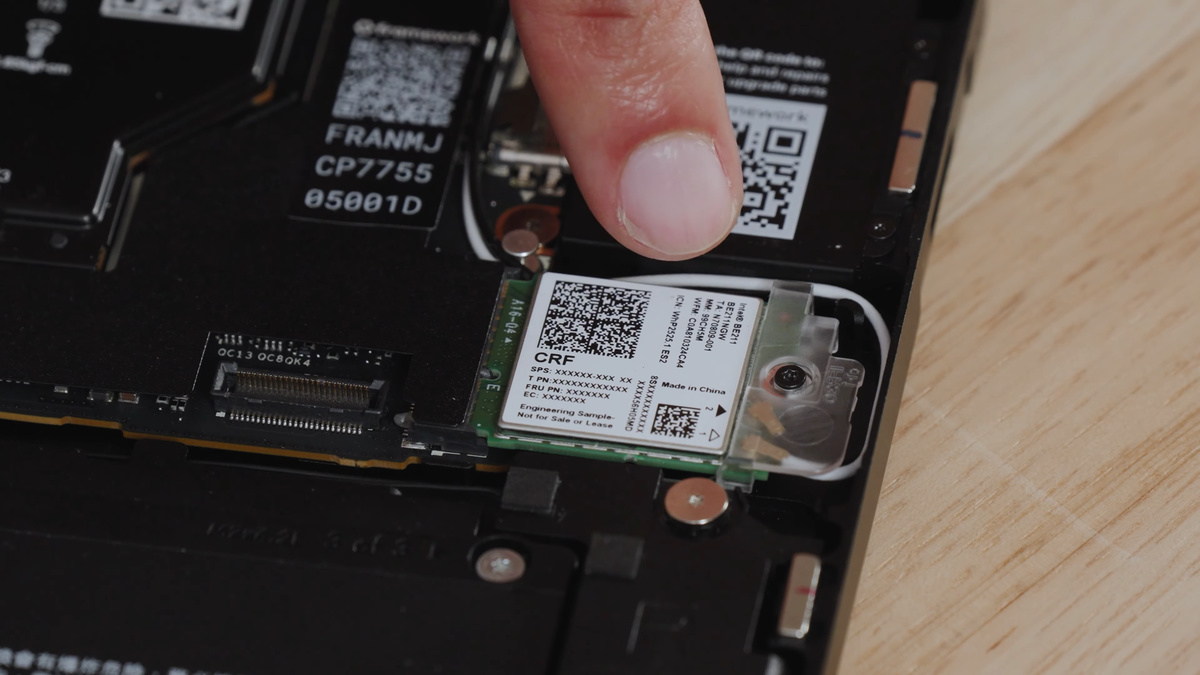
A new Wi-Fi module compatible with Wi-Fi 7.
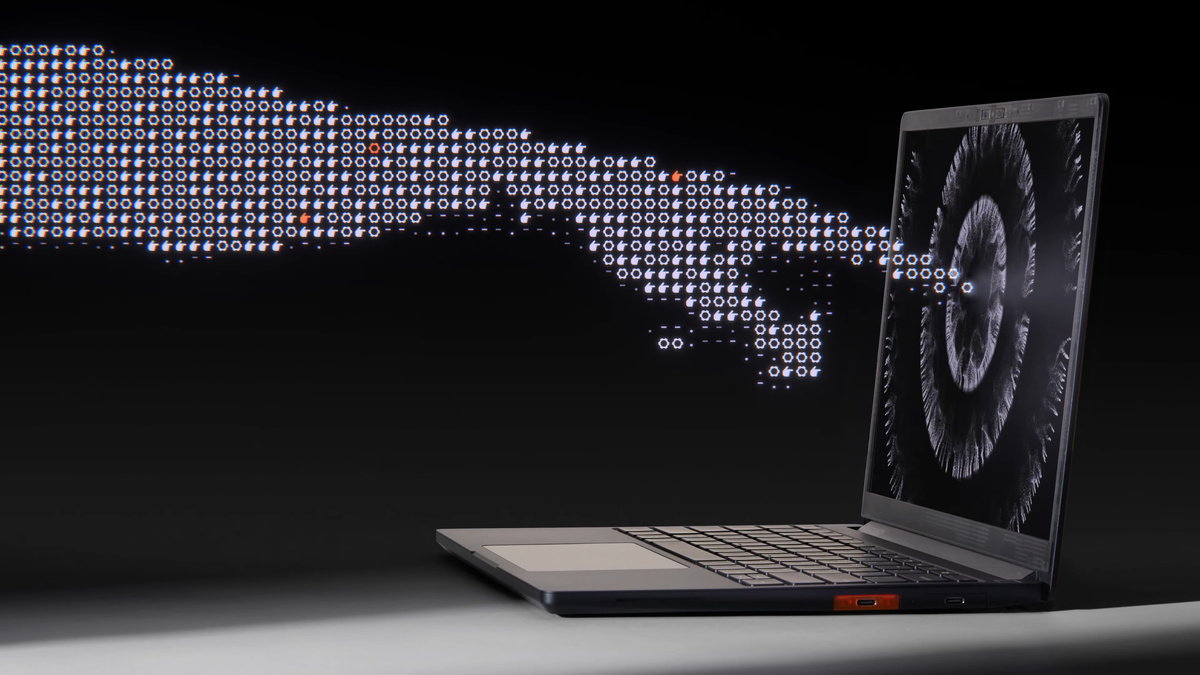
This touch-enabled display has a 13.5-inch screen, a 3:2 aspect ratio, a resolution of 2880 x 1920 pixels, a maximum refresh rate of 120Hz, and 100% sRGB color gamut coverage. It boasts a maximum brightness of 700 nits and a contrast ratio of 1800:1. The display is, of course, compatible with the previous model, with the same dimensions, size, and ports.
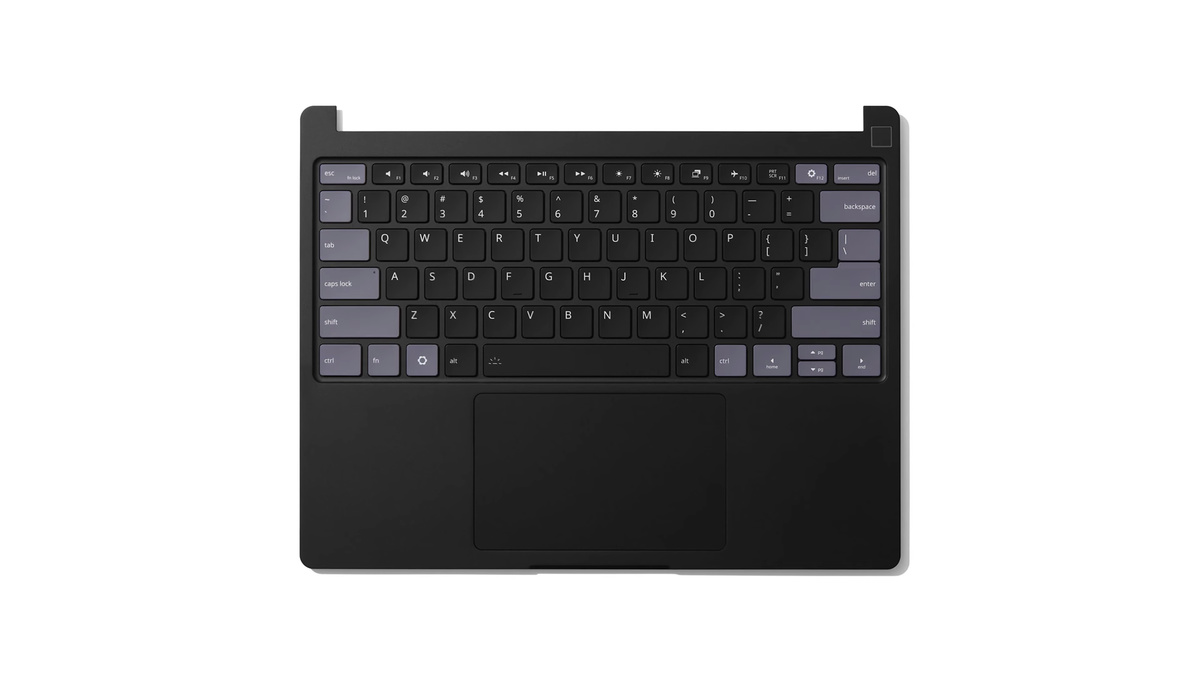
The keyboard looks like this.
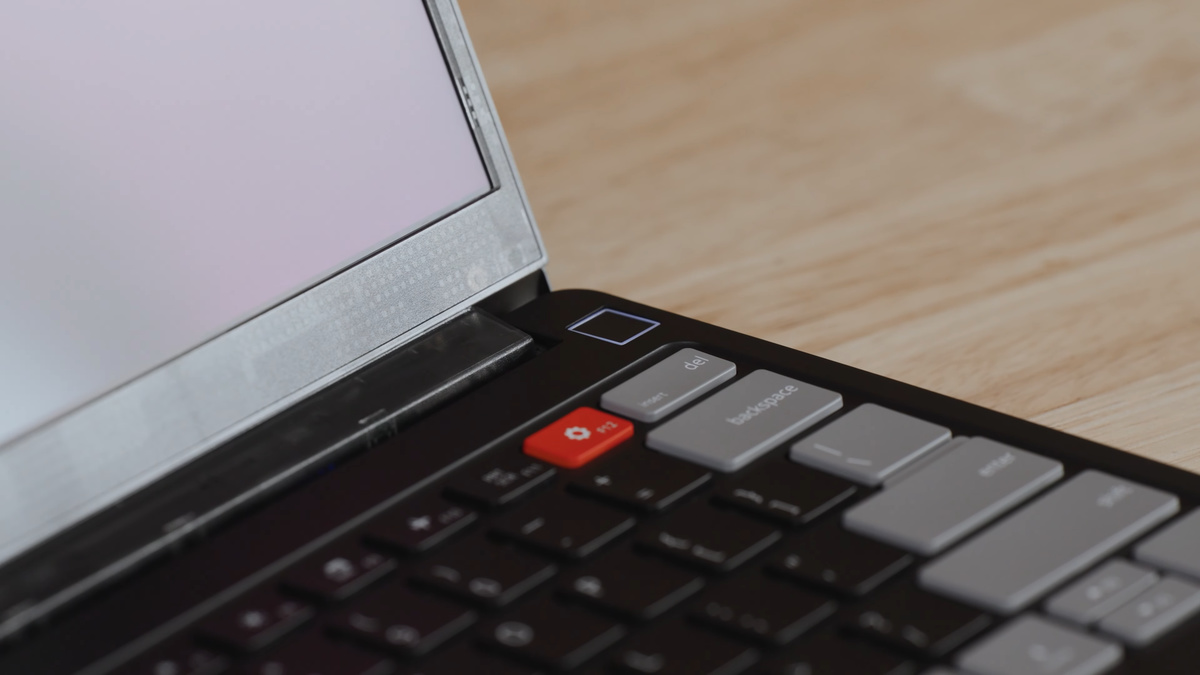
There is a fingerprint authentication key in the upper right corner.
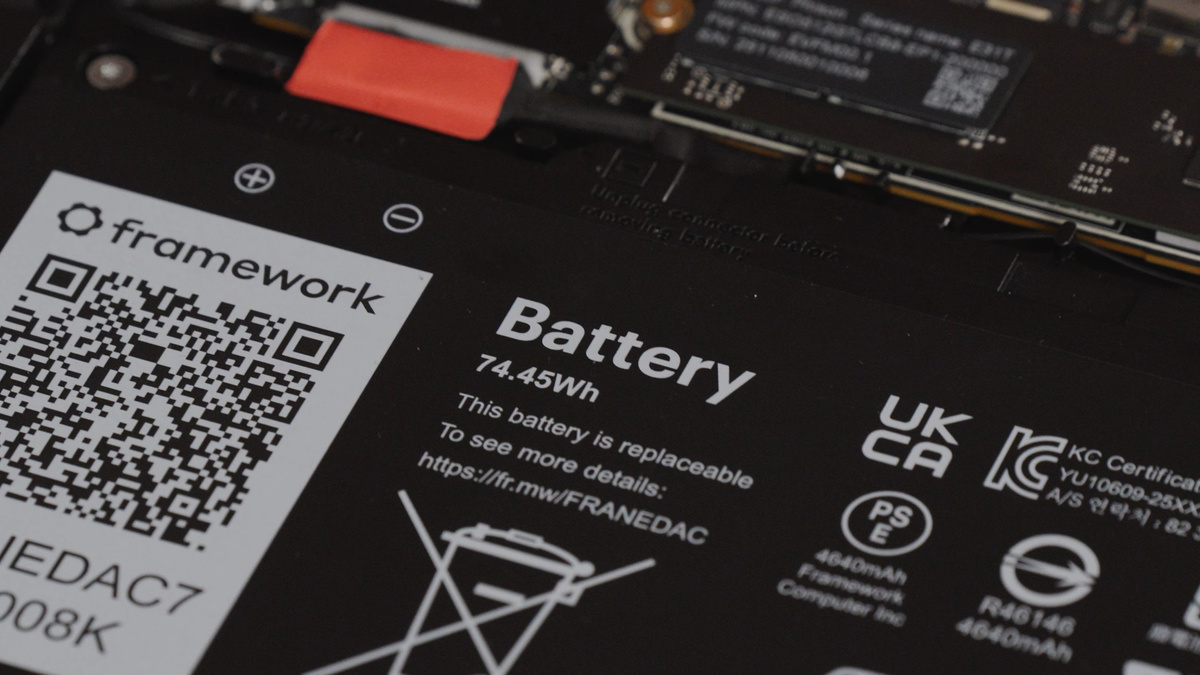
The battery capacity has increased to 74Wh. This is 21% more than the Laptop 13's 61Wh and 34.5% more than the original's 55Wh. Framework claims that this new Panther Lake-based board allows for 'over 20 hours' of battery life when playing 4K Netflix videos.
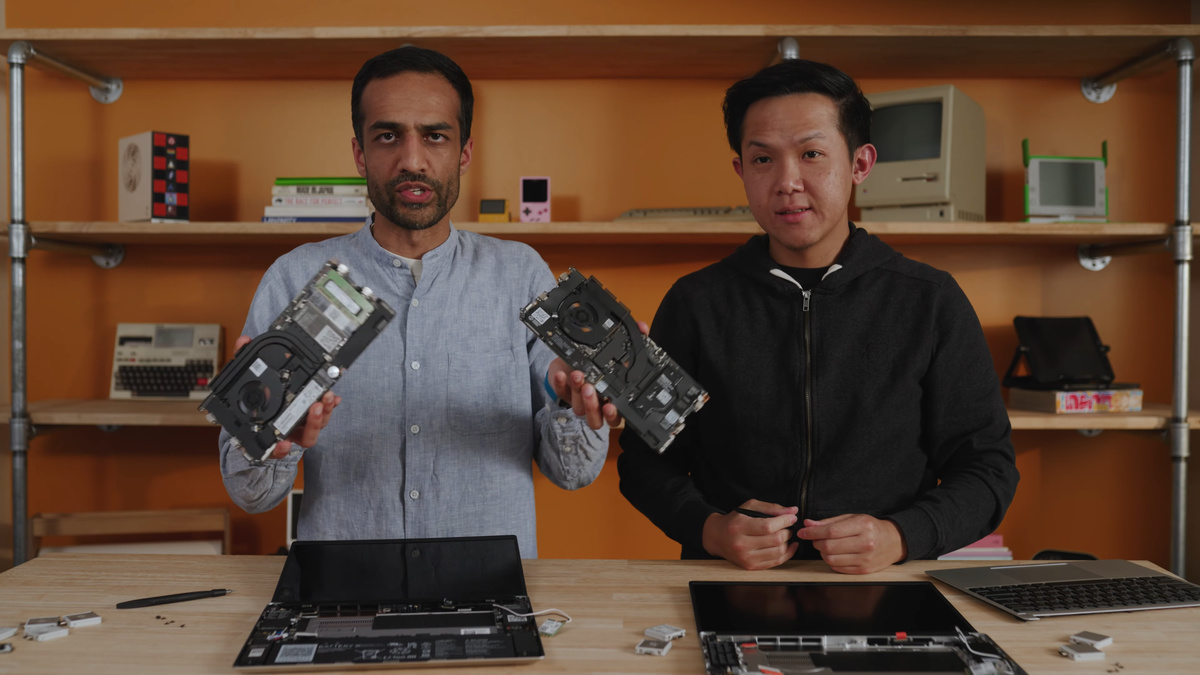
The following video explains how to upgrade from Framework Laptop 13 to Framework Laptop 13 Pro.
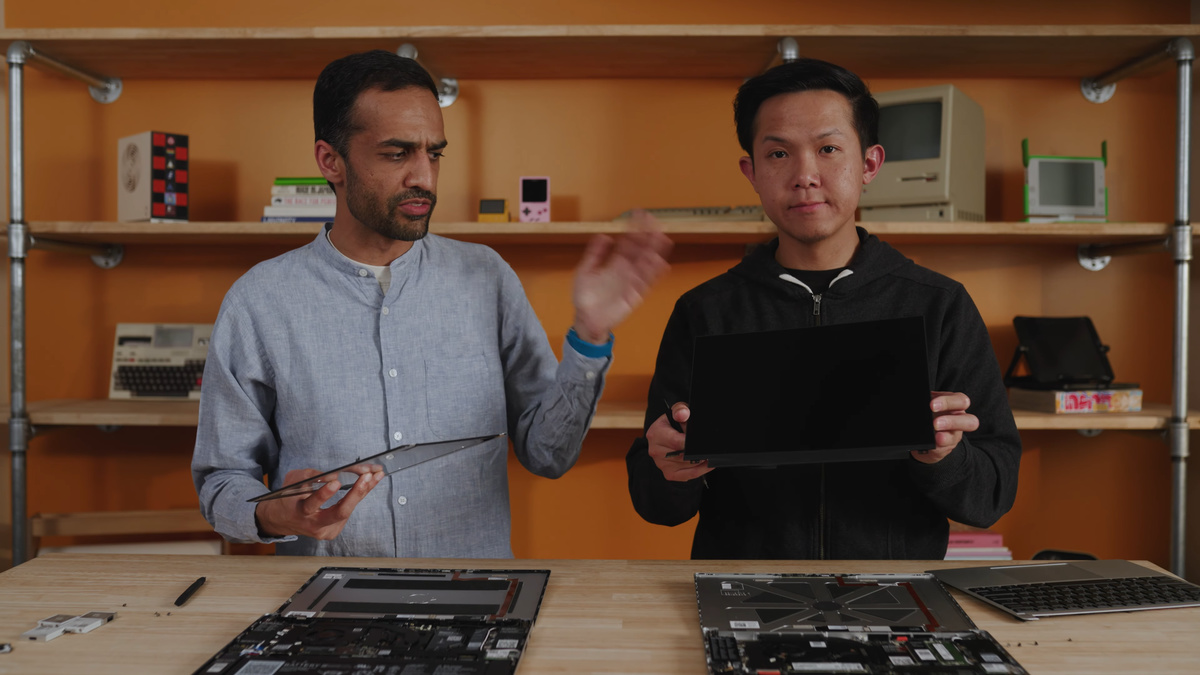
Remove the cover and keyboard from the Framework Laptop 13 and Framework Laptop 13 Pro, and then remove the display and Wi-Fi module.
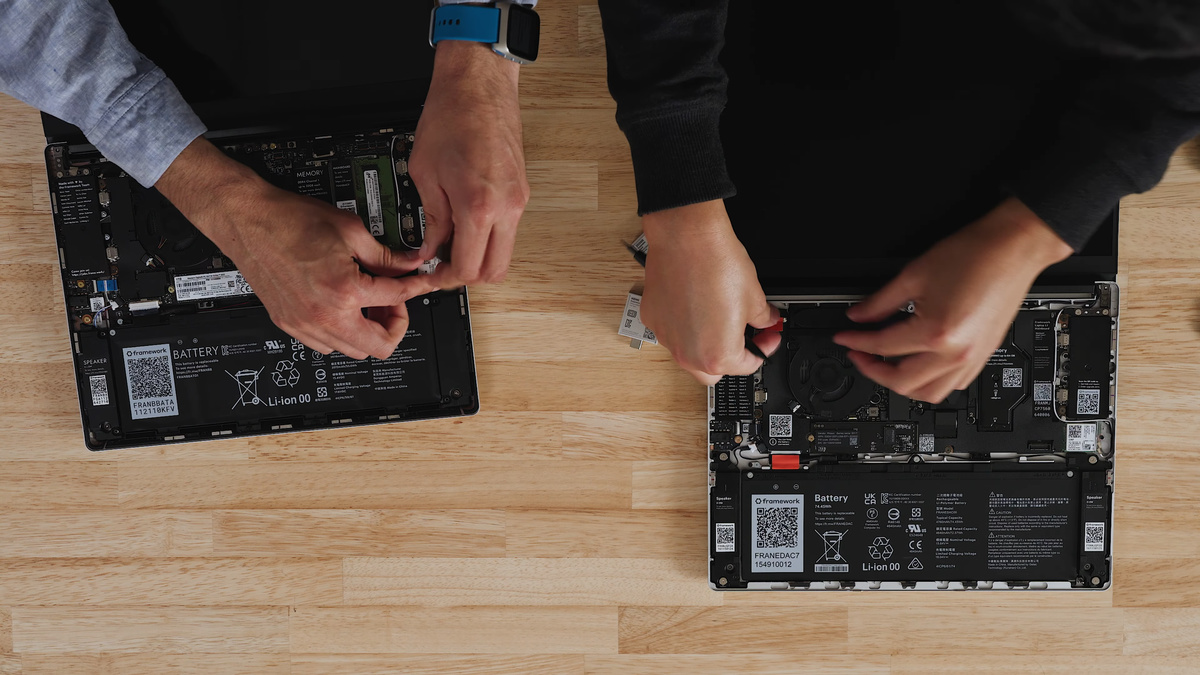
The motherboards of the Framework Laptop 13 and Framework Laptop 13 Pro have the same dimensions, and all ports and interfaces are located in the same places. In other words, they are compatible.
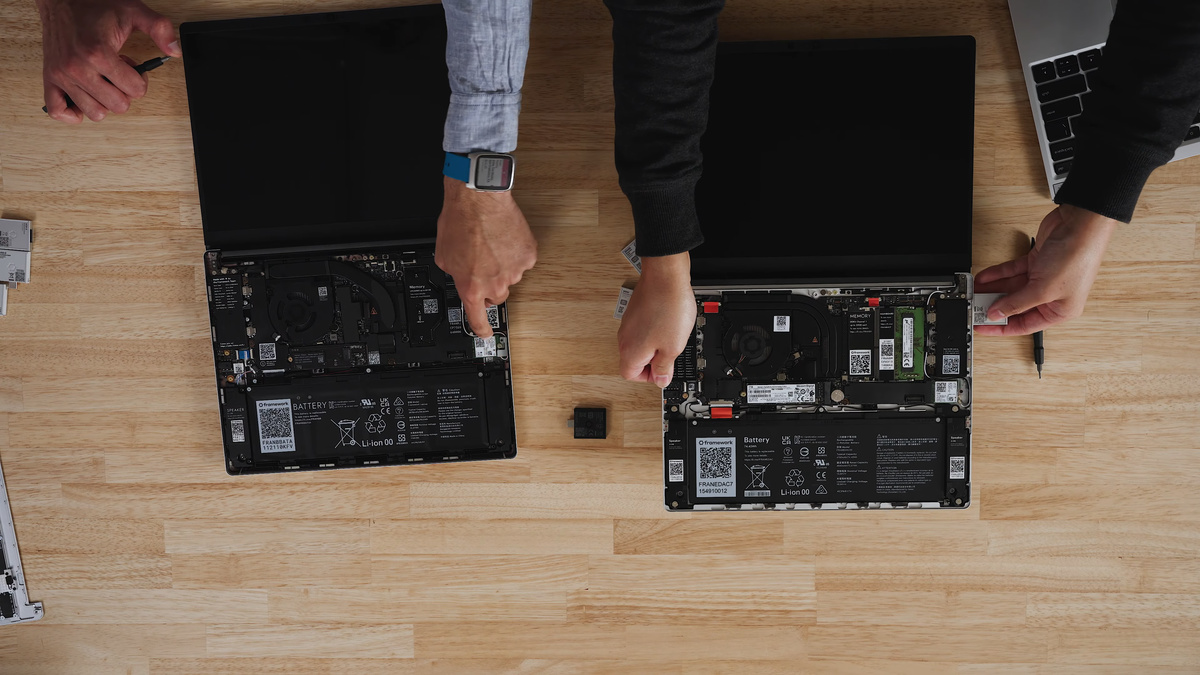
However, the Wi-Fi module in the Framework Laptop 13 is incompatible with the Framework Laptop 13 Pro's motherboard due to its Intel chip. Therefore, Framework sells a separate Wi-Fi module for upgrades.
Next is the display. It's secured with four fasteners and one cable, so it can be easily removed. Although the display has been updated from a commercially available product to a custom-made one, the dimensions are the same and it's compatible, so it can be replaced directly.
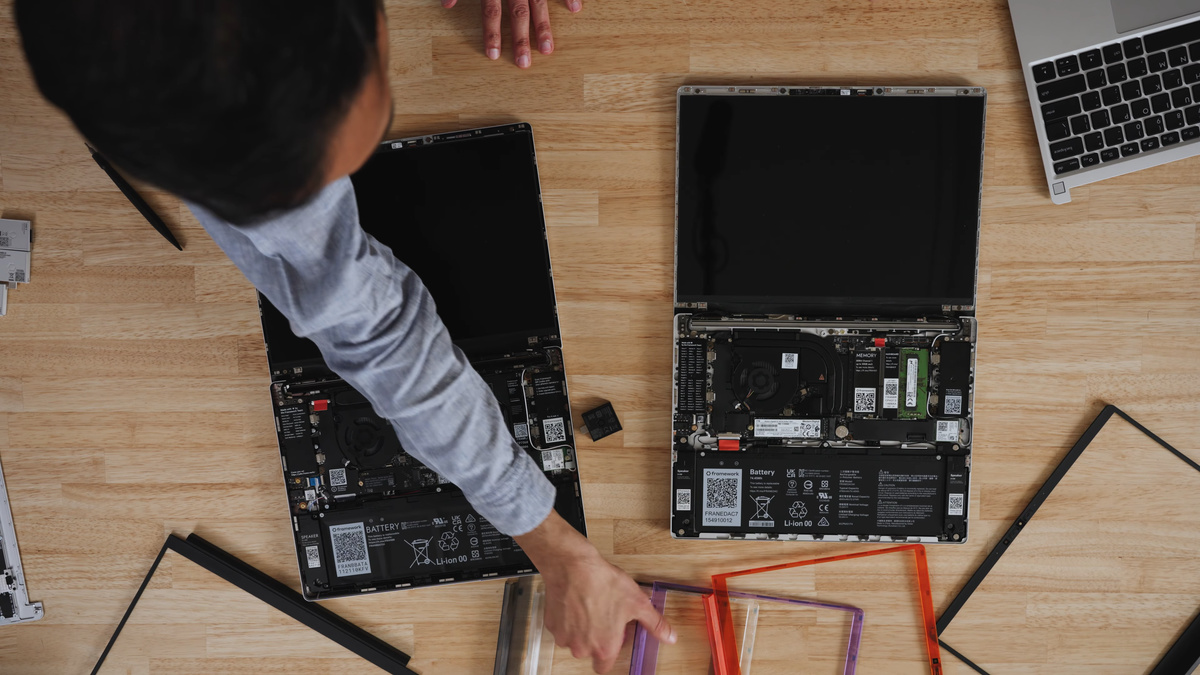
The video also shows a scene where the user selects a color variation for the display bezel, with the message, 'Let's have some fun!'
The Framework Laptop 13 Pro is already available for pre-order, with shipments scheduled to begin in June 2026.
The DIY Edition with a Core Ultra 5 325 is $1,199 (approximately 190,000 yen). The complete product with Ubuntu Linux is $1,499 (approximately 238,000 yen), with an additional $100 (approximately 15,900 yen) for adding Windows 11. The DIY Edition with a Core Ultra X7 358H is $1,599 (approximately 254,000 yen), and the 'limited batch' version with a Core Ultra X9 388H is $1,799 (approximately 286,000 yen).
Additionally, the standalone motherboards are priced at $449 (approximately 71,000 yen) for the Core Ultra 5 325 version and $799 (approximately 127,000 yen) for the Core Ultra X7 358H version.
Related Posts: