Vibium: Browser automation for AI and humans, from the creator of Selenium
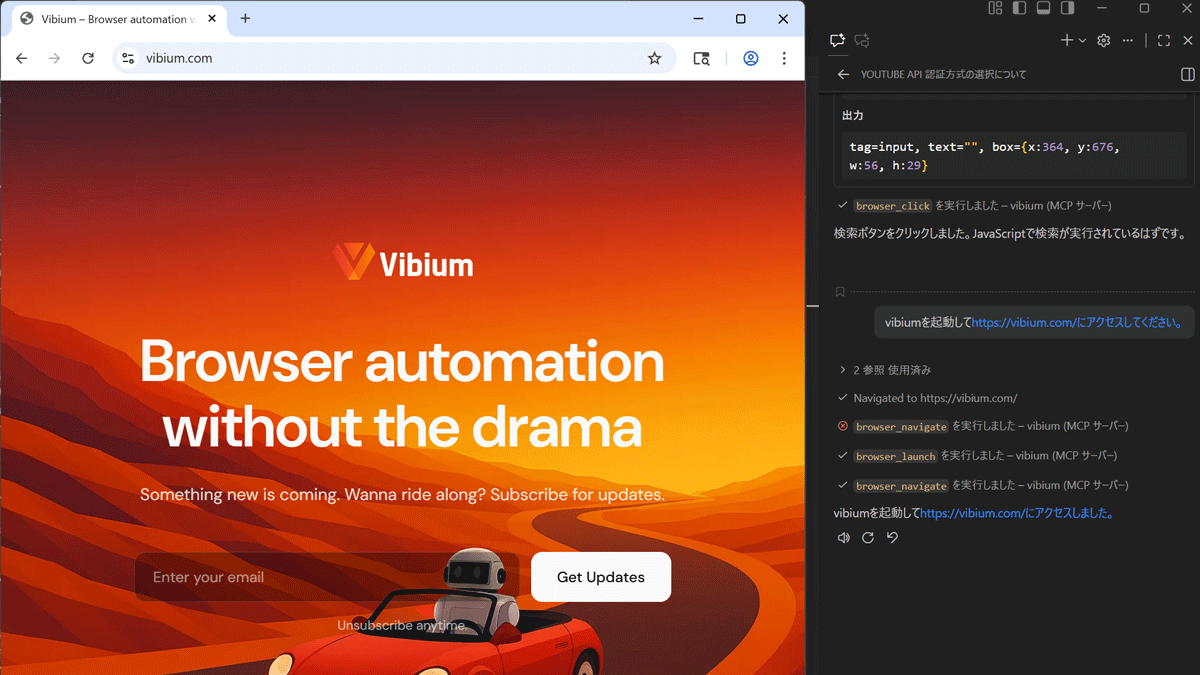
VibiumDev/vibium: Browser automation for AI agents and humans
https://github.com/VibiumDev/vibium
Vibium – Browser automation without the drama
https://vibium.com/
This time, we will prepare an environment where
 mkdir my-first-bot
 cd my-first-bot
 npm init -y
Install Vibium with npm.
npm install vibium
Create a test script file 'test.js' using any editor.
 const fs = require('fs')
 const { browserSync } = require('vibium')

 // Launch a browser (you'll see it open!)
 const vibe = browserSync.launch()

 // Show GIGAZINE
 vibe.go('https://gigazine.net')
 console.log('Loaded https://gigazine.net')

 // Take a screenshot
 const png = vibe.screenshot()
 fs.writeFileSync('screenshot.png', png)
 console.log('Saved screenshot.png')

 // Click on the first article
 const link = vibe.find('.content a')
 link.click()
 console.log('Clicked!')
Run test.js.
node test.js
The browser started and the script in test.js executed, which was to display the GIGAZINE homepage, take a screenshot, and then click the link on the first article page. Close the browser and press Ctrl + C to stop execution.
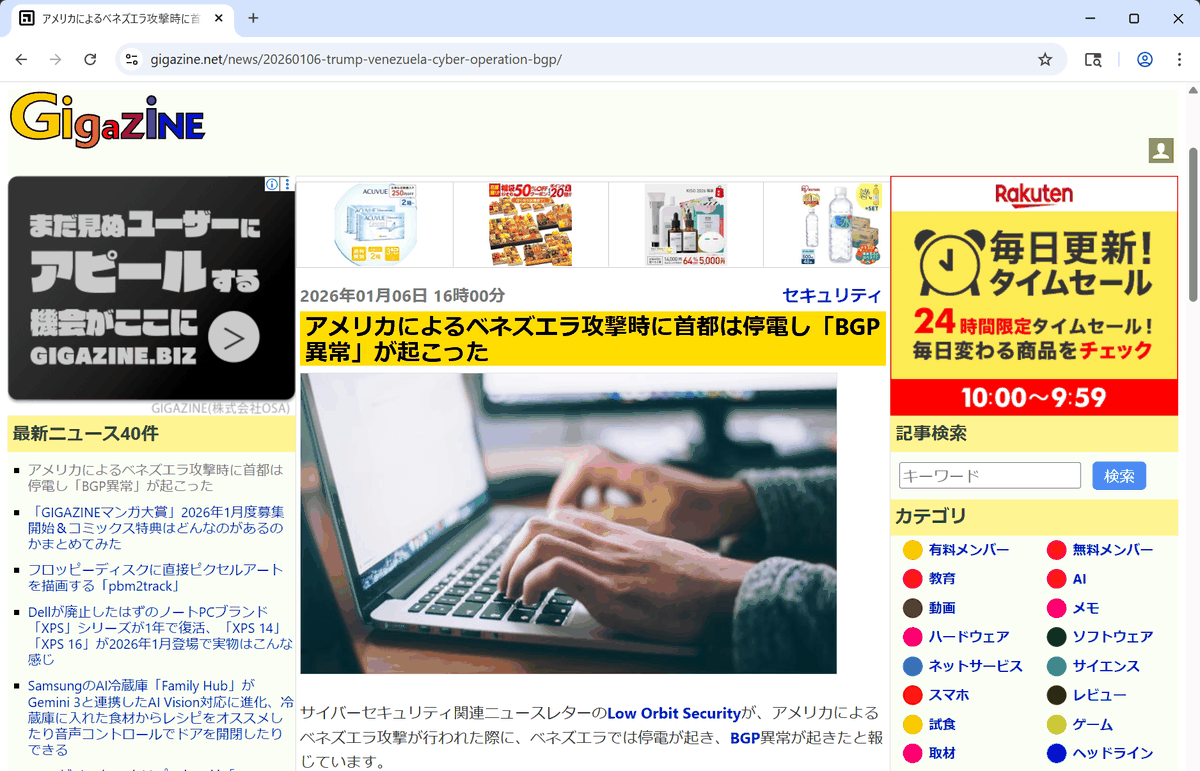
A screenshot.png file was created in the launched folder, and when I checked it, a screenshot of the top page was saved as shown below.
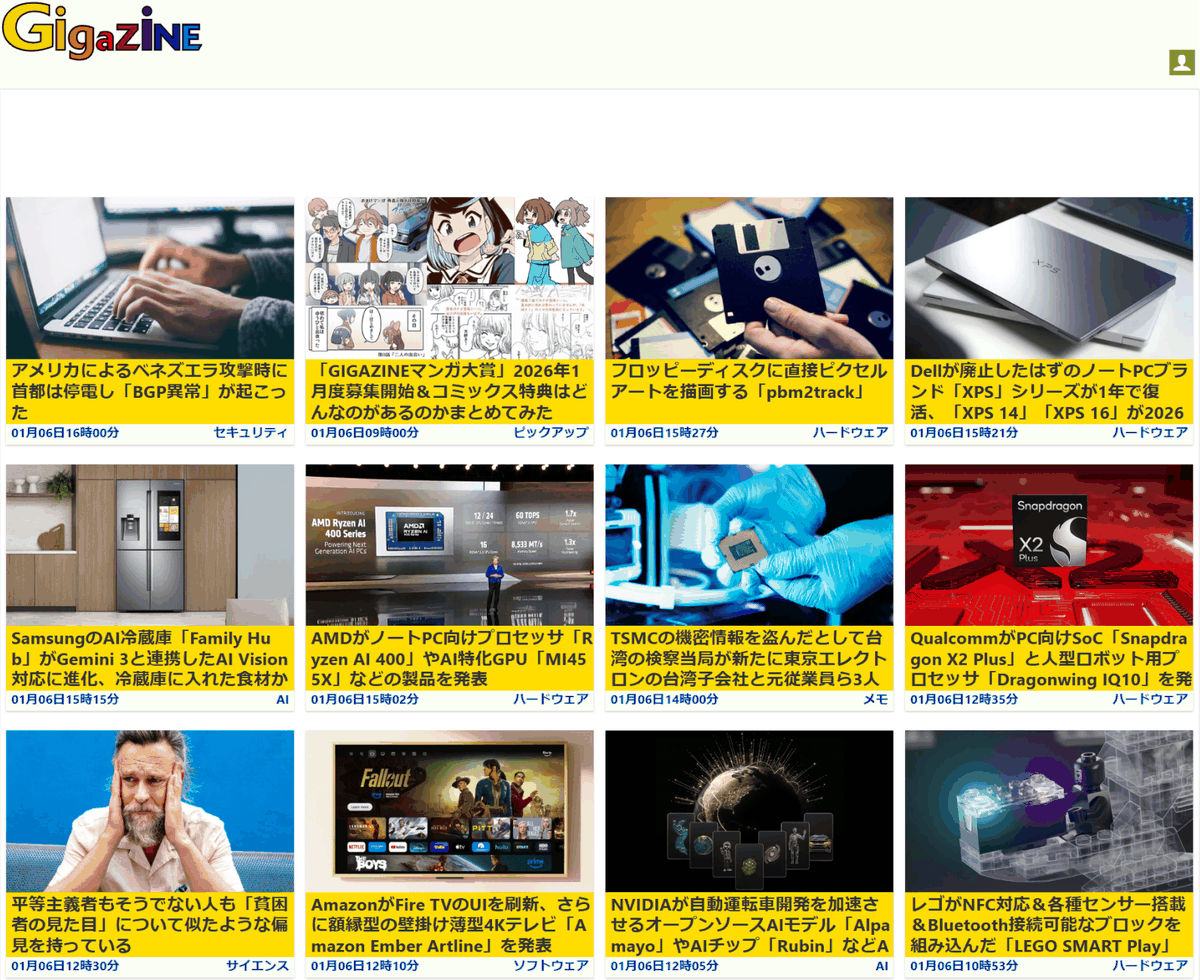
In an environment where vibium is installed via npm, it can also be used as an MCP server for AI agents. For
 {
 'servers': {
 'vibium': {
 'type': 'stdio',
 'command': 'npx',
 'args': ['-y', 'vibium']
 }
 }
 }
After saving the configuration file, click the Copilot Chat tool icon.
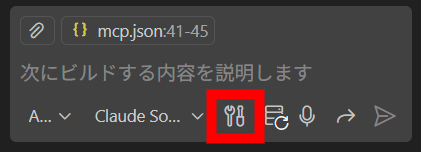
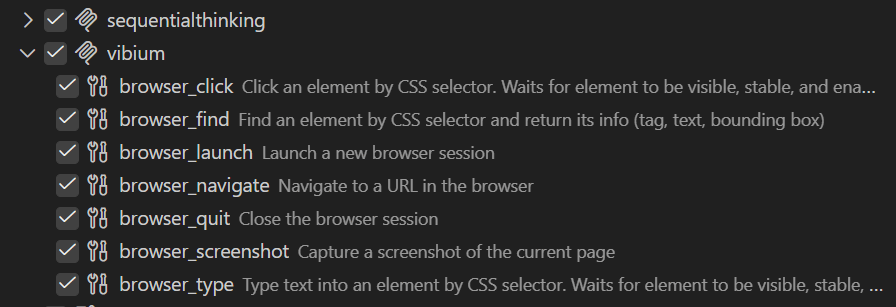
A list of vibium-related tools will be displayed.
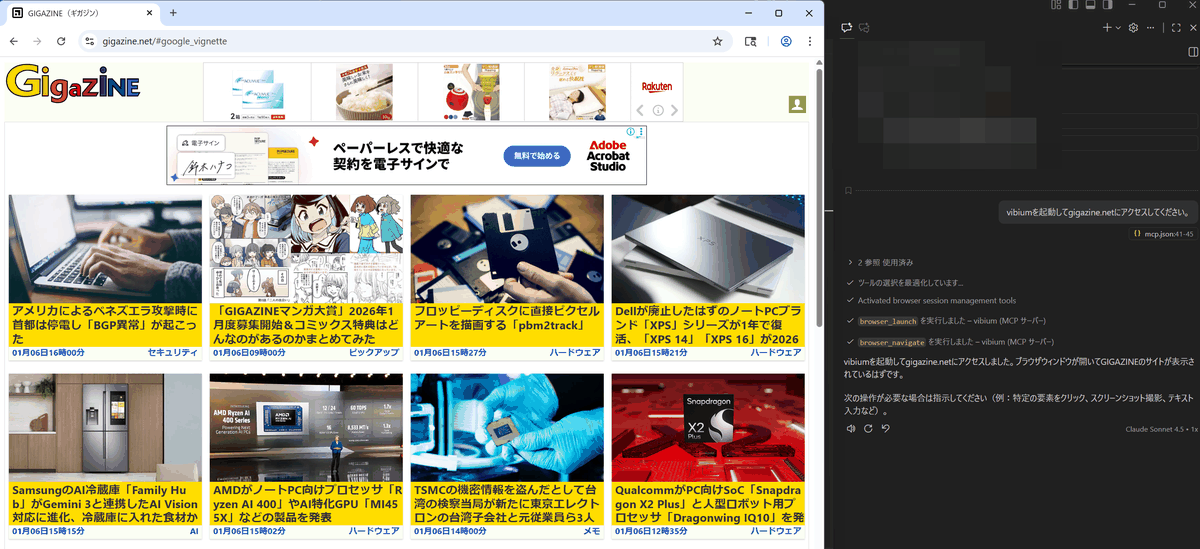
When I typed 'Launch vibium and access gigazine.net' in the chat, the browser started and the page was displayed.
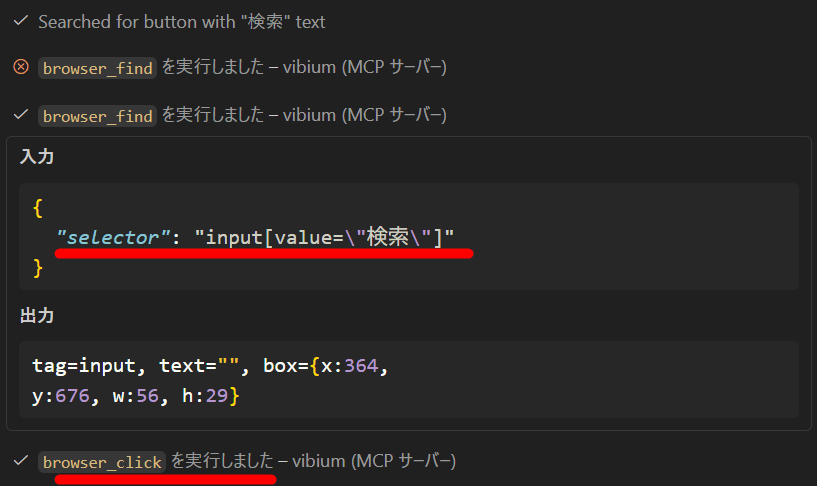
Since it is possible to give instructions using natural language, we instructed the AI agent to 'enter JavaScript in the search field and click the search button.' The AI agent then searched for a commonly used CSS selector in the search field. If it could not find it, it would search for another CSS selector candidate, and so on, repeating this process.
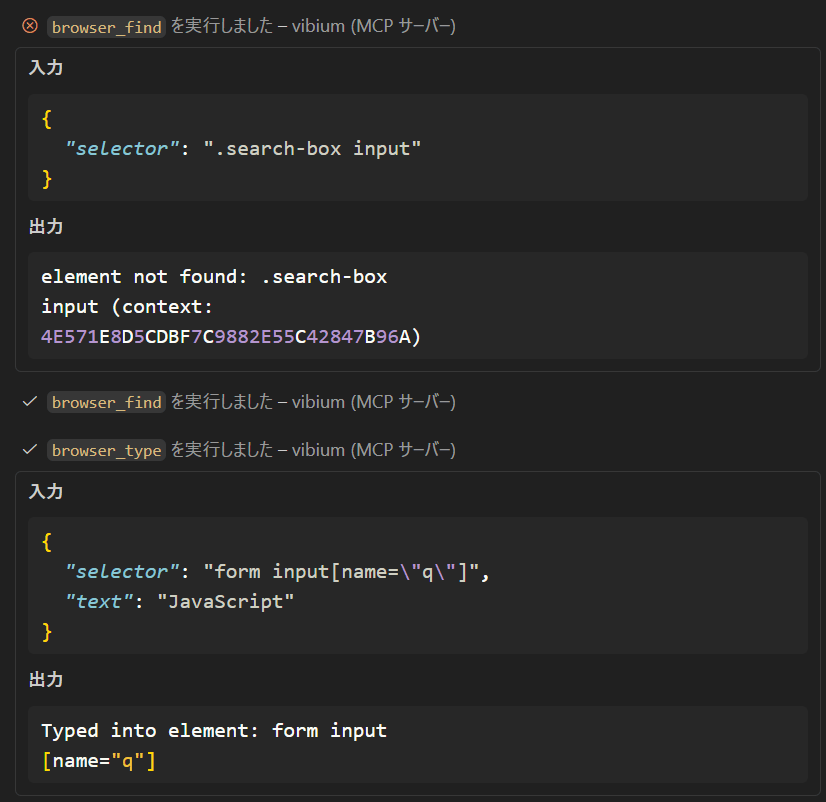
After searching again several times, the user found the search field and started entering information, but was unable to find the search button, with the message 'The search button appears to be hidden.' When we gave additional instructions, 'There should be a button called search,' the user found a button with the word 'search' on it and immediately clicked it.
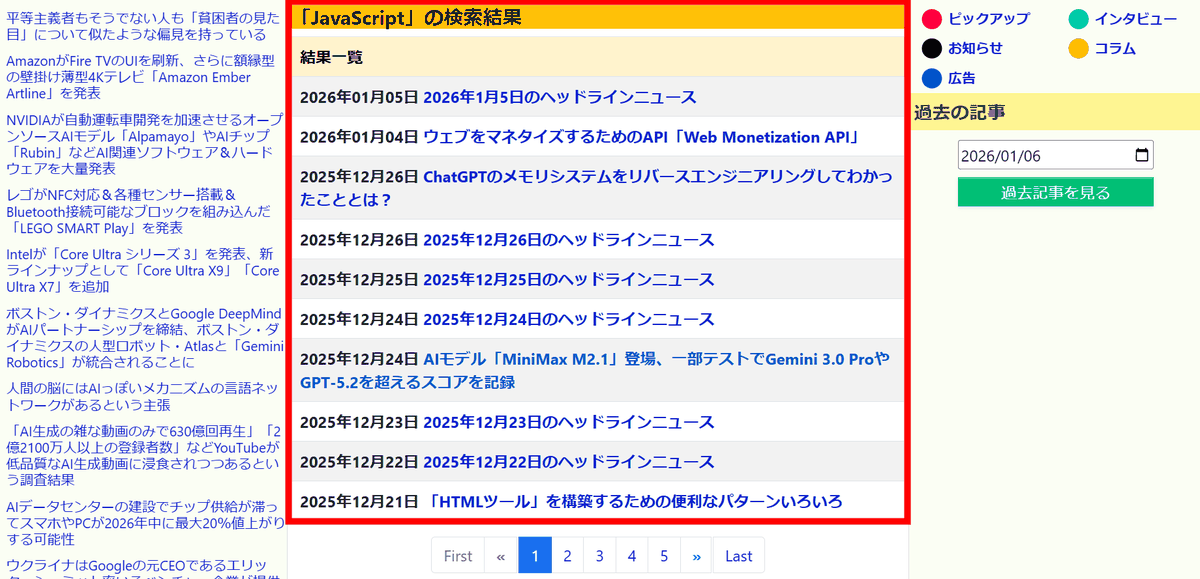
You will be taken to the search results page where the search results will be displayed.
◆Features of Vibium
・Libraries for JavaScript and Python are available, making it easy to install and run.
・Supports Model Context Protocol , allowing for natural language instructions to be given to AI agents
・The binary is lightweight, about 10MB
・Supports WebDriver Bidi , allowing direct control of browser operations, two-way communication, and the ability to receive events from the browser.
Meanwhile, on Hacker News , a social media news site, there has been a discussion about Vibium, with some people saying that it 'has yet to catch up with Playwright because it has yet to implement features like JavaScript injection, DOM manipulation, or network request monitoring.' Others have also suggested that while version 1 only allows for simple clicks, version 2 will be evolving to include the robotics framework 'sense-think-act.'
Related Posts: