Finally, to fully utilize the YouTube download function of yt-dlp, a JavaScript runtime such as Deno is required, and the installation procedure is like this

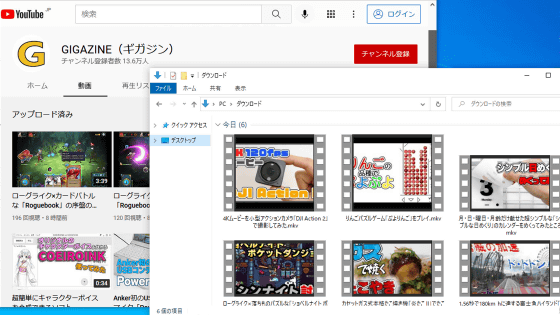
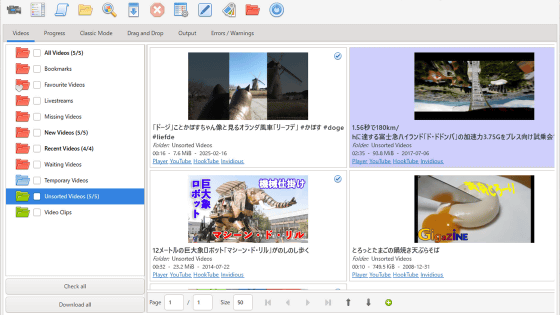
When downloading YouTube videos using the media downloader '
Release yt-dlp 2025.11.12 · yt-dlp/yt-dlp · GitHub
https://github.com/yt-dlp/yt-dlp/releases/tag/2025.11.12
[Announcement] External JavaScript runtime now required for full YouTube support · Issue #15012 · yt-dlp/yt-dlp
https://github.com/yt-dlp/yt-dlp/issues/15012
YouTube's specifications are extremely complex and change frequently. The yt-dlp development team previously supported YouTube using a method that heavily relied on regular expressions. However, in September 2025, they announced that they would switch to a system that uses an external JavaScript runtime after the traditional method became too difficult to support. Then, with the release of 'yt-dlp 2025.11.12' on November 12, 2025, users who download YouTube videos are strongly encouraged to install a JavaScript runtime.
Downloading YouTube videos with yt-dlp will require the installation of a JavaScript runtime such as Deno - GIGAZINE
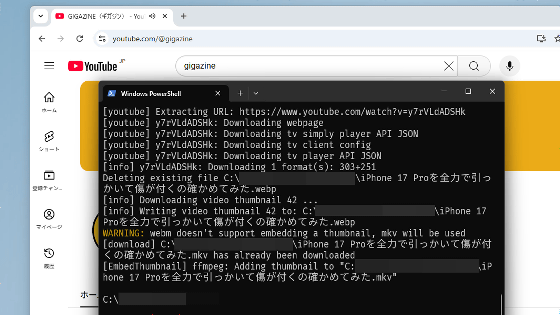
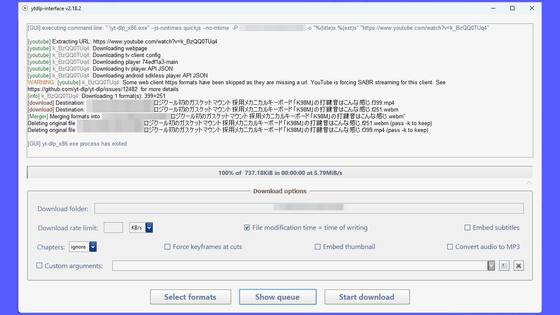
At present, it is possible to download YouTube videos without installing the JavaScript runtime, but the available formats may be limited and you may encounter problems with operations that require logging in. Furthermore, future changes to YouTube's specifications may further restrict downloading without the JavaScript runtime.
yt-dlp supports Deno, Node, QuickJS, QuickJS-ng, and Bun as external JavaScript runtimes, but Deno is the most recommended. To install Deno on Windows, simply run the following command in Command Prompt or PowerShell:
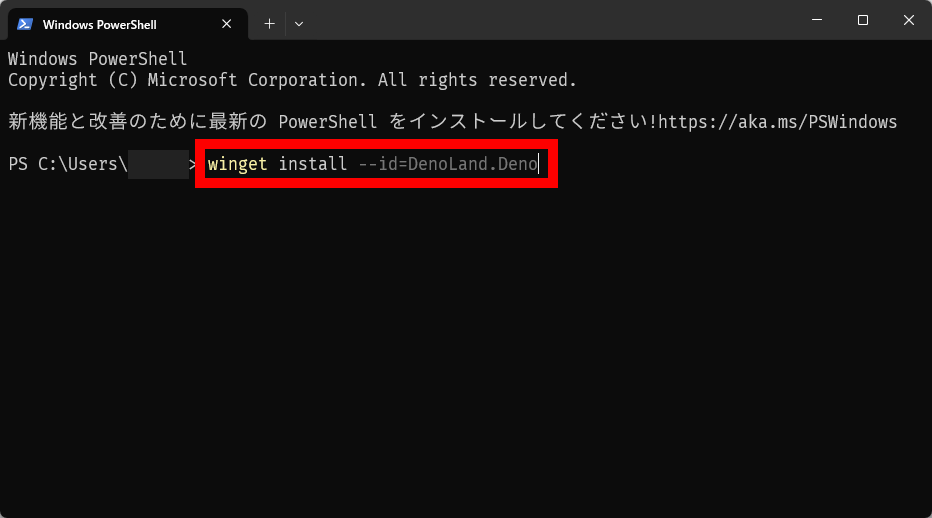
[code]winget install --id=DenoLand.Deno[/code]
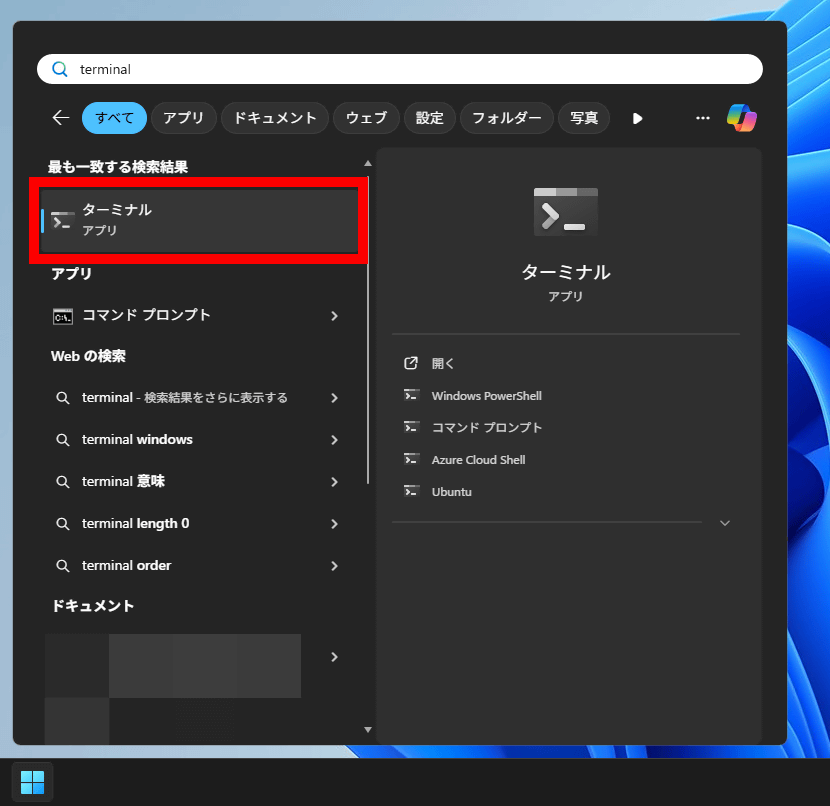
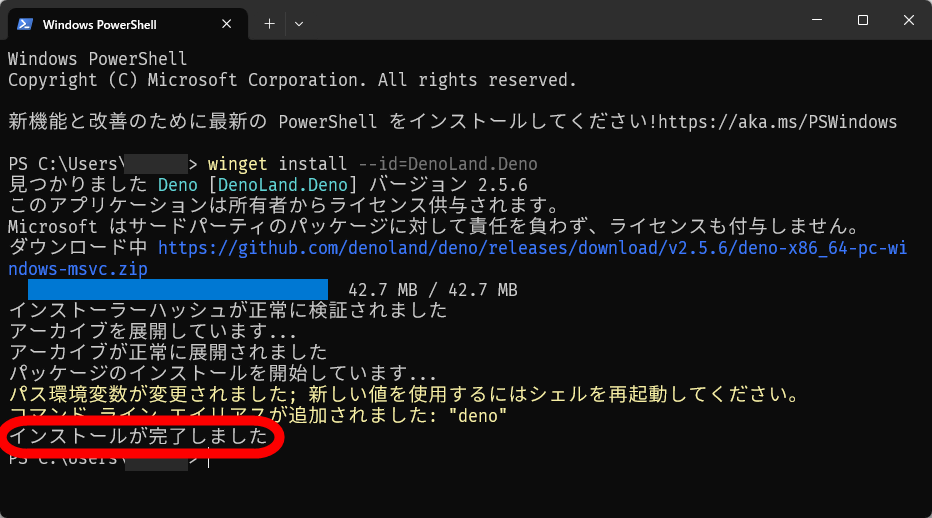
Here are the detailed steps to install Deno: First, find and click 'Terminal' from the Start menu.
Once the terminal opens, type 'winget install --id=DenoLand.Deno' and press Enter.
The download and installation will proceed automatically, so please wait for a while.
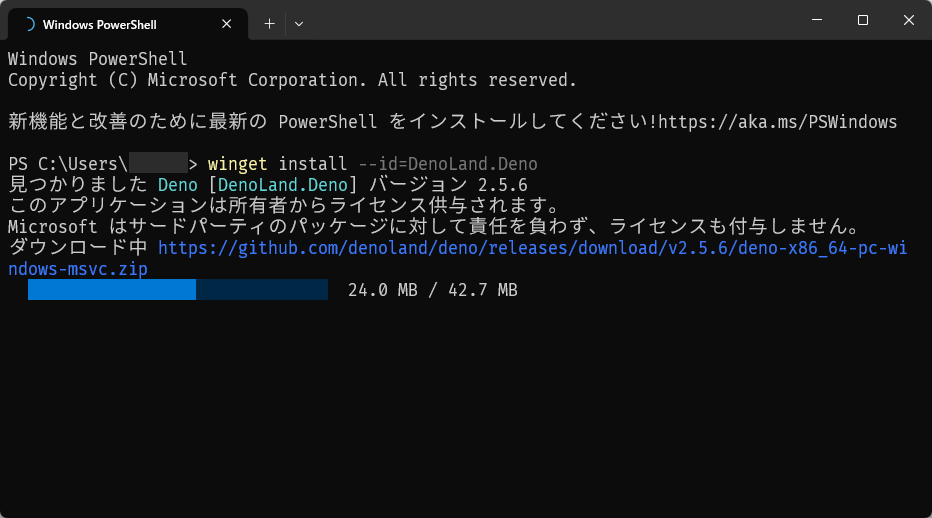
When the message 'Installation complete' appears, the installation is complete.
It is also important to update yt-dlp to the latest version. The method for updating yt-dlp varies depending on your environment, but if you installed it using the Winget command or simply downloaded and installed the executable file, you can update it with the following command.
[code]yt-dlp -U[/code]
Once you have installed Deno and updated yt-dlp to the latest version, you can download YouTube videos using the same commands as before.
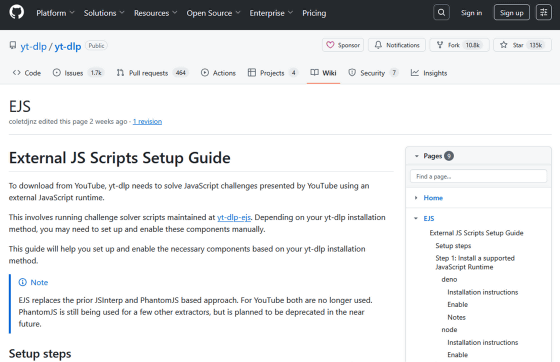
If you have installed Deno, no additional options are required, but if you have installed a runtime other than Deno, you will need to specify it as an option. The options for each runtime and other detailed information are summarized on the following page.
EJS · yt-dlp/yt-dlp Wiki · GitHub
https://github.com/yt-dlp/yt-dlp/wiki/EJS
Related Posts:

in Software, Posted by log1o_hf