The developers of the image generation AI 'FLUX' have announced 'Erase,' a tool for removing unwanted objects, and a free demo app is also available.
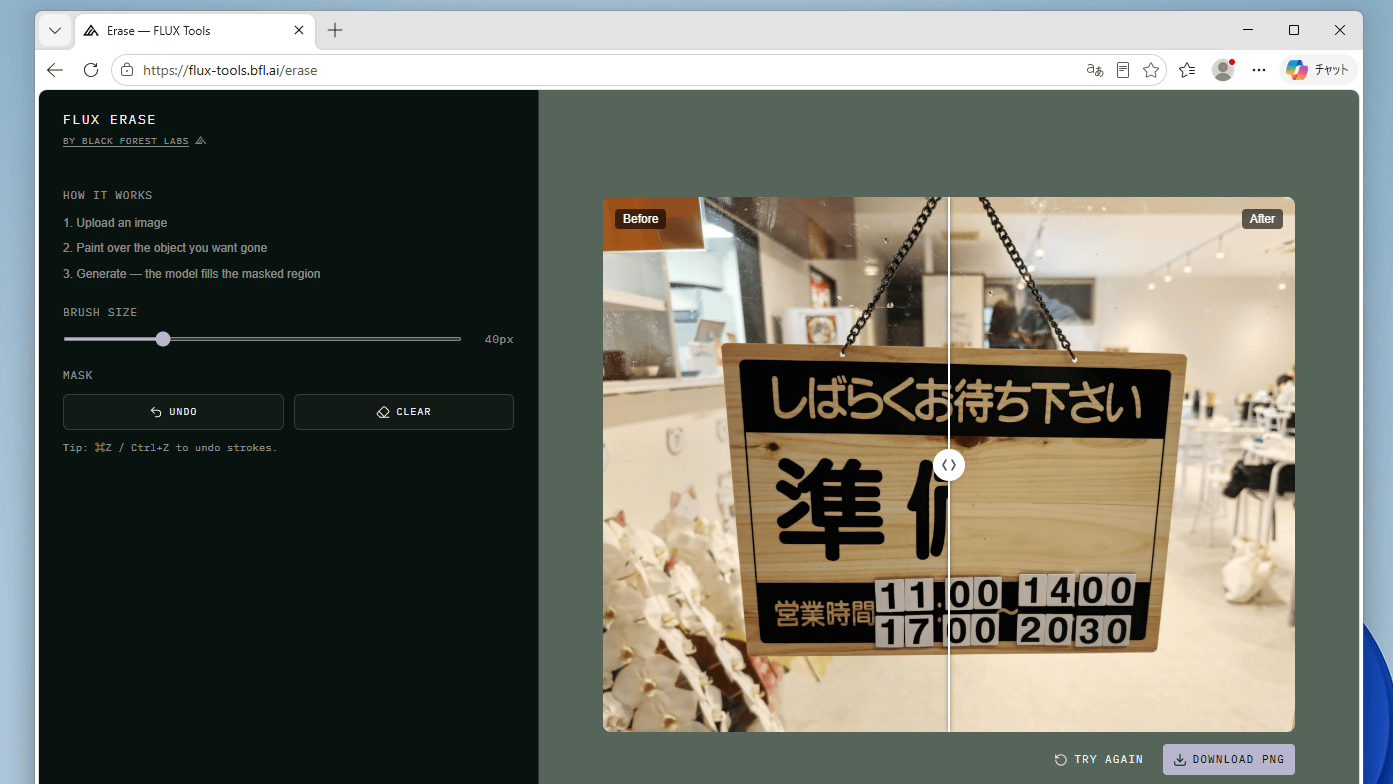
Black Forest Labs, the developer of the image generation AI 'FLUX,' has announced 'Erase,' an AI tool that can remove unwanted objects from images.
New Release: Erase
pic.twitter.com/SiDij8c23c — Black Forest Labs (@bfl_ml) May 21, 2026
Remove objects, erase text, and clean up details in any image.
FLUX is now trained to erase and reconstruct as one task at the model level. We noticed this approach leads to images that stay clean and consistent.
Give it an image + a simple “erase mask” over…
Erase is a tool available via the Black Forest Labs API. A free demo app is also available, so let's try it out. First, click the link below to access the demo web app.
Erase — FLUX Tools
https://flux-tools.bfl.ai/erase
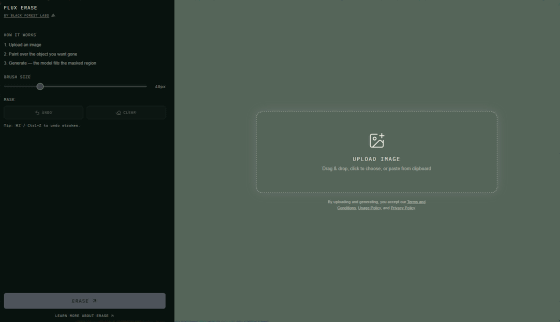
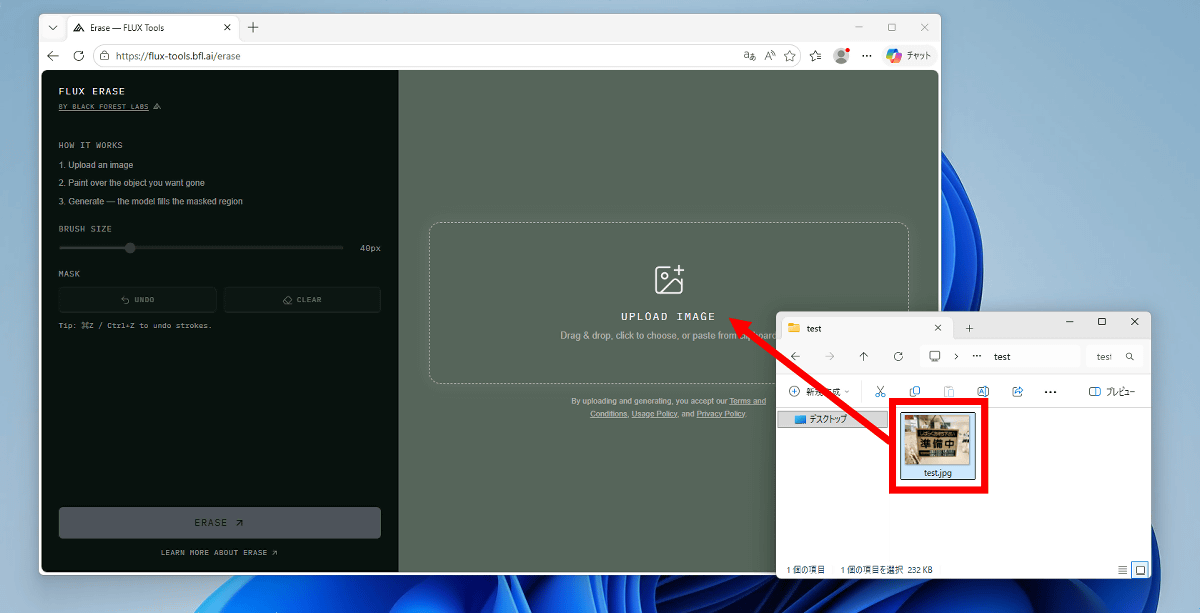
Drag and drop the processed image into the image input area.
Once the image appears on the screen, you're ready.
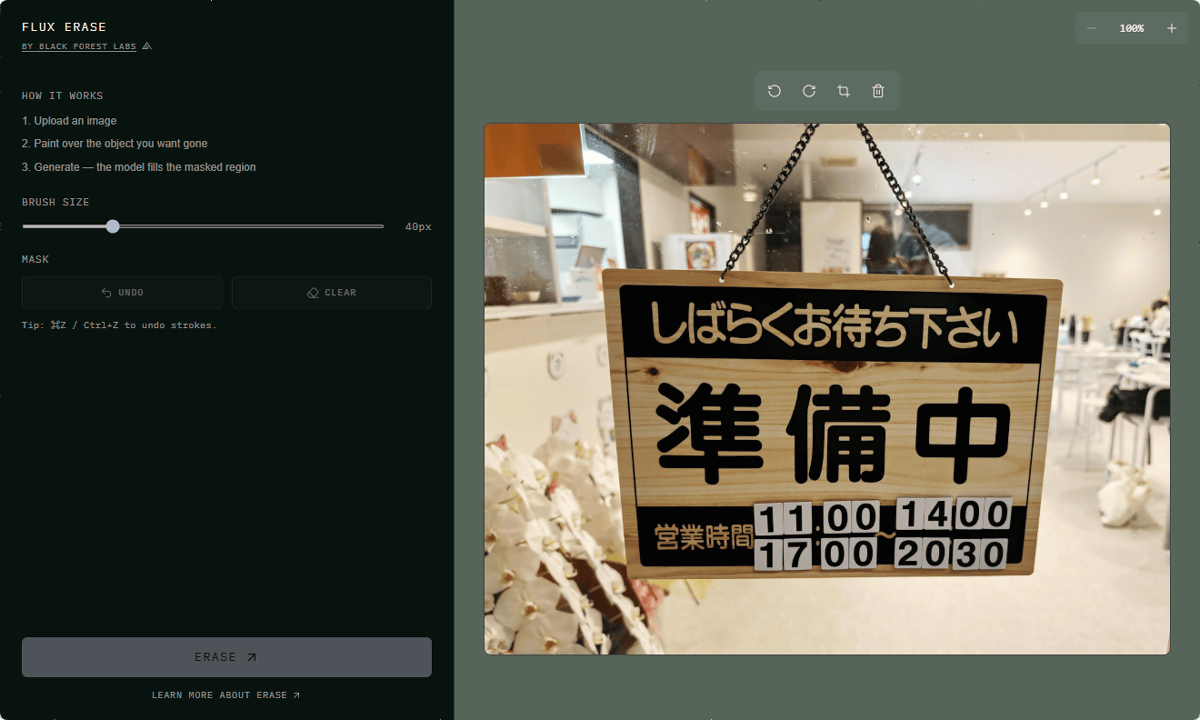
To delete something, fill in the area you want to remove. In this case, we filled in the area that says 'Under Preparation'.
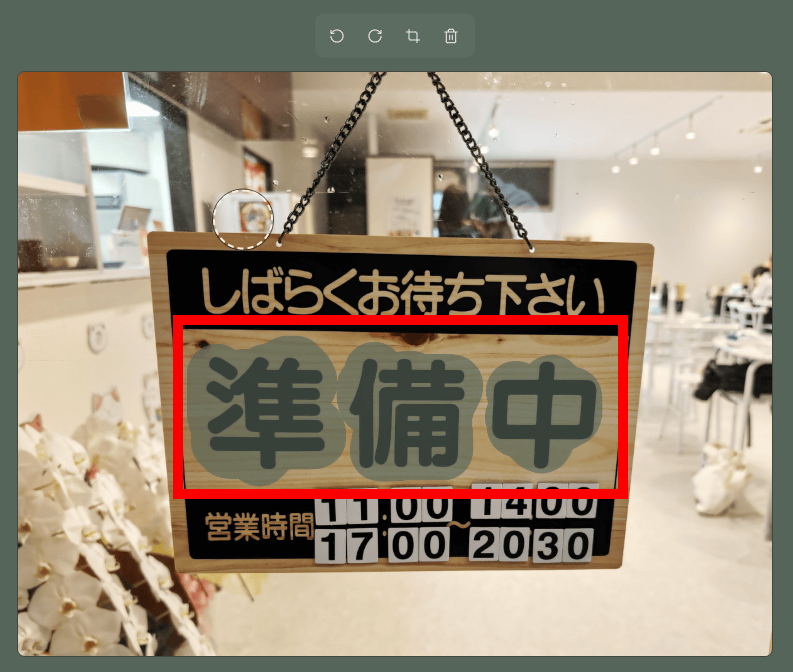
Once you've filled it in, click 'ERASE'.
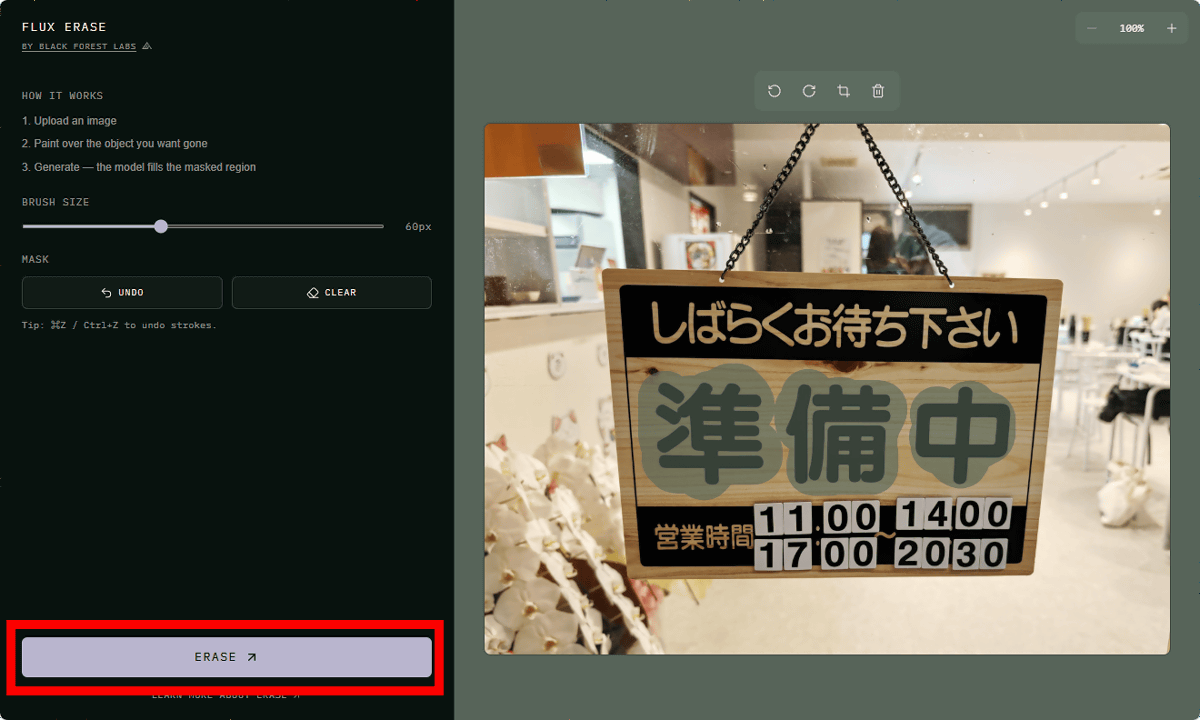
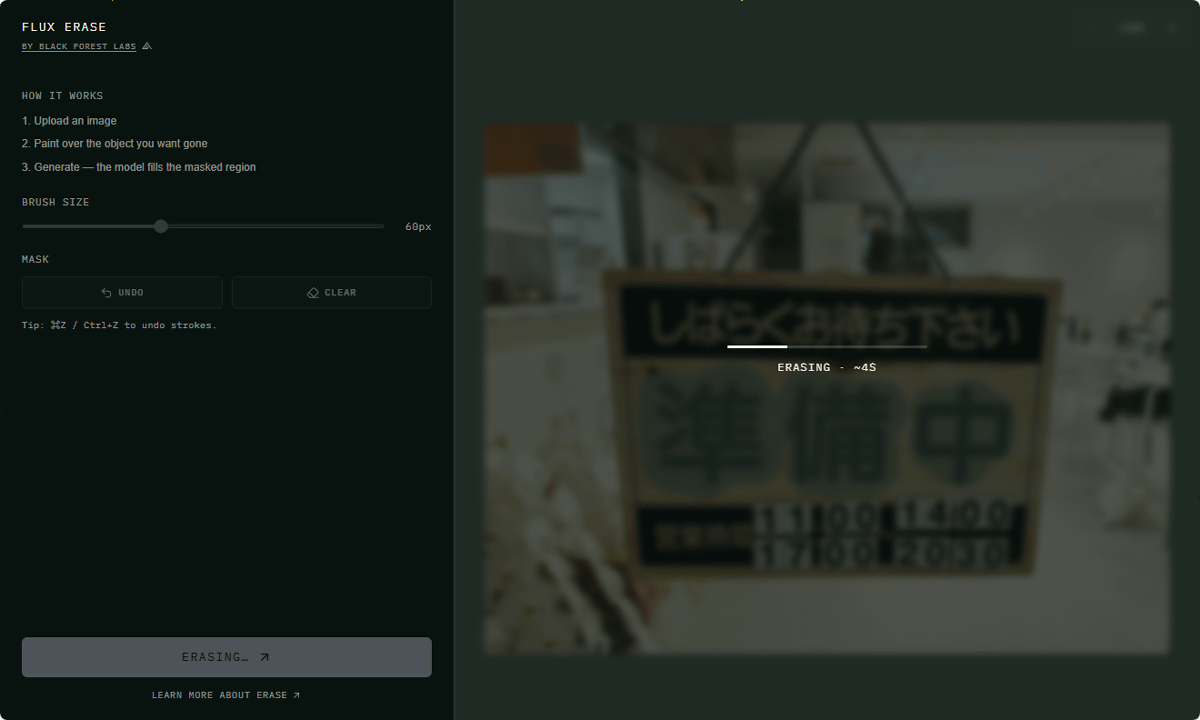
Please wait a few seconds for the process to complete.
Once the processing was complete, the results were displayed in a format that allowed for comparison before and after the process.
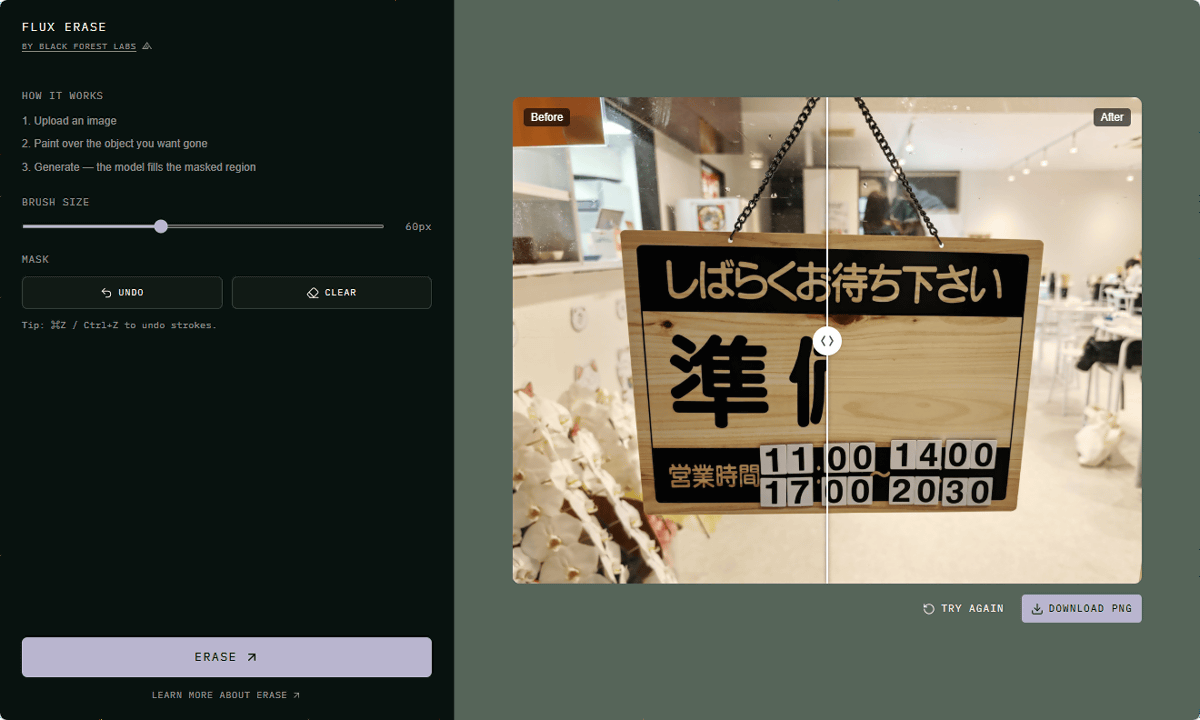
You can compare the image before and after processing by moving the slider left or right. You can also download the processed image by clicking 'DOWNLOAD PNG' in the bottom right corner.
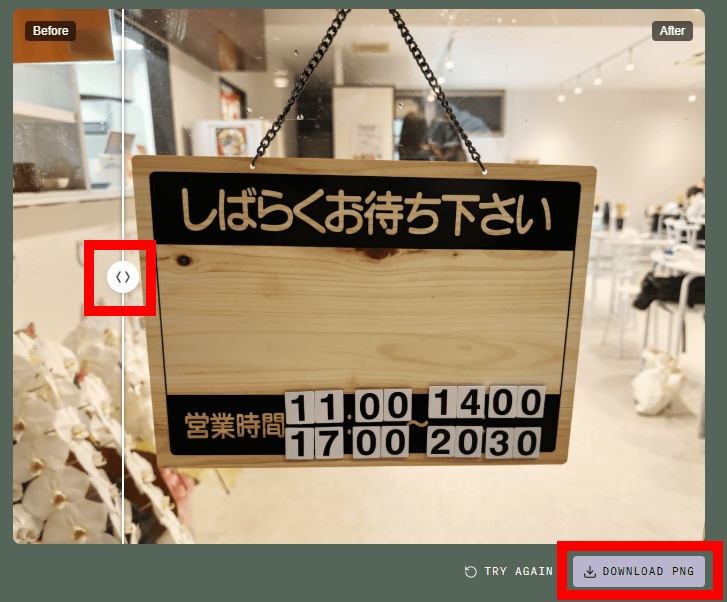
The images below show the actual before and after processing. The words 'Preparing' have been neatly replaced with a wood grain pattern.
You can find information about the Erase API at the following link.
Erase an object from an image - Black Forest Labs
https://docs.bfl.ai/api-reference/models/erase-an-object-from-an-image
Related Posts:

in AI, Review, Web Application, Posted by log1o_hf