Apple announces new accessibility features and updates leveraging Apple Intelligence.
Apple has announced that it will be adding new features to its accessibility features, such as VoiceOver, Magnifier, Voice Control, and Accessibility Reader, by leveraging Apple's personal AI, Apple Intelligence .
Apple unveils new accessibility features, and updates with Apple Intelligence - Apple
Apple will be adding new features to its accessibility features such as VoiceOver, Magnifier, Voice Control, and Accessibility Reader, all powered by Apple Intelligence. They also announced a new feature that will allow users to generate subtitles on their devices for video content without subtitles available within the Apple ecosystem, and a new feature that will allow Apple Vision Pro users to control compatible wheelchairs with their eyes. These new features are scheduled to be available in the second half of 2026.
VoiceOver and Magnifier are accessibility features for users with visual impairments or low vision that can describe information on the screen and the user's surroundings.
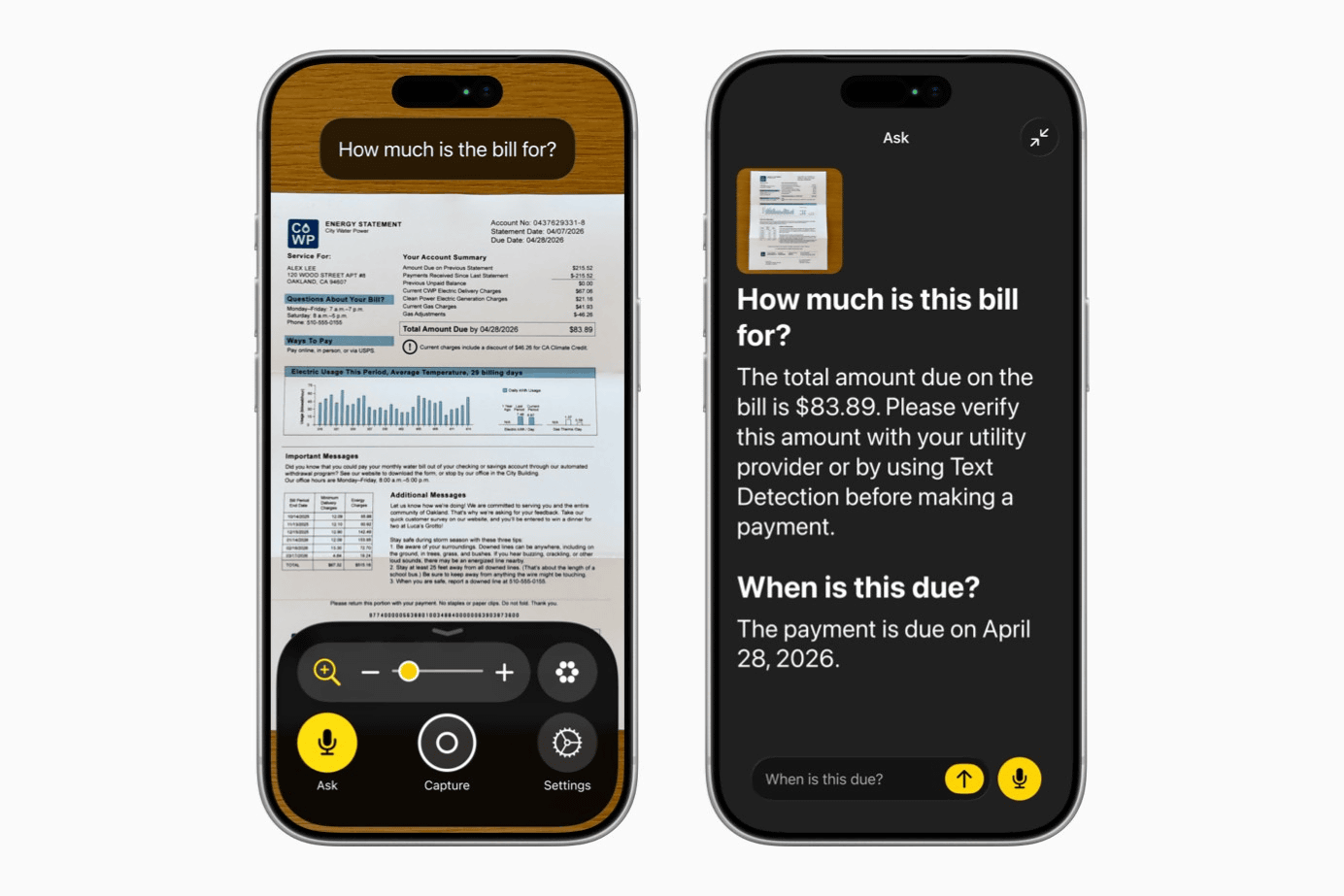
VoiceOver's Image Explorer leverages Apple Intelligence to provide more detailed descriptions of any visual content, including photos, scanned bills, personal records, and other visual materials. VoiceOver users can quickly ask questions and get detailed answers about what's in the camera's viewfinder simply by pressing the action button on their iPhone. Users can also ask additional questions in their own words to obtain even more visual information.
The Magnifier app is a high-contrast interface designed for visually impaired users, leveraging Apple's advanced technology. The Magnifier app also features action buttons, allowing users to quickly ask questions and receive answers. Furthermore, the app itself can be controlled using voice commands such as 'zoom in' and 'turn on the flashlight.'
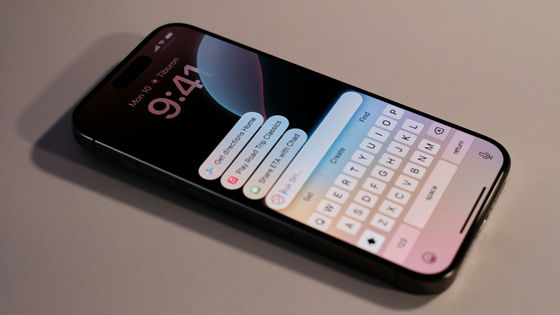
Voice Control, powered by Apple Intelligence, is more intuitive than ever, enabling users with various physical disabilities to fully control their iPhones and iPads by voice. New, flexible input allows users to describe on-screen buttons and controls in natural language, instead of memorizing precise labels or numbers. The 'Say what you see' option is perfect for any app, including those with visual layouts like Apple's native Maps and Files. Intuitive phrases like 'Tap the recommended restaurant guide' or 'Tap the purple folder' are now available. Voice Control with Apple Intelligence is currently available in English in the United States, Canada, the United Kingdom, and Australia.
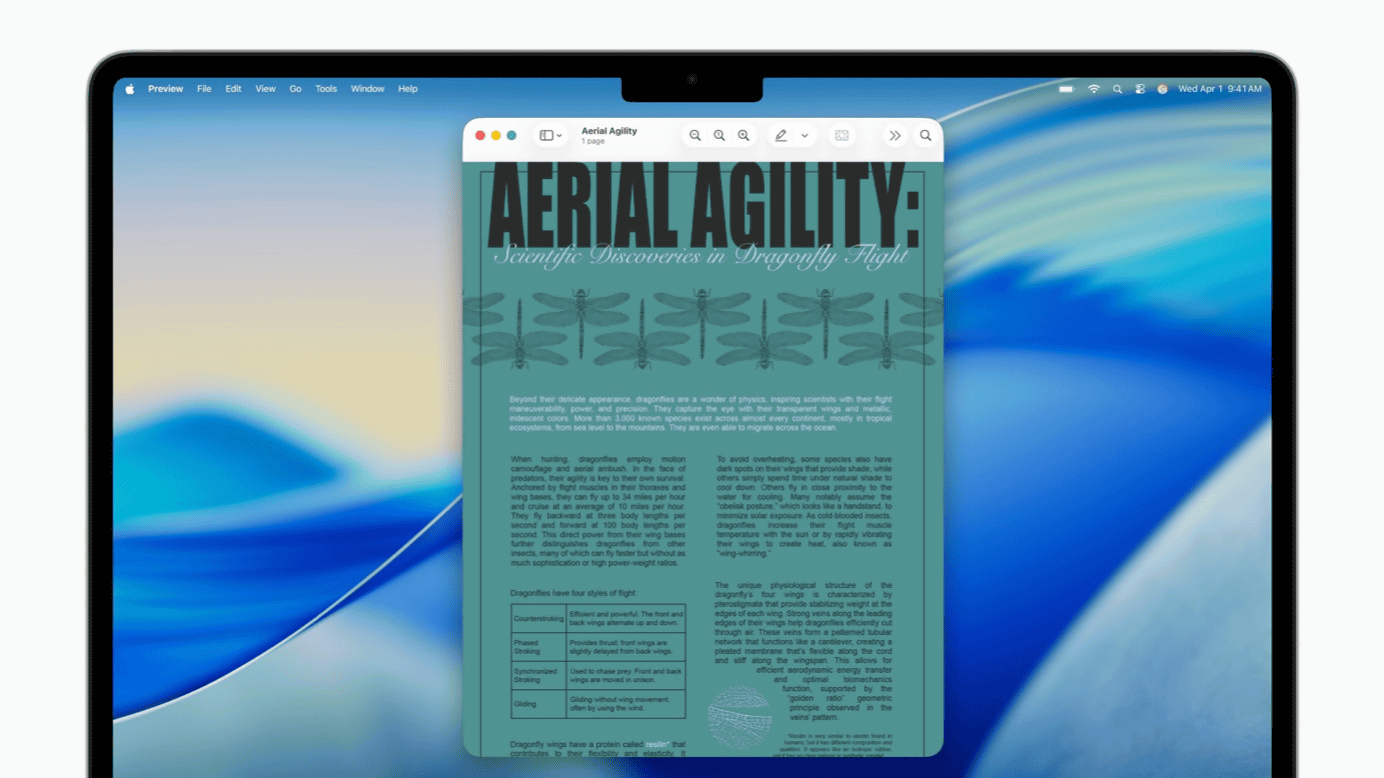
Accessibility Reader is a feature that provides a customized reading experience for users with a wide range of disabilities, from dyslexia to low vision. Powered by Apple Intelligence, this feature makes reading more accessible than ever before. Accessibility Reader handles complex source materials such as scientific papers and can process multi-column text, images, and tables. On-demand summarization allows users to grasp the article's overview before reading the details. Furthermore, a newly integrated translation feature allows users to read text in their native language while maintaining custom formatting, fonts, and colors.
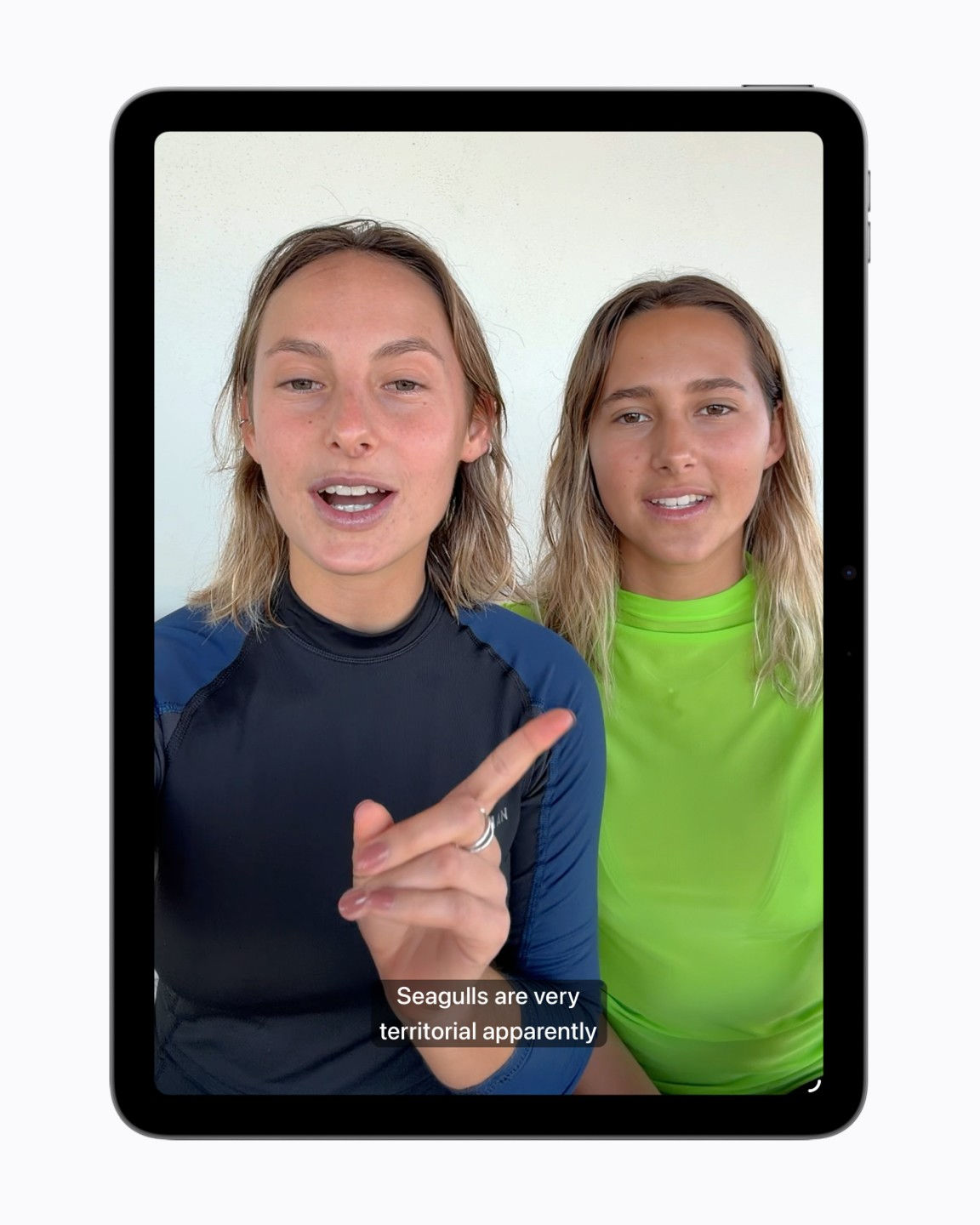
While subtitling solutions for users with hearing impairments are becoming increasingly common, audio subtitles are rarely available for personal videos, content shared by friends and family, and other media. The new subtitle generation feature allows you to automatically generate audio subtitles for videos that don't have subtitles or captions, such as videos recorded on your iPhone, videos received from friends and family, and videos streamed online. Using the device's speech recognition capabilities, subtitles are generated privately and automatically appear on videos without subtitles on iPhone, iPad, Mac, Apple TV, and Apple Vision Pro. Subtitle display can be customized through the video playback menu or settings. The subtitle generation feature will initially be available in English in the United States and Canada.
Some users of electric wheelchairs are unable to operate them using a joystick. For these individuals, Apple is offering a new electric wheelchair control feature that leverages the high-precision eye-tracking system of Apple Vision Pro. With Apple Vision Pro, eye tracking does not require frequent readjustment and can operate in a variety of lighting conditions. The electric wheelchair control feature using Apple Vision Pro will be available in the United States with Tolt and LUCI alternative drive systems and will support both Bluetooth and wired accessories. Apple also states that it will continue to work with developers to support more wheelchair drive systems.
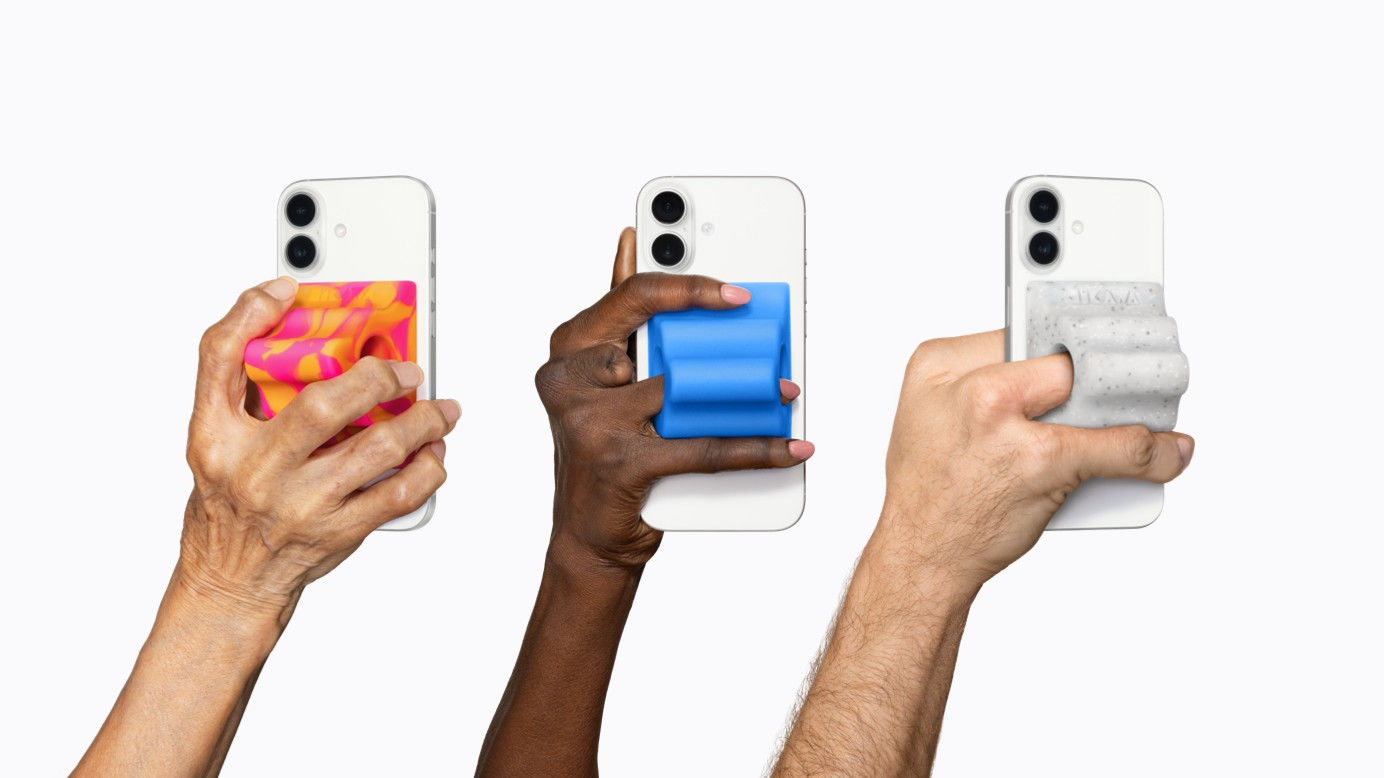
Furthermore, new colors of the MagSafe-compatible iPhone grip, 'Hikawa Grip & Stand for iPhone,' will be available at Apple Stores. This grip was developed with accessibility in mind by Los Angeles-based designer Bailey Hikawa.
In addition, several accessibility-related updates are planned, with details as follows.
- Added vehicle motion cueing functionality to visionOS.
• New ways to personalize settings on iOS and iPadOS are now available.
- Improved setup experience for iPhone-compatible hearing aids on iOS, iPadOS, macOS, and visionOS.
- A 'text size enlargement' function has been added to tvOS.
- Name recognition feature supports over 50 languages worldwide.
- A new API will be provided for developers of sign language interpretation apps.
- Even users unfamiliar with traditional controller operation will be able to connect the Sony Access controller as a game controller for iOS, iPadOS, and macOS.
Related Posts:


in AI, Software, Smartphone, Posted by logu_ii