'Cat Gatekeeper' is a Chrome extension that brings a cat to your screen and takes over if you spend too much time watching YouTube or X.
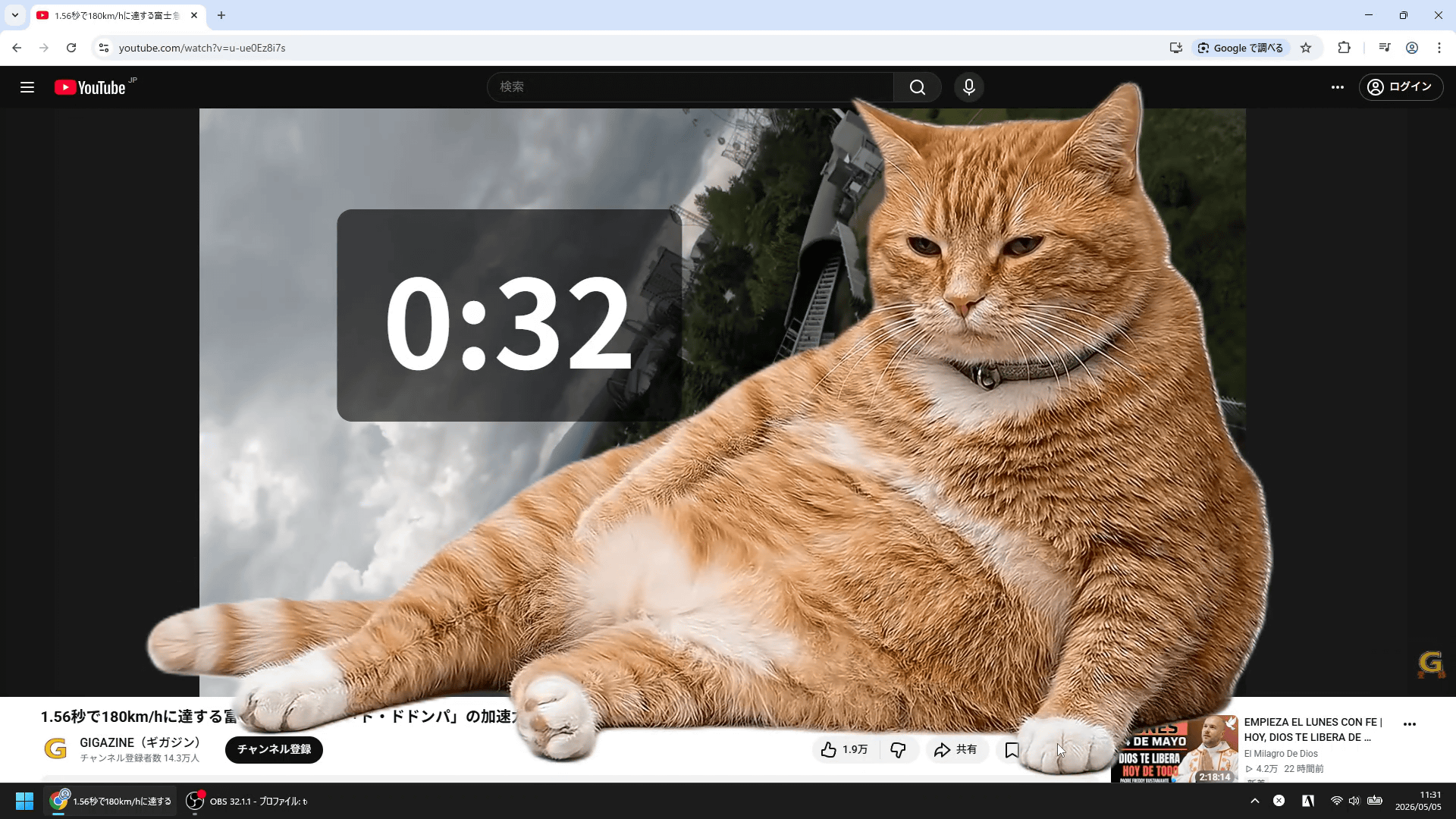
Once you start watching YouTube or X, interesting content keeps flowing in, and you tend to keep watching for long periods of time. A Chrome extension that can help people like that is ' Cat Gatekeeper ,' which, if you keep watching web services for a long time, will make a cat appear on your screen and forcibly interrupt video playback and other activities.
Cat Gatekeeper - Official Browser Extension
I created an app to force cats to take breaks!
— Zokuzoku@Personal Developer (@konekone2026) April 26, 2026
If you spend too much time on social media, a cat will appear and take over your screen 🐈 pic.twitter.com/Jt56HVF1OT
Cat Gatekeeper is available as a free Chrome extension. To install Cat Gatekeeper, first access the following link in Chrome.
Cat Gatekeeper - Chrome Web Store
https://chromewebstore.google.com/detail/cat-gatekeeper/elbikiflgfhjdjmficnigpeegjbhdidh
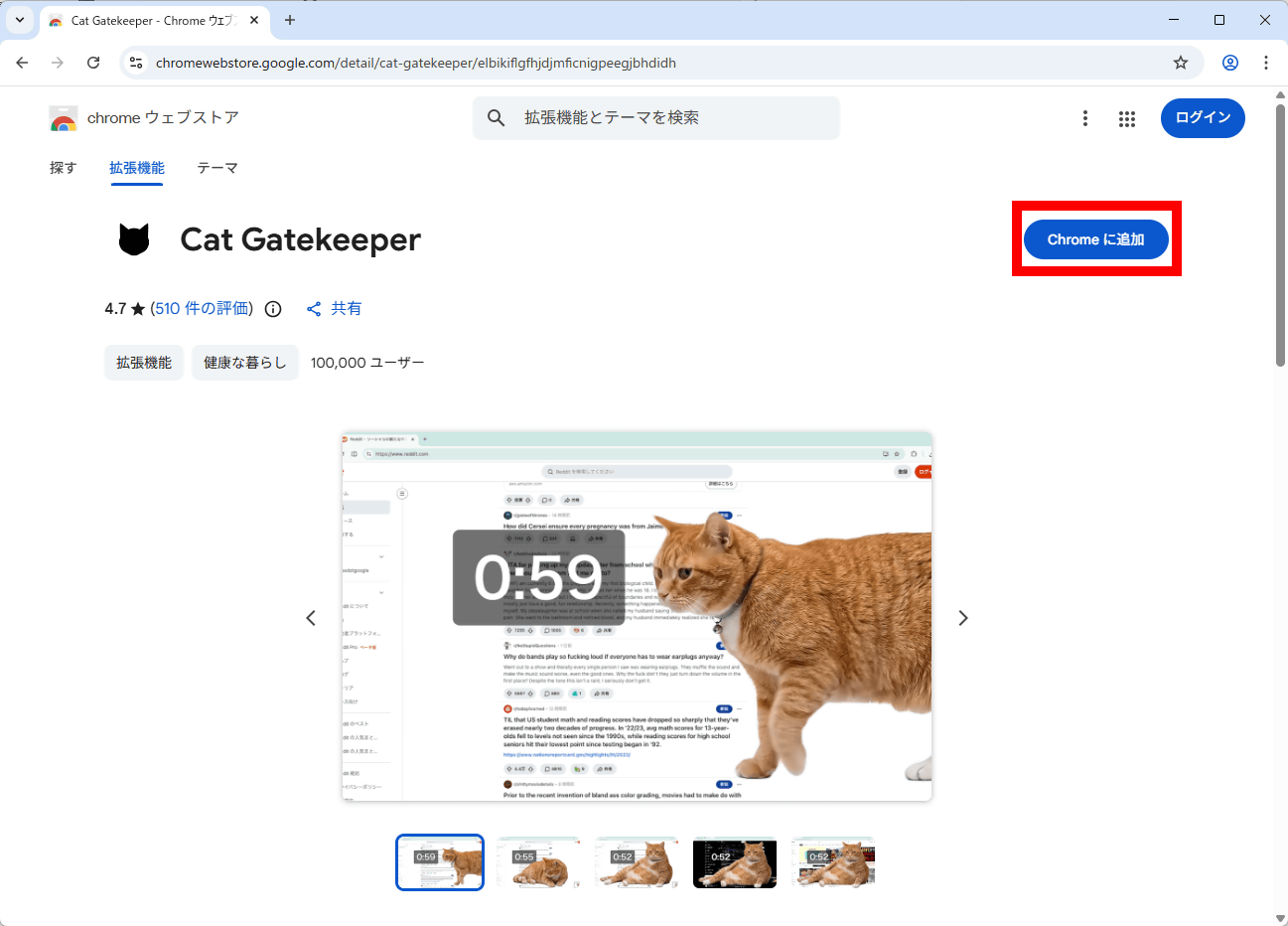
Click 'Add to Chrome' in the upper right corner.
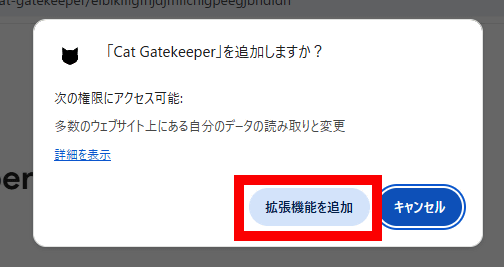
Click 'Add extension'.
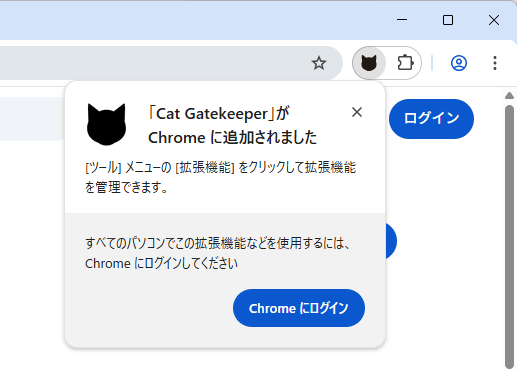
The installation is complete when you see the message 'Added to Chrome'.
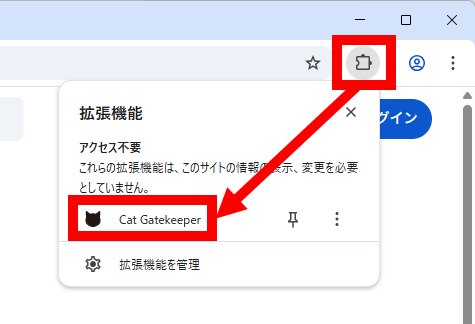
To open the Cat Gatekeeper settings screen, click the extensions button in the upper right corner of the screen, then click 'Cat Gatekeeper'.
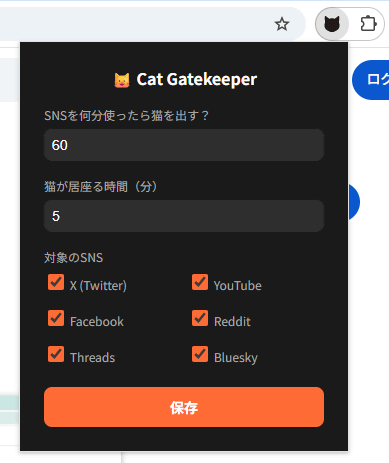
This is the settings screen. You can set 'How many minutes of social media use are needed to display the cat?' (how many minutes of continuous use of a web service will trigger the display of the cat) and 'How long the cat stays (how long the cat will remain displayed)'. The supported web services are 'X', 'YouTube', 'Facebook', 'Reddit', 'Threads', and 'Bluesky', and you can enable or disable each web service individually. The time measurement for when the cat appears is reset when you switch tabs.
When I continued using YouTube for the set time, the video paused, and a cat slowly appeared and took over the screen.
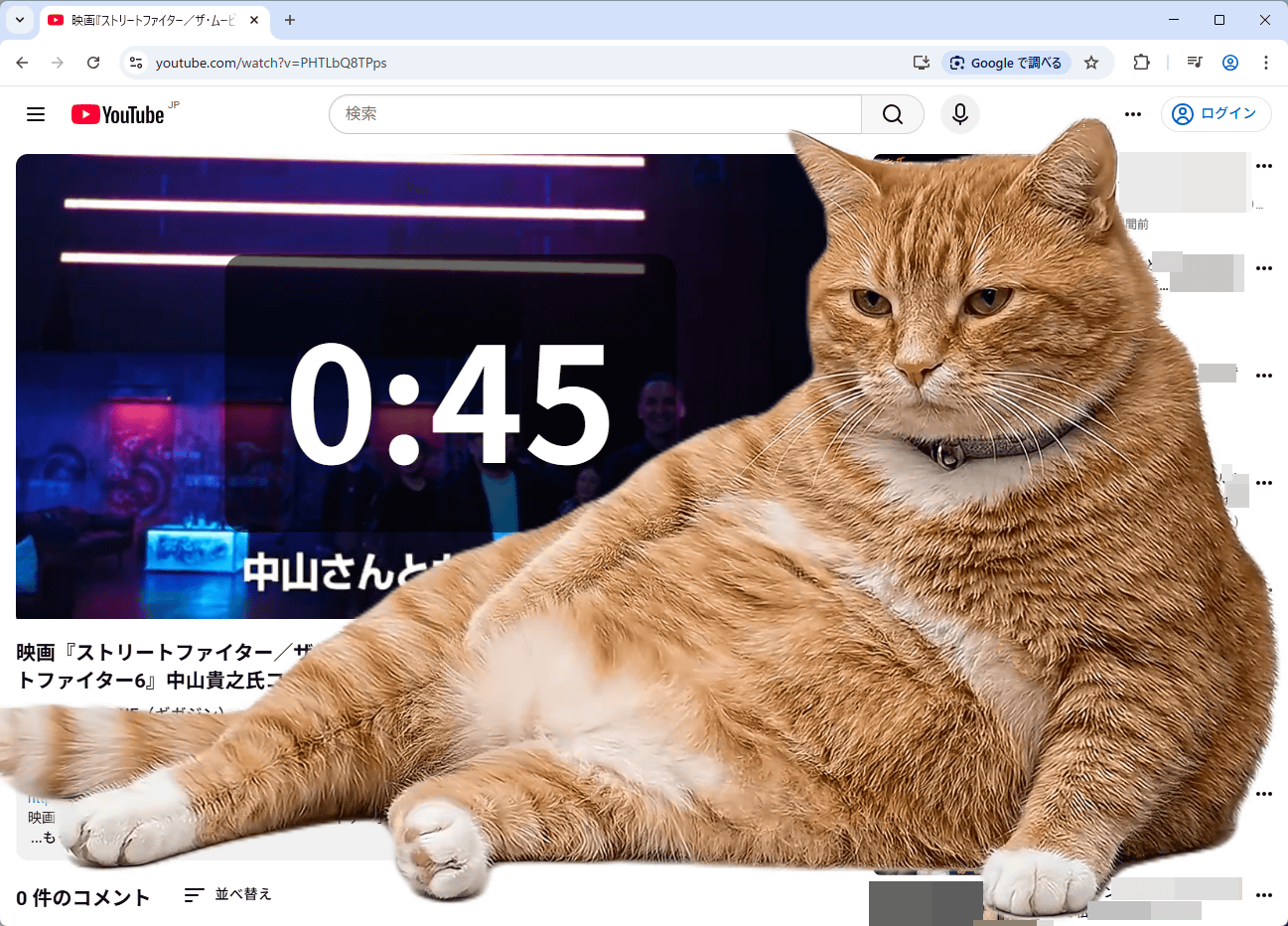
I recorded a video of the scene where the cat appears. While the cat is on screen, the various YouTube buttons become unresponsive.
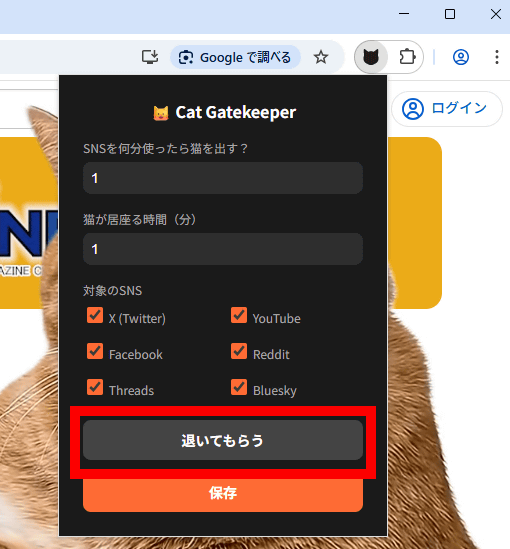
If you can't wait for the cat to disappear on its own, you can click 'Make it move' on the menu screen and it will quickly vanish.
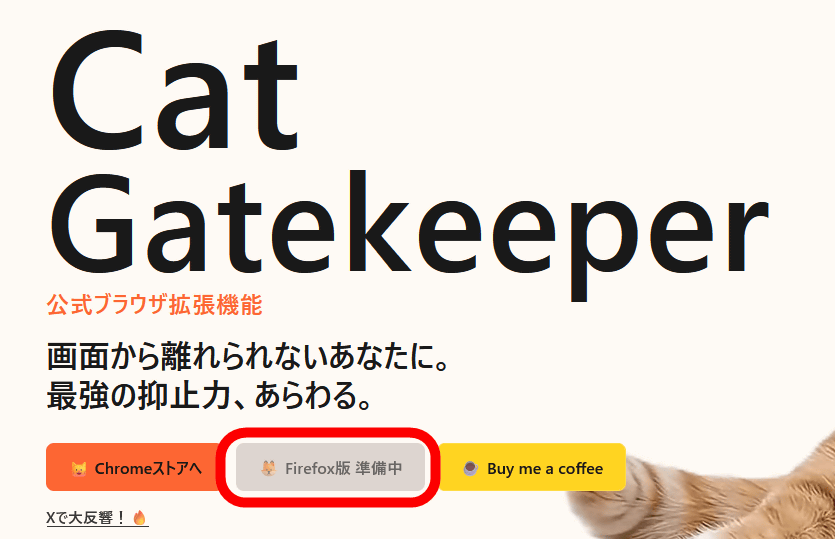
At the time of writing, Cat Gatekeeper is only available for Chrome, but a Firefox version is in preparation for release. Furthermore, future updates are planned to include features such as the ability to add sites.
Related Posts:





in Video, Software, Web Service, Review, Posted by log1o_hf