Cherri is a programming language that can be used to create Siri shortcuts.
Scale Your Siri Shortcut Projects | Cherri
https://cherrilang.org/
electrikmilk/cherri: Siri Shortcuts Programming Language
Cherri Playground
https://playground.cherrilang.org/
You can write and build code, and generate sharing links in Playground.
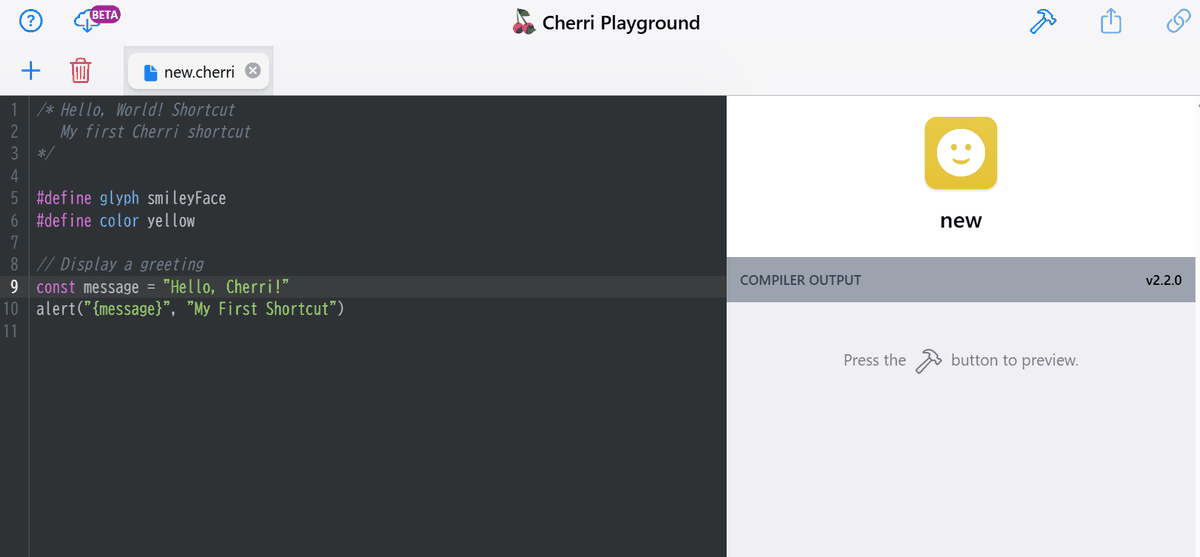
The code uses a syntax similar to
 /* Hello, Cherri! */
 #define glyph smileyFace
 #define color yellow

 @message = 'Hello!'
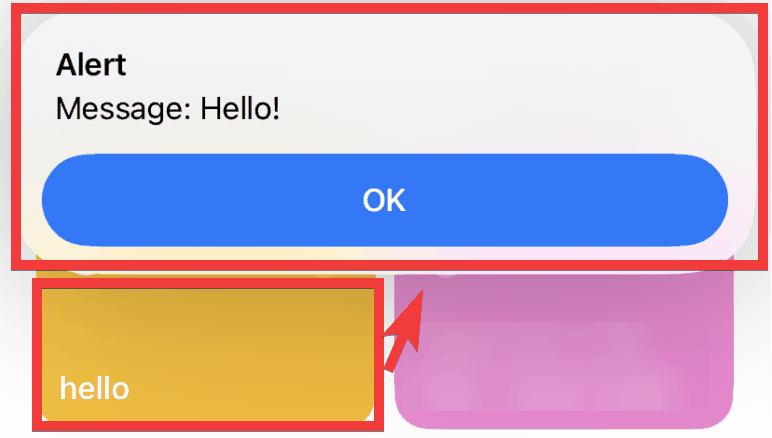
 alert('Message: {@message}', 'Alert')
In Playground, clicking the 'Build' icon will...
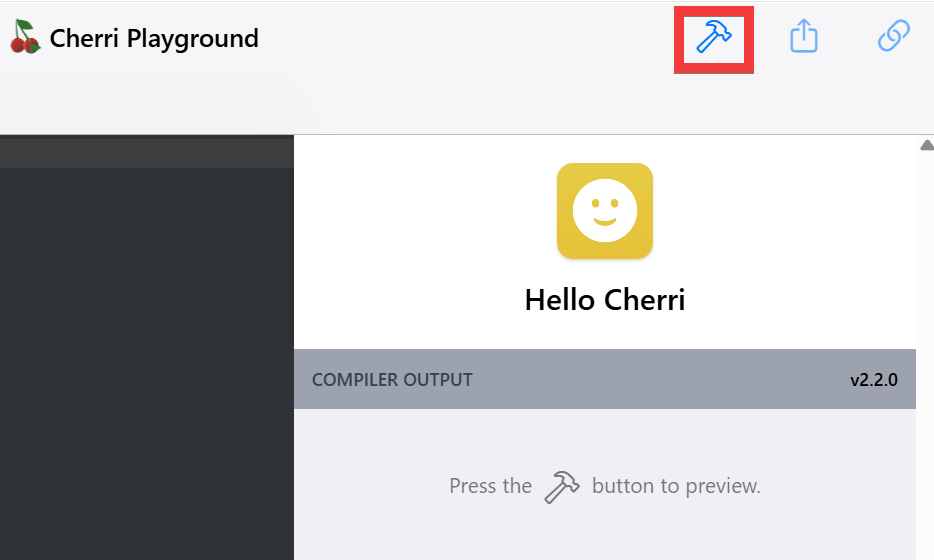
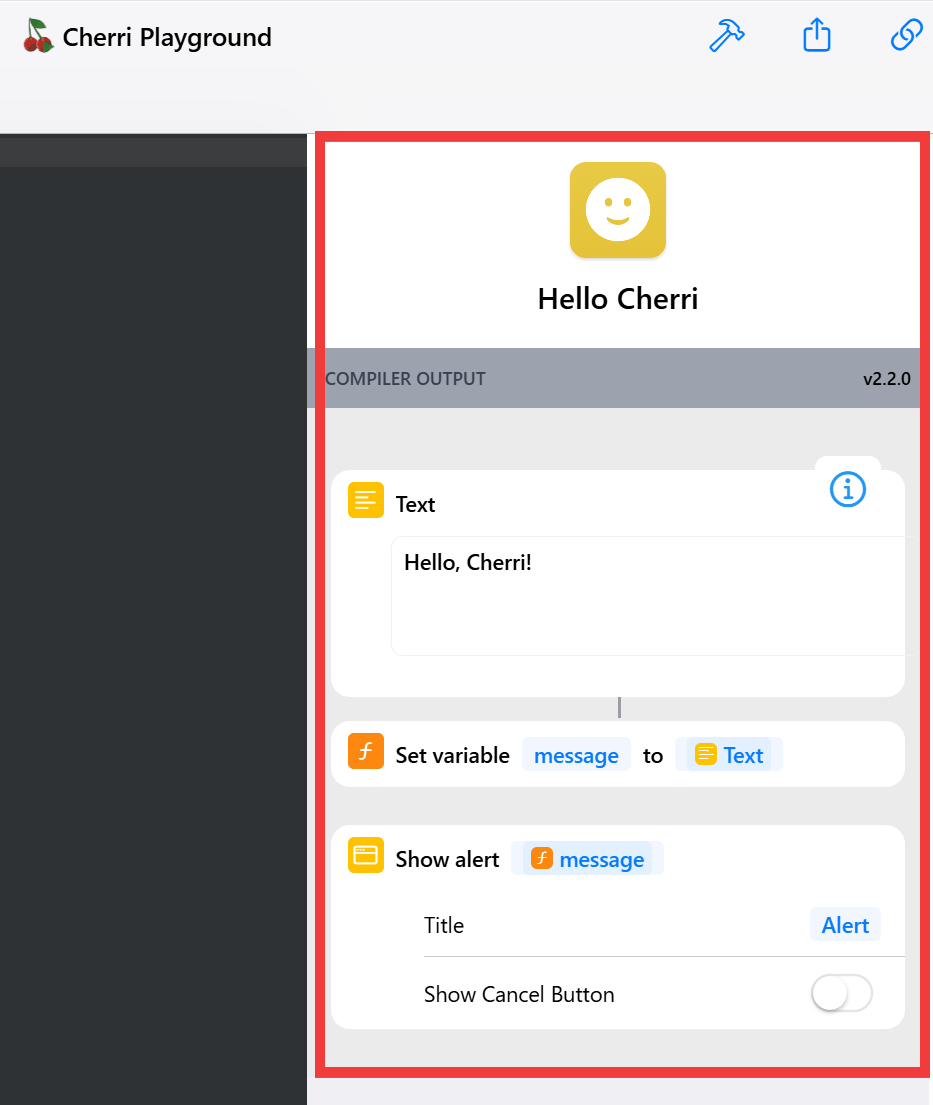
You can check the functionality using the simple preview screen.
◆Build from code on your local machine
Using the cherri command installed during the setup described later, you can build shortcuts directly from code. To build 'hello.cherri' created in a local macOS environment, execute the following command.
cherri hello.cherri
When building in an environment other than macOS, HubSign is used to enable signing, so build with the following options:
cherri hello.cherri --hubsign
As of May 1, 2026, this signing method resulted in errors and it was not possible to build signed shortcuts. Building without options is possible, and the created shortcuts can be used by transferring them to an iPhone. However, unsigned shortcuts cannot be distributed via iCloud sharing links.
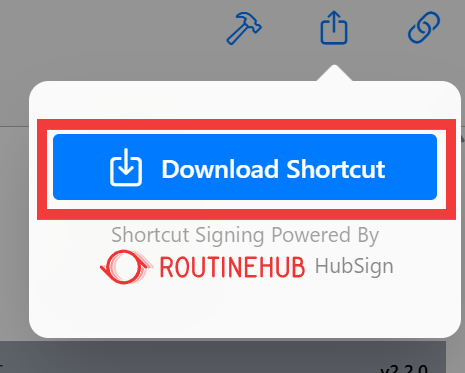
Alternatively, copy the code you created into the Playground editor and click the 'export' icon.
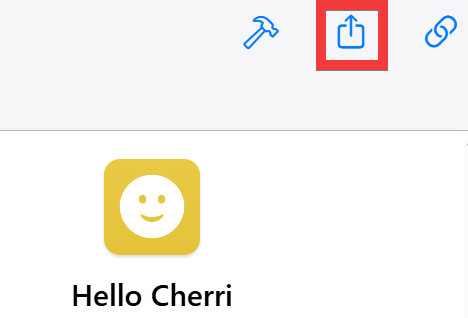
Clicking 'Download Shortcut' will download a shortcut signed by HubSign, which you can then save and transfer to your iPhone.
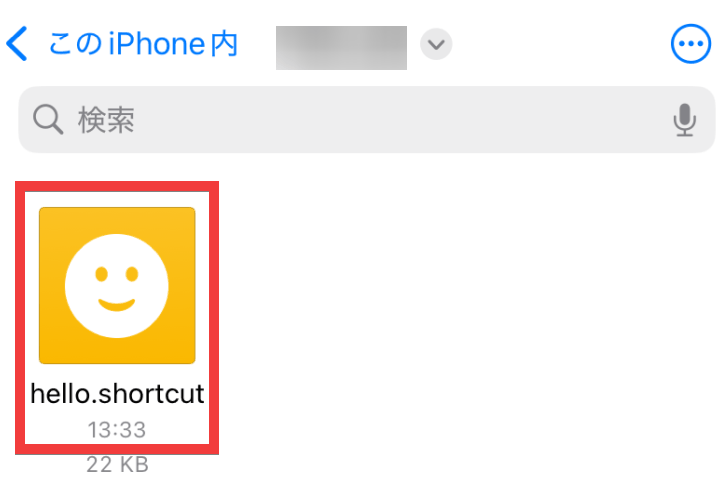
Open the Files app on your iPhone and tap the transferred shortcut.
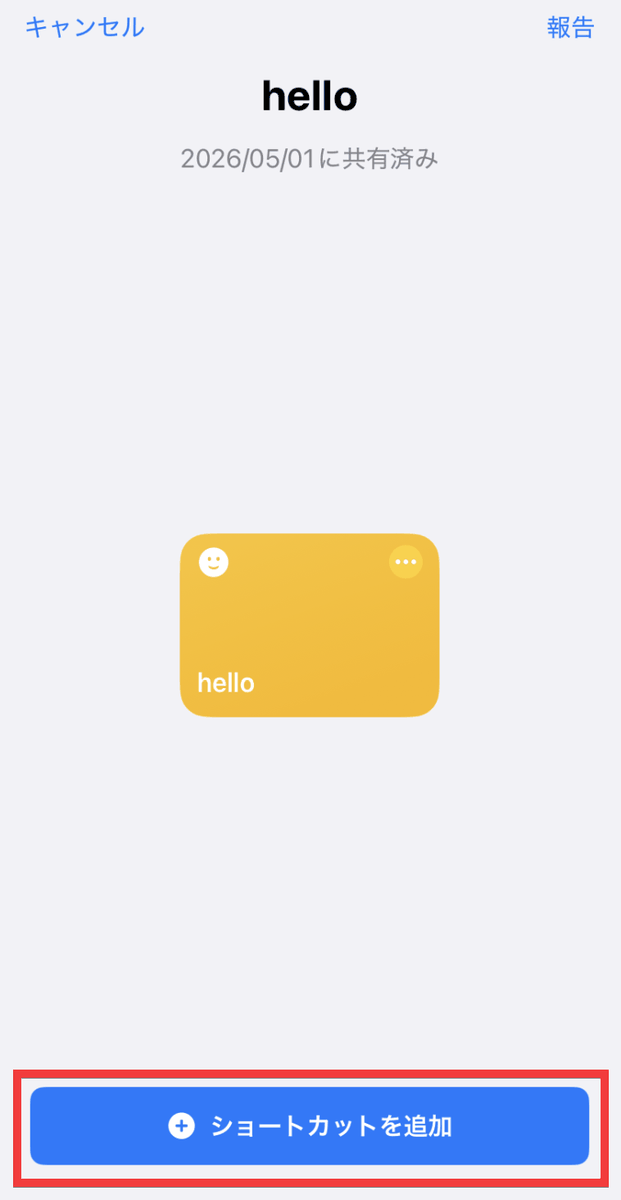
Tap 'Add shortcut'.
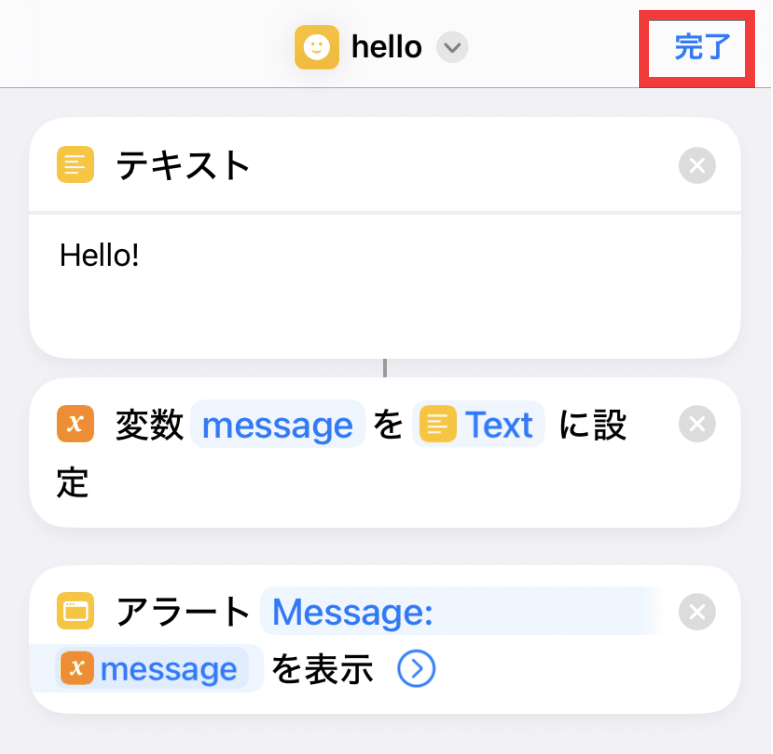
The contents of the shortcut will be displayed, so tap 'Done'.
The registered shortcut was executed successfully when tapped.
On the social news site Hacker News , there was a discussion about Cherri, with reports such as 'Claude was able to learn and write Cherri code from scratch, building 200 shortcuts with Cherri for an event-driven automation app on macOS,' and expressions of anticipation like 'Creating and managing shortcuts is really tedious. I also want to use Git for version control. I feel like Cherri will finally allow me to do a lot of different things.'
◆How to set up Cherri
This guide is for use on macOS, Linux, and WSL2. This time, we'll be using WSL2 with Ubuntu set up on Windows 11. First, install the Go language.
sudo apt update && sudo apt install golang-go
Clone Cherri from the repository.
git clone https://github.com/electrikmilk/cherri.git
Navigate to the cherri folder and build.
 cd cherri
 go build
If you can move the built Cherri to the bin directory and check the version information with 'cherri -v', then the setup is complete.
 sudo mv cherri /usr/local/bin/cherri
 cherri -v
 Cherri Compiler v2.2.0
Related Posts: