Gemini can now output PDF, Word, Excel, and other formats.
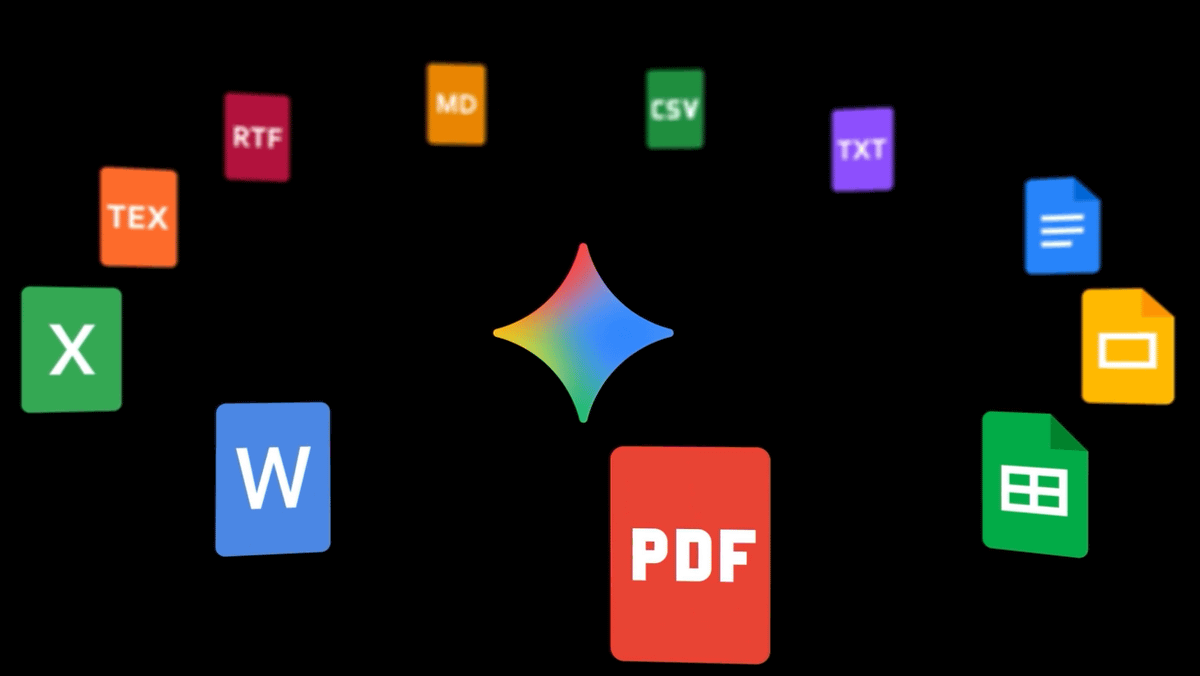
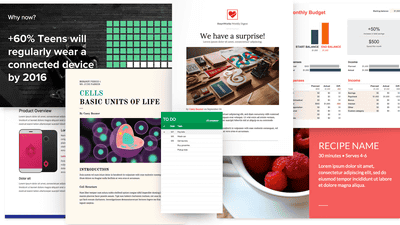
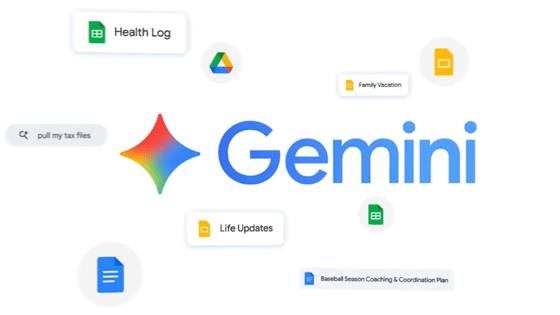
Google's AI, Gemini, can now directly create files compatible with PDF, Microsoft Word, Excel, Google Docs, Sheets, Slides, and more. This feature is available to all Gemini app users worldwide within the chat.
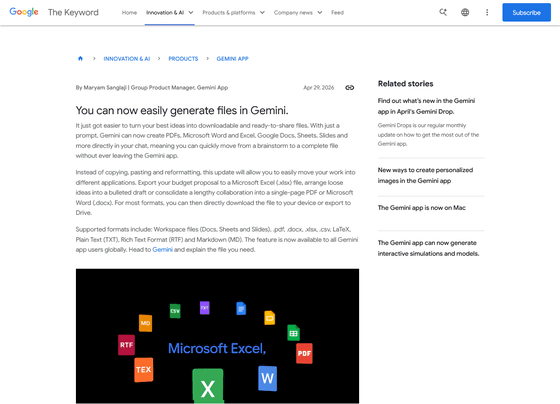
You can now generate files in Gemini
Gemini launches new personalization features in the UK
https://blog.google/company-news/inside-google/around-the-globe/google-europe/united-kingdom/gemini-launches-new-personalisation-features-in-the-uk/
Google announced an update to Gemini on April 29, 2026. Previously, creating a specific PDF document required steps such as 'entering prompts in Gemini to create the document, copying and pasting the document into Google Docs, and then saving it as a PDF from Google Docs.' With the Gemini update, it is now possible to create PDFs and other files directly from within the chat.
Supported formats include Google Workspace files (documents, spreadsheets, slides), as well as '.pdf', '.docx', '.xlsx', '.csv', LaTeX, plain text, rich text format, and Markdown.
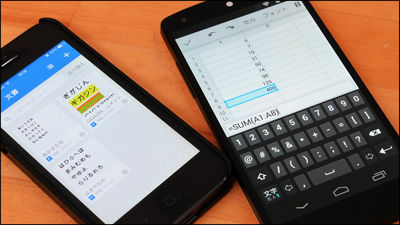
In the video demonstrating its use, the first step is to upload an image of a handwritten notebook to Gemini.
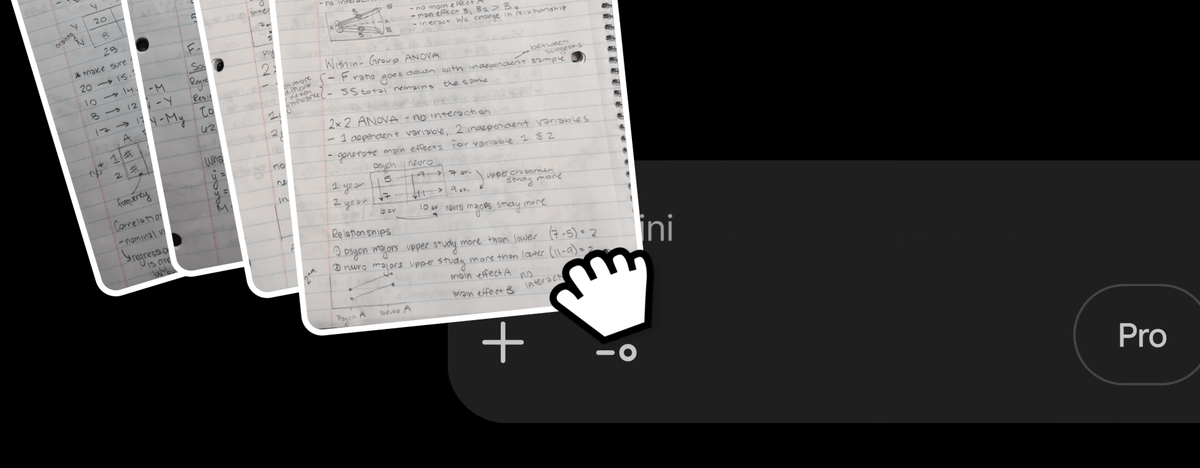
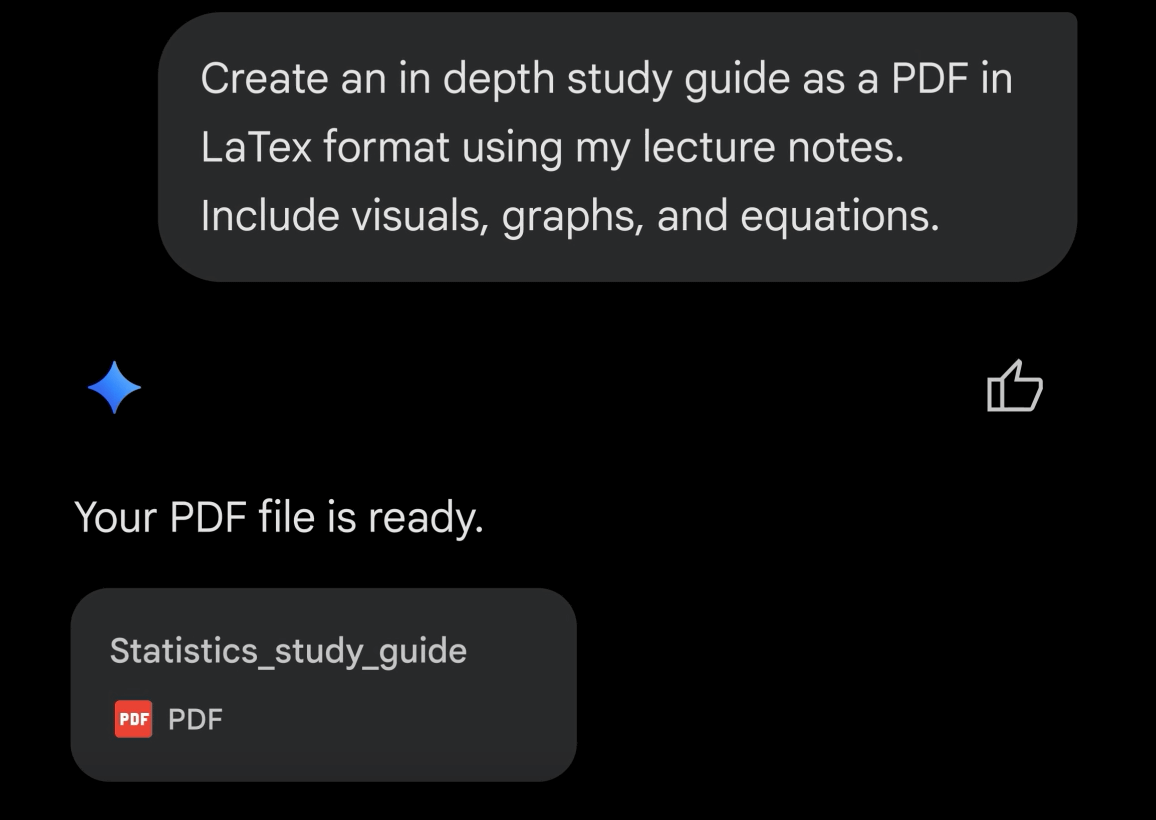
Then, when I entered a prompt to create a PDF from the image, a PDF file was generated.
Also announced on the same day was the availability of a 'Memory' setting for users in the UK. When Memory is enabled, Gemini can create more personalized conversations by drawing from past conversations, and it will also be possible to import conversations from other AI apps.
Related Posts:


in AI, Posted by log1e_dh