PocketPal AI is a free, open-source app for iPhone/iPad and Android smartphones that allows you to run various local AIs, chat with them, and perform local AI benchmarking. It requires no subscription and can be used offline anywhere.
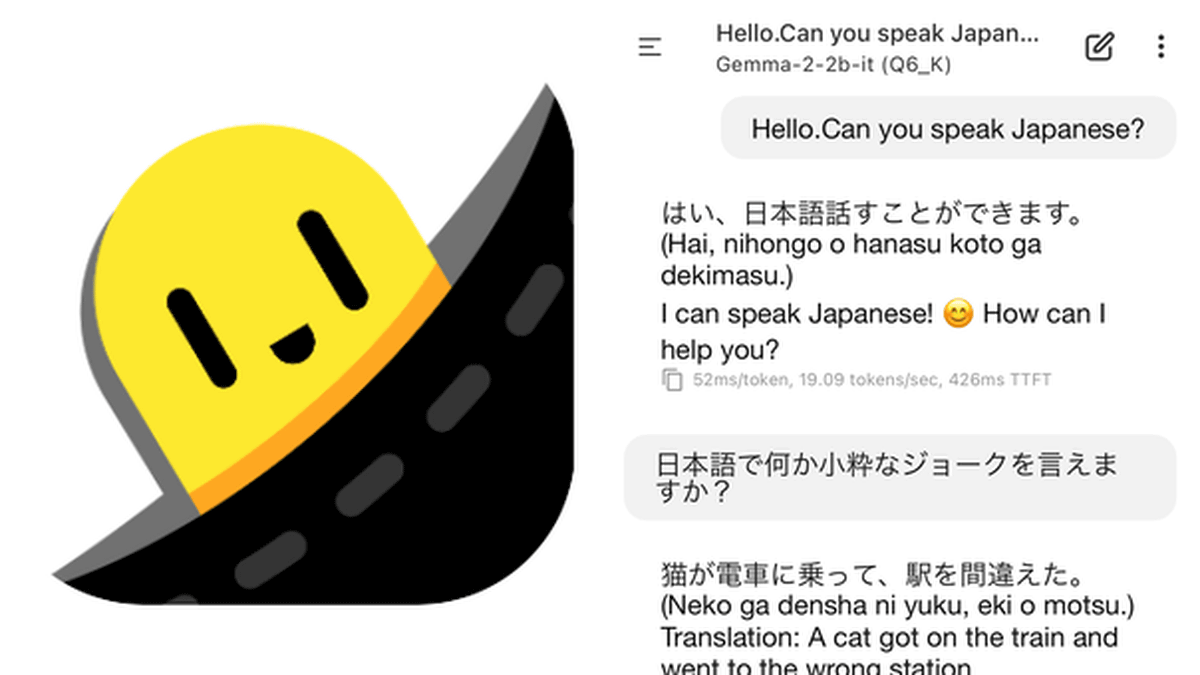
PocketPal AI is an AI assistant equipped with a small language model that operates directly on your smartphone. PocketPal AI is compatible with both iOS and Android and can interact with various SLMs without an internet connection. All processing is completed on the device, so your privacy is fully protected. Conversations, prompts, and data are never sent from your smartphone to external sources or stored on external servers.
a-ghorbani/pocketpal-ai: An app that brings language models directly to your phone.
PocketPal AI App - App Store
https://apps.apple.com/us/app/pocketpal-ai/id6502579498
PocketPal AI - App on Google Play
https://play.google.com/store/apps/details?id=com.pocketpalai
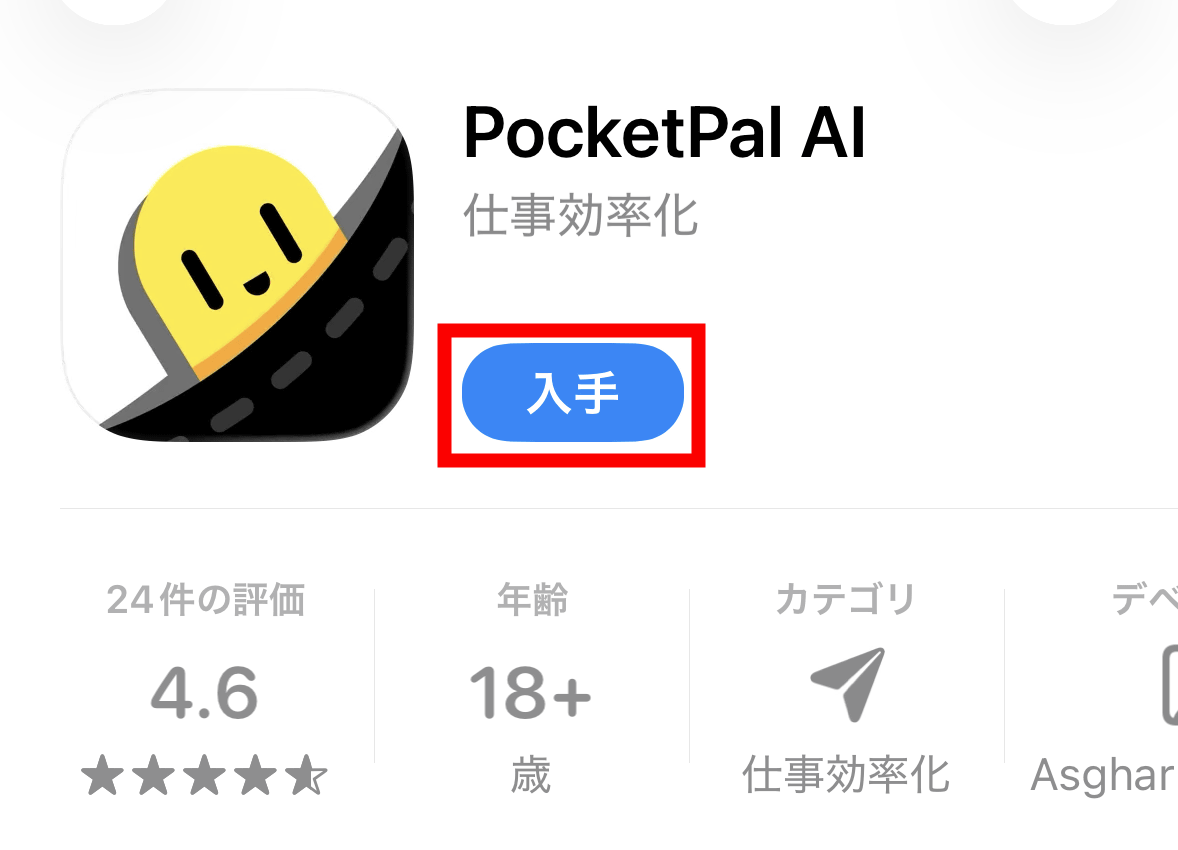
PocketPal AI is available for both iOS and Android. This time, we'll try it on an iPhone 15 Pro, so tap 'Get' on the App Store page and install it.
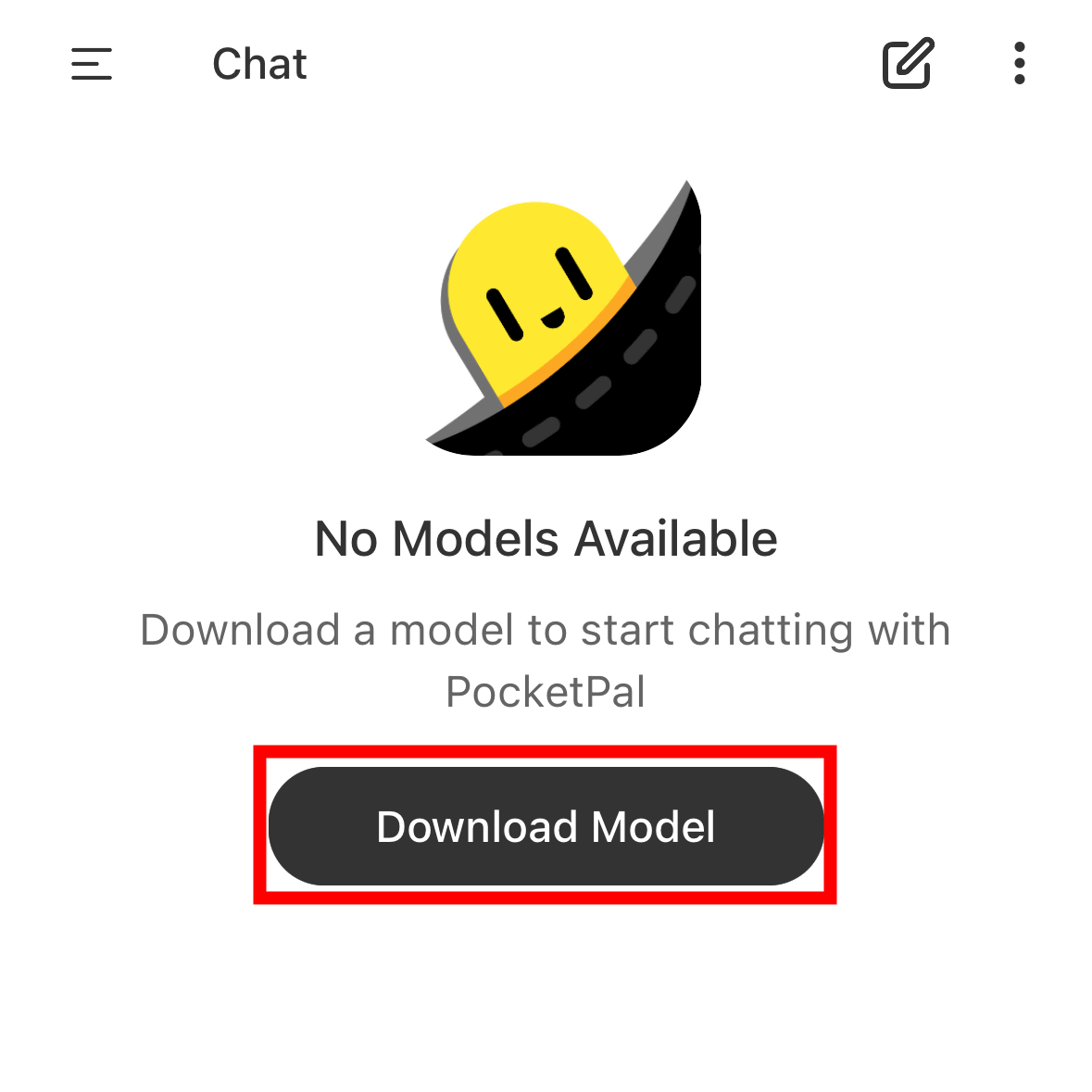
Once the installation is complete and you launch PocketPal AI, it will look like this. Tap 'Download Model'.
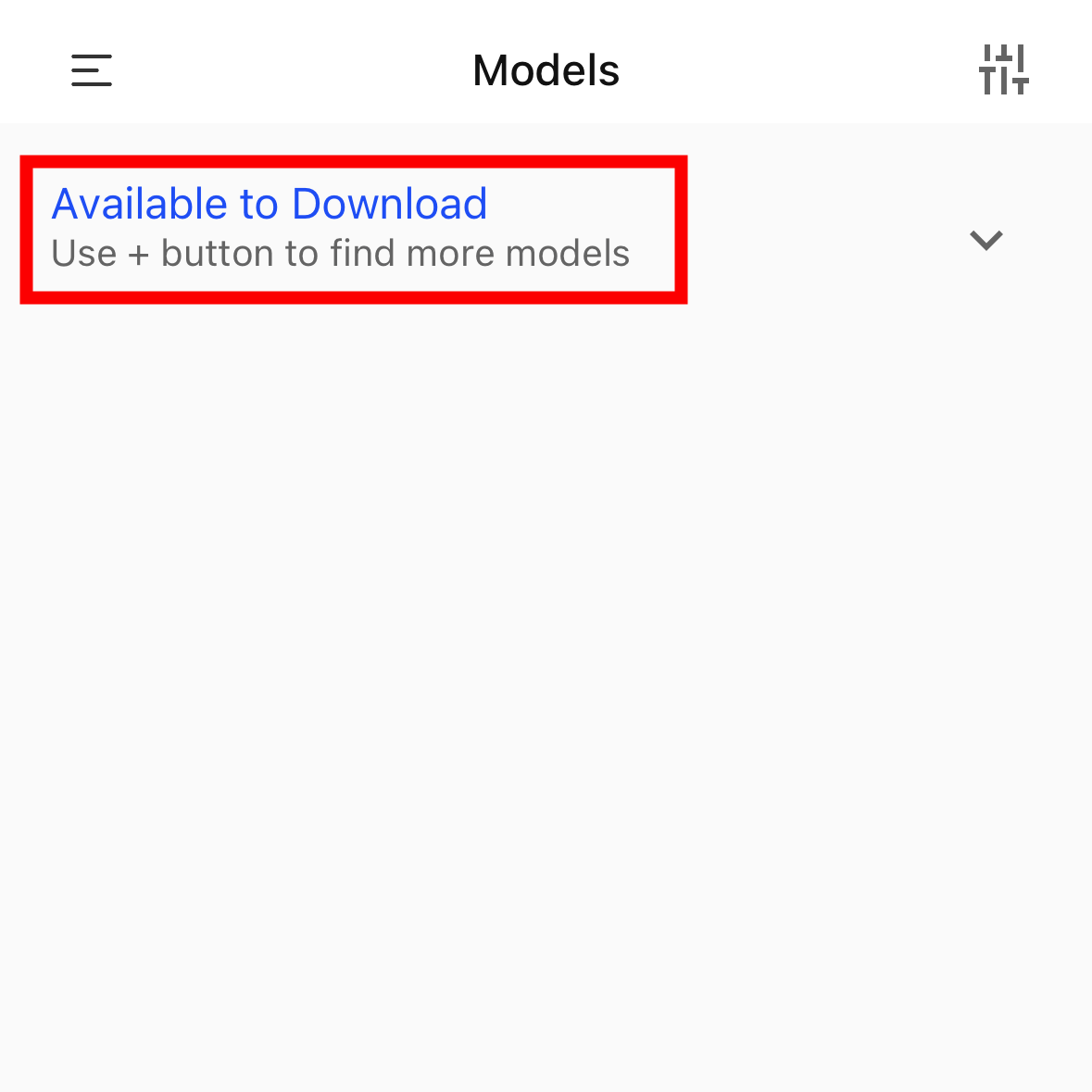
Tap 'Available to Download'.
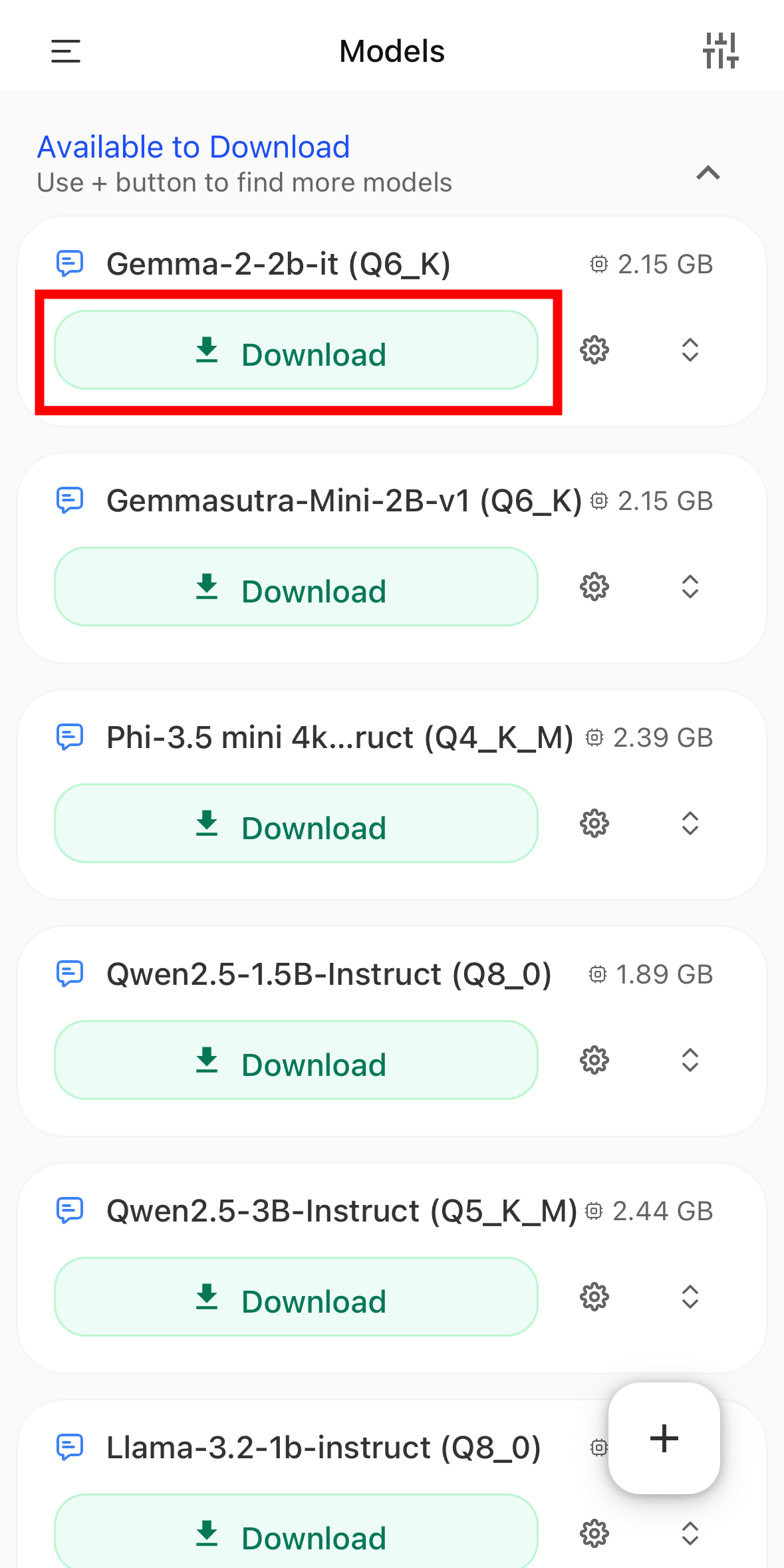
This will display a list of models that can be installed. This time, we will tap 'Download' for 'Gemma-2-2b-it(Q6_K)'.
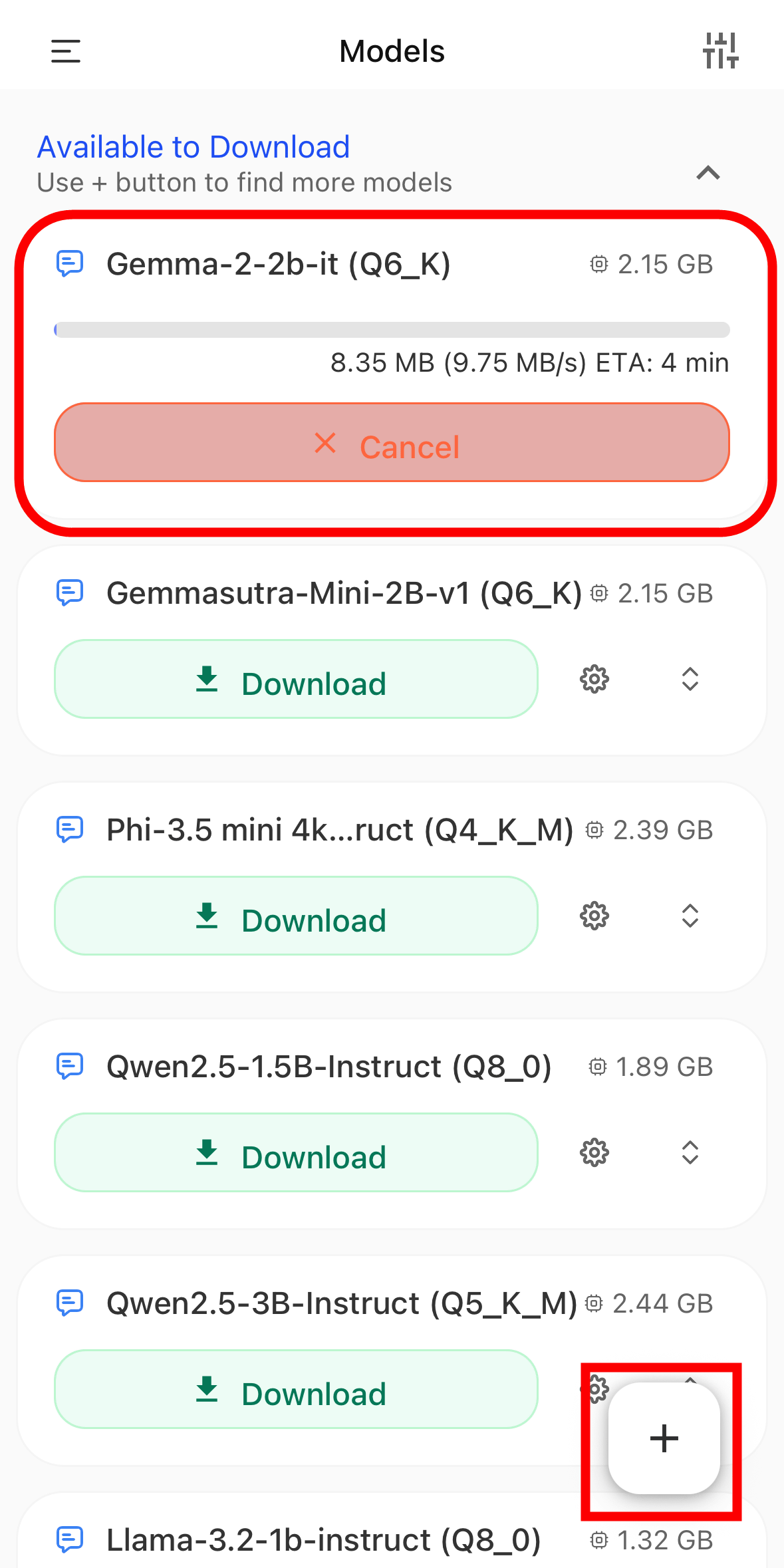
The download for Gemma-2-2b-it(Q6_K) has begun. In addition to the provided models, you can also import models found by searching for 'Hugging Face'. Tap the + icon in the bottom right corner.
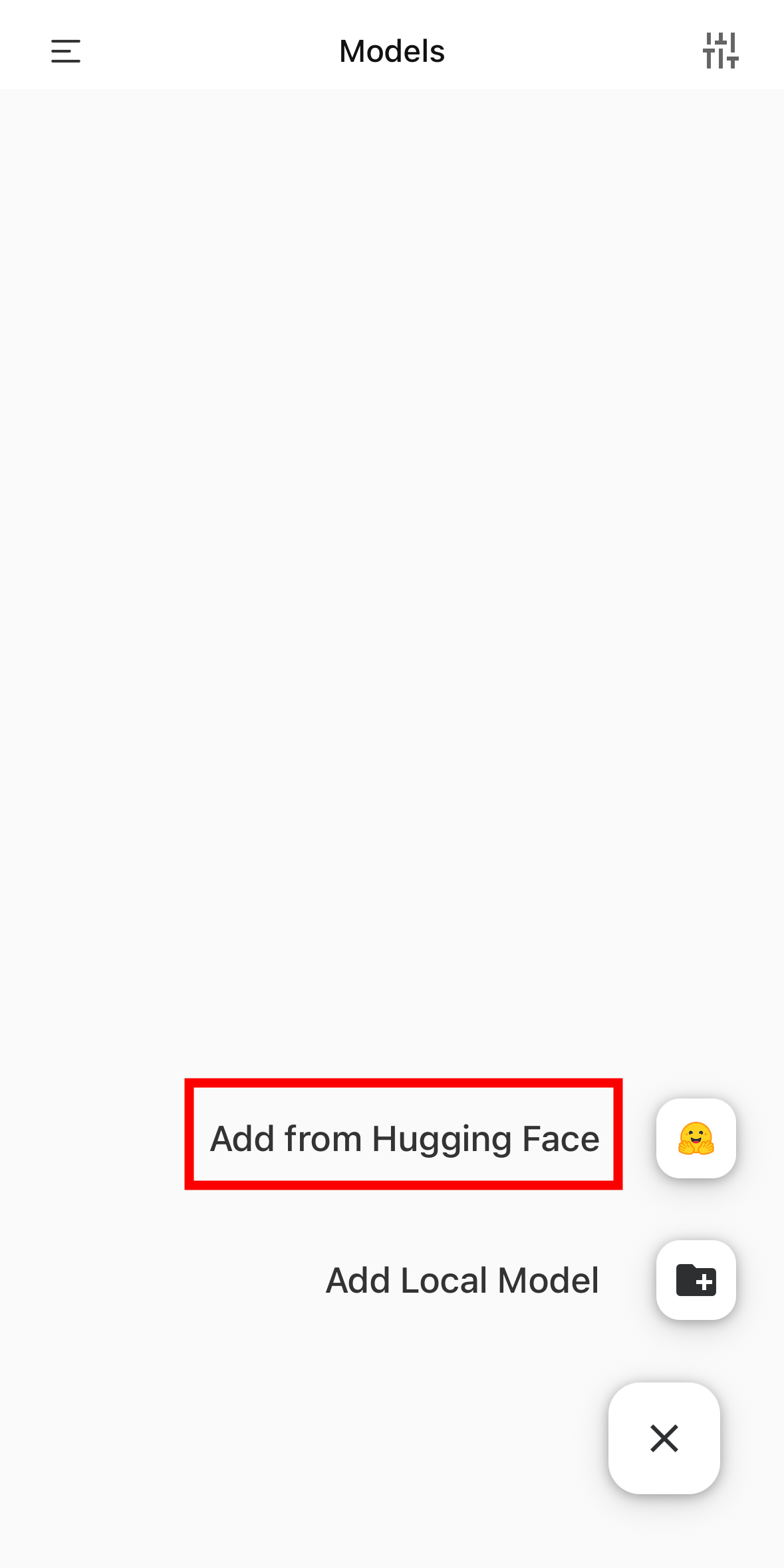
Select 'Add from Hugging Face'.
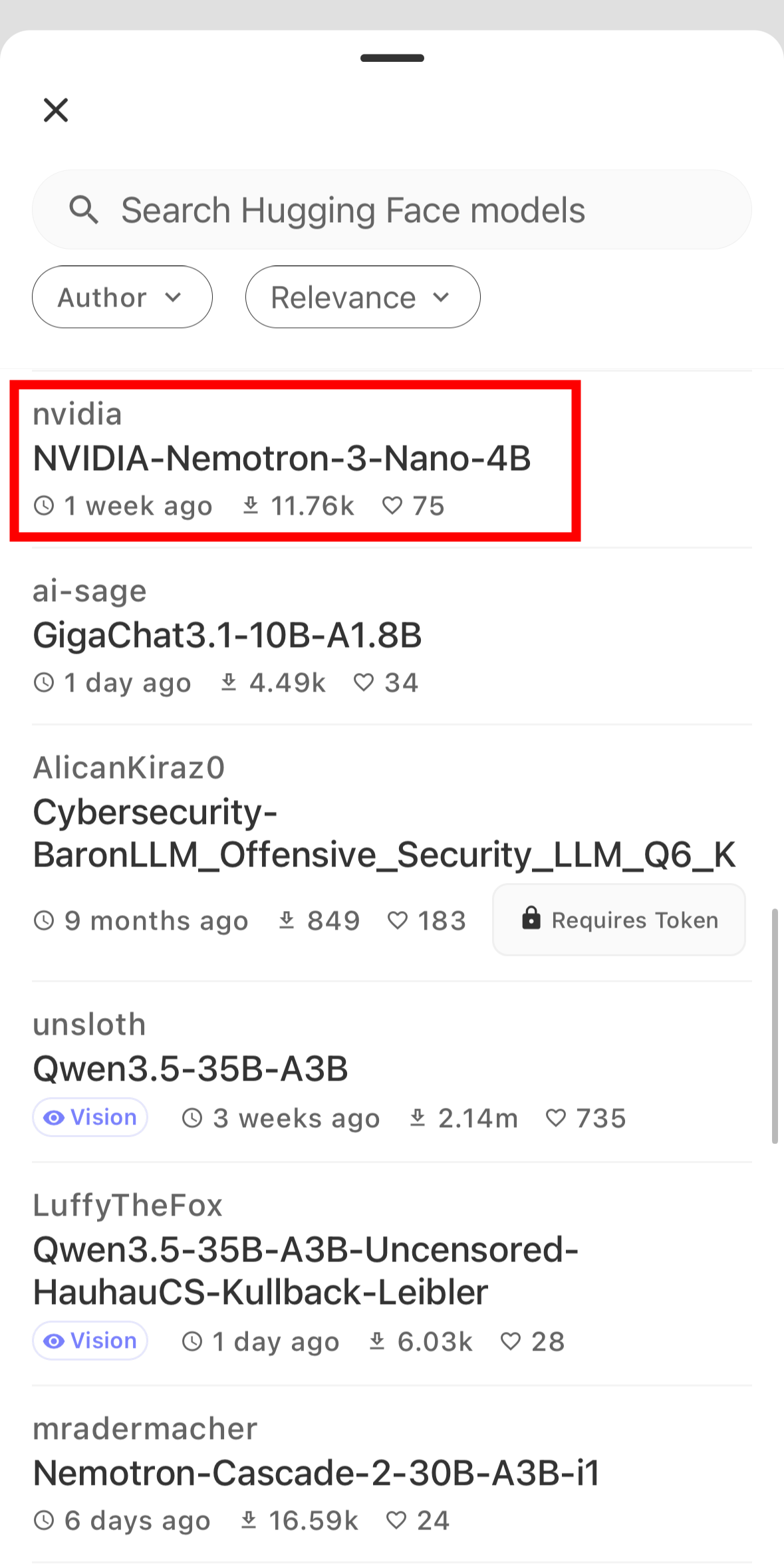
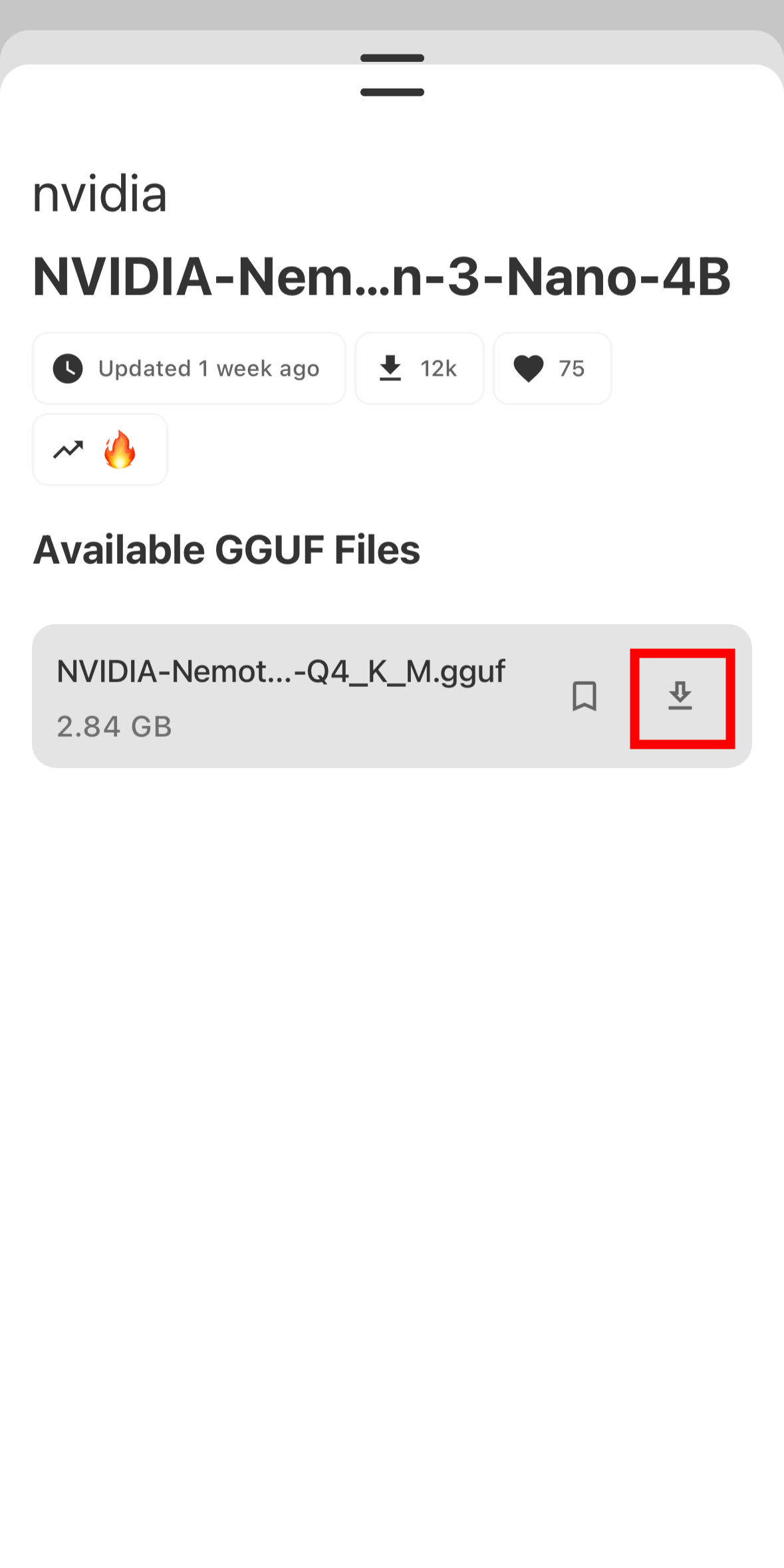
Then, the models available on Hugging Face will be displayed. So, tap to install the NVIDIA
Tap the download icon.
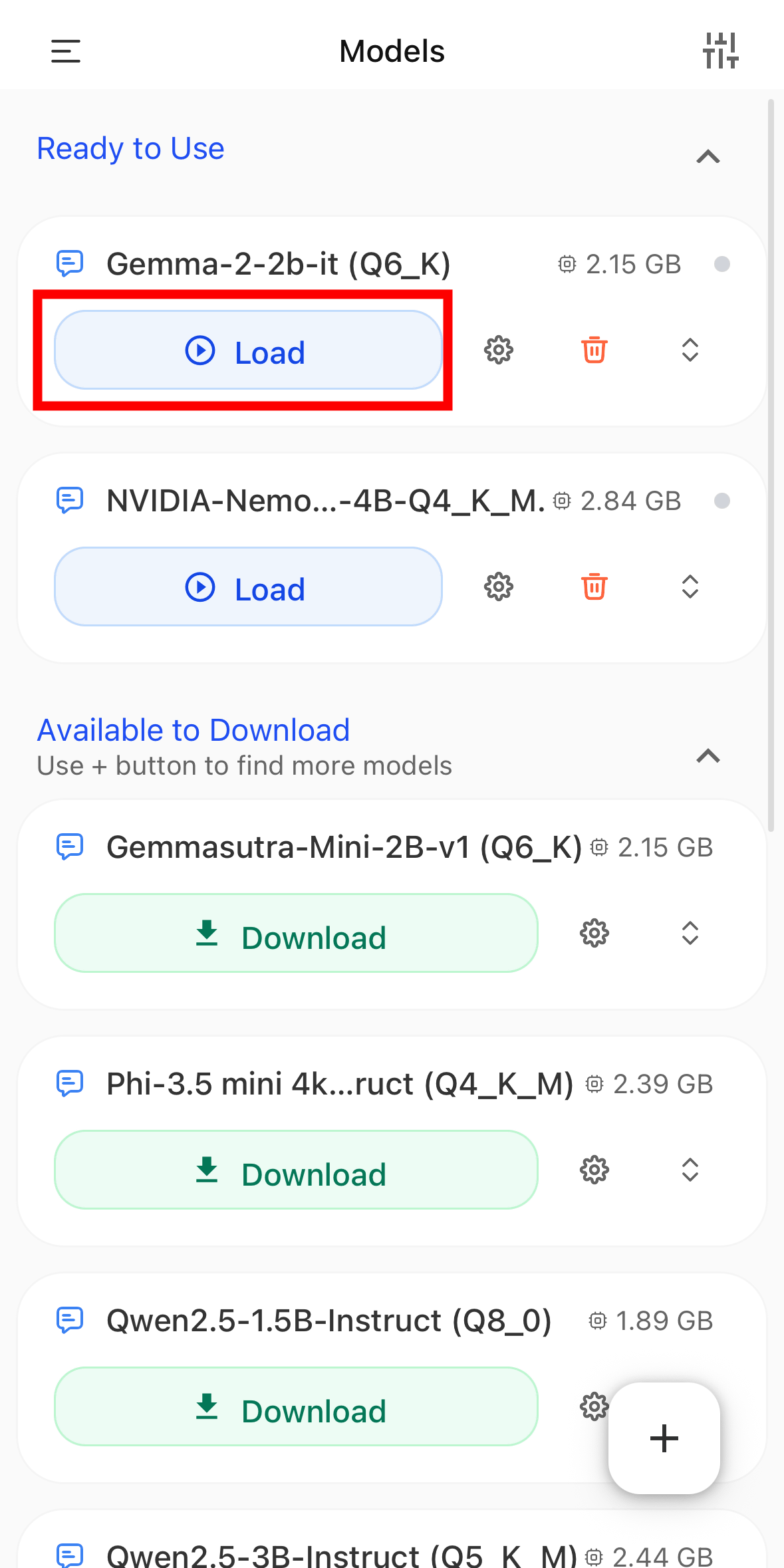
Once the download is complete, the model will appear under 'Ready to Use' in the model list, so tap 'Load' to load it.
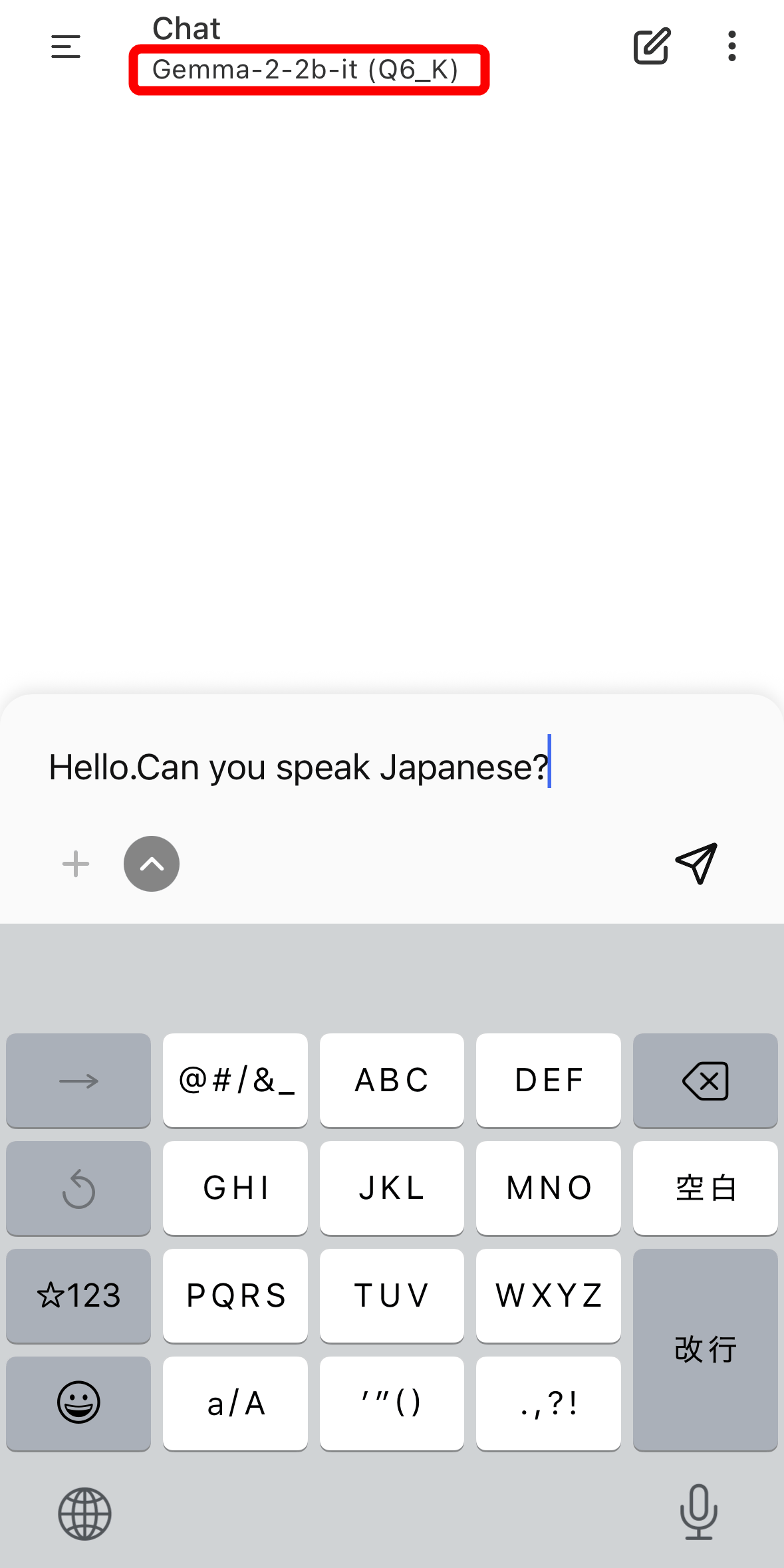
Once loading was complete, the chat screen opened. Below 'Chat,' the model name 'Gemma-2- 2b-it(Q6_K)' was displayed.
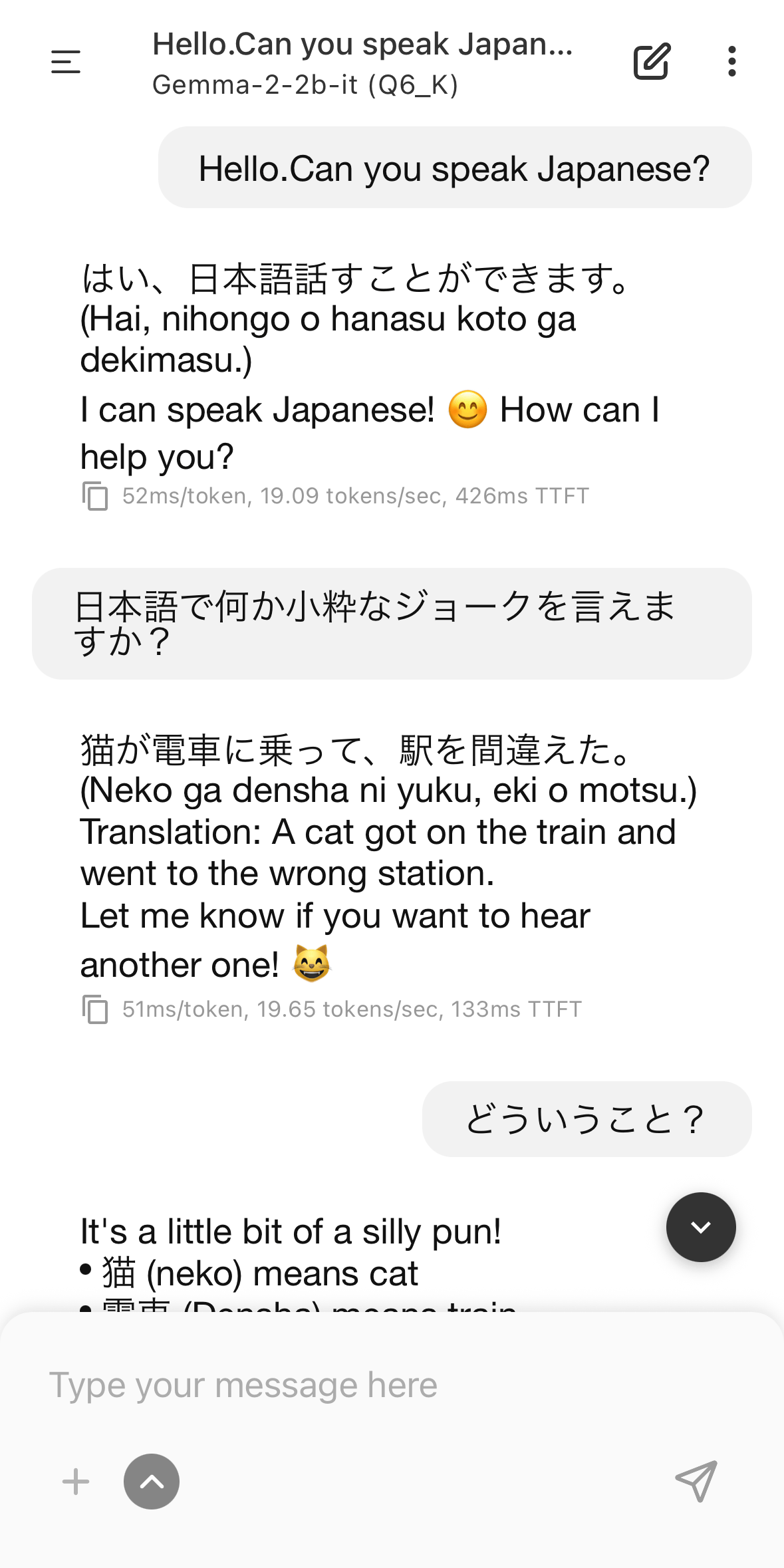
I was able to chat using Japanese. Although the accuracy isn't high because it's a small language model, I felt that the response was quite fast even when running on an iPhone.
To change the model, tap the kebab icon in the upper right corner and then tap 'Models'.
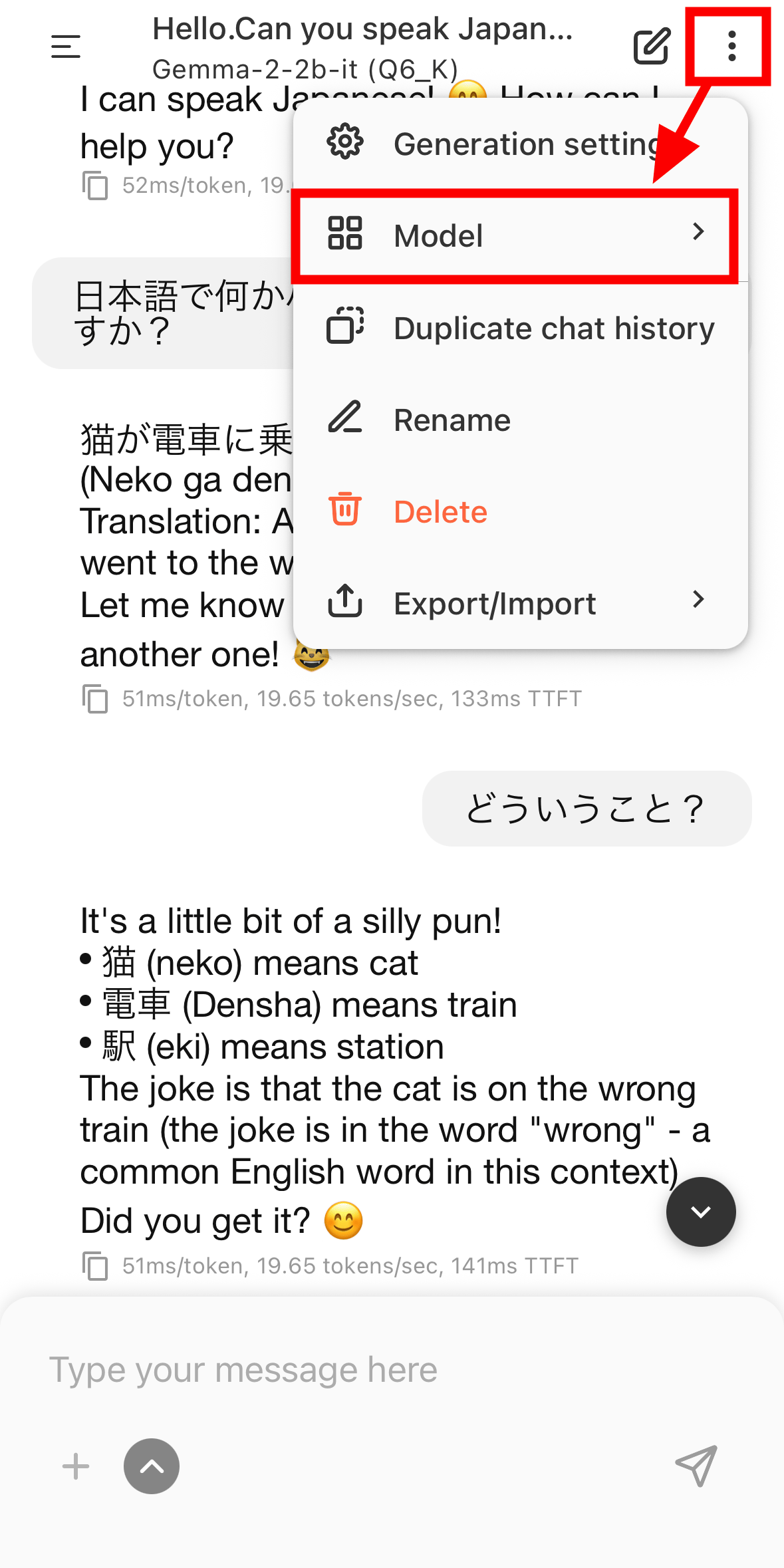
Select 'NVIDIA-Nemotron3-Nano-4B-Q4-K_M.'.
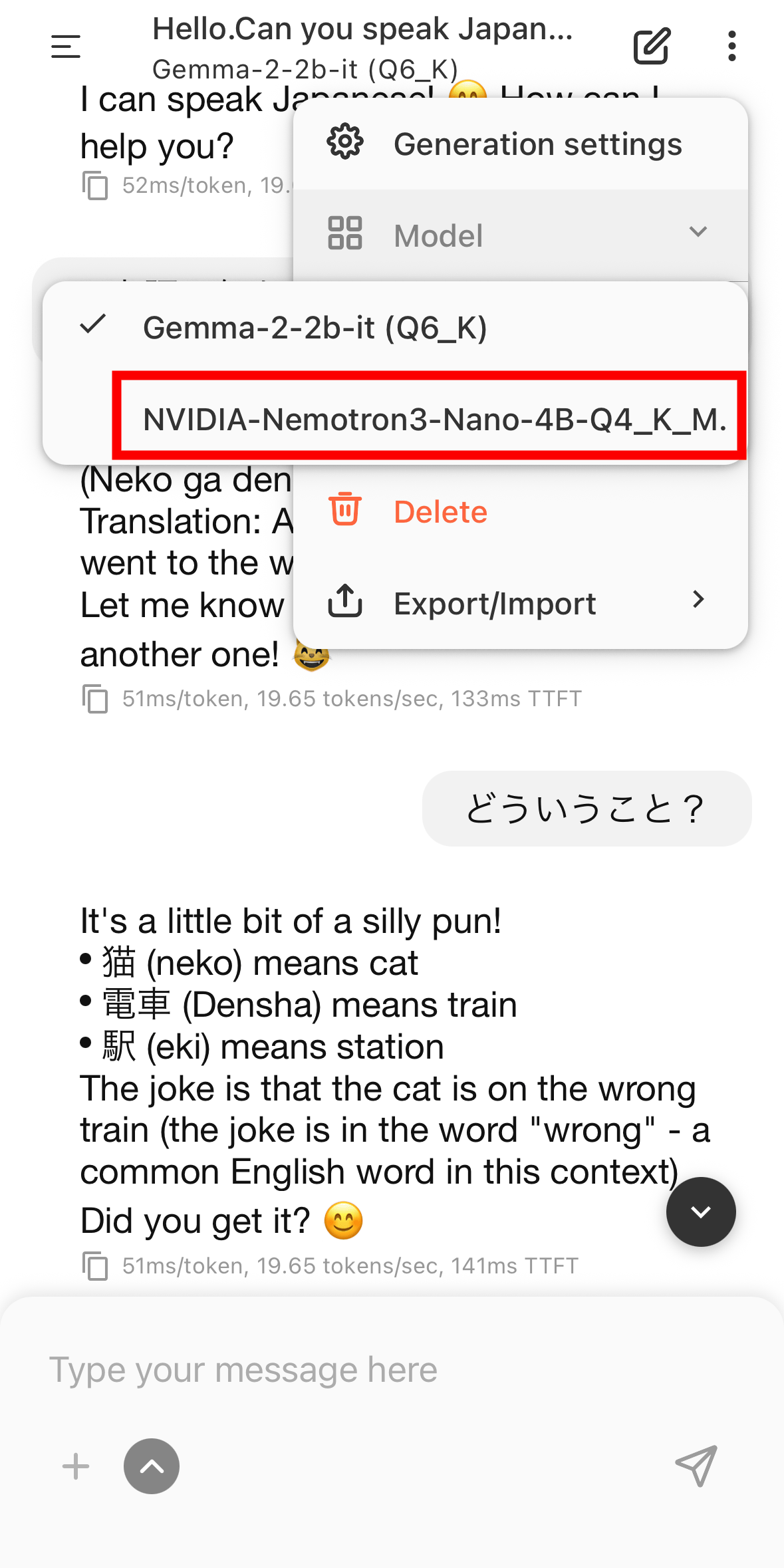
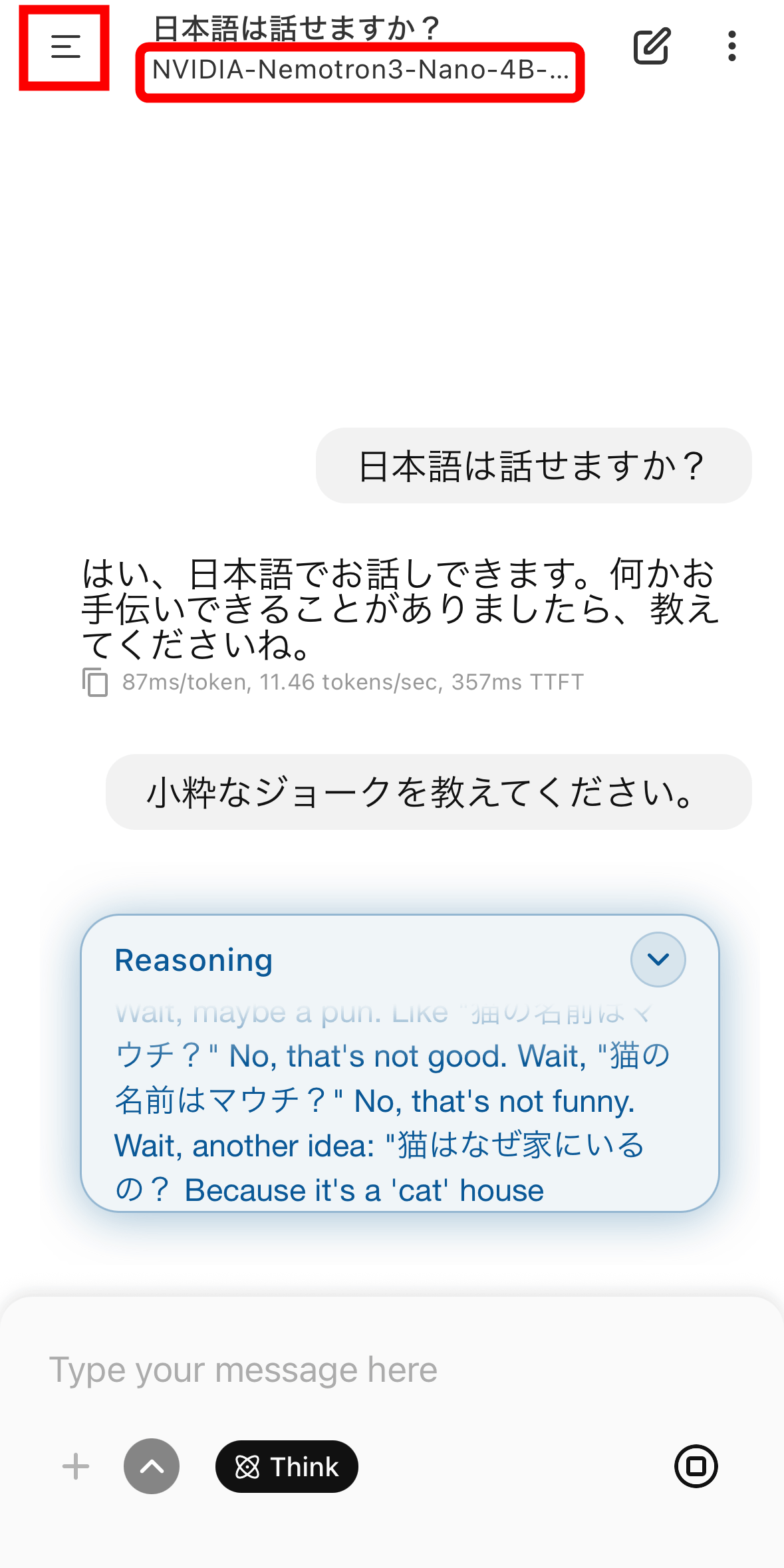
Then, you can start communicating with NVIDIA-Nemotron3-Nano-4B-Q4-K_M. Note that the menu can be expanded by tapping the hamburger icon in the upper left corner.
The expanded menu looked like this. The 'Chat' option opens the chat screen, and past chat history was displayed below the menu.
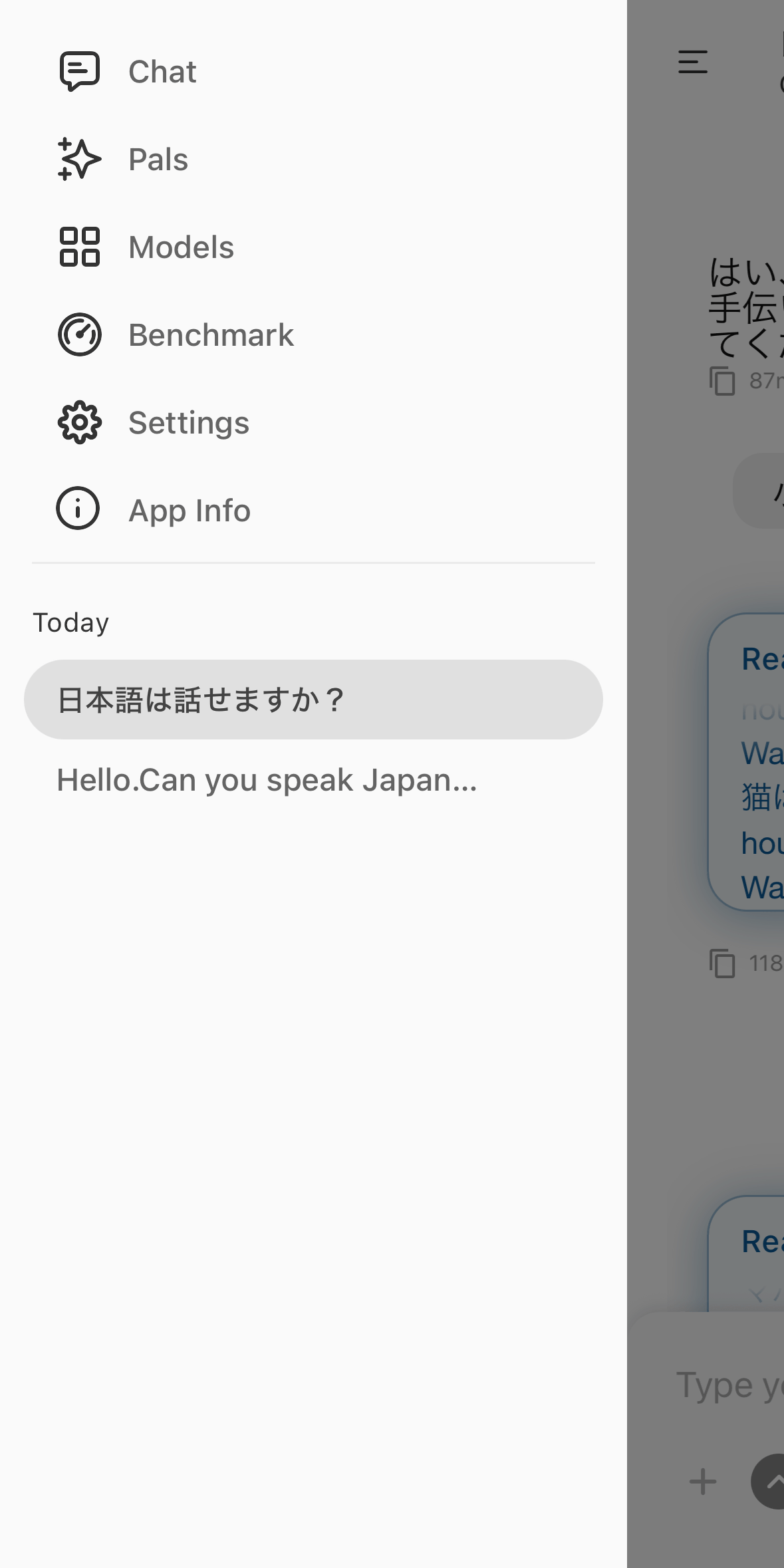
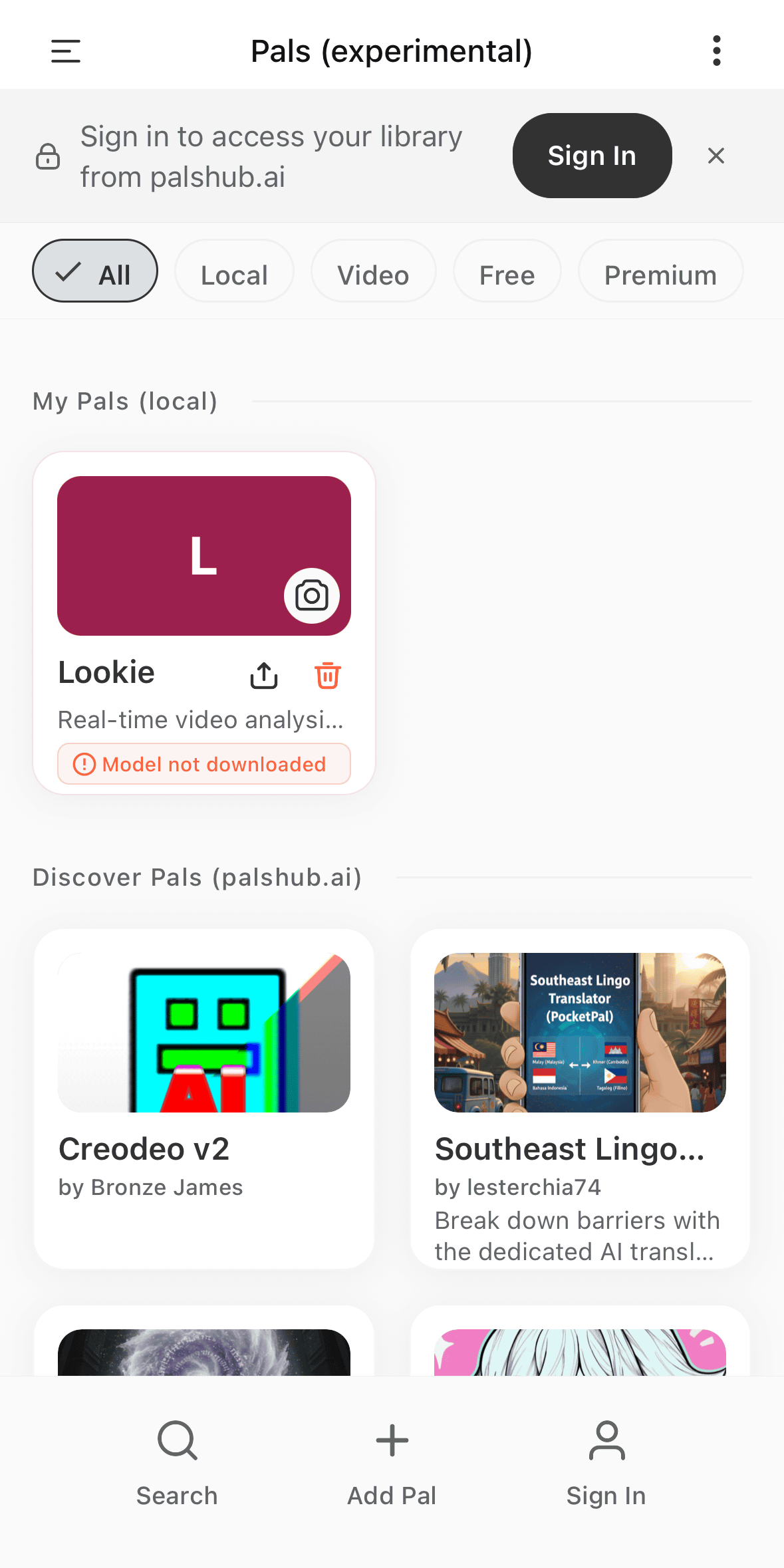
'Pals' is an experimental feature at the time of writing, allowing you to install a personalized AI assistant with different characteristics and settings. To use Pals, you need to register at
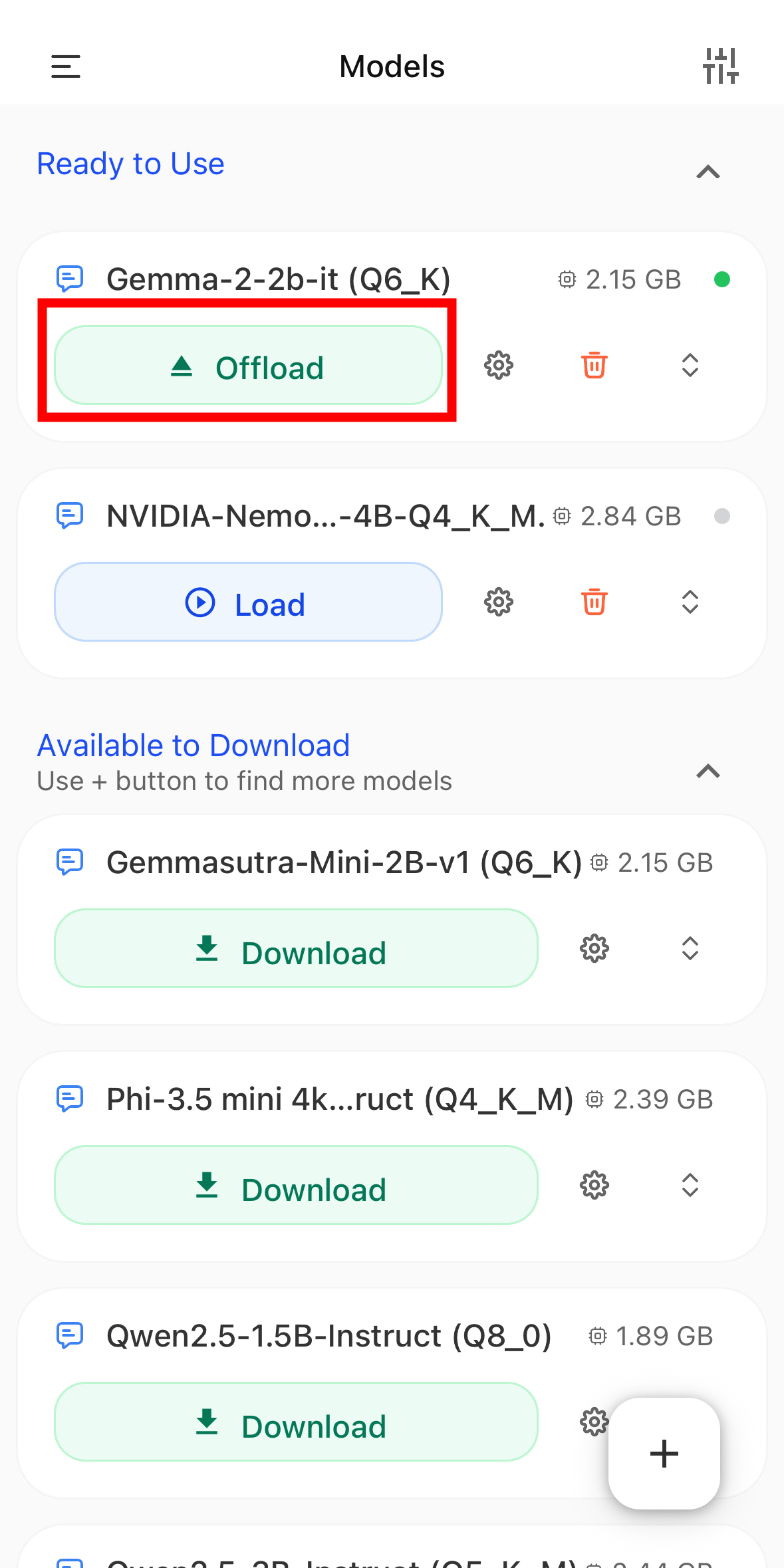
From the list of models available under 'Models,' you can either deload a model that is currently loading or add a new model.
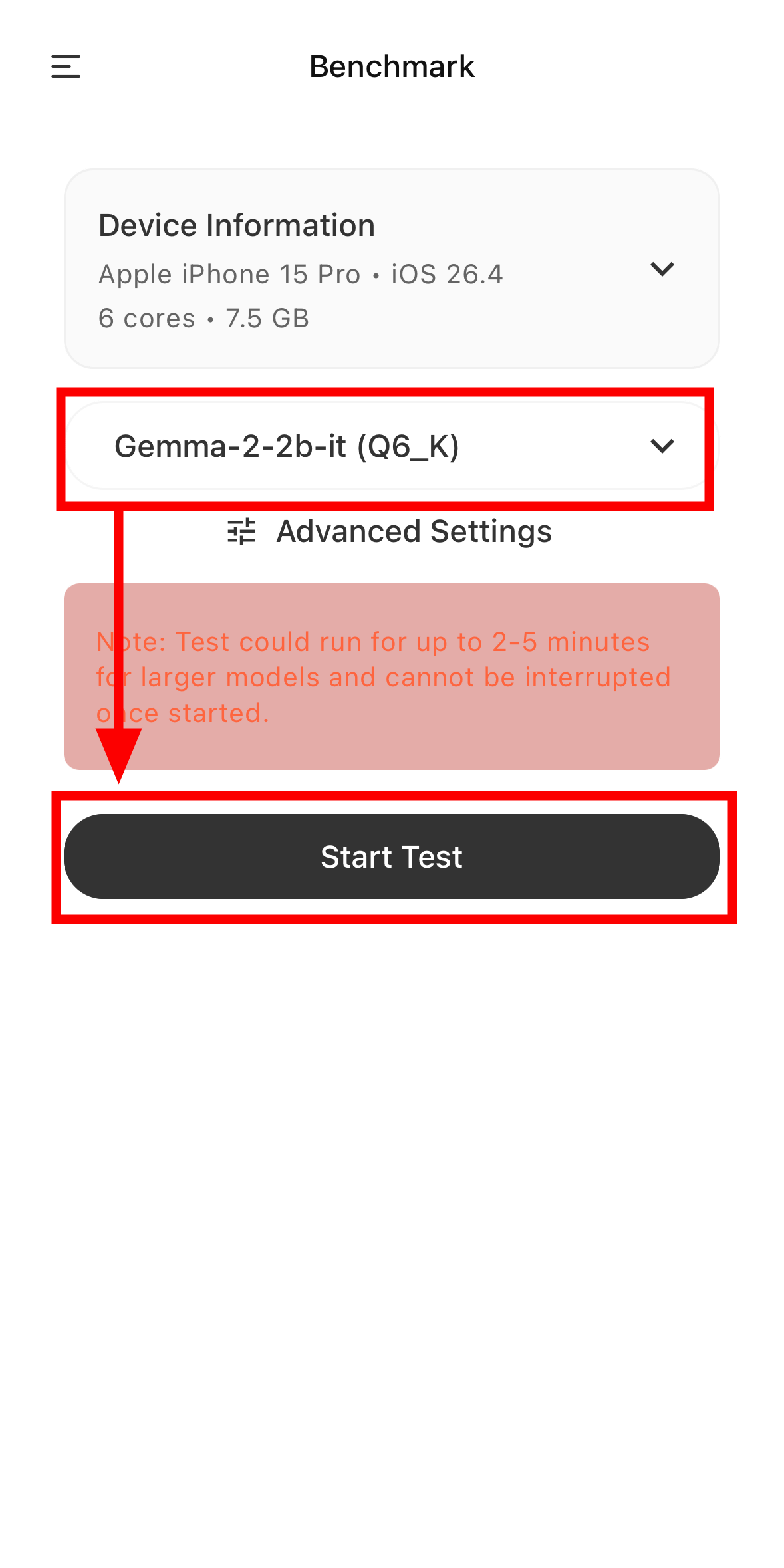
Furthermore, PocketPal AI allows you to run device benchmarks using AI models. Simply select a model and tap 'Start Test.' The benchmark takes approximately 2-5 minutes.
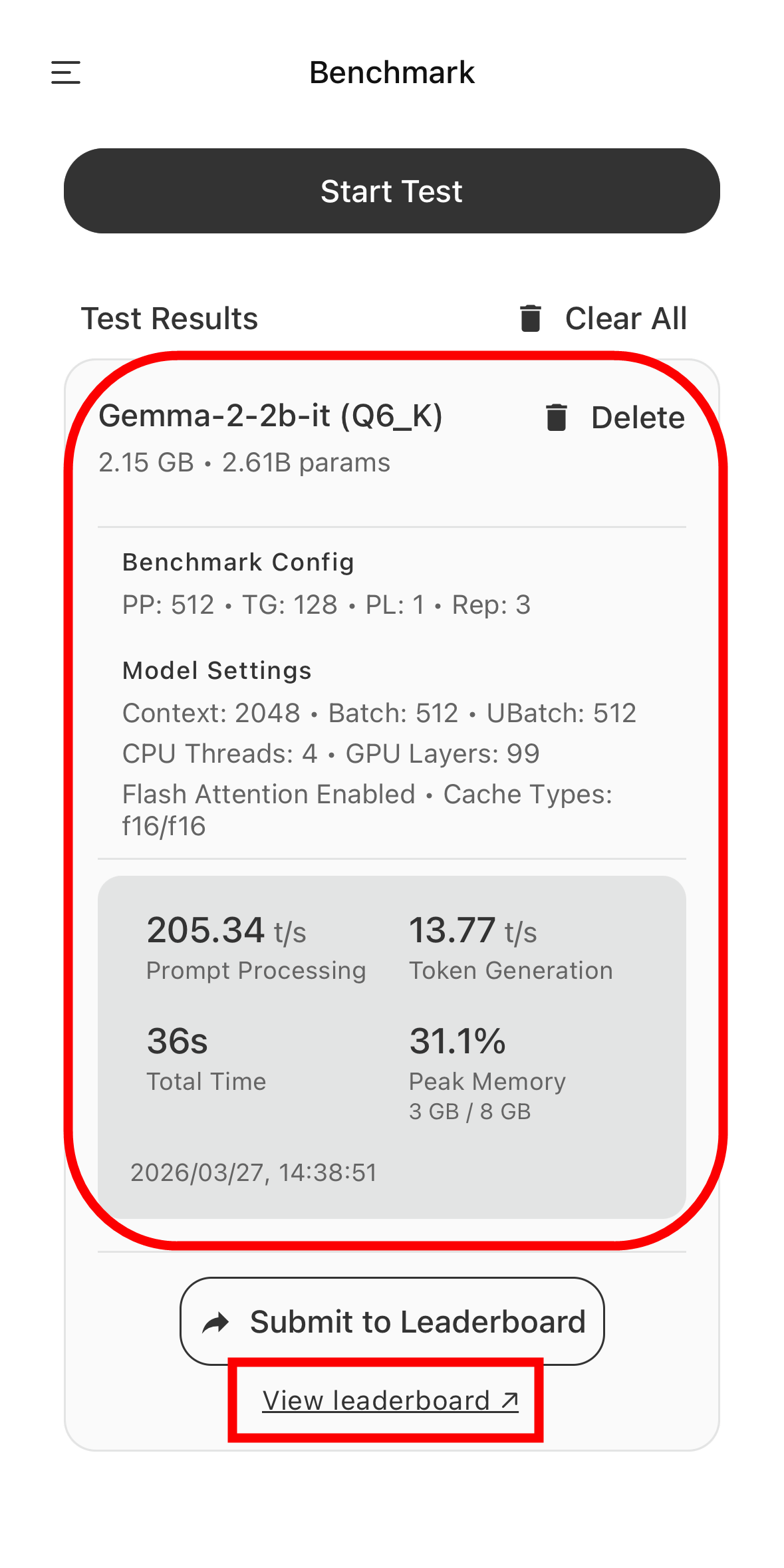
The following are the benchmark results when running Gemma-2-2b-it(Q6_K) on an iPhone 15 Pro. Prompt Processing was 205.34 tokens per second, Token Generation was 13.77 tokens per second, the total time was 36 seconds, and the peak memory consumption was 31%. By clicking 'View leaderboard,' you can see
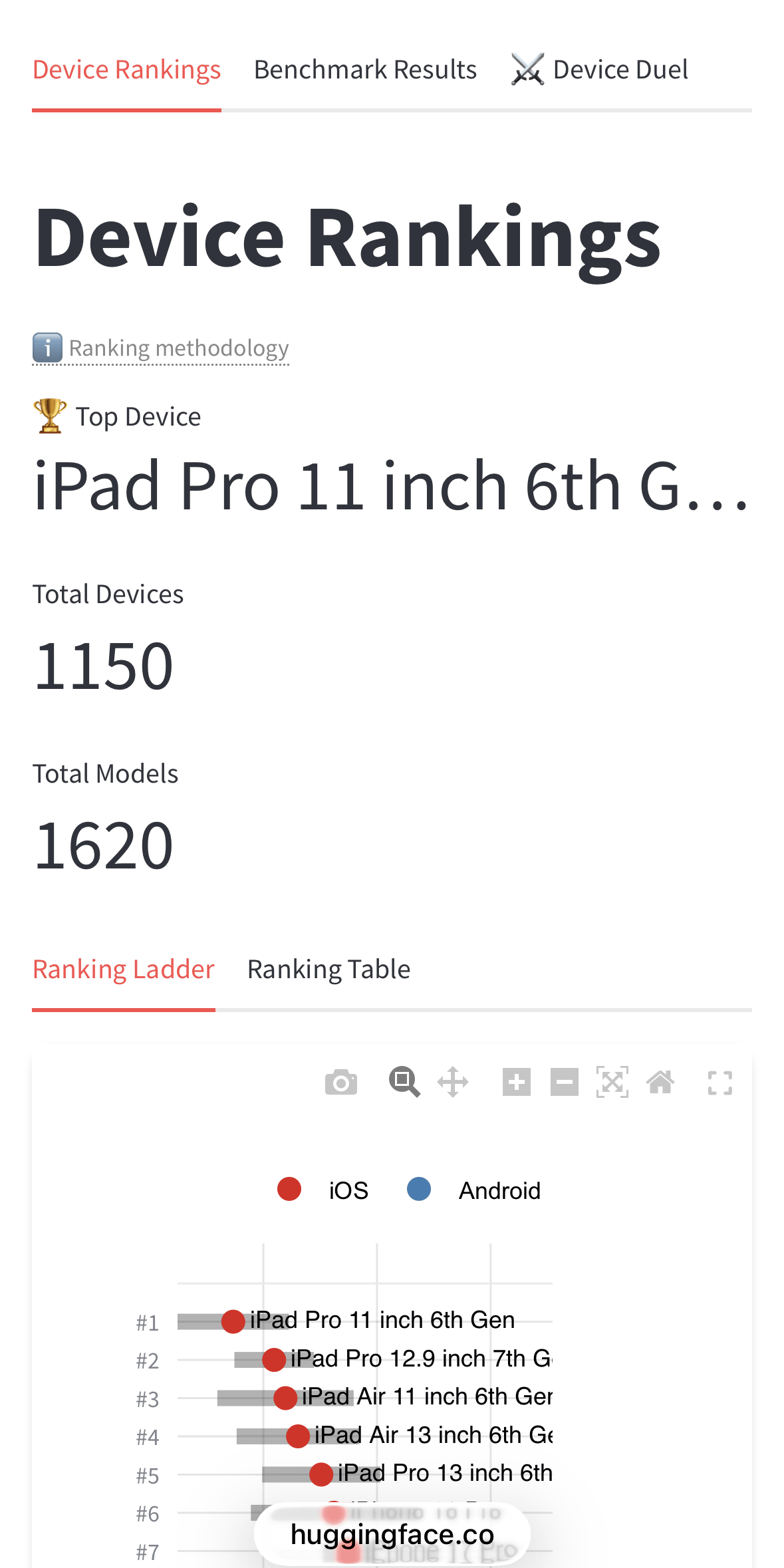
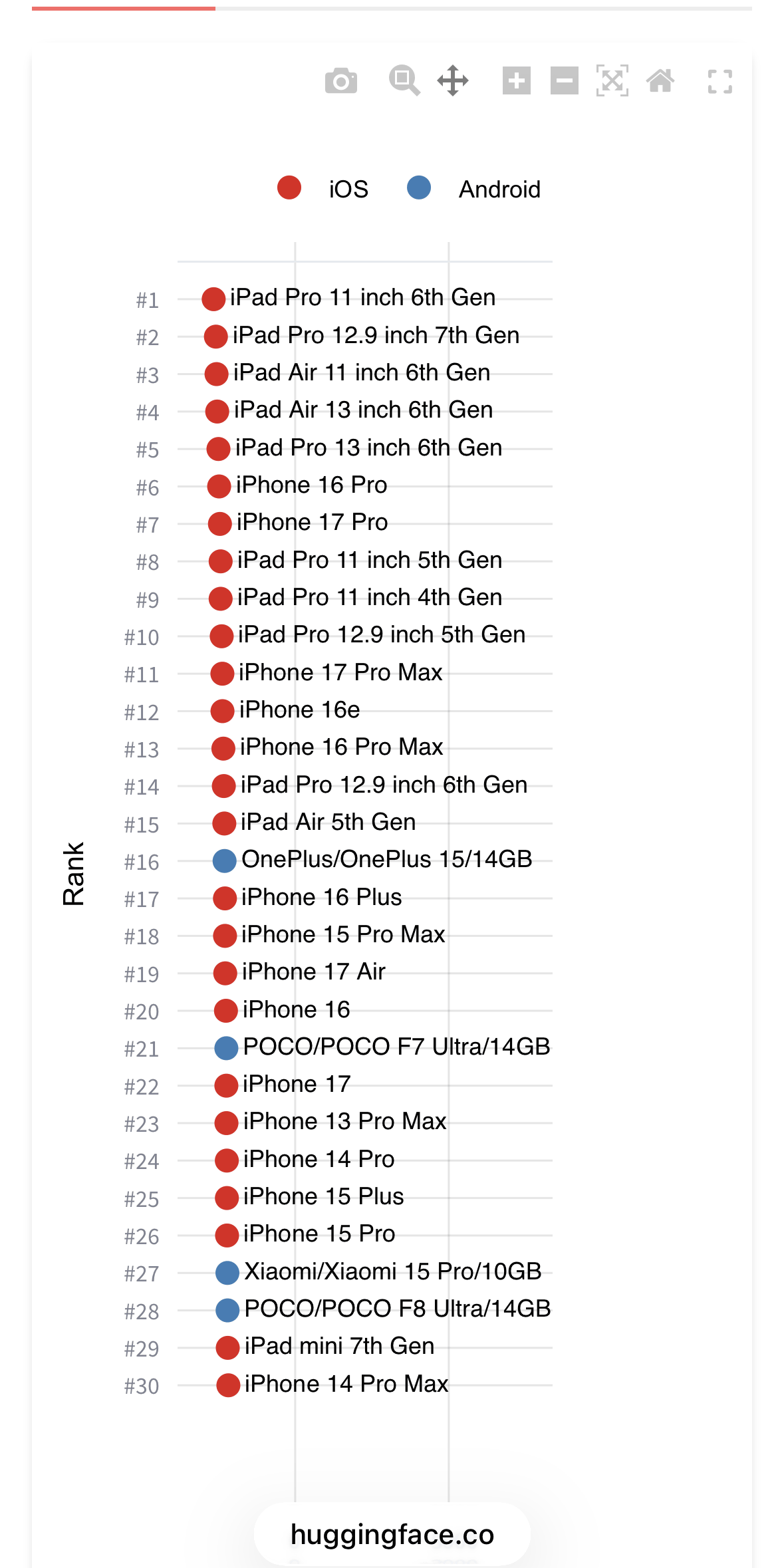
At the time of writing, the top-ranked device was the 6th generation iPad Pro (11-inch) equipped with the M2 chip.
The rankings below that were as follows:
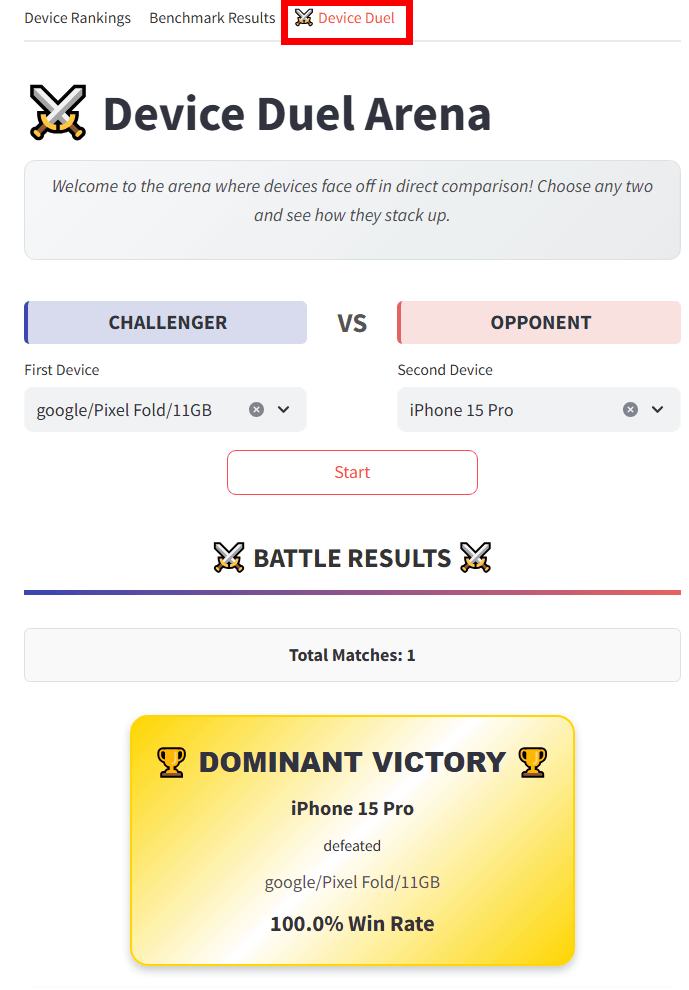
Furthermore, the Device Duel section allowed us to compare results between different devices.
Related Posts:

in AI, Software, Smartphone, Review, Posted by log1i_yk