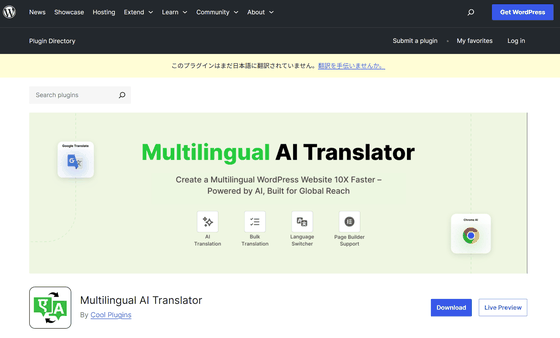
'Multilingual AI Translator' is a free WordPress plugin that automatically translates posts using Chrome's built-in AI translation function.
There are many translation plugins available for enabling multilingualization in
Multilingual AI Translator – WordPress plugin | WordPress.org
https://wordpress.org/plugins/linguator-multilingual-ai-translation/
Linguator – AI-Powered WordPress Multilingual Plugin
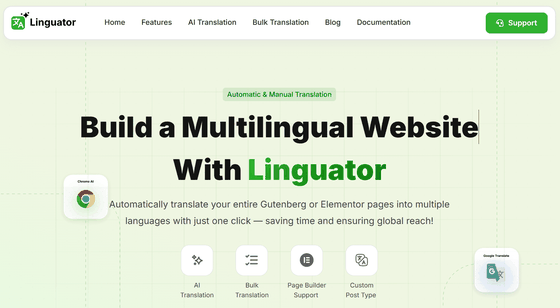
◆Features of Multilingual AI Translator
・Available for free
Its biggest feature is that it can use Google Translate and AI models built into Chrome, significantly reducing translation costs.
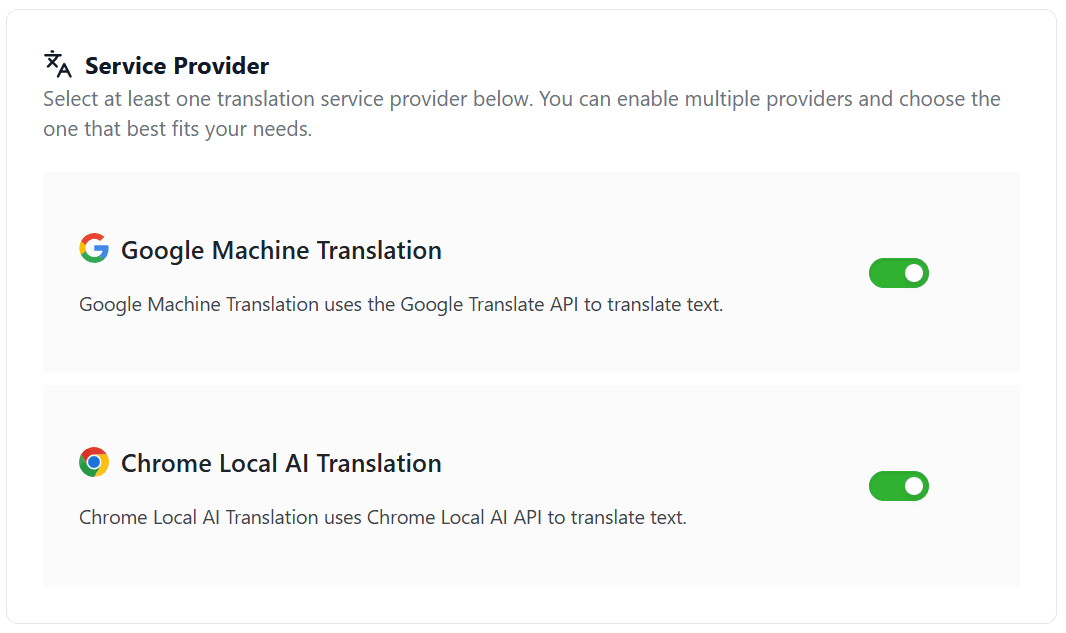
・High-speed processing without the need for communication for translation
By using
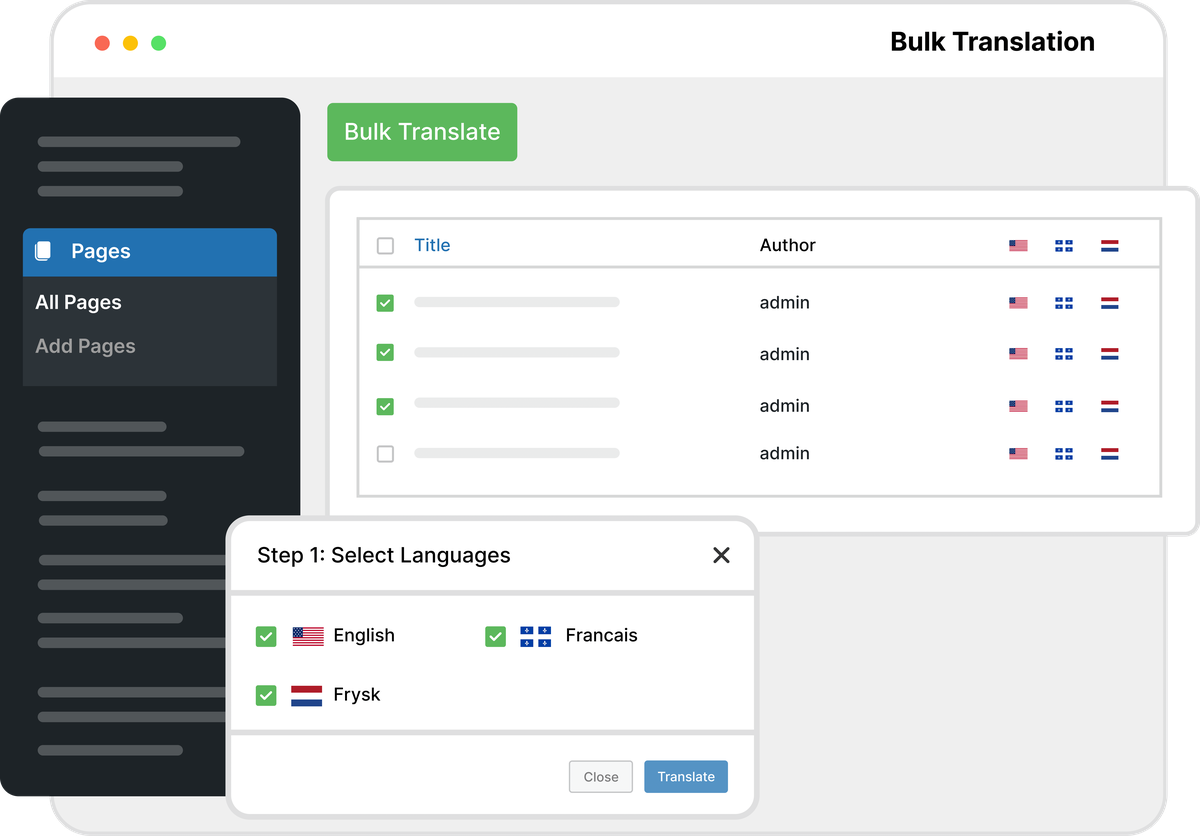
・Bulk translation possible
It has the ability to translate posts and pages in bulk, allowing you to efficiently translate multiple pieces of content into multiple languages.
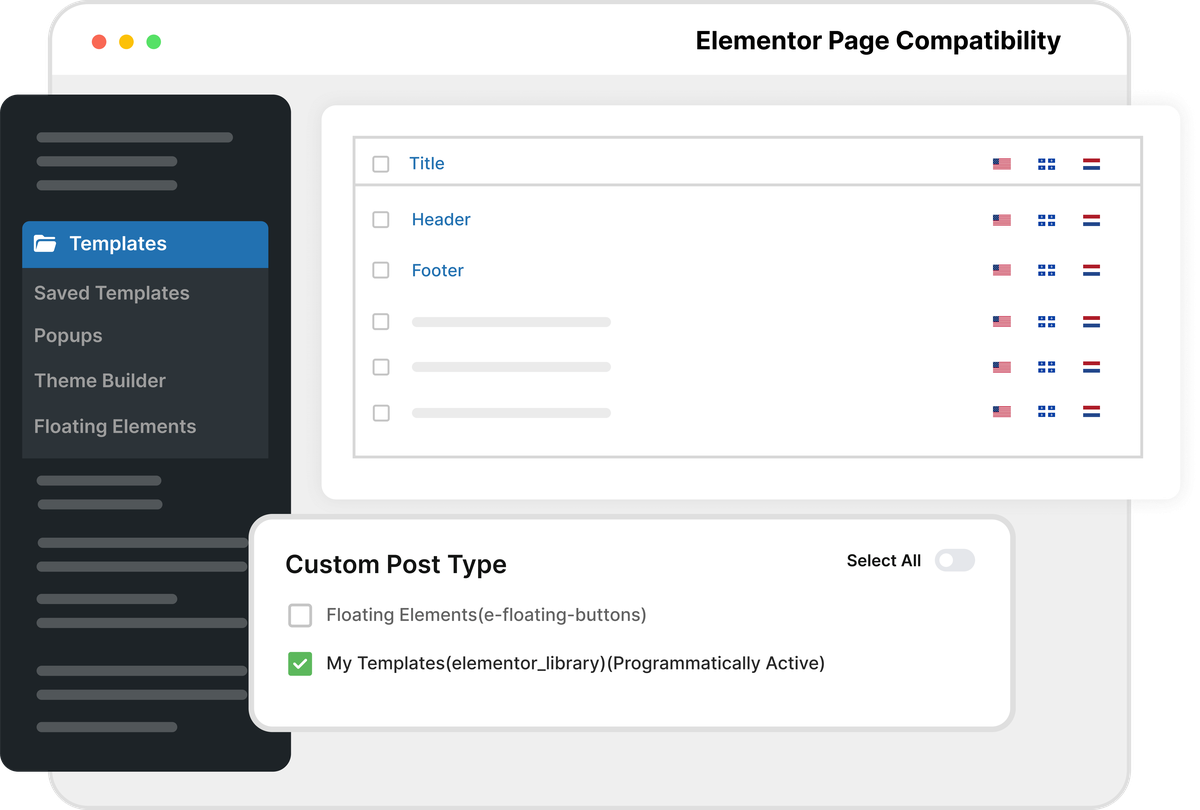
・Content for page builders and e-commerce site plugins can also be translated.
Elementor , Gutenberg , WooCommerce , custom posts, etc. can all be translated.
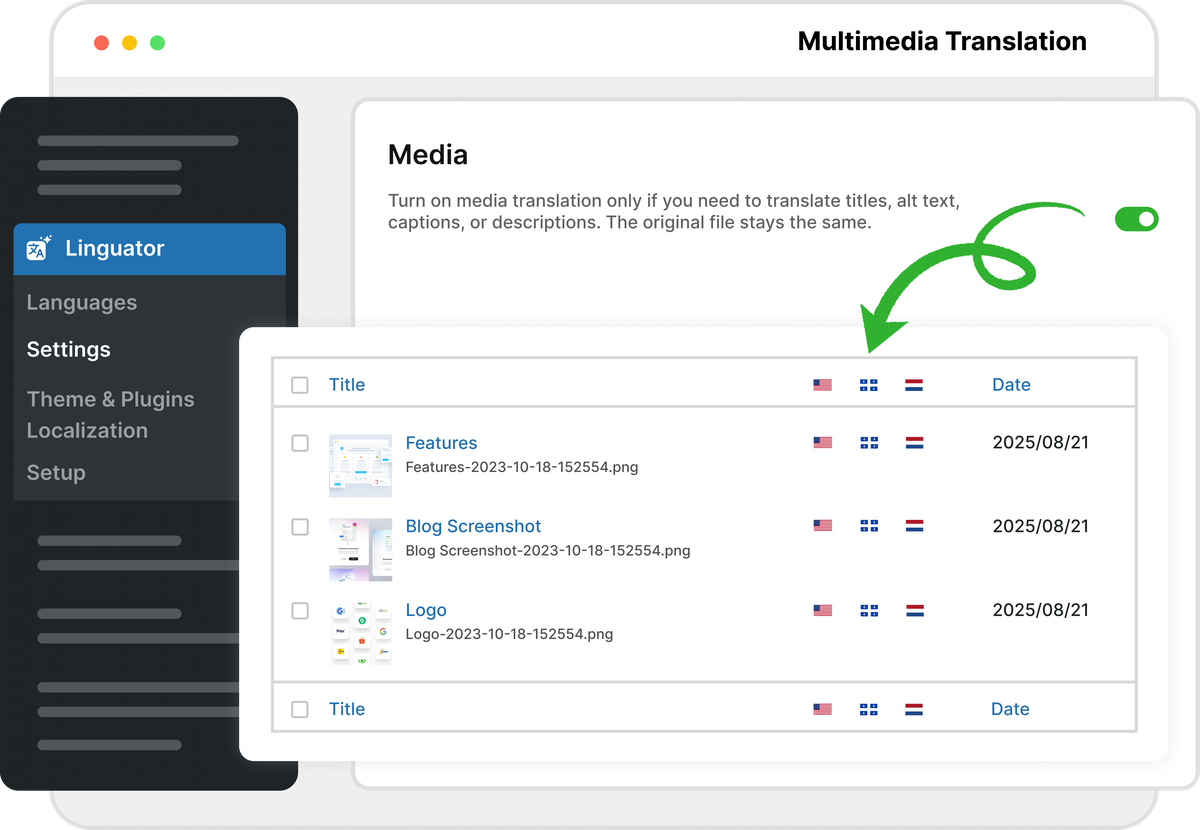
・Multimedia content translation
We can also translate titles, captions, alt text, and descriptions of uploaded media files.
・Fix translations in user dictionaries
To improve the quality of your translations, you can use user dictionaries to pin translations for specific terms.
・SEO tailored to the language
We can create URLs and metadata that will allow your translated content to be properly indexed by local search engines.
◆ Preview and test
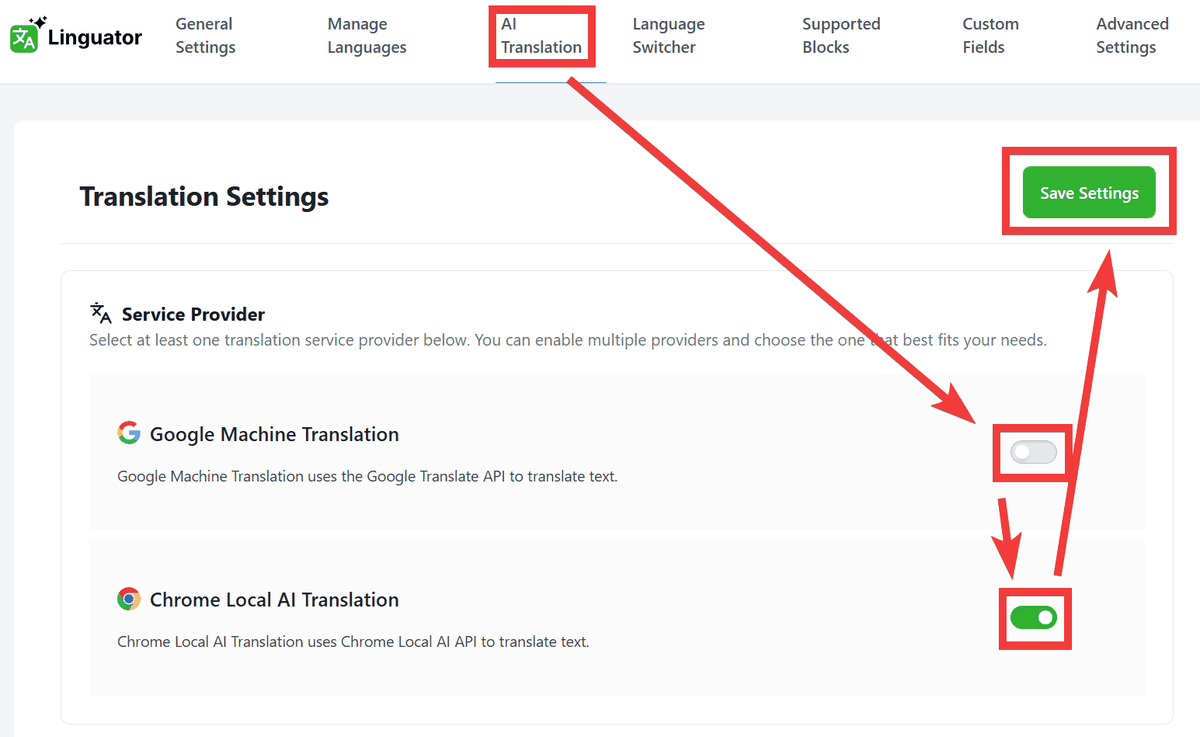
The settings screen for the preview site will appear, so click 'AI Translation' in the top menu, turn off the toggle for 'Google Machine Translation,' and turn on the toggle for 'Chrome Local AI Translation.' Then click 'Save Settings' to set up translation to be performed locally only.
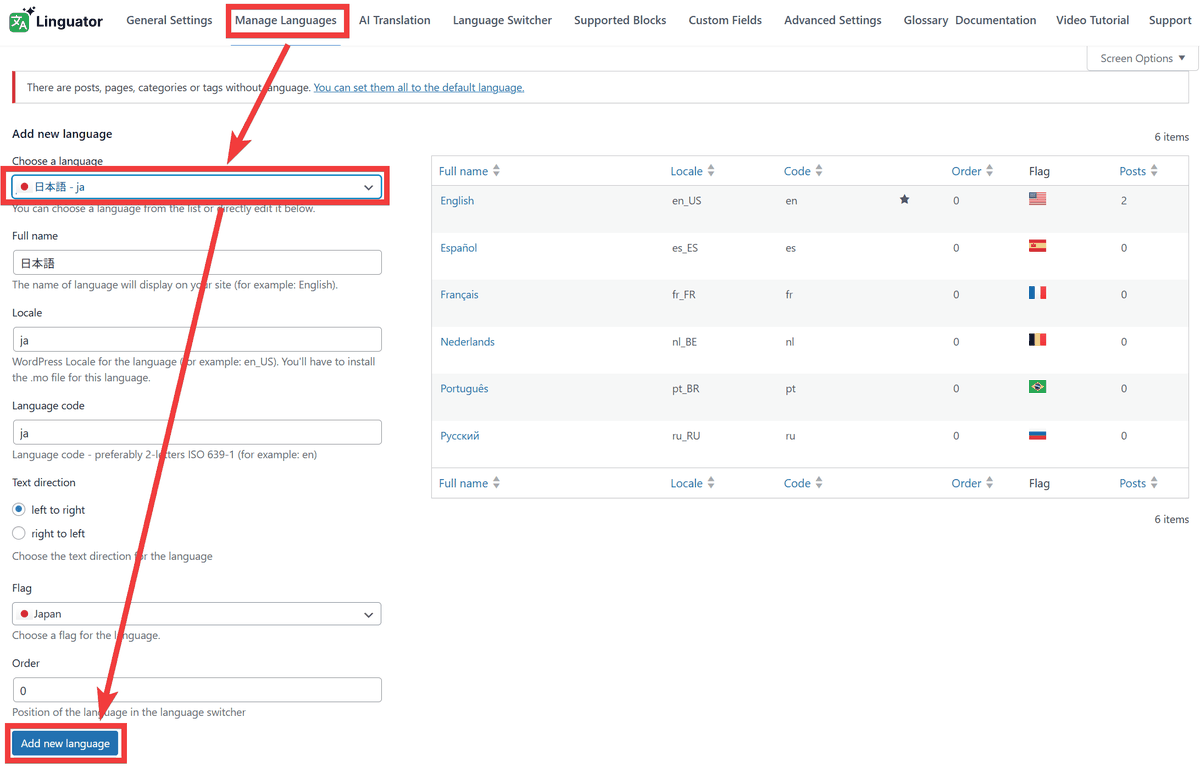
To add Japanese to the languages you handle, click 'Manage Languages' in the top menu, select Japanese from the 'Choose a language' selection form, and click 'Add new language' to add it.
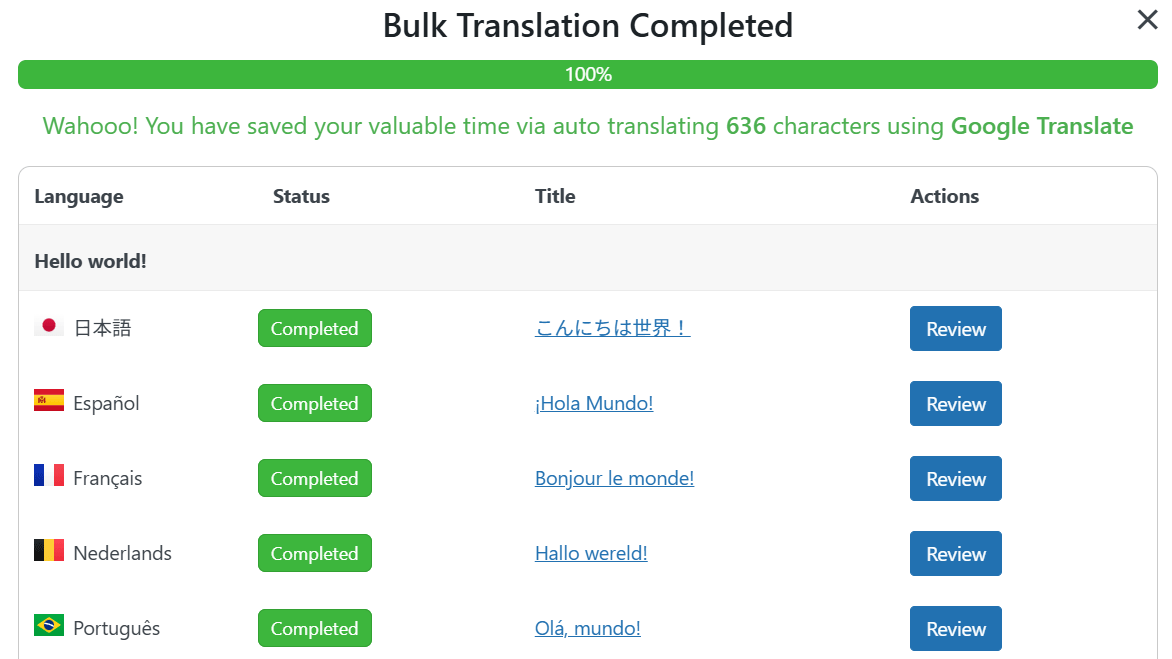
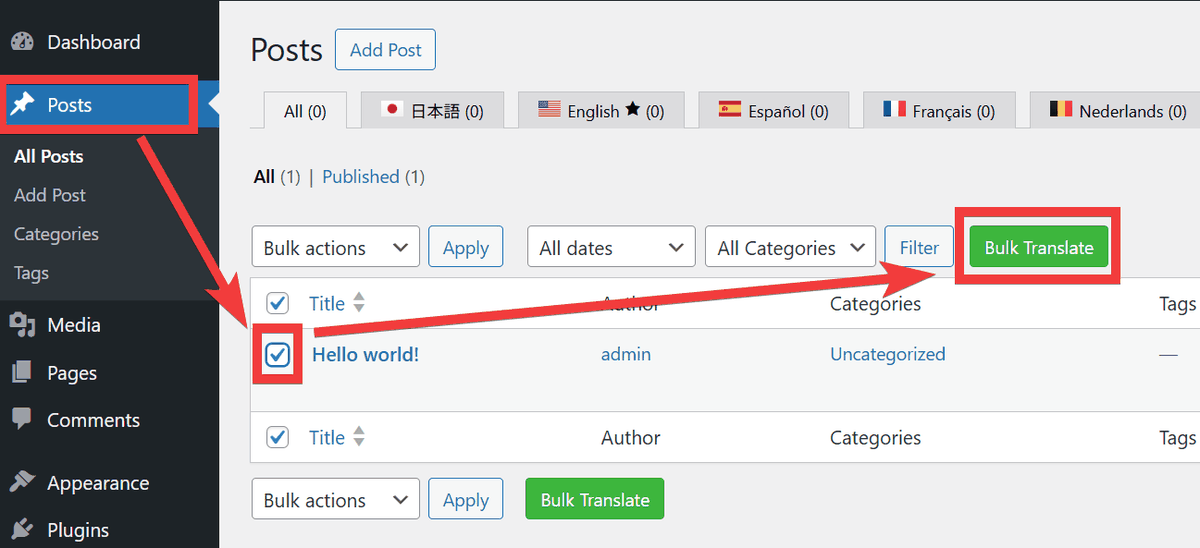
To test translating posts into multiple languages in bulk, select 'Posts' from the menu on the left side, check the posts you want to translate, and click 'Bulk Translate.'
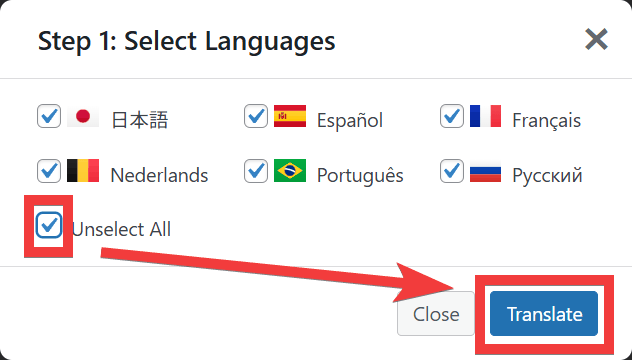
A language selection dialog will appear, so click 'Select All' at the bottom left to select all languages. Then click 'Translate' to start translating.
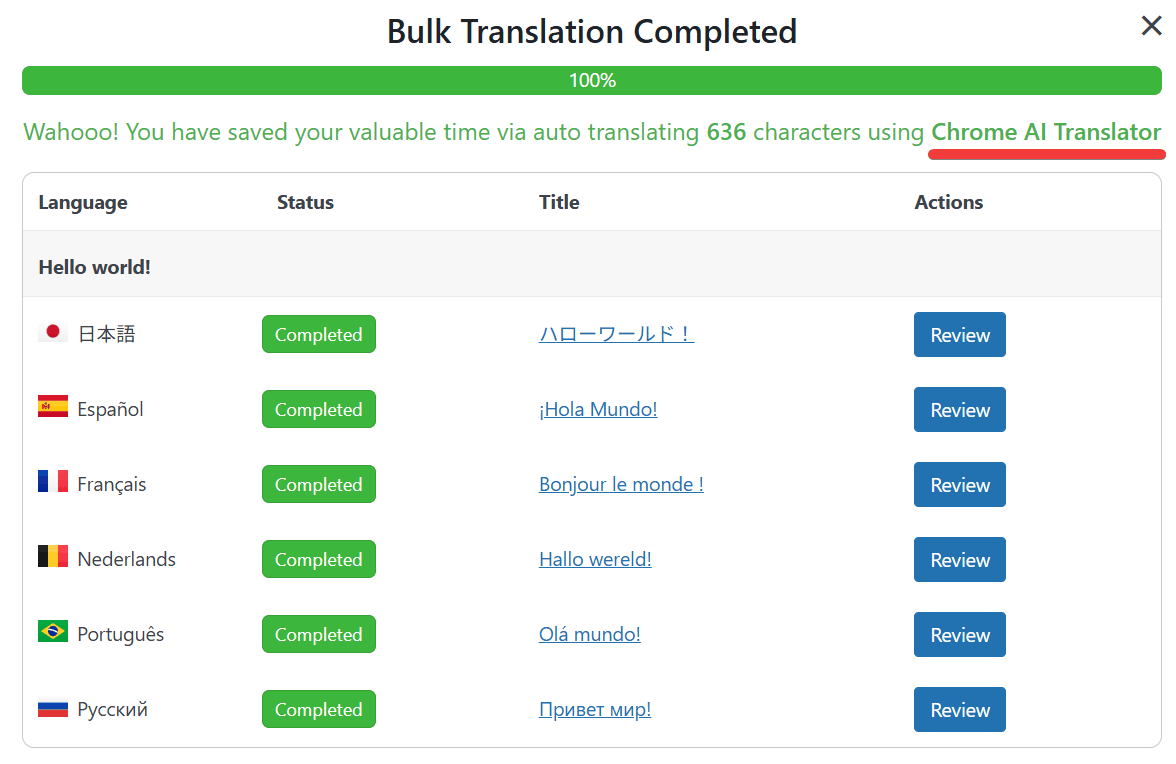
The translation was completed in about 10 seconds. You can also see the log that the translation was done using 'Chrome AI Translator.'
As you can see, the setup is simple and batch conversion can be completed with just a click, making this a very easy plugin to use for multilingualization, and the fact that it is free to use is a major attraction.
Related Posts: