I tried out the Chromium-based browser 'Helium,' which comes with an ad blocker as standard.

' Helium ' is a PC browser developed based on Chromium, just like Google Chrome, and has several useful features added, such as the ad blocking extension 'uBlock Origin' as standard and support for split-screen display. It is also designed to be lightweight, so I tried using it.
Helium Browser
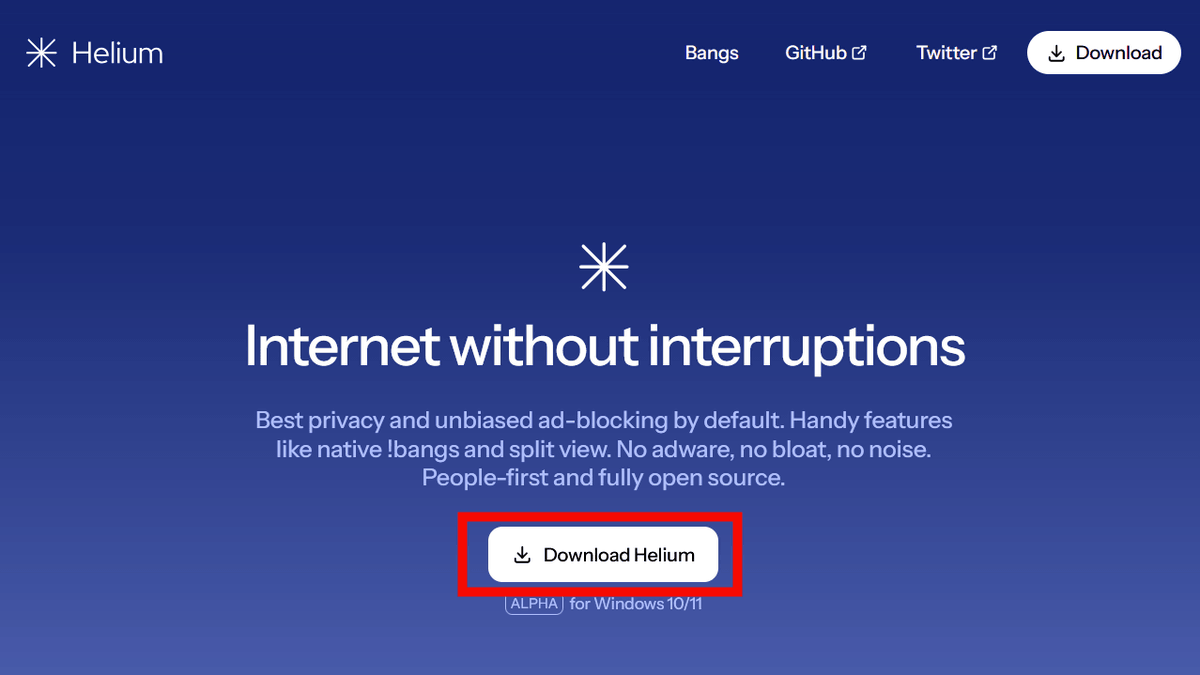
To install Helium, first go to the distribution page and click 'Download Helium.'
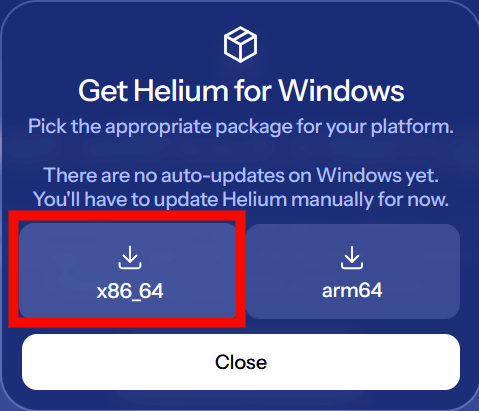
When prompted to 'Select the appropriate package for your platform,' select 'x86_64' and download. Note that Helium does not support automatic updates and must be manually updated to coincide with Chromium updates.
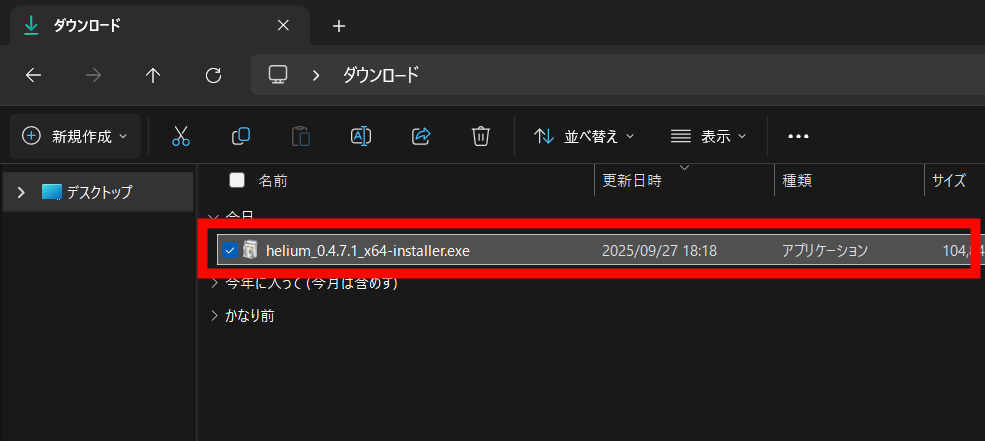
Launch the downloaded installer.
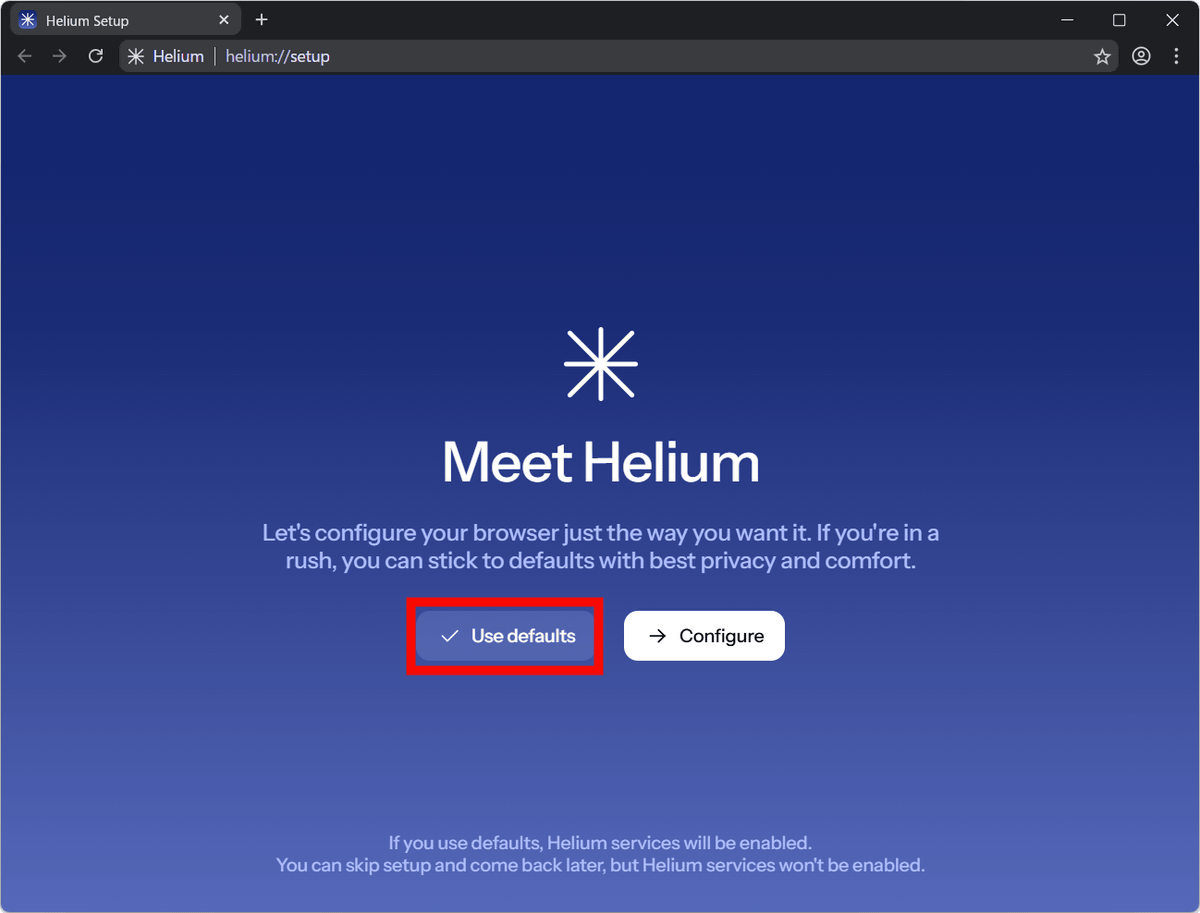
The installation will proceed automatically, and after a while Helium will start. When you first start it, you will be asked to configure privacy settings, so this time I clicked 'Use defaults'. If you want to configure detailed settings, just click 'Configure'.
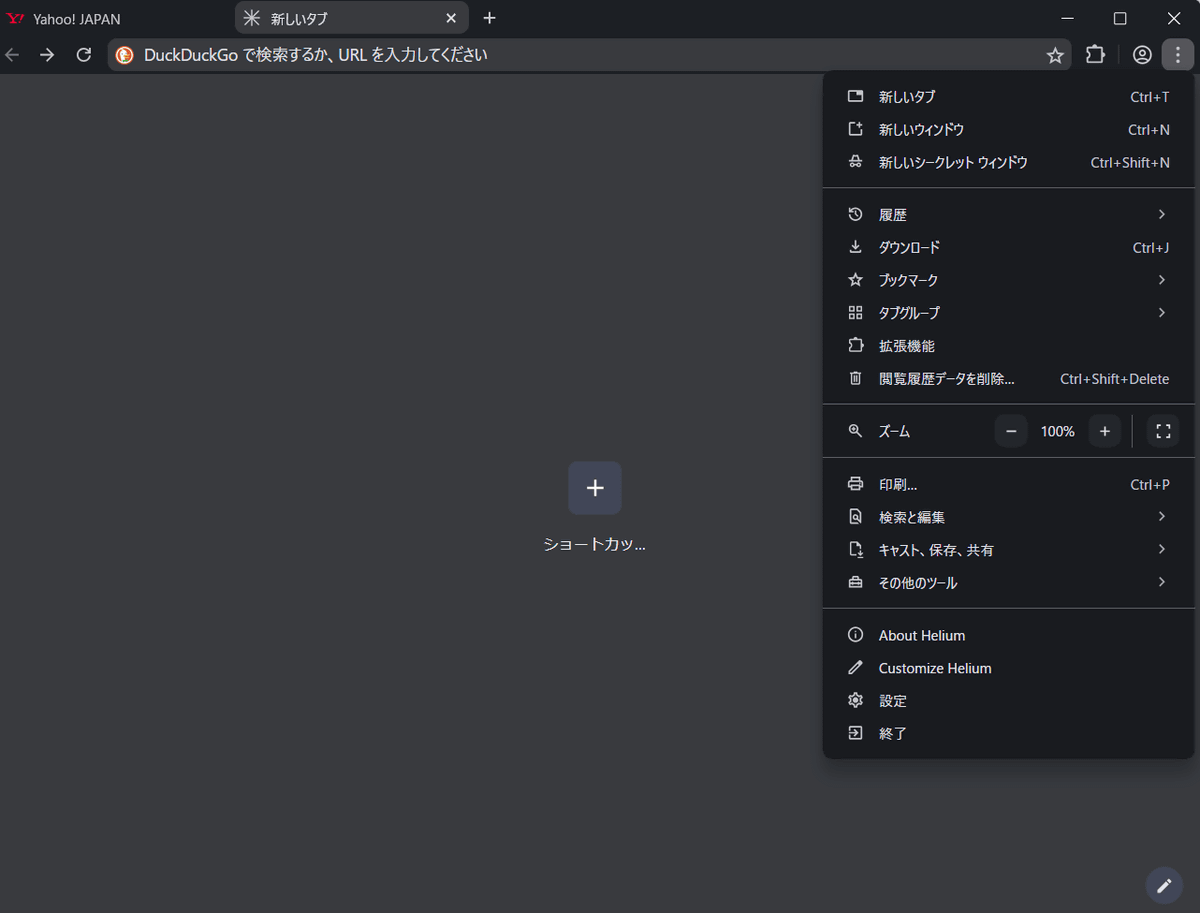
The Helium home screen looks like this: You can enter search queries or URLs in the address bar at the top.

Below, the same portal site is opened in Google Chrome without the extension installed (left) and Helium (right). Google Chrome has a large ad at the top of the site, and there are also ads in the news list, but Helium removes the ads for a cleaner, cleaner experience. Helium comes pre-installed with the ad-blocking extension '

When I tried playing a YouTube video, Google Chrome played an ad video before the video, but Helium didn't show any ads and the movie started playing immediately.

Helium's UI is almost identical to Google Chrome's, but it doesn't require you to log in to your Google account. According to the official website, 'all unnecessary features have been removed.' It doesn't track or collect information, and only includes the bare minimum for browsing. Helium is said to be 'one of the lightest modern browsers,' boasting low power consumption and a low latency, even with extended use.
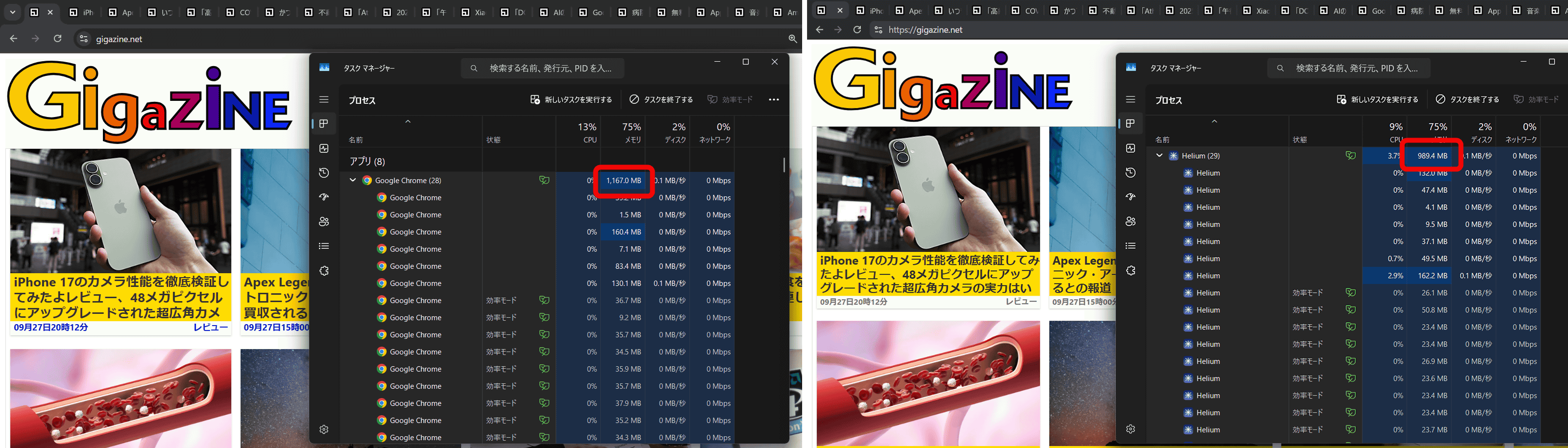
Below, Google Chrome (left) and Helium (right) show 20 tabs of the same GIGAZINE article open. Checking the Task Manager in this state, we can see that Helium runs more lightly than Google Chrome. The more tabs you open, the more you'll notice Helium's speed.
On the other hand, Helium does not have some features that Google Chrome supports by default. For example, when you access a foreign website in Google Chrome, you can translate the entire page using Google Translate, but the translation function was not available in Helium. However, Helium supports all Chromium extensions, so you can customize the functionality by adding extensions.

Helium also offers '!bangs,' which allow you to enter specific keywords before your search query to directly access the desired website without using a search engine. For example, type '!chatgpt' into the address bar and click 'ChatGPT.'

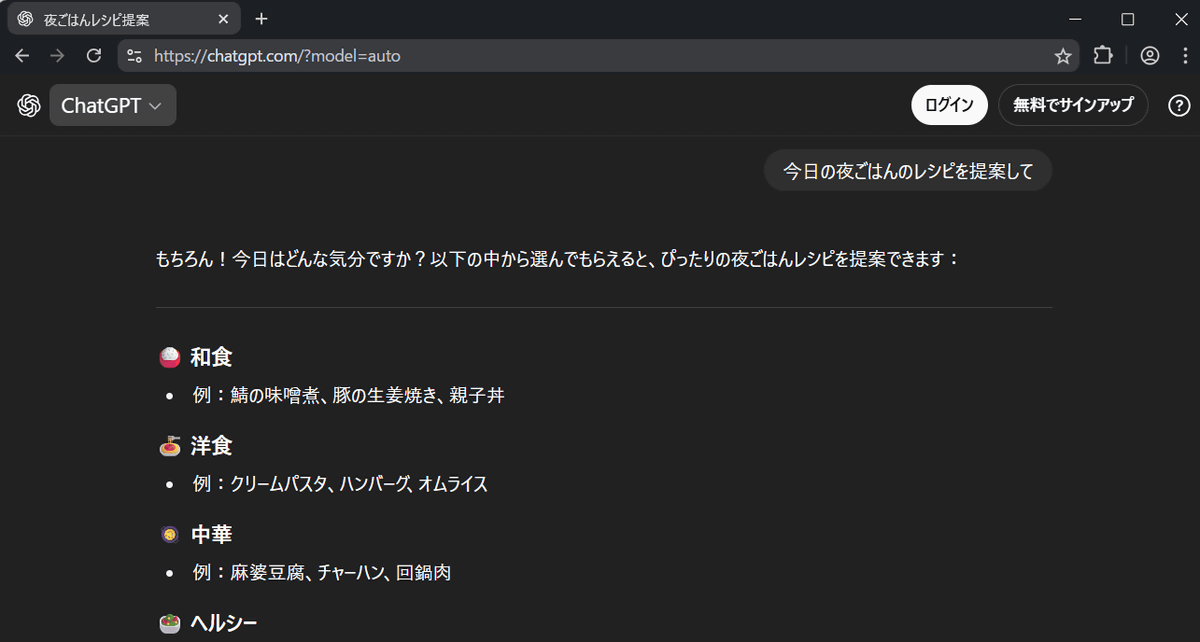
With 'ChatGPT' displayed in the address bar, try typing 'Suggest a recipe for tonight's dinner.'

The answer was provided directly in ChatGPT, bypassing a search engine. There are over 13,000 other !bangs available, such as '!w' for Wikipedia and '!gh' for GitHub. You can see all supported sites in
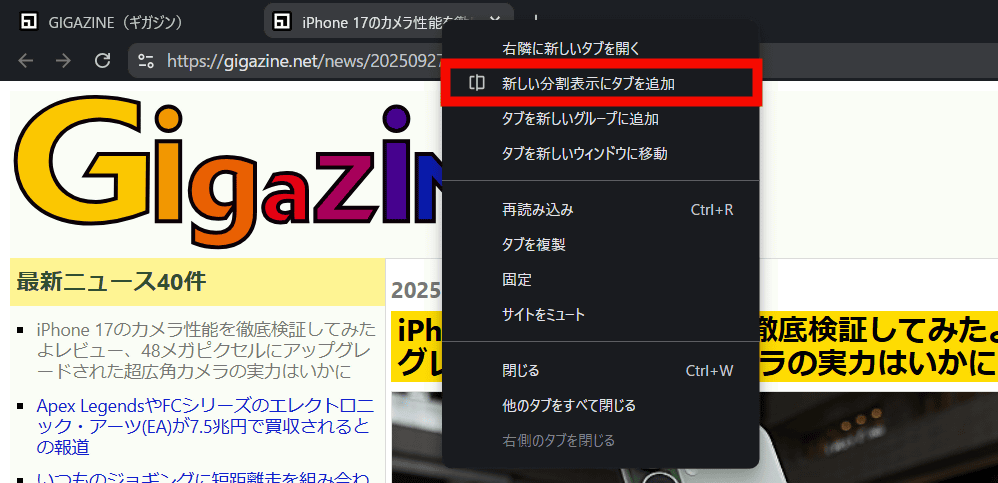
A unique feature of Helium is the ability to split tabs in the browser: right-click on a tab and select 'Add tab to new split view.'
Select the tab you want to split from the currently open tabs.
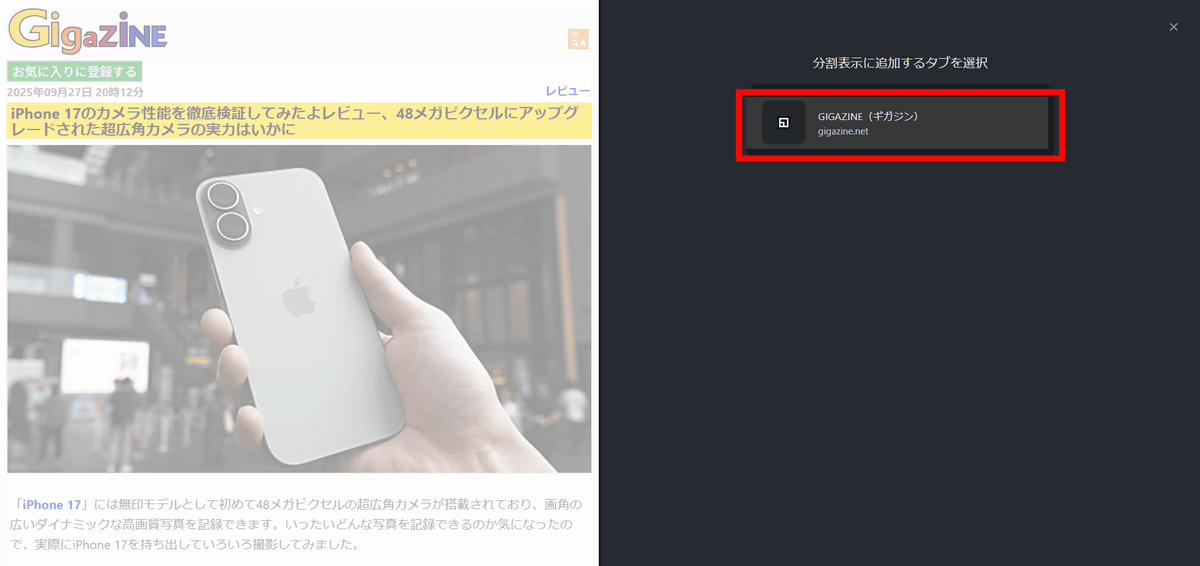
You can view different sites side by side in the same window, as shown below.

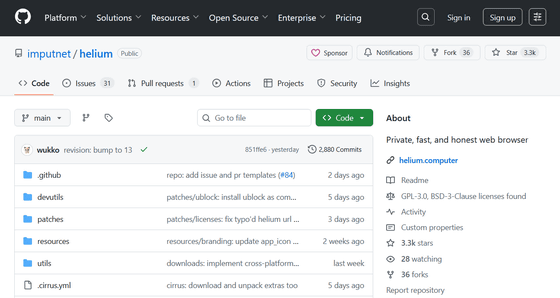
Helium is an open source project and is fully documented on GitHub.
GitHub - imputnet/helium: Private, fast, and honest web browser
https://github.com/imputnet/helium/#platform-packaging
Related Posts:







in Review, Web Application, Posted by log1e_dh