LocalPDF is a free, privacy-focused PDF editor that runs entirely in your browser and requires no account registration.
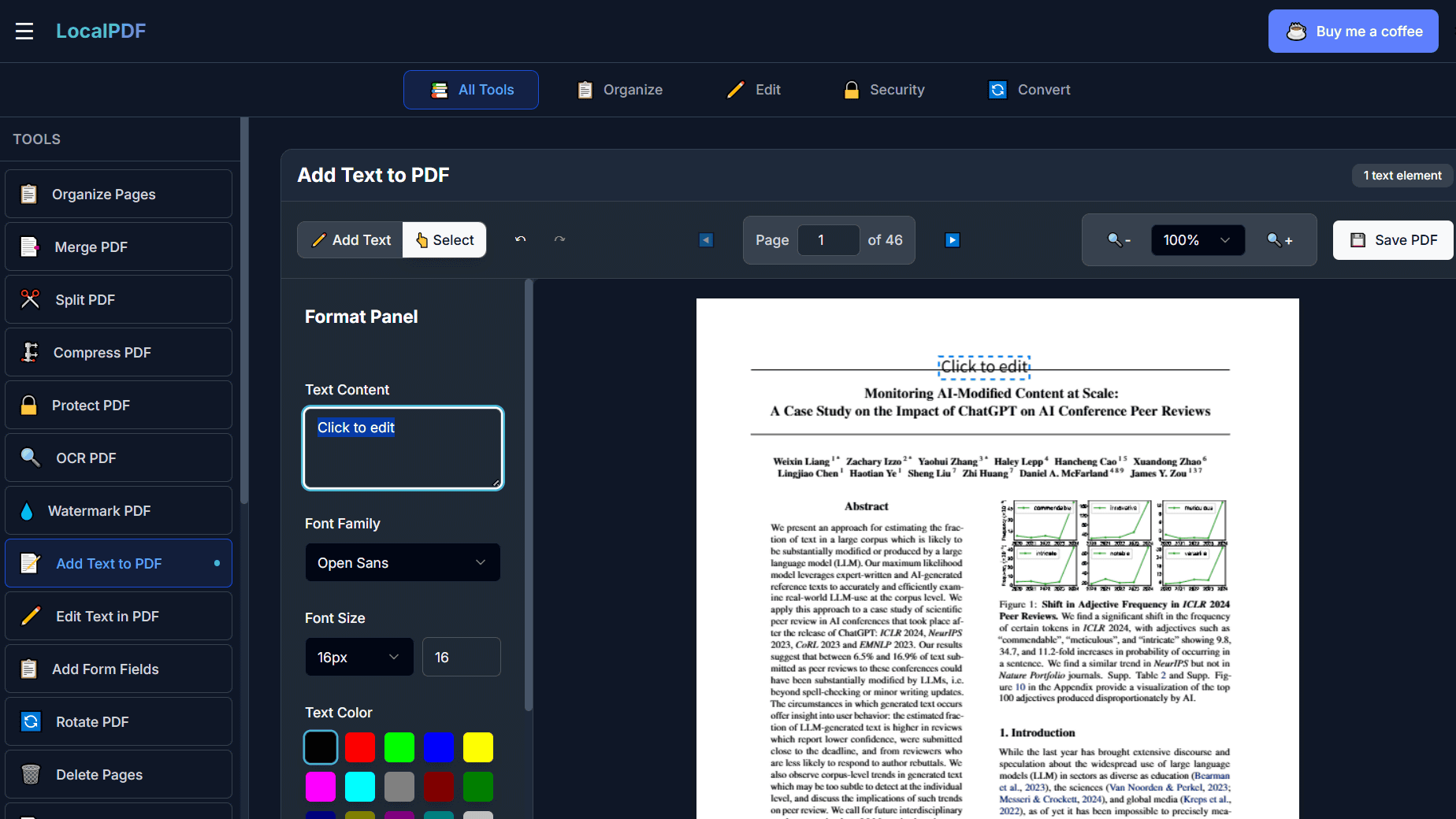
LocalPDF is a completely free PDF editor that requires no account registration or installation, and offers a variety of editing features such as editing, signing, converting to other file formats, adding watermarks, and
LocalPDF — Free Online PDF Tools | Privacy-First PDF Editor
https://localpdf.online/
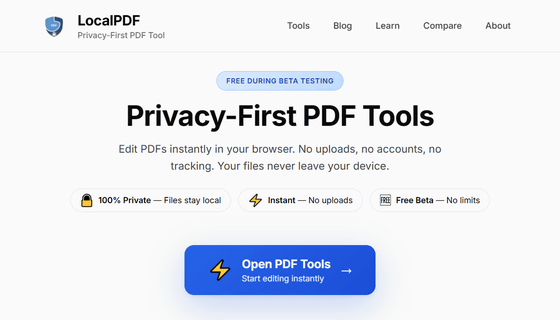
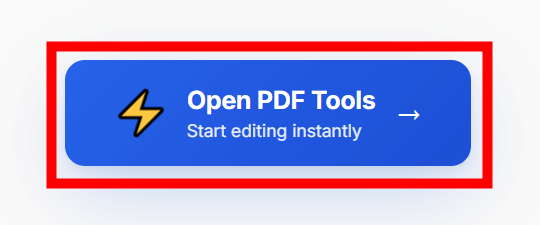
To use LocalPDF, go to the URL above and click 'Open PDF Tools' at the top of the page.
The following screen will then be displayed. You can either 'first select the tool you want to use from the tools lined up on the left side of the screen and then select the file' or 'first select the file and then select the tool you want to use.' However, some tools support not only PDF files but also some image files and Word files, so selecting the tool first can help you avoid the mistake of loading an incompatible file.
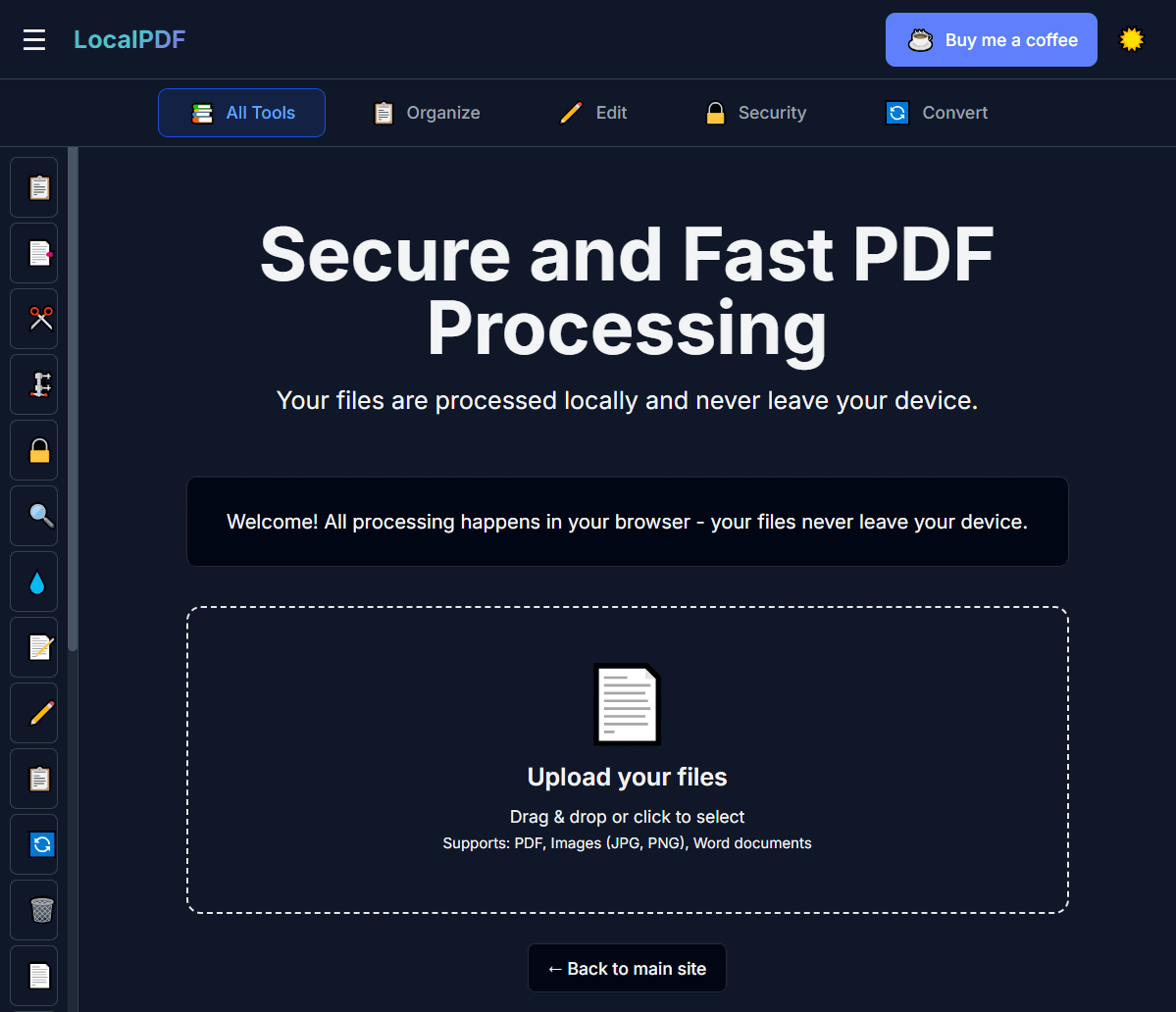
The functions that can be used from each icon are as follows:
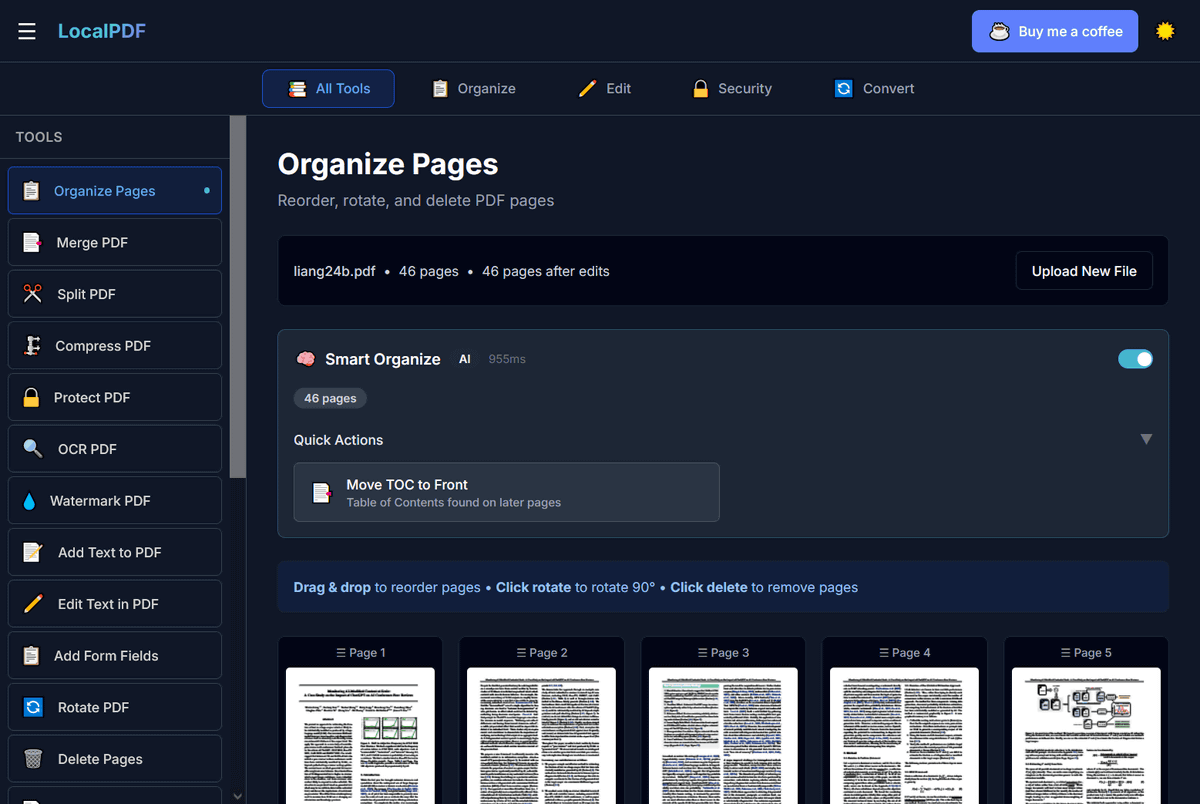
Organize Pages: Rearrange & Rotate Pages
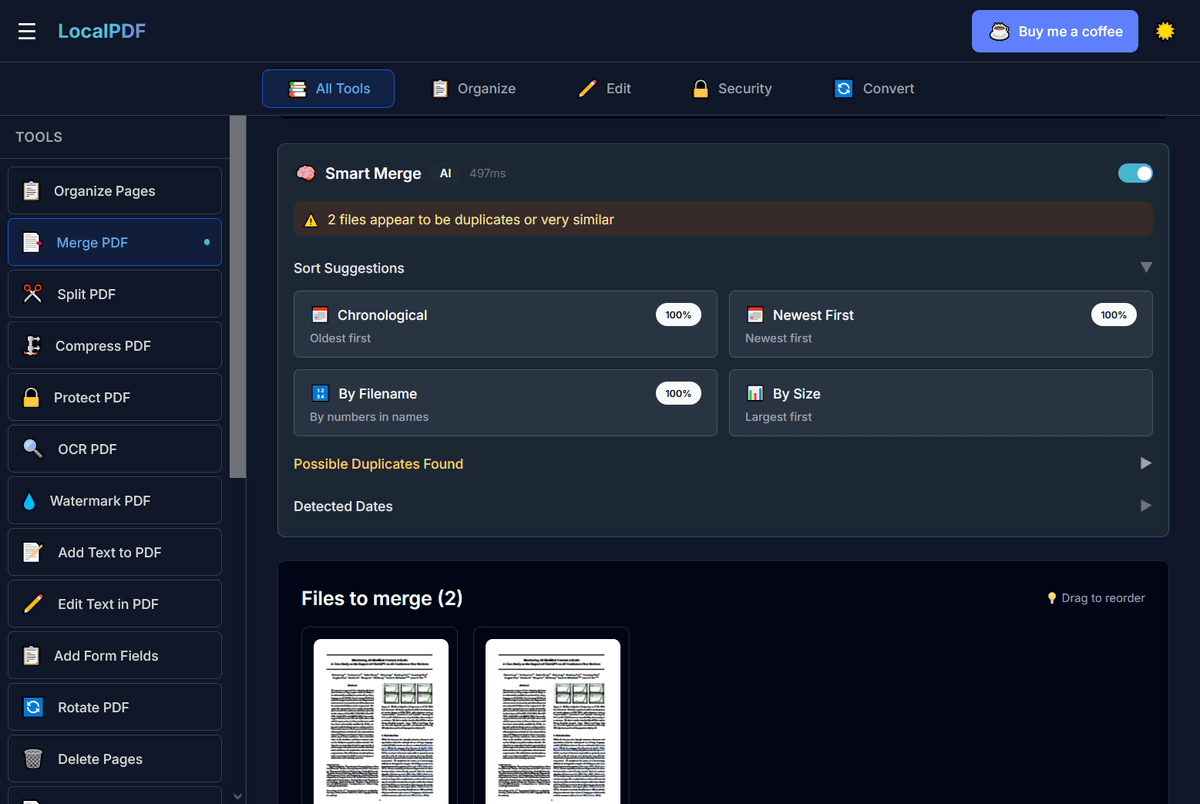
Merge PDF: Combine PDF files
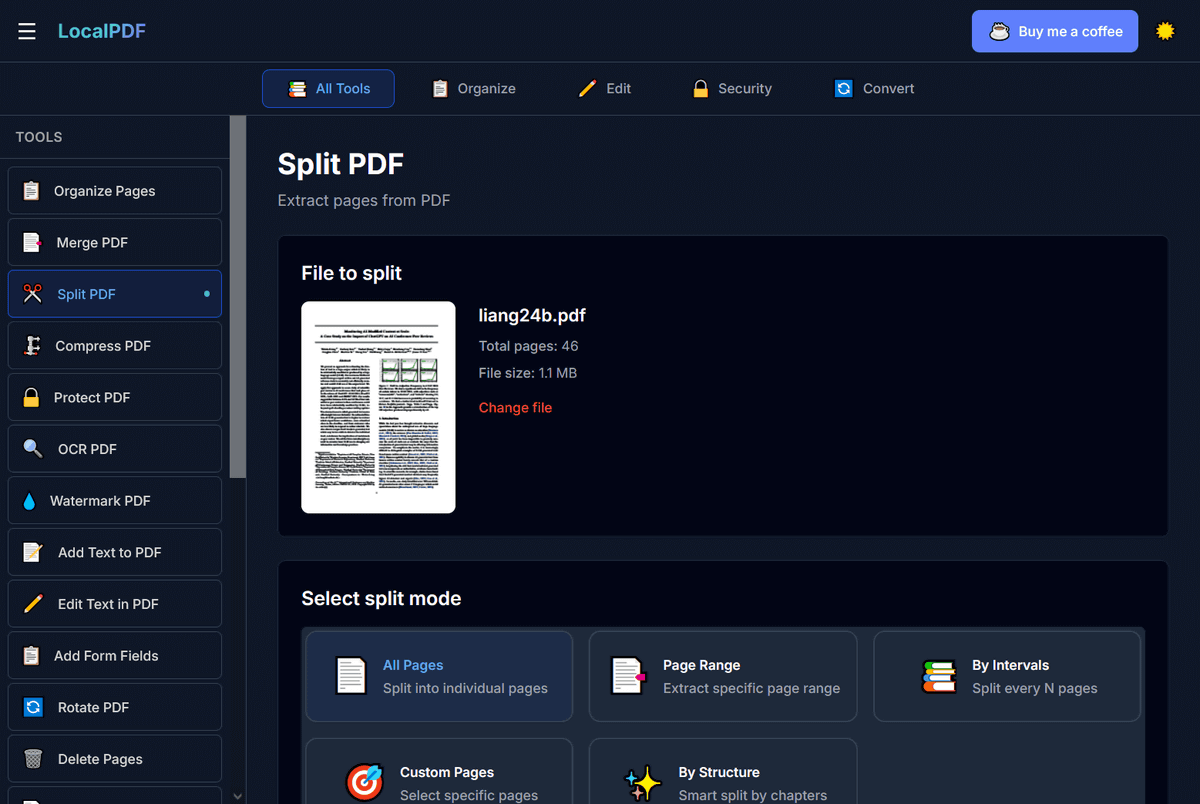
Split PDF: Split pages
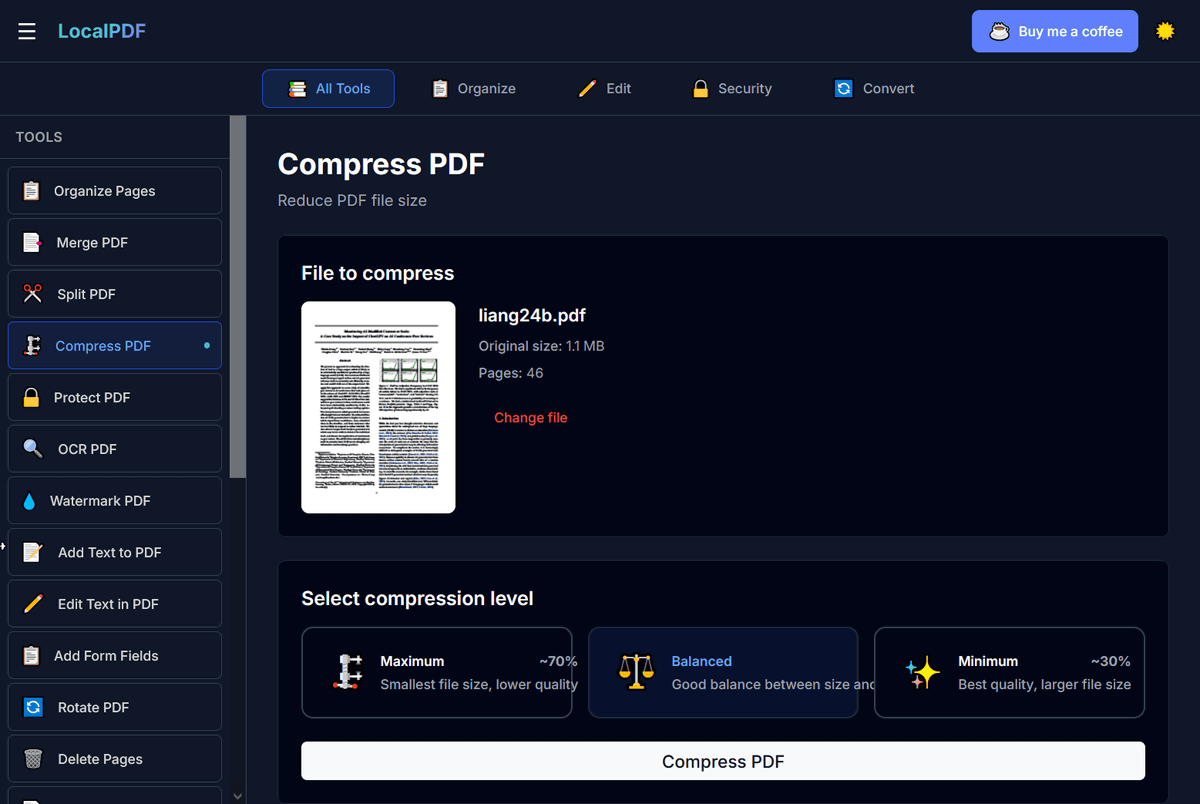
Compress PDF: Reduce file size
Protect PDF: Add a password for added security
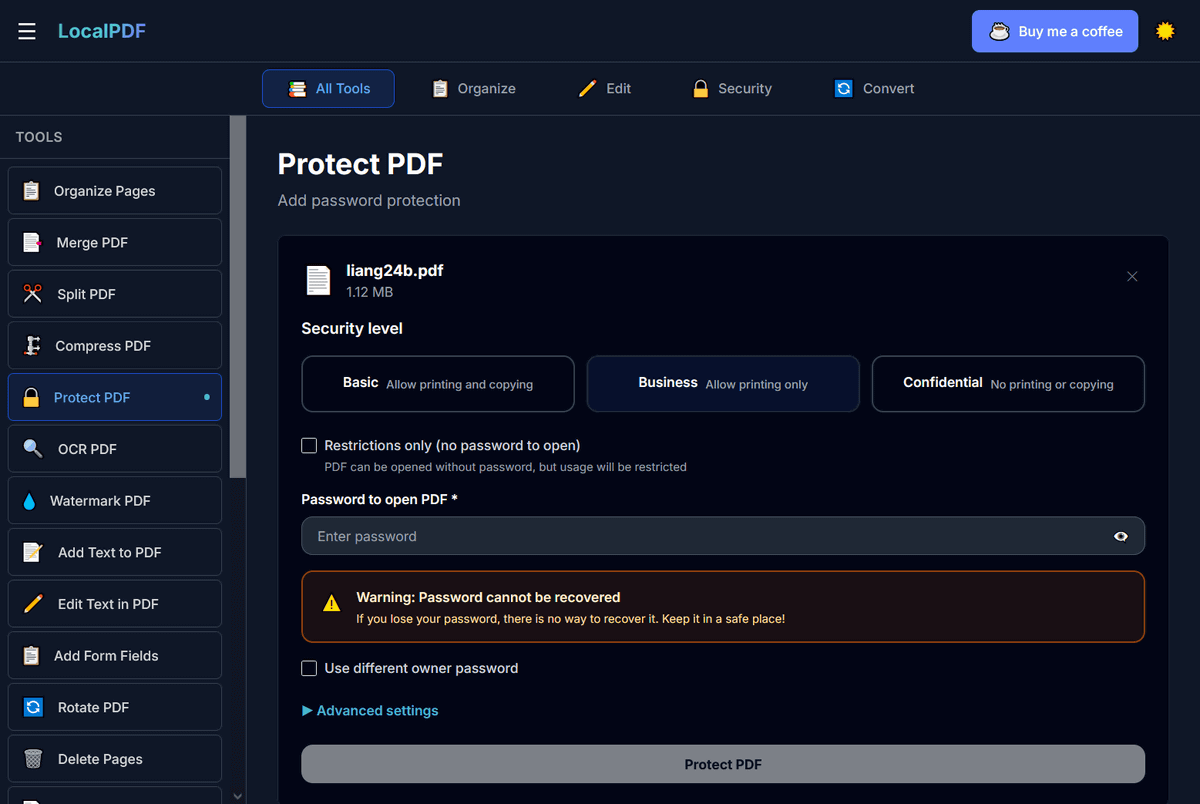
OCR PDF: Extract text with OCR
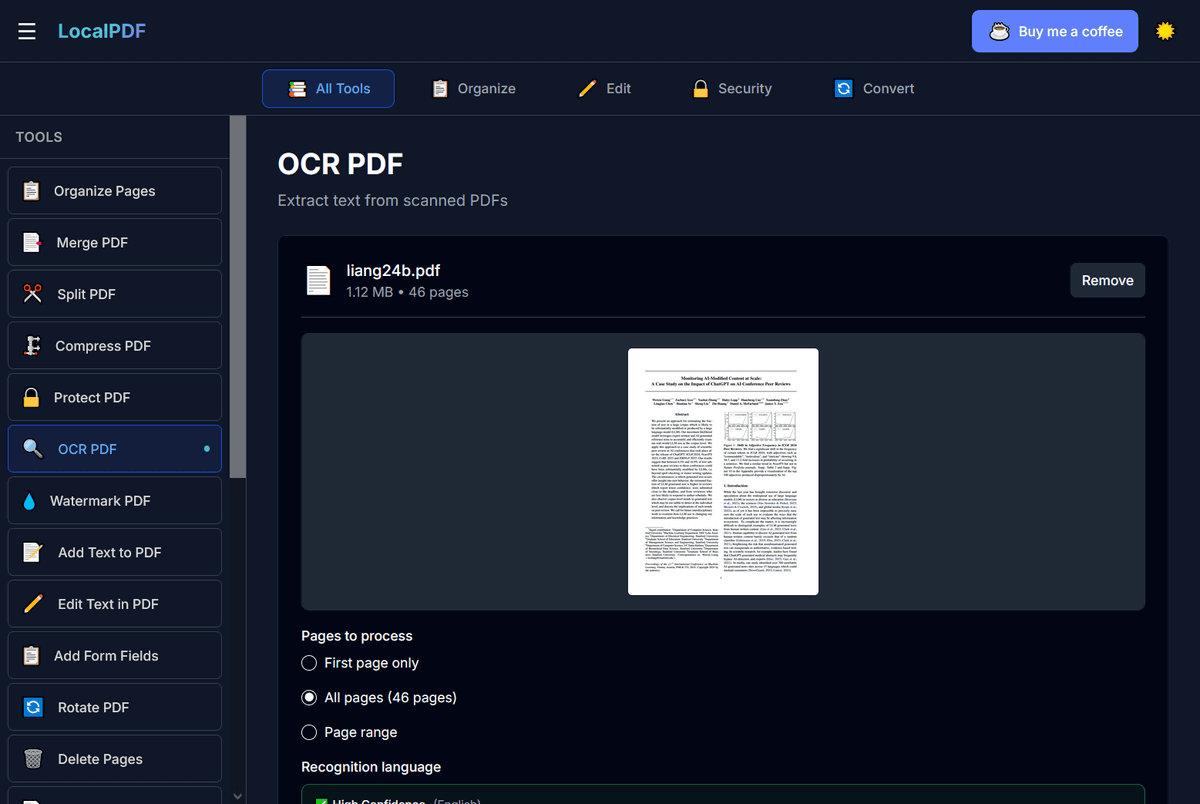
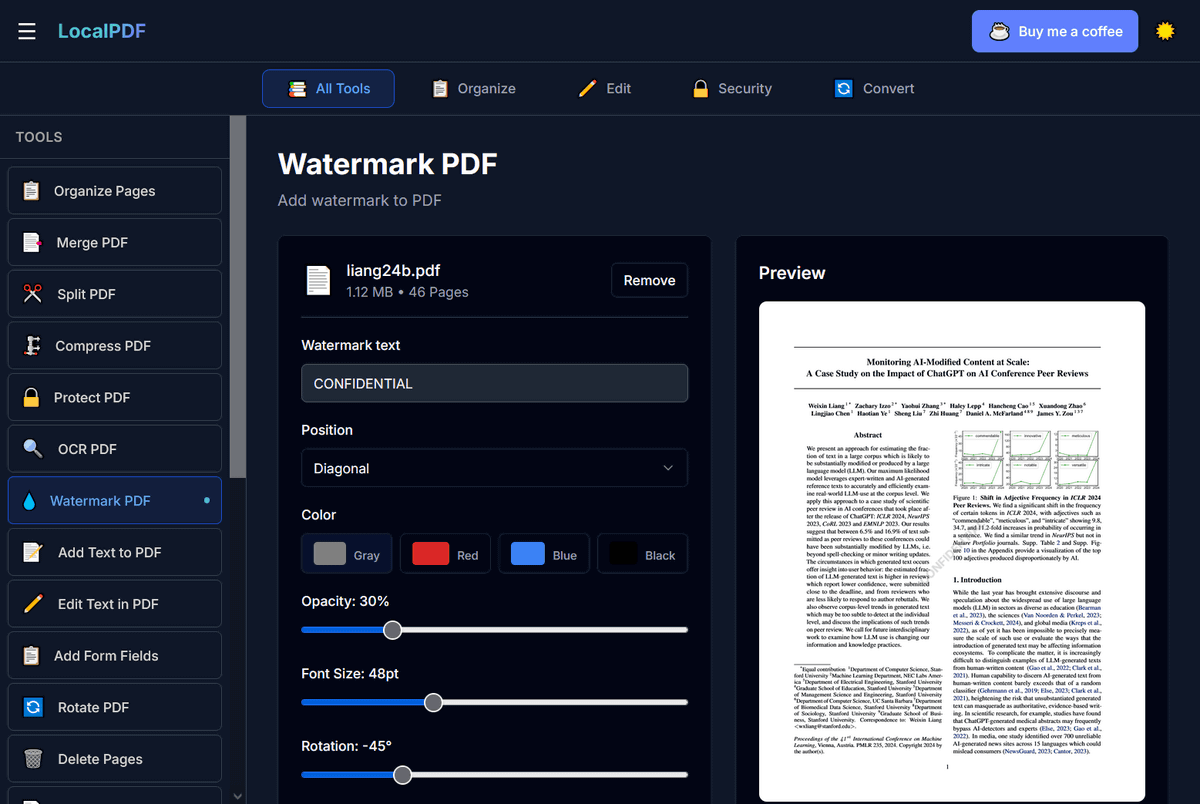
Watermark PDF: Add watermark
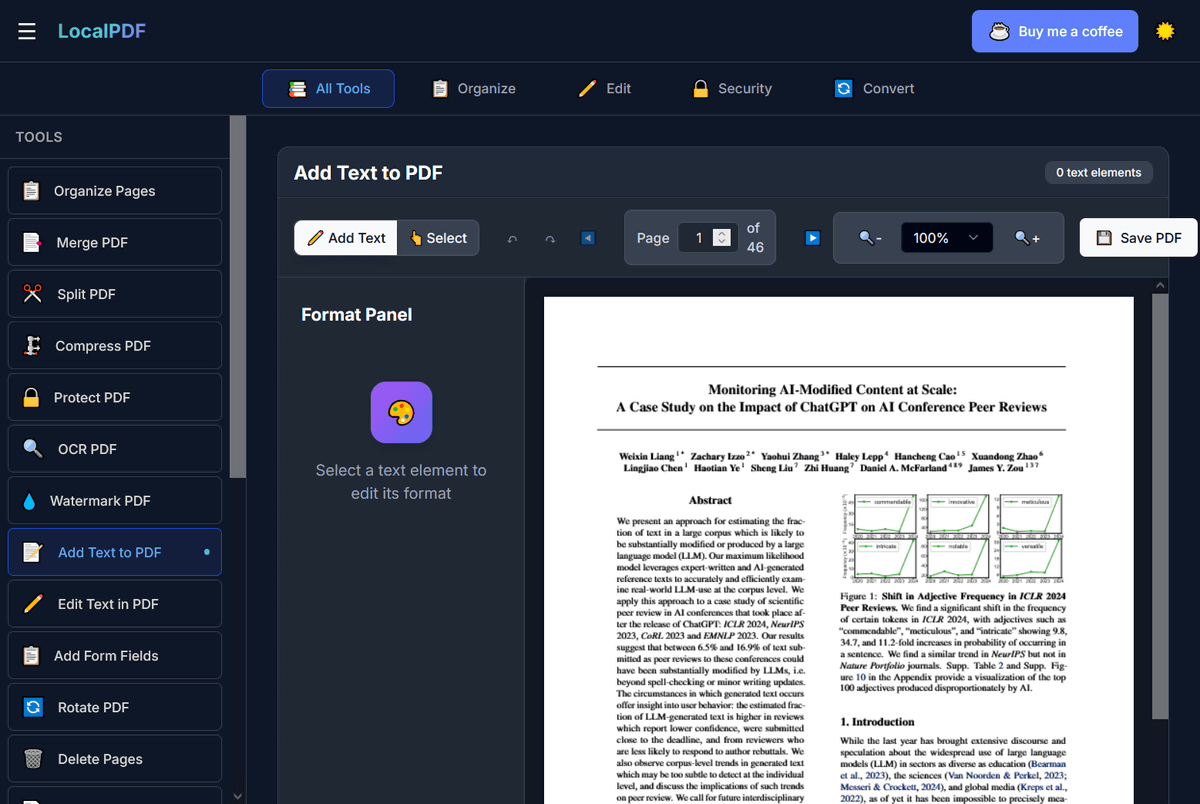
Add Text to PDF: Insert text
Edit Text in PDF: Edit text
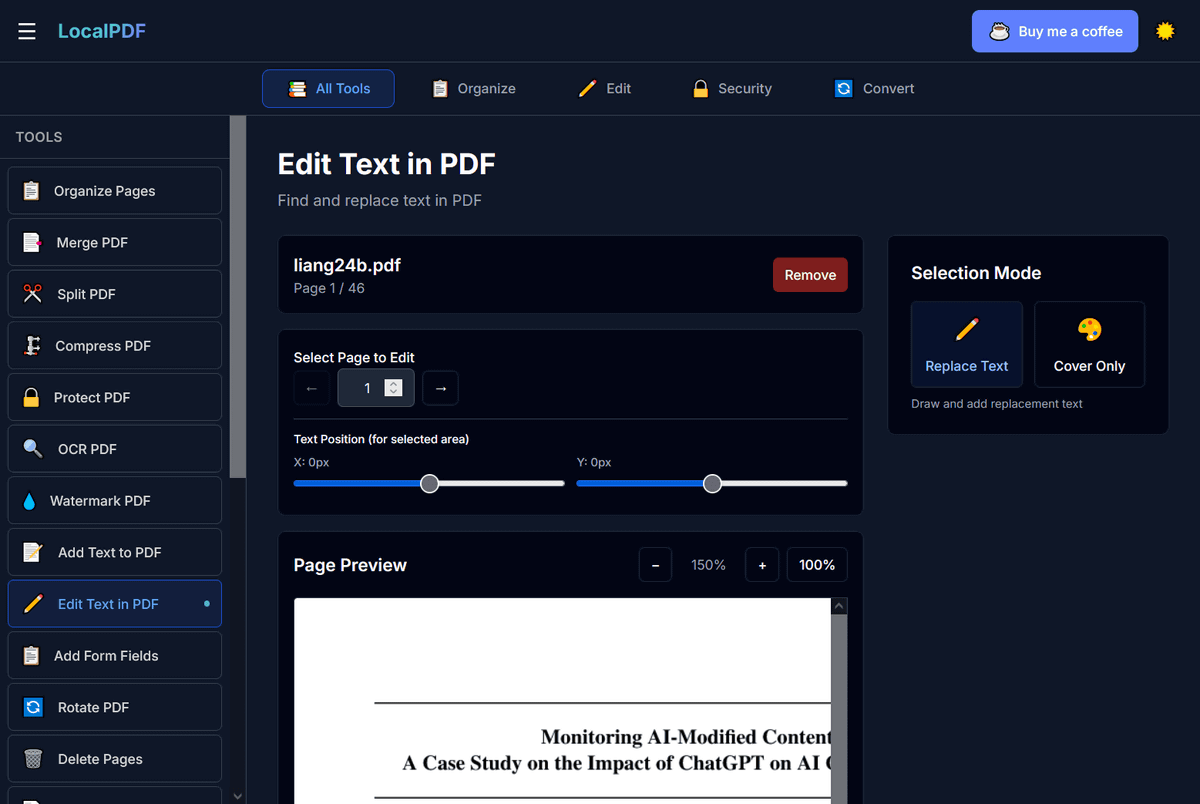
Add Form Fields: Add fillable forms
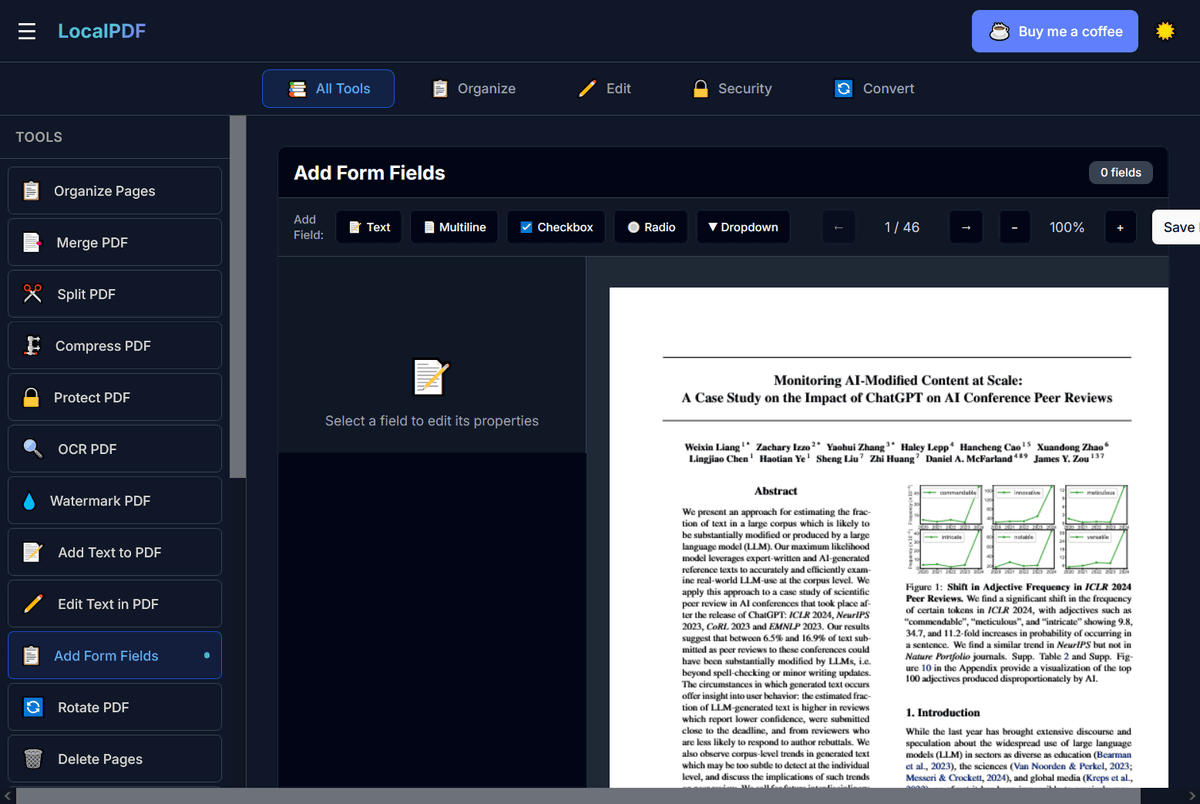
Rotate PDF: Rotate a PDF file
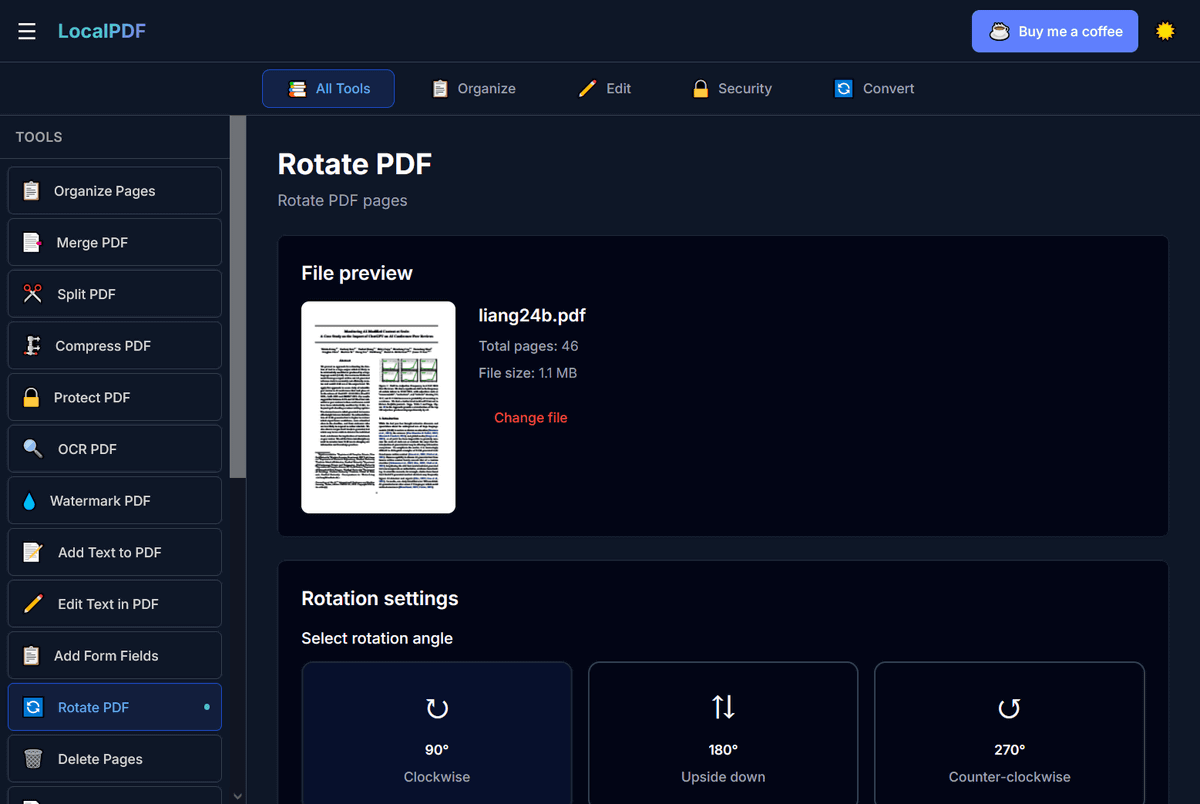
Delete Pages: Delete pages
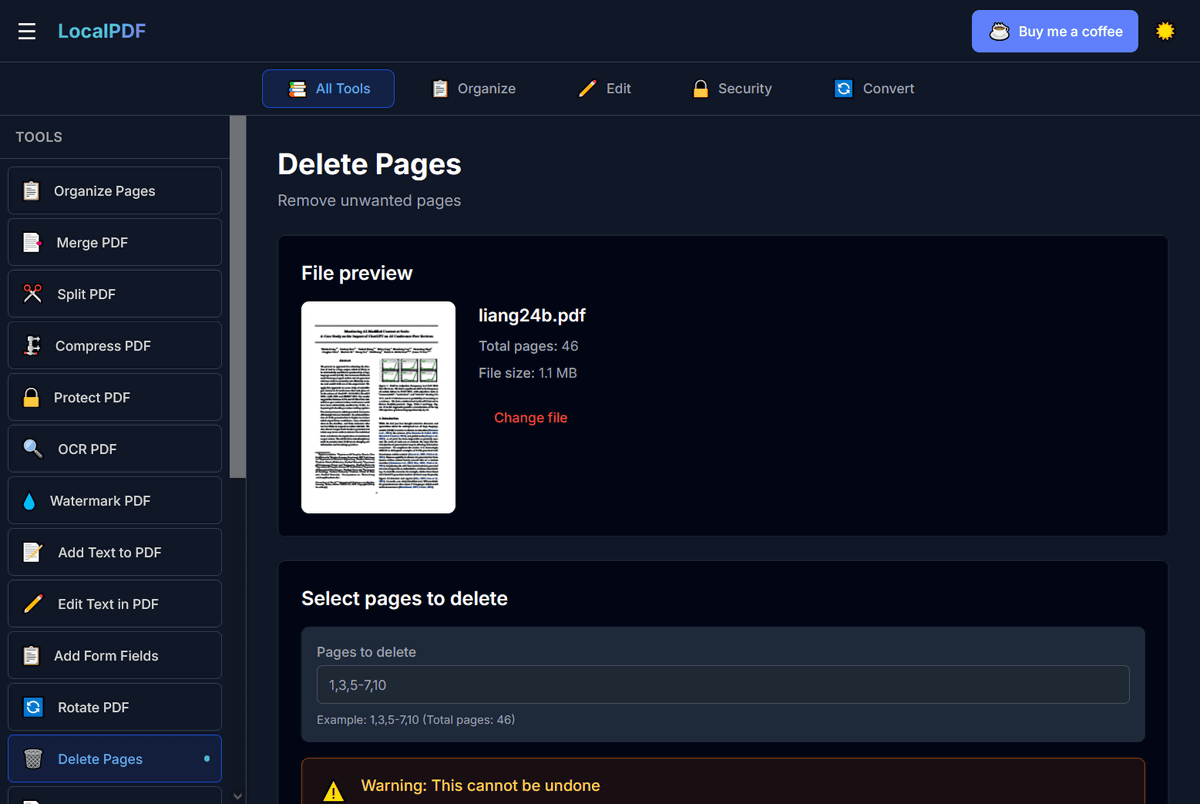
Extract Pages: Extract specific pages to PDF file

Images to PDF: Convert image files to PDF files

PDF to Images: Convert PDF files to image files

PDF to Word: Convert PDF files to
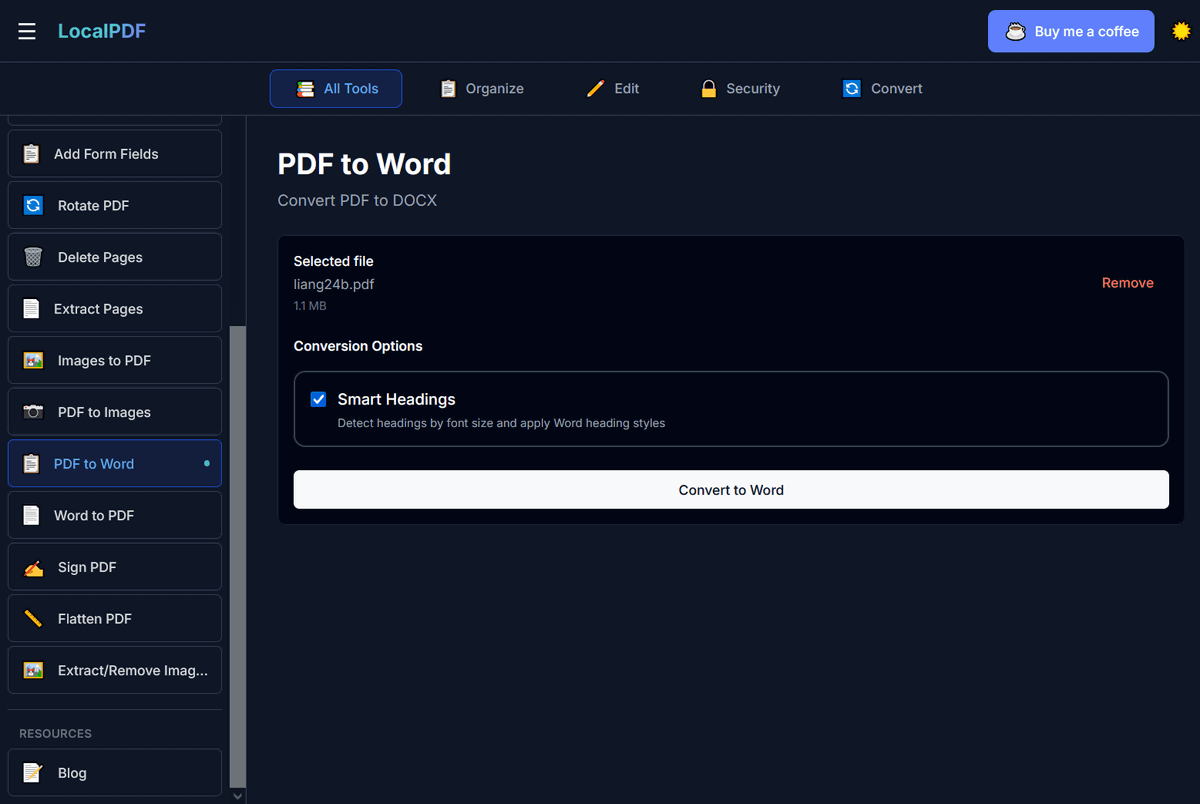
Word to PDF: Convert DOCX files to PDF files
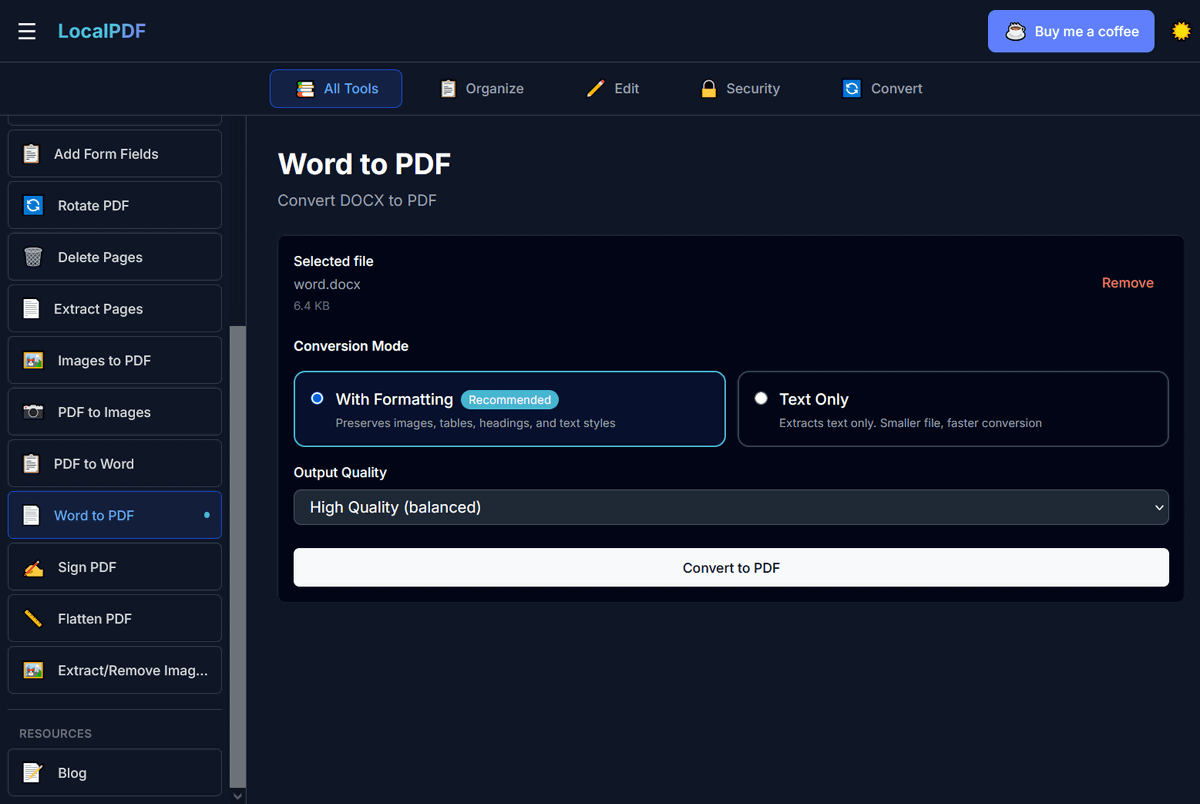
Sign PDF: Add signature
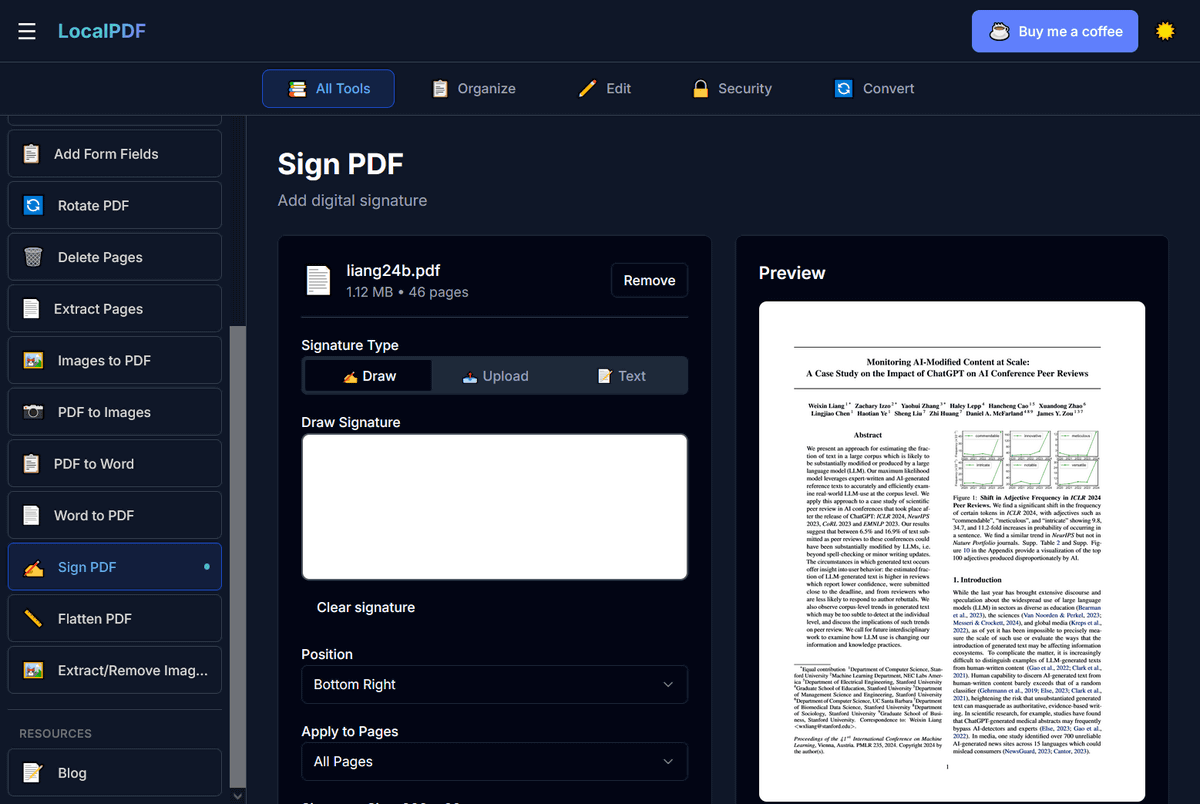
Flatten PDF: Merge layers
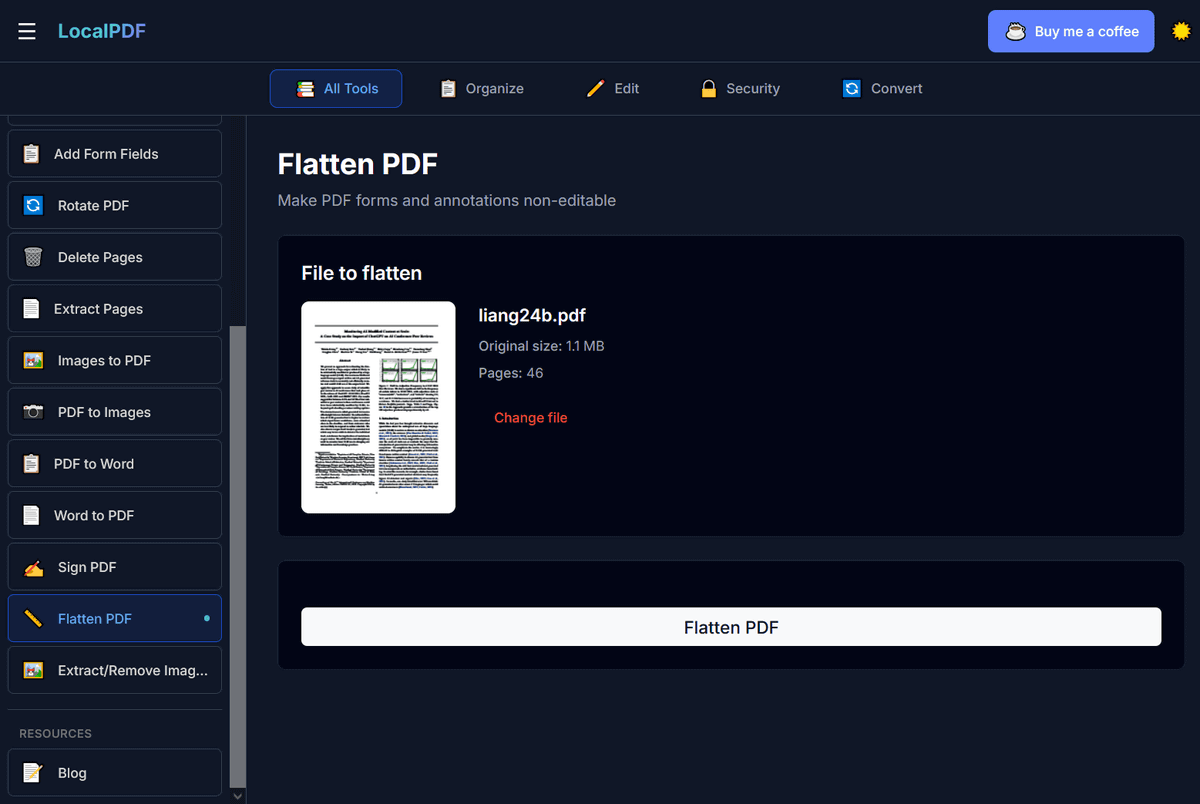
Extract/Remove Images: Extract or remove images
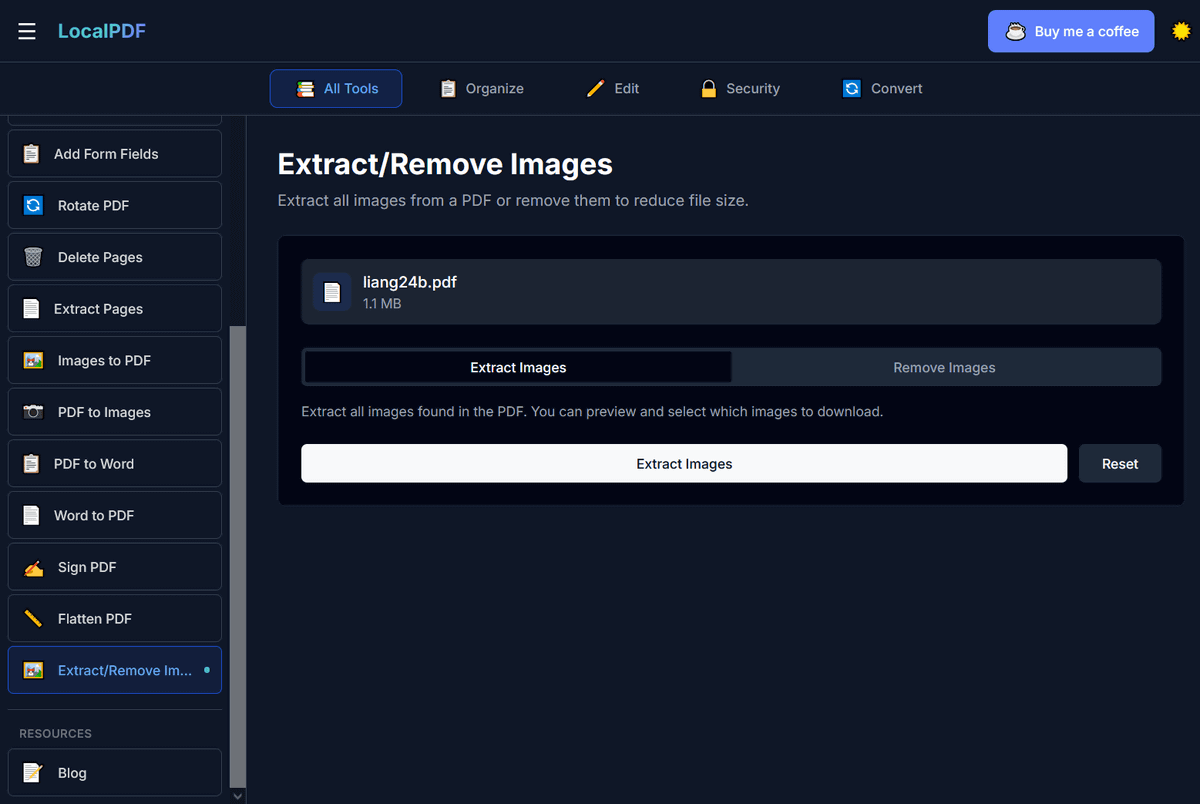
Blog: View the official blog

Although each tool allows you to edit and convert files offline, switching to a different tool requires an internet connection, so you can't 'open it once and use all of its features offline.'
The author appeared on the social message board Hacker News and revealed that a large number of users come from AI, saying, 'Interestingly, ChatGPT is my largest traffic source, accounting for about 50% of my visitors. Google traffic is about 45% and comes from organic search, so I haven't optimized it specifically for AI assistants.'
Related Posts:


in Web Application, Posted by logu_ii