'OfficeCLI' allows you to fully control Word, Excel, and PowerPoint with any AI agent, all for free.
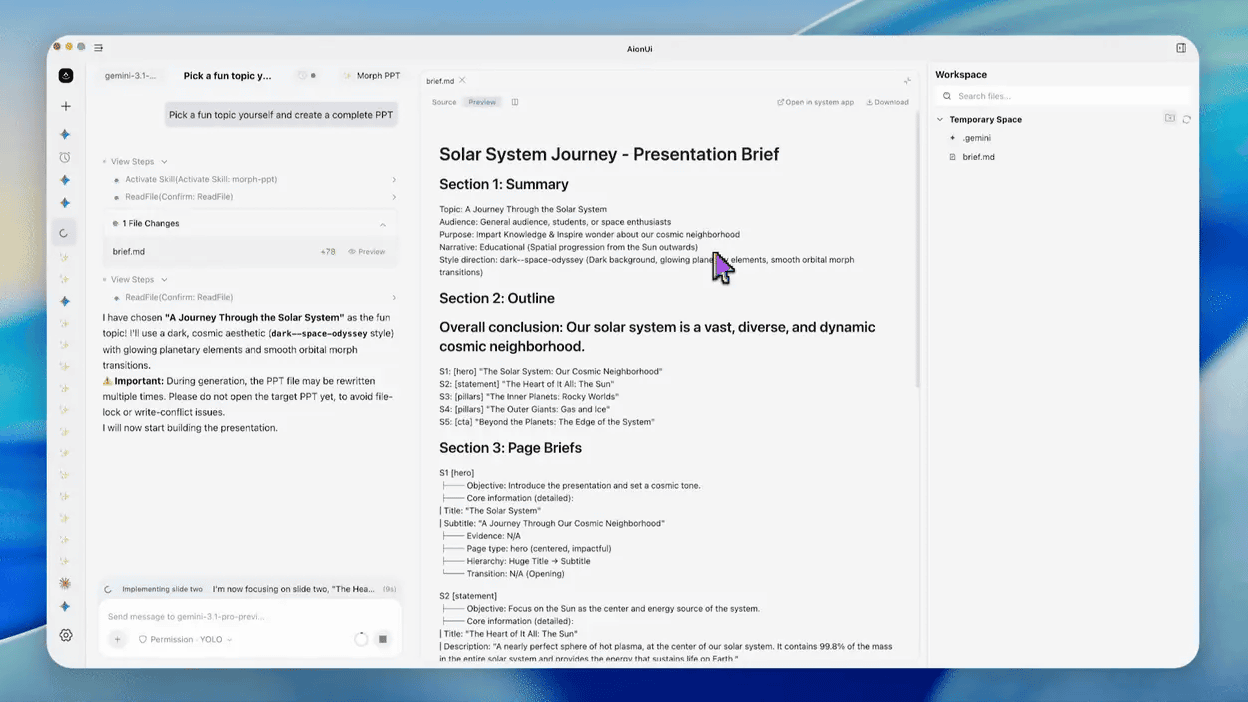
OfficeCLI is a command-line interface (CLI) that uses an AI agent to read, edit, and automate Word, Excel, and PowerPoint files. It is open-source and can be installed and used by anyone for free.
GitHub - iOfficeAI/OfficeCLI: OfficeCLI is the first and best Office suite purpose-built for AI agents to read, edit, and automate Word, Excel, and PowerPoint files. Free, open-source, single binary, no Office installation required. · GitHub
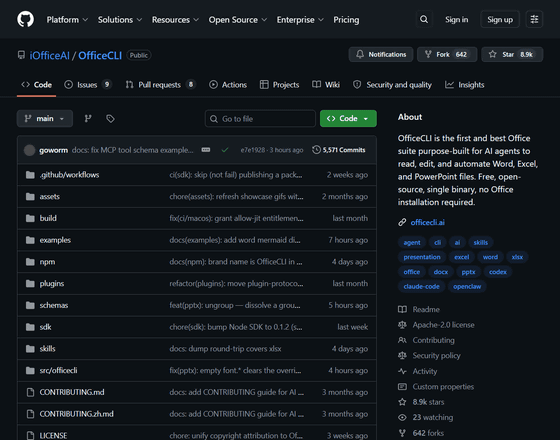
OfficeCLI is a command-line interface (CLI) that allows any AI agent to fully control Word, Excel, and PowerPoint with just one line of code. It is open source and developed as a single binary, and does not require the installation of Microsoft Office. It has no dependencies, so it can run in any environment.
OfficeCLI allows you to read, create, and edit documents, spreadsheets, and presentations. An example of a presentation created by an AI agent using OfficeCLI has also been released.
Presentation materials automatically generated using OfficeCLI.

Below is an example of a Word document created by an AI agent using OfficeCLI.

Below is an example of a spreadsheet created by an AI agent using OfficeCLI. It automatically generated not only numerical inputs but also visual elements such as tables.

The core of OfficeCLI lies in its high-fidelity HTML rendering engine, built from the ground up, which allows AI agents to visually view rendered documents rather than relying on inferences from the DOM . This makes it possible to create shapes, graphs, mathematical formulas, 3D models using Three.js , morph transitions, and graphic effects.
The OfficeCLI developers explained the advantages of having an HTML rendering engine: 'Without visualization by an HTML rendering engine, the AI agent generating the slides would be working blindly. It could read the DOM, but it couldn't determine if a title was overflowing or if two shapes were overlapping. Because rendering is built into the binary, the render-display-correct loop works in any environment where the binary runs, such as CI , Docker, or servers without displays.'
The developers of OfficeCLI also emphasize that 'a process that previously required 50 lines of Python code and three libraries can now be done with a single simple command using OfficeCLI.'
Related Posts:




in AI, Posted by logu_ii