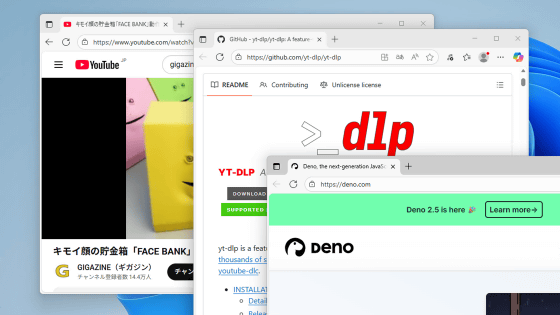
A summary of the installation procedure for the video downloader 'yt-dlp': it can be installed quickly using the winget command.
'
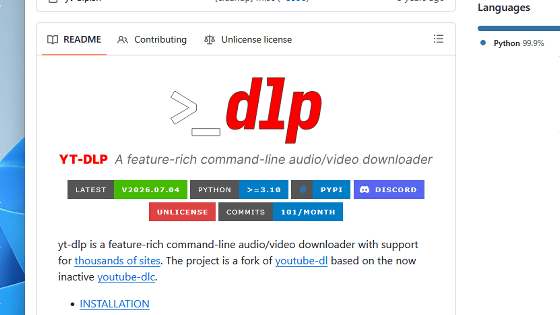
GitHub - yt-dlp/yt-dlp: A feature-rich command-line audio/video downloader · GitHub
https://github.com/yt-dlp/yt-dlp
Installation · yt-dlp/yt-dlp Wiki · GitHub
https://github.com/yt-dlp/yt-dlp/wiki/Installation
·table of contents
◆1: What is yt-dlp?
◆2: Steps to install yt-dlp using WinGet
◆1: What is yt-dlp?
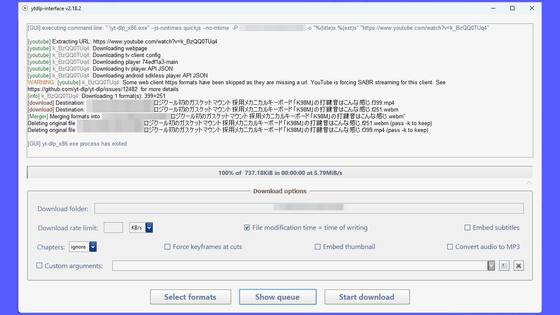
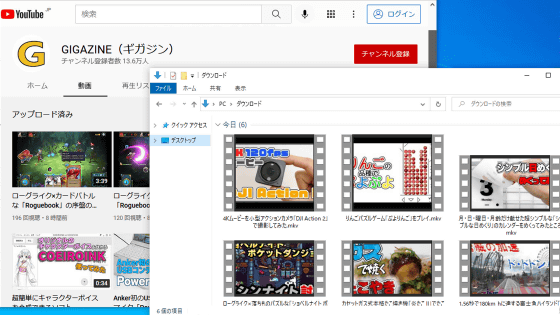
yt-dlp is a command-line tool that allows you to download videos from various video streaming sites with simple commands. It supports a variety of operations, including downloading entire channels, downloading specific parts of videos, and downloading videos with specified filenames. Basic operation procedures and how to write configuration files for yt-dlp are summarized in the following article.
A guide to using 'yt-dlp,' a tool that allows you to download videos from YouTube, Nico Nico Douga, and other sites in the highest quality video and audio, including the ability to download age-restricted videos in one go - GIGAZINE
◆2: Steps to install yt-dlp using WinGet
The article above explained an installation procedure that involved 'placing the yt-dlp and ffmpeg executable files directly in the user folder,' but this method has problems such as 'it can be executed in the command prompt but not in PowerShell' and 'environment variables need to be set manually.' Installing using Microsoft's official package management tool, 'WinGet,' allows you to complete everything from downloading the executable files to setting environment variables in one go. When the article was published in 2022, there were concerns about the future of WinGet, so manual installation was chosen, but as of the time of writing this article, it is stable and usable, so we recommend installing using WinGet.
To run the full functionality of yt-dlp on Windows, you'll need ' FFmpeg ' for tasks such as video format conversion and high-quality video downloads (combining video and audio), as well as a JavaScript runtime for downloading YouTube videos. While yt-dlp supports multiple JavaScript runtimes, we'll install the recommended ' Deno ' for this example.
Since FFmpeg and Deno are registered as dependencies of yt-dlp, you can install all three by simply running the following command.
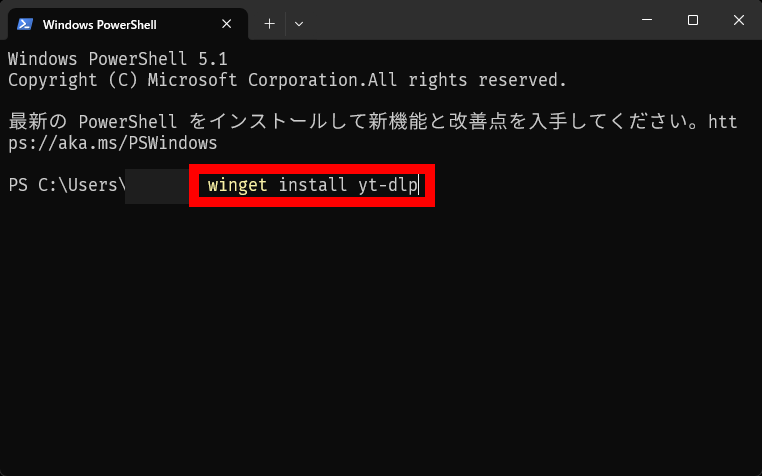
[code]winget install yt-dlp[/code]
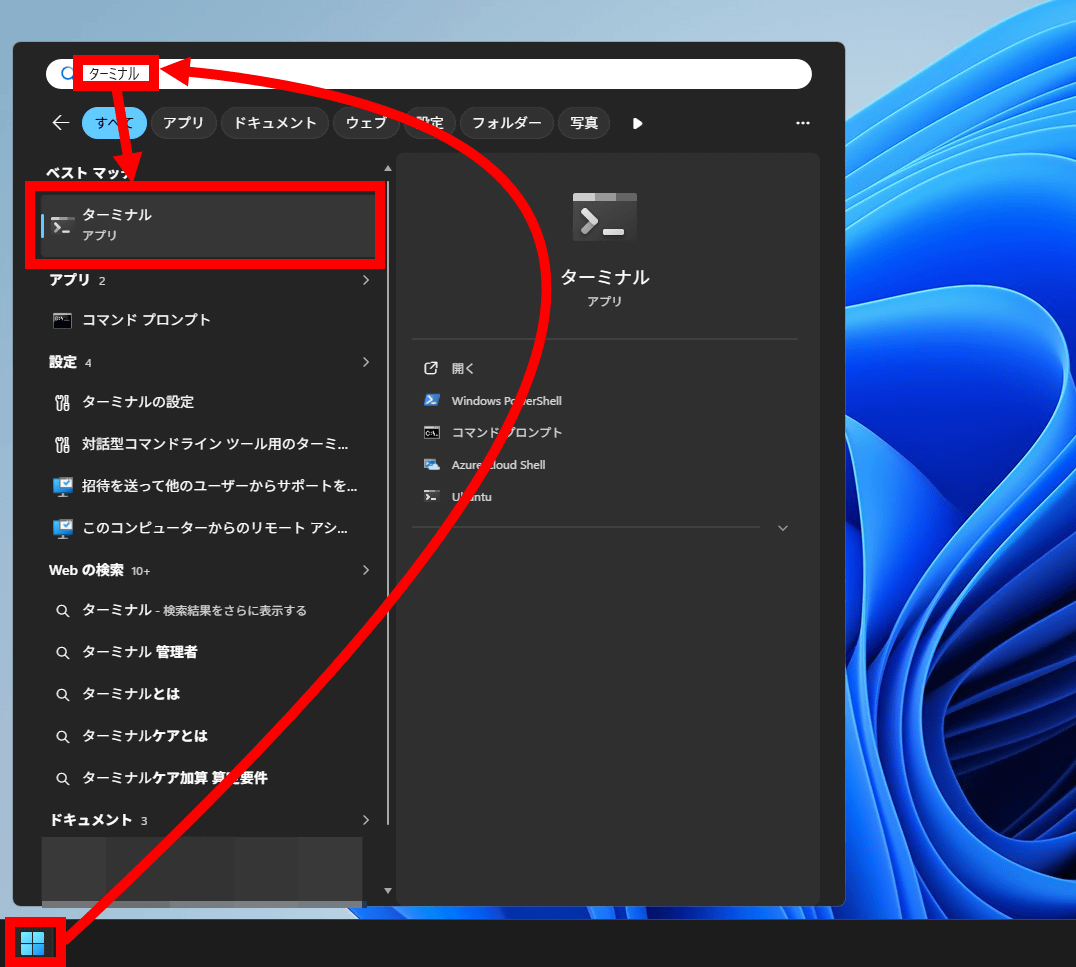
The specific installation procedure is as follows: First, search for 'Terminal' in the Start menu and run it.
Enter 'winget install yt-dlp' into the terminal and press Enter.
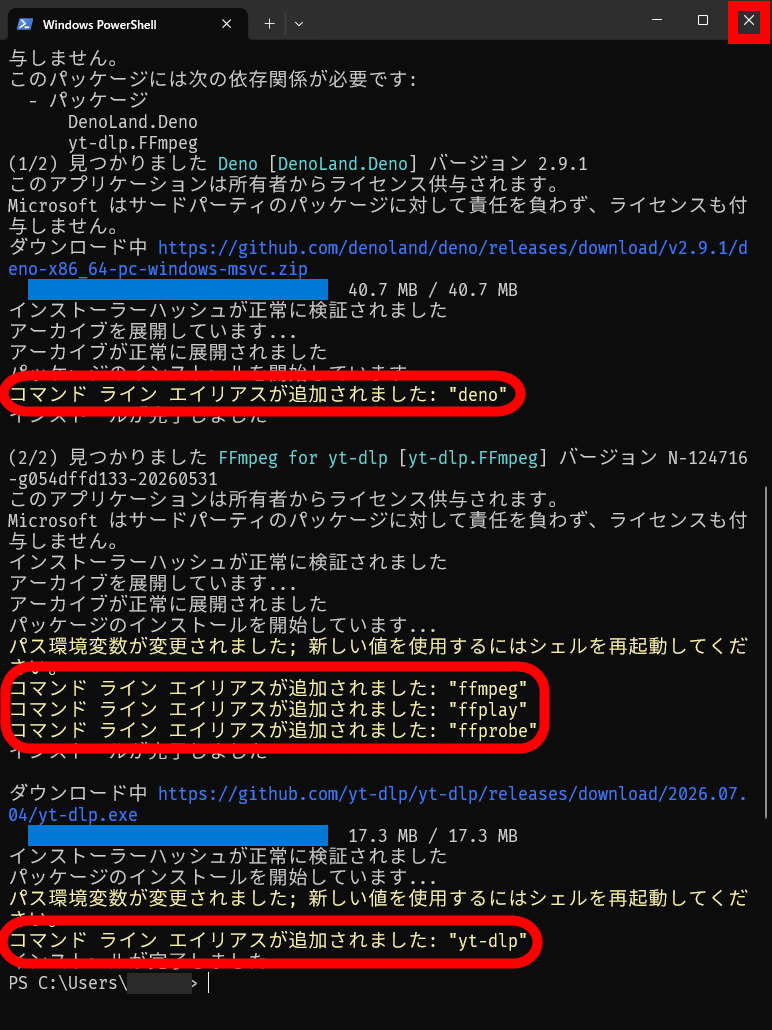
Deno, FFmpeg, and yt-dlp were installed in that order. Close the terminal by clicking the × button in the upper right corner.
You can then download the video using the following command.
[code]yt-dlp 'Video URL [/code]
Detailed instructions on how to use yt-dlp are summarized in the following article.
A guide to using 'yt-dlp,' a tool that allows you to download videos from YouTube, Nico Nico Douga, and other sites in the highest quality video and audio, including the ability to download age-restricted videos in one go - GIGAZINE
Related Posts: