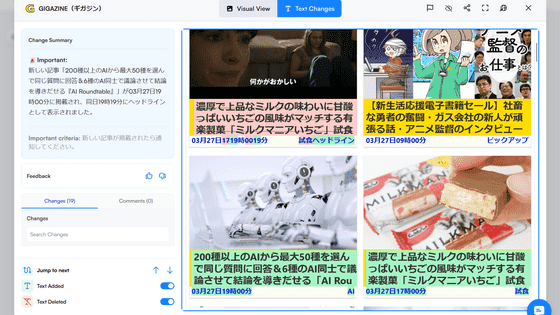
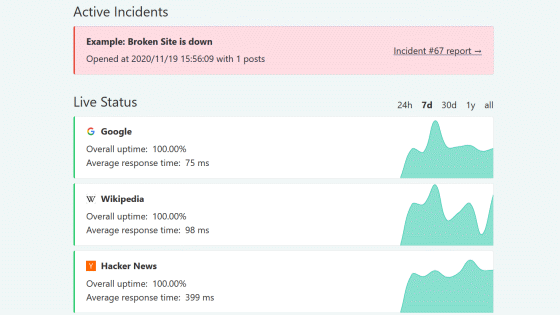
I set up 'changedetection.io,' a free service that automatically detects changes to web pages, using Docker and tested it out.
I launched 'changedetection.io,' a free, self-hosted webpage change detection tool, using Docker, registered a target for monitoring, and displayed the differences before and after the changes.
Website change detection, monitoring, alerts, notifications, restock alerts | changedetection.io
changedetection.io is a tool that periodically retrieves registered web pages, compares them to previous versions, and records any changes found. More details are explained in the previous article.
A review of 'changedetection.io,' a free, self-hostable monitoring tool that automatically checks for website changes and notifies you of them - GIGAZINE
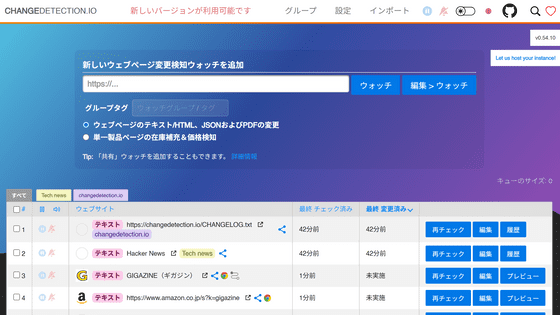
changedetection.io can be easily self-hosted using Docker. This time, we will set it up in an environment where Docker Desktop and Git Bash for Windows are installed on Windows.
Open Git Bash and run the following command. '-d' specifies that the container should run in the background, and '--restart always' is a setting that will automatically start changedetection.io when the container is terminated or Docker is restarted. '-v datastore-volume:/datastore' specifies that the data should be saved to a Docker volume so that it can be retained even if the container is deleted and recreated.
[code]docker run -d --restart always -p '127.0.0.1:5000:5000' -v datastore-volume:/datastore --name changedetection.io dgtlmoon/changedetection.io[/code]
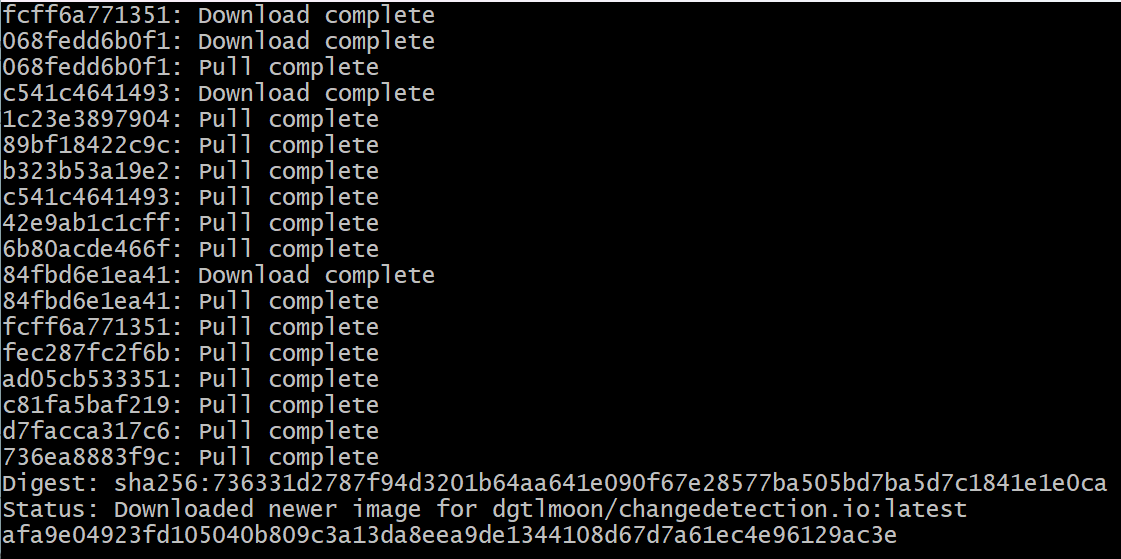
The necessary Docker images will be downloaded automatically, and changedetection.io will start.
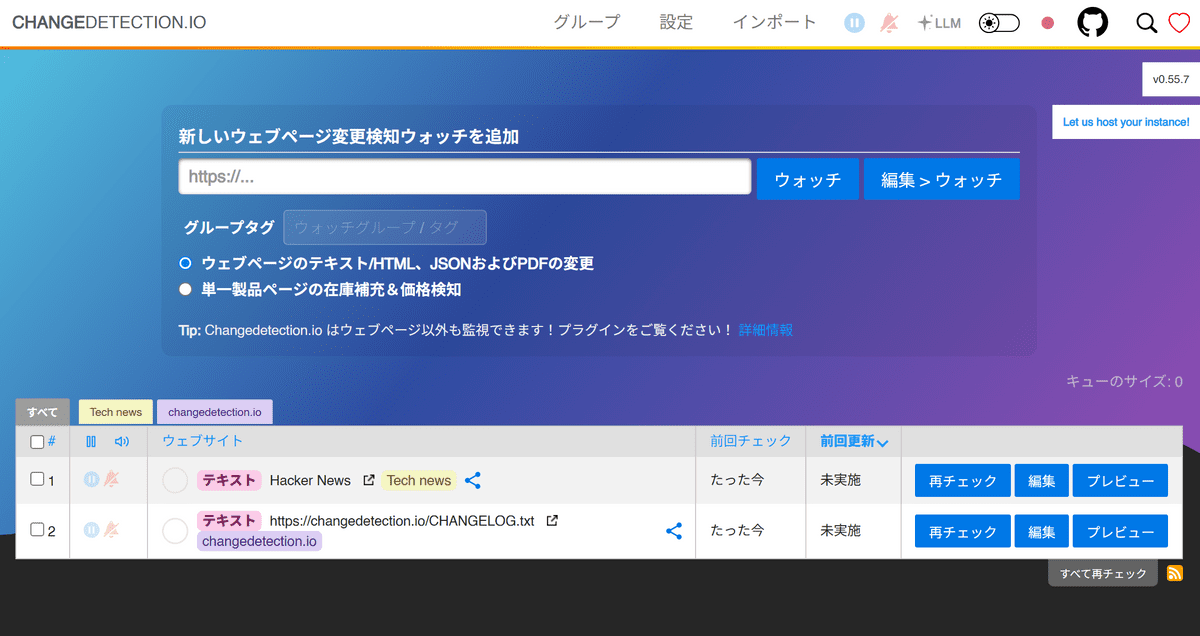
After the container started, accessing 'http://localhost:5000' in a browser displayed the changedetection.io administration screen.
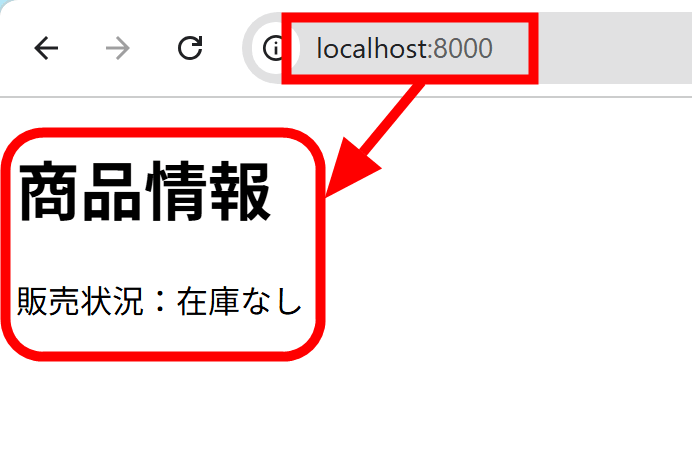
To begin with, to verify basic functionality, I created a test page where users could edit the content, set up a local web server, and made it accessible via changedetection.io. It's designed to resemble a product sales page, displaying the text 'Sales Status: Out of Stock.'
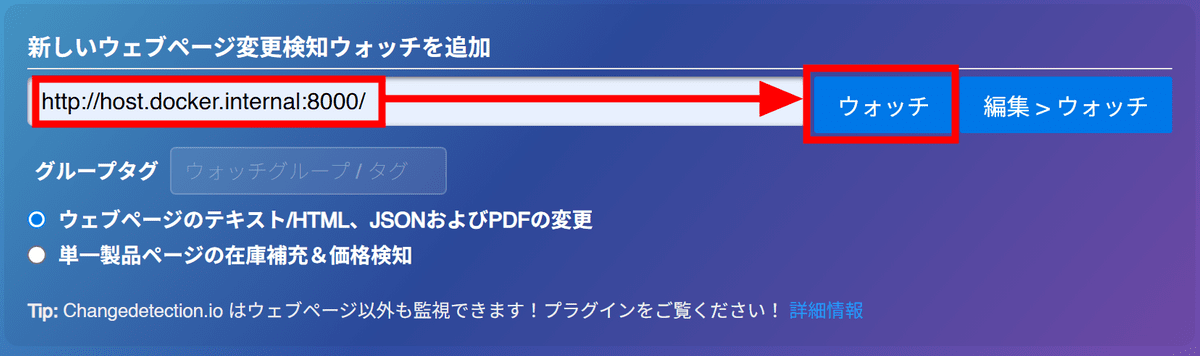
Return to the changedetection.io screen and enter the address of the test page you prepared, 'http://host.docker.internal:8000/', into the input field and click 'Watch'. 'host.docker.internal' is a special DNS name used to access services running on the Windows side from Docker containers.
However, an error message appeared and I was unable to access it. It seems that the system is designed to prevent access to the local environment in order to prevent misuse such as SSRF attacks, which attempt to obtain internal network information that should not be accessible from the outside by having the web server access a specified URL.
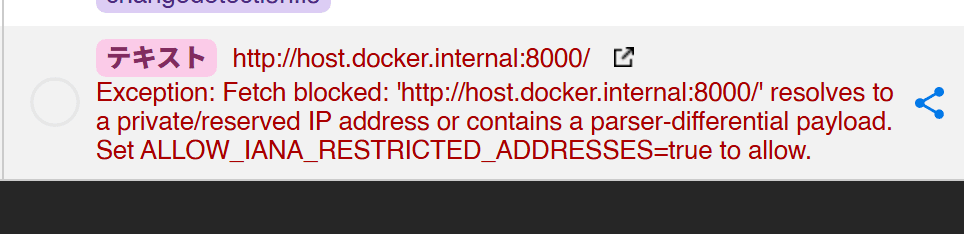
Since we're only running this as a test, we'll stop the Docker container once, delete it with 'docker rm -f changedetection.io', and then start it again with the following command, adding the '-e ALLOW_IANA_RESTRICTED_ADDRESSES=true' option.
[code]docker run -d --restart always -p '127.0.0.1:5000:5000' -v datastore-volume:/datastore -e ALLOW_IANA_RESTRICTED_ADDRESSES=true --name changedetection.io dgtlmoon/changedetection.io[/code]
After restarting, when I checked 'http://host.docker.internal:8000/' again, the initial check started without any errors.
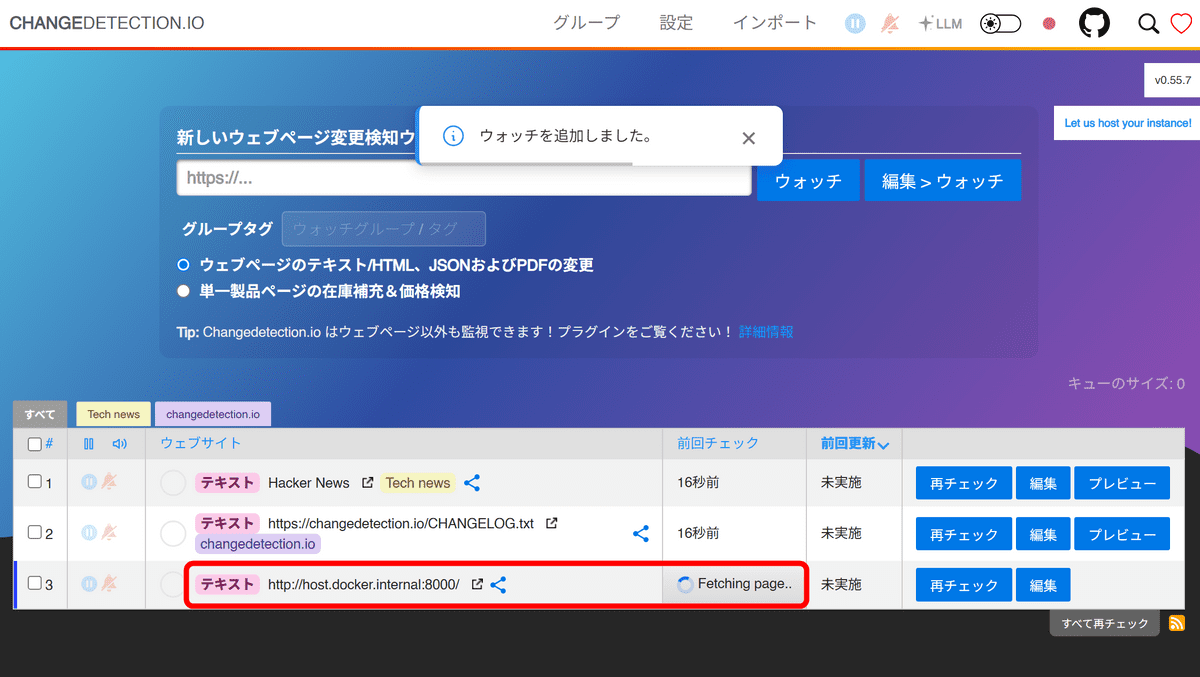
Once the initial check is complete, changedetection.io will automatically check the page at regular intervals to see if any changes have been made. You can also manually check for updates by pressing the 'Recheck' button.
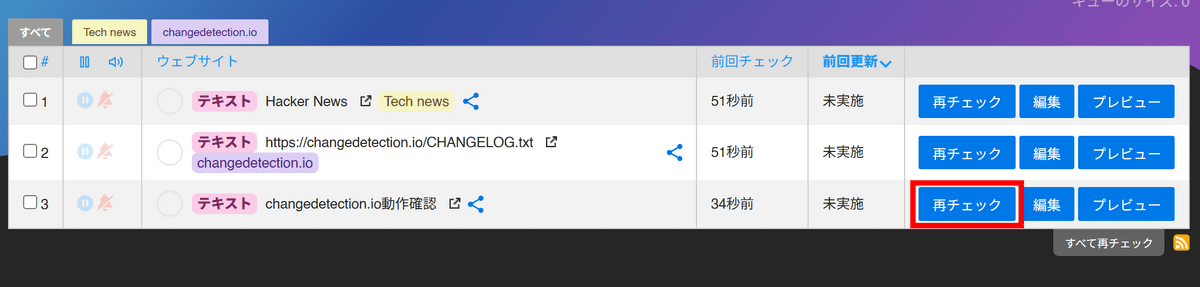
I tried clicking 'Recheck' several times. Each time I rechecked, the time of the previous check was updated, but since I didn't change the page, the 'Last Updated' status remained 'Not Performed'.
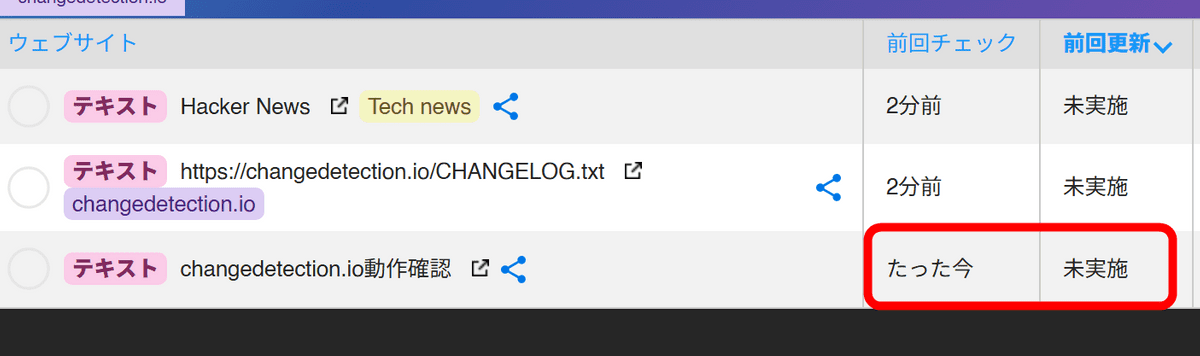
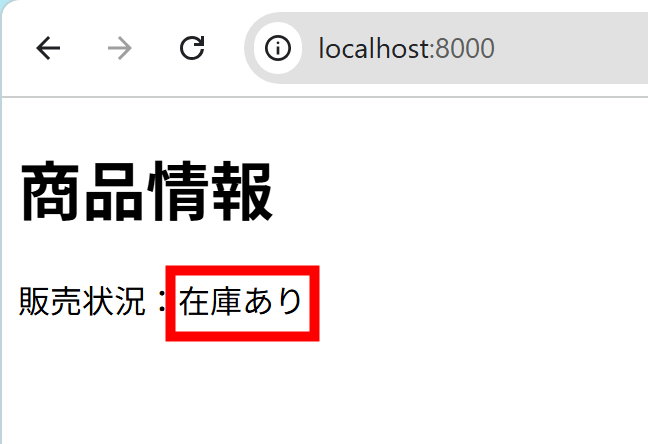
Here, I changed the 'Sales Status: Out of Stock' on the functionality check page to 'Sales Status: In Stock'.
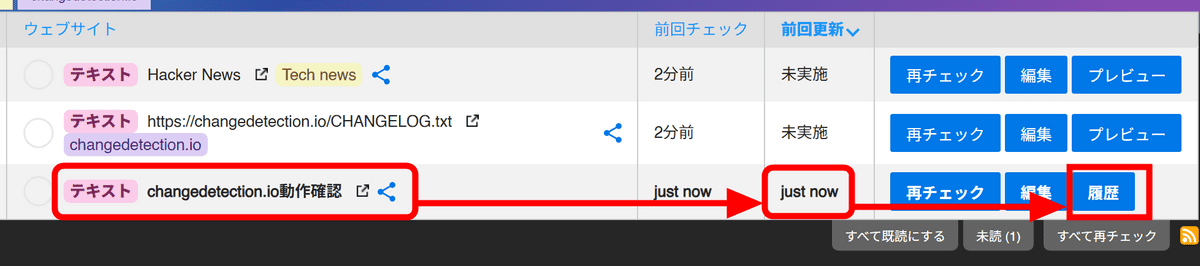
Clicking 'Recheck' again changes the monitored item's name to bold, and 'Last Updated' now displays 'just now.' Click 'History.'
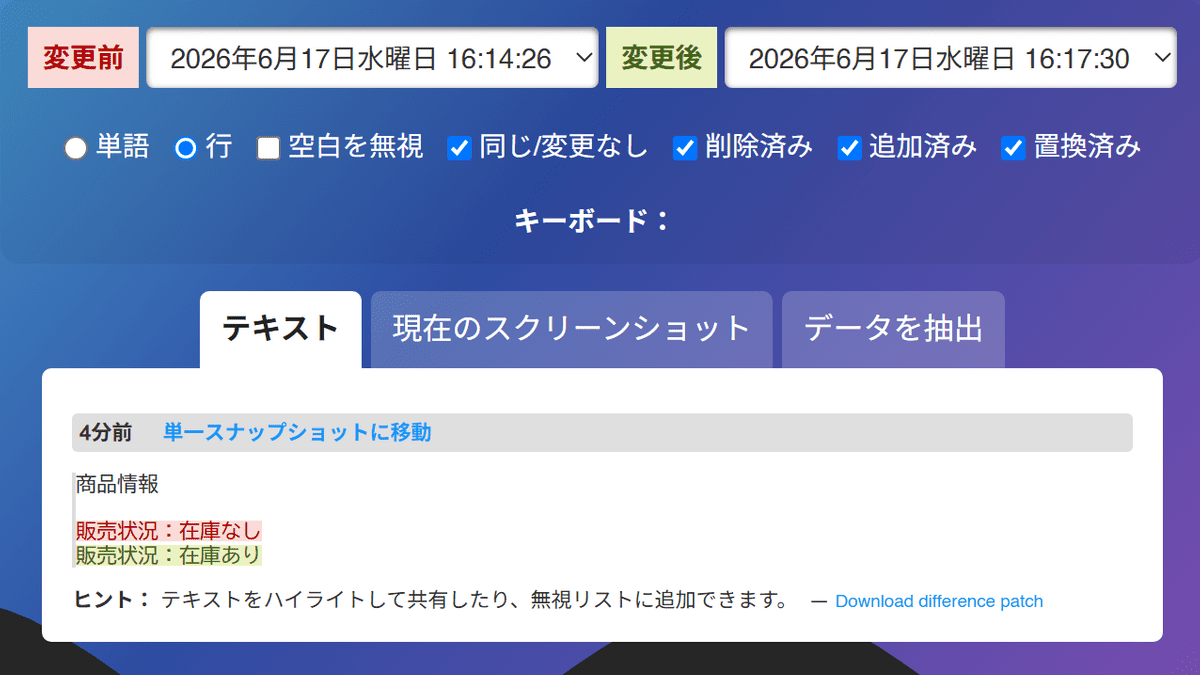
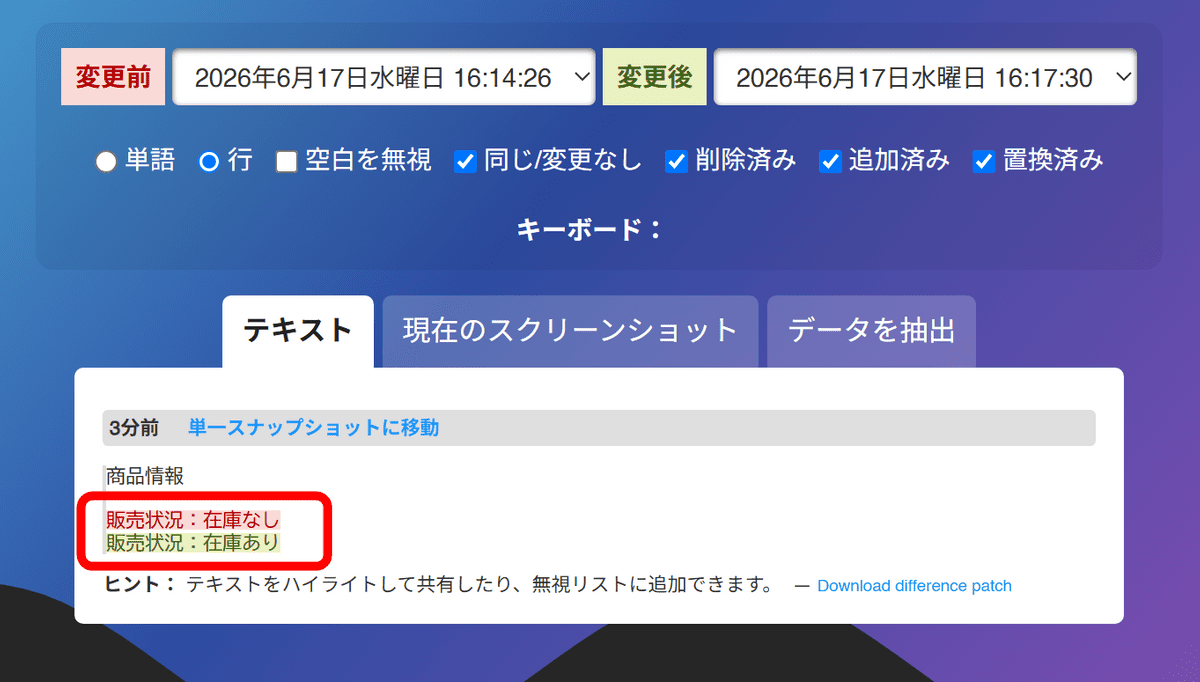
The history page displays a comparison of the text before and after the changes. 'Sales status: Out of stock' is shown in red as deleted text, and 'Sales status: In stock' is shown in green as added text. It's convenient that it not only records that 'the page has been updated,' but also allows you to see deleted and added text separately.
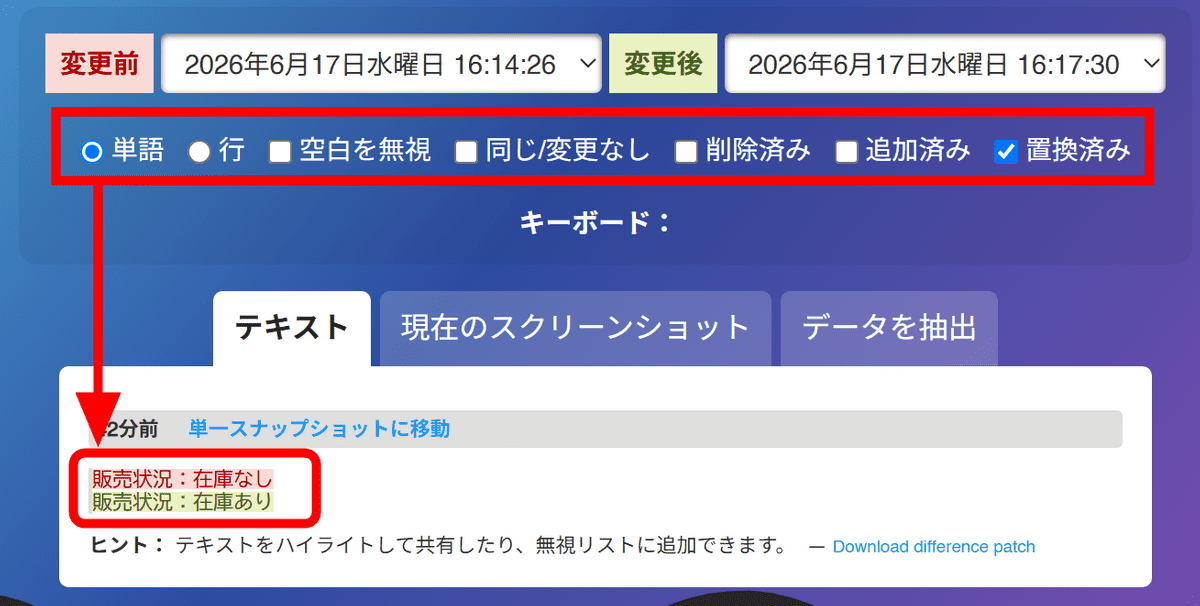
On the difference screen, you can select the comparison unit from 'words' and 'lines,' but in this case, there was no change in the display regardless of the setting, perhaps because it's separated by spaces. You can also filter the display to show only deleted or added content by toggling the checkboxes for 'Same/No Change,' 'Deleted,' 'Added,' and 'Replaced.'
This current configuration detects changes to the entire page, but it may also detect changes unrelated to the information you want to track, such as the update date and time, recommended articles, ads, and footer display. changedetection.io also allows you to configure monitoring to target only the necessary parts using CSS selectors, XPath, JSONPath, jq, etc. Next time, I'll try configuring the monitoring to narrow the scope.
Related Posts: