'Steel' is an AI agent that controls Puppeteer, Playwright, and Selenium to automate browser operations and can also be turned into an API.
One of the biggest obstacles when trying to automate tasks is automating browser operation. ' Steel ' is a tool that enables automated browser operation by controlling Puppeteer and other browsers using an AI agent, although it does require some coding skills.
steel-dev/steel-browser: 🔥 Open Source Browser API for AI Agents & Apps. Steel Browser is a batteries-included browser sandbox that lets you automate the web without worrying about infrastructure.
◆Features
According to the official GitHub repository, the features of Steel are as follows:
• Full browser control : Complete control of your Chrome instance by using Puppeteer and Chrome DevTools Protocol (CDP).
Session management : Maintains the state of the browser, cookies, and local storage between requests.
• Proxy support : Built-in proxy chain management for IP rotation
- Chrome extension support : Allows loading of custom Chrome extensions.
• Debugging tools : Sessions can be viewed and debugged using the built-in request log and UI.
• Detection evasion features : Includes stealth plugin and fingerprint management functions.
• Resource management : Automatic cleanup and browser lifecycle management
• Quick Actions API : Provides an API for quickly converting web pages into Markup, readability , screenshots, and PDFs.
◆Installation
The easiest way to install Steel is to use Docker. First, in an environment where Git and Docker are available, run the following commands to clone the repository and change the current directory.
[code]
git clone https://github.com/steel-dev/steel-browser.git && cd steel-browser
[code]
Next, run the following command to start the Docker container.
[code]
docker run -p 3000:3000 -p 9223:9223 ghcr.io/steel-dev/steel-browser
[code]
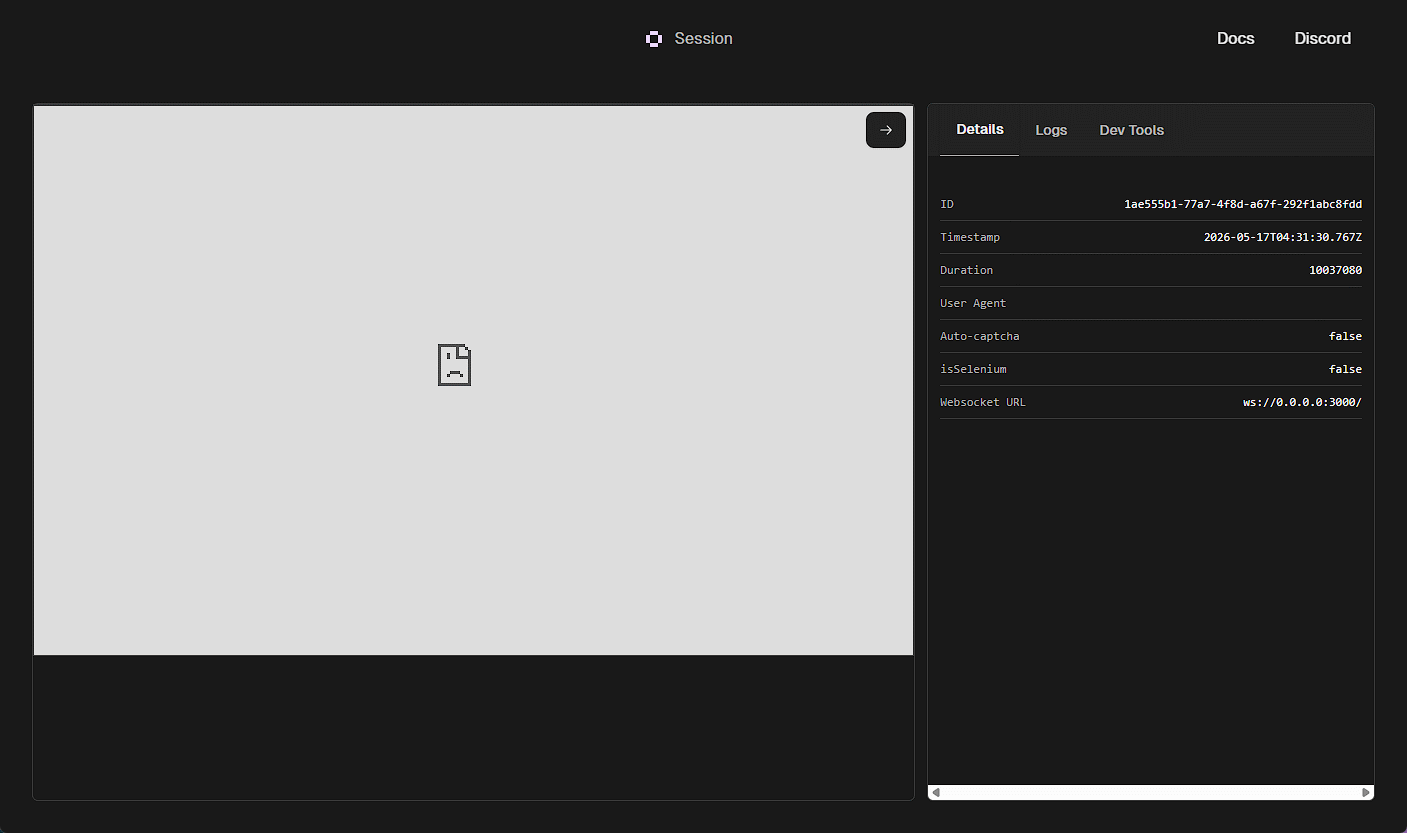
Once startup is complete, you will be able to access 'http://localhost:3000/ui'.
◆Session
One way to integrate Steel with an AI agent is to use 'sessions.' Below is sample code for creating a session in a Node.js environment.
[code]
import Steel from 'steel-sdk';
const client = new Steel({
baseURL: 'http://localhost:3000', // Base URL setting
});
(async () => {
try {
// Creating a new session
const session = await client.sessions.create({
Block Ads: true,
proxyUrl: 'user:pass@host:port', // Optional
dimensions: { width: 1280, height: 800 }, // Options
});
console.log('Created session with ID:', session.id);
} catch (error) {
console.error('Error creating session:', error);
}
})();
[code]
Note that if you use
[code]
const session = await client.sessions.create({ isSelenium: true });
[code]
The code for using the generated session in Puppeteer is as follows. Note that when using this code, you need to obtain an API key from the official website and set the obtained AKI key in the environment variable 'STEEL_API_KEY'.
[code]
browser = await puppeteer.connect({
browserWSEndpoint: `${session.websocketUrl}&apiKey=${STEEL_API_KEY}`,
});
const page = await browser.newPage();
[code]
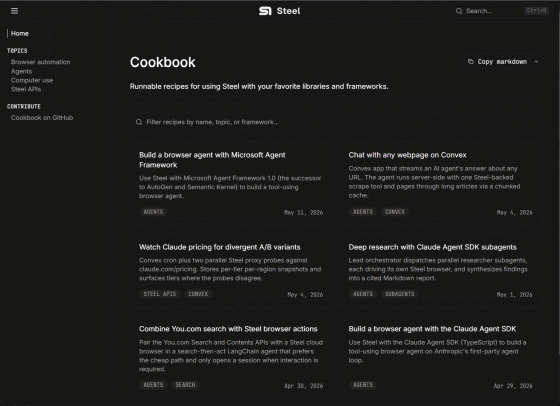
For specific instructions on how to use Steel sessions from an AI agent, please refer to the official 'Cookbook.'
Cookbook | Steel Docs
https://docs.steel.dev/cookbook
◆Quick Action API
For read-only jobs, the Steel server provides three endpoints: /scrape, /screenshot, and /pdf, allowing you to quickly retrieve appropriately formatted data from any webpage according to your needs. For example, to retrieve HTML, use the following curl command.
[code]
curl -X POST http://0.0.0.0:3000/v1/scrape \
-H 'Content-Type: application/json' \
-d '{
'url': 'https://example.com',
'delay': 1000
}'
[code]
To take a screenshot of a webpage, simply change the endpoint.
[code]
curl -X POST http://0.0.0.0:3000/v1/screenshot \
-H 'Content-Type: application/json' \
-d '{
'url': 'https://example.com',
'fullPage': true
}' --output screenshot.png
[code]
The same applies when obtaining a PDF.
[code]
curl -X POST http://0.0.0.0:3000/v1/pdf \
-H 'Content-Type: application/json' \
-d '{
'url': 'https://example.com'
}' --output output.pdf
[code]
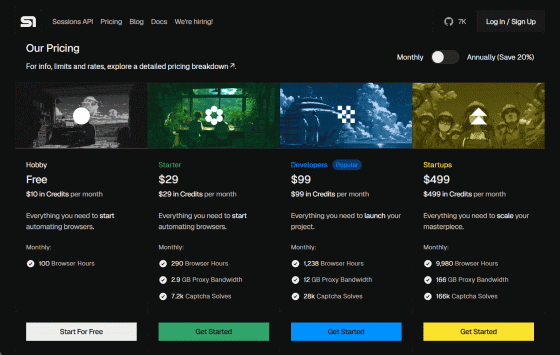
◆ About Cloud Services
Nas and Huss, co-founders of steel.dev,
- A feature-rich version including hosting services is offered as a paid cloud service.
- A lightweight, local version with almost all the features of the high-end version and backward compatibility is provided as open source in a GitHub repository.
Details of Steel's cloud services, including service offerings and subscription fees, can be found on the following page.
Steel | Open-source Headless Browser API
https://steel.dev/#pricing
Related Posts: