Browser-Use, an AI model that automates browser operation, is open-source and can be easily controlled using natural language.
Automating browser operations previously required using tools like
Browser Use - The way AI uses the internet
https://browser-use.com/
browser-use/browser-use: Make websites accessible for AI agents. Automate tasks online with ease.
◆Benefits of using Browser Use
By actually operating the browser, the AI can obtain information accurately.
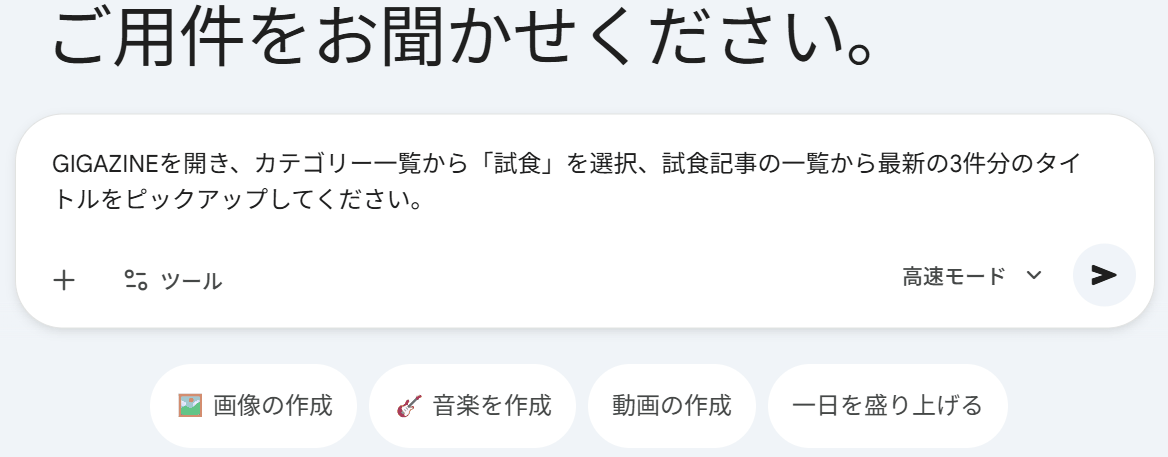
As an example, let's use Google Gemini to retrieve the titles of the three most recent articles in the 'Tasting' category on GIGAZINE.
Three responses were given: 'Pizza Potato,' 'McFlurry,' and 'Mapo Egg Rice Bowl.'
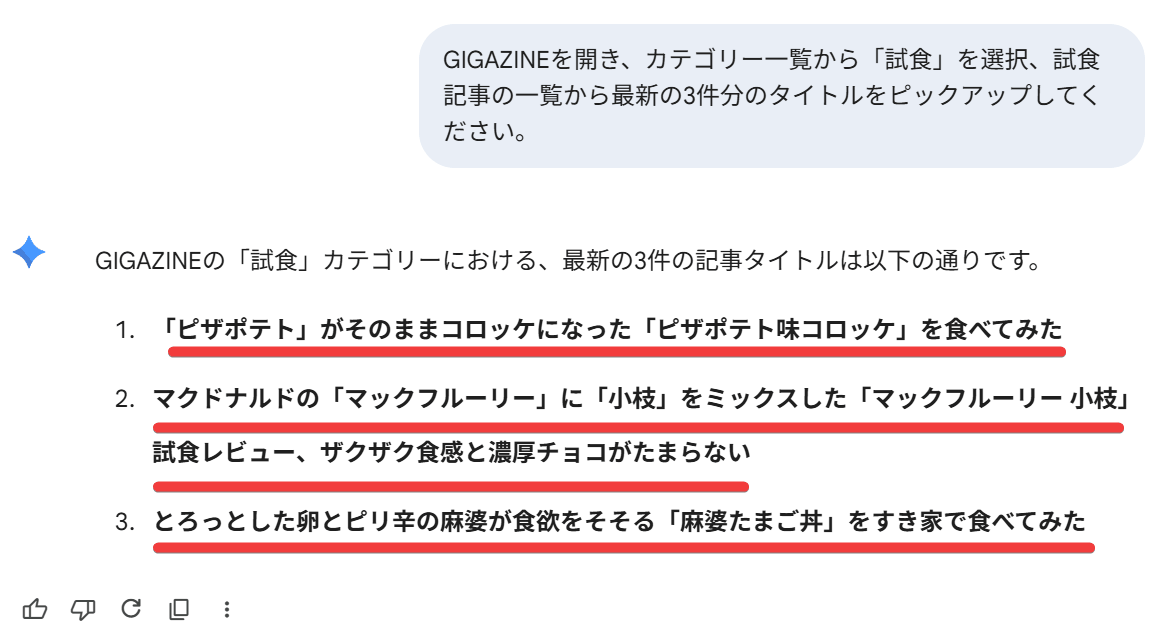
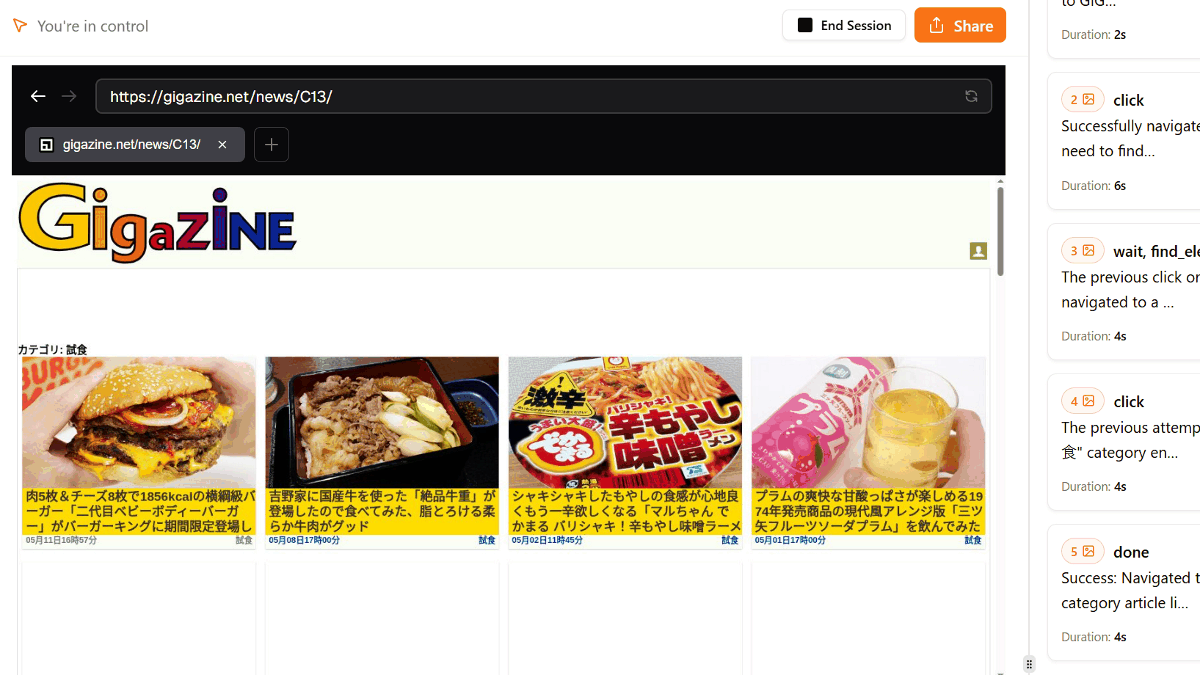
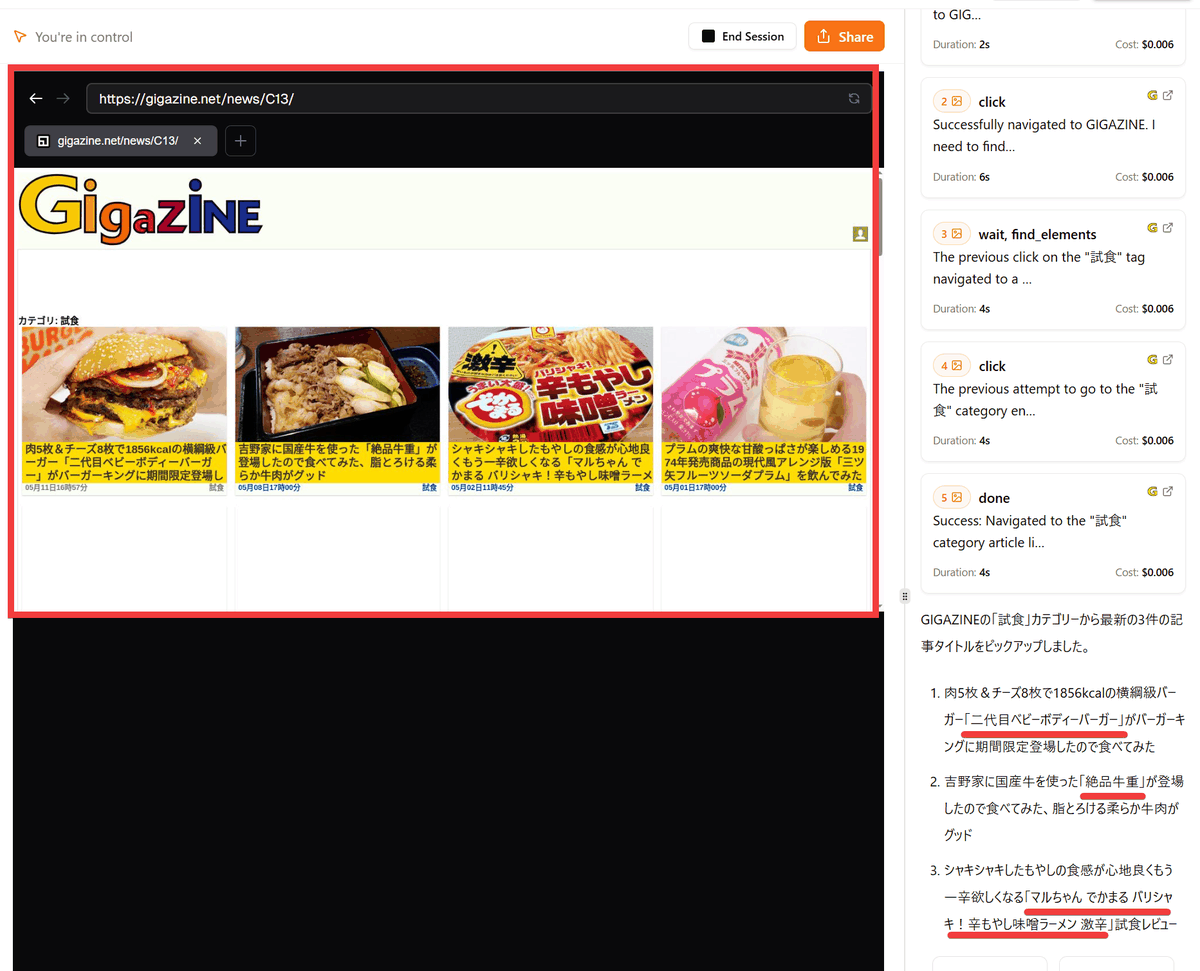
However, as shown in the image below, the actual latest articles at that time were 'Second Generation Baby Body Burger,' 'Exquisite Beef Bowl,' and 'Maruchan Dekamaru Barishaki Spicy Bean Sprout Miso Ramen (Extra Spicy).

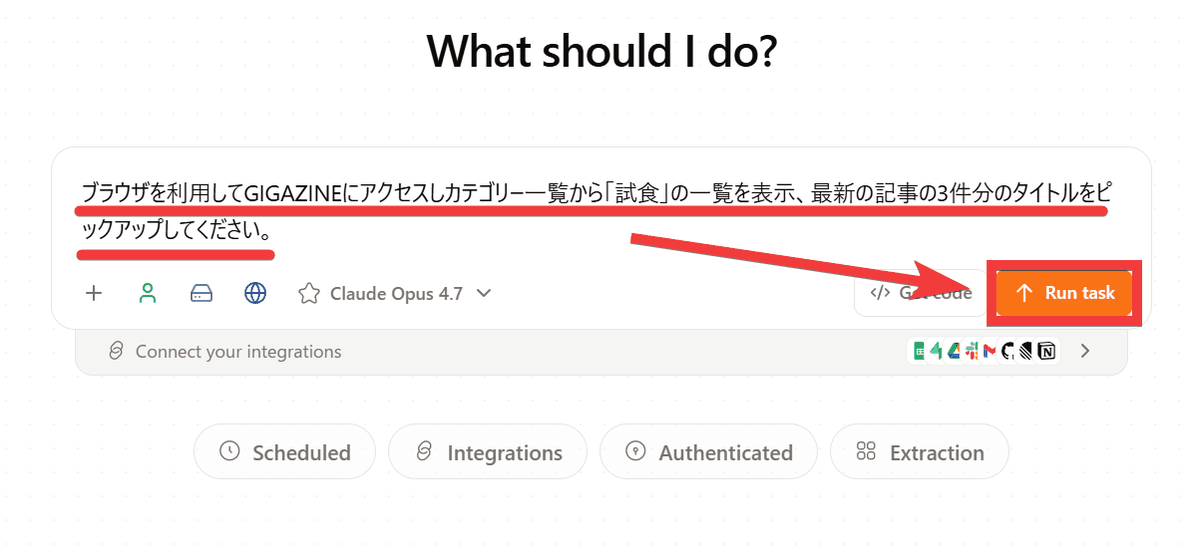
Let's try giving the same instructions using Browser Use. Enter the instructions and click 'Run Task'.
A remote browser is launched on the page, and the user appears to be searching for information by following the specified steps and performing the actions as if they were actually viewing the instructions. The titles of the three most recent articles have also been retrieved correctly.
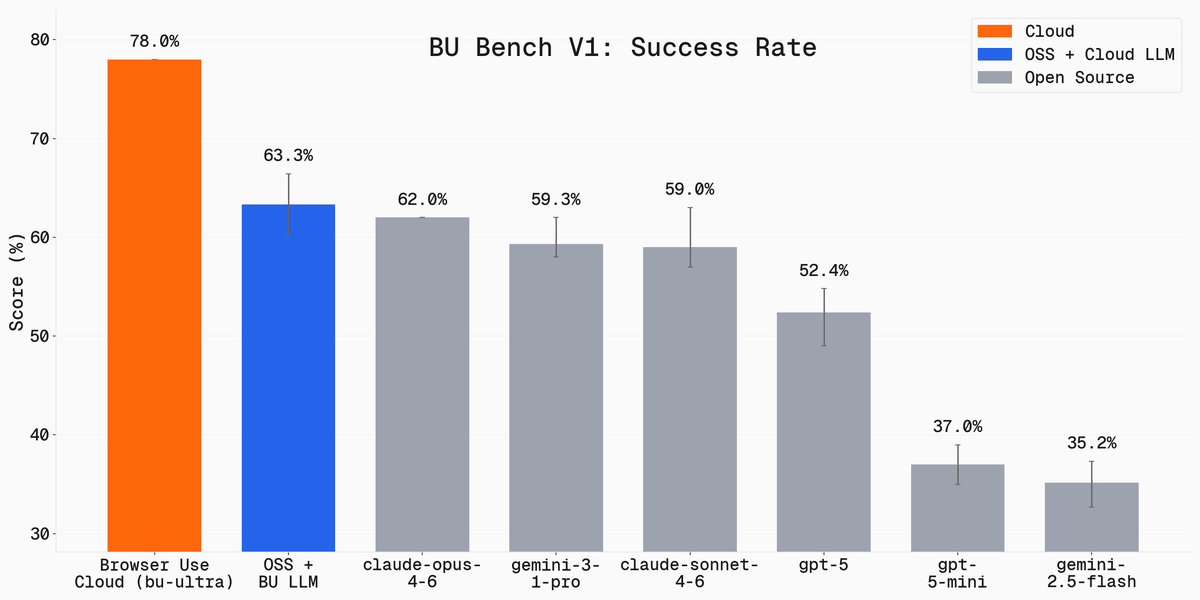
If you were to try to perform the same operation using
The cloud version boasts a success rate of 78.0%, indicating that the remote browser within the cloud behaves more human-like, thus avoiding detection as a bot.
By manually logging in beforehand, you can also perform tasks while authenticated.
◆ How to register for Browser Use
Here's how to register for the cloud service version. Click 'Get Started' on
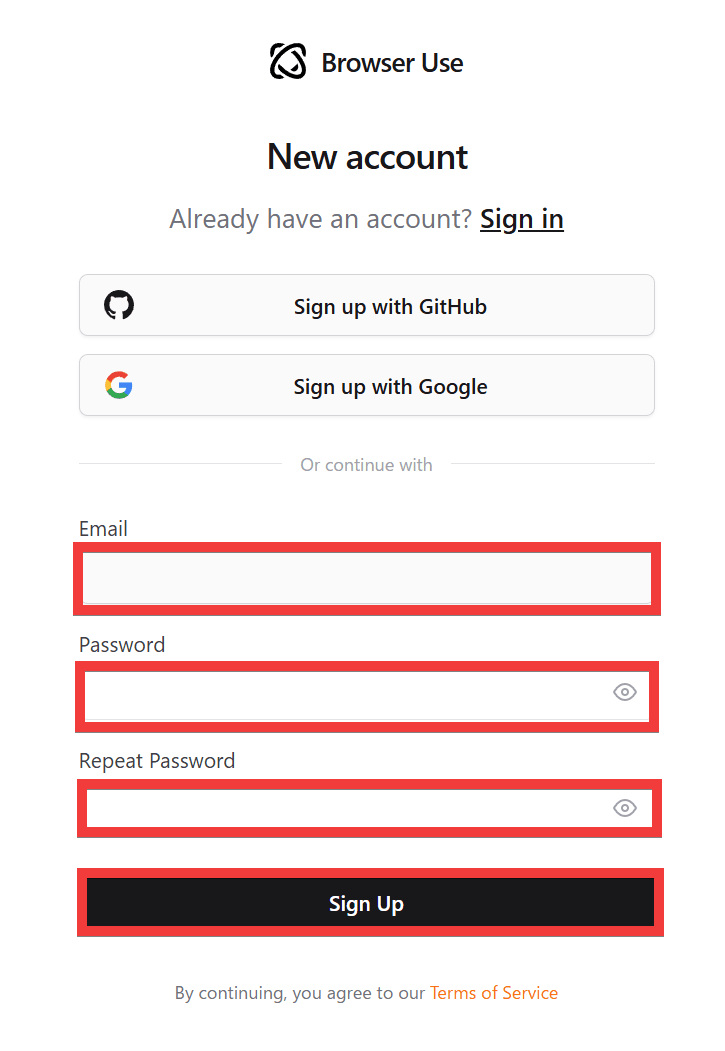
A registration form will appear. Enter your email address in the 'Email' field, your password in the 'Password' and 'Repeat Password' fields, and then click 'Sign Up'.
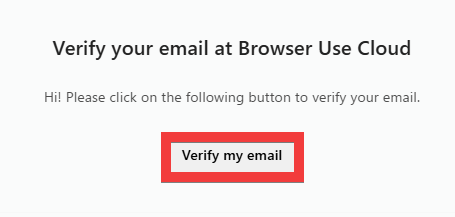
A confirmation email will be sent to the email address you registered, so click 'Verify my email'.
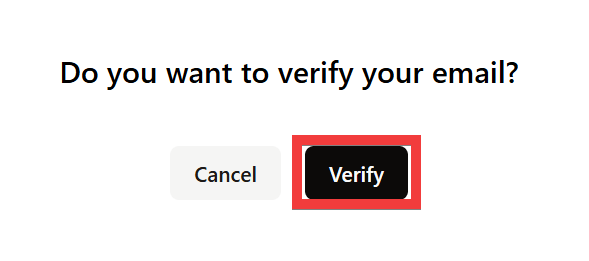
A confirmation screen will appear in your browser again, so click 'Verify'.
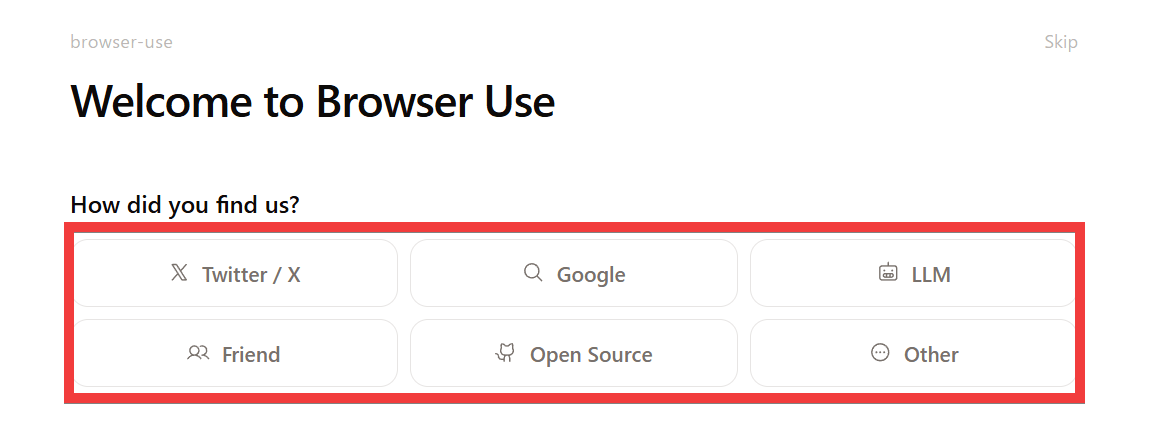
You can skip the survey by clicking 'Skip,' but answering it will increase your free usage limit. You will be asked several questions, such as 'How did you find us?'
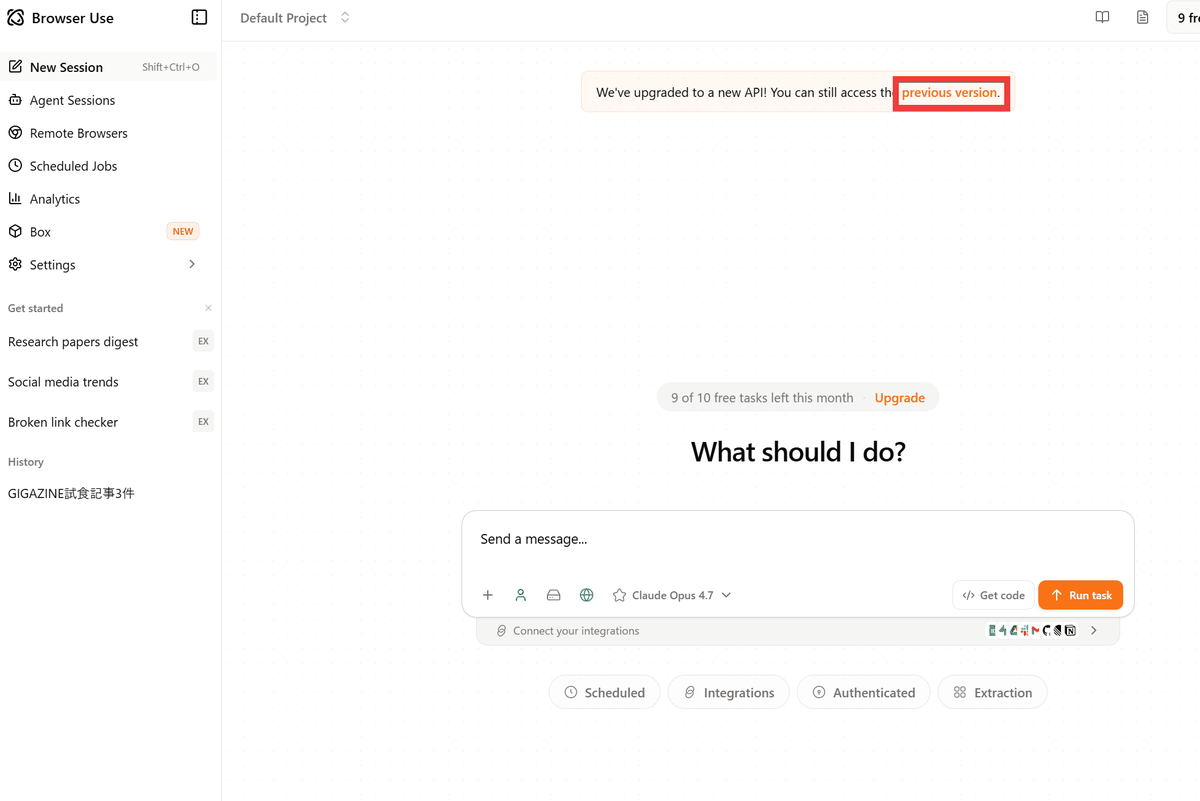
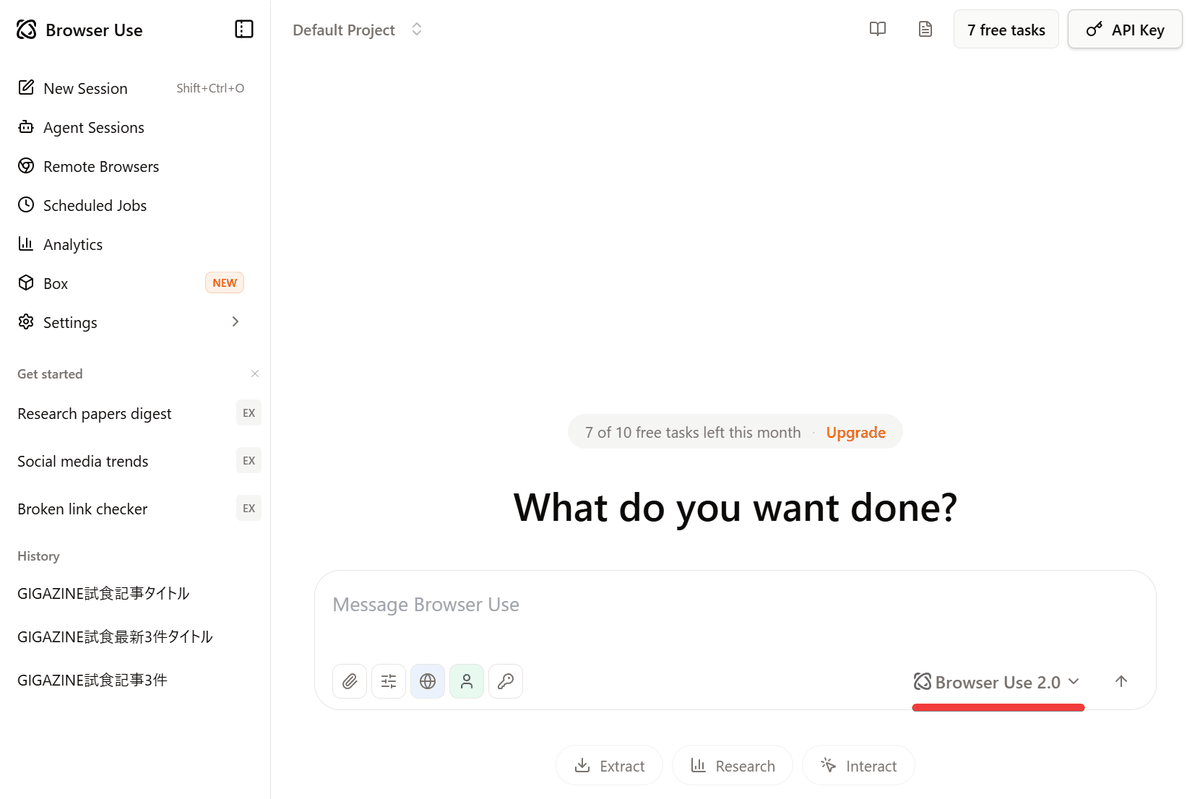
Once registration is complete, the initial screen will appear, so click the 'Previous Version' link at the top of the screen.
The preview version allows you to try out the latest dedicated model, 'Browser Use 2.0'.
Please note that some websites restrict the use of automated data collection tools in their terms of service, so careful consideration is necessary before using them.
Related Posts: