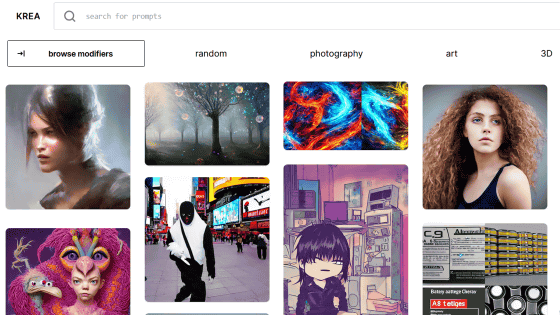
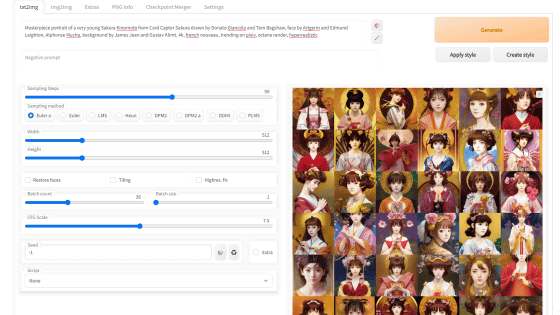
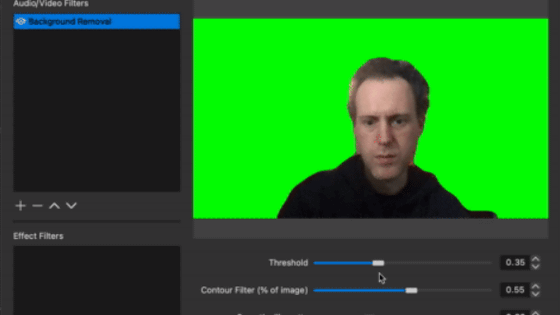
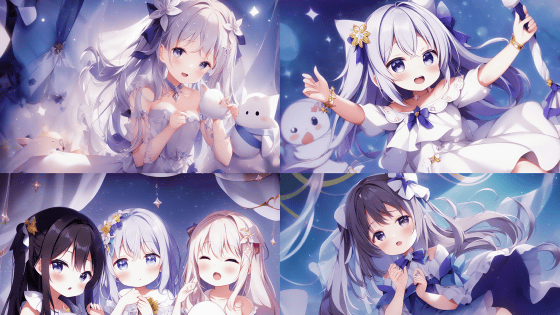
Rembg is an image background removal tool that helps make the background of AI-generated images transparent.
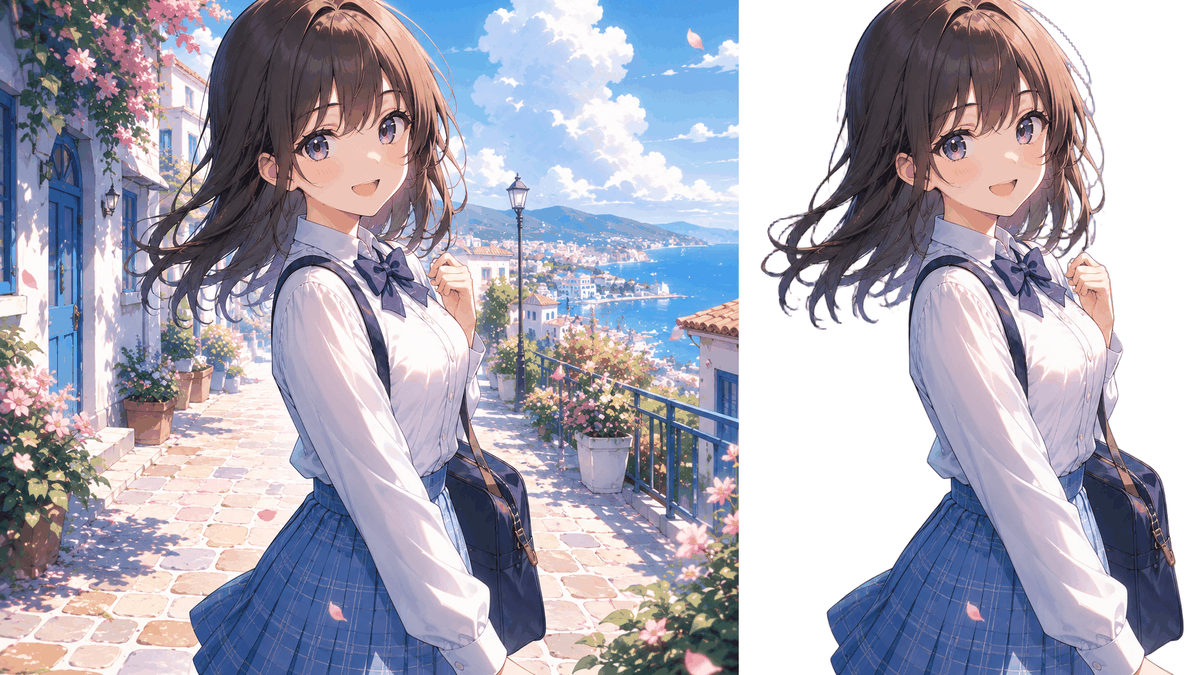
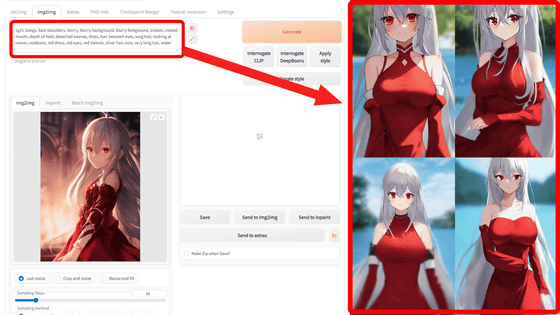
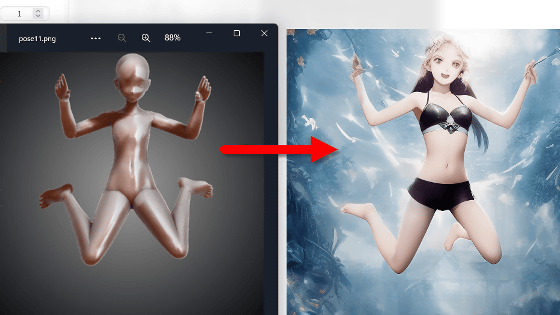
Image generation AIs such as
danielgatis/rembg: Rembg is a tool to remove images background
https://github.com/danielgatis/rembg
◆Select a model to match the subject
Rembg's greatest feature is its ability to switch between over 16 different AI models depending on the application. You can select the optimal model for each type of subject, such as people, anime characters, clothing, and product photos.
| scene | Recommended Models |
|---|---|
| I just want to try it out / Unknown purpose | u2net or birefnet-general |
| People/Portraits (High Quality) | birefnet-portrait |
| Full body/silhouette of a person | u2net_human_seg |
| Anime and illustration characters | isnet-anime |
| Product photos for e-commerce sites | birefnet-general or isnet-general-use |
| Classified by type of clothing | u2net_cloth_seg |
| Thin structures and complex contours | birefnet-dis |
| Subject blended into the background | birefnet-cod |
| Prioritizing lightweight and high-speed processing. | u2netp or silueta or birefnet-general-lite |
| Select any point to crop. | sam |
| Largest scale and highest general-purpose performance | birefnet-massive |
| Seeking the highest accuracy for non-commercial use. | bria-rmbg |
◆ How to run Rembg
This time, we will run the command in an environment where Docker Desktop and Git Bash for Windows are set up on Windows.If there is an 'input.png' in the data folder and you want to write the applied image to the data folder as 'output.png', the command is as follows. Specify the model to use with '-m'.
 MSYS_NO_PATHCONV=1 docker run --rm \
 -v '$(pwd):/data' \
 -v '$HOME/.u2net:/root/.u2net' \
 danielgatis/rembg i -m u2net /data/input.png /data/output.png
◆Try it out
For this test, we'll use an image created by AI to see how much of the background can be removed.
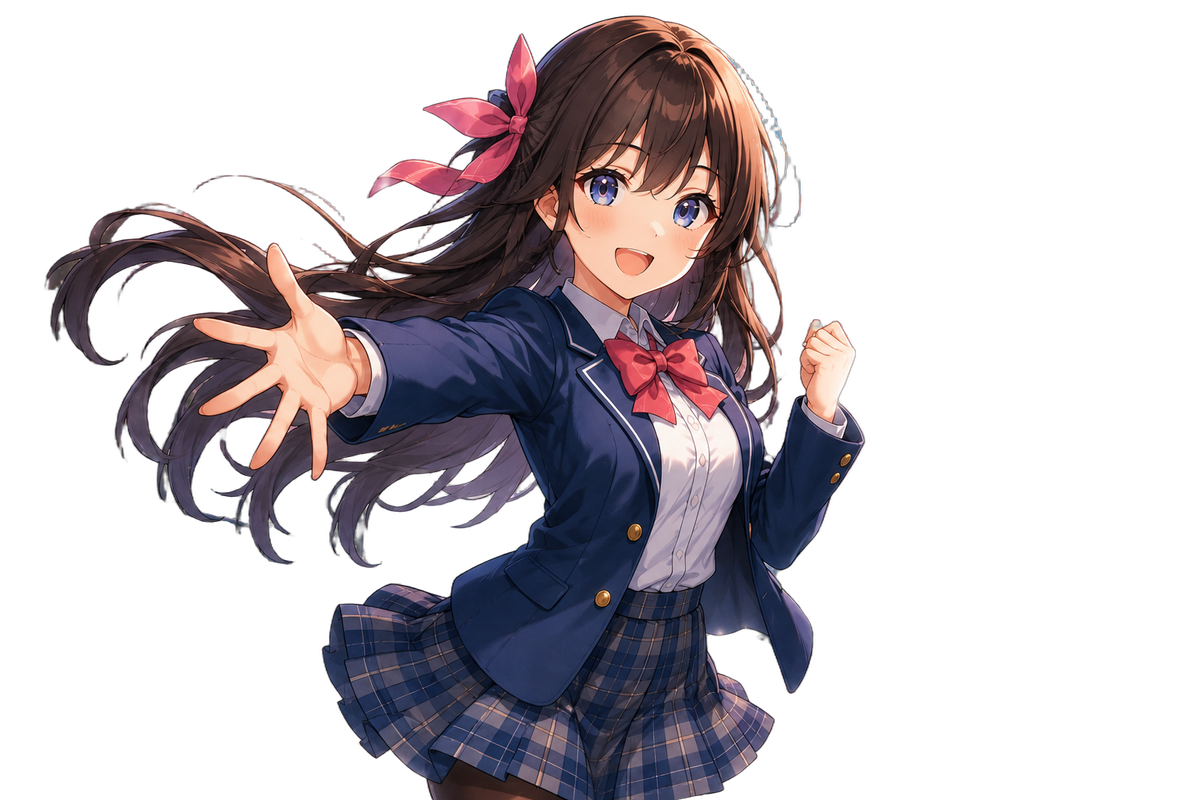
Anime-style images
The original image is here.
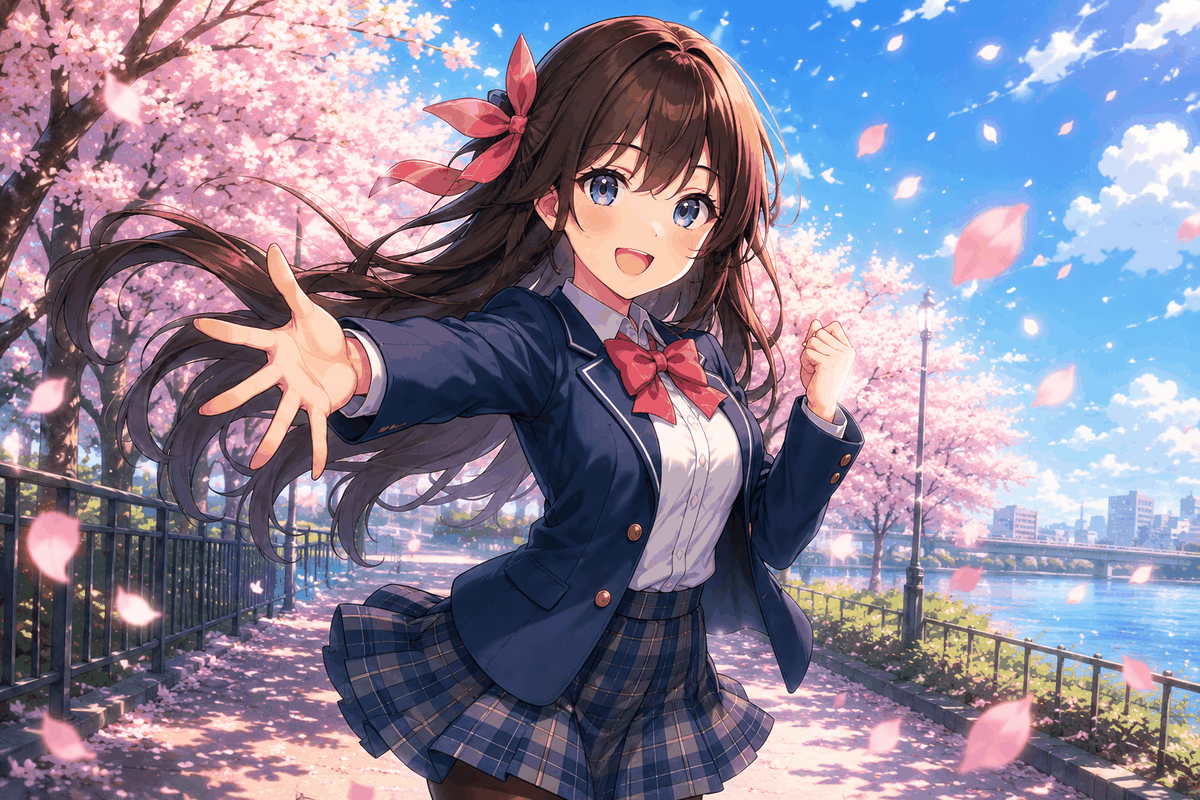
When processing using the general model 'u2net,' the cropping appears somewhat rough.
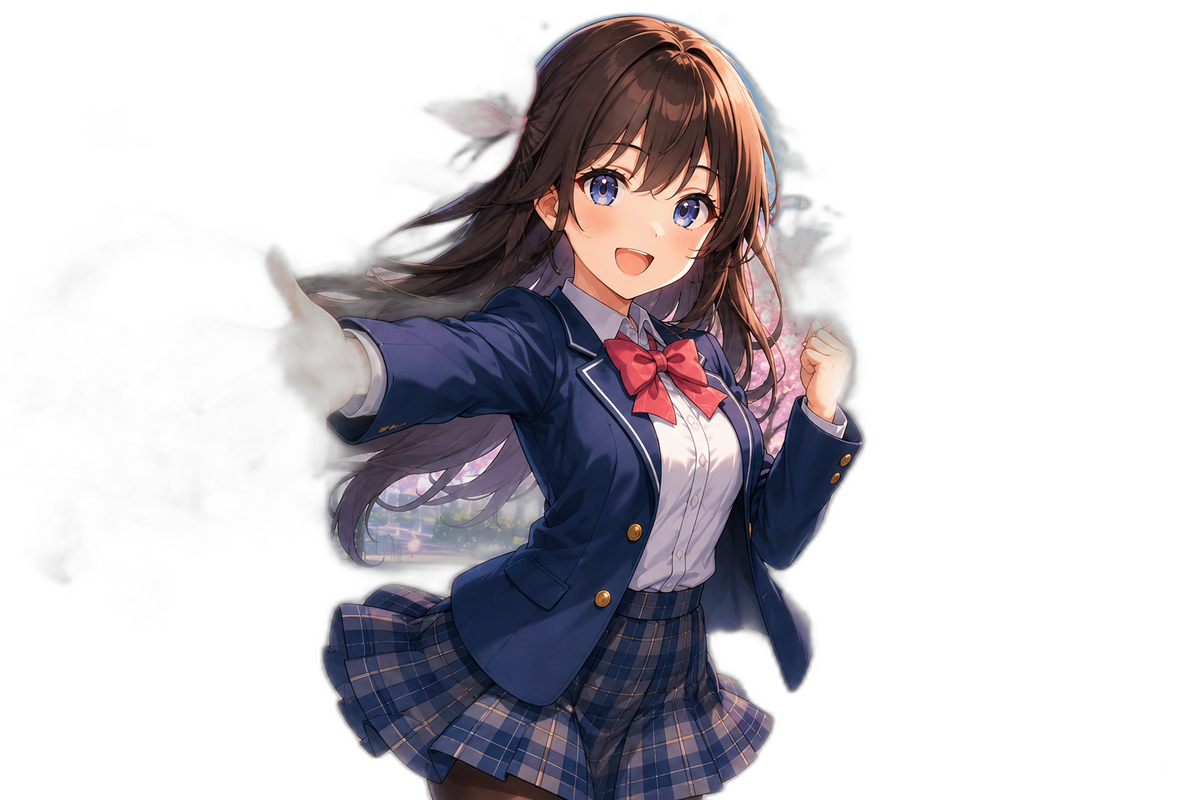
In the case of 'isnet-anime,' which is suitable for anime, there is a slight haze to the image, but this can be improved by specifying the '-a' option and threshold.
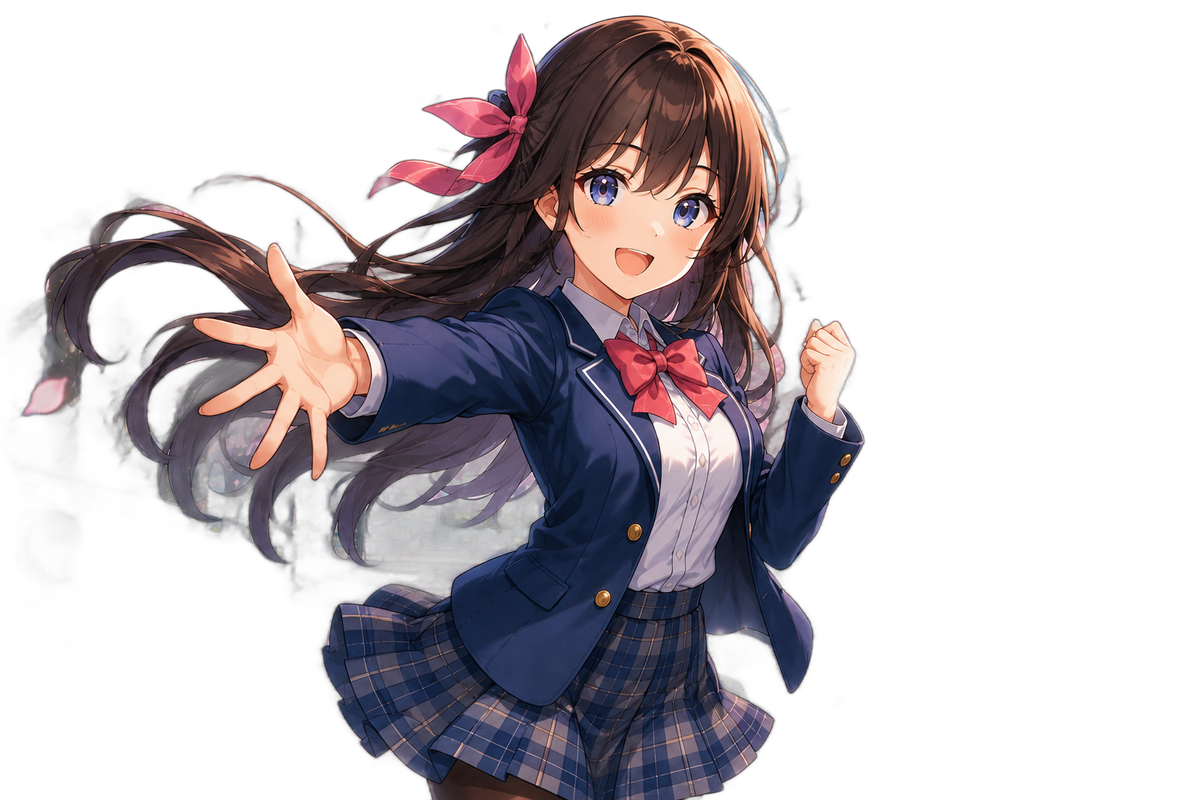
In the case of 'birefnet-general,' the model size is large, nearly 1GB, and processing time is longer, but in return, the quality is higher and more accurate.
◆Portrait
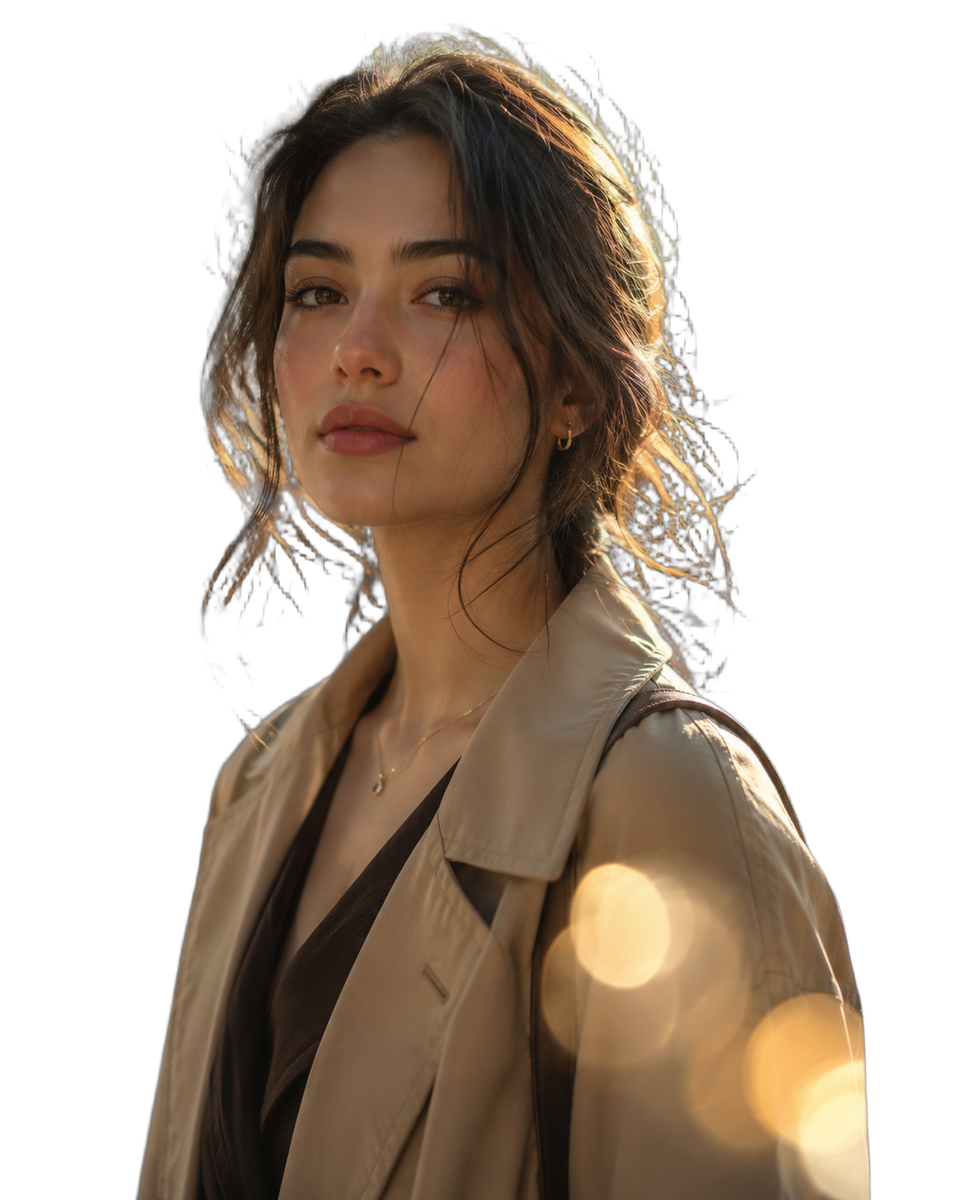
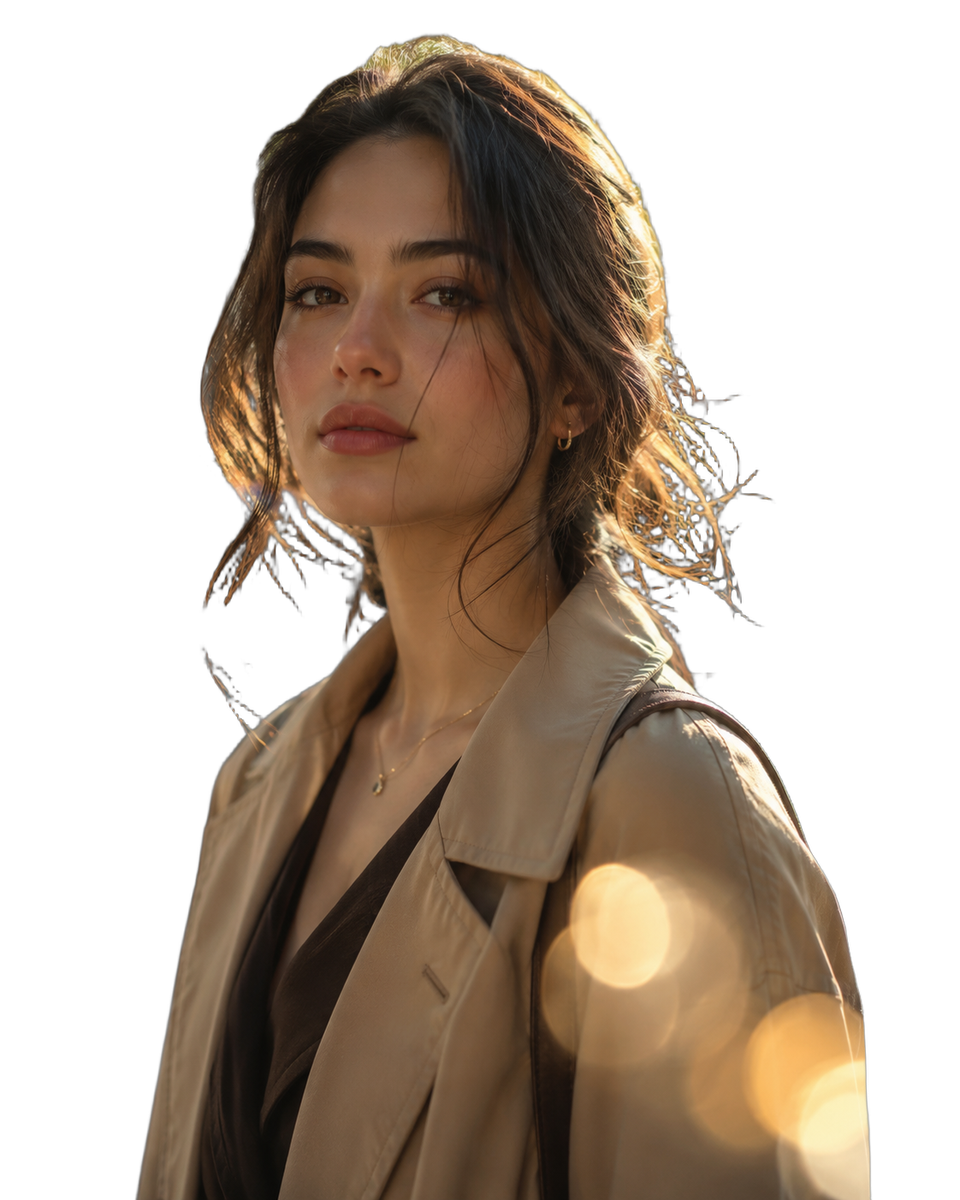
I'll try it with a person as well. It's a difficult image because it's hard to preserve the fine strands of hair.

In the case of 'u2net_human_seg,' the accuracy is somewhat rough, but it is of sufficient quality for the purpose of cutting out the area around a person.

In the case of 'birefnet-portrait,' the background is removed, but I'm concerned that some parts of the hair aren't captured properly.
In the case of 'birefnet-general,' the background disappears, resulting in a well-balanced and cohesive look.
◆Images that are difficult to distinguish
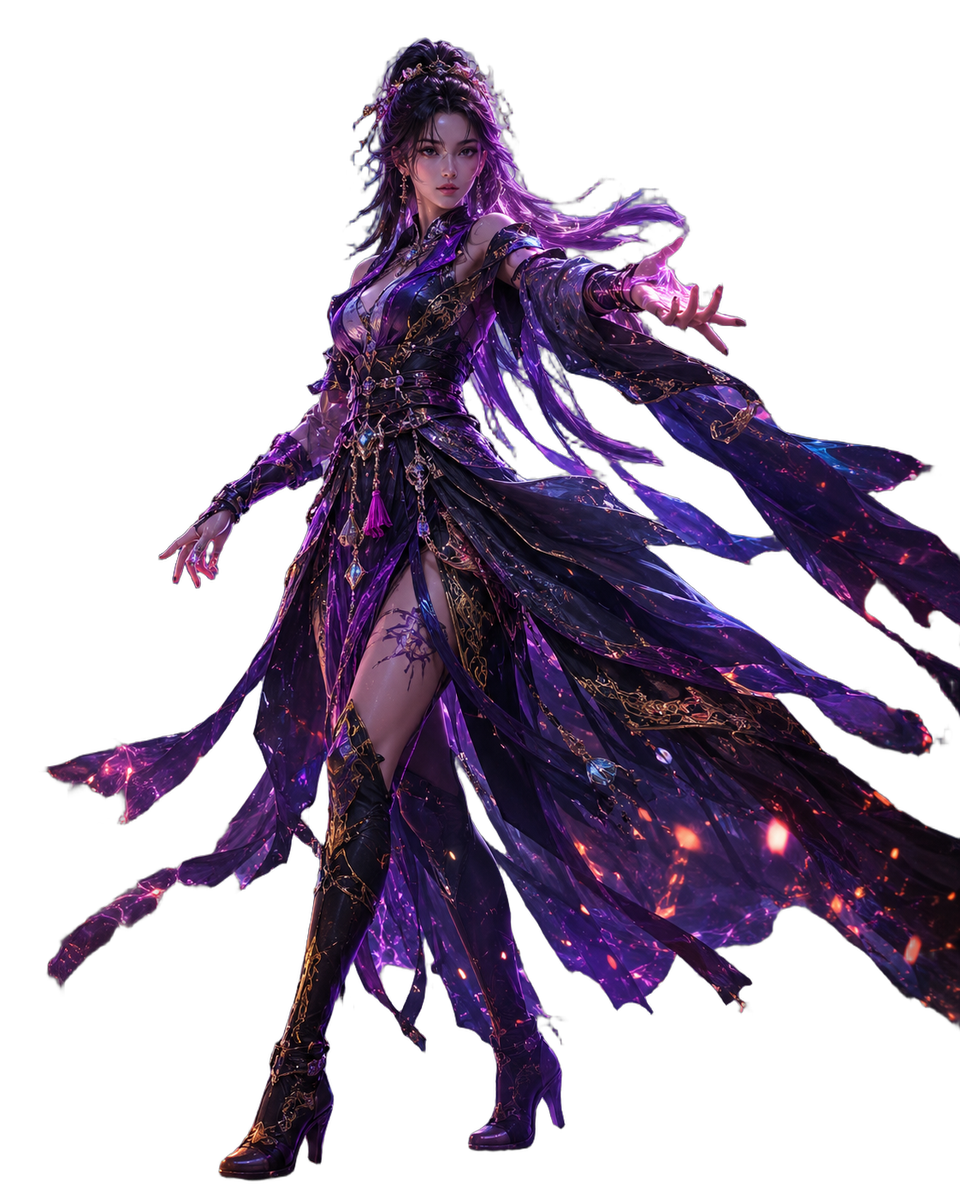
Finally, we'll attempt to make the background transparent in an image where the background with the effect applied and the clothing and hair are blended together, making them difficult to distinguish.
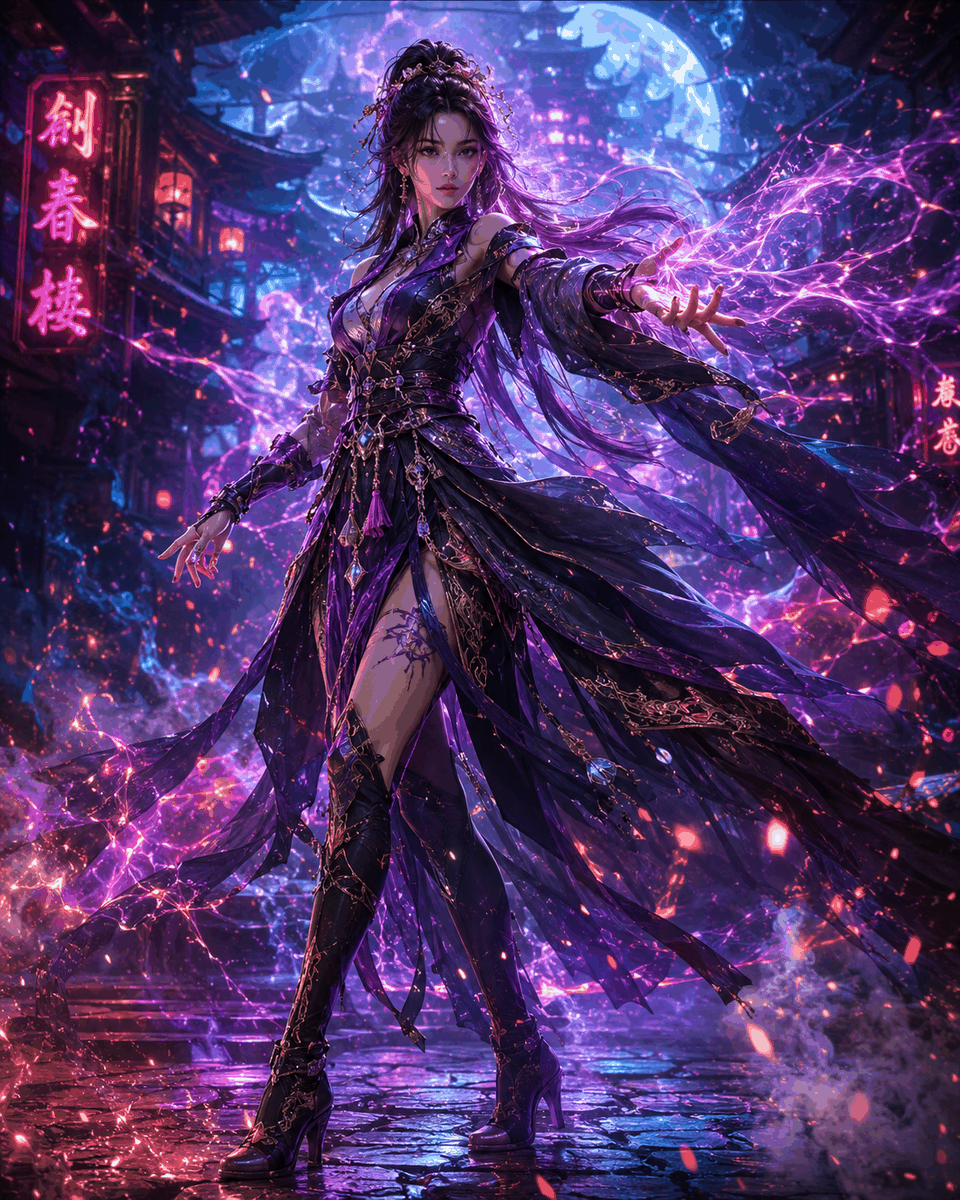
Even by simply specifying the default 'birefnet-general-lite' model, I was able to achieve transparency with the quality shown in the image below.
◆Other ways to use
By changing the command options, you can use it in the following ways:
- Batch processing of images in a folder
rembg p ./input_folder ./output_folder
- Watch mode that detects updates to a specified folder and automatically processes images when they are added.
rembg p -w ./input_folder ./output_folder
- Starts up as a server and can be used by external applications via API.
rembg s
- Background removal from streaming
It's also possible to remove the background from videos.
rembg b 1280 720 -o output/frame-%03u.png
◆ Recruitment record
GitHub statistics show that it has over 7,400 dependencies from other projects, indicating its widespread use in a variety of applications, including open-source projects, enterprise services, and research.
Related Posts: