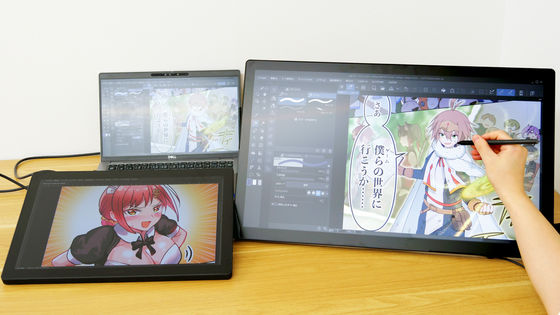
Review of the lightweight, easy-to-carry 16-inch portable monitor 'ASUS ZenScreen MB16FC' that can also be mounted on a tripod.
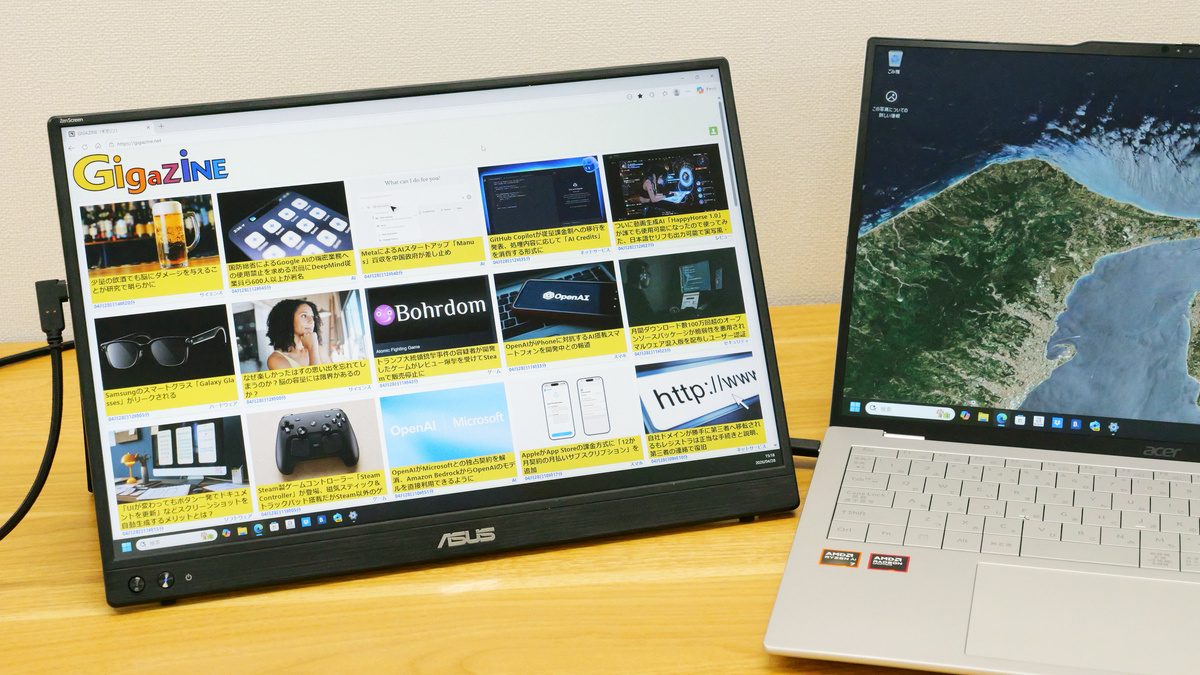
ASUS released the ' ASUS ZenScreen MB16FC, ' a 16-inch portable IPS monitor with UXGA resolution, in March 2026. I was able to borrow a unit from ASUS and tried it out.
ASUS ZenScreen 16-inch Portable Monitor with Power Supply, Auto-Rotation, USB-C to Mini-HDMI
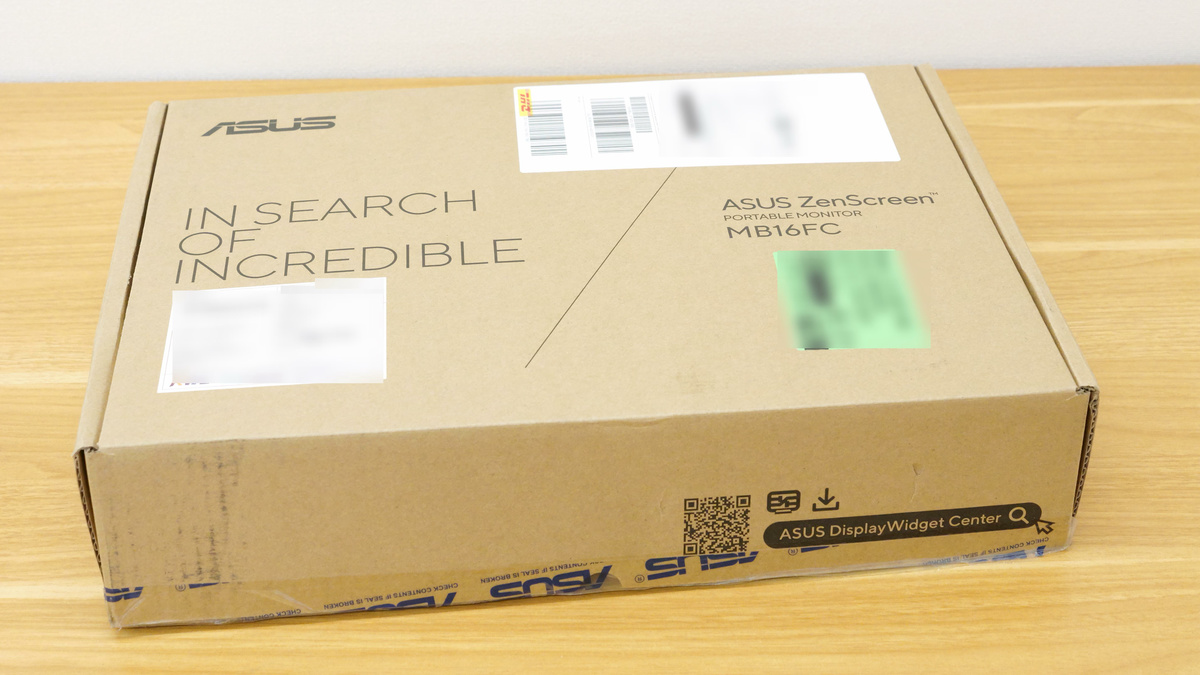
My ASUS ZenScreen MB16FC has arrived.
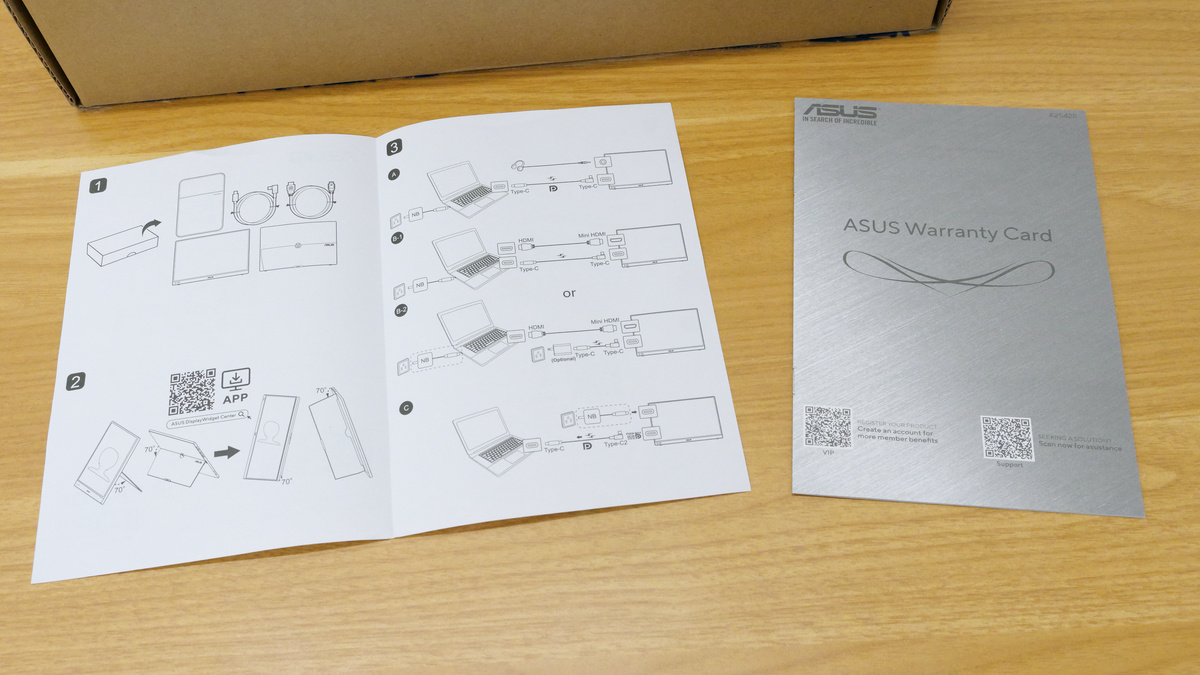
Two types of instruction manuals were included. They explain how to use the product with illustrations.
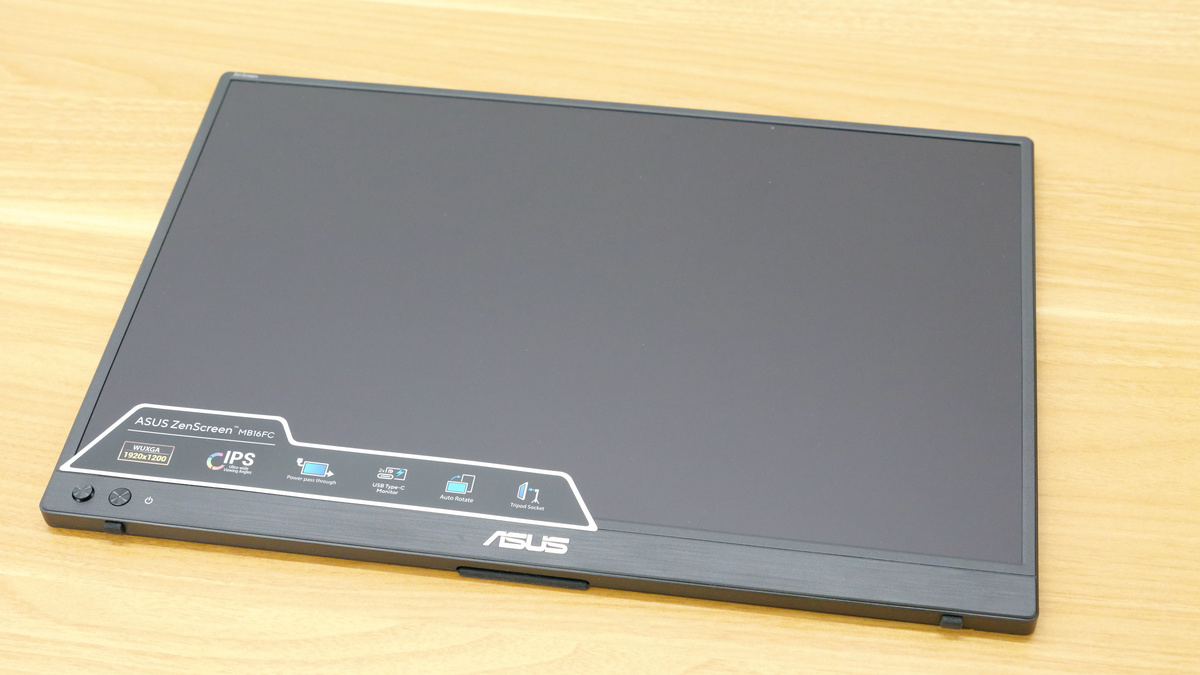
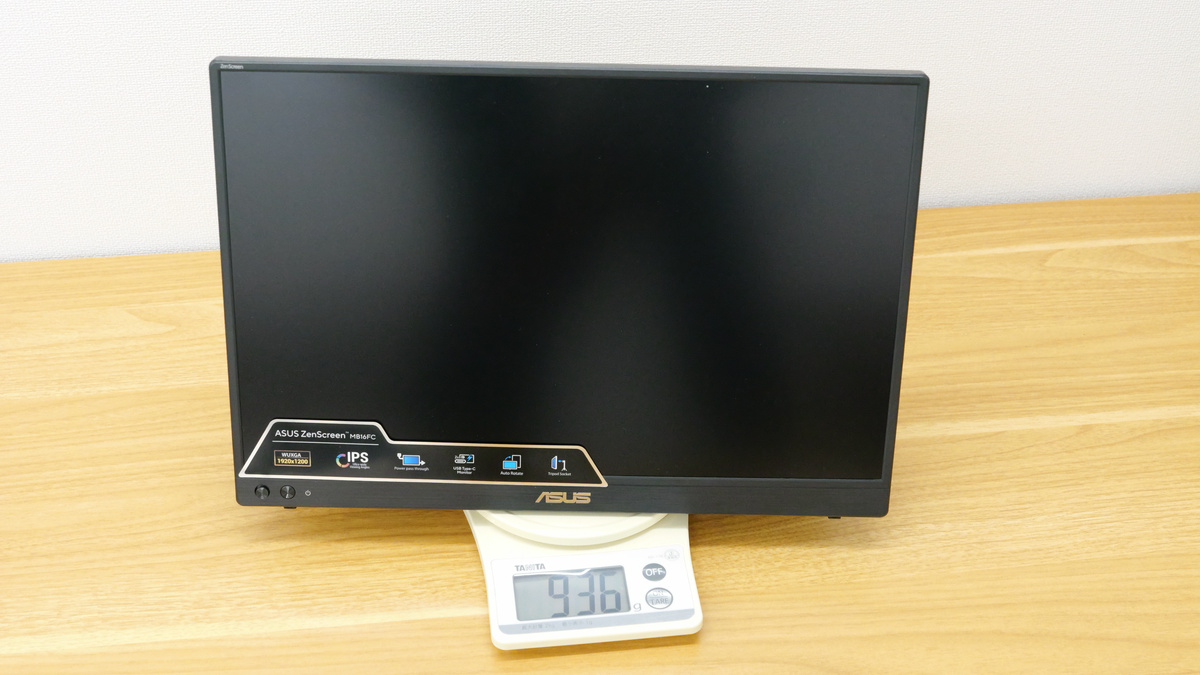
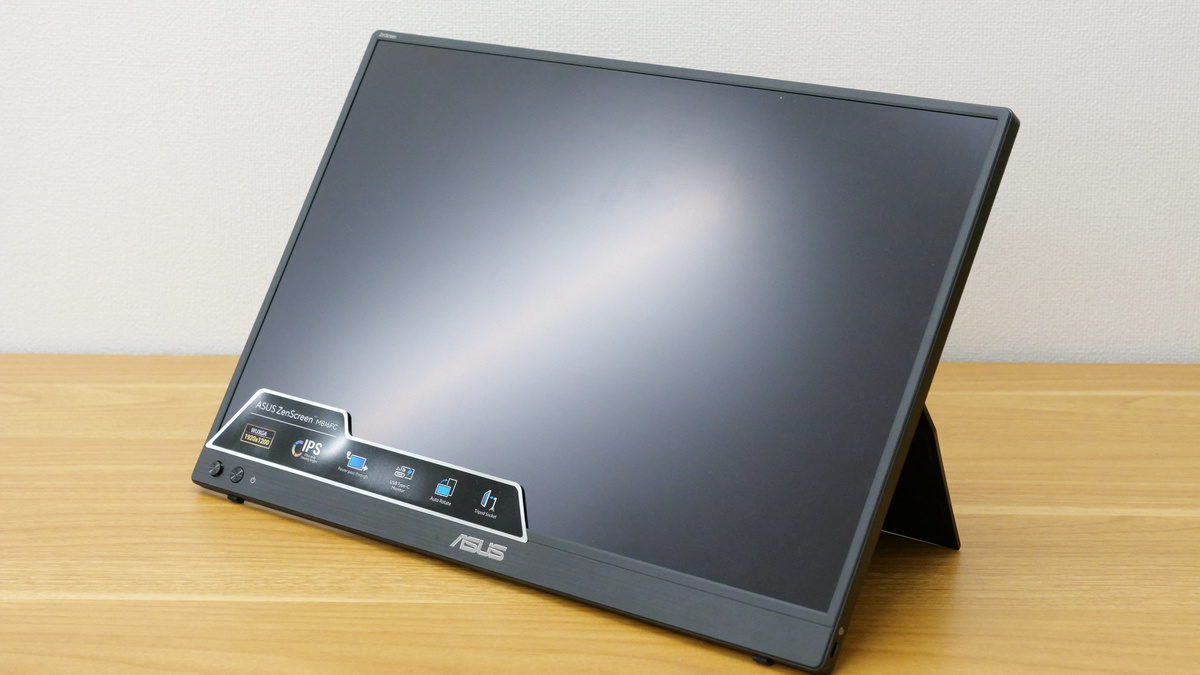
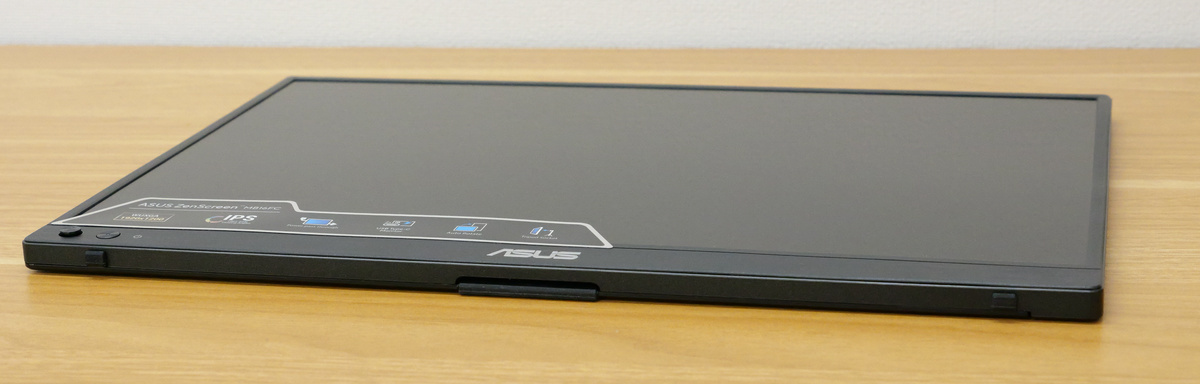
This is what the ZenScreen MB16FC unit looks like.
It weighs 936g according to my measurements, which is quite light for a 16-inch LCD monitor, and can be easily held with one hand.
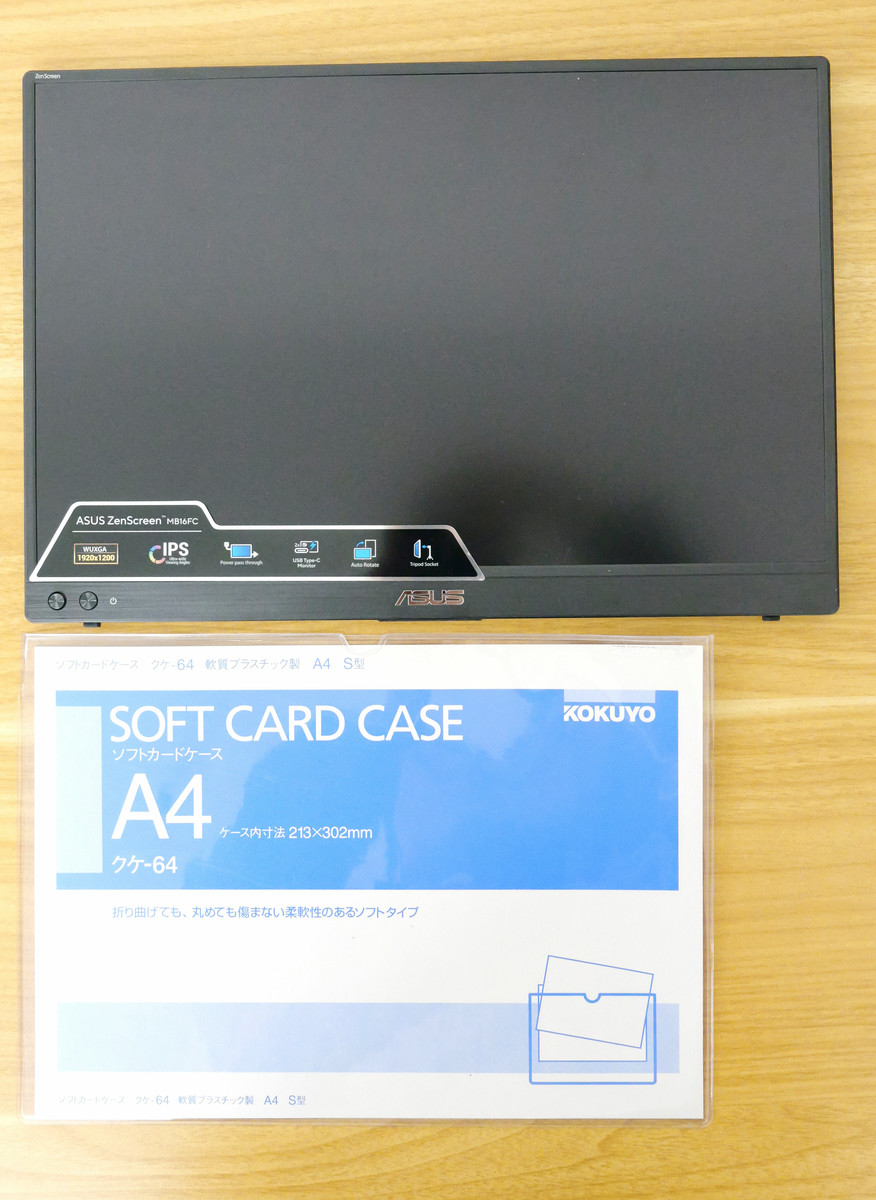
The dimensions are 35.8cm wide x 24.6cm deep x 1.1cm thick. Below is a size comparison with an A4-sized soft card case.
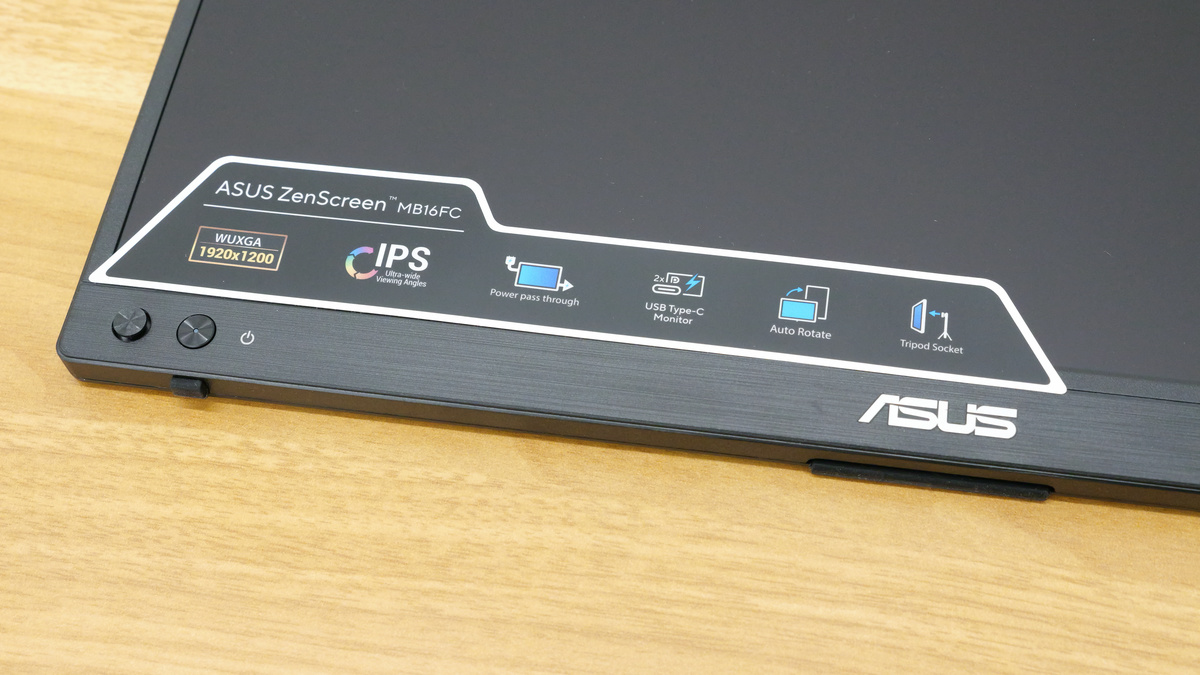
The display is an IPS LCD with WUXGA (1920 x 1200 pixels) resolution and features an anti-glare coating to prevent reflections. It supports power pass-through, allowing it to be powered by a laptop or to output power to a laptop.
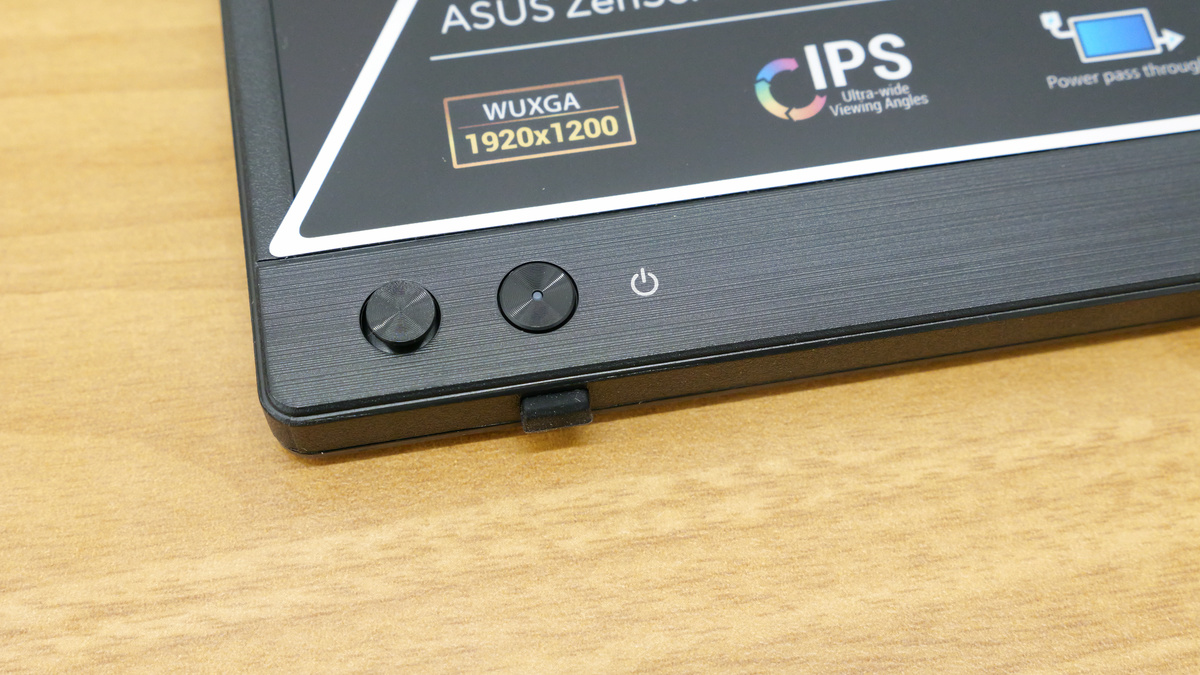
The selector switch and power button are located in the lower left corner of the screen.
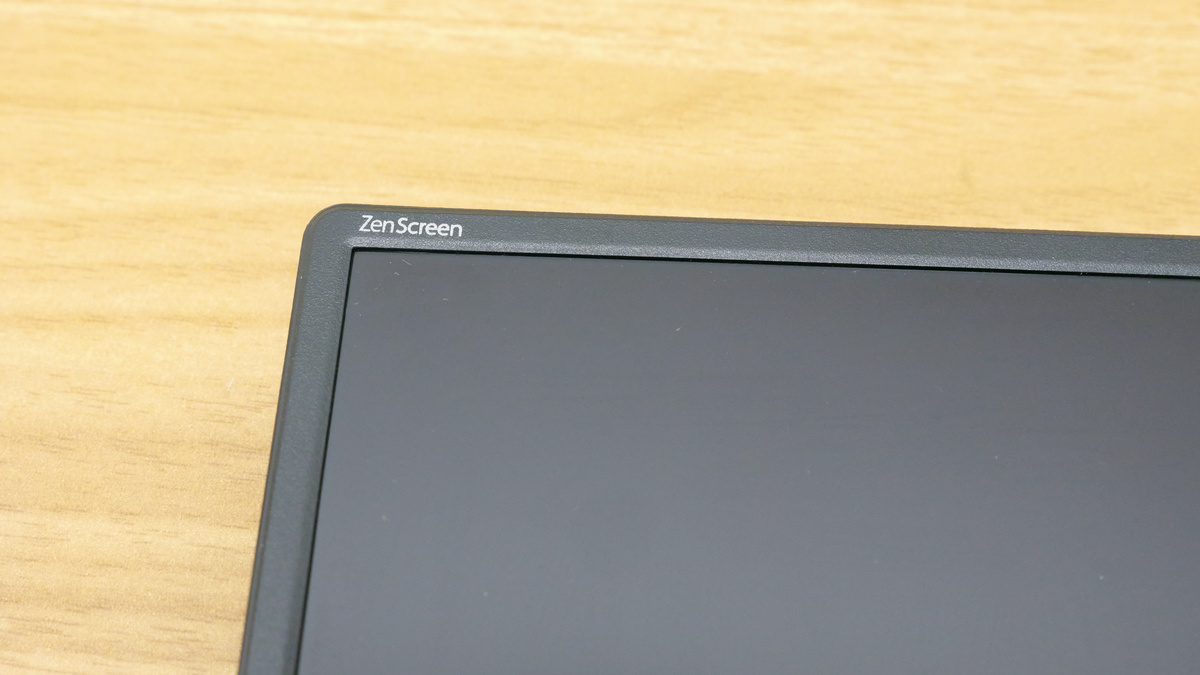
The words 'ZenScreen' were engraved in the upper left corner of the screen.
This is what the back looks like.
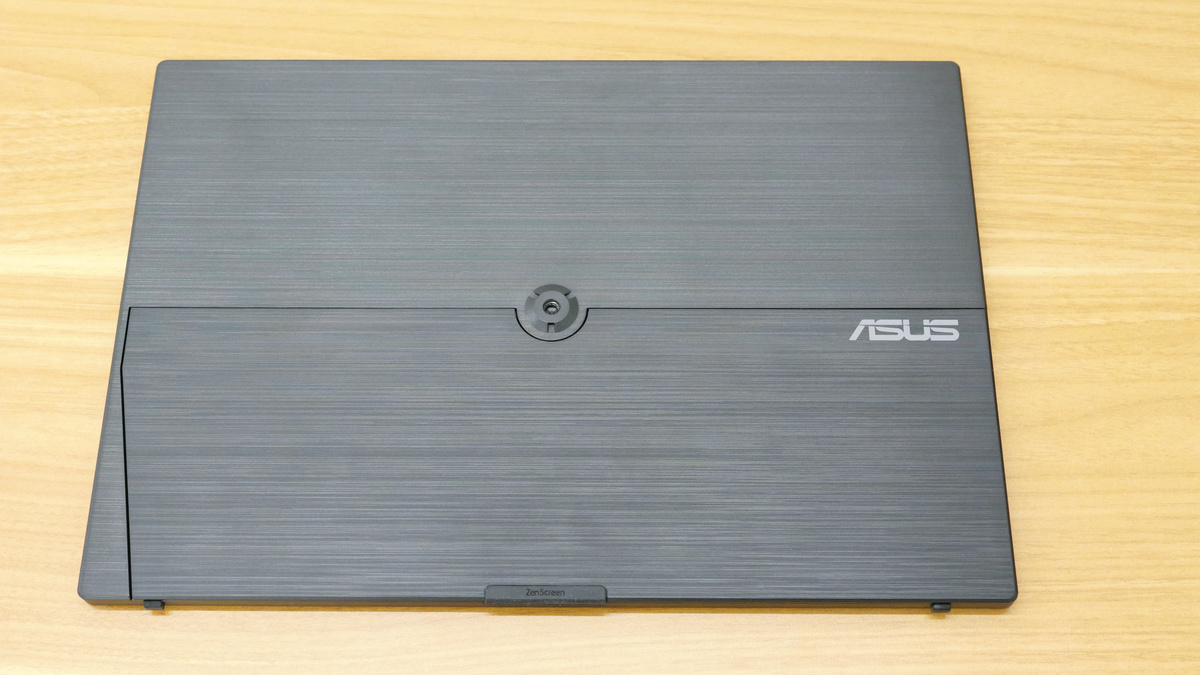
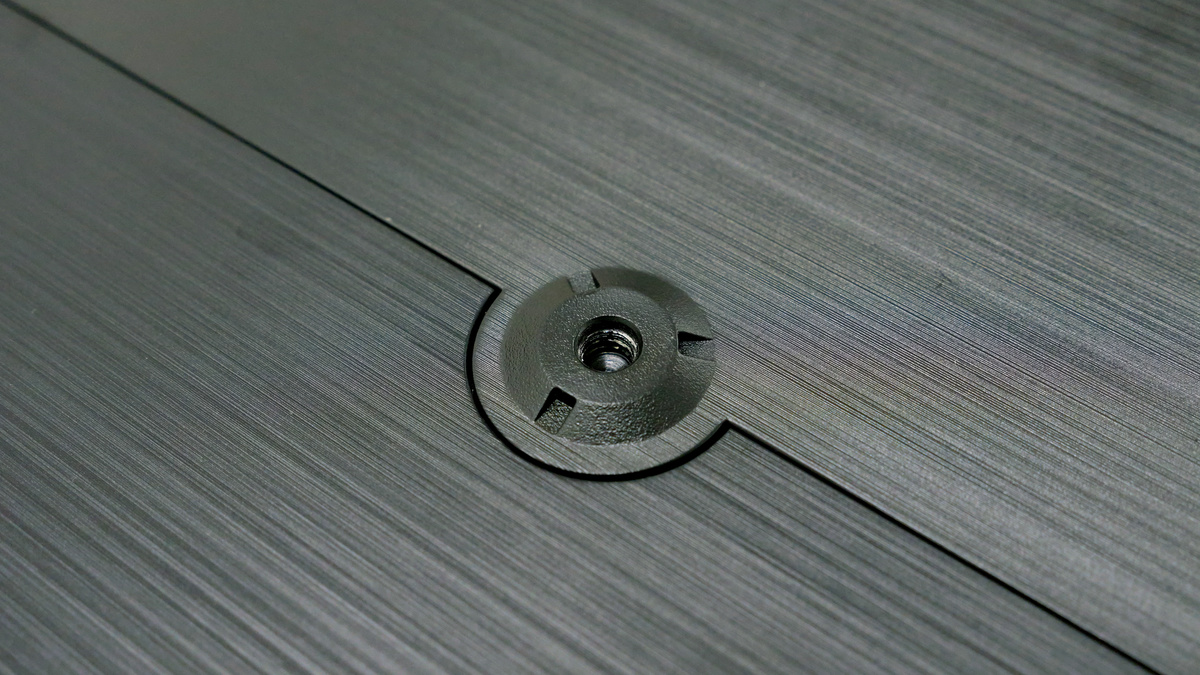
In the center is a 1/4-inch screw hole, the size commonly used for tripods.
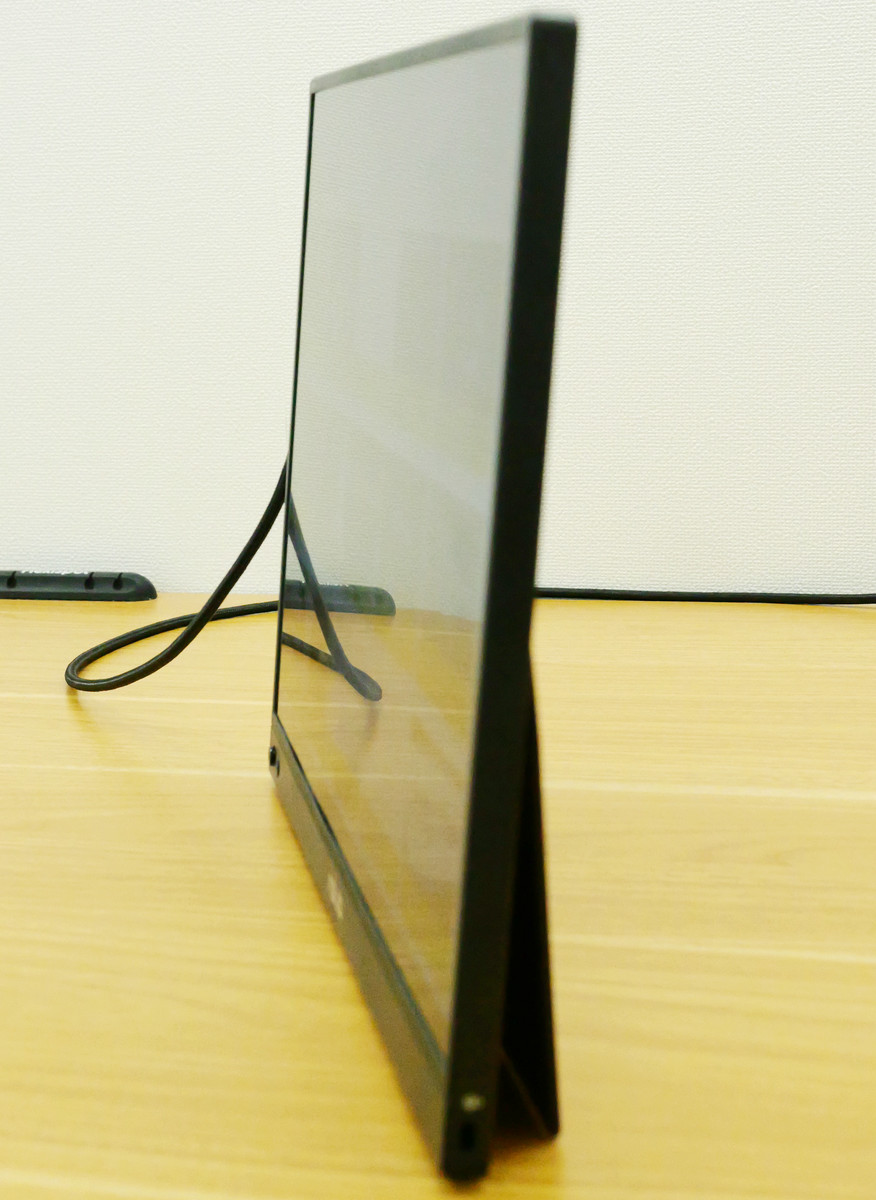
The lower half functions as a stand and opens to approximately 75 degrees.
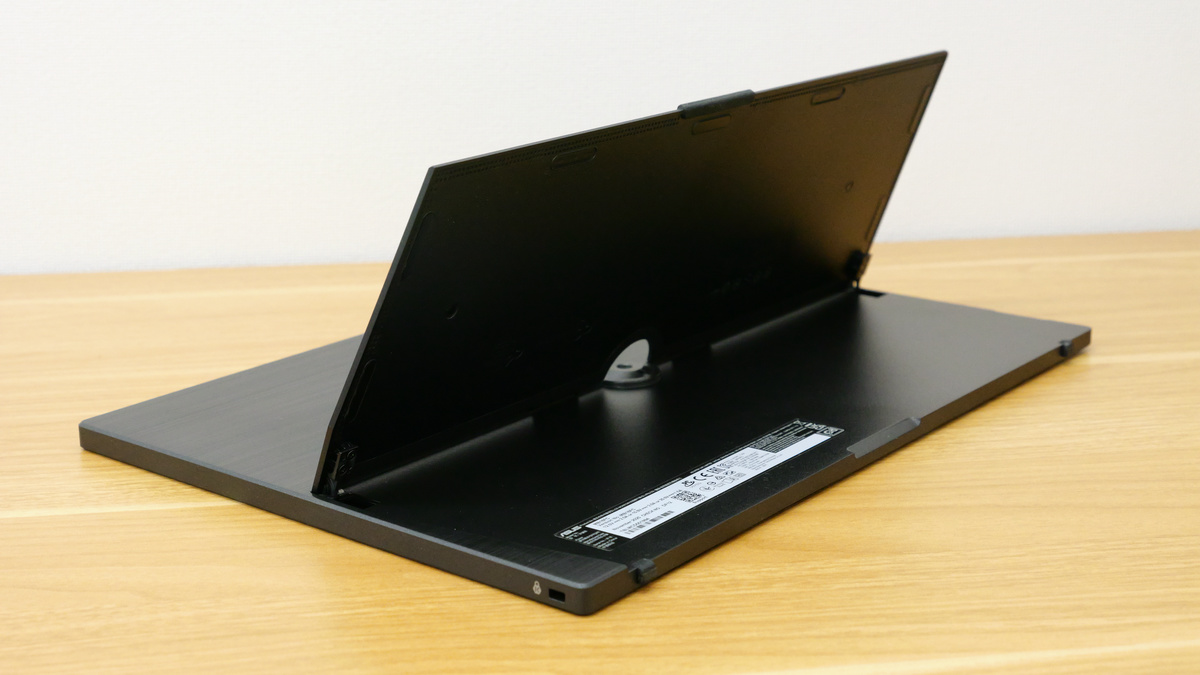
It can stand on its own like this.
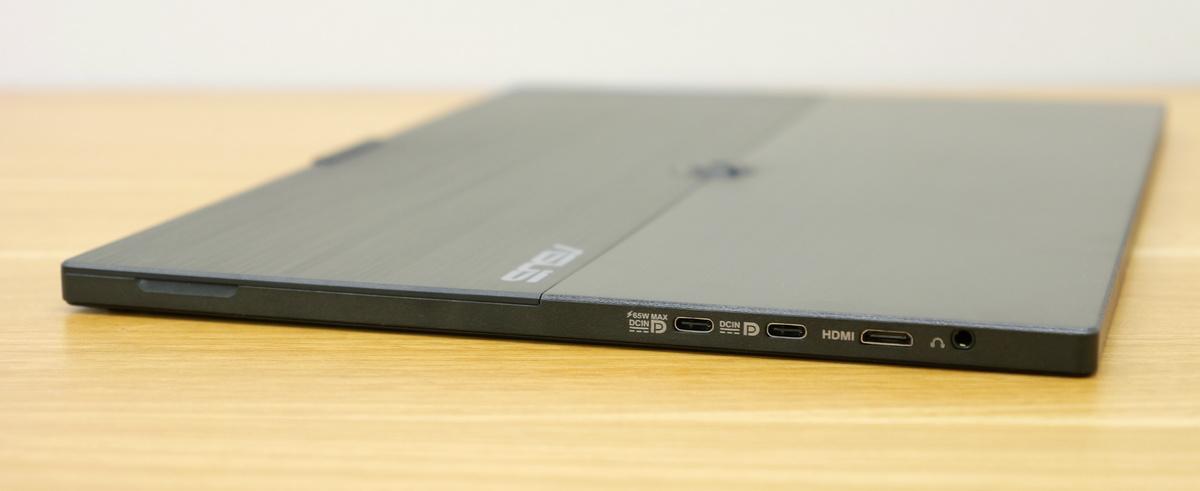
On the left side, there are two USB Type-C ports that support DisplayPort Alt Mode, one Mini HDMI input port, and one headphone jack.
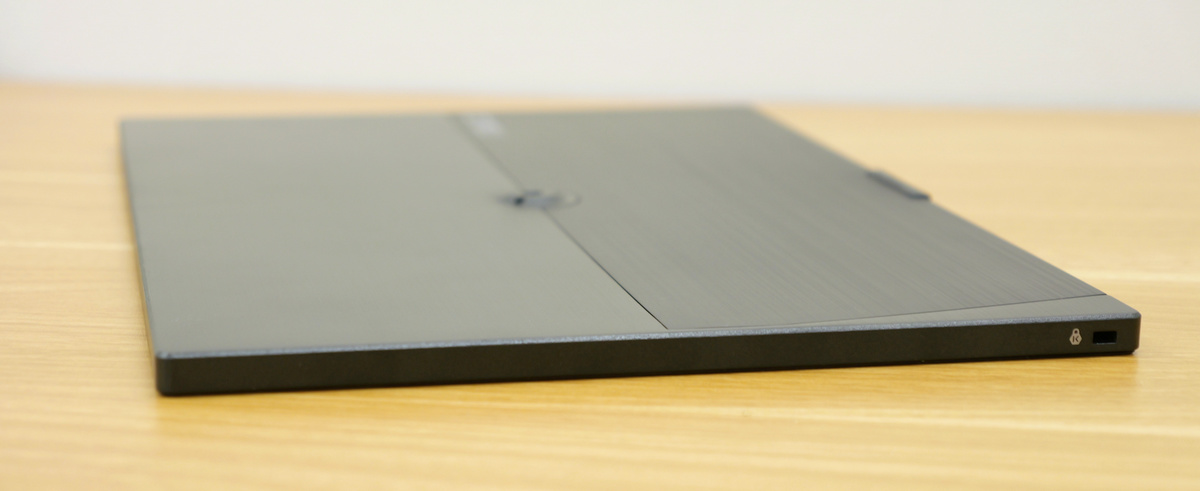
The right side only has a Kensington security slot.
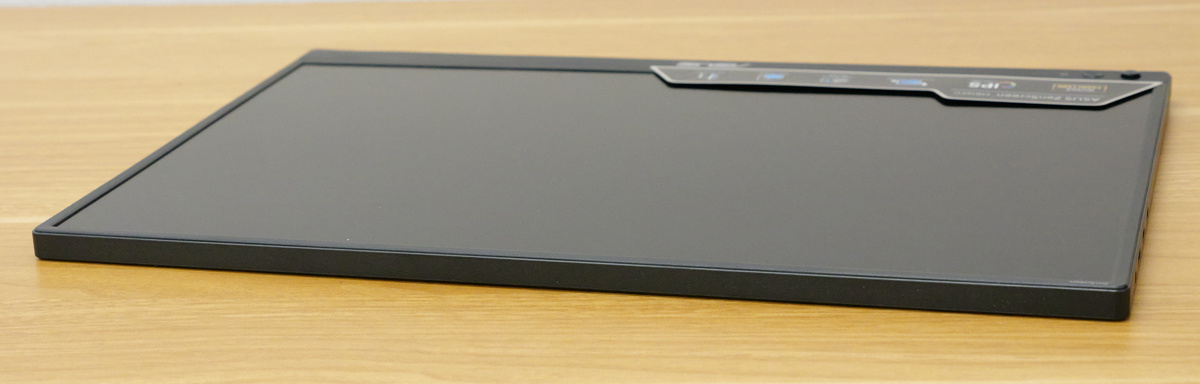
There is nothing on the top surface.
There are two rubber feet on the bottom.
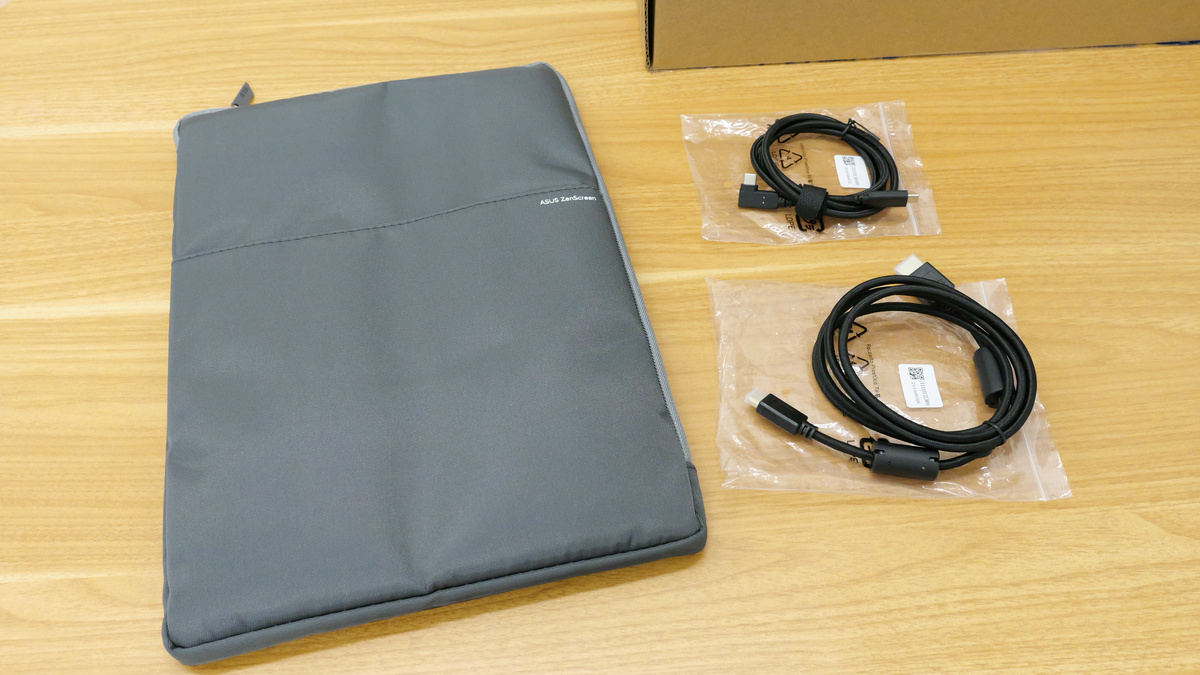
The package included a carrying case, a USB Type-C cable, and an HDMI-to-mini HDMI cable.
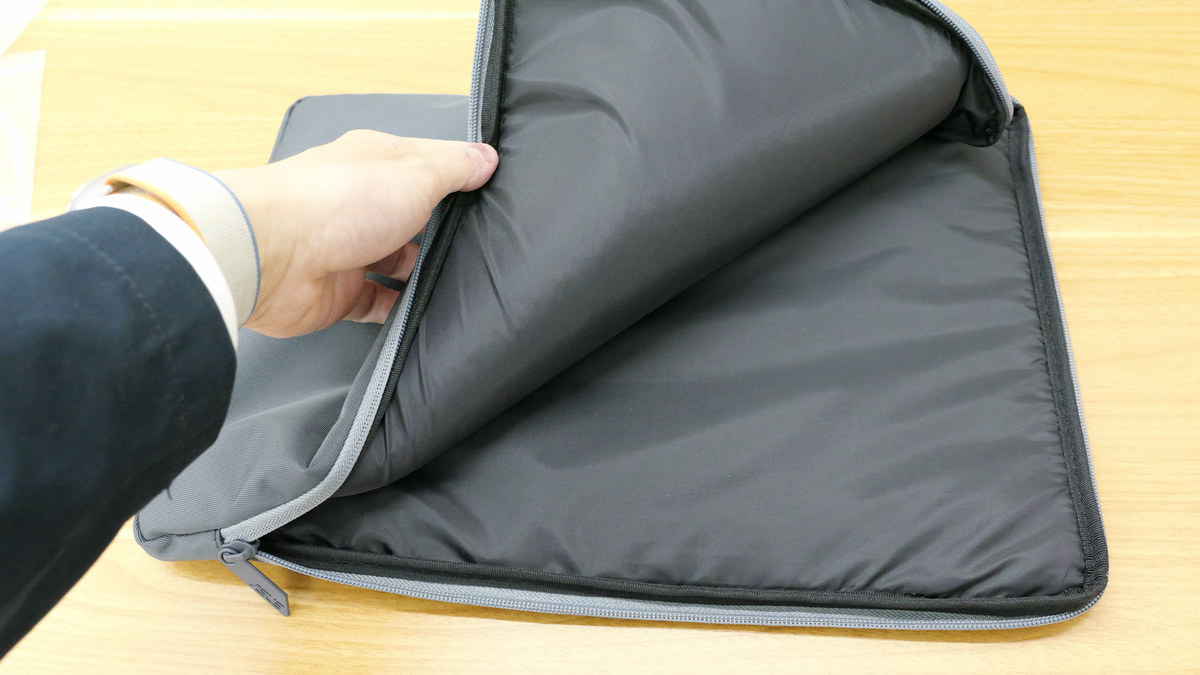
The case has built-in cushioning.
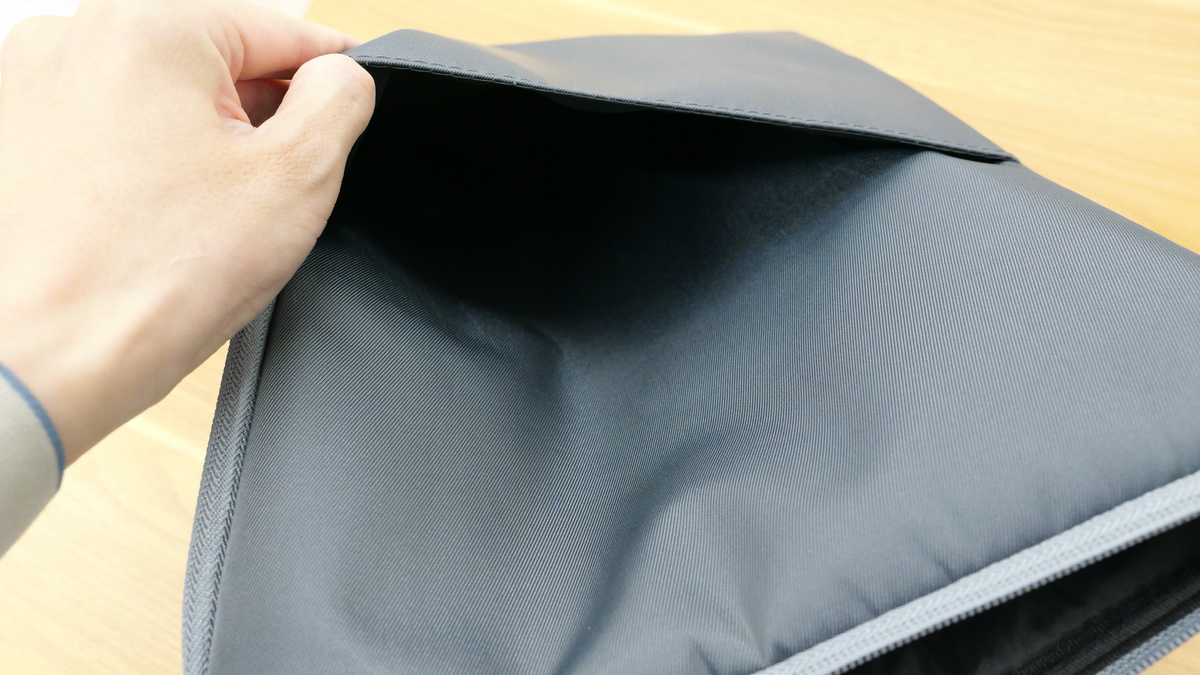
It also has a pocket for storing cables and other items.
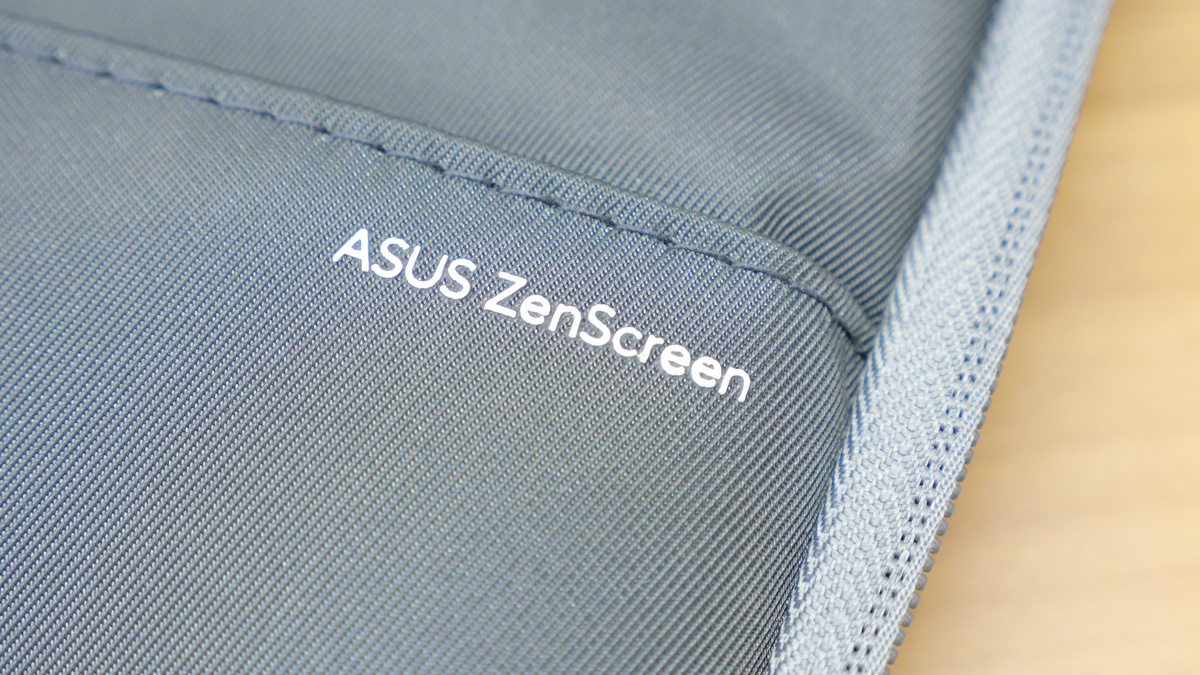
It had 'ASUS ZenScreen' printed on it.
I connected the ZenScreen MB16FC to a 16-inch laptop using a USB Type-C cable. Once connected and power supply begins, it automatically turns on.
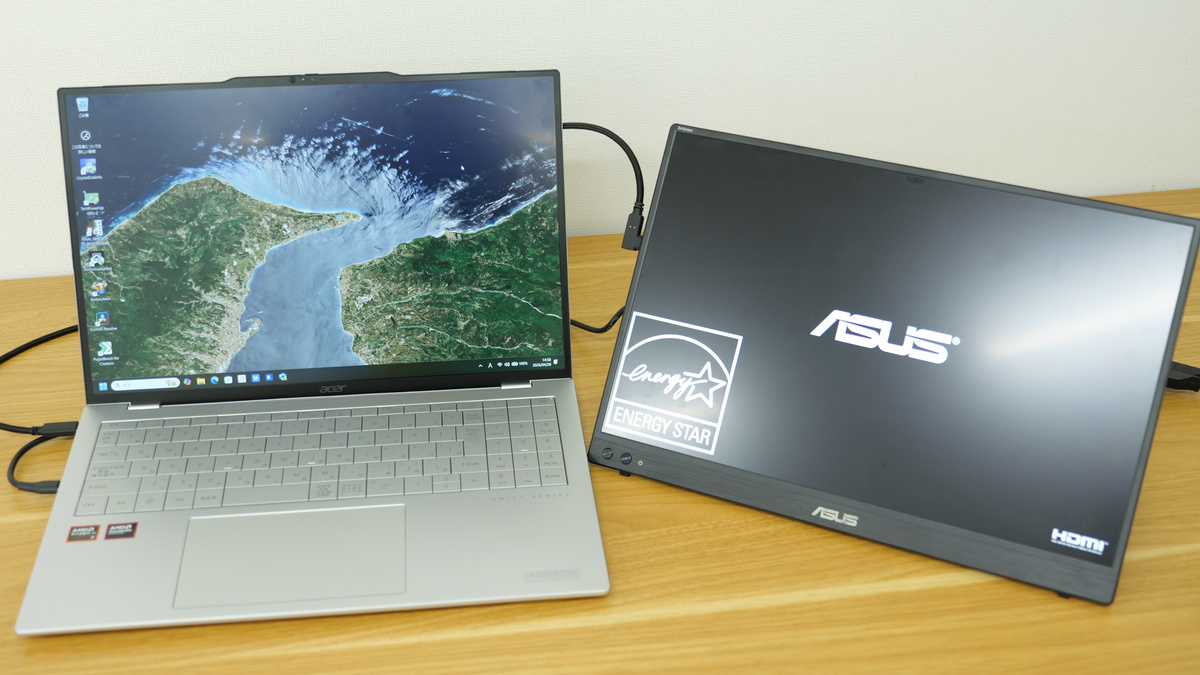
It takes about 5-6 seconds from startup until the screen displays. The ZenScreen MB16FC has a standard brightness of 300 cd/ m² , a contrast ratio of 1000:1, and a maximum refresh rate of 75Hz. The colors are beautiful, the brightness is sufficient, and the 16-inch size makes it quite easy to view.
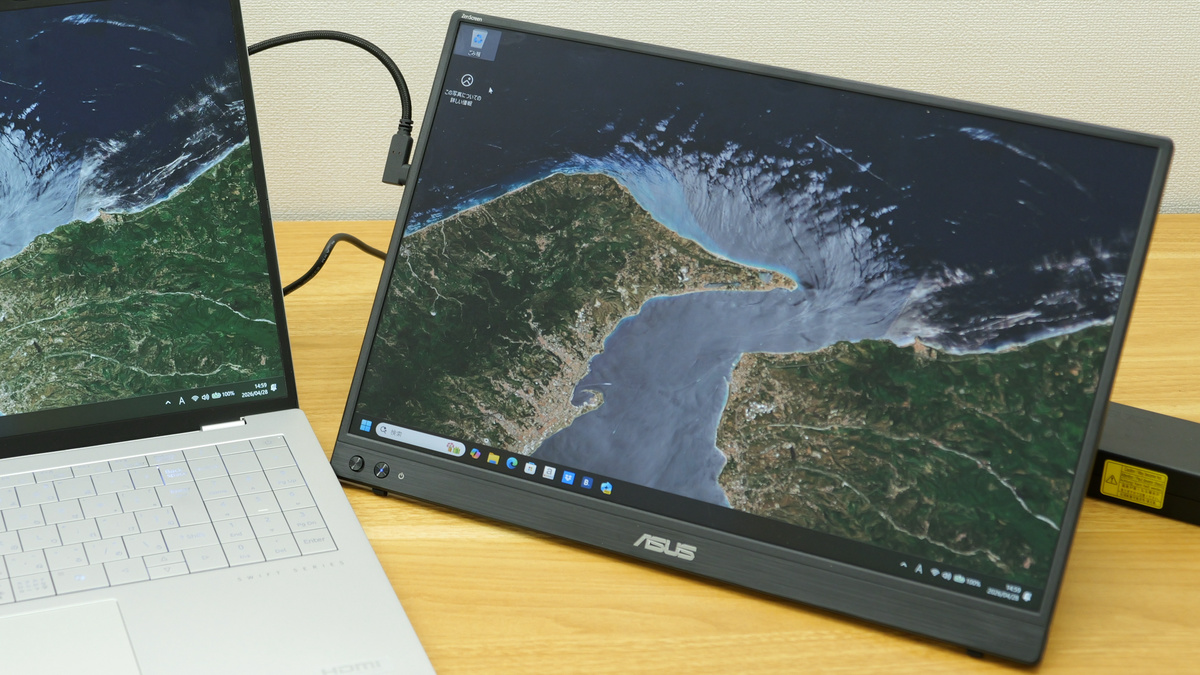
The nominal viewing angle is 178 degrees horizontally and vertically.
I tried attaching a camera tripod head to the screw hole on the back.
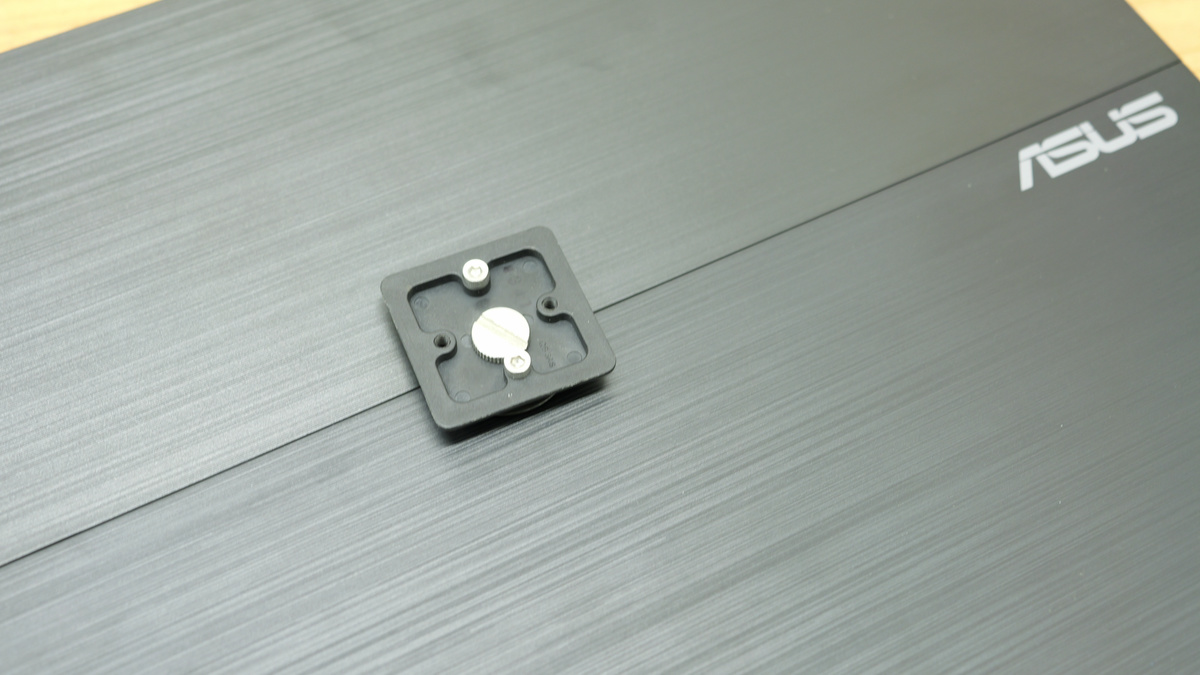
This is how I was able to attach it to the tabletop tripod.
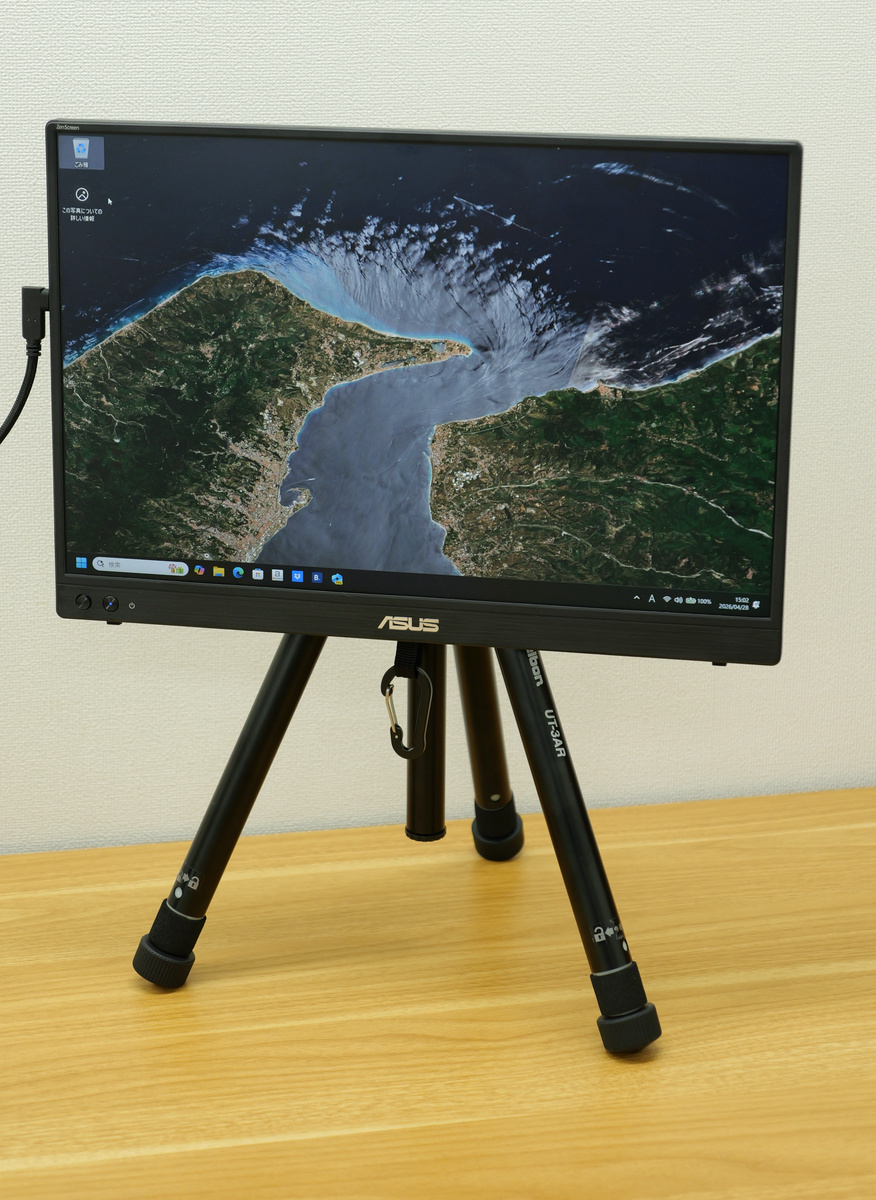
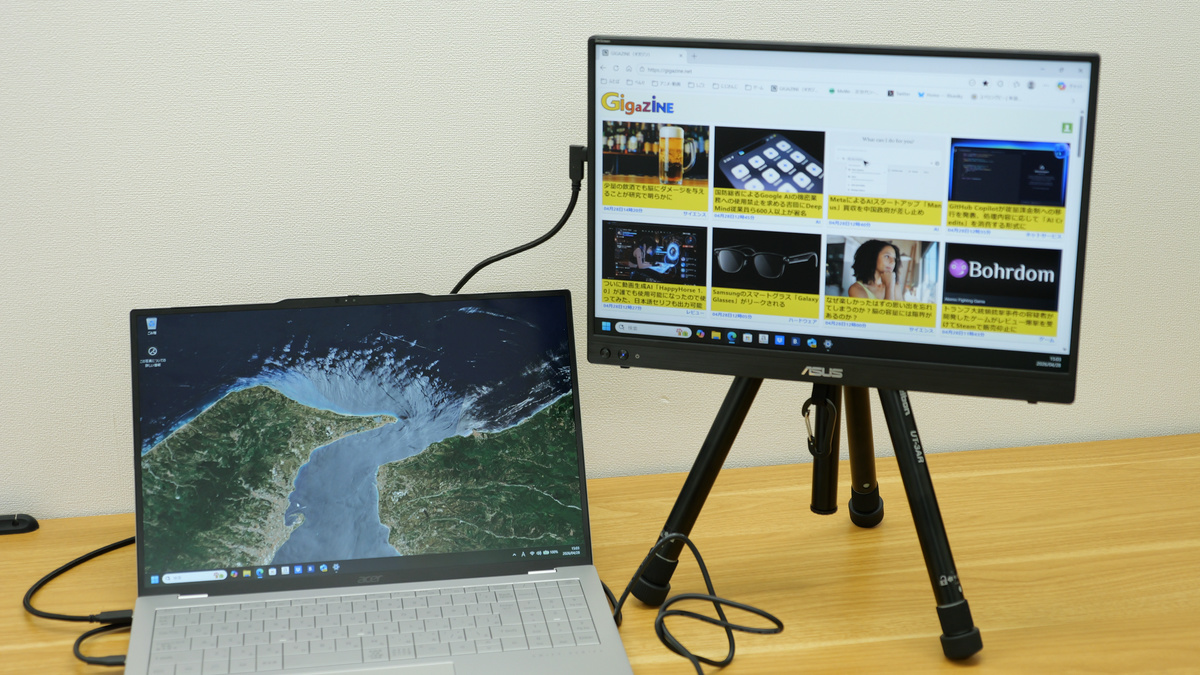
It's perfect as a secondary monitor to place next to your laptop.
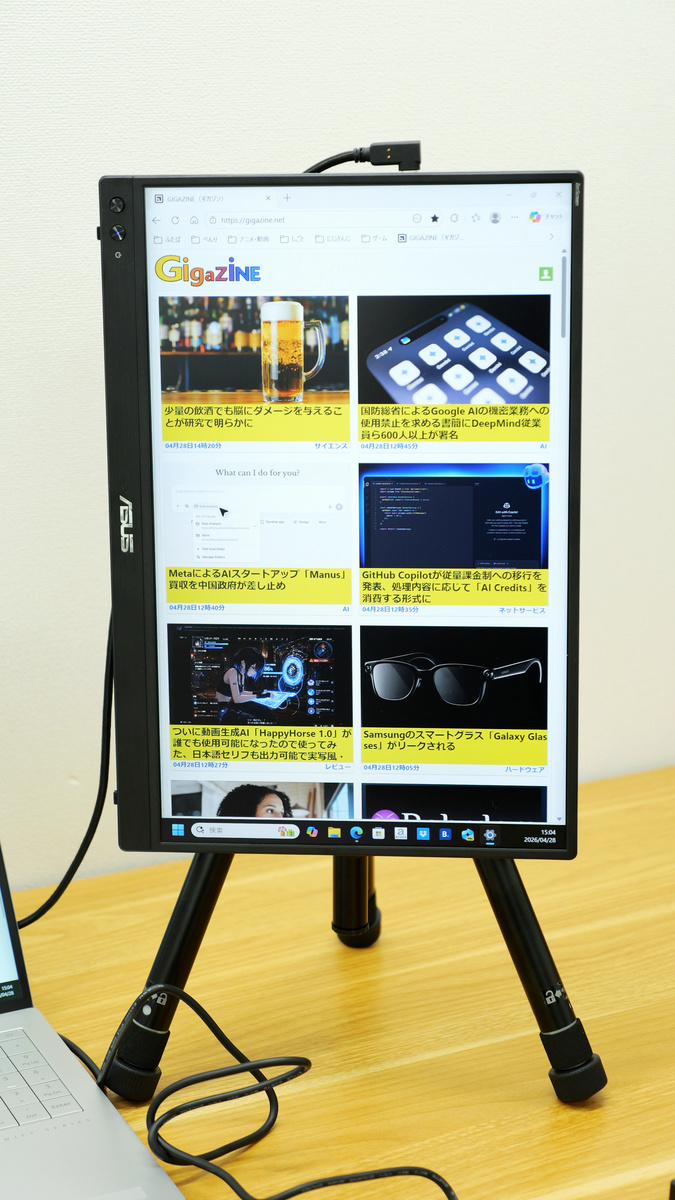
By mounting it on a tripod, you can easily switch the monitor to portrait mode. Furthermore, by installing ASUS's
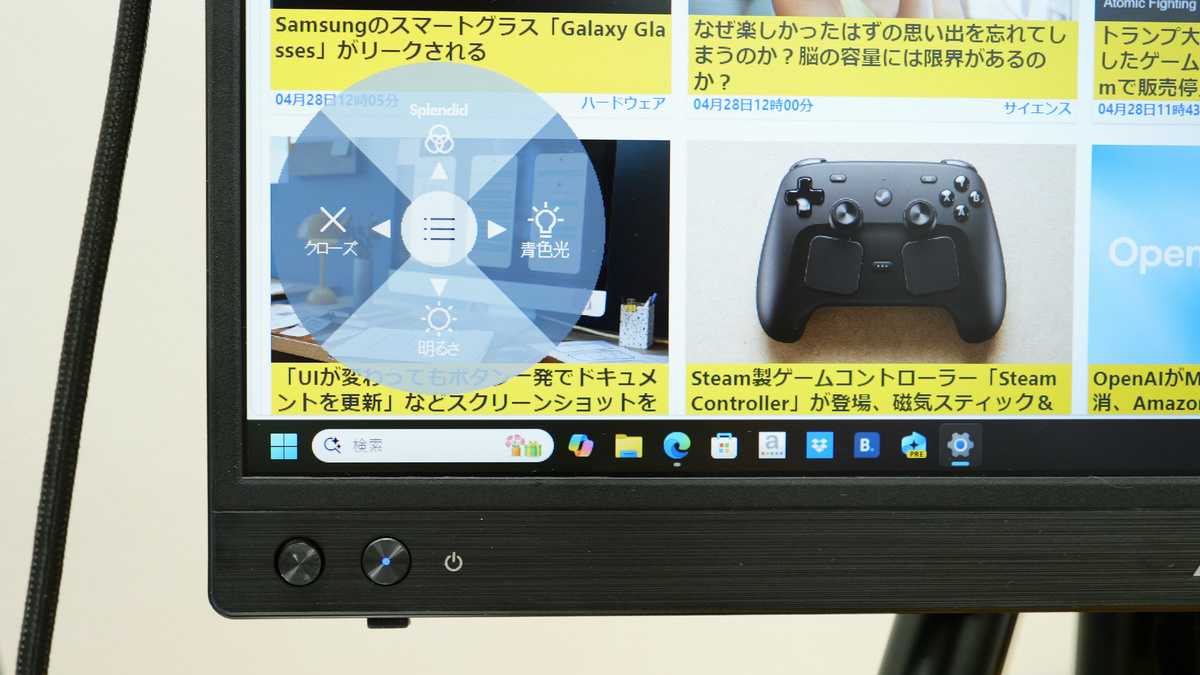
The menu that appears when you press the select switch looks like this. It has an ASUS blue light filter, and you can adjust the blue light reduction level in stages.
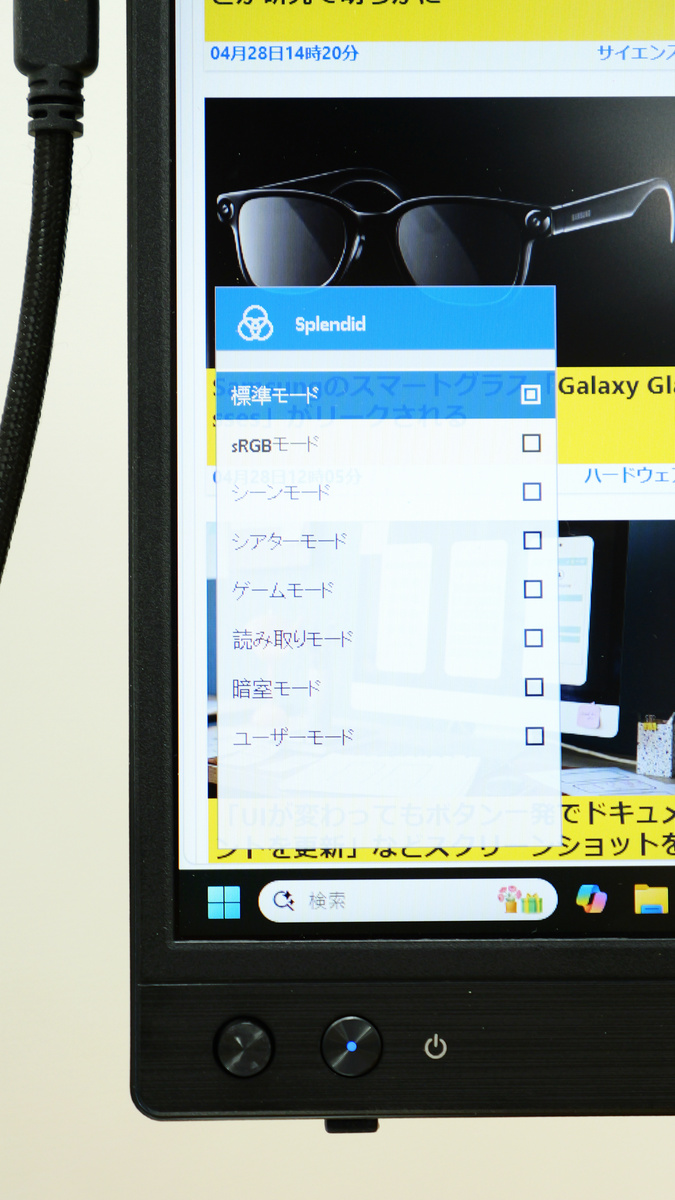
With 'Splendid,' you can select the screen profile that suits the situation, including Standard mode, sRGB mode, Scene mode, Theater mode, Game mode, Reading mode, Darkroom mode, and User mode.
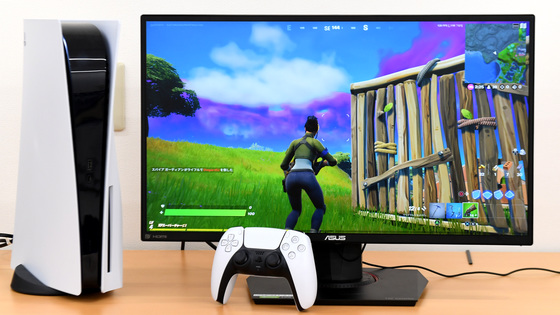
The ZenScreen MB16FC's biggest selling point is its extreme lightness and portability. Furthermore, it has a 1/4-inch screw hole for tripod mounting, eliminating the need to purchase a dedicated monitor stand. It can also be used as a secondary monitor while being powered via a USB Type-C cable, and it has a mini-HDMI port, allowing connection not only to laptops but also to AV equipment and game consoles. At the time of writing, the actual selling price of the ZenScreen MB16FC was around 25,000 yen.
Related Posts: