Studio Code, an AI coding CLI tool specifically for WordPress, is now available for free in beta.
WordPress.com has released a beta version of Studio Code , an agent-based coding tool for WordPress. The development team explains that instead of polishing it into a finished product before release, they want to let users try it out at an early stage and incorporate their feedback to shape the next stage of development.
Studio Code: An Agentic Coding Tool for WordPress (Now in Beta)
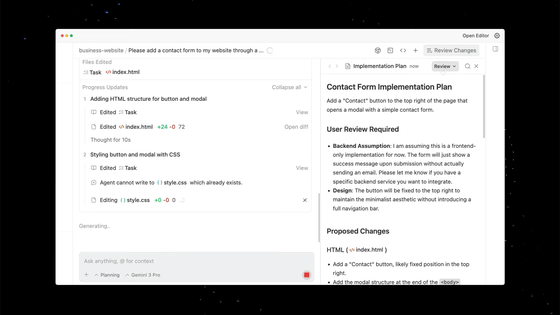
Studio Code is a CLI tool that lets you call on a 'WordPress expert' right in your terminal. It can read codebases, edit files, run commands, and launch local sites, all while staying deeply rooted in WordPress best practices. It offers an experience similar to general-purpose coding agents like Claude Code and Cursor CLI, but specifically tailored for WordPress, and leverages technology from Claude Code.
General-purpose coding agents typically lack the necessary features for working with WordPress sites, such as launching a local environment, executing WP-CLI commands, validating block markup against an actual editor, and viewing screenshots of the results. In contrast, Studio Code understands block themes, is proficient in WP-CLI, and works in a feedback loop of execution, output verification, and correction, just like a developer. Users describe what they want to create in natural language, and Studio Code builds it.
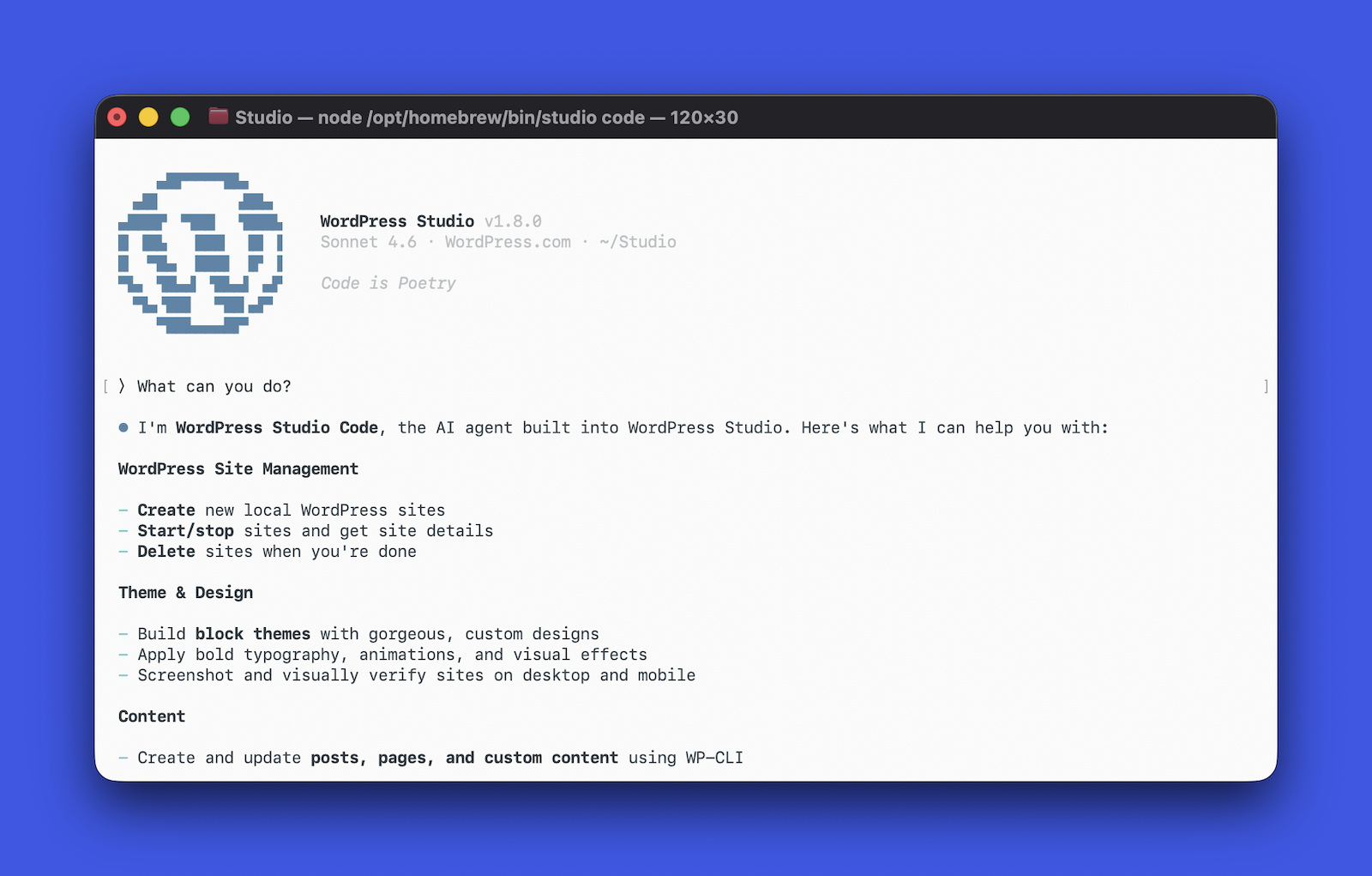
For example, by providing a site concept and a reference URL, you can build a block theme that includes layout, typography, color palette, and page content. Studio Code selects fonts, writes CSS, creates pages, allows you to check the visual output with screenshots, and fixes any broken parts.
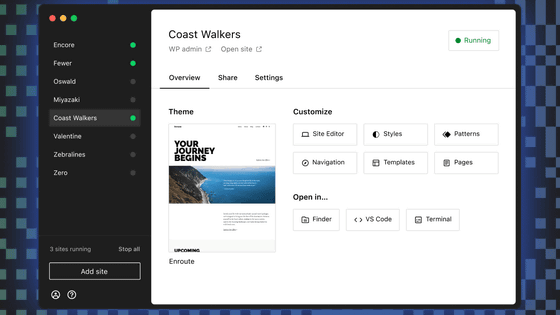
Studio Code also includes local environment management features, allowing you to create, start, and stop sites, install plugins, activate themes, configure options, and create posts and menus using natural language. While it uses WP-CLI internally, users do not need to directly enter WP-CLI commands.
Furthermore, Studio Code also supports the creation and validation of block content. In WordPress, block markup may be rejected by the editor if it is structurally incorrect, but Studio Code passes each generated block through the save() function in an actual browser before insertion, and validates it against the behavior of the actual block editor.
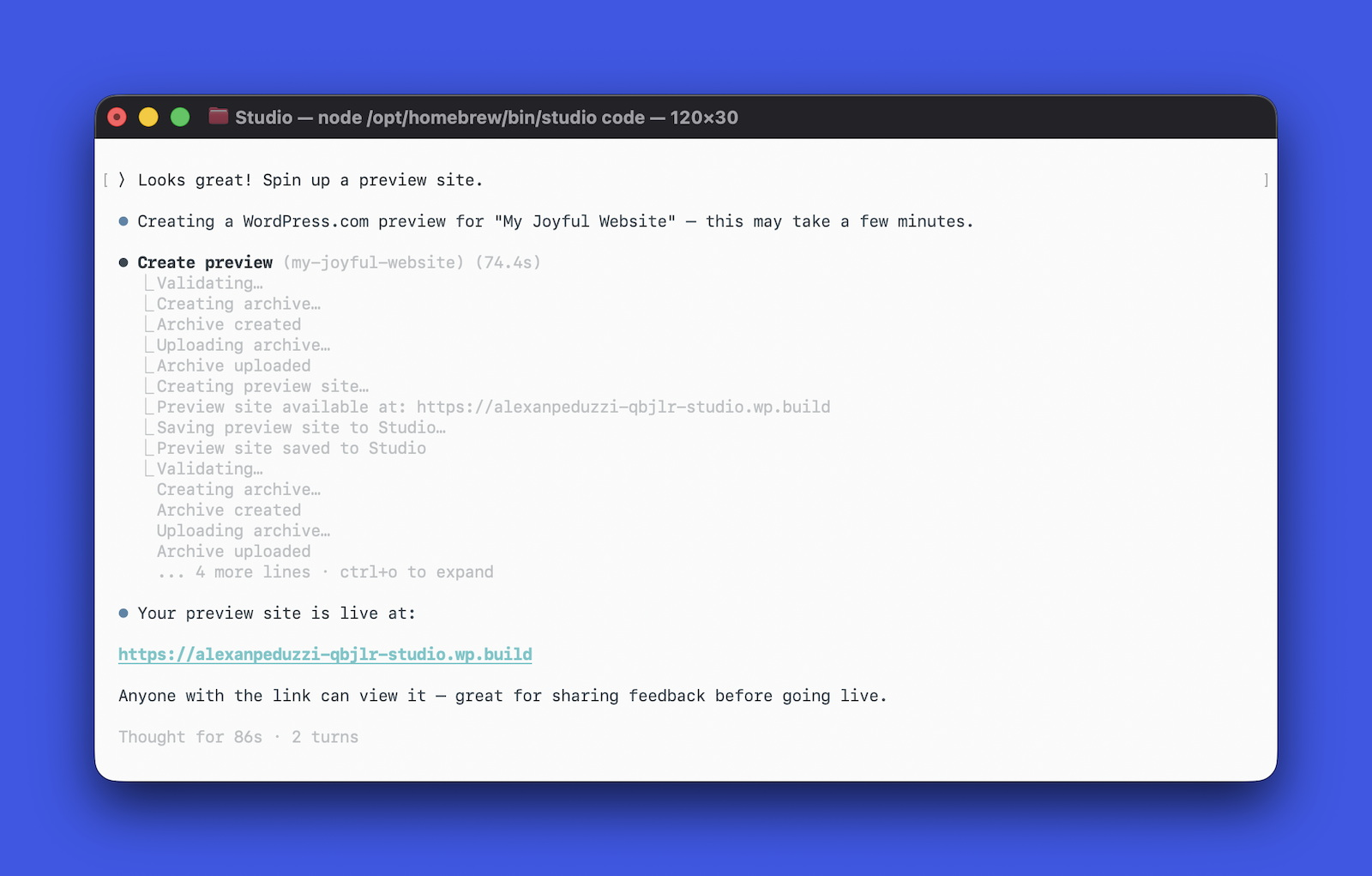
Furthermore, you can use the '/need-for-speed' skill to perform a performance audit of your local site and receive specific suggestions for speed improvements. Once you're satisfied with your locally built site, you can generate a link to your hosted preview site on WordPress.com and perform push and pull operations between your site and WordPress.com. WordPress.com states that it offers fully managed hosting, built-in security, and 24/7 expert support.
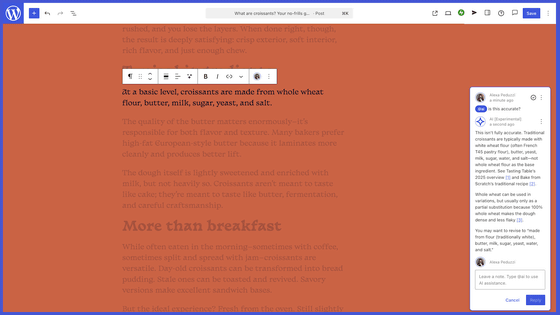
For existing sites, a category organization function is also available, allowing you to use natural language to instruct the system to merge duplicate categories, delete unused categories, create missing categories, and reclassify posts. Studio Code exports the content and uses AI to organize the structure, so users do not need to manually change category settings one by one.
WordPress.com explains that 'the core experience of Studio Code is already working and is being used to streamline site building, idea prototyping, and scaffolding.' However, they also state that there are still areas that need further development, such as improving design capabilities, handling complex layouts, and extending what can be done on existing sites.
Studio Code is currently available as a free beta version at the time of writing. You can try it out by installing the Studio CLI from the desktop app or terminal and then typing 'studio code'. However, this policy may change in the future, and they would like to seek user feedback before finalizing their official policy.
Related Posts:




in AI, Software, Web Service, Posted by log1i_yk