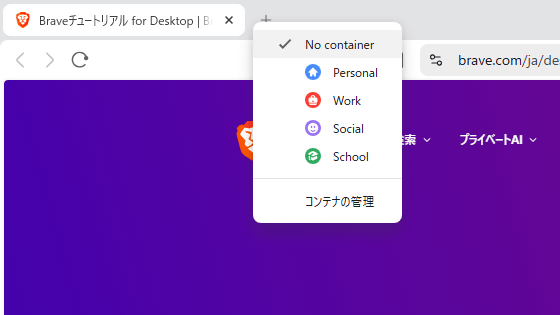
The Brave web browser is testing Firefox-like container functionality.
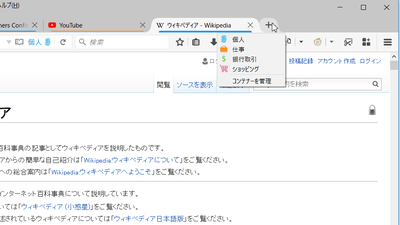
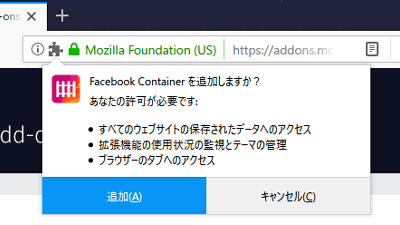
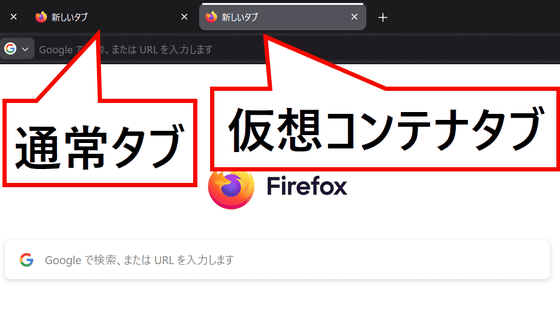
Firefox allows you to use different accounts for web services on each tab by installing the official extension '
Apply a container to a tab group - Brave Feature Requests / Desktop Requests - Brave Community
https://community.brave.app/t/apply-a-container-to-a-tab-group/651374
Brave has added native Containers support in its Nightly build, bringing Firefox-style tab isolation to a Chromium-based browser for the first time.
— Pirat_Nation 🔴 (@Pirat_Nation) April 27, 2026
This feature lets you create fully separate spaces inside the same window, where each container runs with its own cookies, local… pic.twitter.com/2MGFveekA6
According to X user @Pirat_Nation, this is the first time container support has been added to a Chromium-based browser.
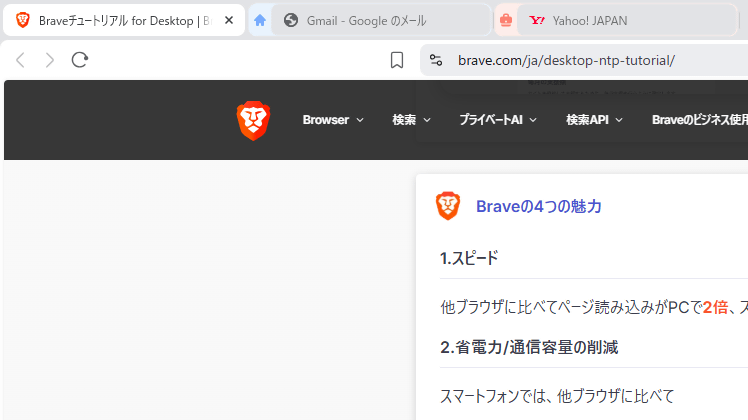
Using the container feature, sessions, cookies, and storage are handled separately for each container within the same browser. This means you can, for example, use your personal Gmail account and your work Gmail account without logging out.
Review of 'Firefox Multi-Account Containers,' a Firefox add-on that allows you to manage multiple tabs with different purposes all in one place - GIGAZINE
As for the advantages of adopting containers, @Pirat_Nation cites that cross-site tracking between tabs is prevented because trackers and cookies within a particular container do not track activity in other containers.
It remains unclear whether this feature will be included in the final version.
When I actually installed the Nightly build, I found that, unlike Firefox, the container functionality was enabled by default, and four containers were provided: 'Personal,' 'Work,' 'Social,' and 'School.'
Related Posts:




in Software, Posted by logc_nt