A new feature called 'Custom Timeline' has been added to the X home screen, allowing users to pin their favorite topics.
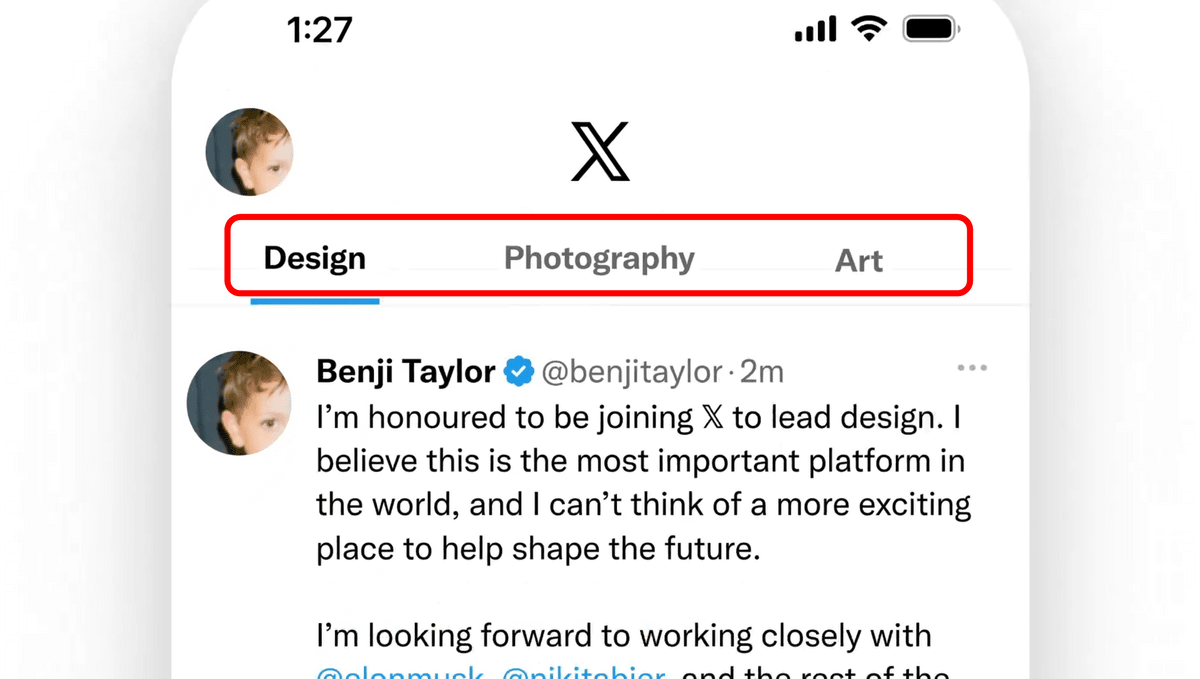
Nikita Bier, Product Head at X (formerly Twitter), announced the introduction of 'Custom Timelines,' a feature that allows X Premium users to create timelines on their preferred topics.
Ladies and gentlemen, today we're launching one of our biggest changes to 𝕏
pic.twitter.com/9jkIEXvubj — Nikita Bier (@nikitabier) April 21, 2026
Introducing Timelines
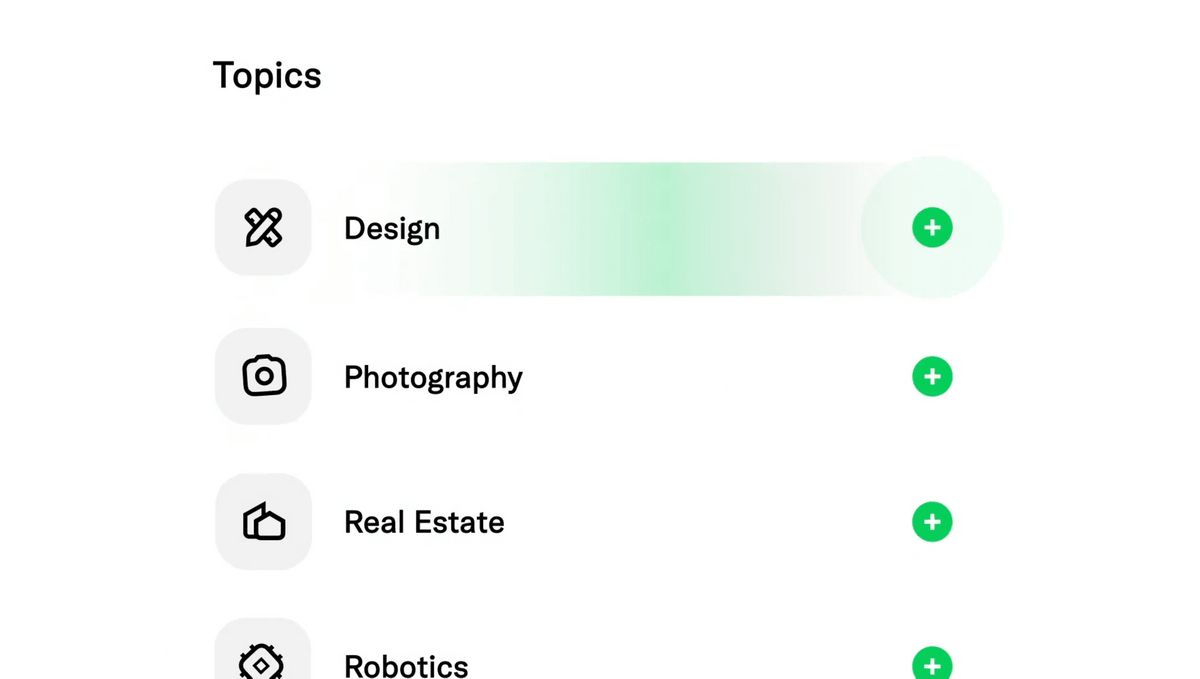
This feature allows you to pin a specific topic to your home tab. With support for over 75 topics, you can dive deep into your favorite niche on X.
It's powered by Grok's…
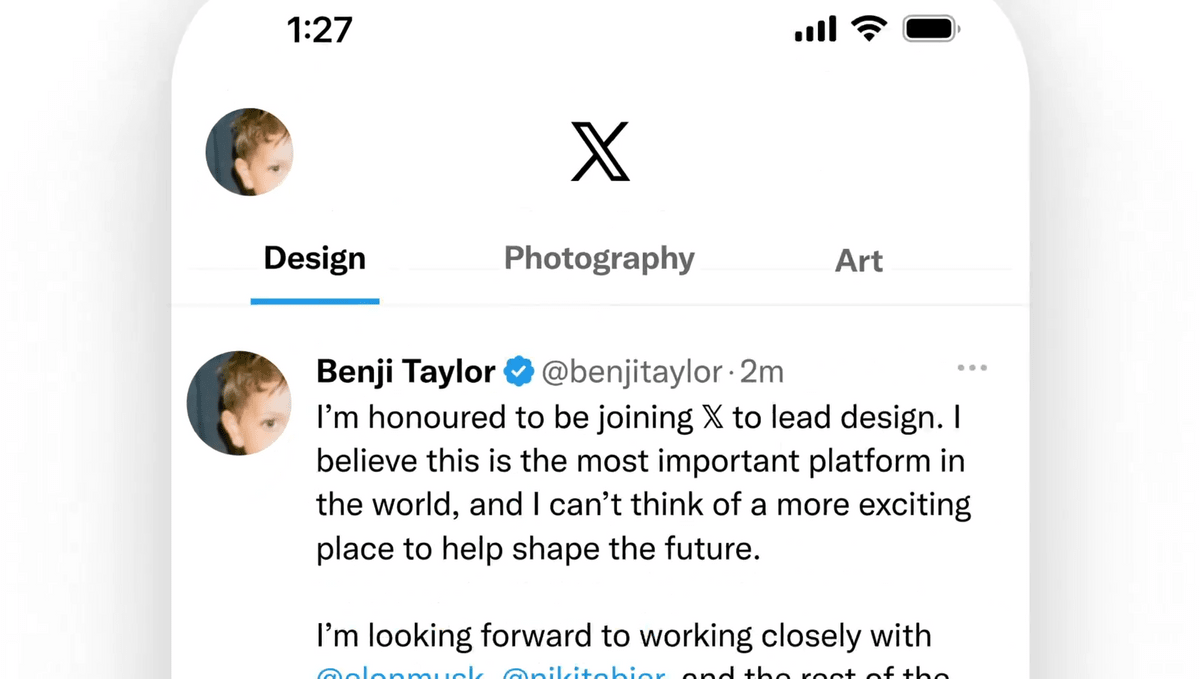
The X home screen has two tabs by default: 'Recommended' and 'Following.' Using custom timelines, you can pin timelines next to them that consist of specific topics such as 'Design,' 'Photos,' and 'Art.'
There are apparently over 75 topics to choose from.
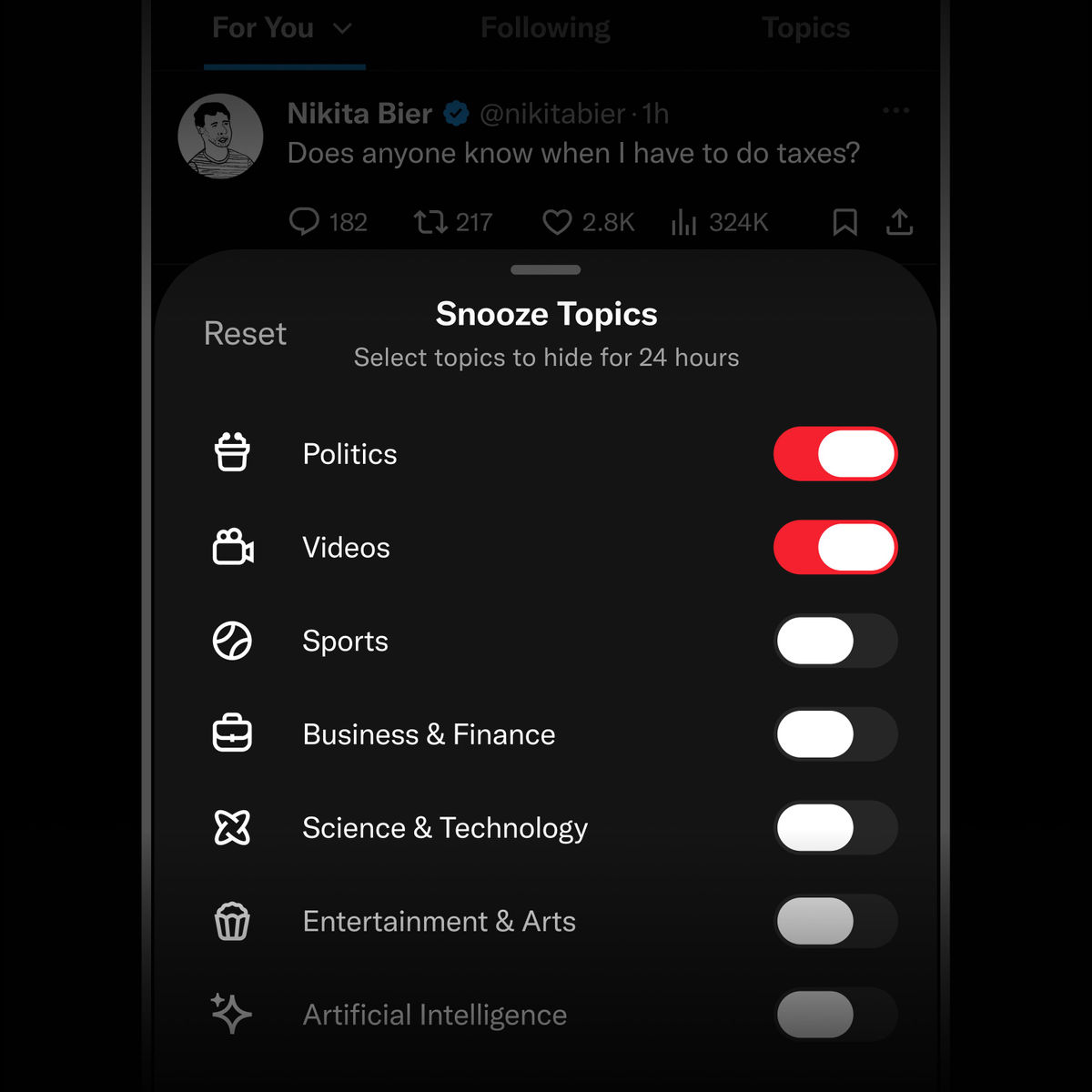
Additionally, it is now possible to set a rule to prevent specific topics from being displayed in the 'Recommended' tab for a certain period of time.
Today we're also rolling out a tool to snooze topics on your For You tab—if you ever want to crank up or turn down the slop.
https://t.co/fXIHmwhKO4 pic.twitter.com/xESabDu295 — Nikita Bier (@nikitabier) April 22, 2026
Rolling out now on iOS and Web for Premium subscribers.
It's intended for use when you're tired of a particular topic, and 'snoozing' a specific topic will prevent it from appearing in your 'recommended' timeline for 24 hours.
Both features are only available to X Premium subscribers. The custom timeline feature is only available on the iOS version, while the snooze feature is available on both the iOS and web versions. An Android version is coming soon.
Related Posts:




in Web Service, Posted by log1d_ts