Android officially releases AI development skills, enabling you to build Android apps up to 3 times faster using AI agents.
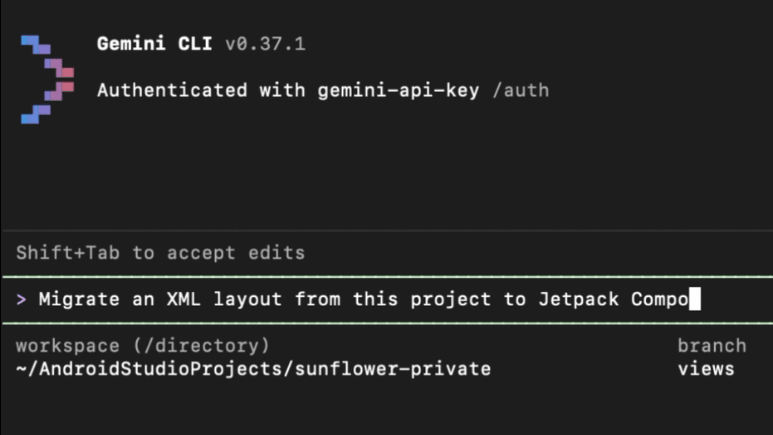
Google has released AI skills and development tools to dramatically speed up Android app development using AI.
Android Developers Blog: Android CLI: Build Android apps 3x faster using any agent
Build Android apps using any AI agent with Android CLI and skills - YouTube
Traditional documentation is descriptive and often uses abstract language. While this is ideal for learning, AI needs more practical and specific steps to function smoothly.
Therefore, Google compiled the documentation necessary for Android app development into an ' Agent Skills ' format and released it as a skill. Skills describe the steps that an AI takes to perform a specific task, and the AI can read prompts and refer to the skill's content as needed.
The skill description looks something like this: it includes a name, description, license, and keywords, followed by specific steps.
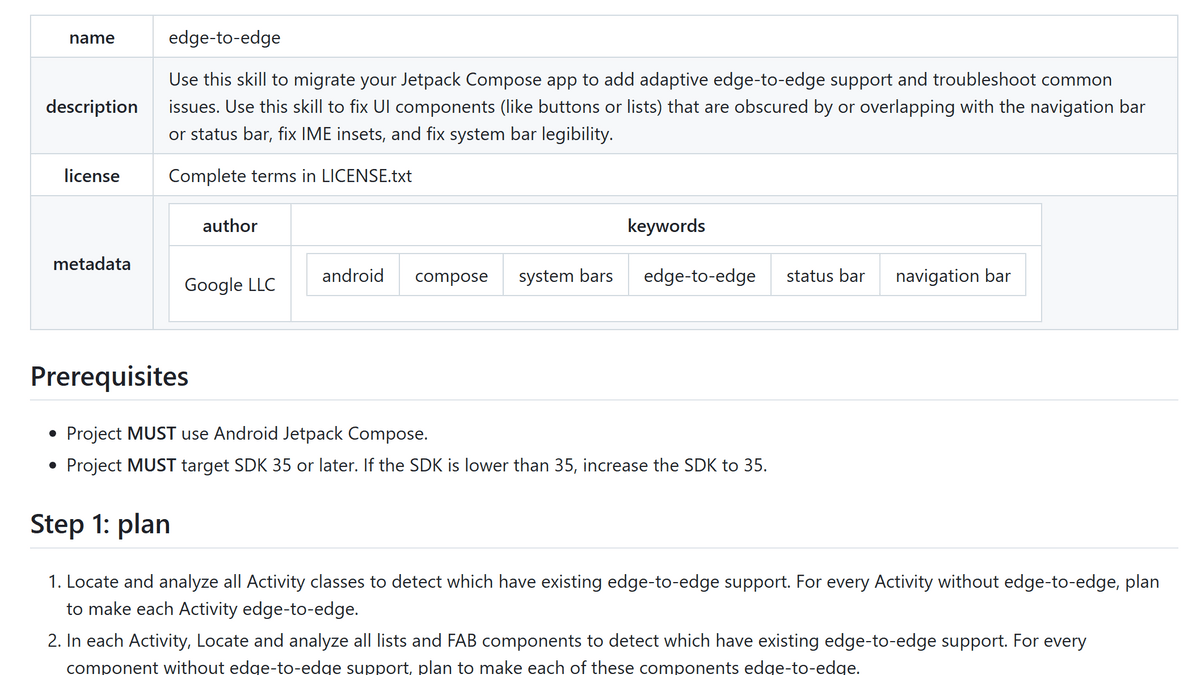
The AI automatically retrieves the necessary information from the skill, eliminating the need to manually enter documents into prompts. More new official Android skills are planned for the future, and it will be usable in conjunction with custom skills and third-party skills created by the developer community.
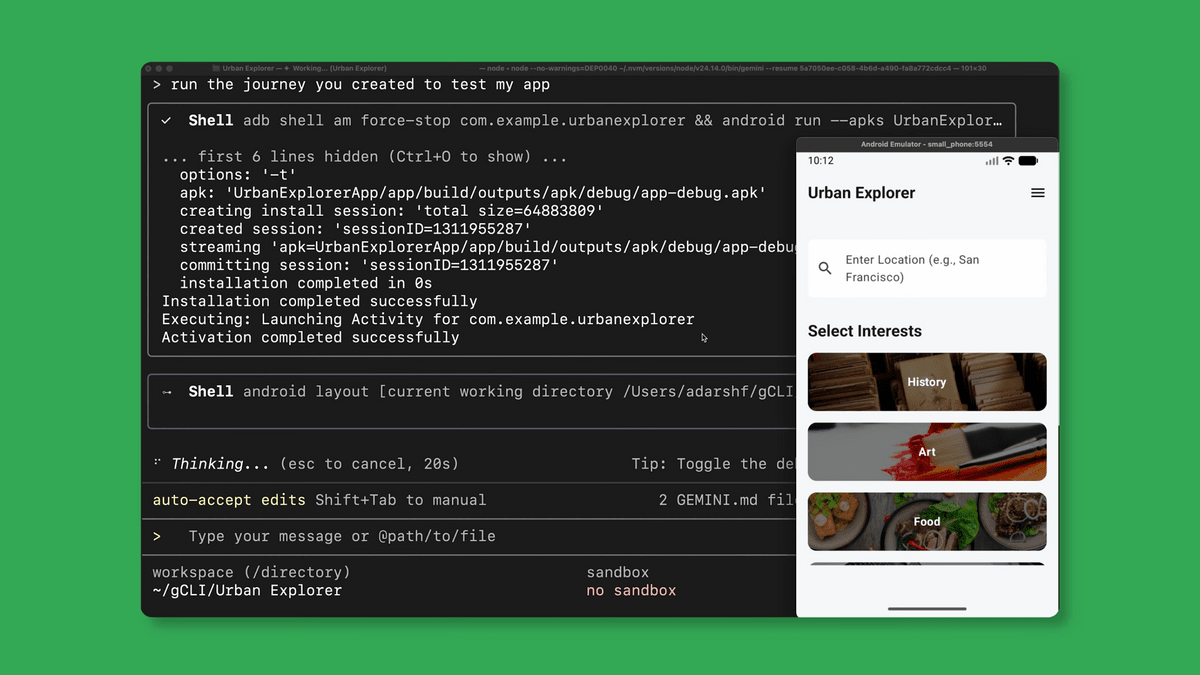
Google simultaneously released a preview version of the 'Android CLI.' The Android CLI is a command-line interface that can be used in the terminal to perform operations such as environment setup, project creation, and device management. For example, the 'create' command can create an Android app project in seconds.
By using the Android CLI, AI can smoothly perform essential tasks in Android development, such as creating virtual devices, running apps, and manipulating the UI. Google's internal experiments showed that leveraging the Android CLI and new skills reduced AI token usage in project and environment setup by 70%, and the time required for tasks was reduced to one-third compared to using only standard tools.
Furthermore, Google has also unveiled the 'Android Knowledge Base' to keep AI agents up-to-date. While the data used to train AI will eventually become outdated, the constantly updated Android Knowledge Base ensures that AI agents can perform their tasks based on the latest information.
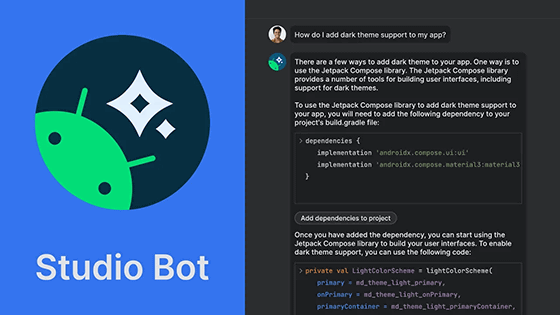
After using the Android CLI to have an AI agent create a prototype, there is a smooth transition to Android Studio for advanced debugging and adjustments by humans. New AI-powered project flows have also been introduced to Android Studio, and it was stated that AI assistance will continue to be available.
Related Posts: