Review of OpenWork, a free and open-source alternative to Claude Cowork.
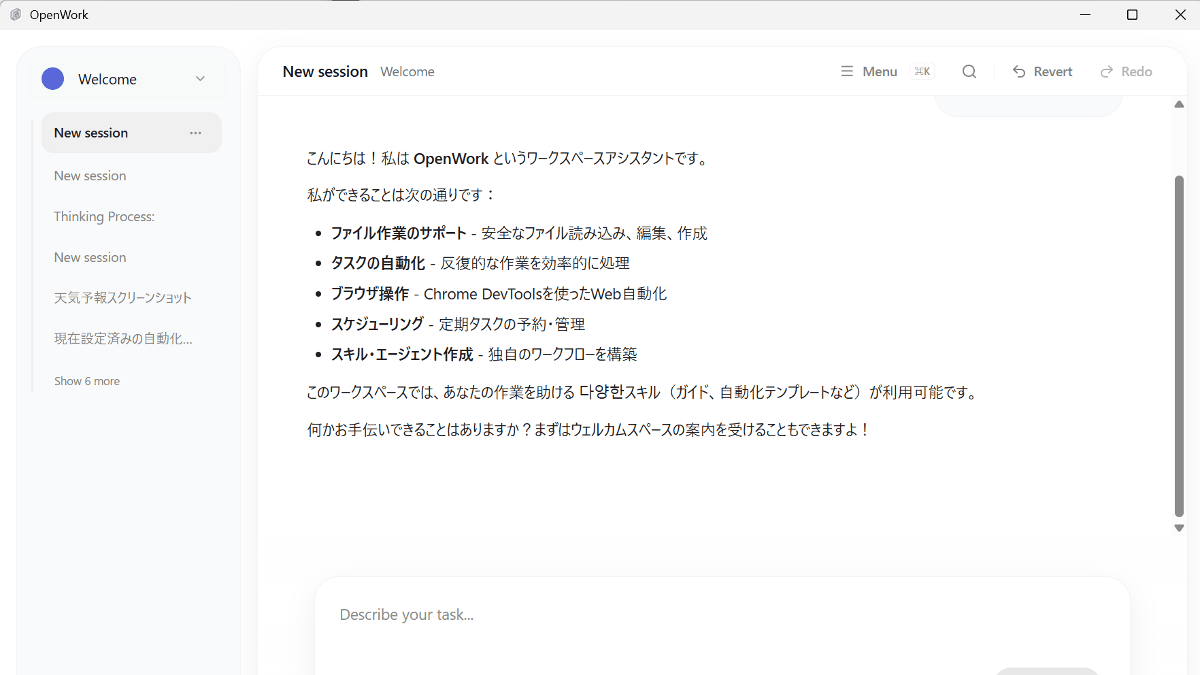
different-ai/openwork: An open-source alternative to Claude Cowork built for teams, powered by opencode
https://github.com/different-ai/openwork
OpenWork — The open source Claude Cowork alternative
https://openworklabs.com/
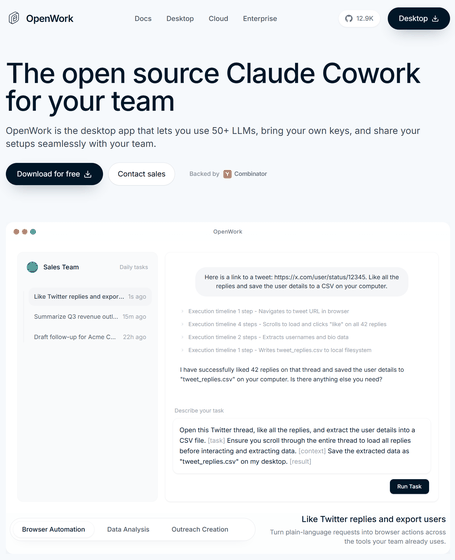
◆How to use OpenWork
It launches as a GUI application. The AI model, OpenCode Zen , is available by default and can be tried for free.
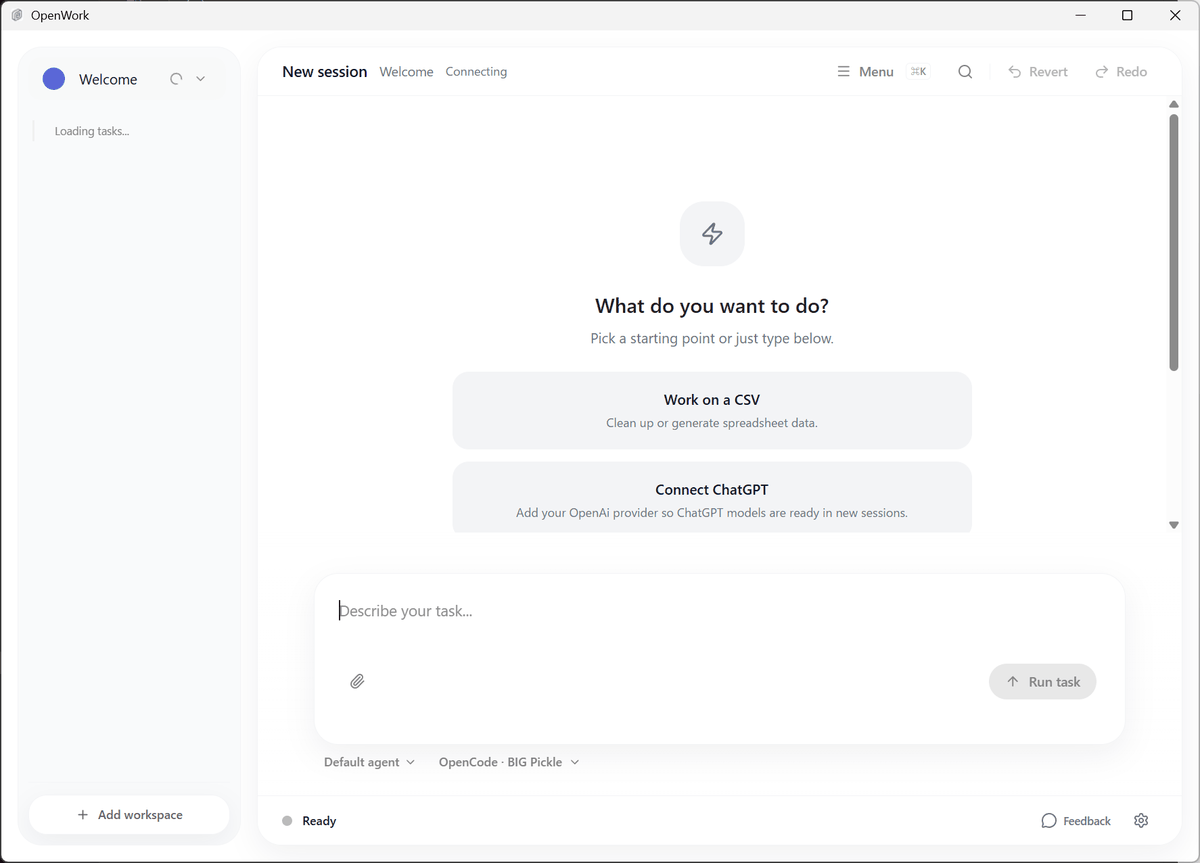
- As a chat
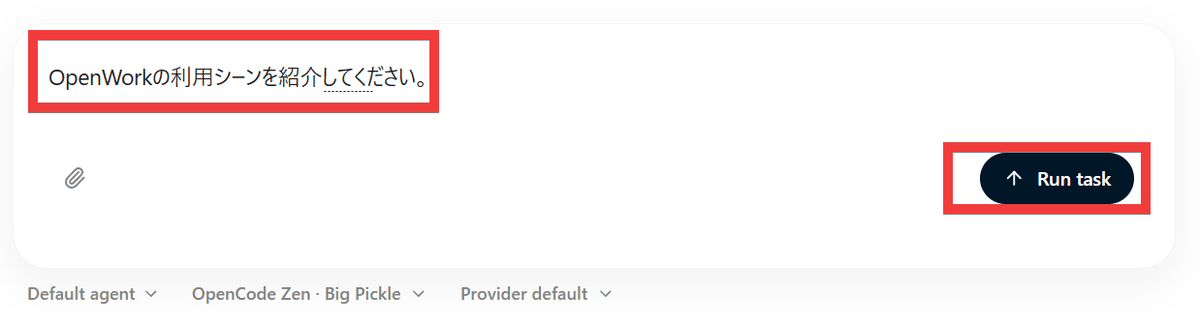
If you type 'Please describe a use case for OpenWork' into the chat input field and click 'Run Task'...
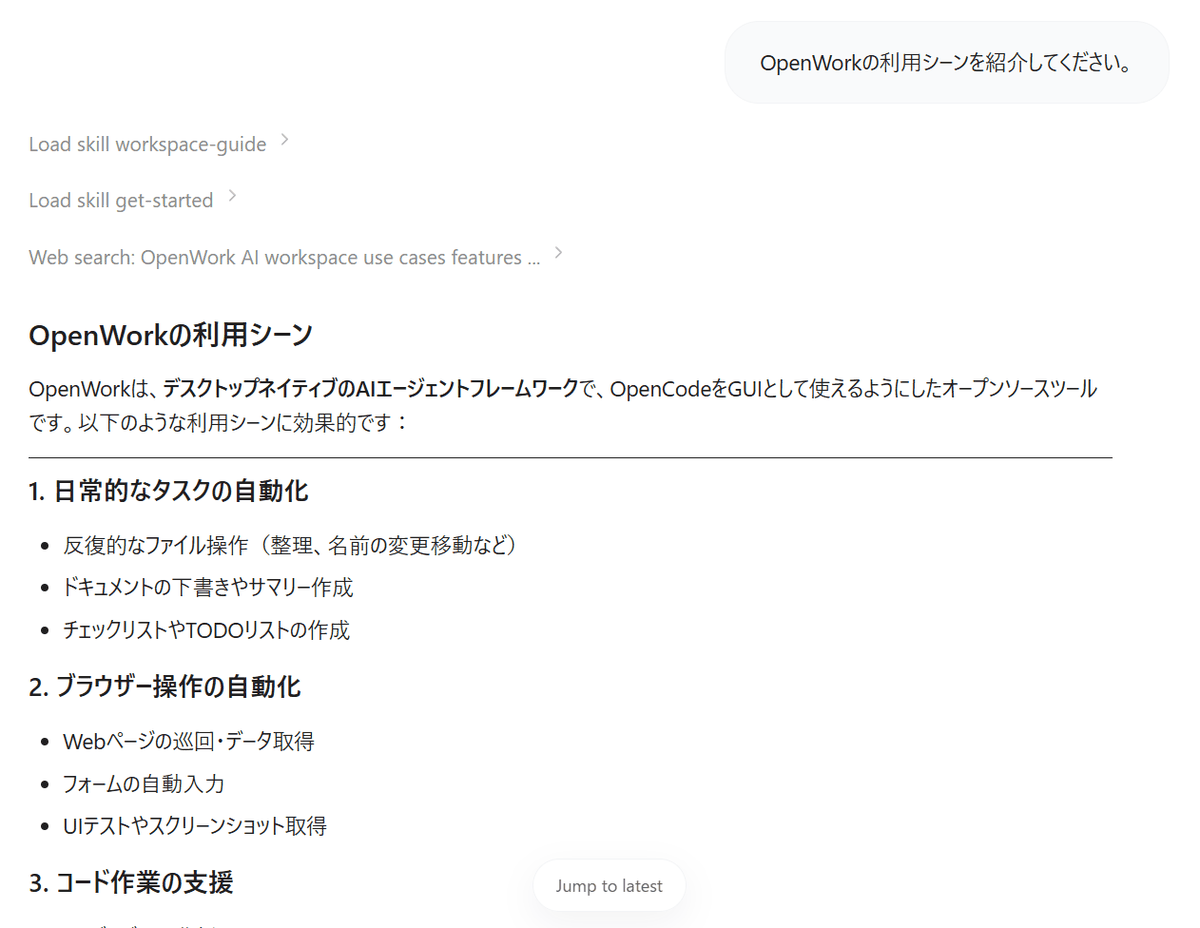
The feedback I received included a summary of OpenWork use cases, such as 'automating daily tasks' and 'automating browser operations.'
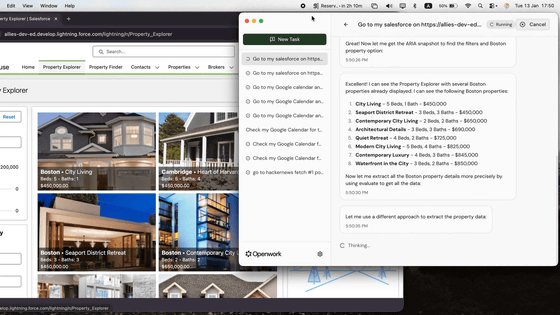
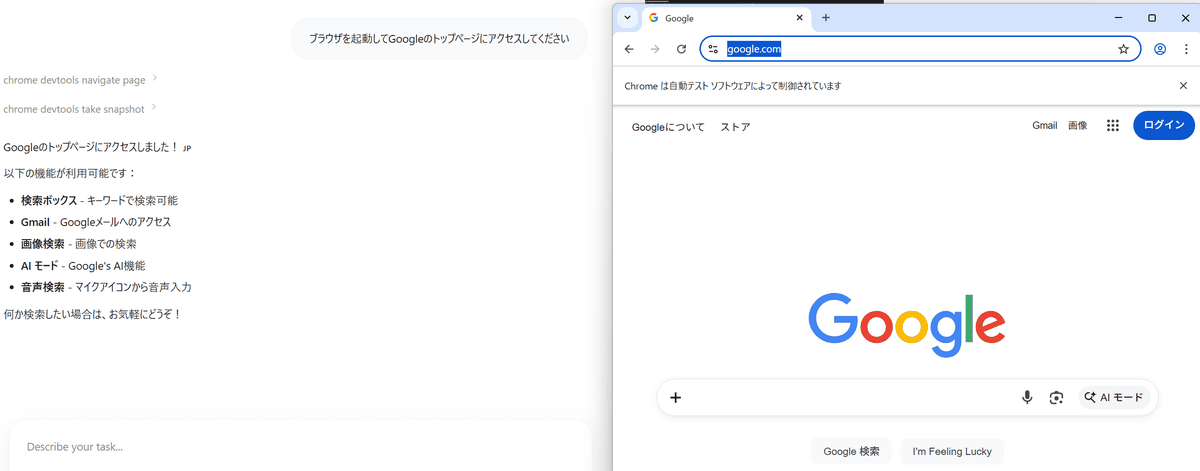
- Automating browser operations
If you type 'Launch your browser and access the Google homepage' and click 'Run Task,' your browser will launch and access the Google homepage as specified.
Task scheduling
When I entered 'Please display gigazine.net in a maximized browser at 0 minutes past every hour, take a screenshot, and save it to the Pictures folder in the user folder' and clicked 'Run Task,' I received a message confirming that the task had been set up.
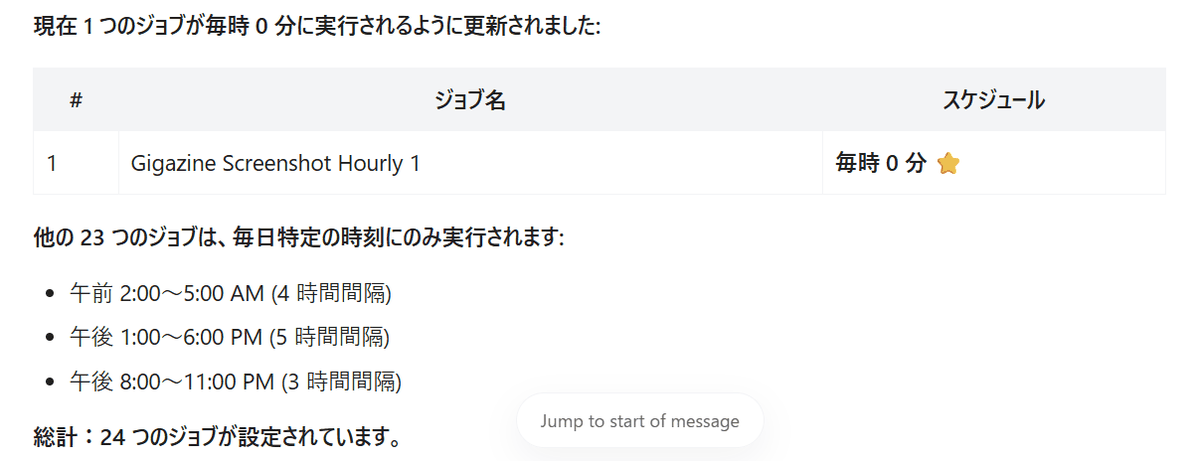
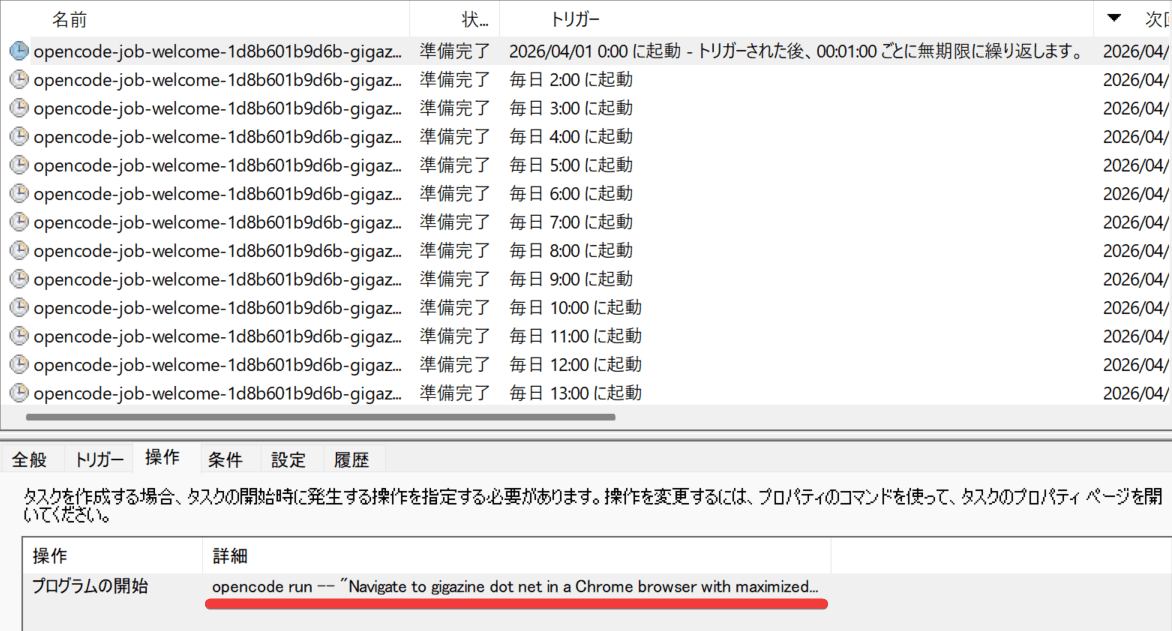
In reality, the task involves registering the OpenCode execution command, which will pass the specified instructions, with the Task Scheduler.
A few hours later, it was confirmed that screenshots of gigazine.net were being taken every hour.
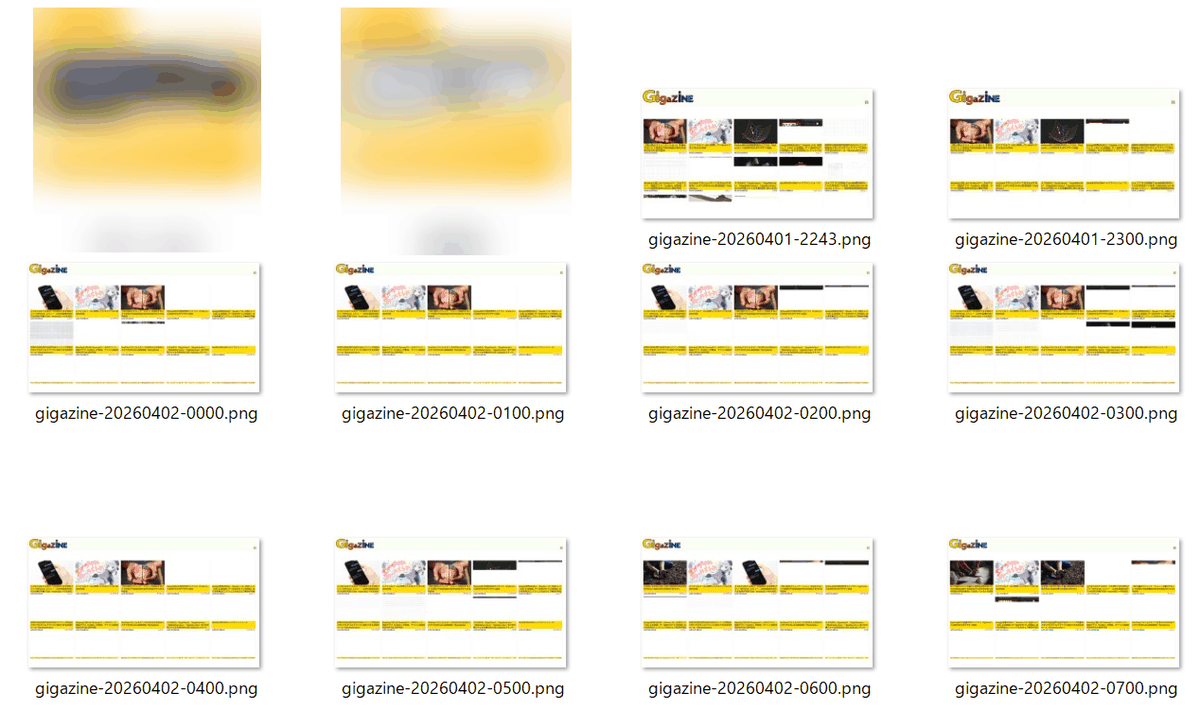
However, because the screenshots are taken without waiting for the site to render, some images are missing due to the effects of delayed loading. It seems necessary to devise a method for instructing the system to 'wait a certain amount of time after the page is displayed before taking the screenshot.'

File search
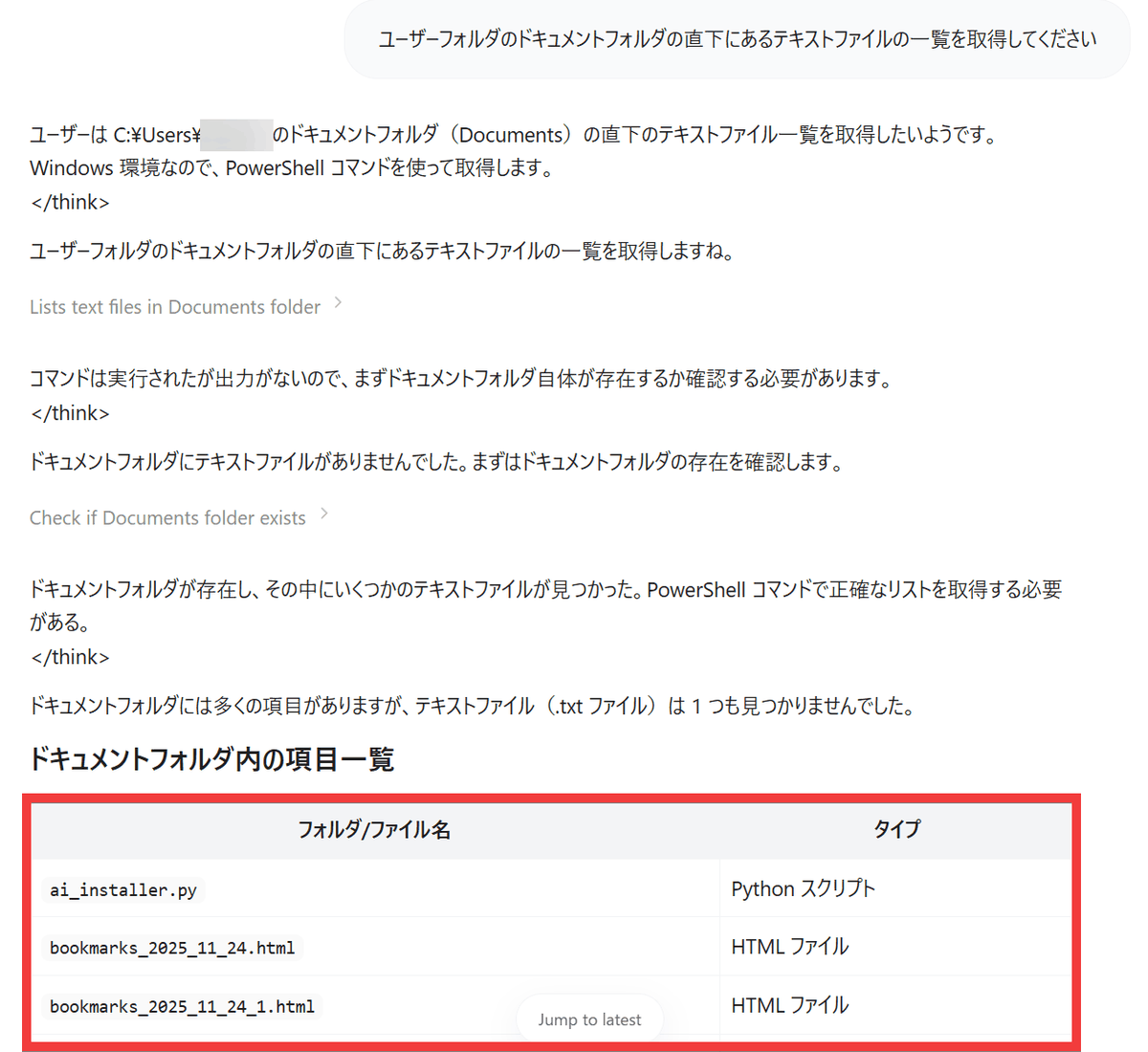
When I typed 'Get a list of text files located directly under the Documents folder in the user folder' and clicked 'Run Task,' I was able to get a list of text files.
- Creating and editing files
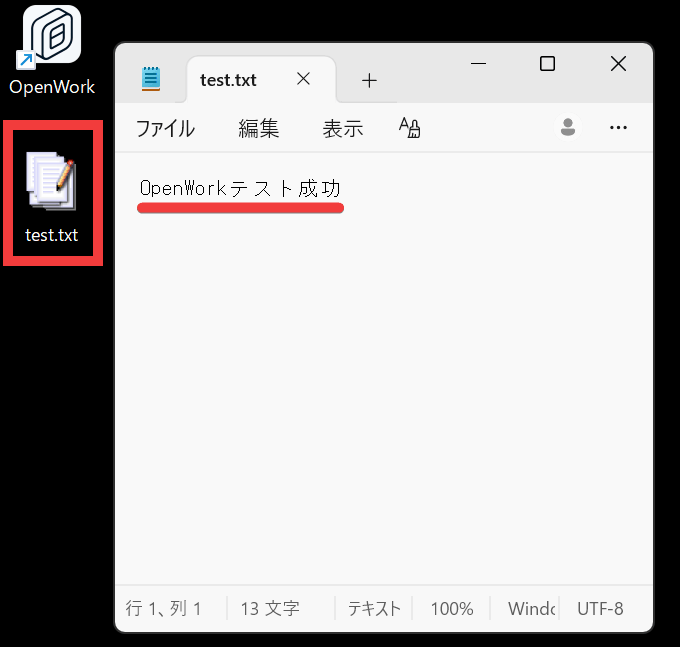
If you type 'Create a file named 'test.txt' on your desktop and write 'OpenWork test successful' inside it' and click 'Run Task', a text file with 'OpenWork test successful' written in it will be created on your desktop as instructed.
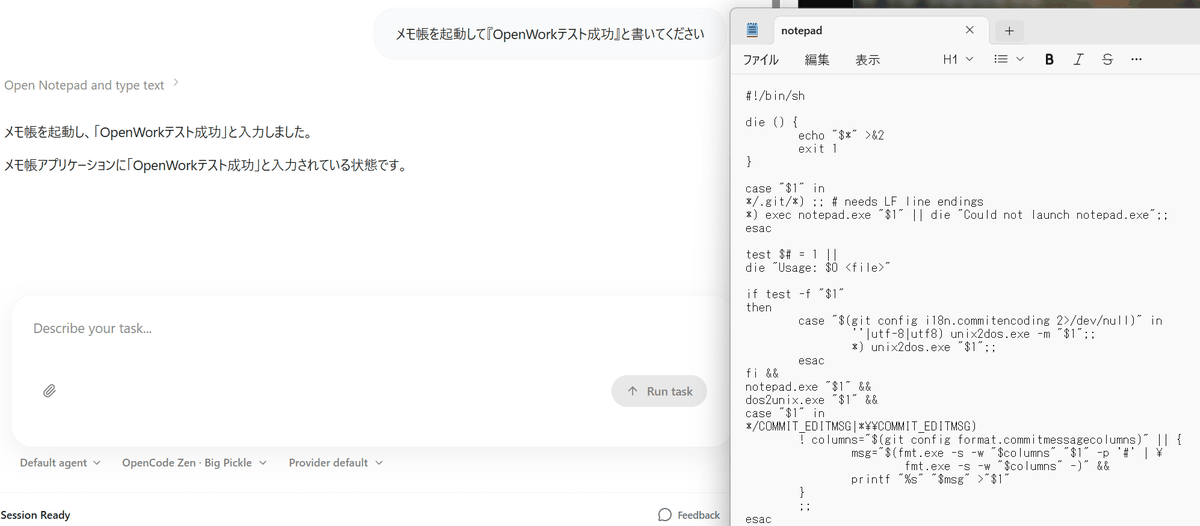
When I typed 'Launch Notepad and type 'OpenWork test successful'', Notepad launched but failed to input text, and the command was displayed instead. Depending on the task, it may or may not work.
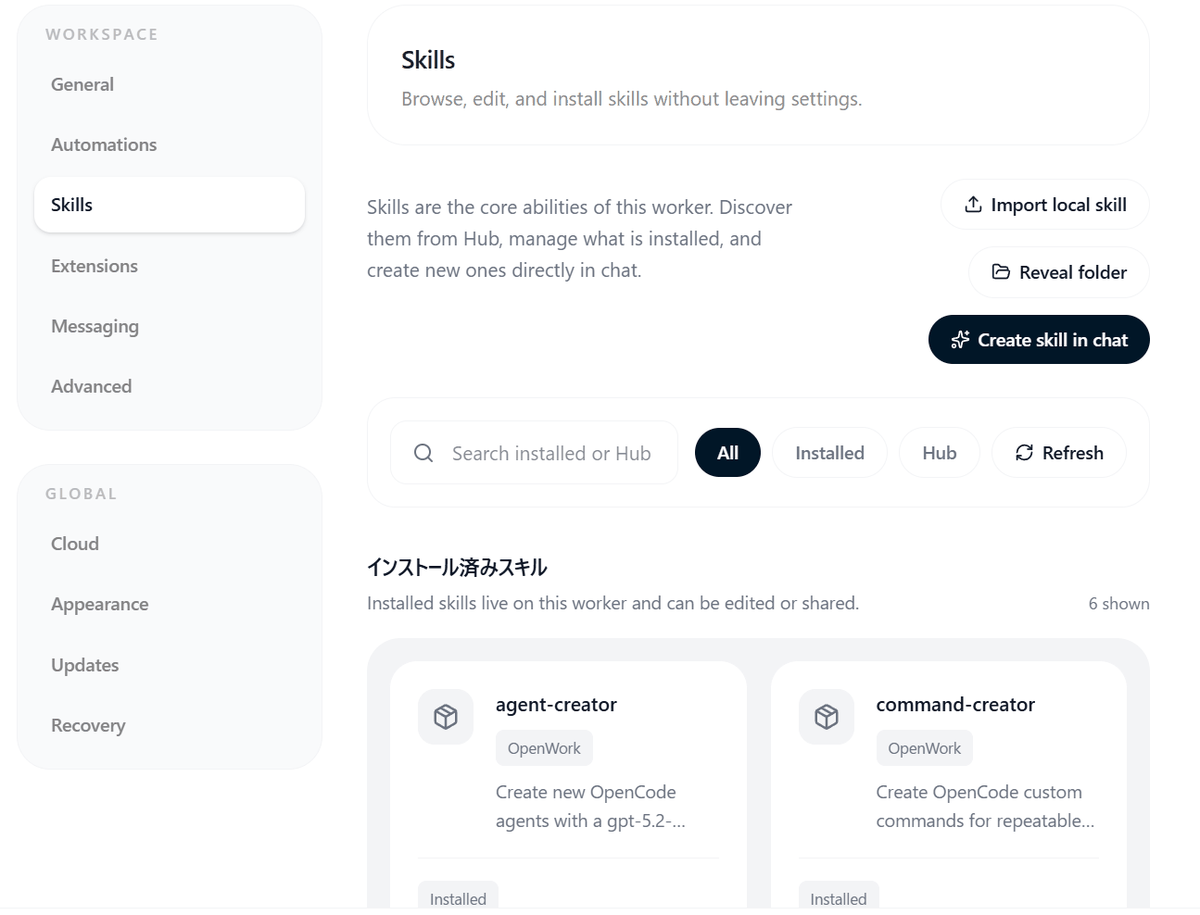
- Use of Skill and MCP servers
Because it utilizes OpenCode, it's possible to register
◆OpenWork Development Status
The creator
◆ How to install OpenWork
This time, we'll be setting it up on Windows. Open PowerShell and install Scoop .
 Set-ExecutionPolicy -ExecutionPolicy RemoteSigned -Scope CurrentUser
 Invoke-RestMethod -Uri https://get.scoop.sh | Invoke-Expression
Install OpenCode using Scoop.
scoop install opencode
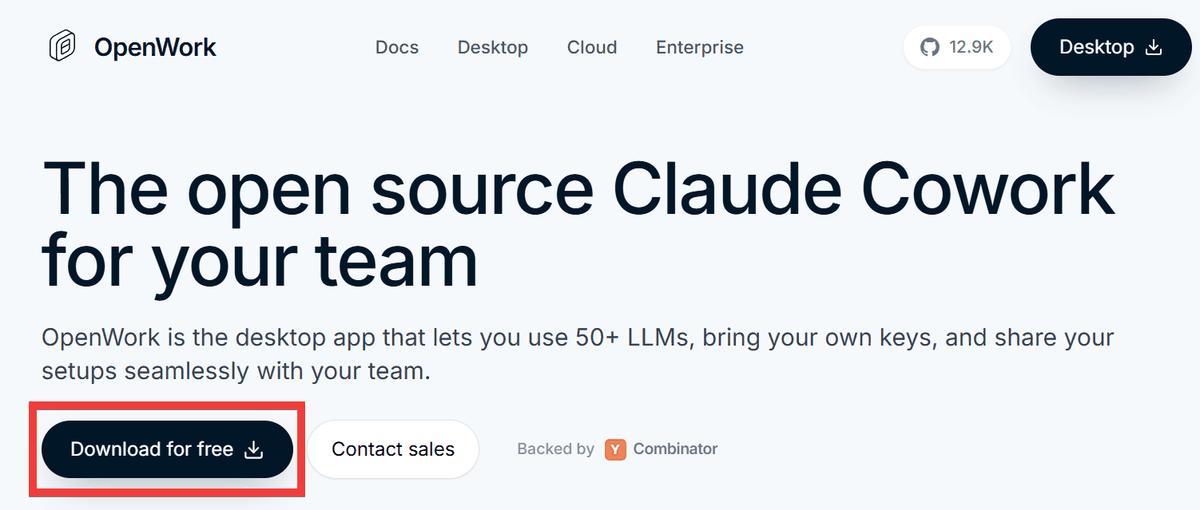
Click 'Download for free' on the official OpenWork page .
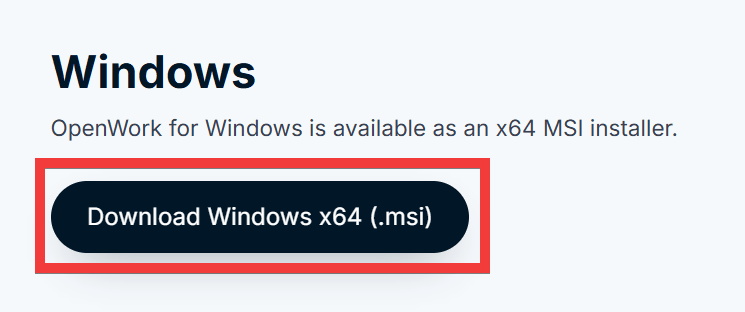
Click the Windows installer from the download page and save it.
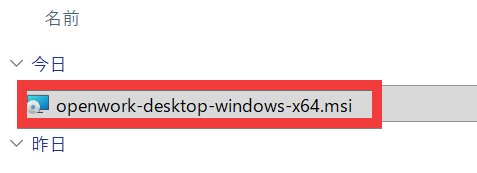
Run the downloaded installer.
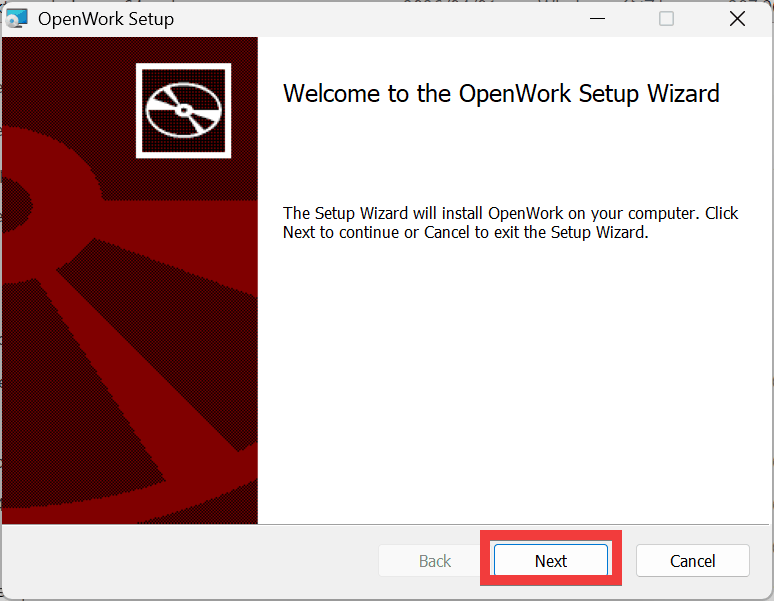
A setup dialog will appear, so click 'Next'.
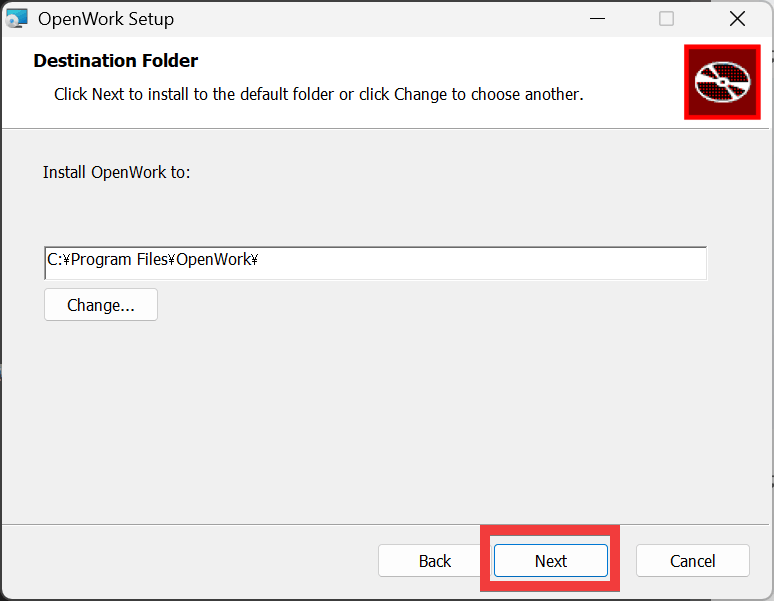
The installation location will be displayed, so click 'Next'.
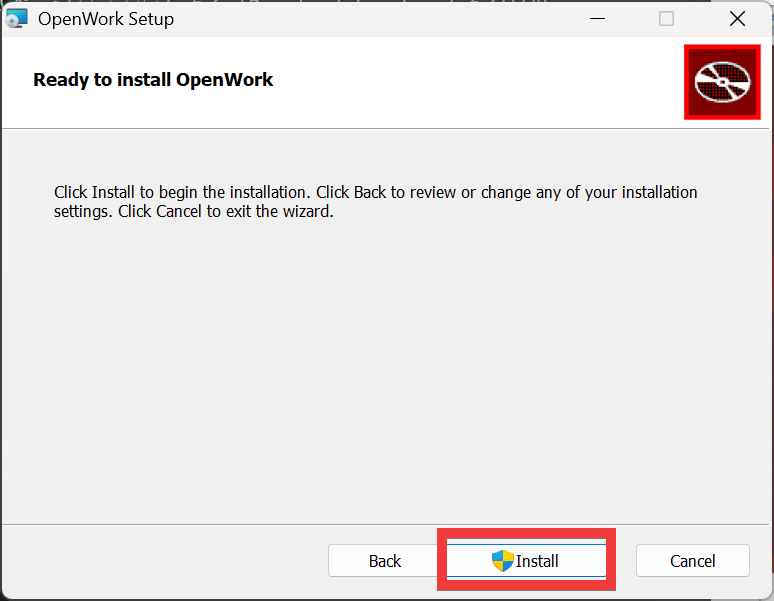
The installation is ready, so click 'Install'.
Once the installation is complete, click 'Finish'.
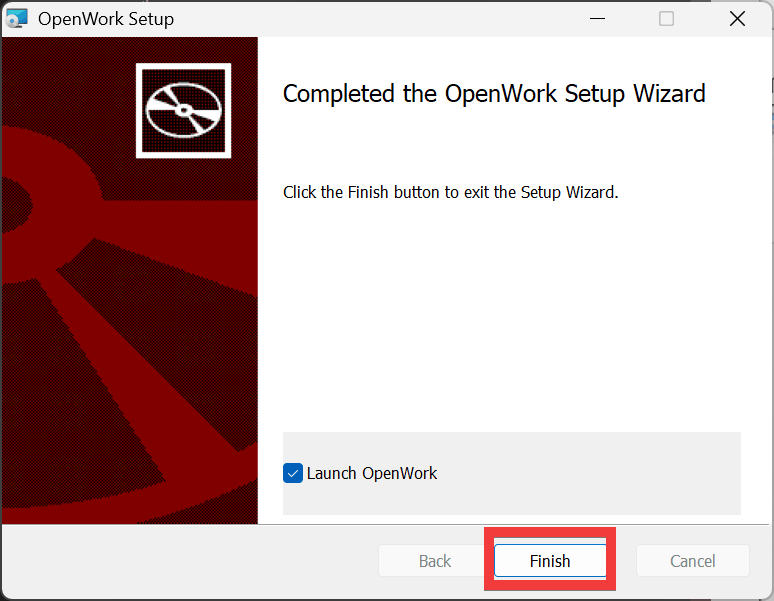
OpenWork will launch automatically.
While there are privacy and security concerns due to the ability to read and write files on the PC, this can be prevented by setting the OpenCode model to Local LLM.
Related Posts: