Review of 'Notely Voice,' a free and ad-free app that converts speech to text; it allows you to easily create long notes using Whisper on your smartphone without an internet connection.
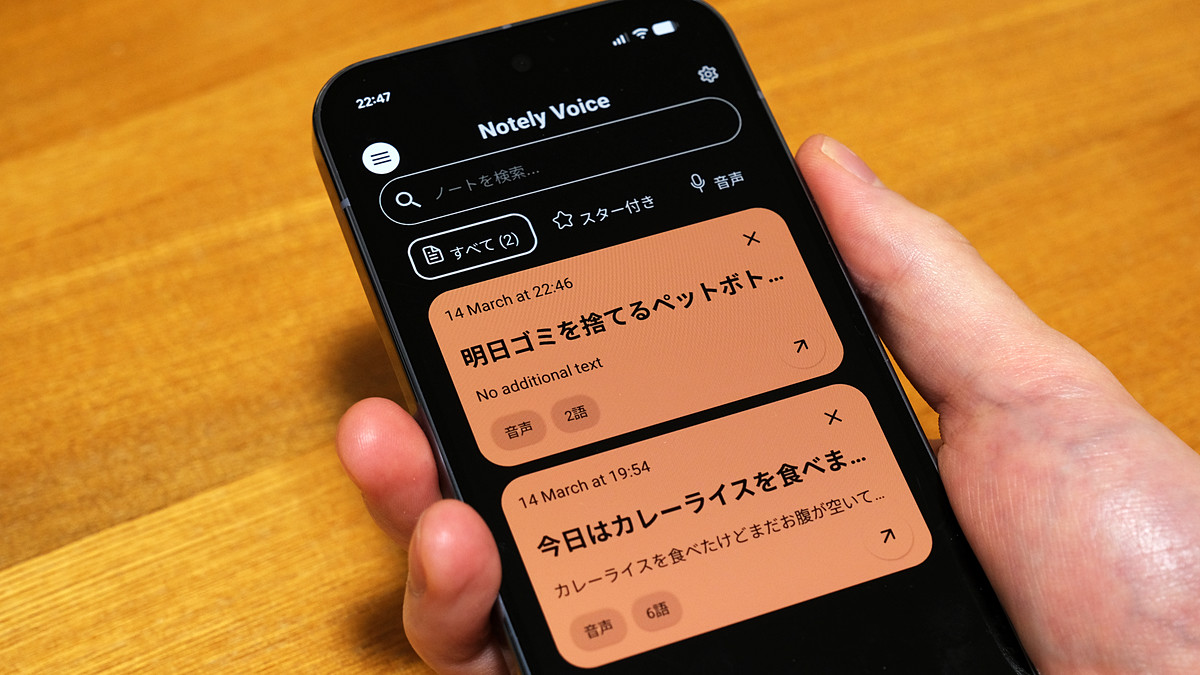
' Notely Voice ' is a transcription memo app compatible with Android and iOS. The transcription process is performed locally using OpenAI's transcription AI '
Notely Voice - AI Voice to Text
https://notelyvoice.com/
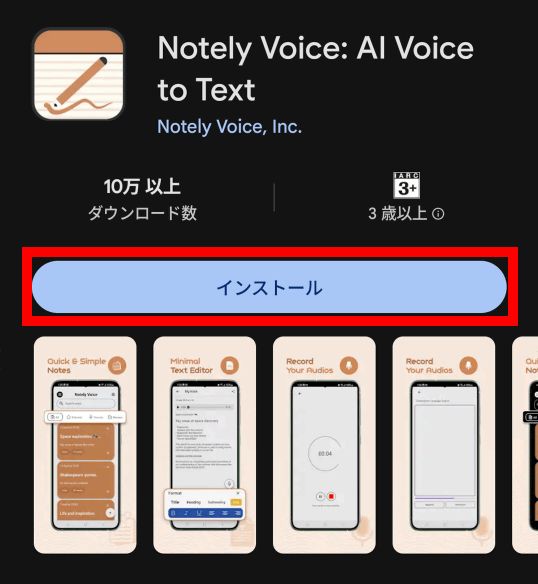
Notely Voice is available for both Android and iOS . This time, I'm using the Android version. First, find Notely Voice on Google Play and tap 'Install'.
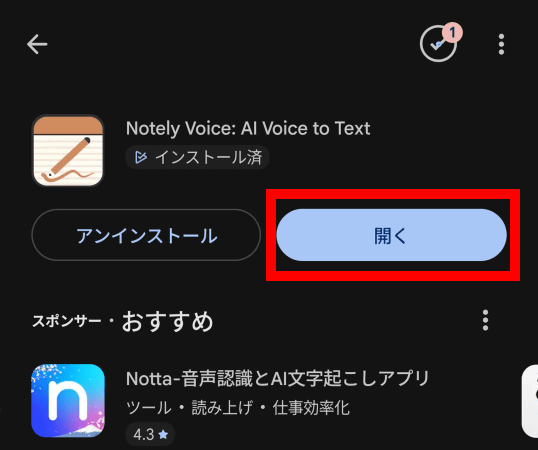
Once the installation is complete, tap 'Open'.
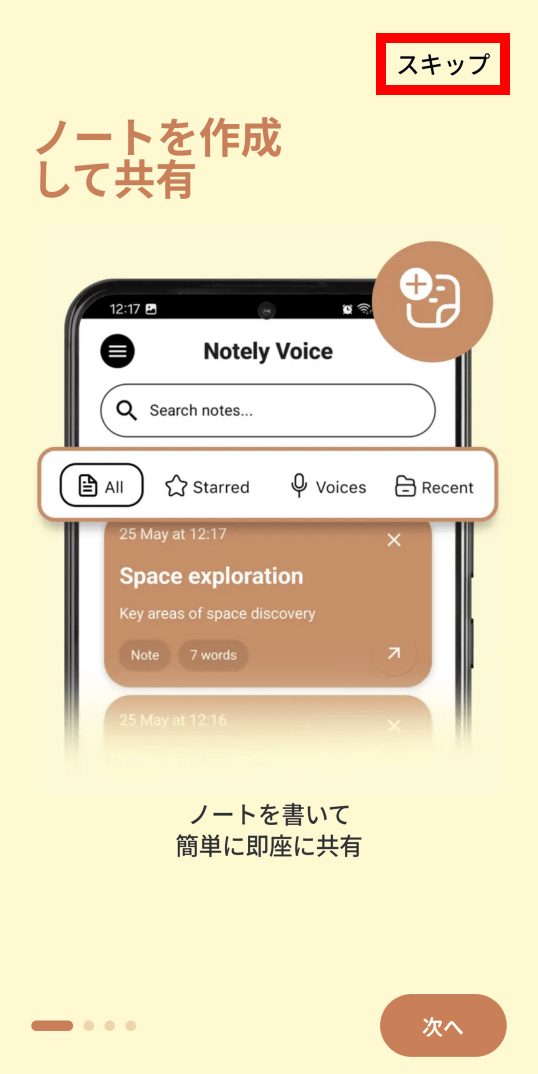
The first time you launch the app, a brief explanation will be displayed. For now, tap 'Skip'.
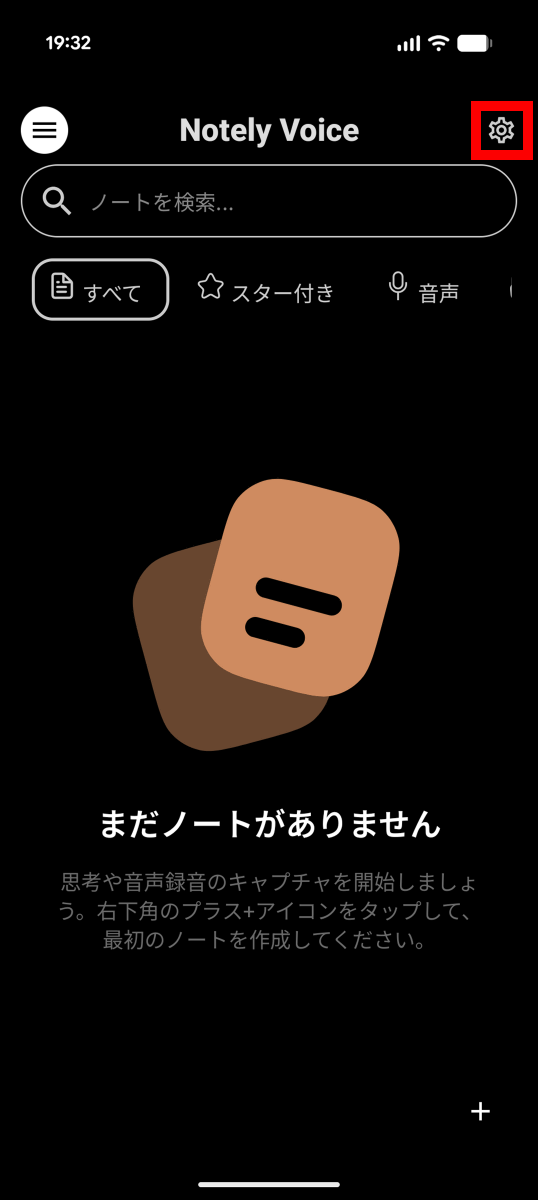
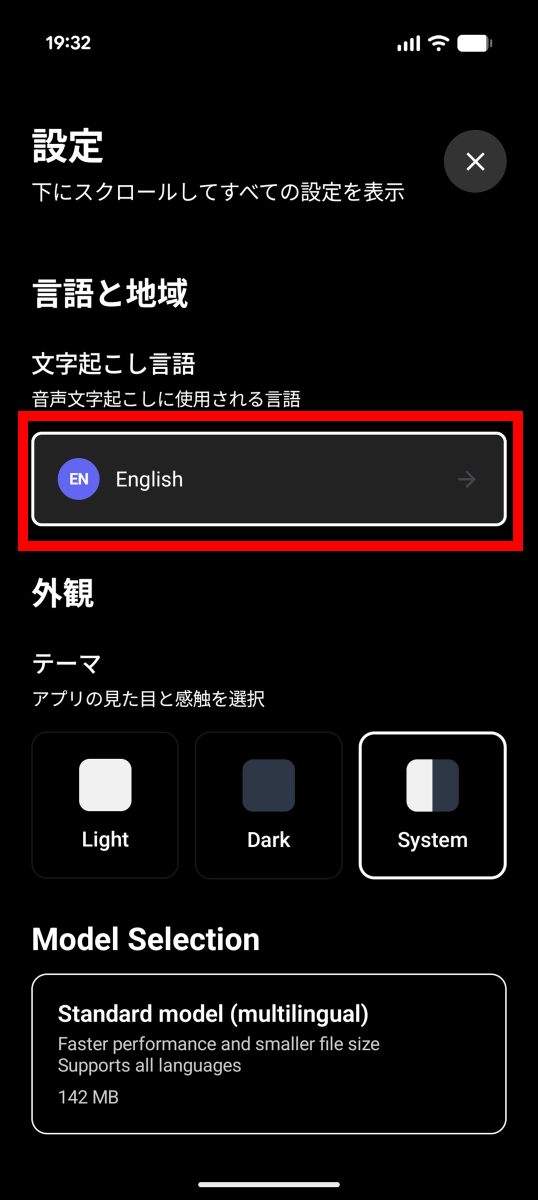
By default, the transcription language is set to English, and even Japanese audio will be automatically translated into English, so we will change the setting. First, tap the settings button in the upper right corner of the screen.
Tap the section labeled 'English'.
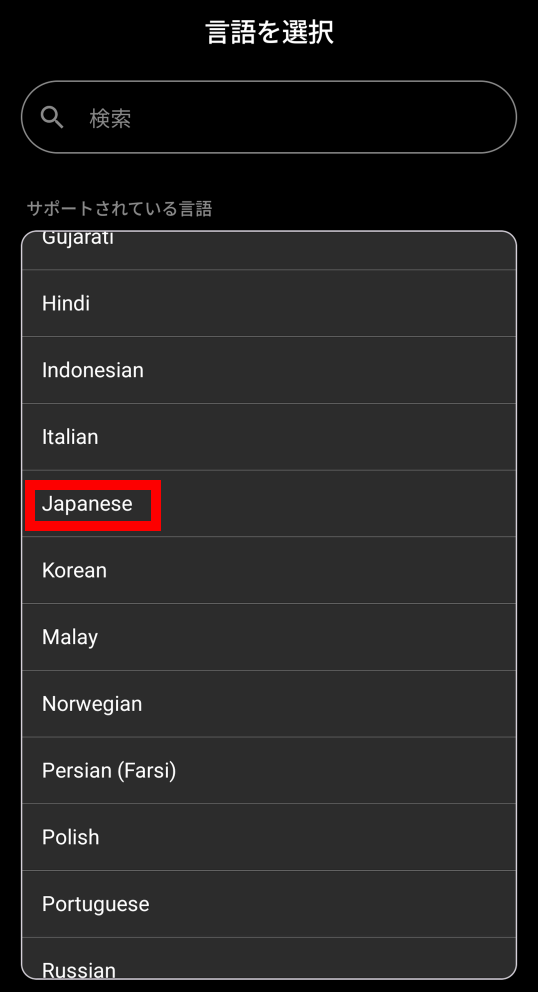
Tap 'Japanese'.
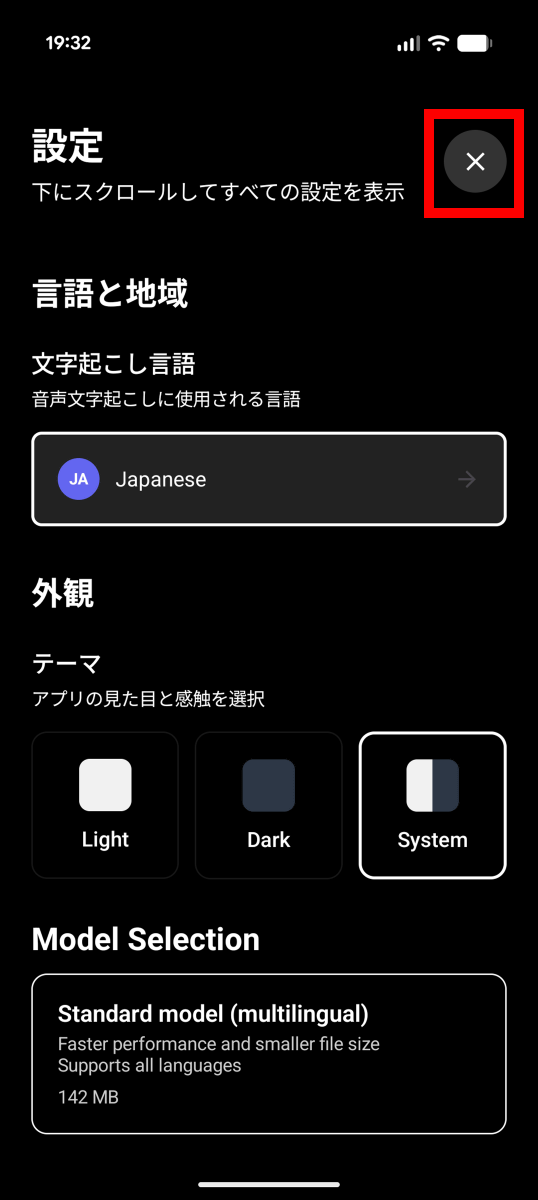
Once you've finished the setup, tap the × button in the upper right corner.
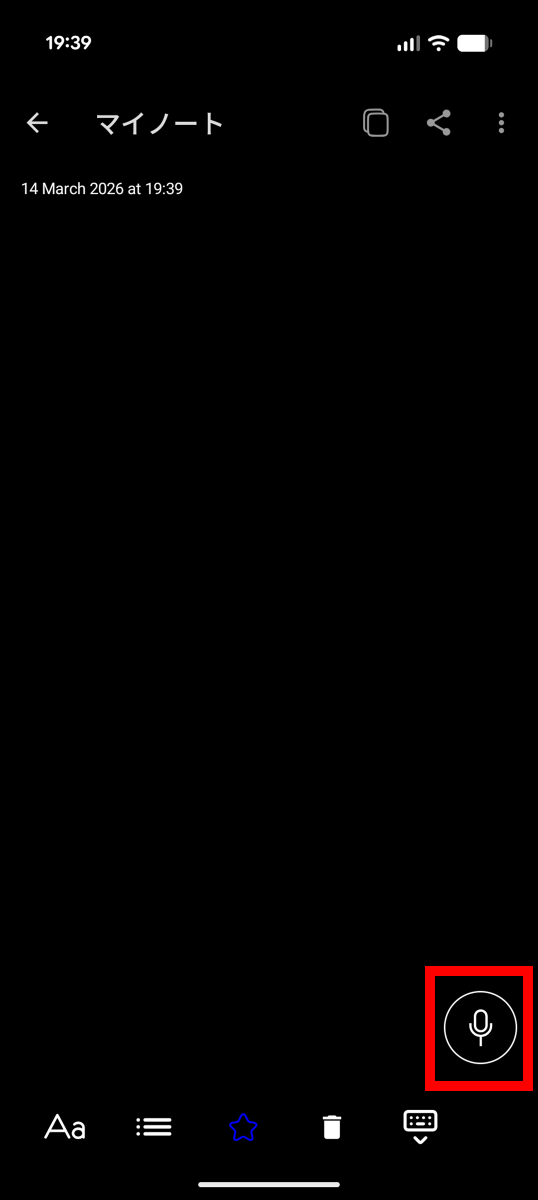
Now, let's try creating a memo. First, tap the record button in the bottom right corner.
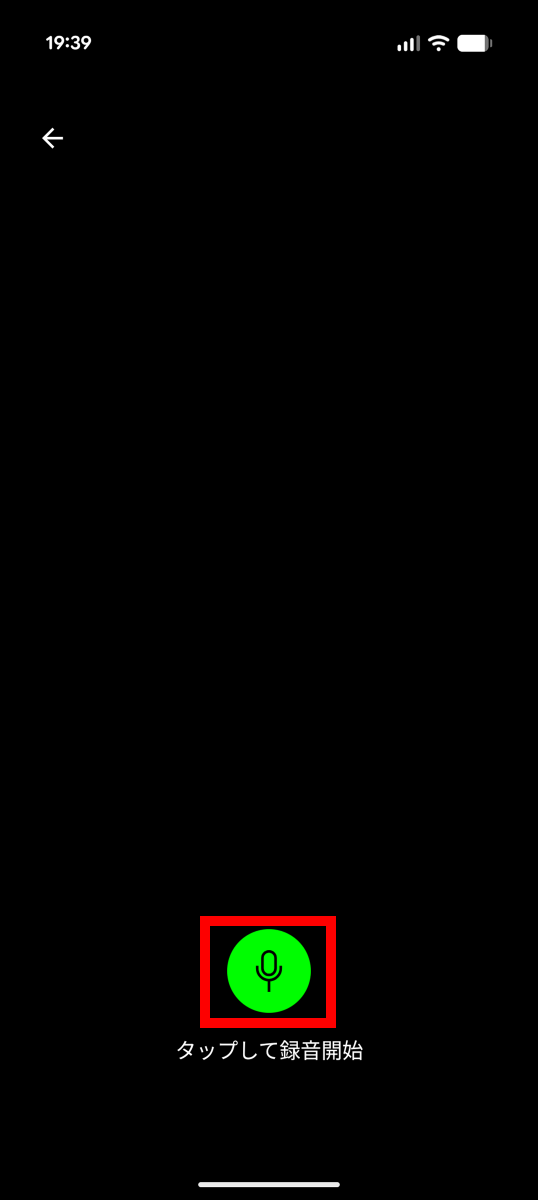
Tap the green record button.
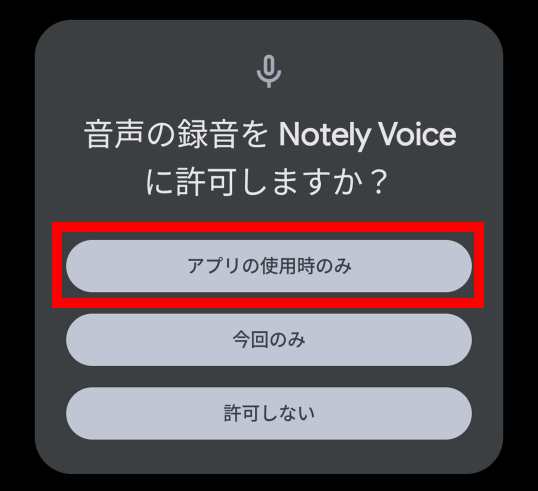
The first time you use it, you will be asked for permission to record, so tap 'Only when using the app'.
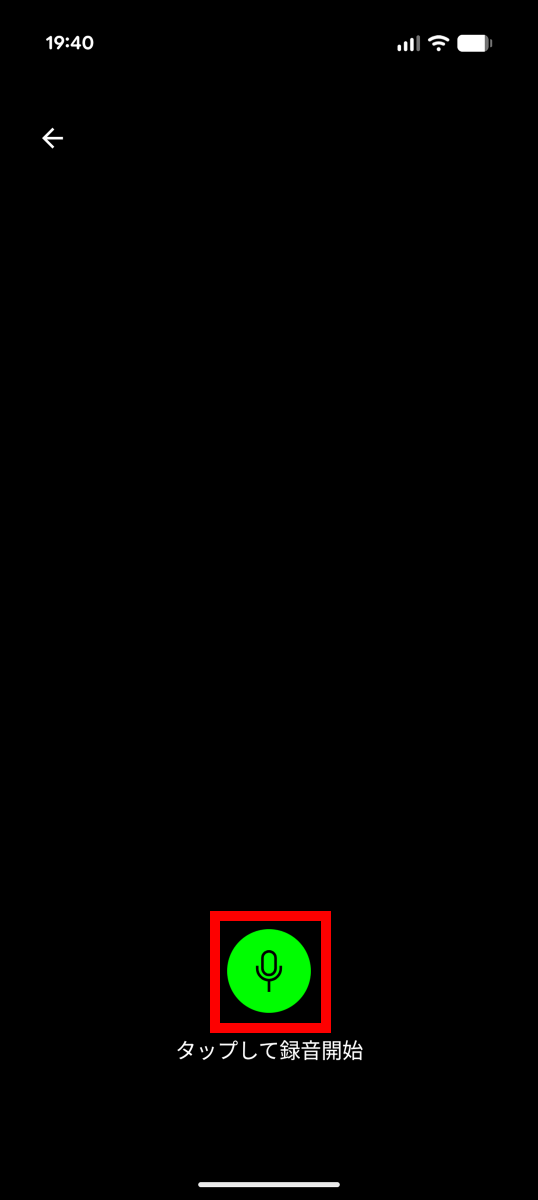
Tap the record button again.
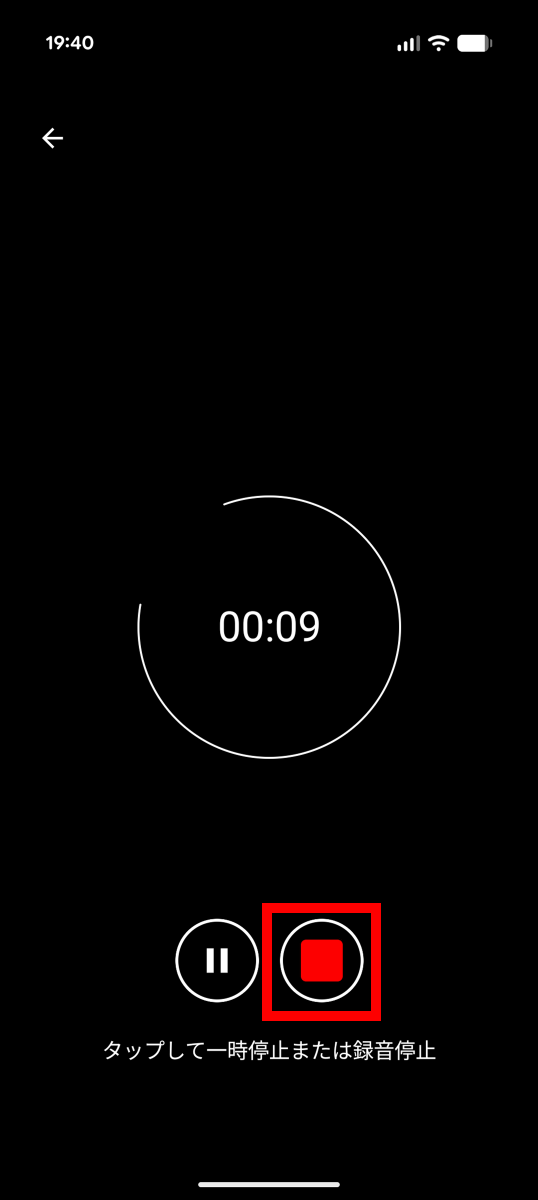
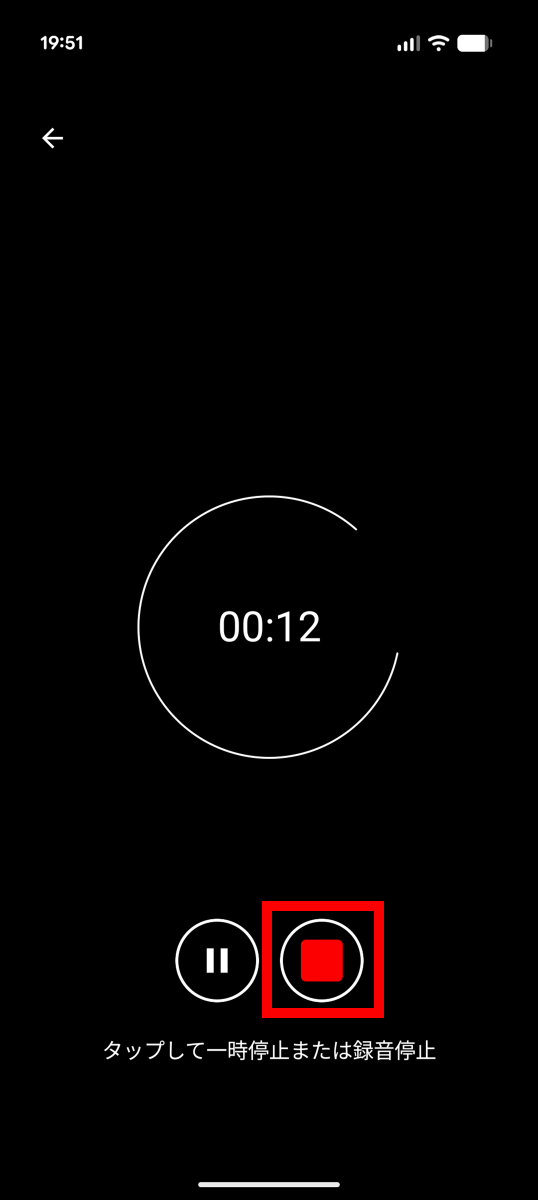
Record what you want to memo, then tap the stop button.
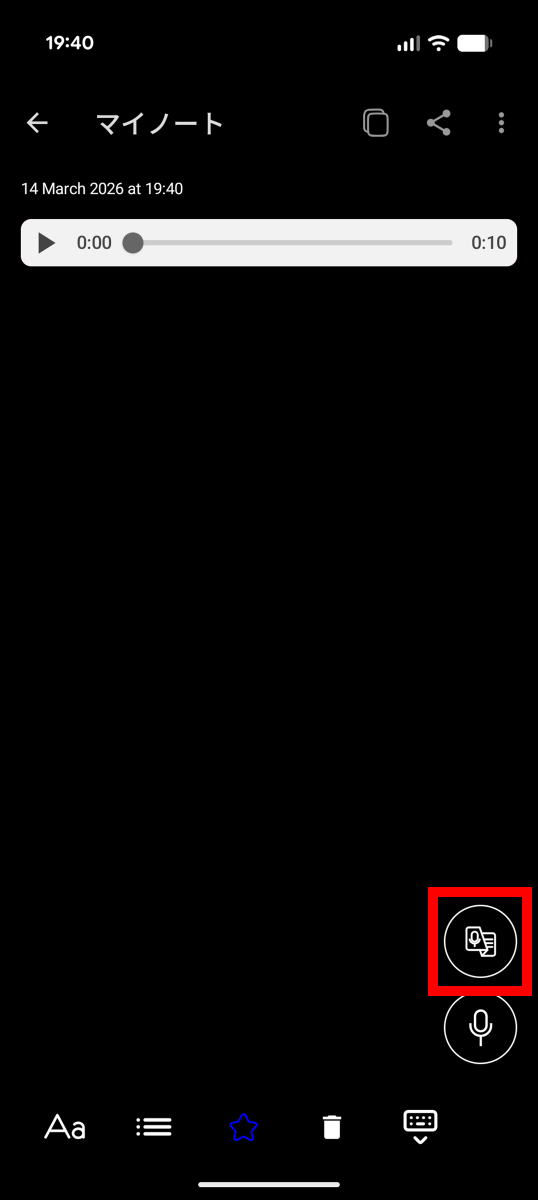
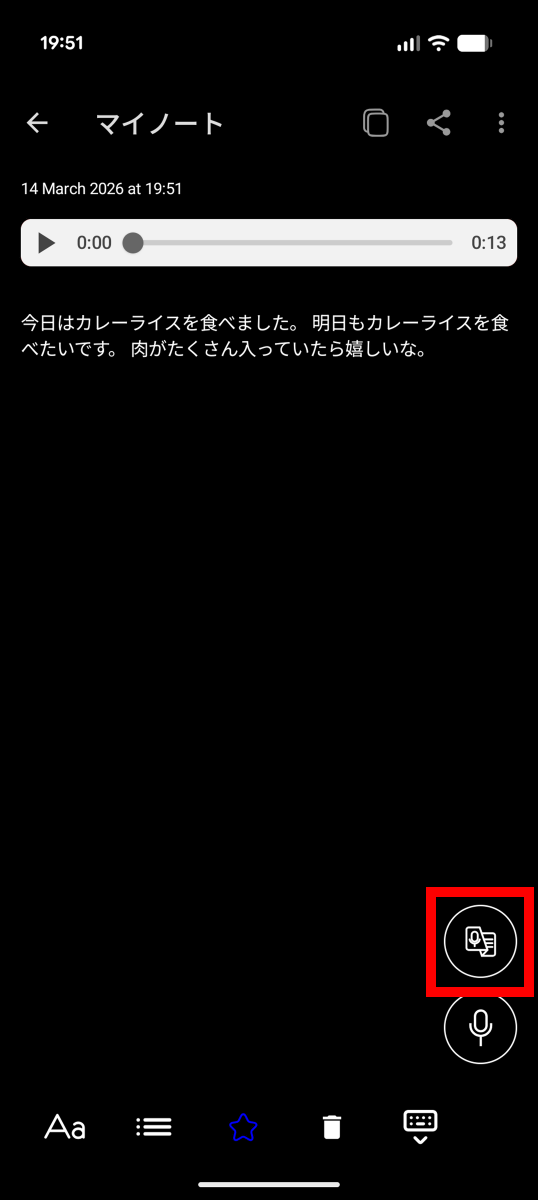
To transcribe the text, tap the button enclosed in the red box in the bottom right corner.
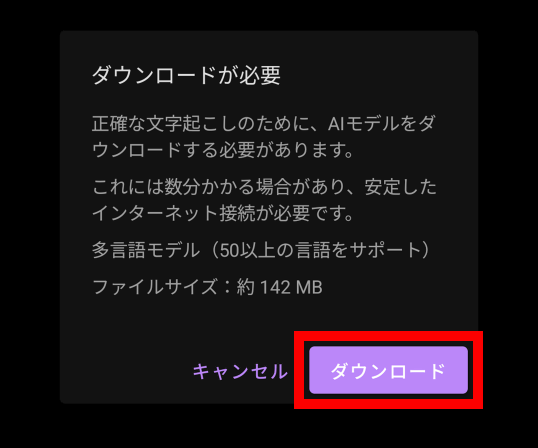
For the first time, you will need to download the AI model, so tap 'Download'.
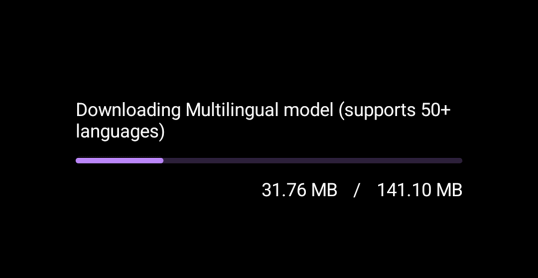
The 141.10MB download will begin.
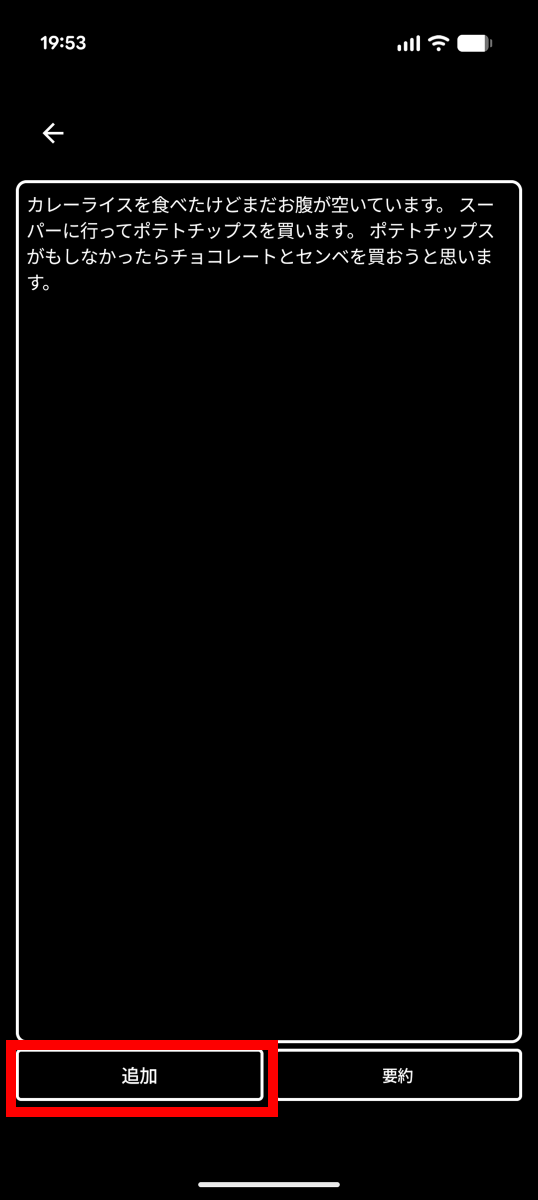
The transcription process started automatically after the download was complete. Tap 'Add' in the bottom left.
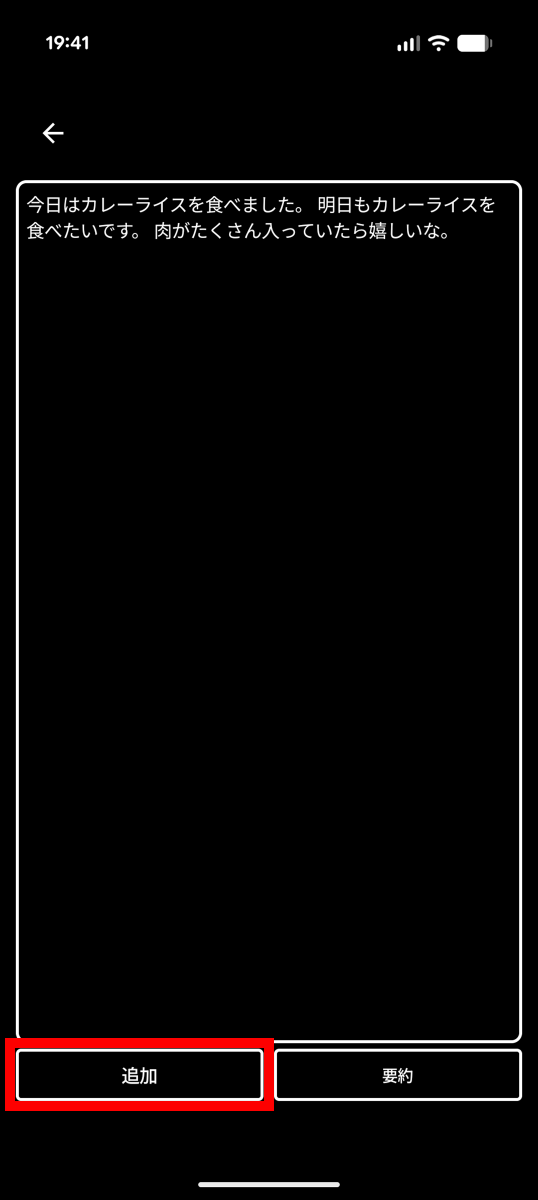
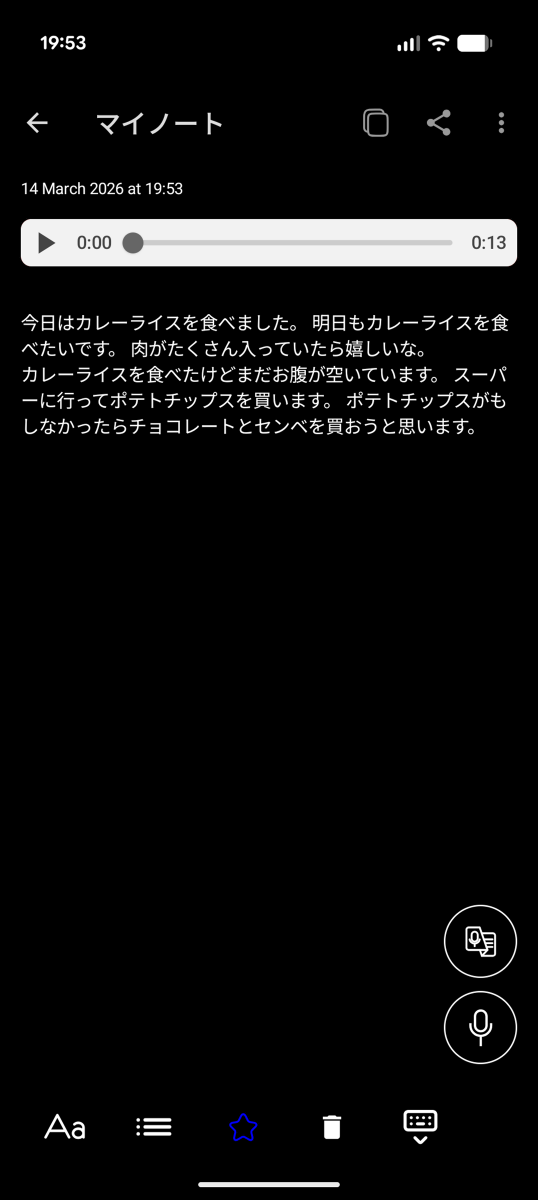
Now I've created a memo.
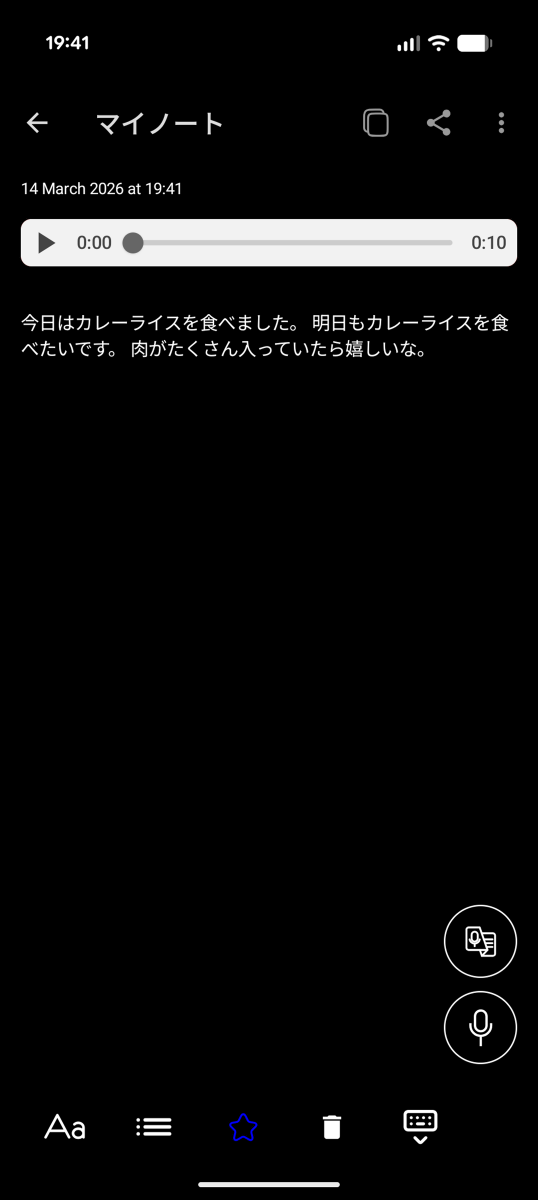
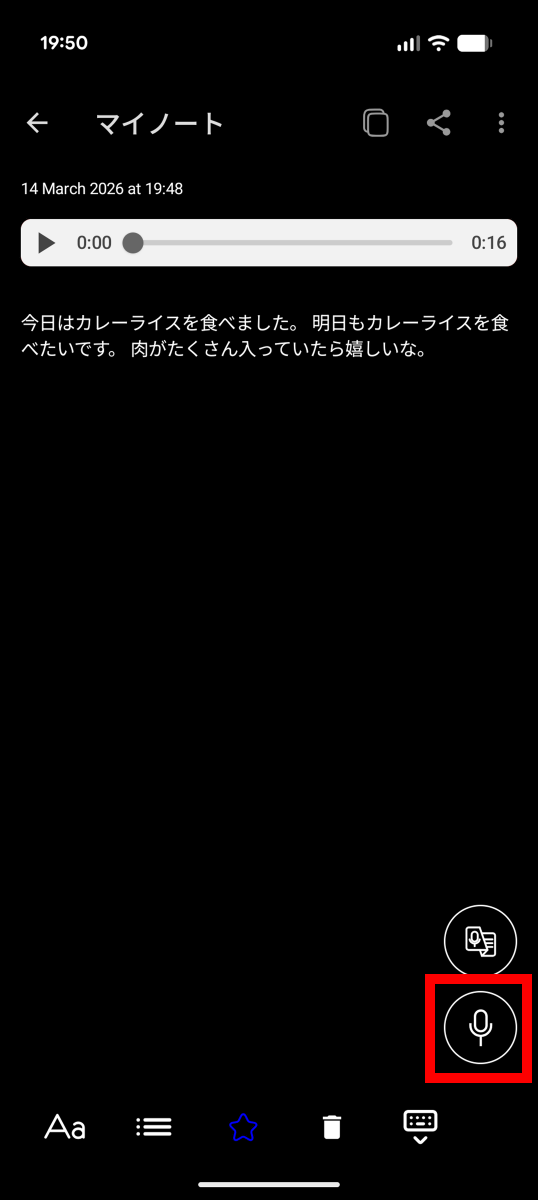
Tap the record button in the bottom right to add to the memo.
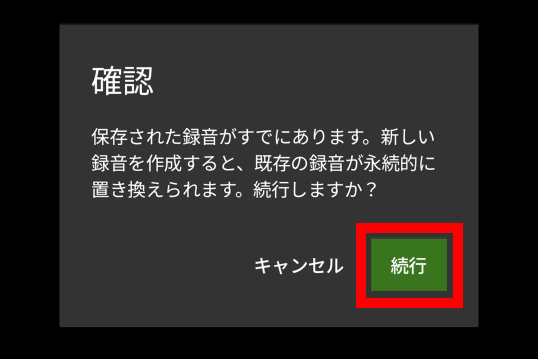
When a confirmation screen appears stating that 'already recorded data will be overwritten,' tap 'Continue.'
Tap the green record button.
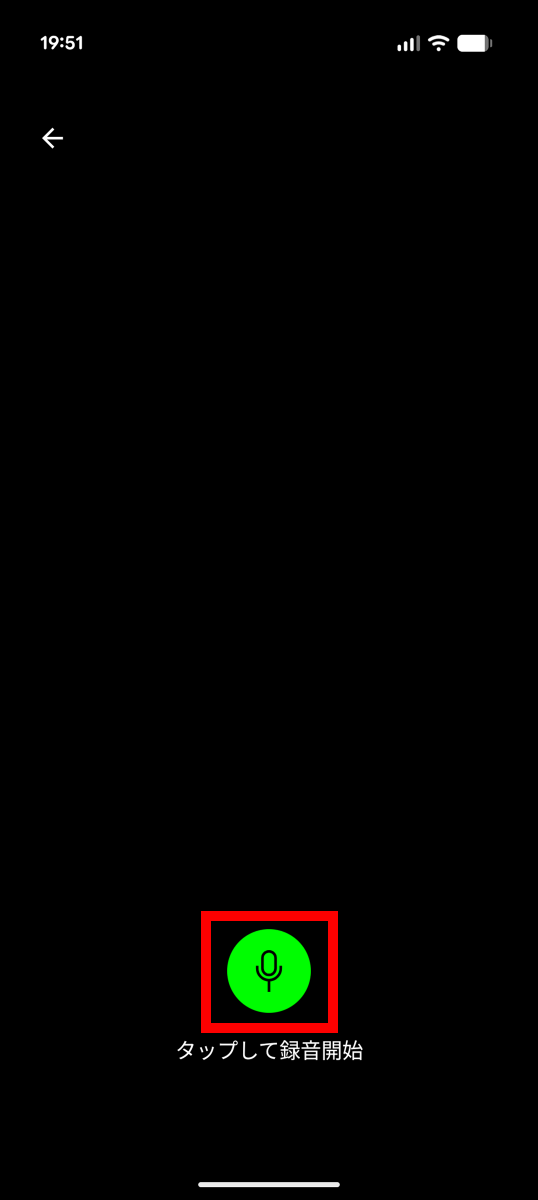
Record the new content and then tap the stop button.
Tap the Transcript button.
The transcript will be generated in a few seconds.
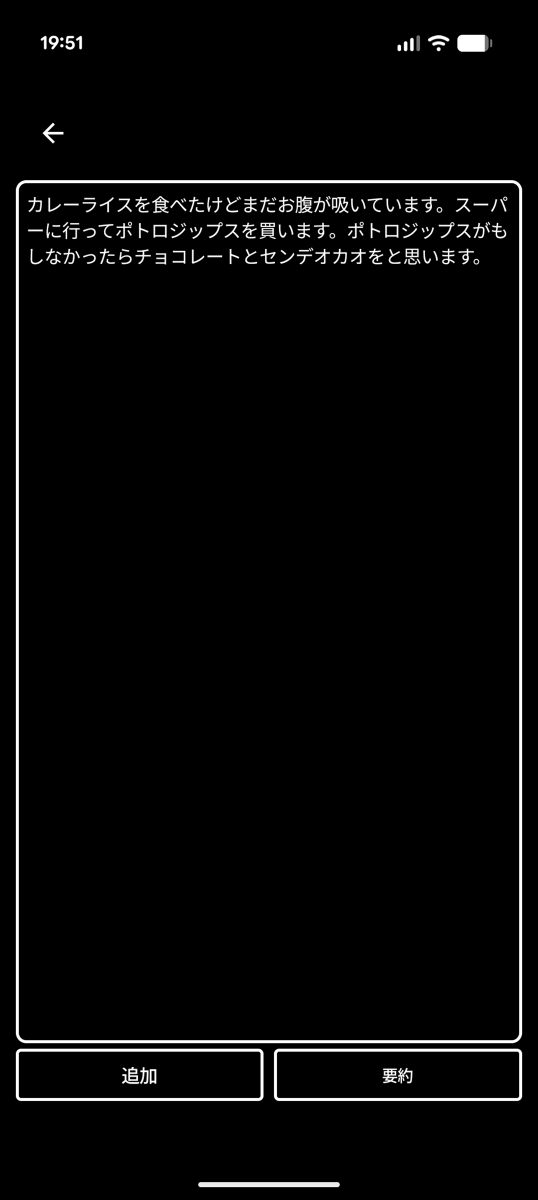
However, upon closer inspection, it becomes clear that the accuracy is low, as 'potato chips' comes out as 'potro-jips' and 'I think I'll buy rice crackers' comes out as 'I think I'll buy rice crackers.'
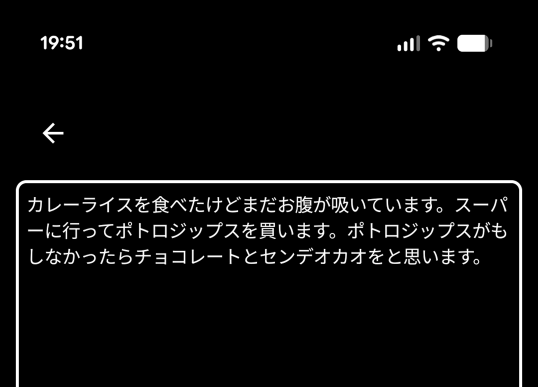
By default, a low-accuracy AI model is used. You can improve the transcription quality by switching to a higher-accuracy AI model. To switch models, tap the arrow button in the upper left corner.
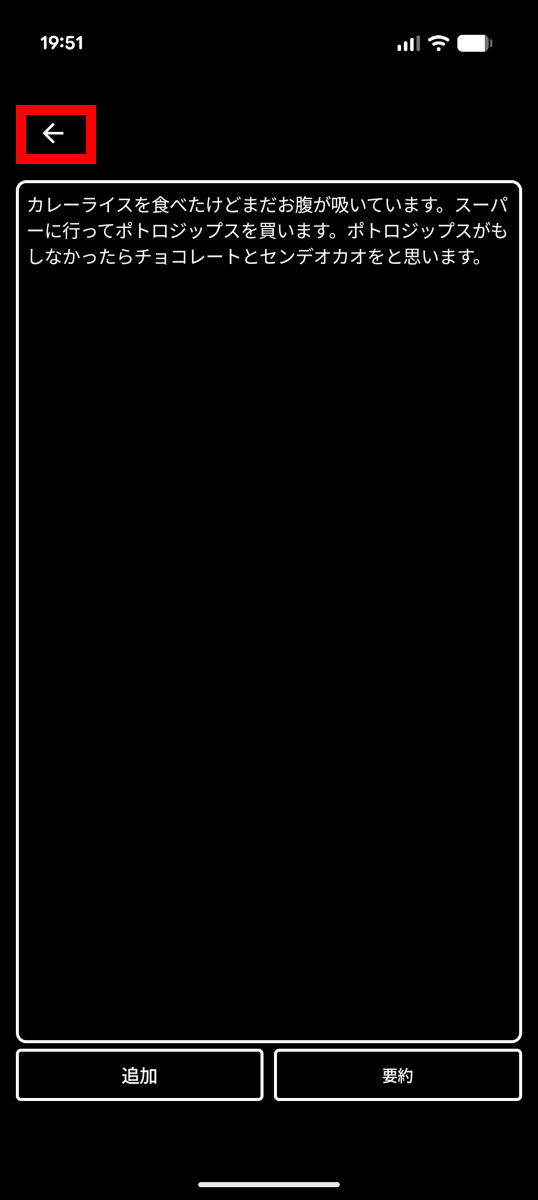
Tap the arrow button again.
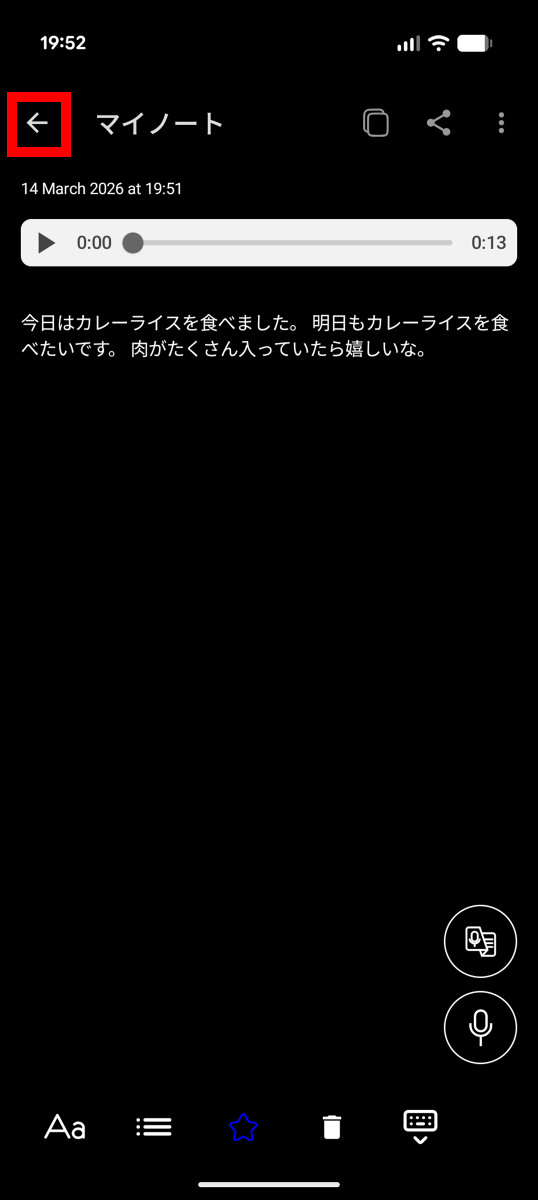
Tap the settings button in the upper right corner.
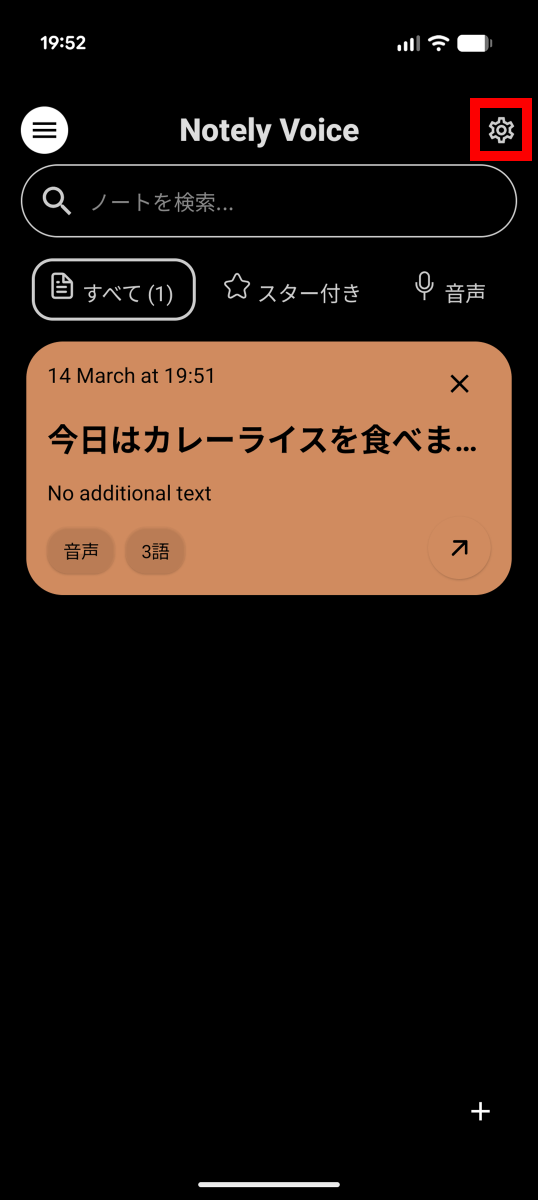
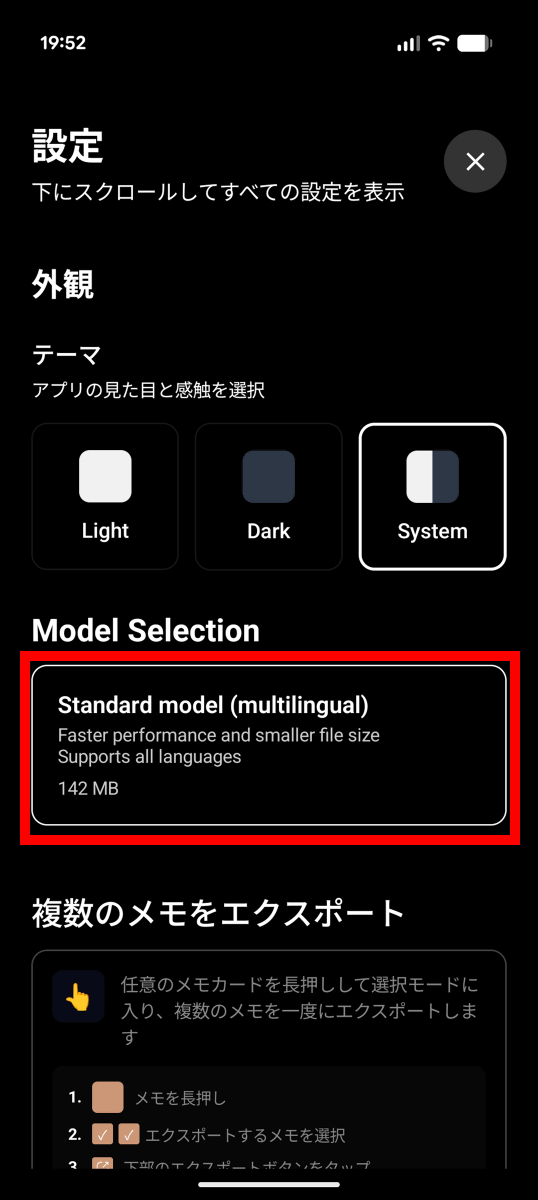
Tap the section labeled 'Standard model' under 'Model Selection'.
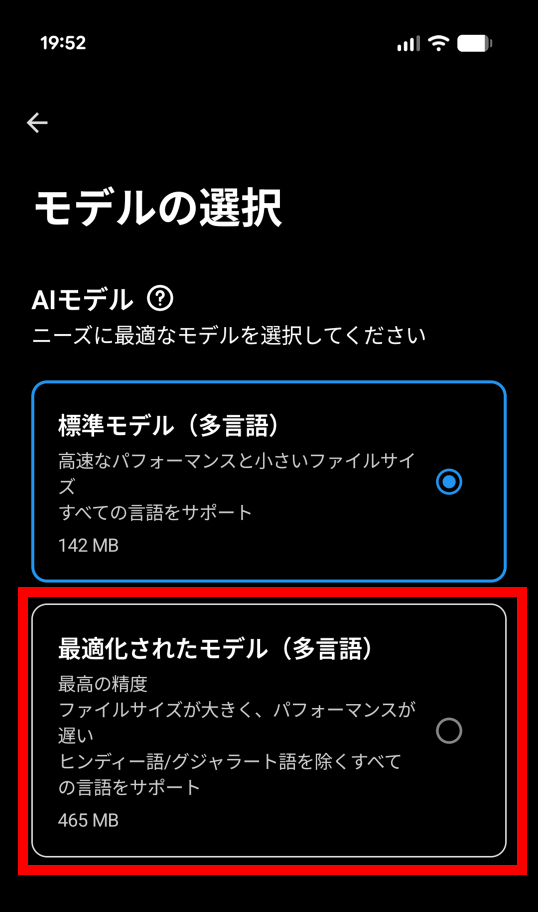
Tap 'Optimized Model'.
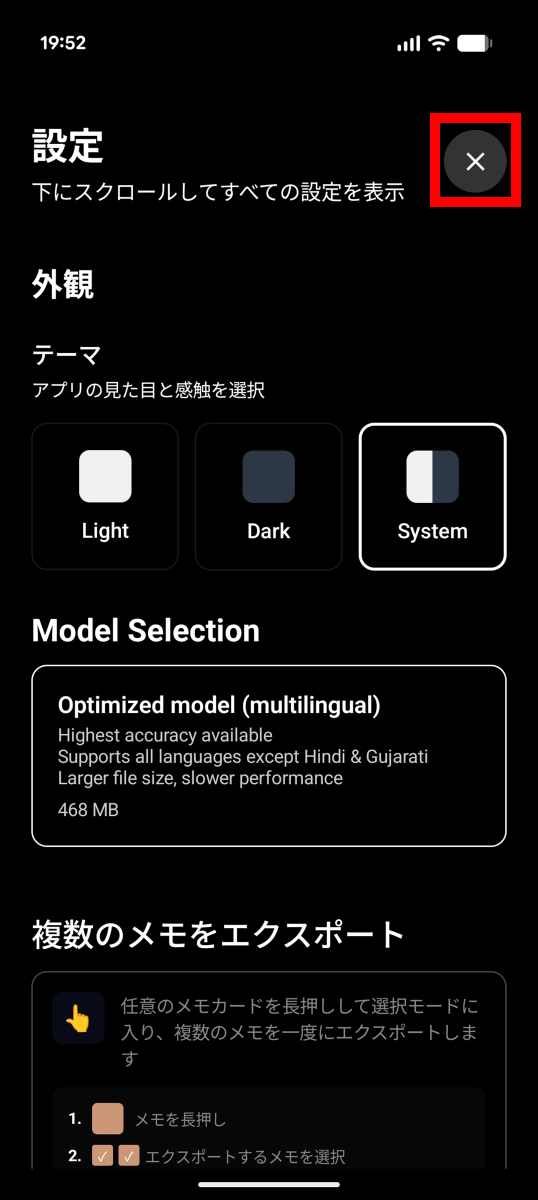
Tap the × button in the upper right corner.
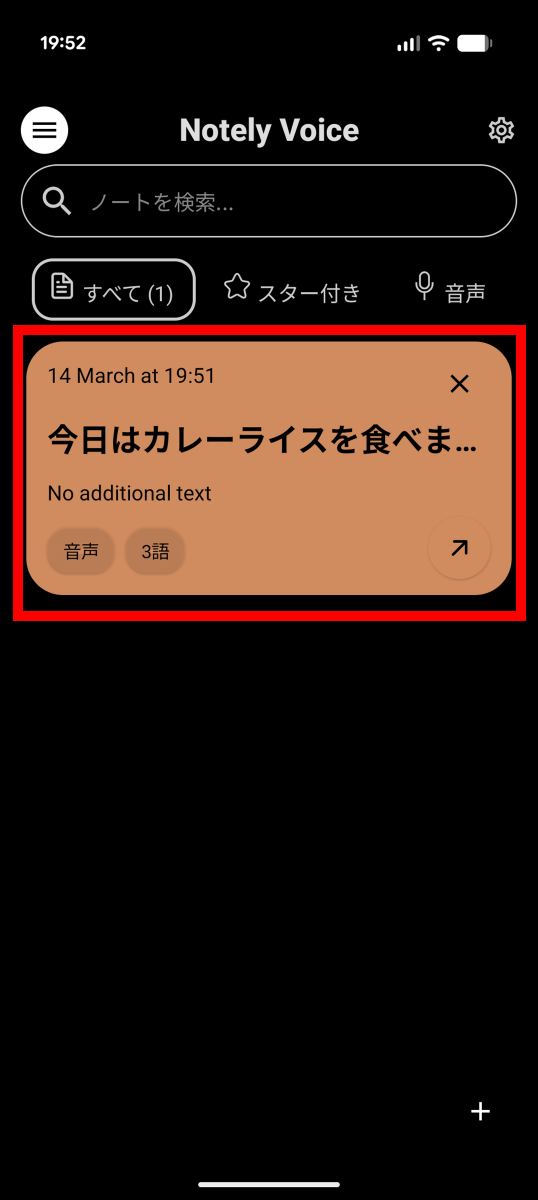
Tap on a note you have already created.
Tap the Transcript button.
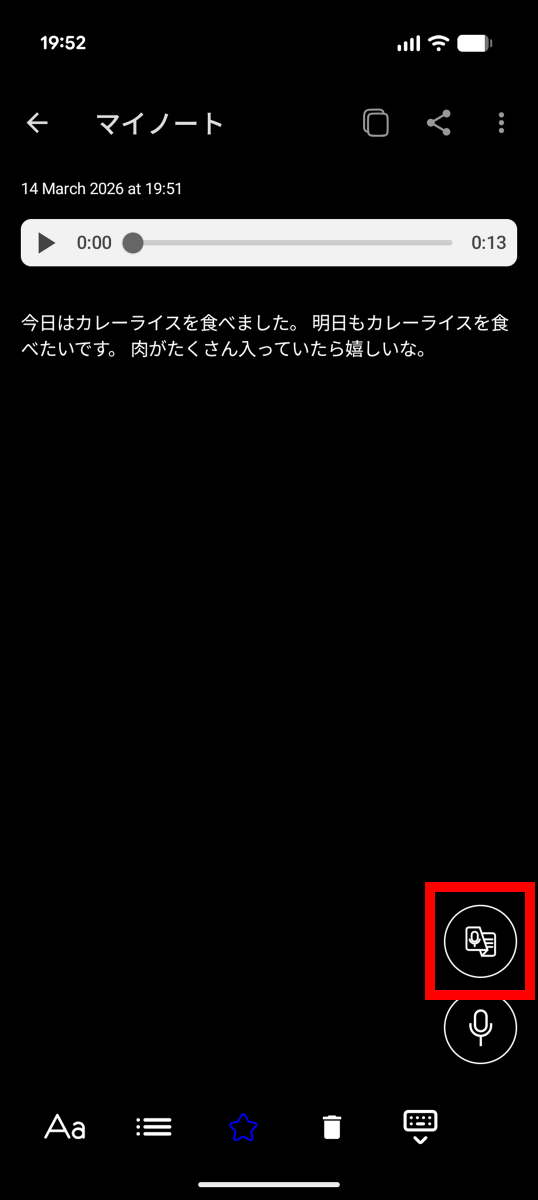
Tap the download button.
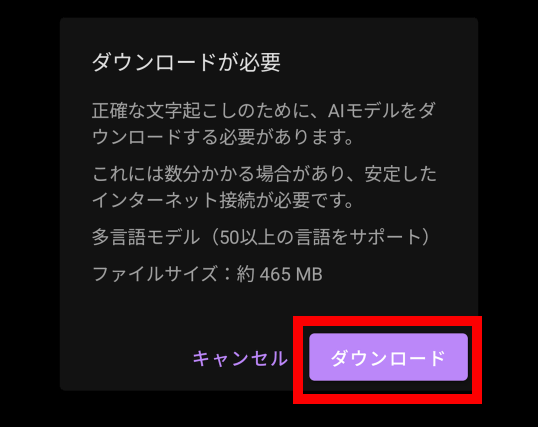
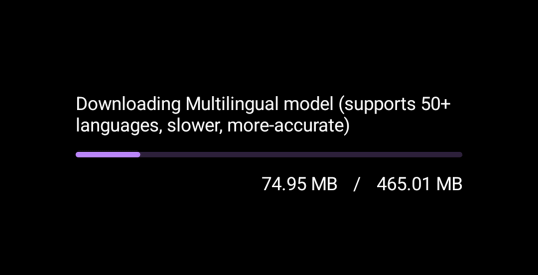
Please wait a while for the download to complete. The high-precision model file is 465.01MB in size, so we recommend downloading it in a Wi-Fi environment.
The transcription process started immediately after the download was completed.
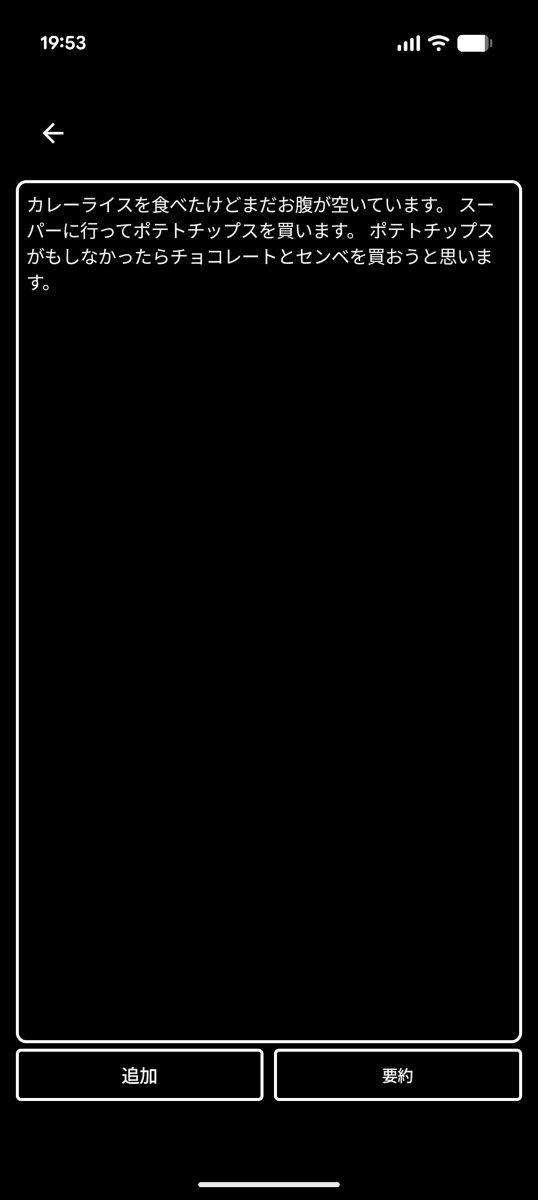
The transcription is correct except for the fact that 'senbei' is written as 'senbe'.
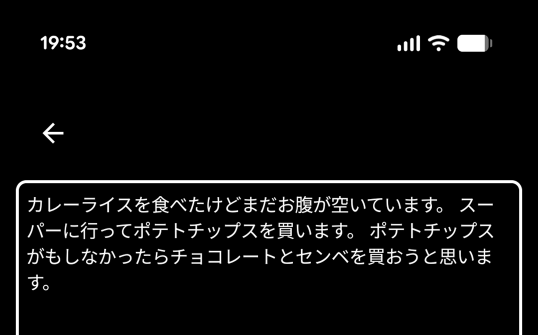
You can manually adjust the details later, so just tap 'Add' for now.
New text has been added to the notes.
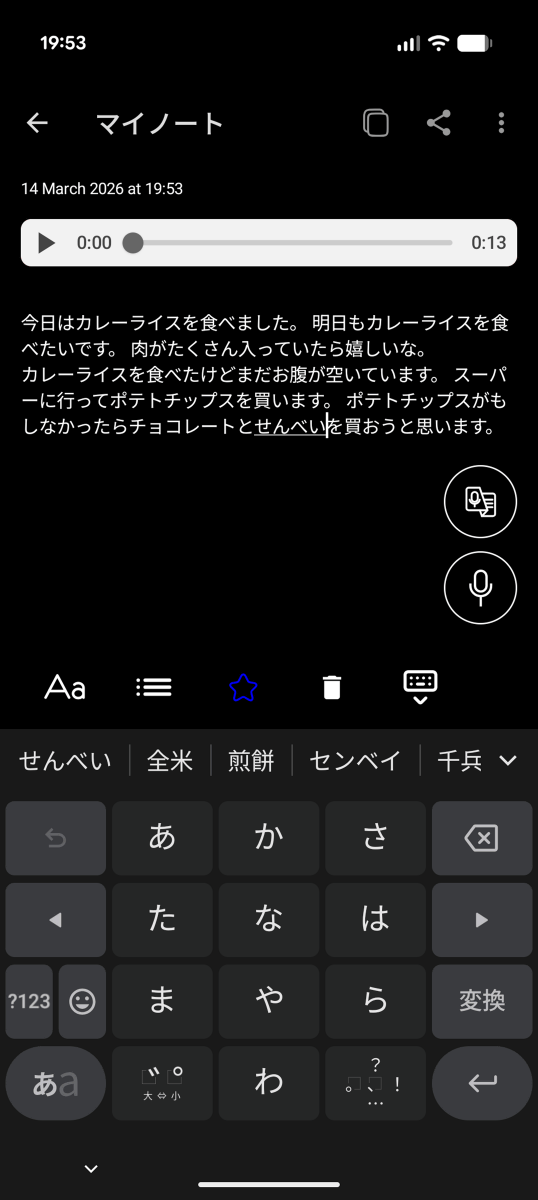
The text area is freely editable. You can create long memos in a short amount of time by using the method of 'voice input for long sentences and only correcting minor errors.'
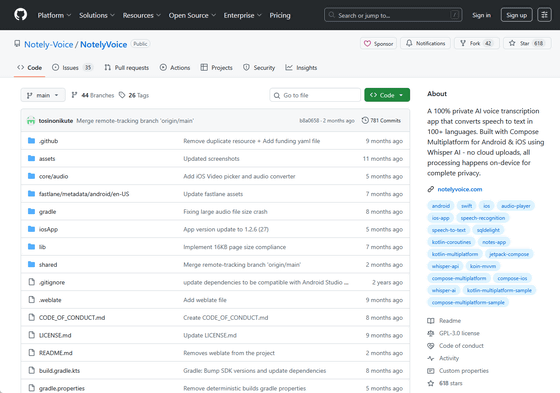
Notely Voice is developed as open source, and you can view the source code at the following link.
GitHub - Notely-Voice/NotelyVoice: A 100% private AI voice transcription app that converts speech to text in 100+ languages. Built with Compose Multiplatform for Android & iOS using Whisper AI - no cloud uploads, all processing happens on-device for complete privacy. · GitHub
https://github.com/Notely-Voice/NotelyVoice
Related Posts:

in AI, Software, Smartphone, Review, Posted by log1o_hf