'Hey Siri'-like feature 'Hey Copilot' now available in Windows 11, allowing you to talk to Copilot in Japanese with various voices
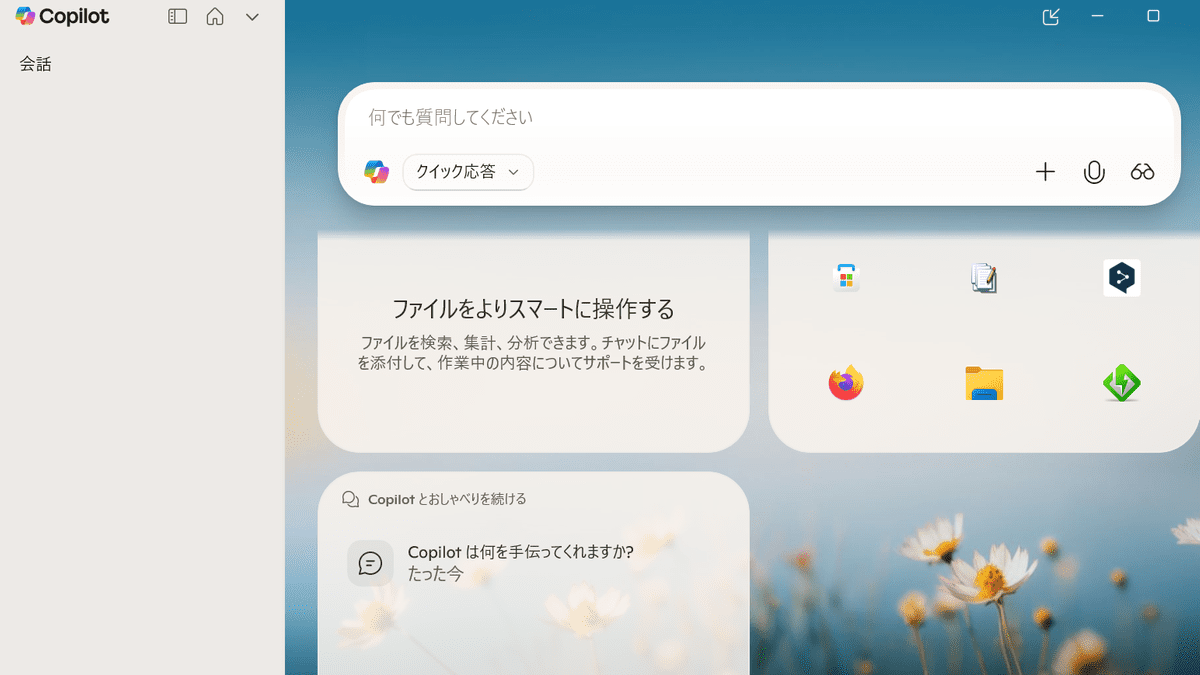
Microsoft has introduced a new wake word for Windows 11 that lets you launch Copilot with 'Hey Copilot,' which is already available at the time of writing.
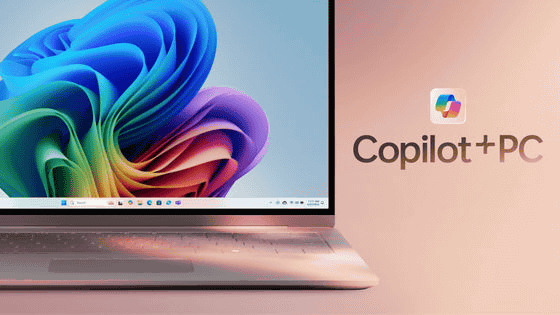
Making every Windows 11 PC an AI PC | Windows Experience Blog
Microsoft believes that an 'AI PC' should have the following three capabilities:
- Ability to communicate naturally through text and voice and understand users
- Able to recognize what the user is looking at and provide guided assistance
- Ability to take action on behalf of users
To further simplify the first point, 'natural interaction,' voice-activated interactive prompt input has been introduced. A new feature has been introduced for Windows 11 that allows you to launch Copilot by saying 'Hey Copilot.'
To use the Hey Copilot wake word, you must first set it up. Launch Copilot using the Copilot key or the Windows + C shortcut, then click the account icon to open the settings.
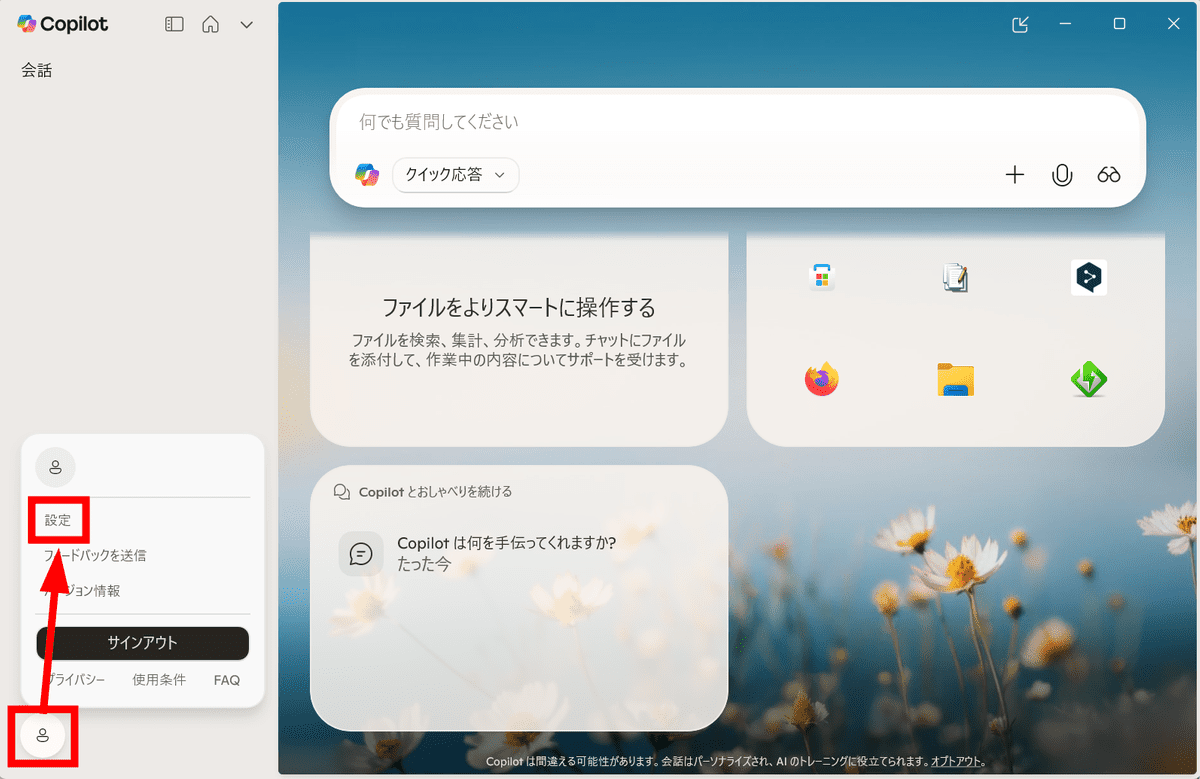
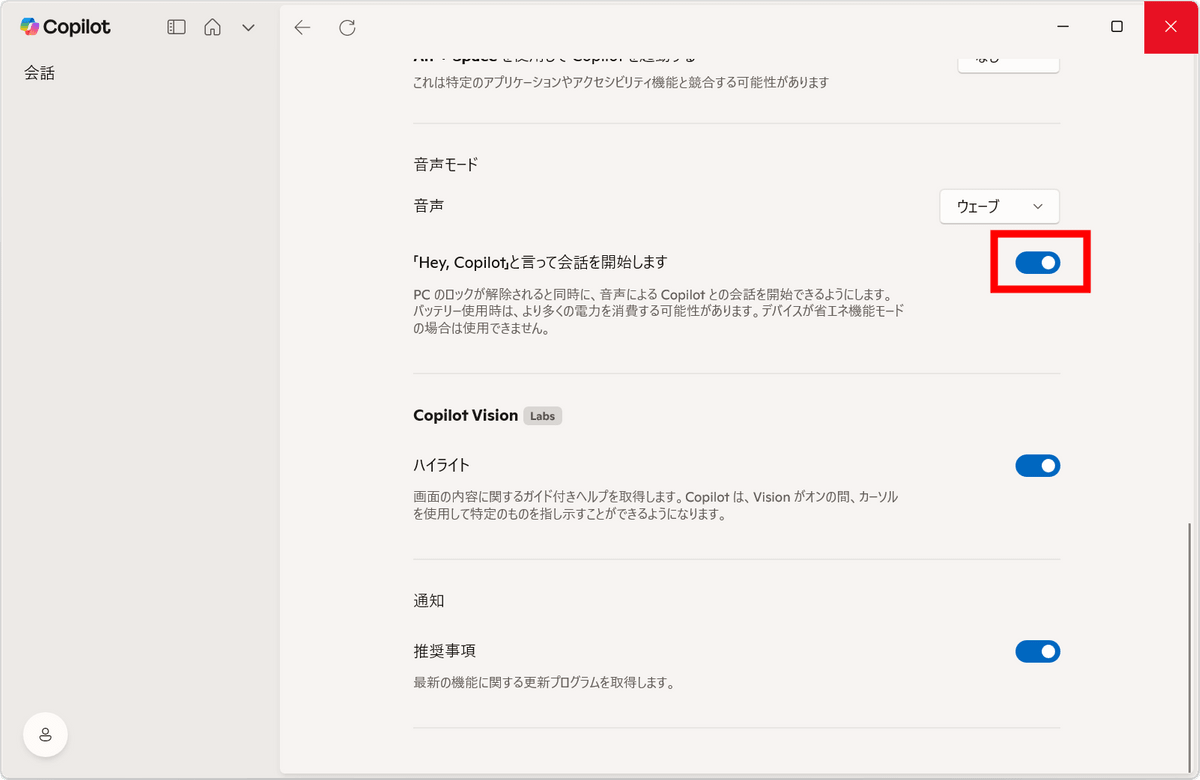
Turn on the toggle switch that says 'Say 'Hey, Copilot' to start a conversation.'
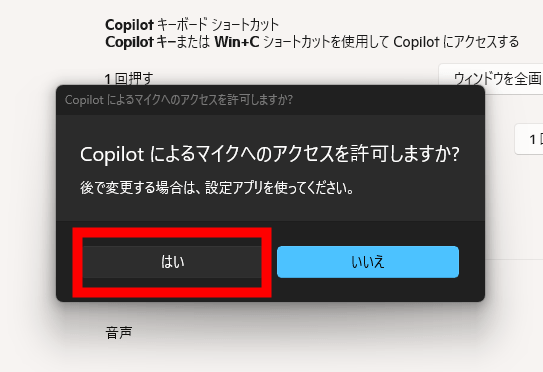
Select 'Yes' on the screen asking you to allow microphone access.
In this state, if you say 'Hey, Copilot' to your PC, Copilot's voice chat will start. You can start a conversation with Copilot at any time without opening the Copilot screen.
I actually tried it.
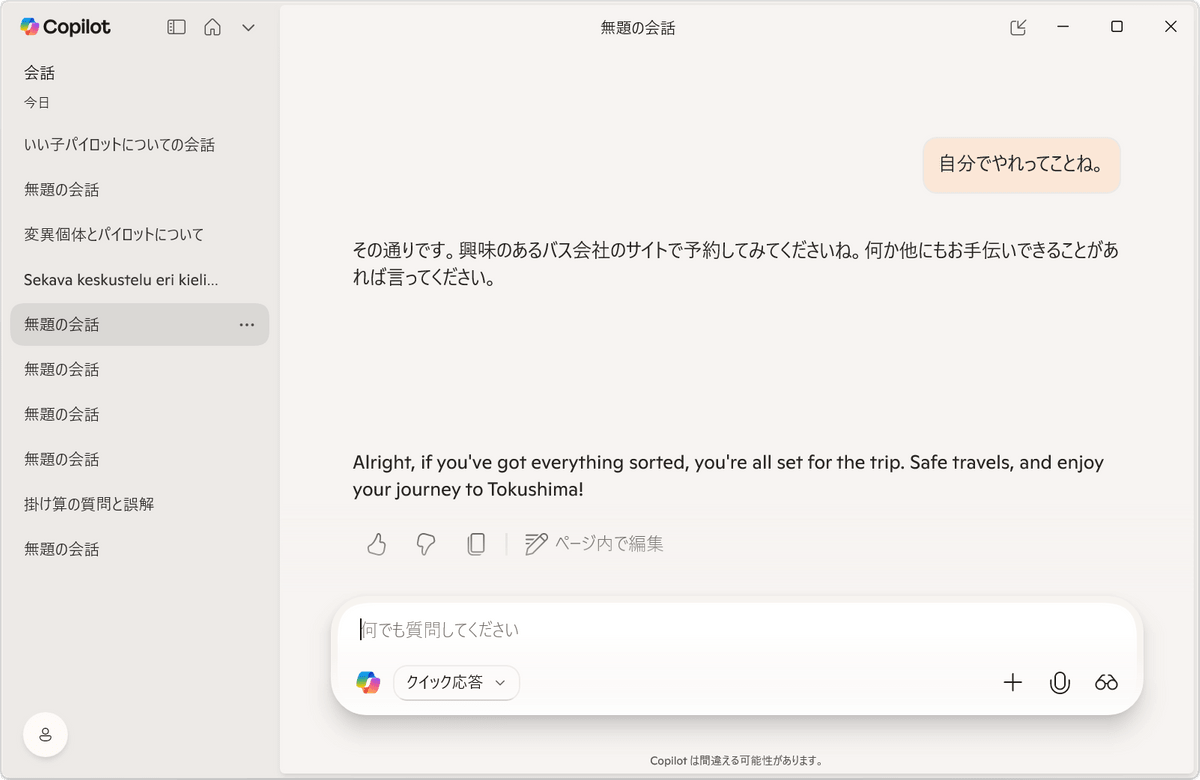
If you don't speak for a while, the voice chat will close, but until then, it will stay active and listen to what you say, outputting various responses to your comments. The response speed is reasonably fast, so it seems like it would be useful for people who don't mind voice input. However, it didn't perform tasks like 'Search in Edge.'
However, Copilot's voice was a little broken for some reason, and it sometimes responded in English. It can also respond in Chinese to phrases like 'Speak Chinese,' so it seems like it could be useful for language learning.
All conversations are recorded in text format and can be reviewed later.
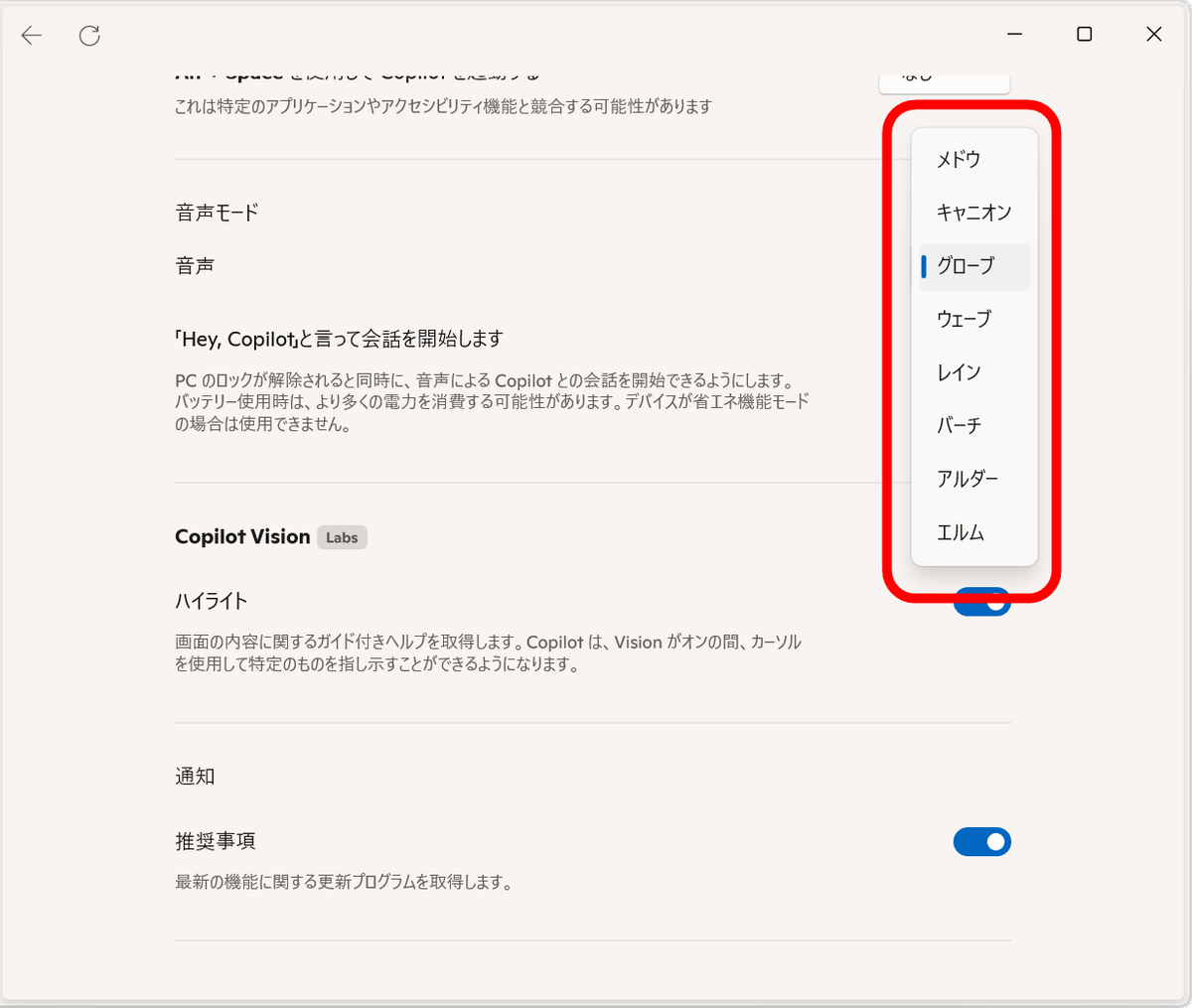
There are eight different voices to choose from, ranging from low to high.
'Hey, Copilot' is available on all Copilot-enabled Windows 11 devices.
You can also share your desktop or apps with Copilot to analyze content, provide insights, and answer questions. You can also ask for help with a specific task and Copilot will display clicks and steps within the app. You can also share Word, Excel, or PowerPoint files and Copilot will analyze your entire presentation without having to review each slide individually. 'Copilot Vision' is also available.
Related Posts: