Google releases video generation AI 'Veo 3.1,' supporting video generation of over 1 minute and improved audio quality
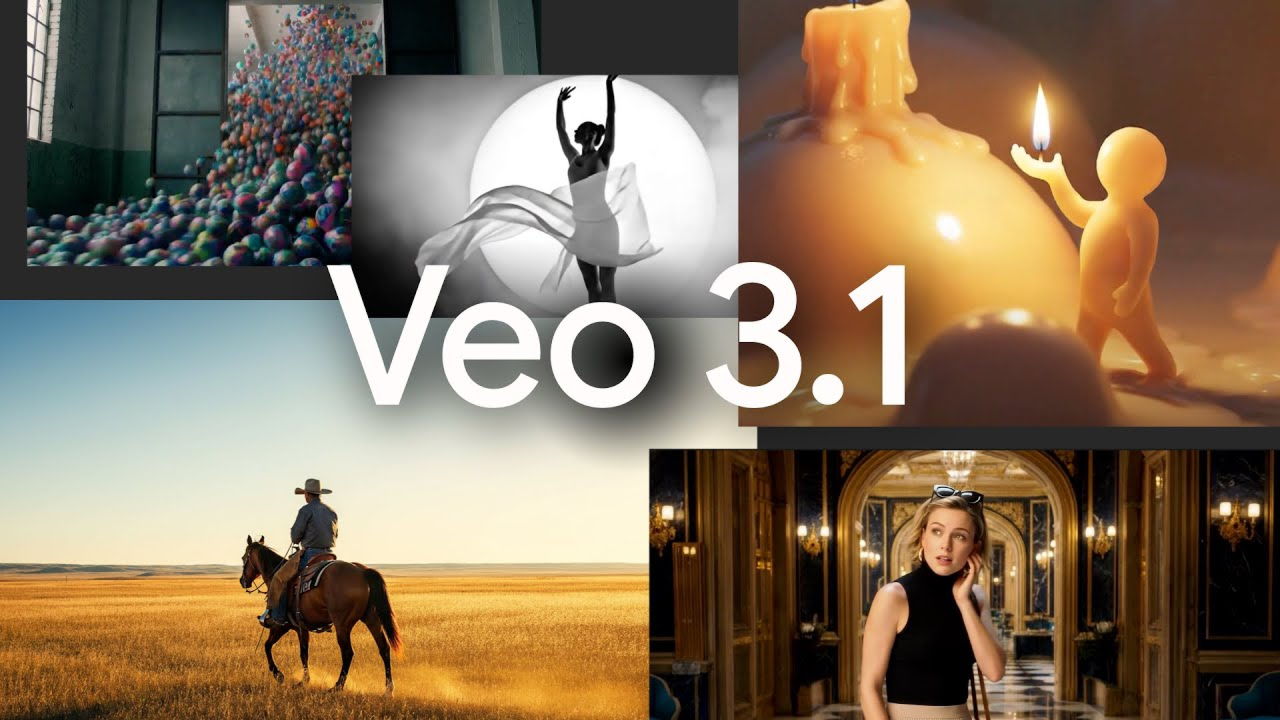
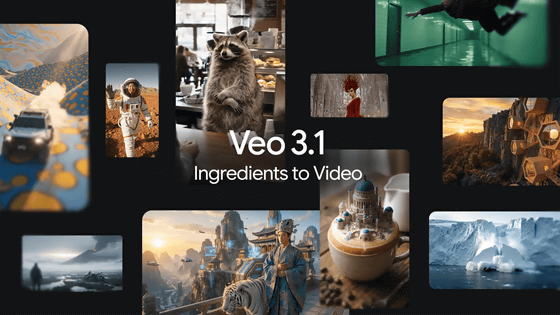
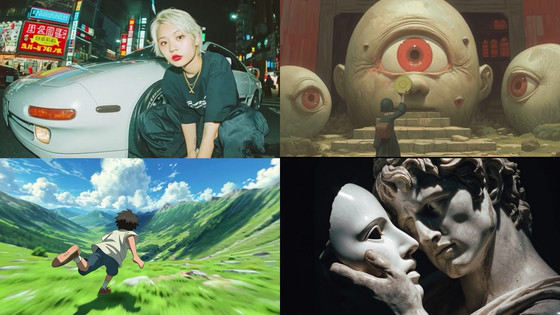
On October 15, 2025 local time, Google announced Veo 3.1 , a cutting-edge video generation AI. Veo 3.1 is based on Veo 3 and offers improved prompt tracking when converting images into videos, as well as improved audiovisual quality.
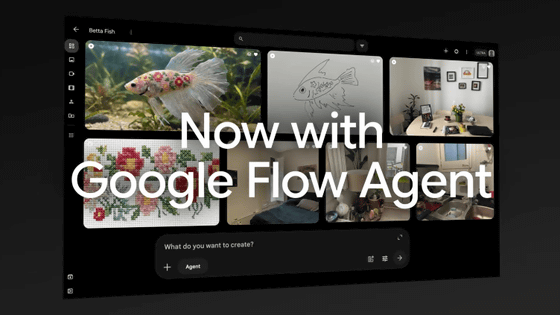
Bringing new Veo 3.1 updates into Flow to edit AI video
https://blog.google/technology/ai/veo-updates-flow/
Today we are introducing Veo 3.1, our newest video generation model. Here's what that means for Flow:
— FlowbyGoogle (@FlowbyGoogle) October 15, 2025
1. Your videos will have richer audio/dialogue, more narrative control, enhanced realism, and more.
2. It's available across Flow's current suite of features, including Frames…
Veo 3.1 - Designed to empower creatives - YouTube
Veo 3.1 adds audio capabilities to its existing features, making it a video generation AI that helps you create the perfect scene. This audio feature is still in the experimental stage, and Veo will continue to improve based on user feedback.
'Veo 3 is the most advanced video generation model,' said Demis Hassabis, CEO of Google DeepMind, which is developing Veo 3.1. 'Veo 3.1 delivers significant upgrades, including increased realism, richer audio, scene extensions, better narration control, and more precise editing capabilities.'
Veo 3 is the state-of-the-art in video models. Veo 3.1 is our new big upgrade with enhanced realism, richer audio, scene extension, better narrative control, more precise editing capabilities & much more. Enjoy creating with it at https://t.co/QgTpxTKAOi and in the @GeminiApp ! https://t.co/kCoE8meIb6
— Demis Hassabis (@demishassabis) October 15, 2025
Veo 3.1 features include:
'Ingredients to Video' allows you to adjust characters, objects, and styles using multiple reference images, while Flow, an AI movie generation tool powered by Veo, can create the exact scene you envision based on the materials you input.
Veo 3.1 - Ingredients to video - YouTube
With 'Frames to Video,' you can specify a start and end image, and Flow will create a seamless video that connects the two scenes.
Veo 3.1 - Frames to video - YouTube
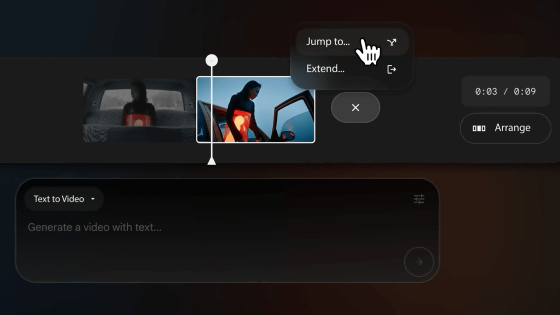
The 'Extend' feature lets you generate a continuation of the action from the original video, up to a minute in length. Each video builds on the last second of the previous video, making it perfect for creating longer establishing shots .
Veo 3.1 - Create longer, seamless shots - YouTube
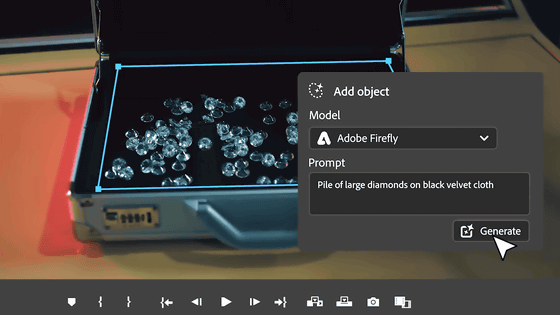
Use Insert to add anything you can imagine, from realistic details to fantastical creatures, and Flow automatically handles complex details like shadows and scene lighting for a natural-looking result.
Additionally, you can remove unwanted objects from your scene and Flow will reconstruct the background and surroundings, making it look as if the object was never there.
Veo 3.1 - Add and remove objects to your scene - YouTube
Related Posts: