Google rolls out AI vibe coding app 'Opal' to over 15 countries, including Japan
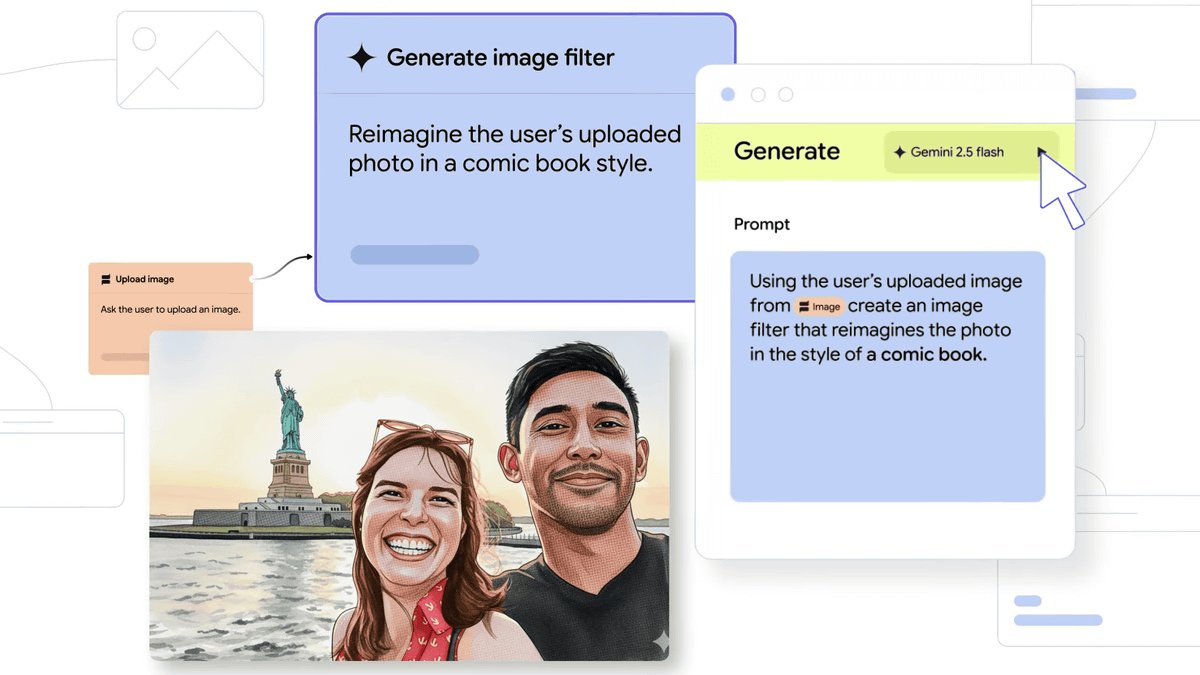
Google has announced that it has expanded the availability of Opal , a
Opal is beginning to roll out 15 new countries
https://blog.google/technology/google-labs/opal-expansion/
In recent years, vibecoding, a form of programming using generative AI, has been gaining attention, making it possible for people with little programming knowledge or experience to develop applications. Google announced its vibecoding app, Opal, in July 2025, but initially only released a public beta version in the United States.
Google launches Opal, a vibe coding tool for AI app development, enabling no-code development with natural language and visual editors - GIGAZINE
Google announced that on October 6, 2025, Opal will begin rolling out in not only the United States, but also Japan, Canada, India, South Korea, Vietnam, Indonesia, Brazil, Singapore, Colombia, El Salvador, Costa Rica, Panama, Honduras, Argentina, and Pakistan.
Megan Lee, a senior product manager at Google Labs, said, 'When we launched Opal to US users, we expected that they would develop simple, fun tools. But we didn't expect the proliferation of sophisticated, practical, and incredibly creative Opal apps.' She revealed the unexpected response.
Opal is available on Google Labs , a platform where you can experience Google's AI tools, and can be accessed from the following URL. At the time of writing, it is free to use, but you will need to register for a Google account.
Welcome - Opal [Experiment]
https://opal.withgoogle.com/
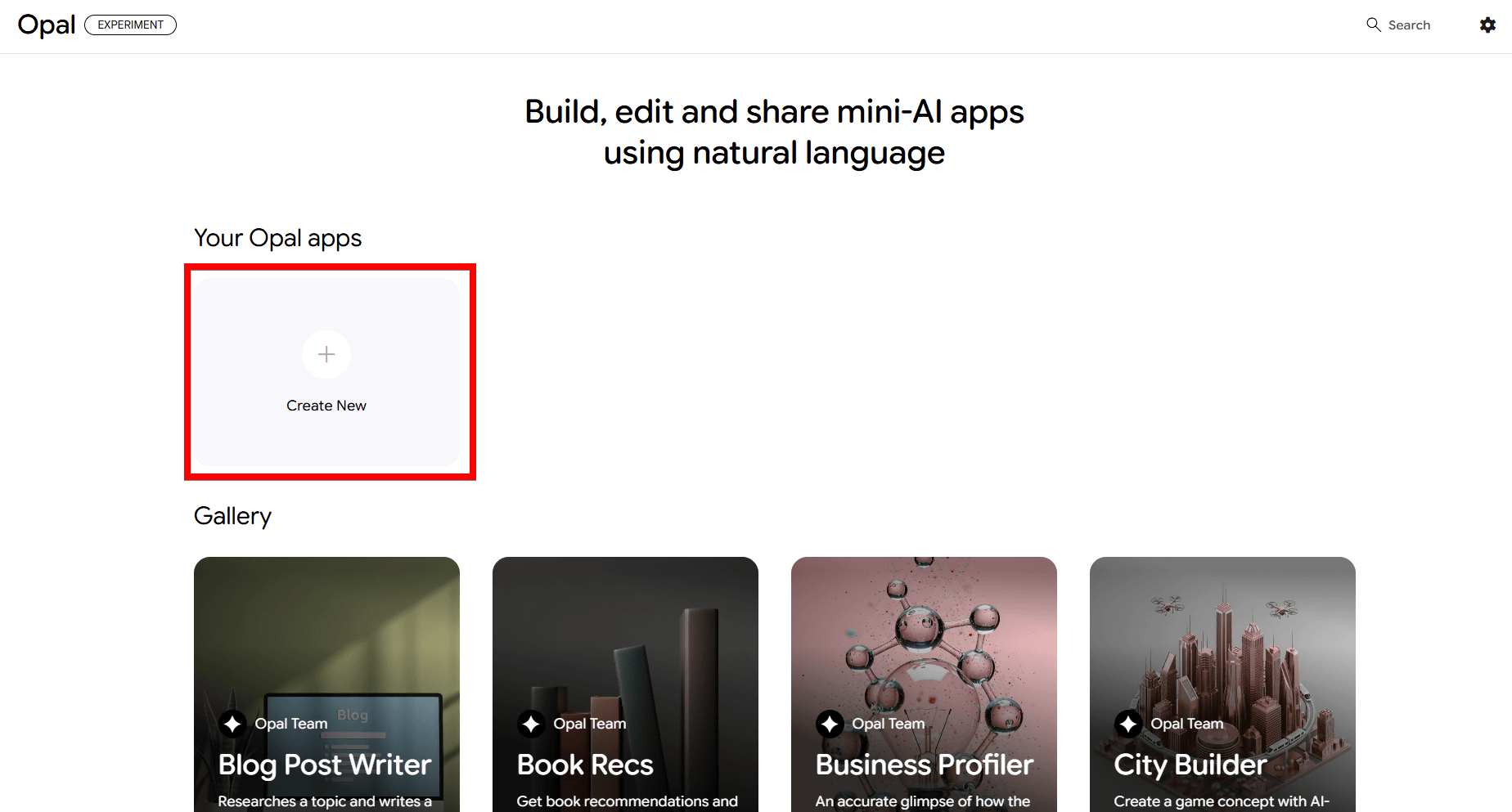
This is what it looks like when you register with your Google account. Click 'Create New.'
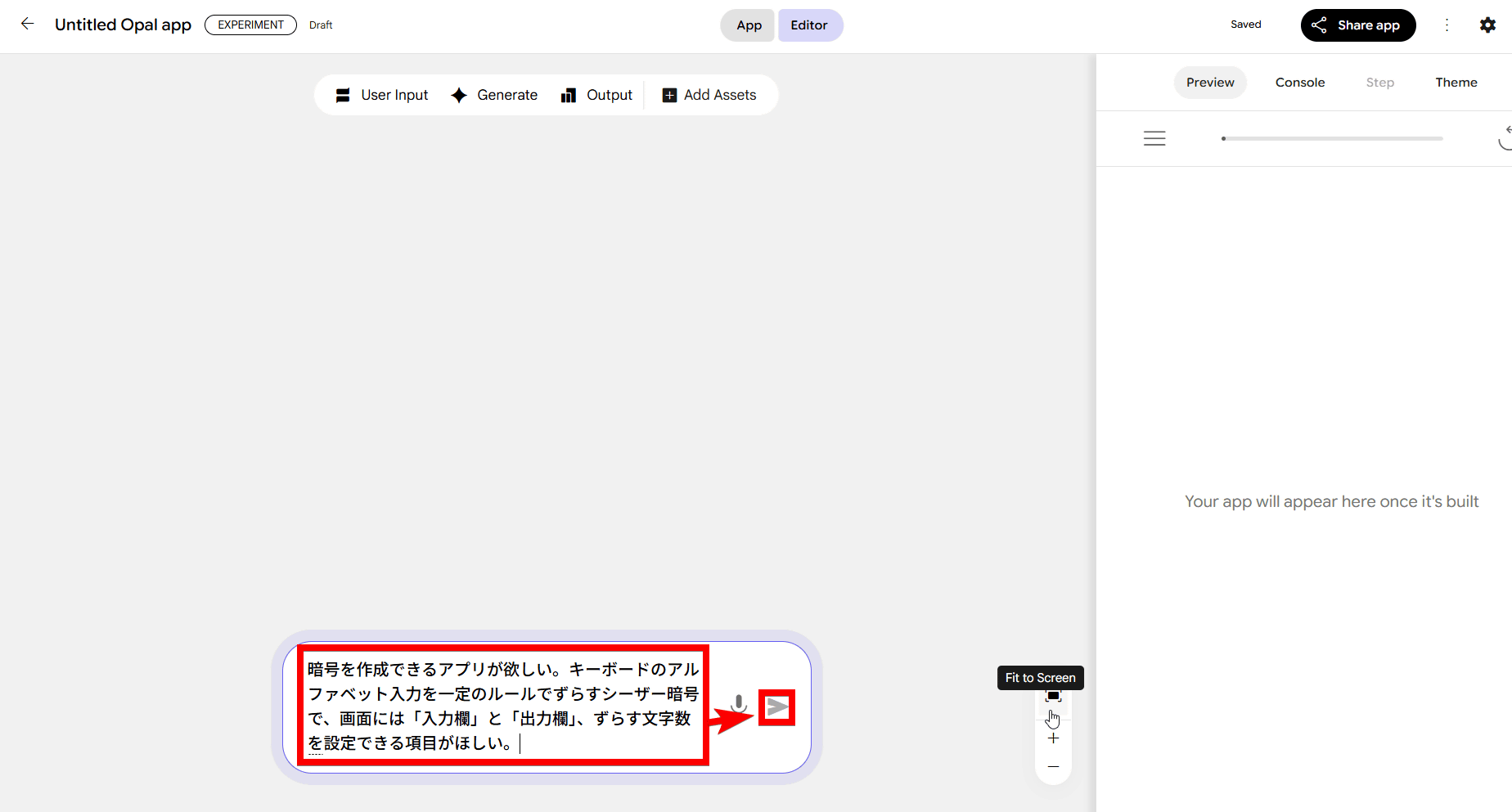
Then, the text prompt input field for the AI chatbot was displayed like this.
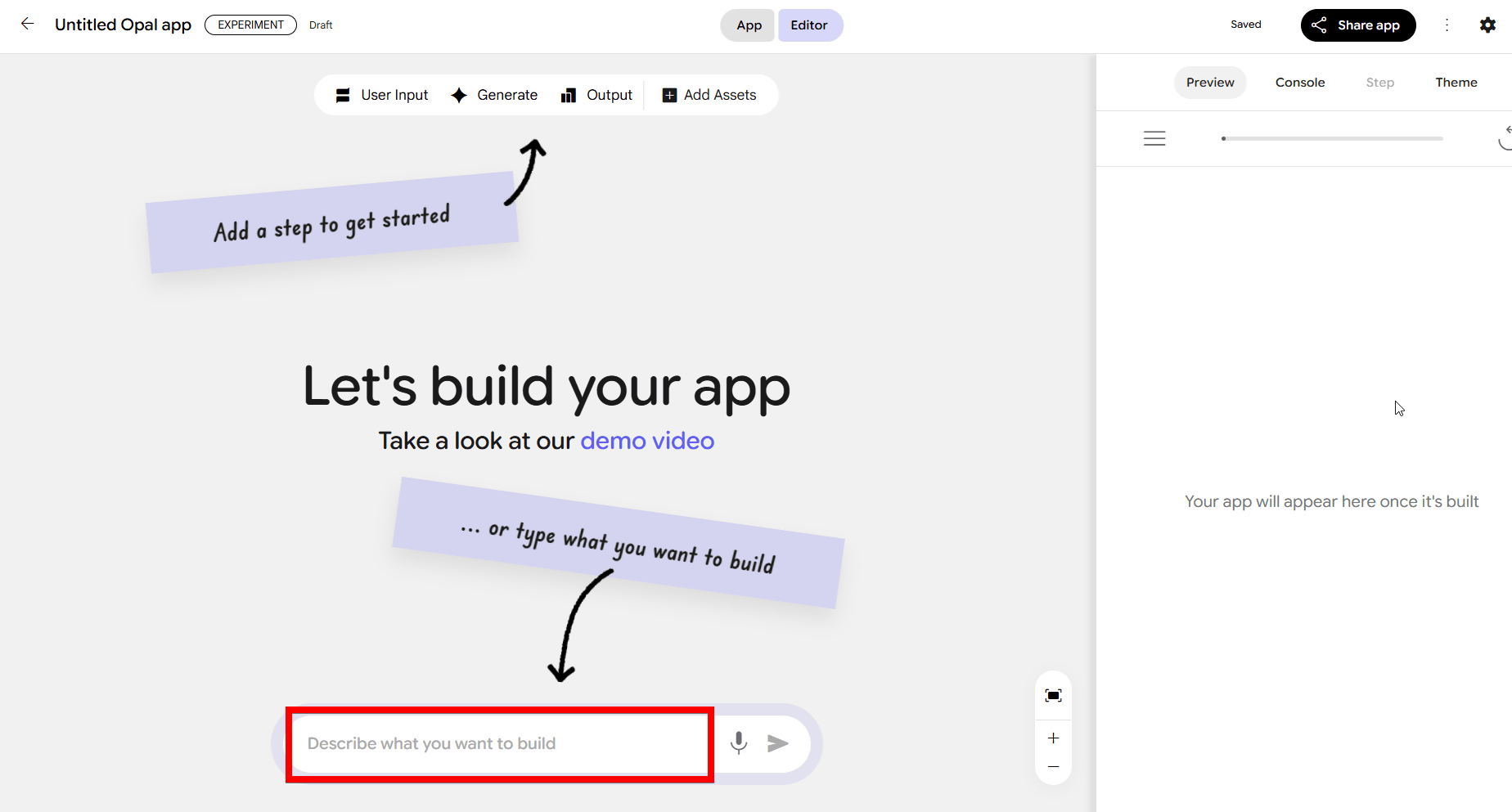
Enter the outline of the app you want to create and click the submit button.
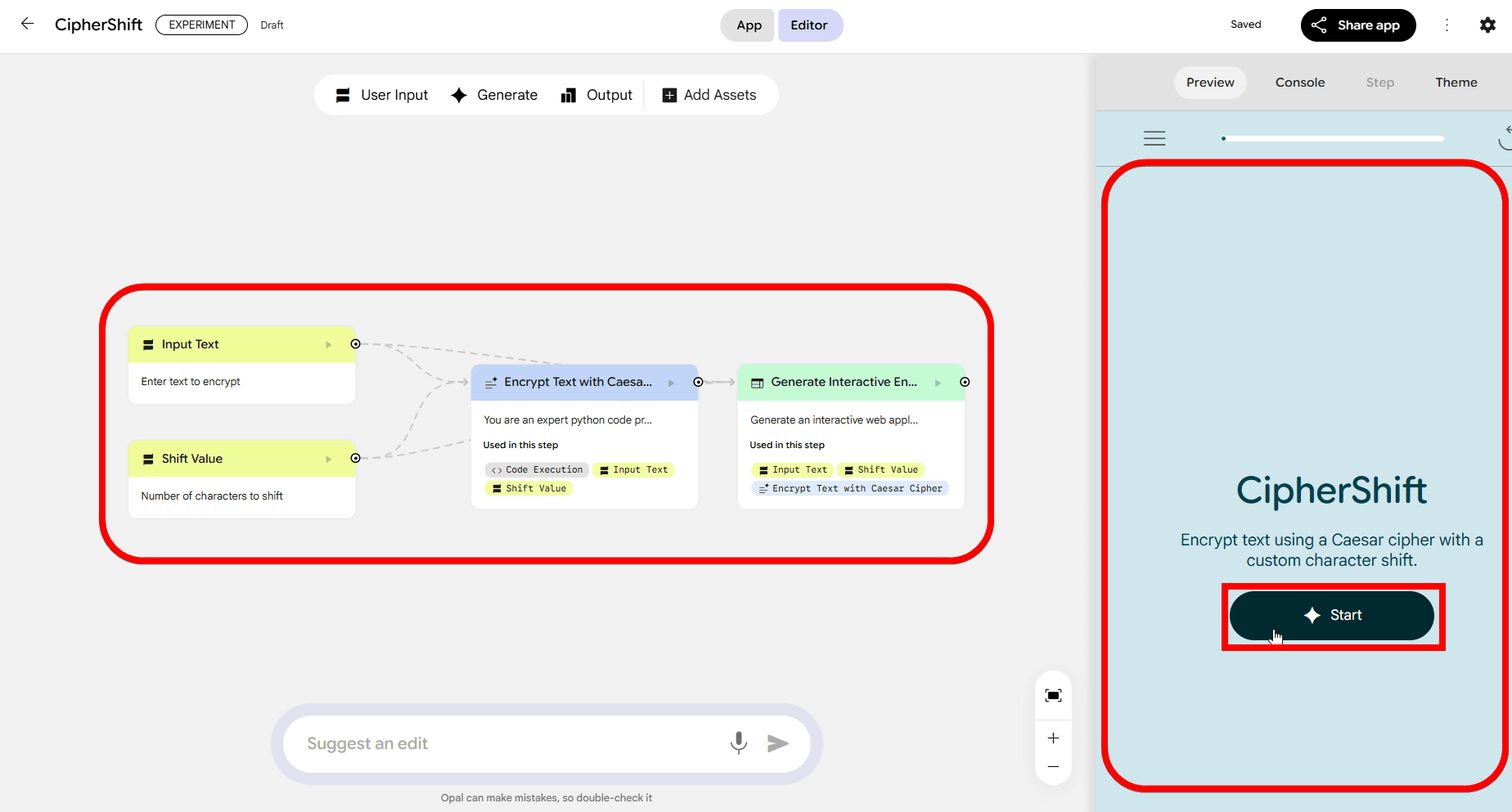
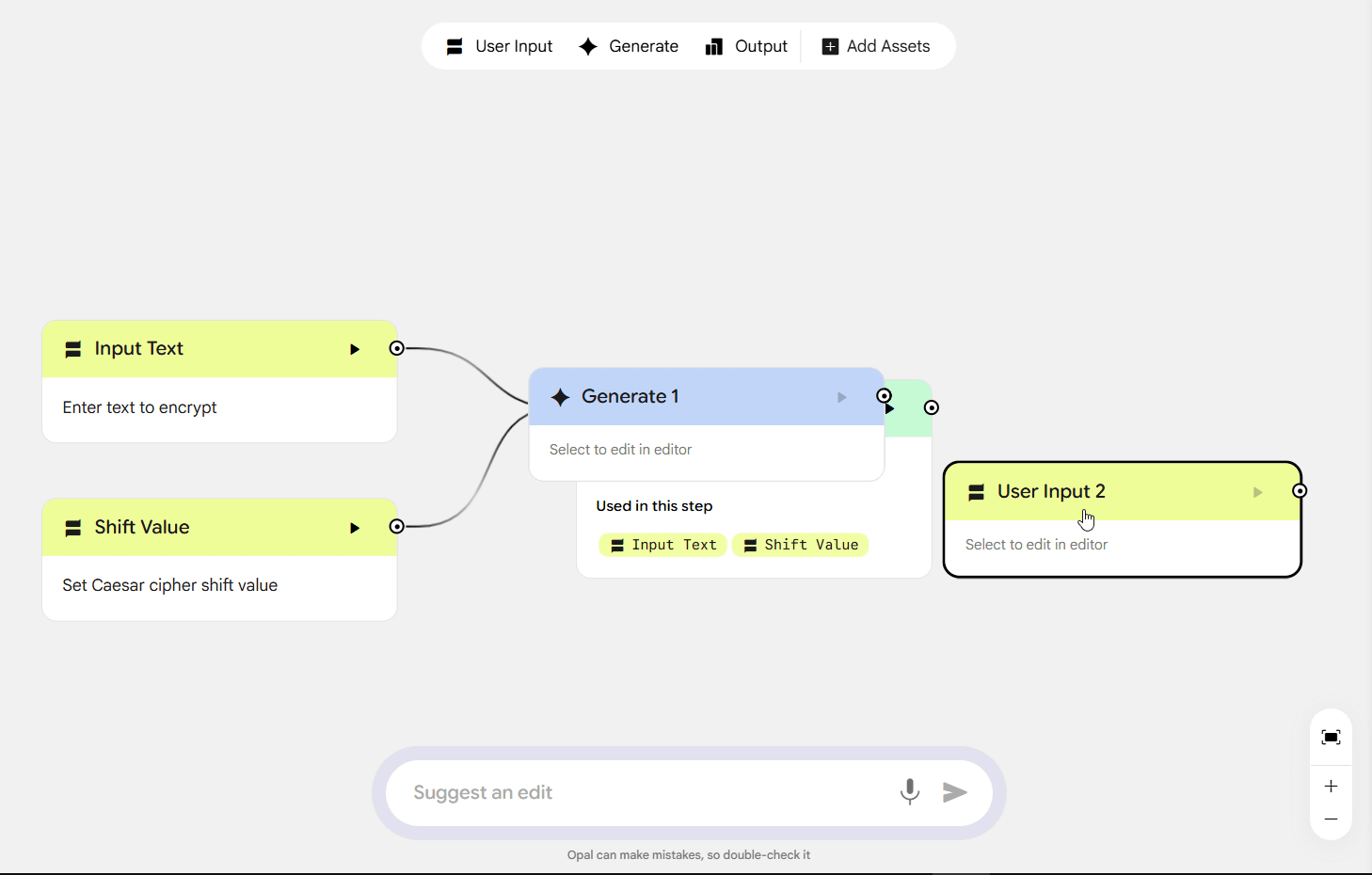
Within a few seconds, the input, output, and generation workflow was visually displayed. A preview of the generated app was displayed on the right. Click 'Start' on the right.
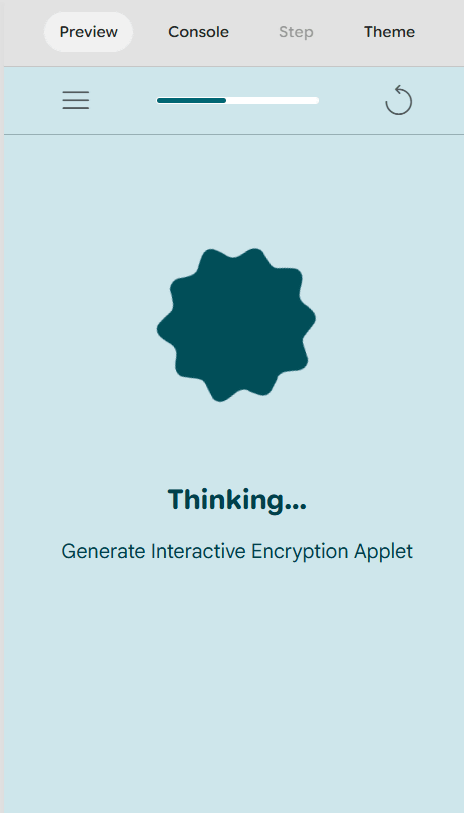
This will actually generate the code.
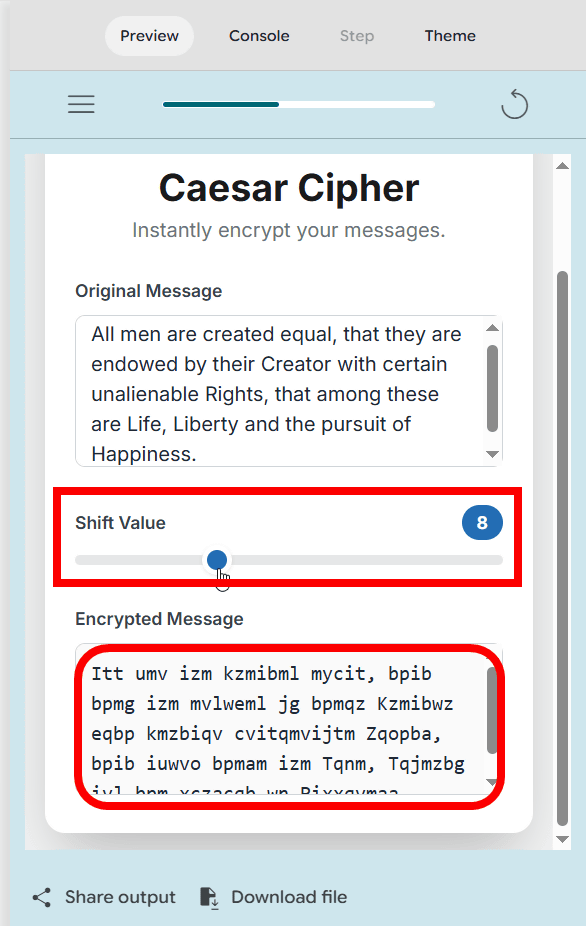
The completed app looks like this. This time, I created a
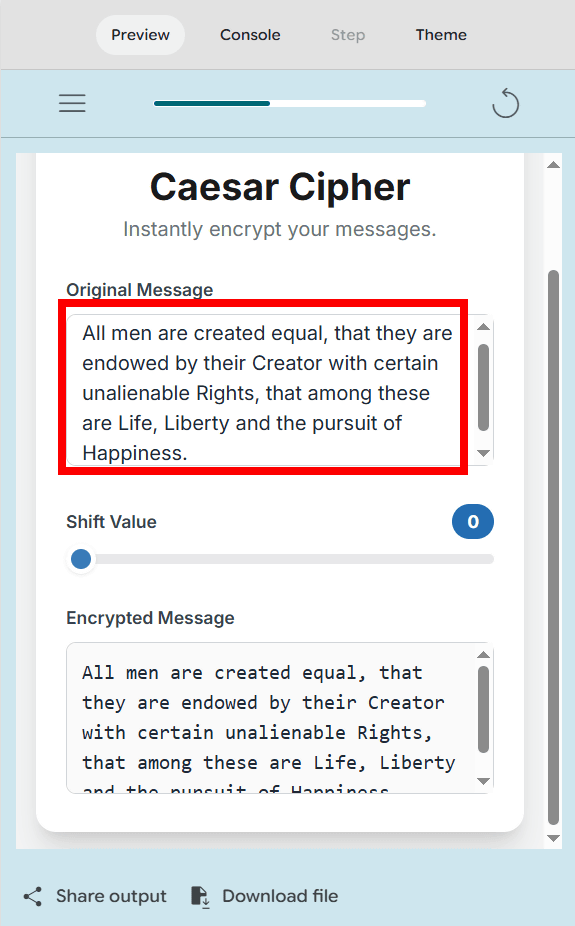
By moving the 'Shift Value' slider, you can specify the number of characters to shift. When I moved it all the way to '8,' the English text was displayed with all the letters shifted by eight characters. This app was exactly what I had envisioned, and although it's an incredibly simple app, I was surprised that it could be completed in just a few minutes.
In Opal, you can click on any step to review or edit its prompt, or use the toolbar to manually add new steps. You can also publish your app to the web and share a link so others can test it with their own Google accounts.
In addition to the expansion of the country of availability, significant improvements have been made to Opal's core performance. Previously, creating a new Opal could take up to five seconds or more, but this has been dramatically sped up, allowing it to start more quickly. Google also said that parallel execution is now possible, allowing complex workflows with multiple steps to run simultaneously, reducing overall wait times.
Related Posts:



in Software, Web Service, Review, Web Application, Posted by log1i_yk