A review of the multi-functional gimbal 'Osmo Mobile 7P' that prevents smartphone shake and enables smooth video shooting. It can be used in combination with your usual camera app and also has a 'function to automatically track people.'
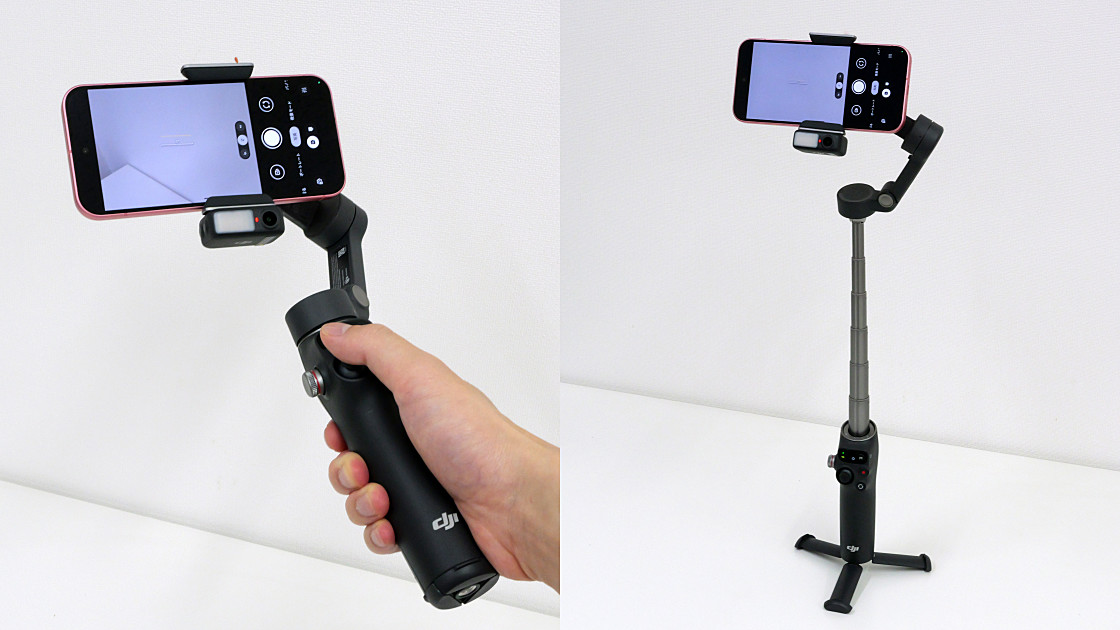
The Osmo Mobile 7P is a multi-function gimbal made by DJI, a convenient device that allows you to attach an iPhone or Android smartphone to shoot smooth, shake-free video. It also comes with a small module called the DJI OM Multifunction Module, which allows you to use the tracking function without installing a dedicated app. We were given the Osmo Mobile 7P as a prize in
Osmo Mobile 7 Series - Unwavering Confidence in Your Hands - DJI
https://www.dji.com/jp/osmo-mobile-7-series
◆ Appearance check
The Osmo Mobile 7P package looks like this.
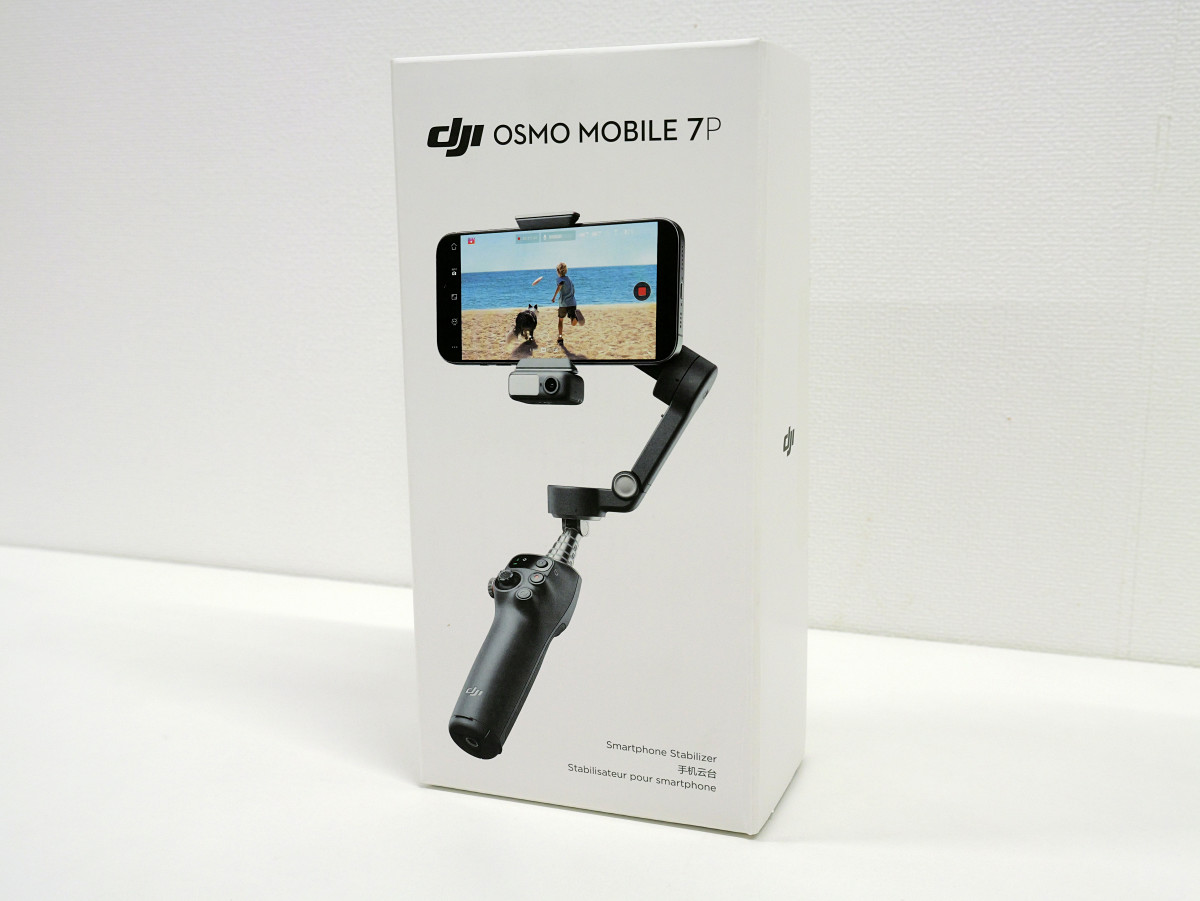
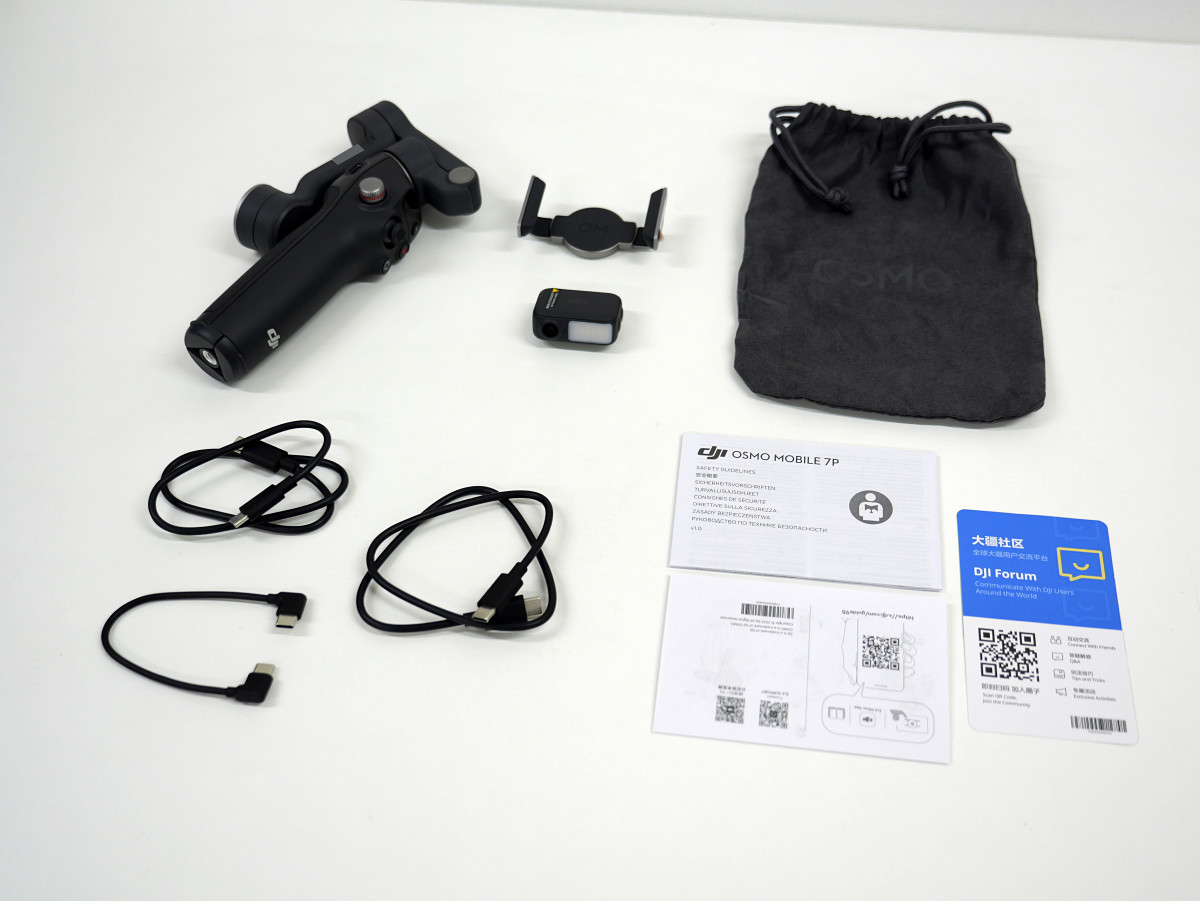
In addition to the Osmo Mobile 7P itself, the box contained a magnetic smartphone clamp, a DJI OM Multifunction Module, a storage bag, three USB Type-C cables, and an instruction manual.
This is the Osmo Mobile 7P.
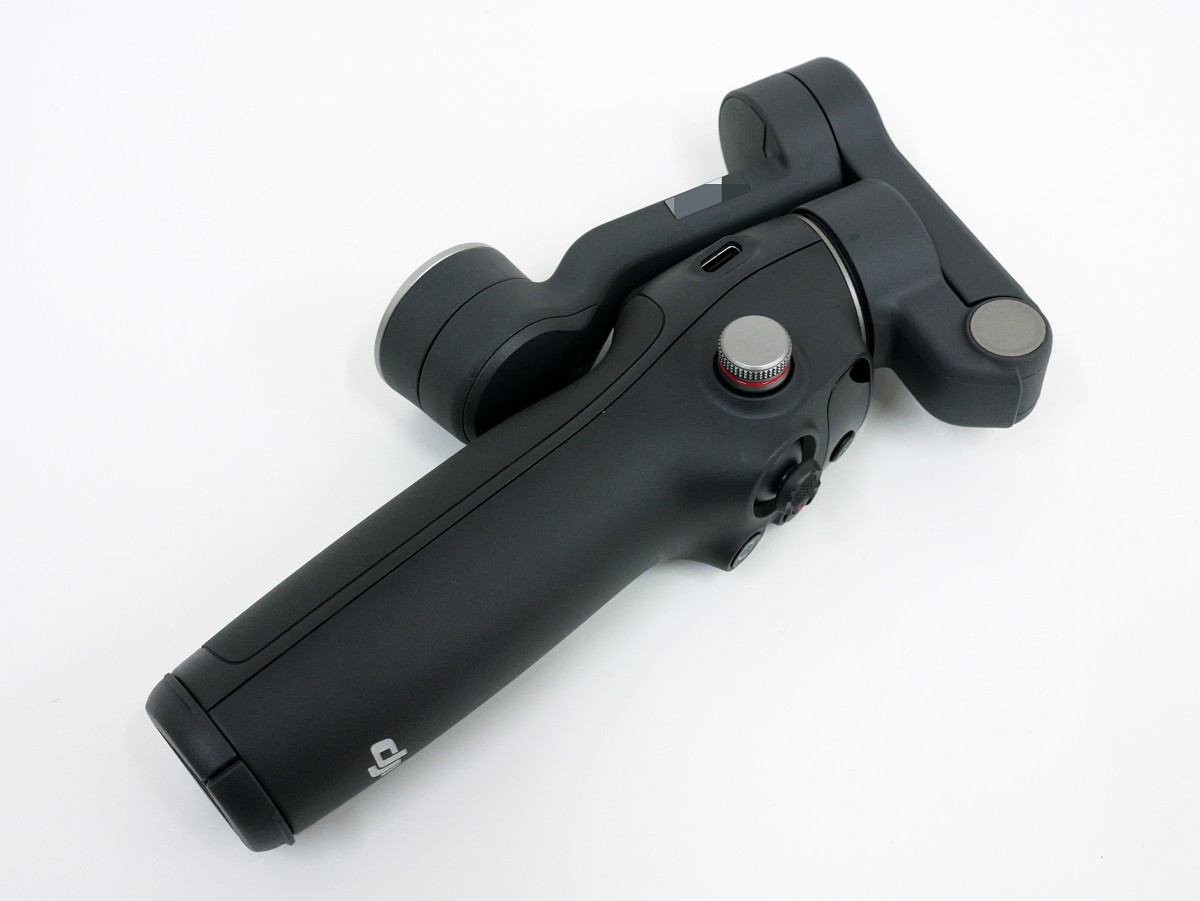
When the arm part is expanded it looks like this.
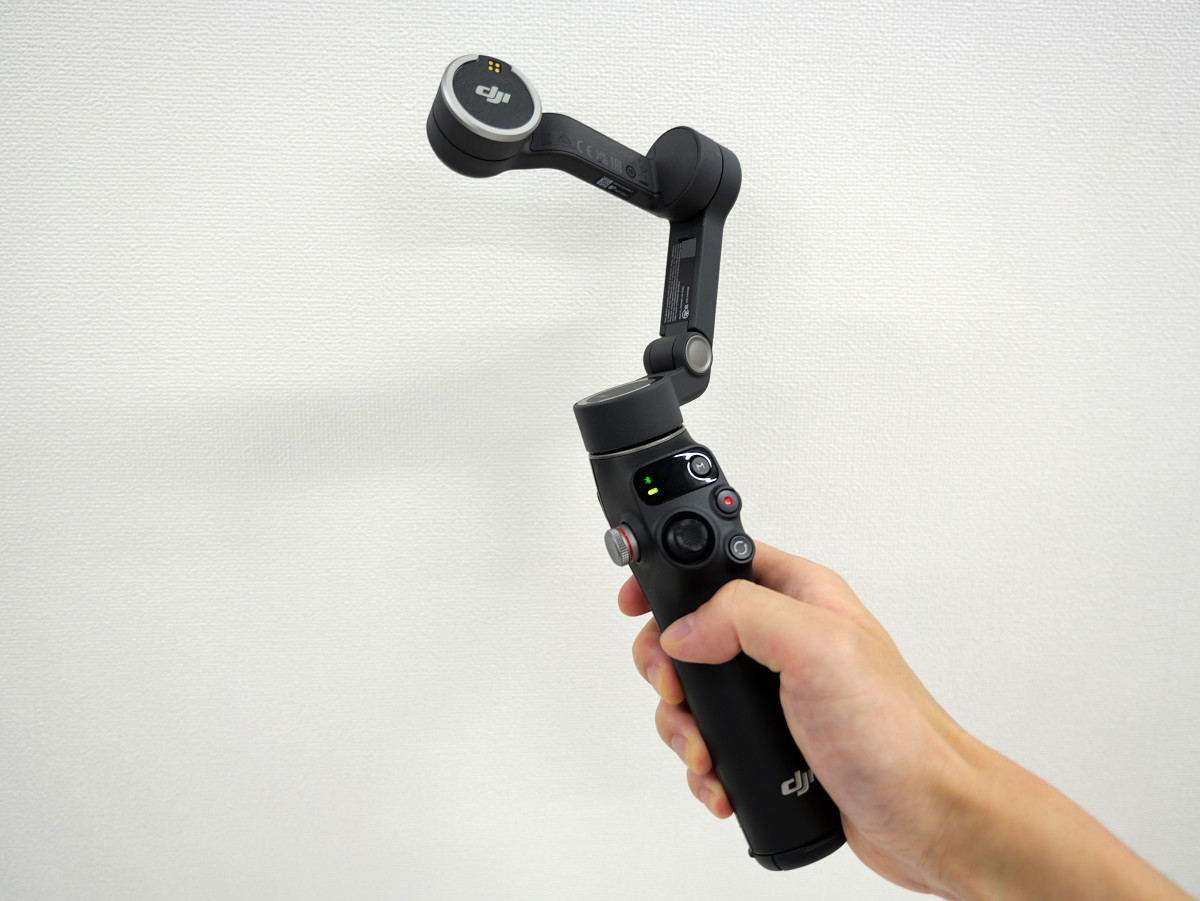
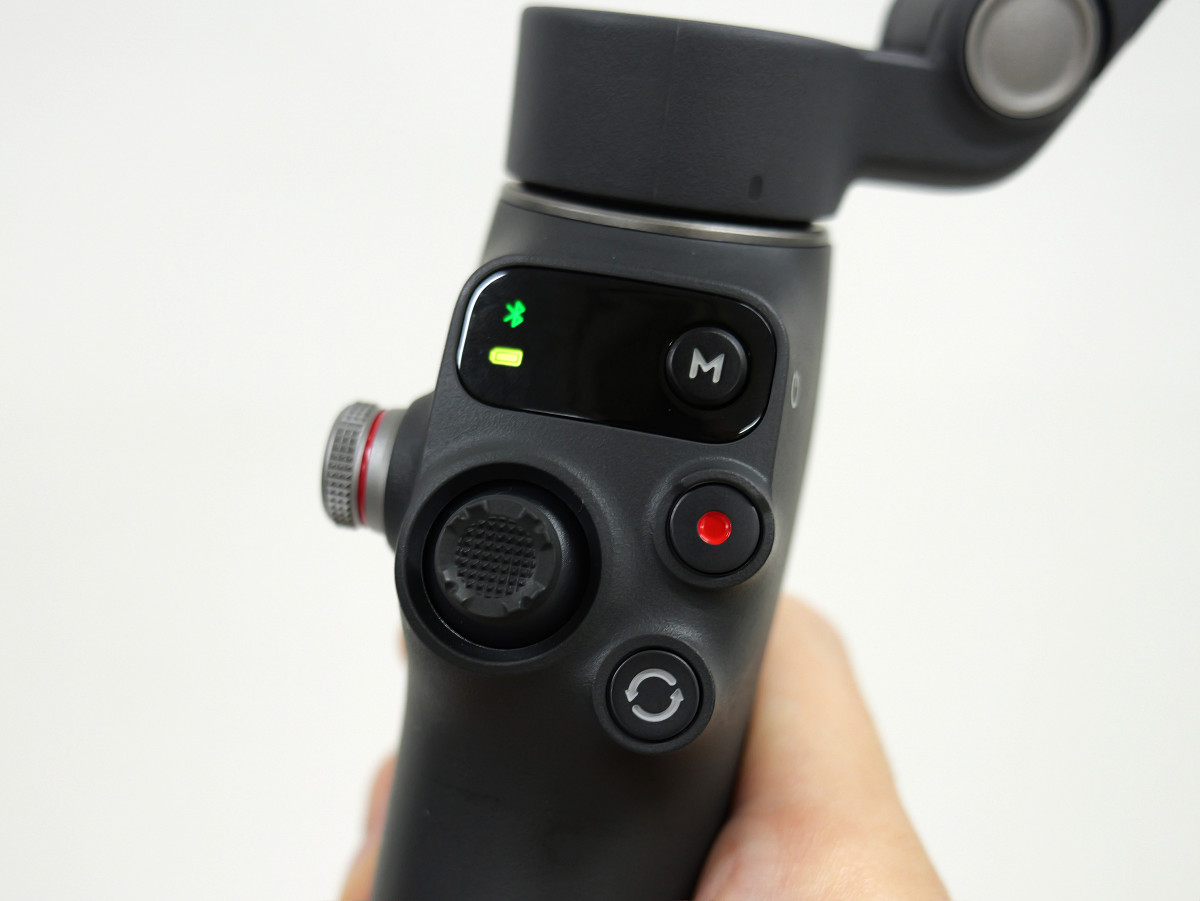
The joystick, power button, shutter/recording start button, and mode switch button are all positioned so they can be operated with your thumb.
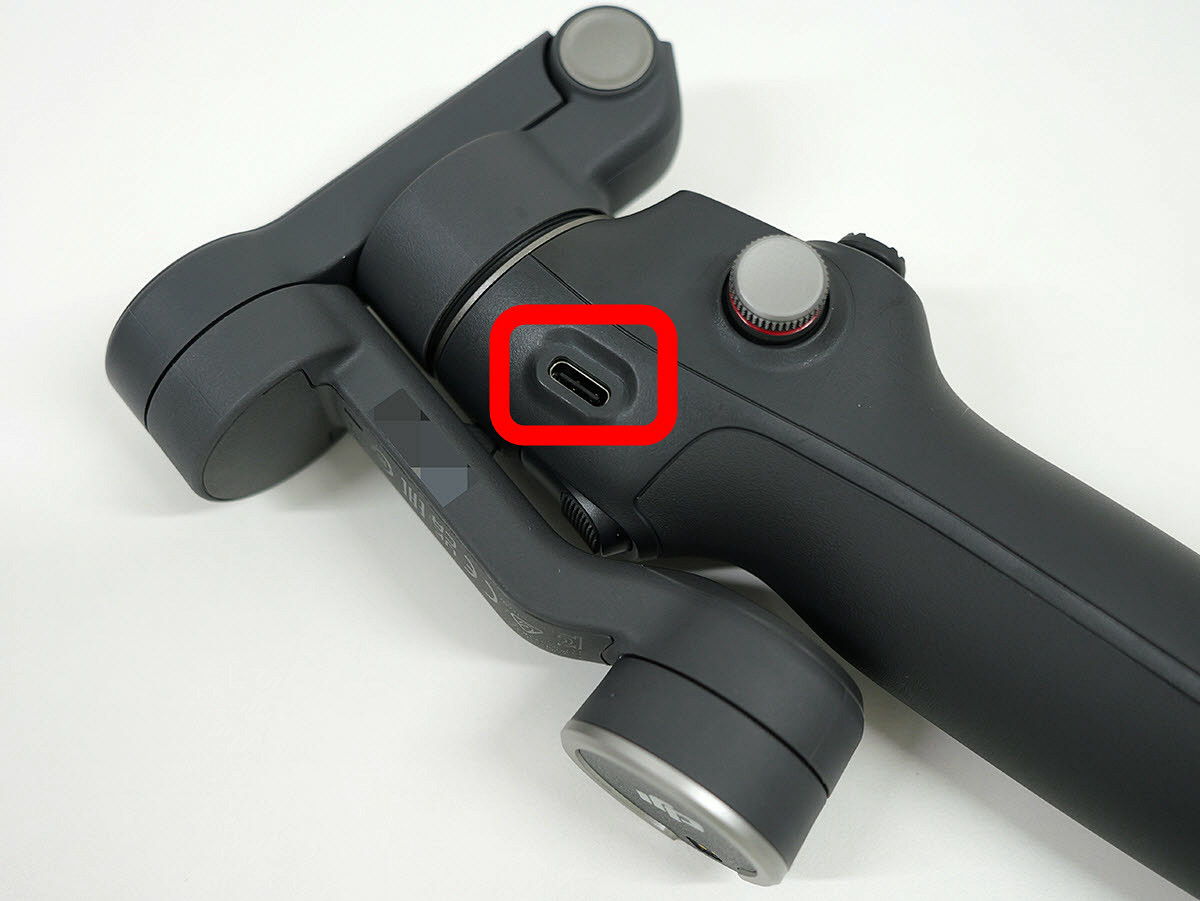
The area enclosed in the red frame has a USB Type-C port for charging the Osmo Mobile 7P.
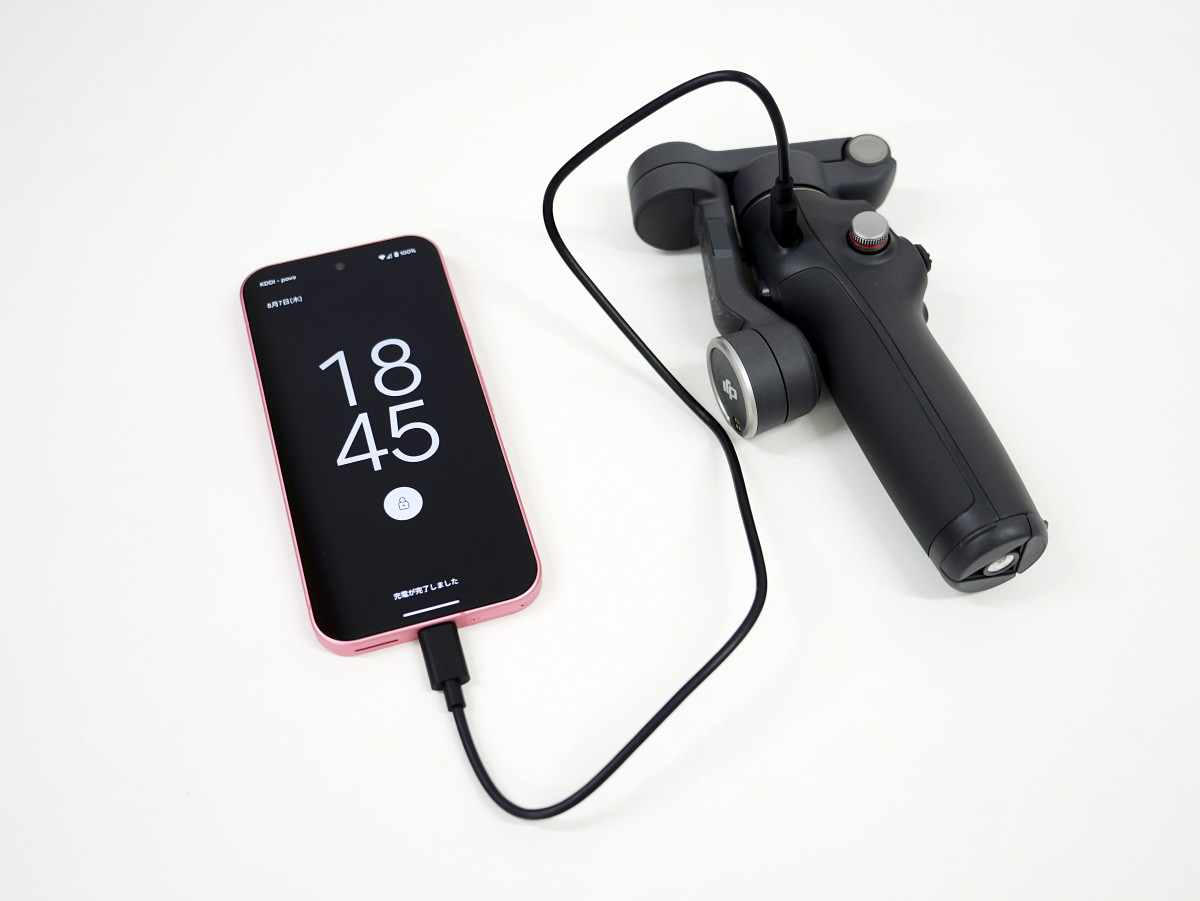
By connecting the Osmo Mobile 7P to your smartphone with a USB Type-C cable, you can use the Osmo Mobile 7P as a mobile battery to charge your smartphone.
There is a screw hole on the bottom for attaching a tripod or similar.
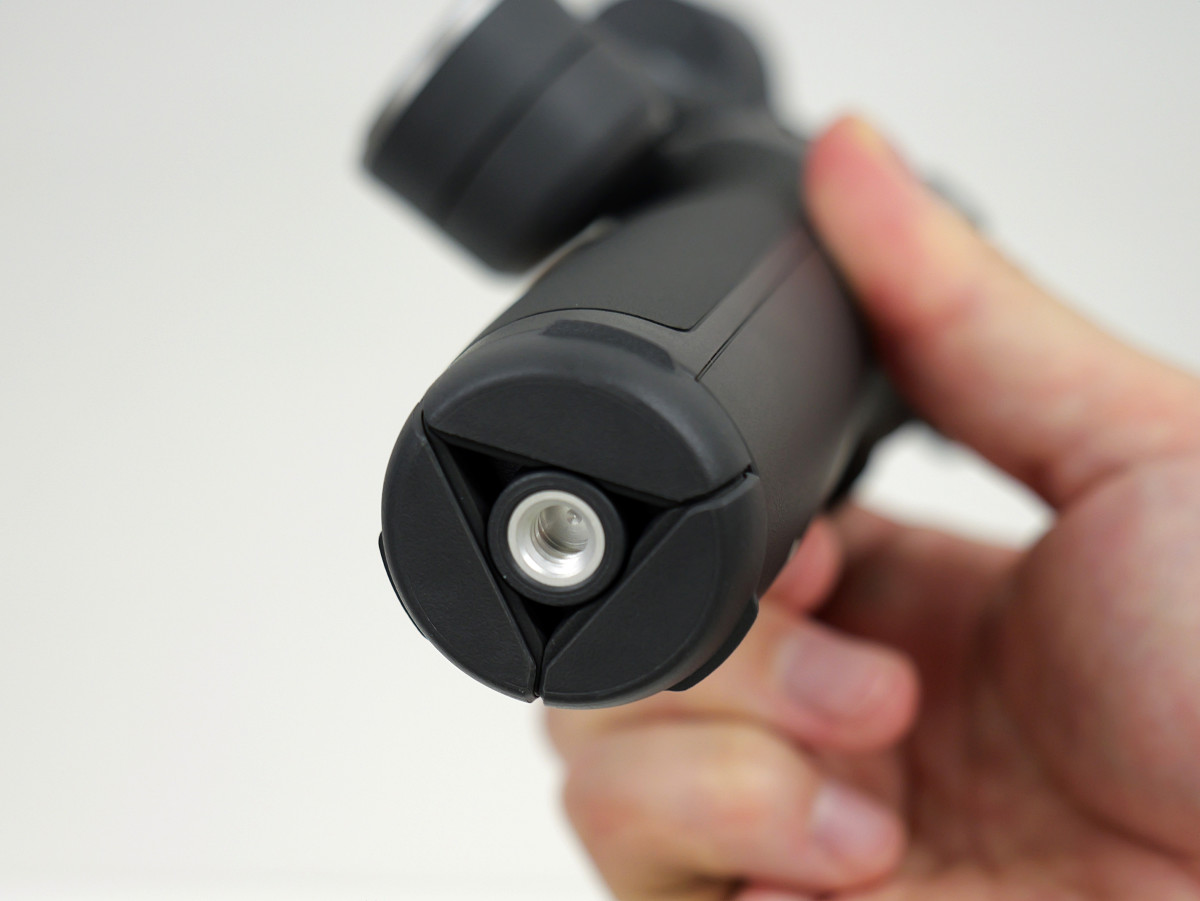
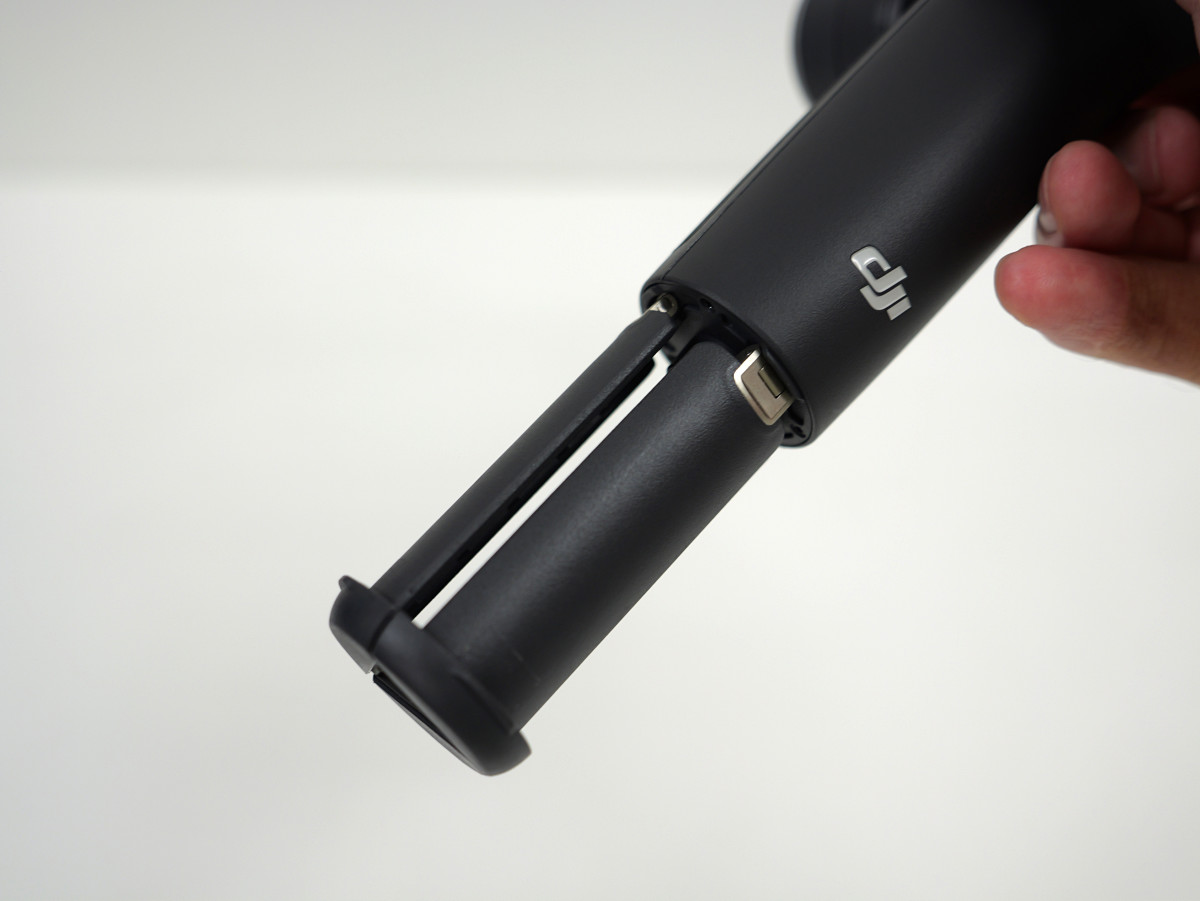
There is a built-in tripod on the bottom, and the three legs can be easily pulled out.
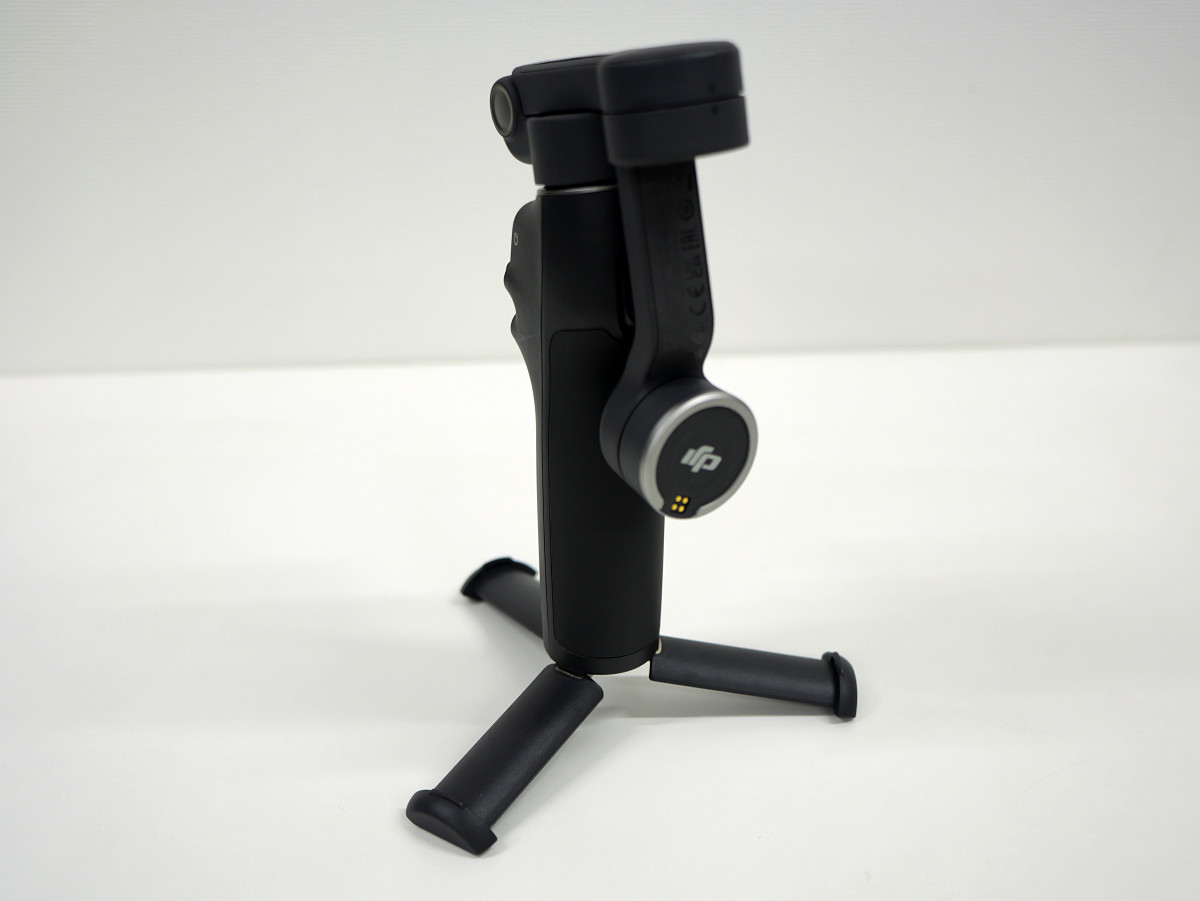
When the built-in tripod is deployed and made to stand on its own, it looks like this.
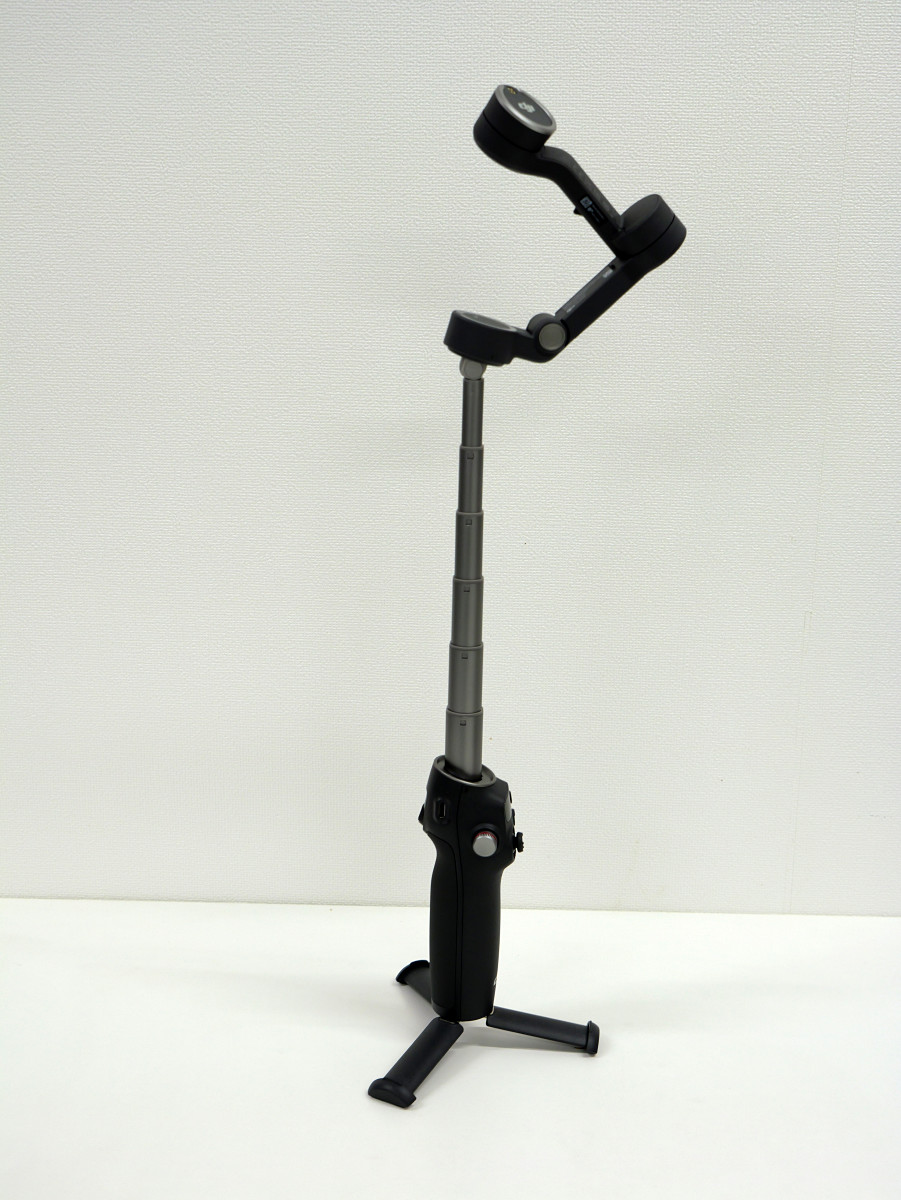
In addition, there is an extension rod hidden at the top that can be extended up to 215mm.
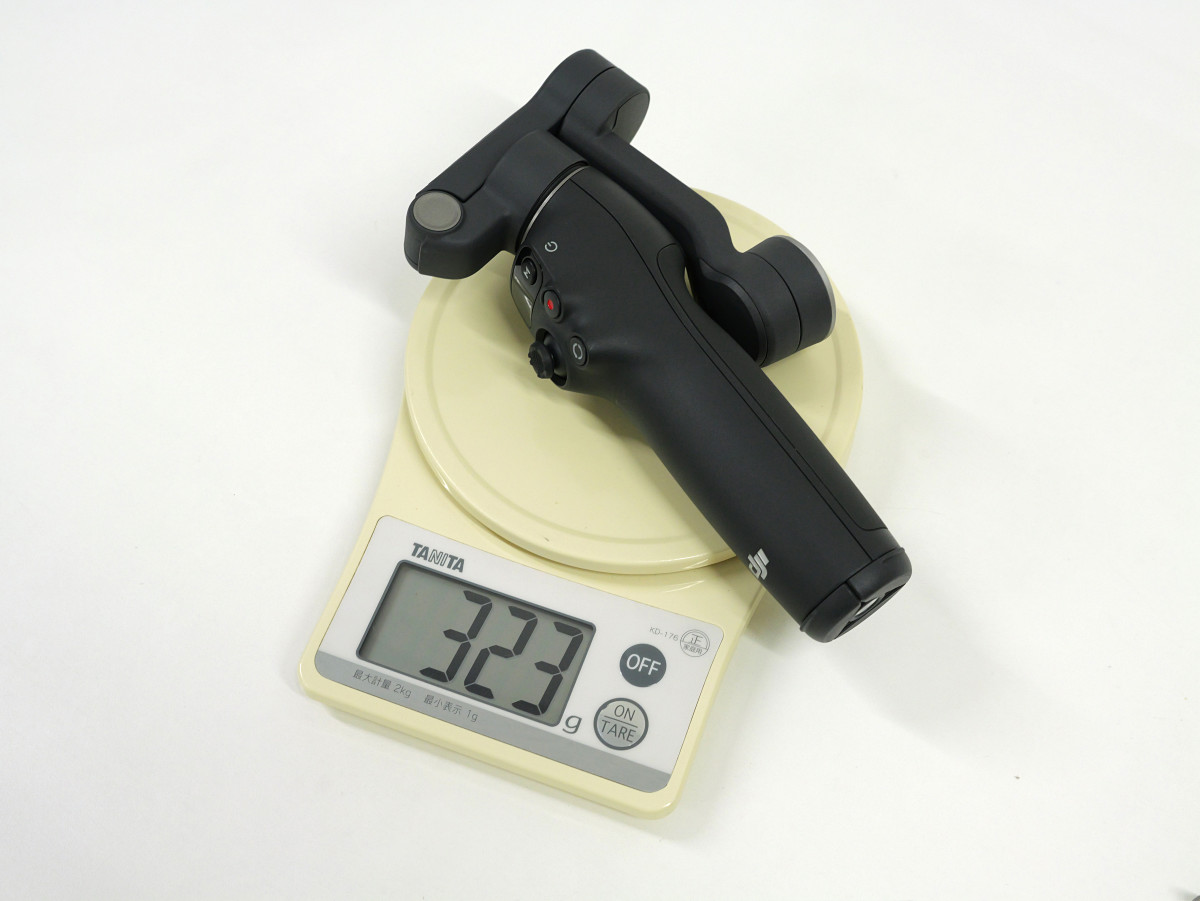
The Osmo Mobile 7P weighs 323g.
◆Attach your smartphone to shoot videos
In addition to iPhone, the Osmo Mobile 7P is also compatible with Android smartphones from Google, Samsung, Xiaomi, and others. Compatible smartphones are listed in
This time, I attached the Pixel 9 to the Osmo Mobile 7P and tried shooting a video. All I needed was the Osmo Mobile 7P, the magnetic smartphone clamp, and the Pixel 9.
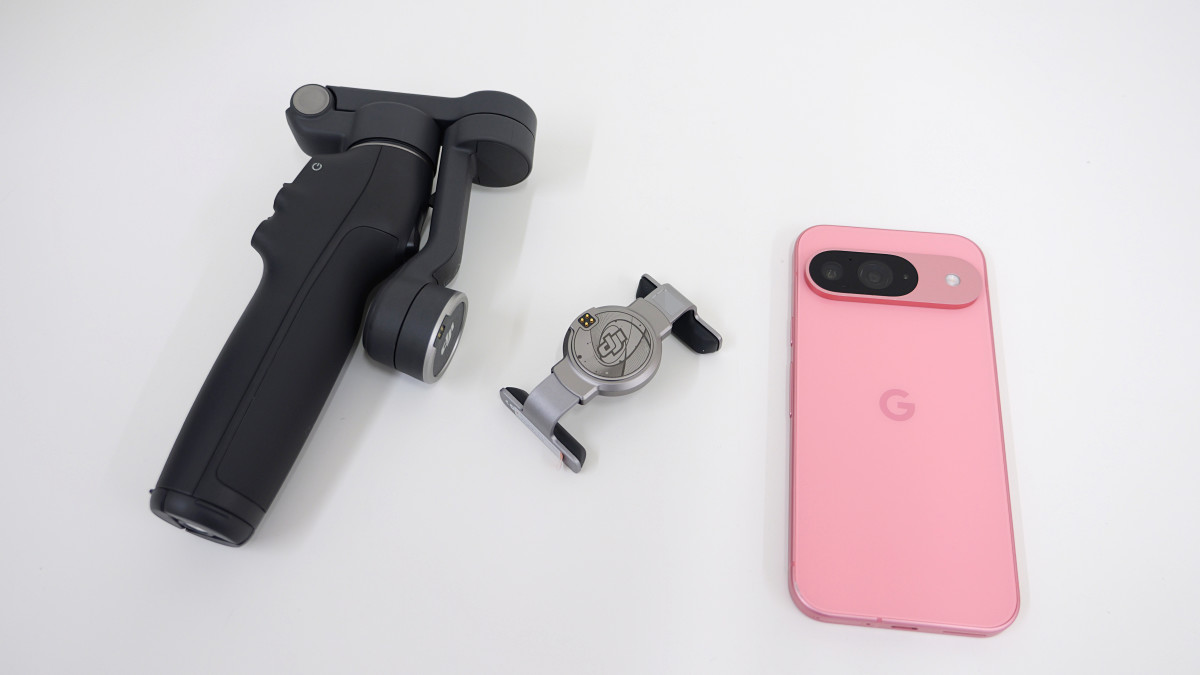
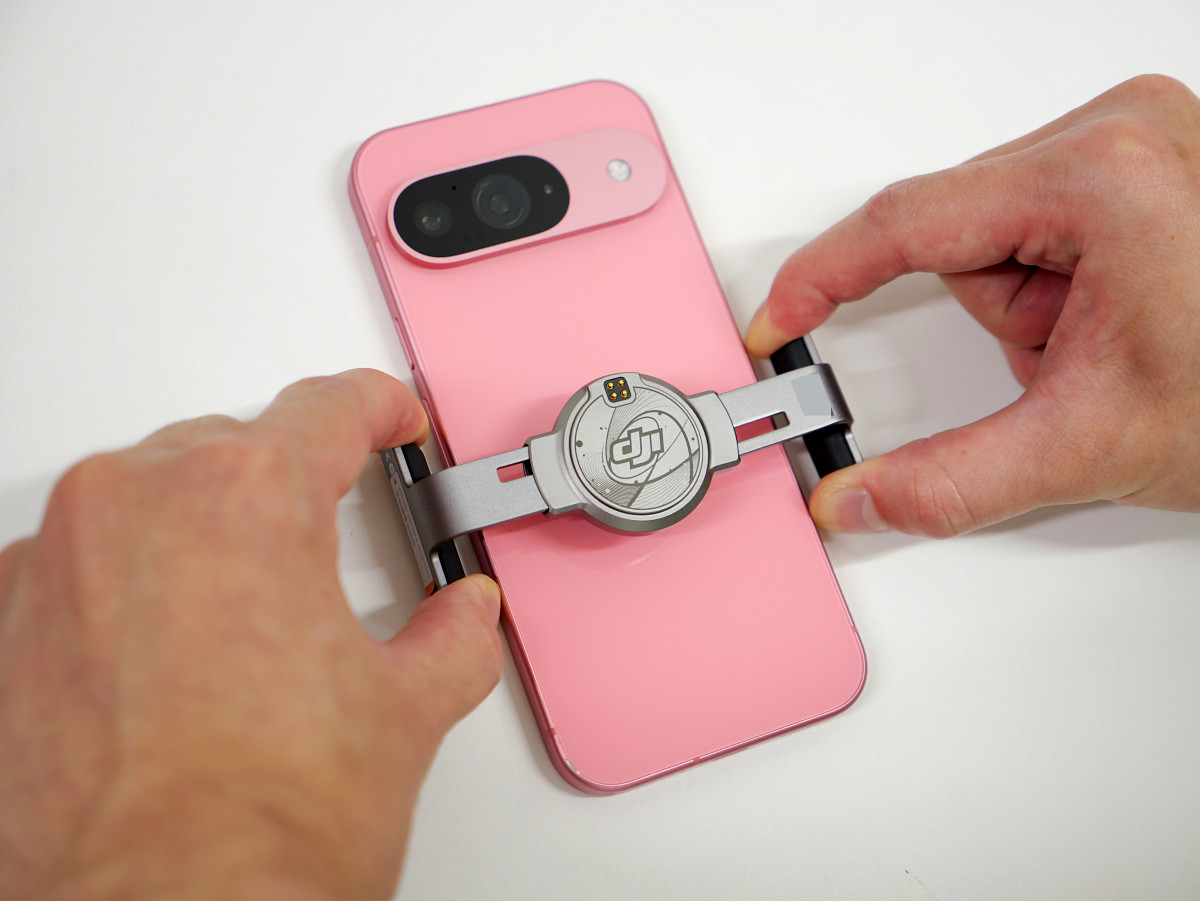
First, attach the magnetic smartphone clamp to your Pixel 9.
Installation complete.
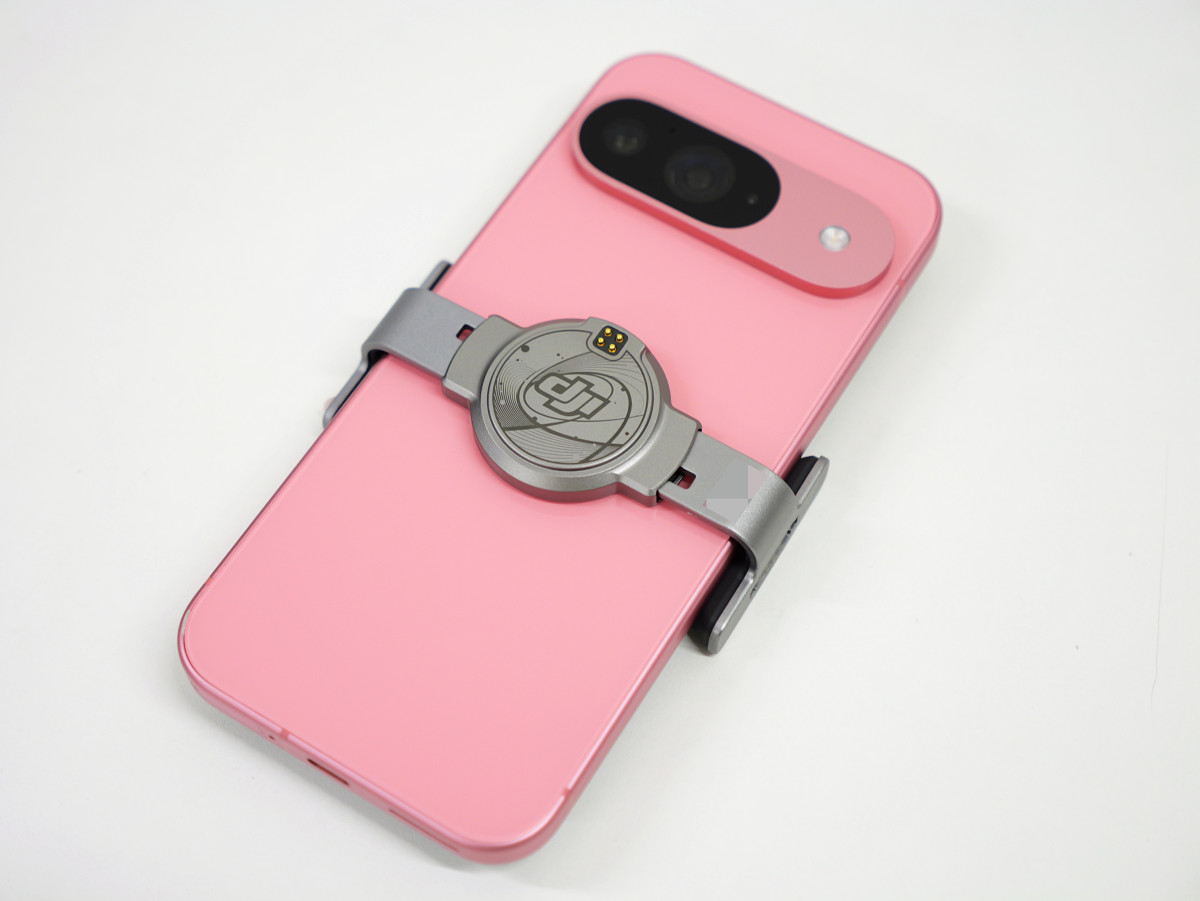
The magnetic smartphone clamp connects to the tip of the Osmo Mobile 7P. Both have built-in magnets, so they snap together just by bringing them close together.
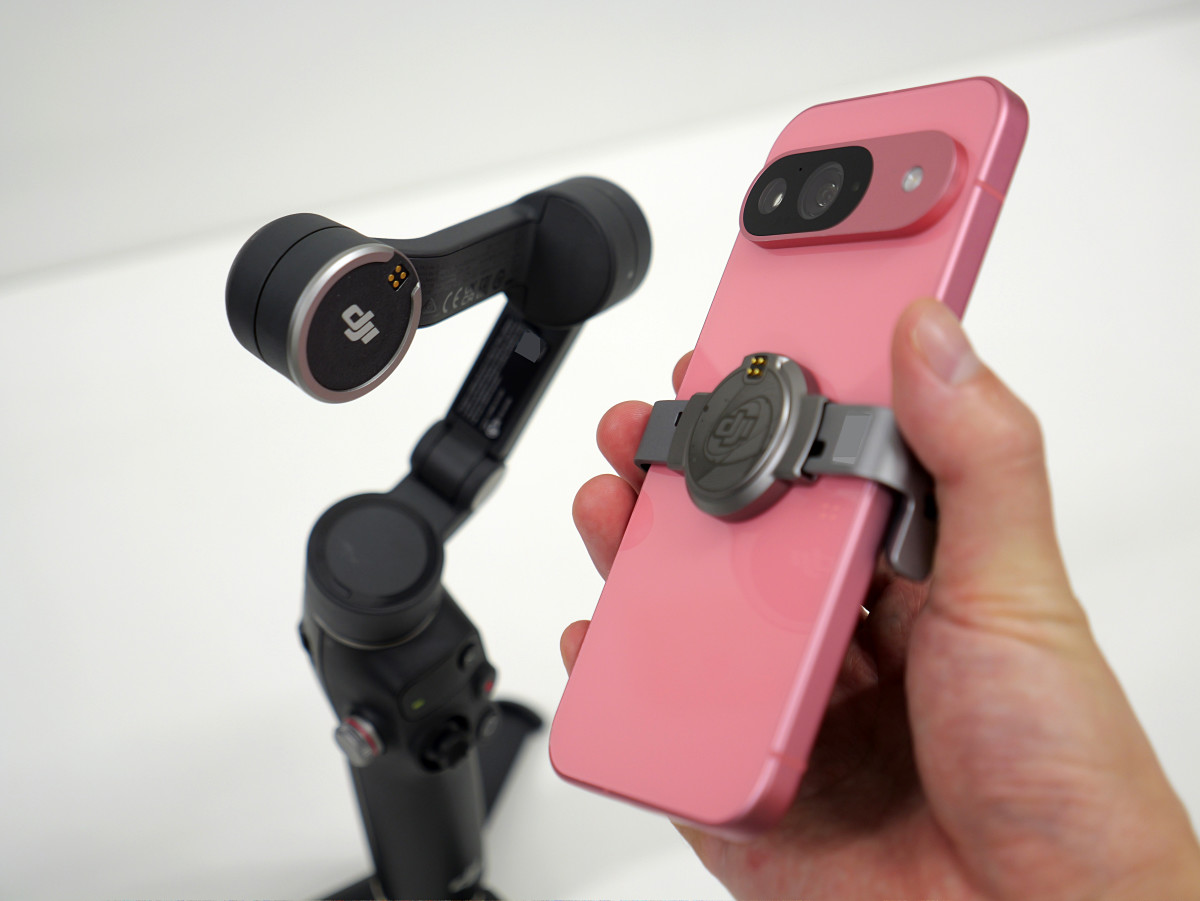
Now you're ready to start shooting.
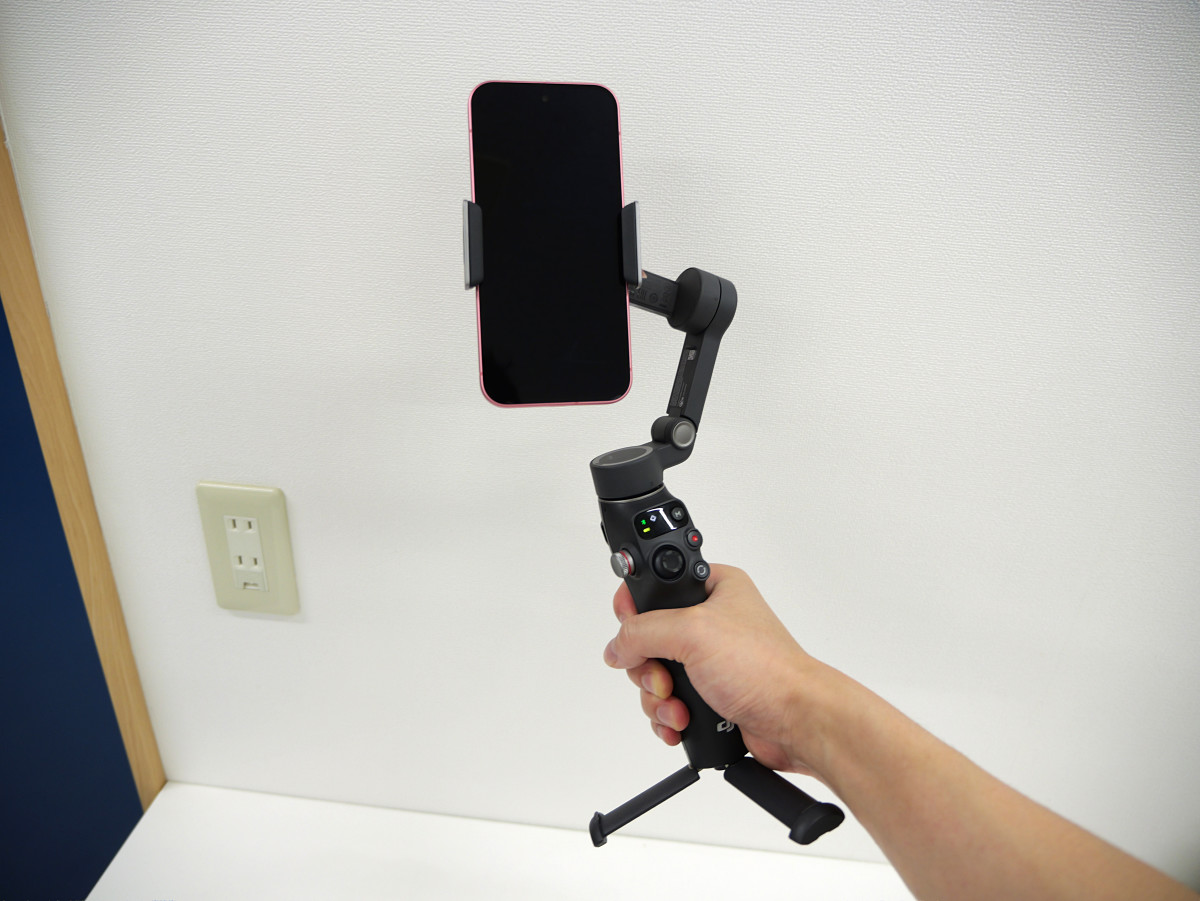
All you have to do is launch your usual camera app and start recording. The arm will automatically move to cancel out any shaking, even if the angle changes.
Below is a video of a walk taken with the Pixel 9 attached to the Osmo Mobile 7P. I was able to capture a stable video with little blur. The great thing about this camera is that you don't need to install a dedicated app, and you can use the camera app you're used to using.
A walking video taken with the Pixel 9 attached to the DJI gimbal 'Osmo Mobile 7P' - YouTube
◆ Use the remote shutter and tracking functions
By attaching the DJI OM Multifunction Module to the Osmo Mobile 7P, you can use remote shutter and tracking functions. The Osmo Mobile 7P looks like this. It's small enough to fit between your fingers.
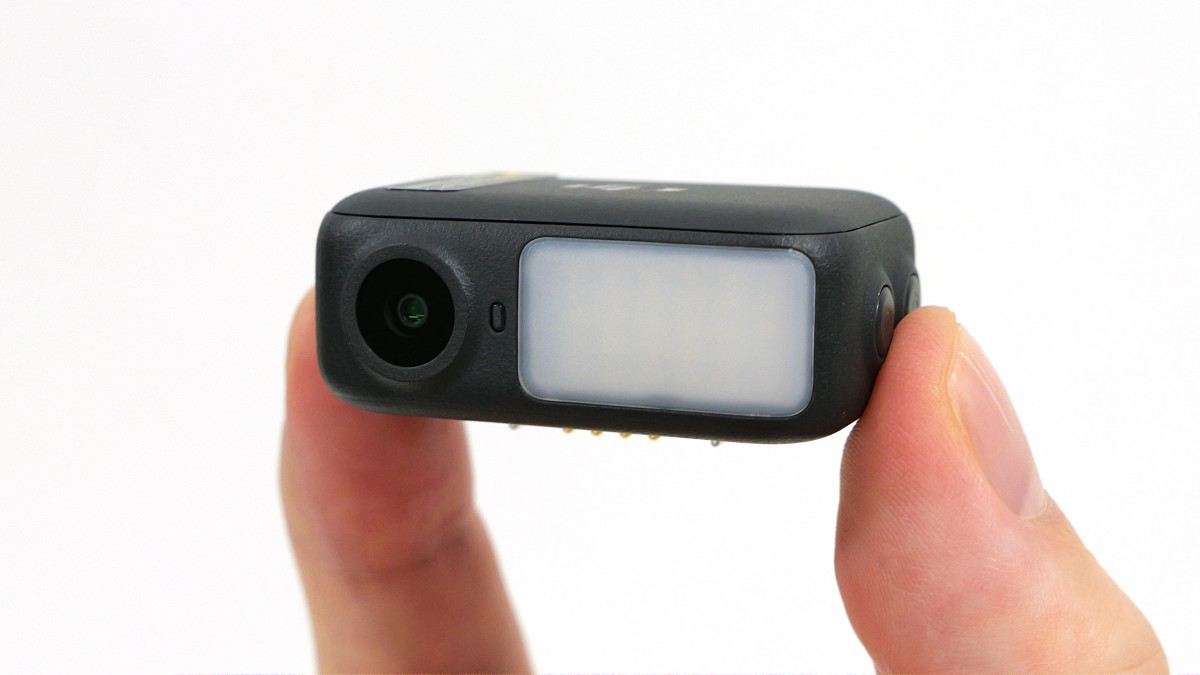
There is a magnet embedded in the back.
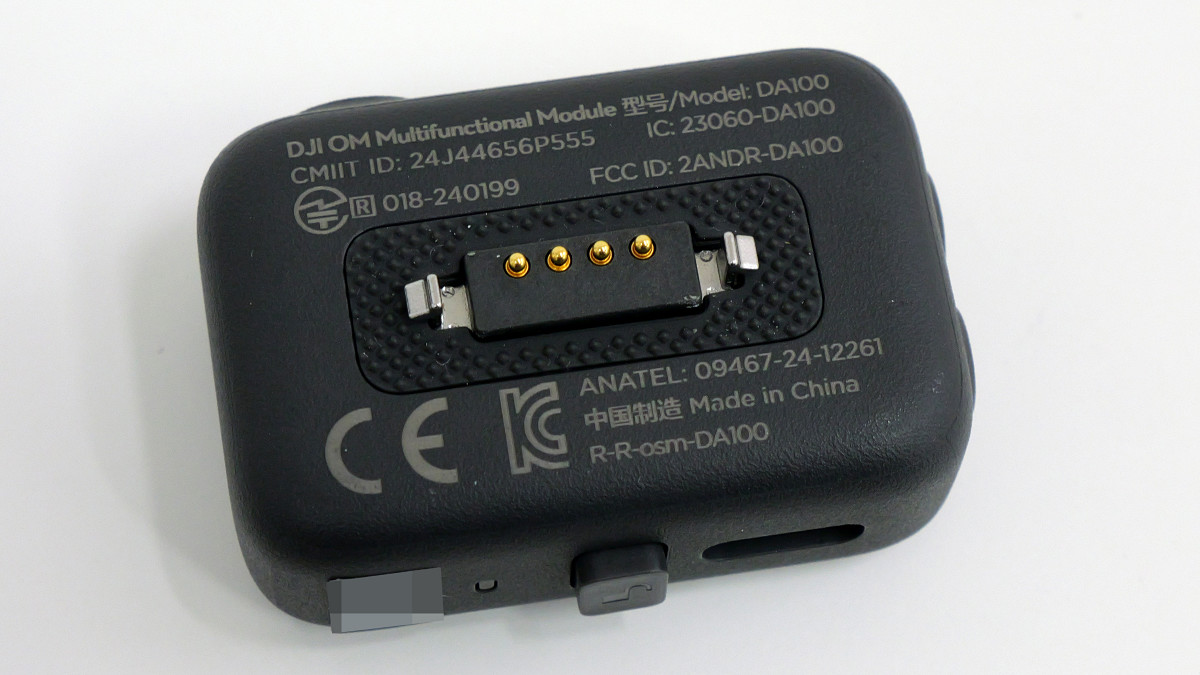
It can be attached to the side of the magnetic smartphone clamp with a magnetic click.
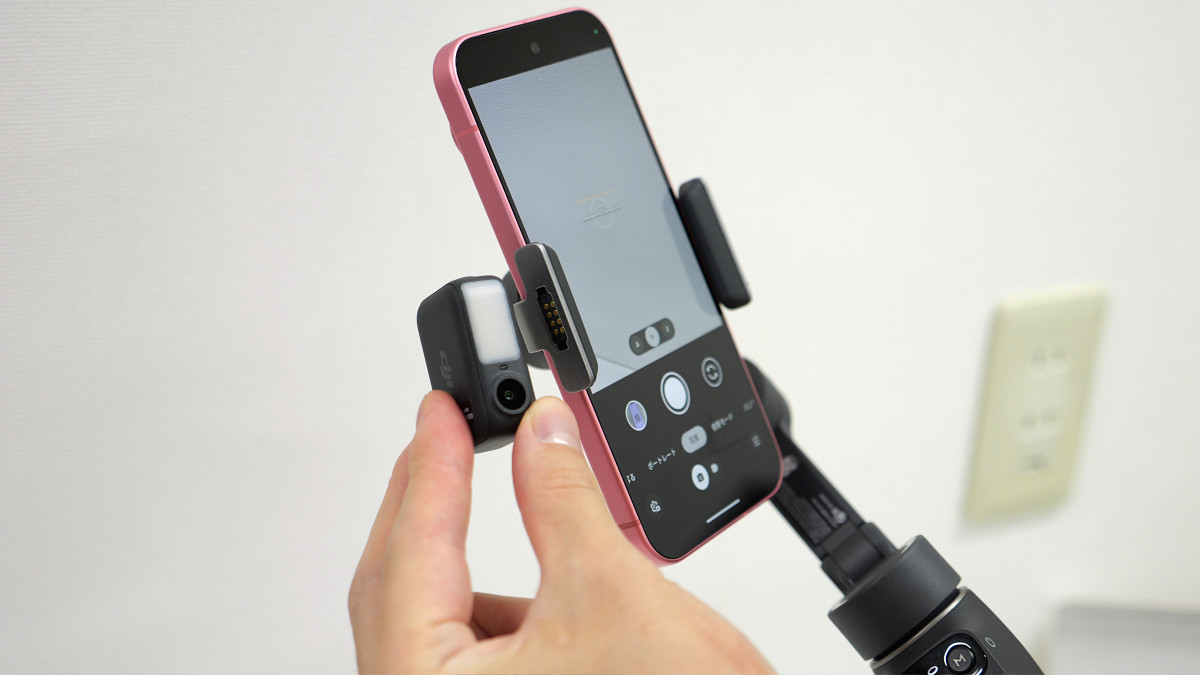
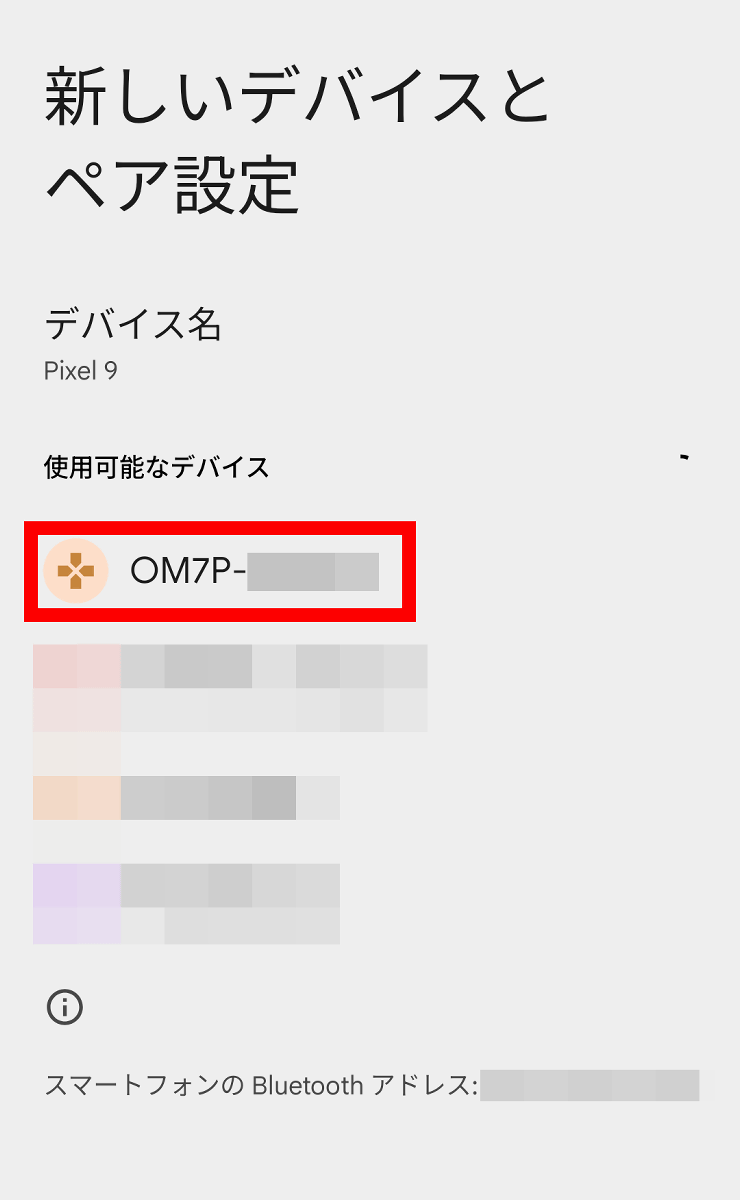
Once you have attached the DJI OM Multifunction Module, search for devices beginning with 'OM7P' in your smartphone's Bluetooth settings and pair them.
You can now use the various functions of the DJI OM Multifunction Module.
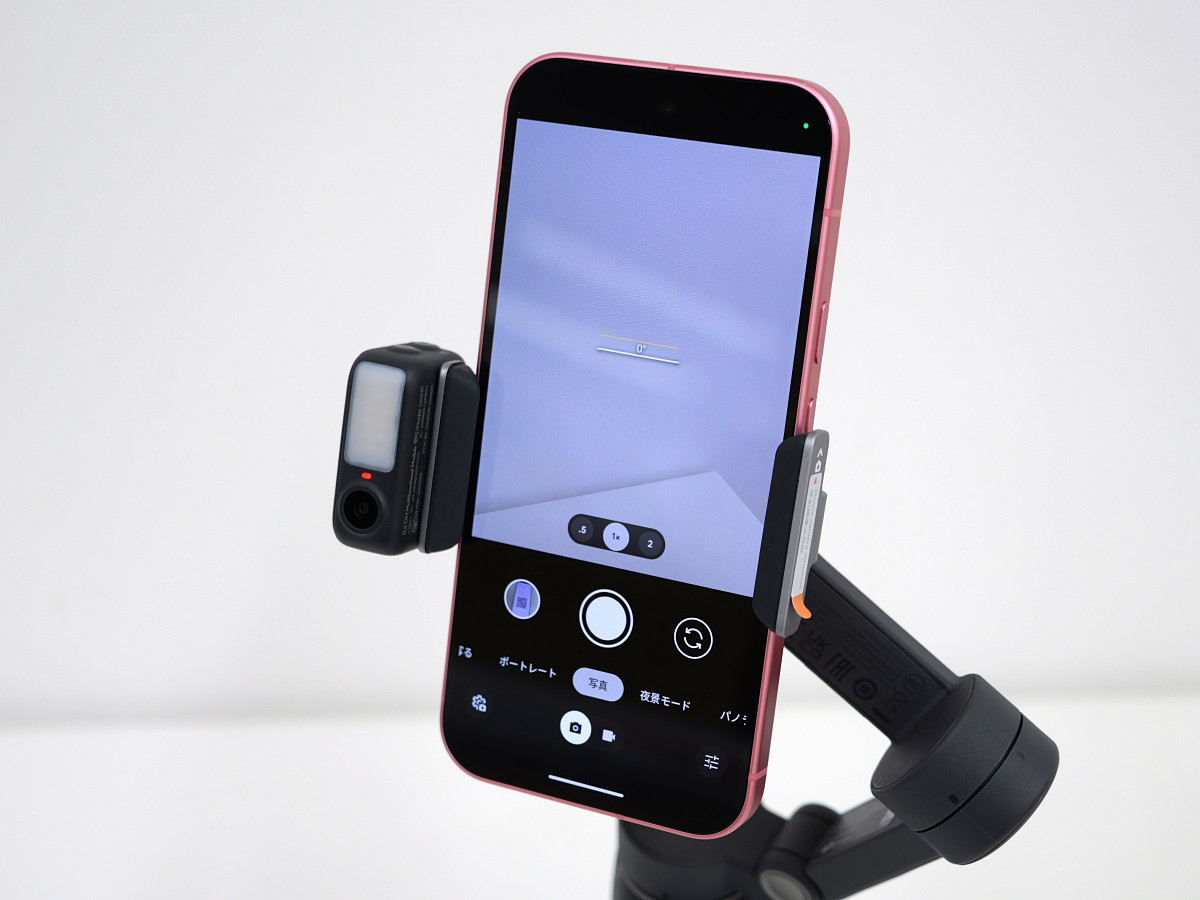
The DJI OM Multifunction Module is equipped with a camera and can read hand gestures to perform various functions. Holding a peace sign towards the DJI OM Multifunction Module for three seconds will start recording or taking photos.
Try out the remote shutter function of the DJI gimbal 'Osmo Mobile 7P' - YouTube
Holding your palm for one second activates the tracking function, allowing the Osmo Mobile 7P's arm to automatically move and track the subject's movement. Remote shutter and tracking functions can also be used without the need for a dedicated app.
Try out the tracking function of the DJI gimbal 'Osmo Mobile 7P' - YouTube
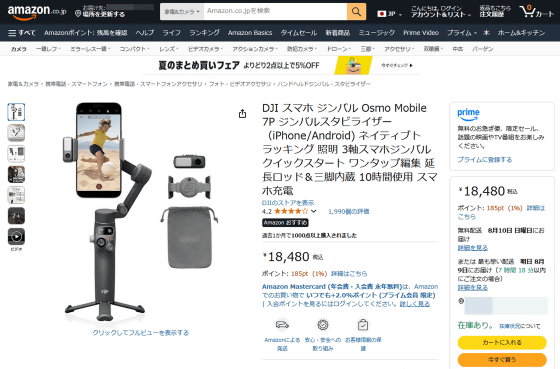
Osmo Mobile 7P is available at official stores and is sold at Amazon.co.jp for 18,480 yen including tax.
Amazon.co.jp: DJI Osmo Mobile 7P Smartphone Gimbal Stabilizer (iPhone/Android) with Native Tracking, Lighting, 3-Axis Smartphone Gimbal, Quick Start, One-Tap Editing, Built-in Extension Rod & Tripod, 10 Hours of Use, and Smartphone Charging: Electronics & Cameras
Related Posts:

in Video, Hardware, Smartphone, Review, Posted by log1o_hf