SetPose is a free 3D pose creation tool that can be used for creative projects.
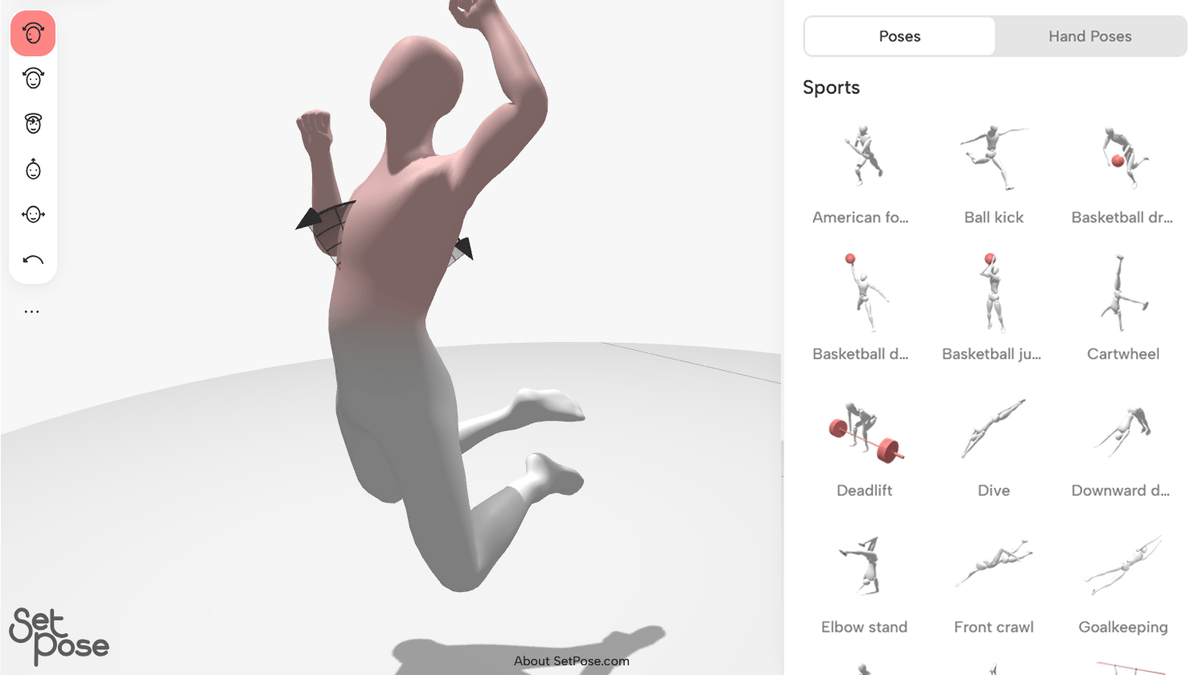
SetPose is a free website that doesn't require login and allows you to move 3D drawing figures and pose them freely. You can easily create poses by simply dragging body parts, and use them in your creative projects.
SetPose: Free 3D Pose Maker — Mannequin Drawing Poses - SetPose.com
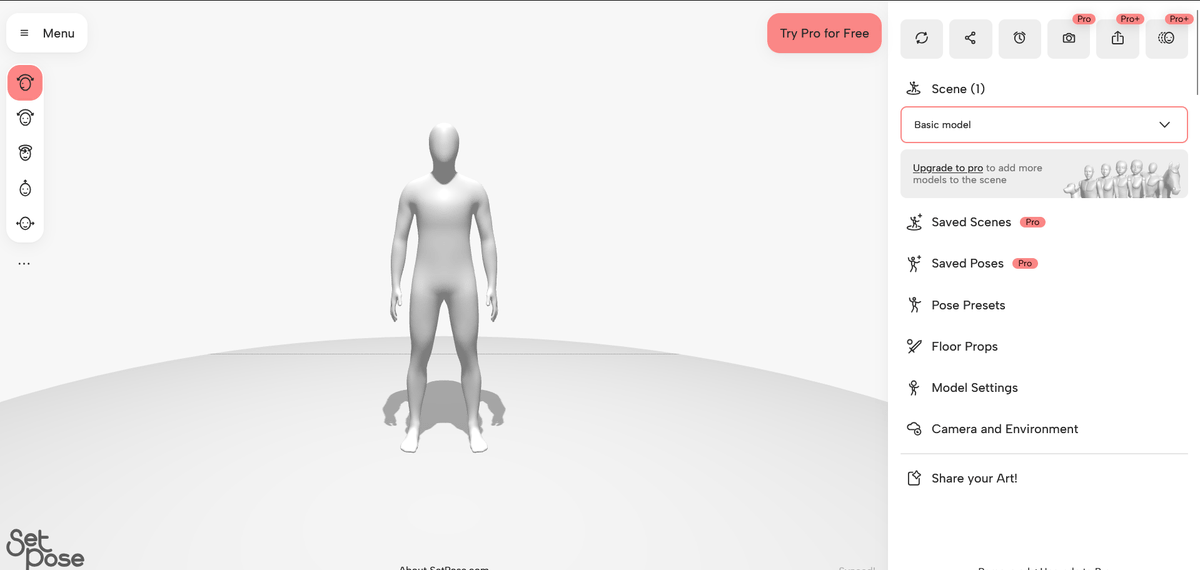
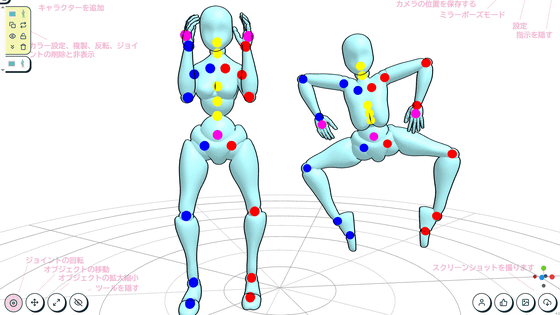
When you open SetPose, it looks like this. The left is the control panel for the 3D drawing mannequin, the center is the 3D drawing mannequin itself, and the right is for overall settings, etc.
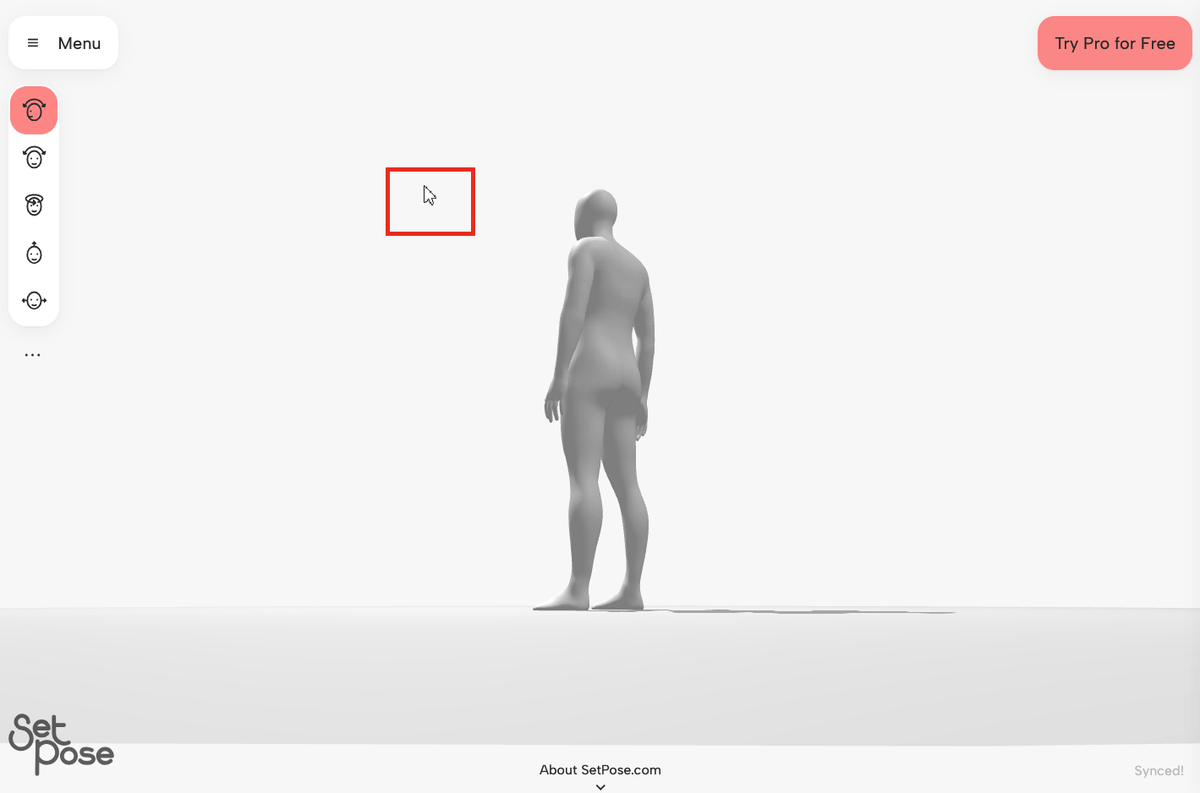
You can move the camera's position by dragging in empty space.
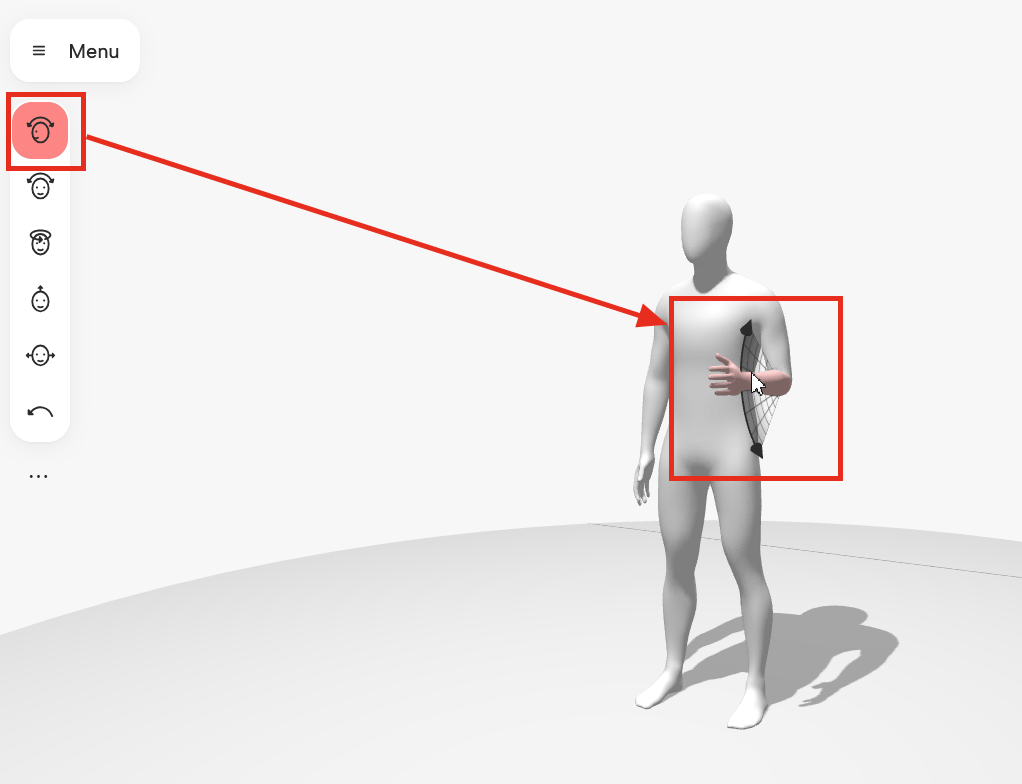
The 3D drawing mannequin's pose can be changed by dragging and dropping each part. When doing so, clicking the top option in the menu on the left allows you to perform the 'bend' operation.
The second from the top is 'tilt'.
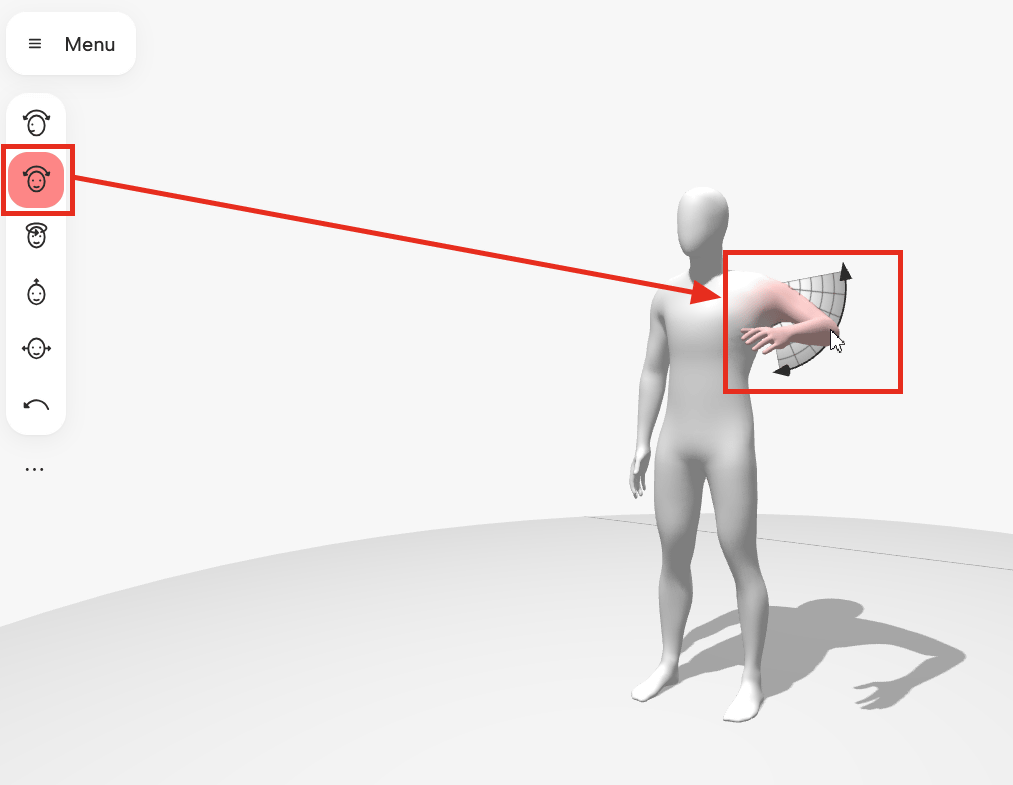
The third is 'rotation'.
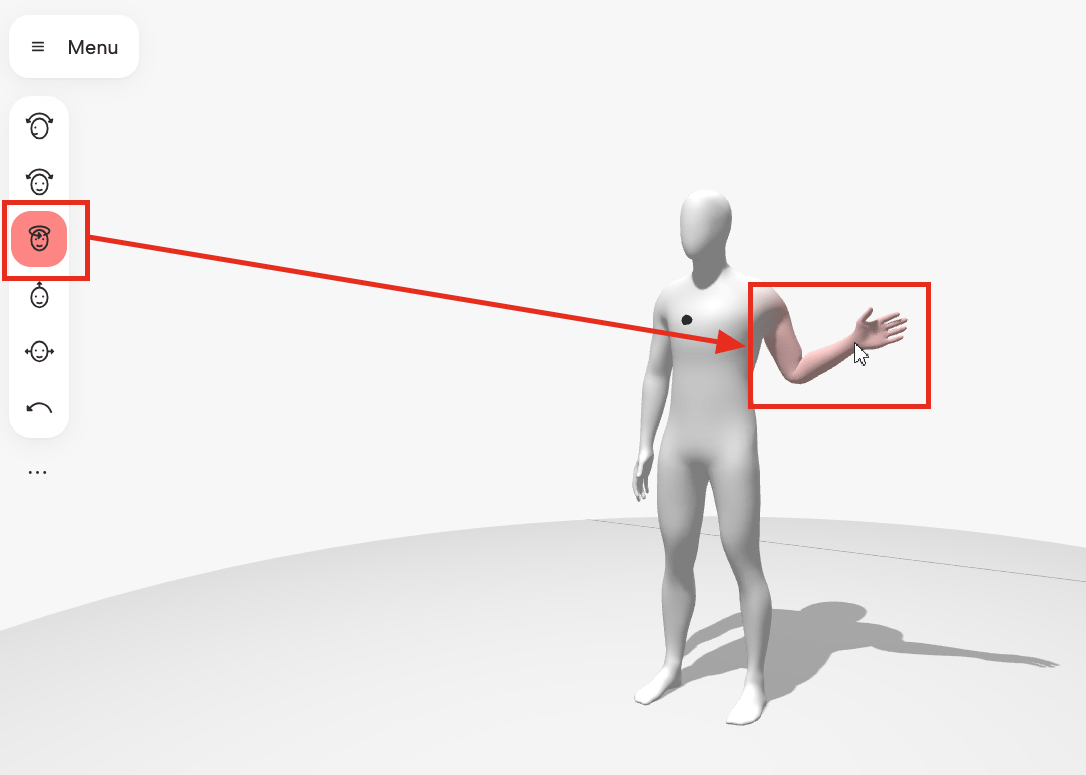
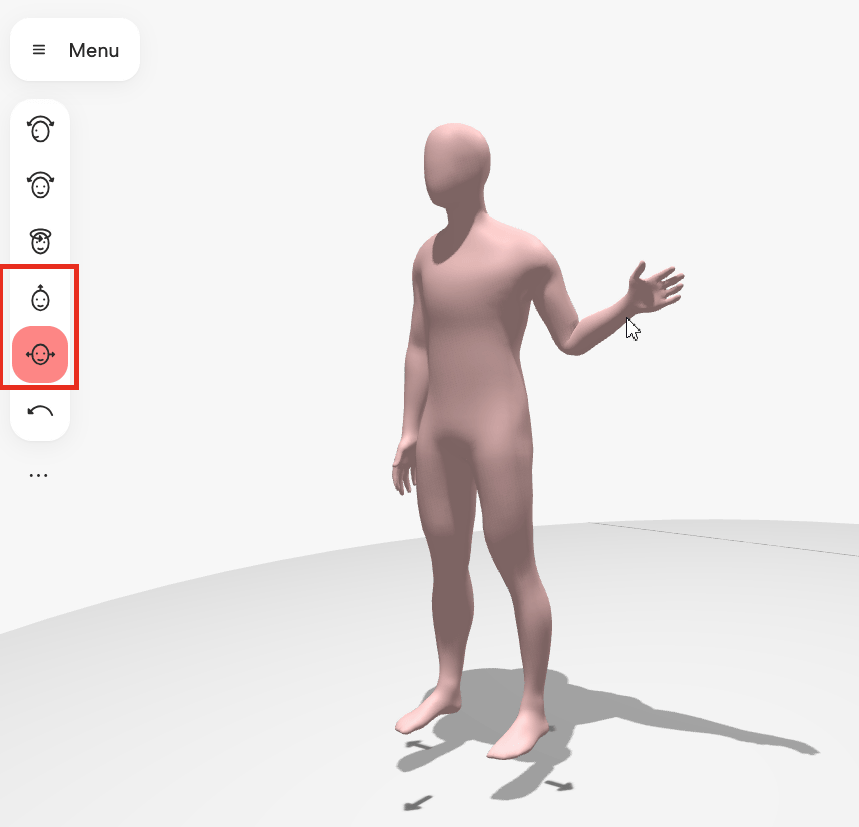
The fourth and fifth options from the top change the overall position of the model, allowing you to move it forward, backward, left, and right, and also adjust its height.
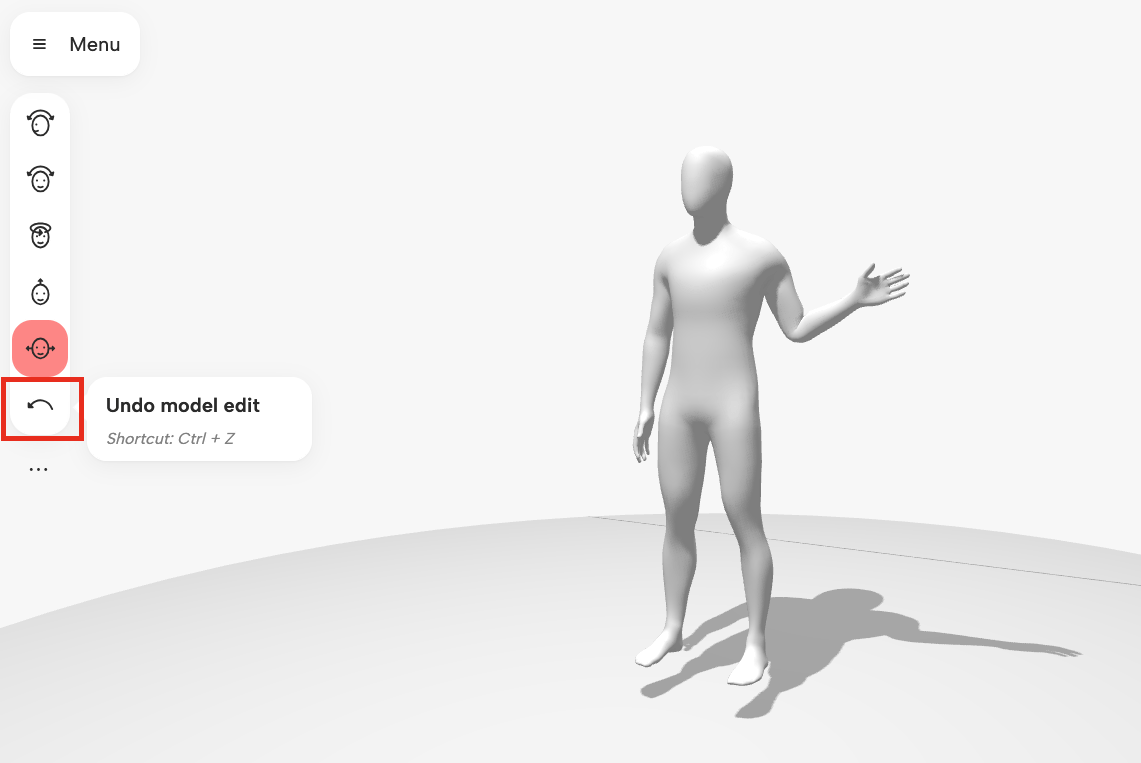
Clicking the 'Undo model edit' button or pressing the Ctrl+Z key on your keyboard will revert the 3D drawing model's edits to the previous state.
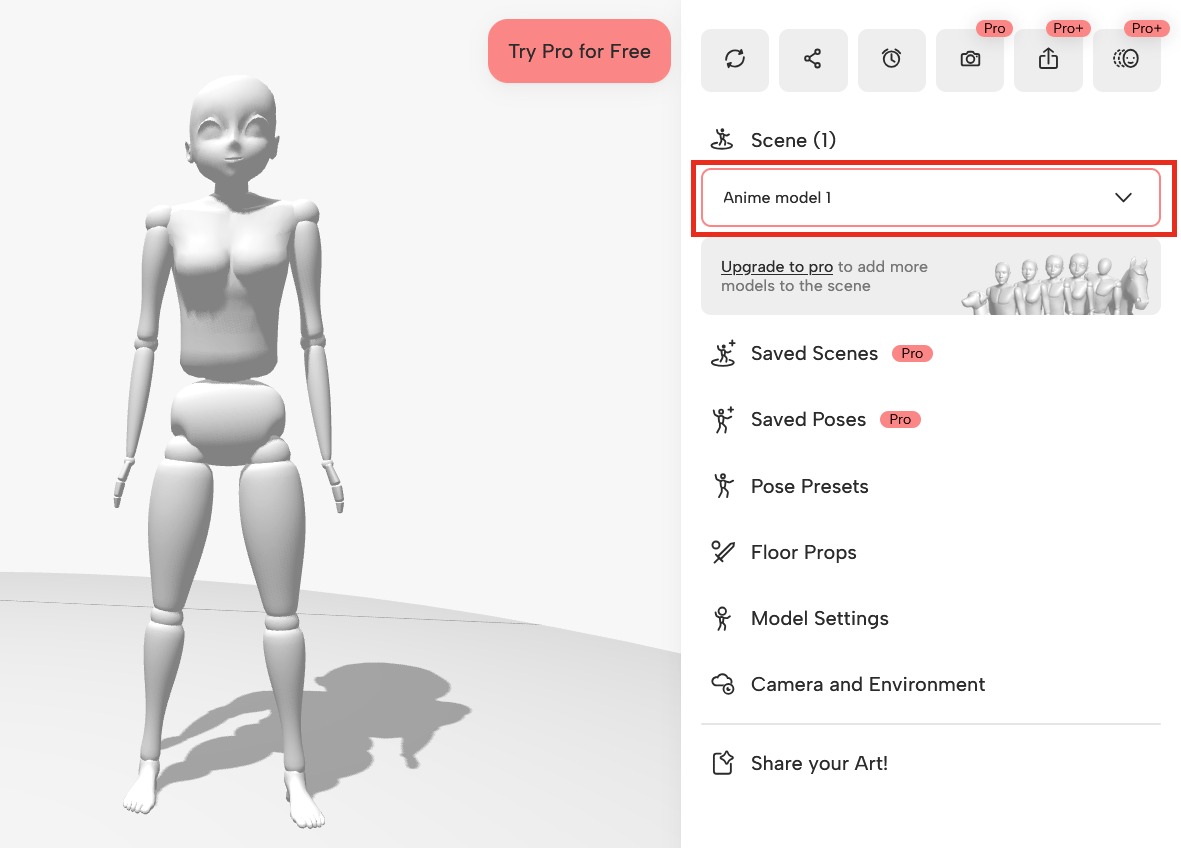
The menu on the right allows you to change the overall settings of the 3D drawing figure. The dropdown menu under 'Scene' allows you to change the type of 3D drawing figure. The example below is 'Anime model 1'.
'Anime model 2'.
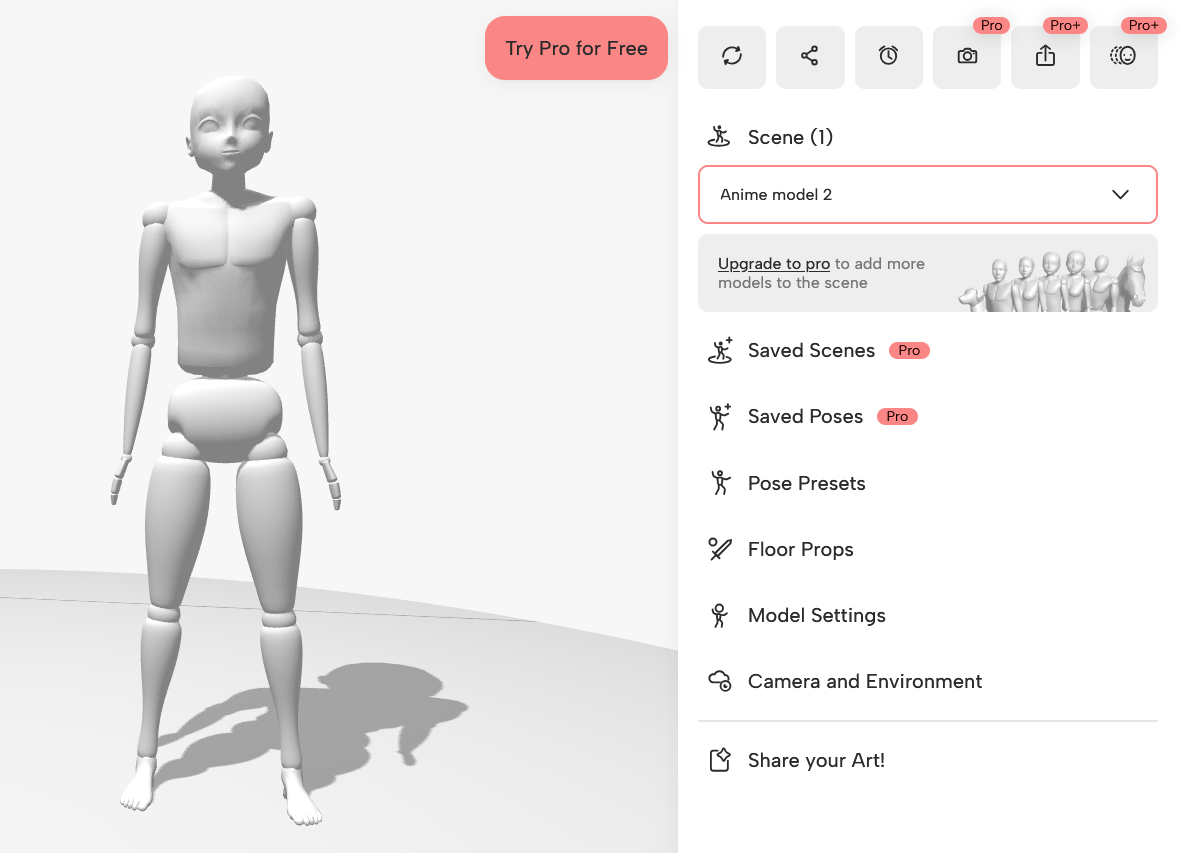
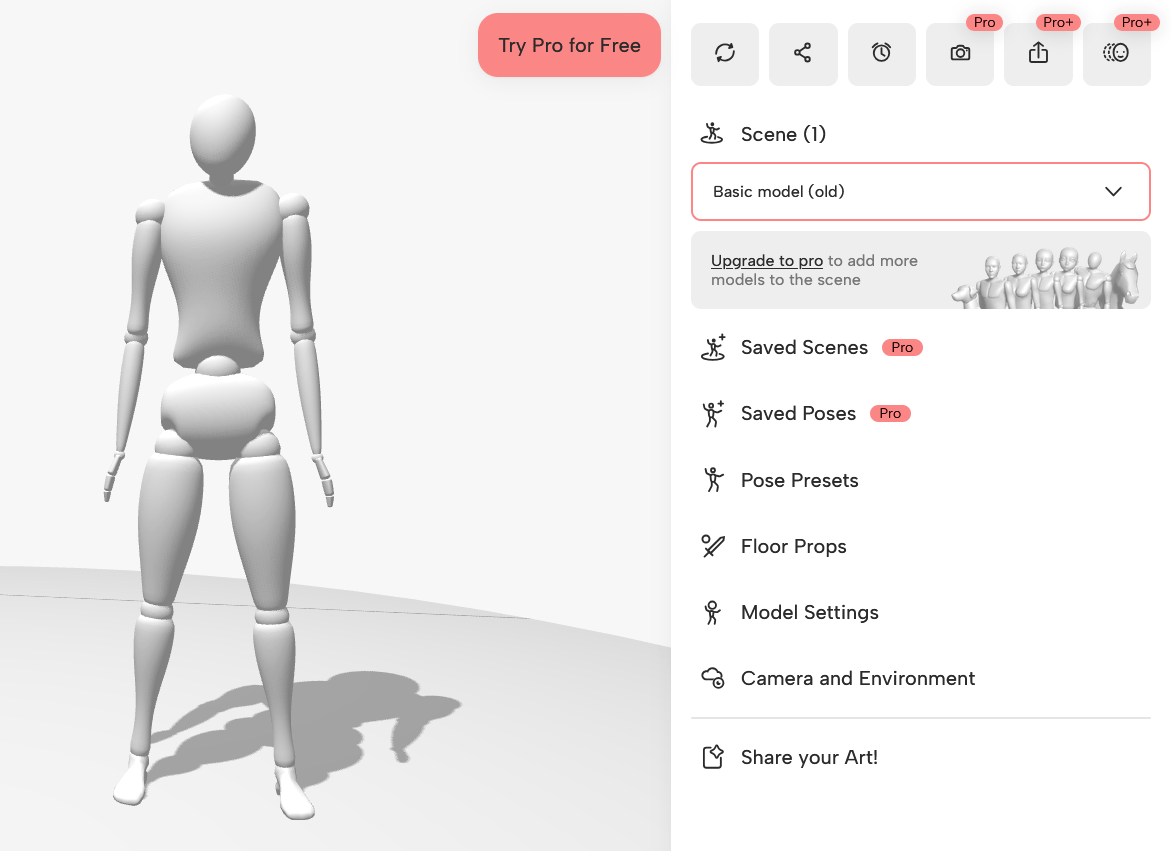
'Basic model (old)'. Free users can choose from four types, including the initial 'Basic model'. By subscribing to a paid plan, you can use six more types of 3D drawing models: 'Realistic male and female models', 'Bodybuilder', 'Skeleton', 'Dog', and 'Horse'.
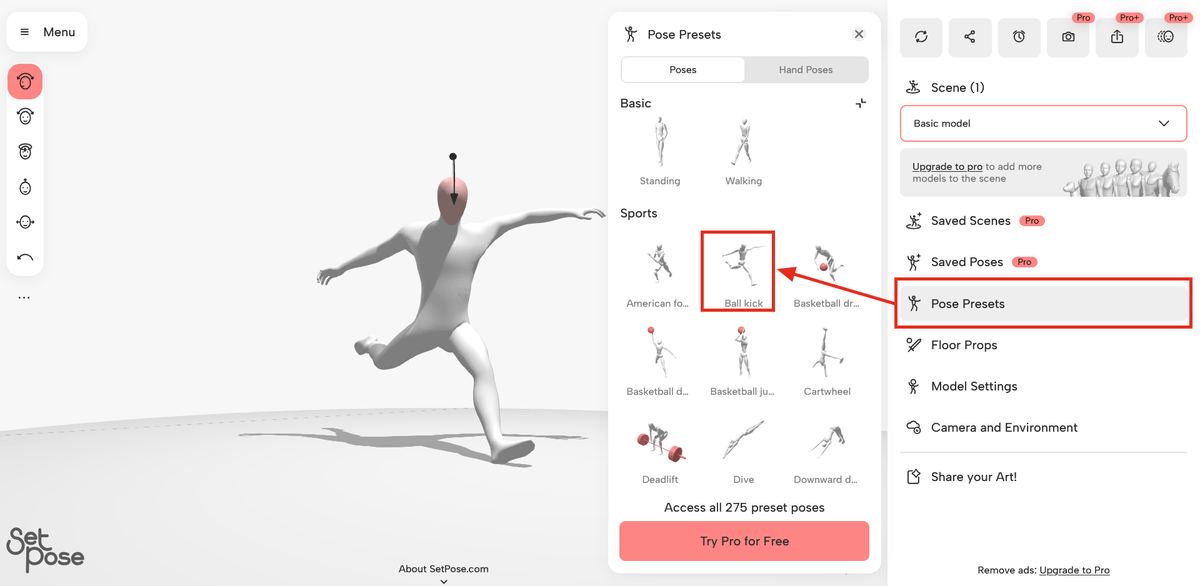
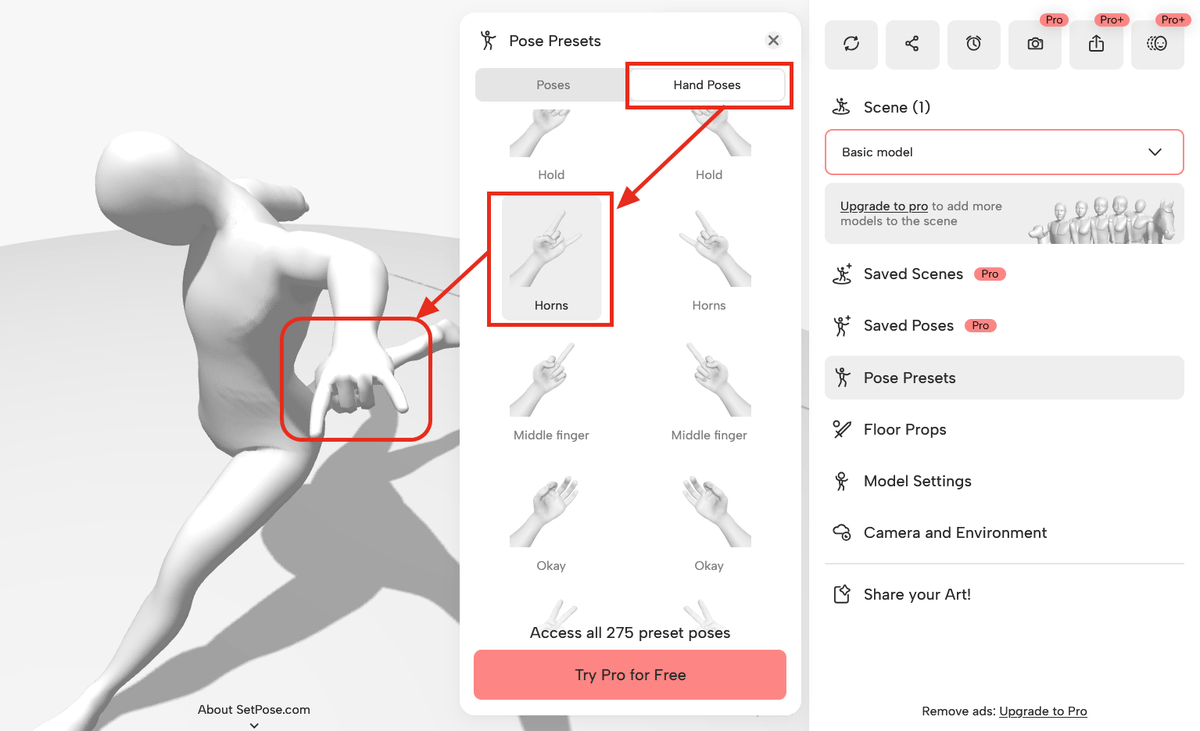
Selecting a pose from 'Pose Presets' applies the preset pose to the 3D drawing mannequin. Further fine-tuning is possible from here. The free version offers 83 preset poses, while the paid version offers 275.
You can also choose a hand shape by opening the 'Hand Poses' tab in 'Pose Presets'.
Additionally, by selecting an item from 'Floor Props' and dragging and dropping it, the item was added to the 3D drawing mannequin.
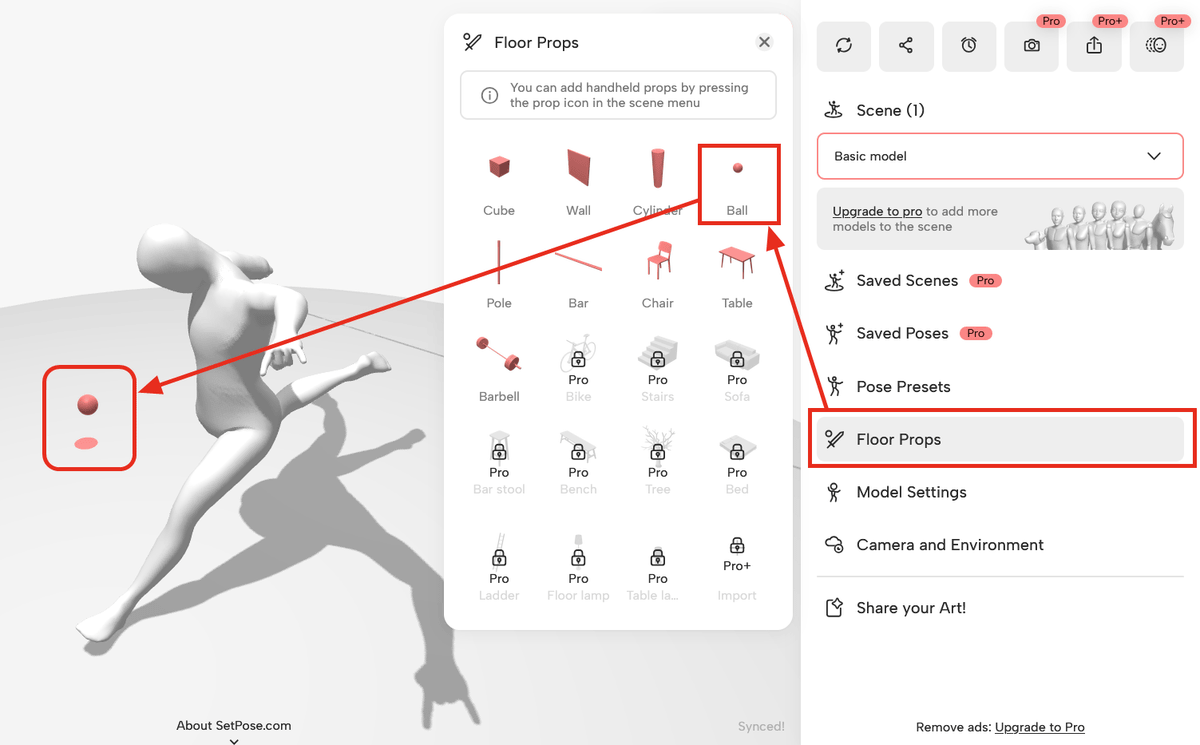
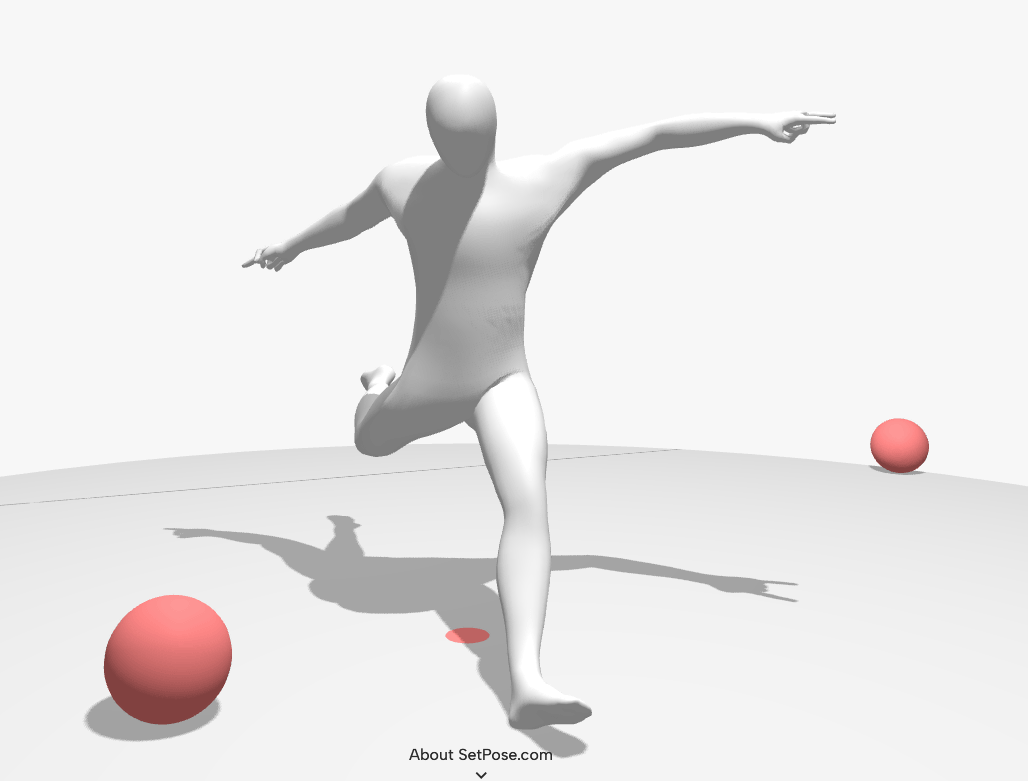
Here's what it looks like after adding a ball.
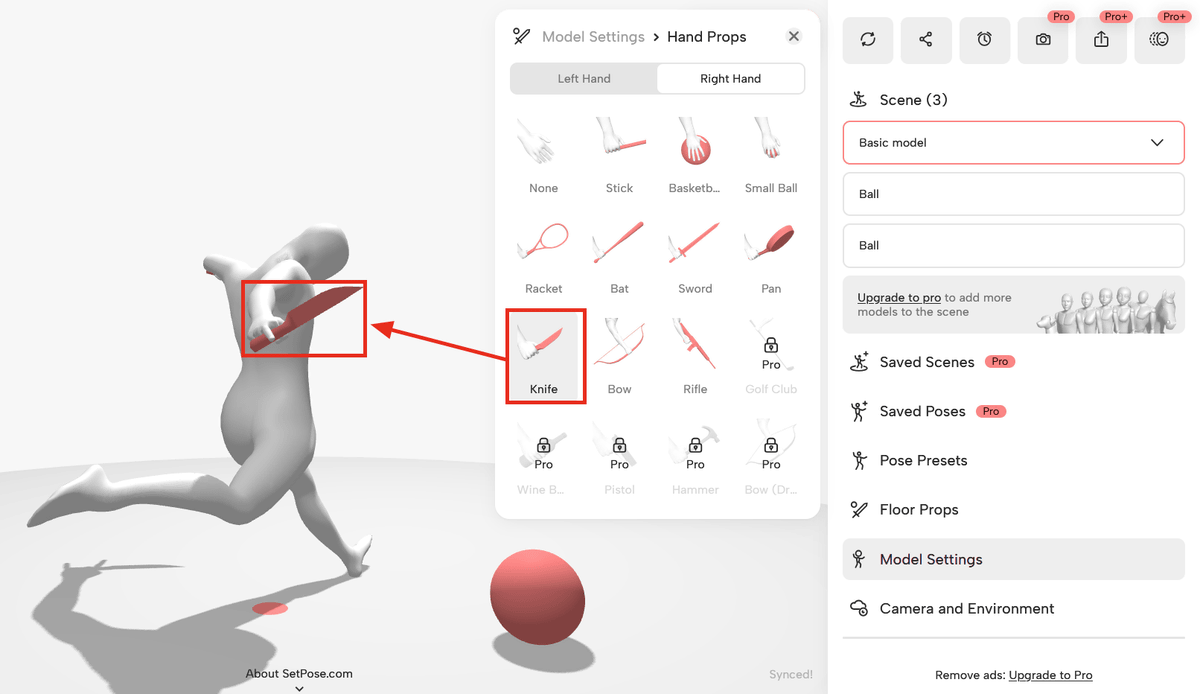
In 'Model Settings,' you can adjust the height and foot size of the 3D drawing mannequin, and also add items to hold in its hands. Click 'Hand Props.'
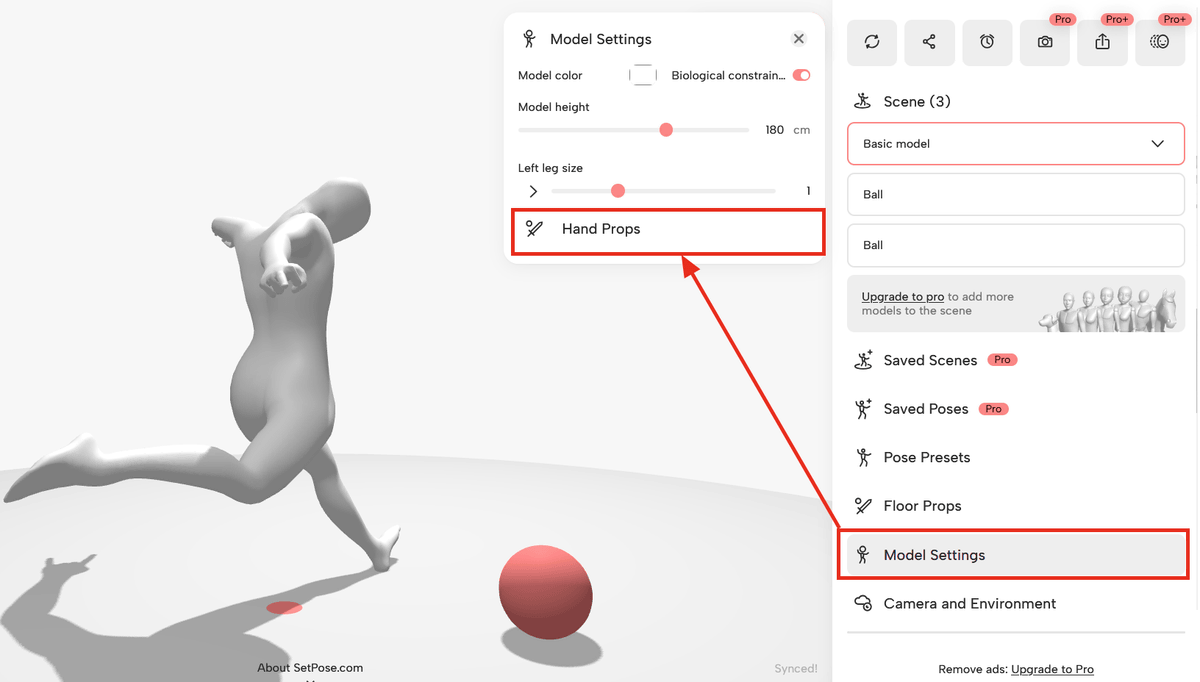
By clicking on an item, I was able to place it in the hand of the 3D drawing mannequin.
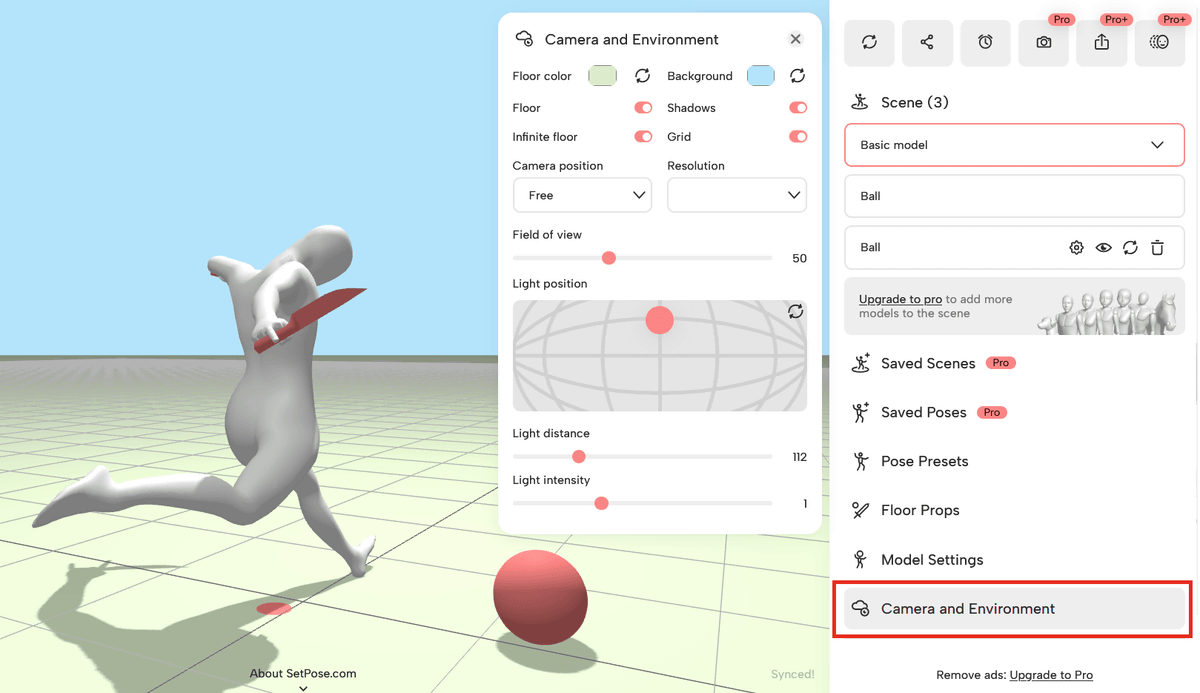
Additionally, under 'Camera and Environment,' you can adjust background and ground settings such as color, grid, horizon, and shadows.
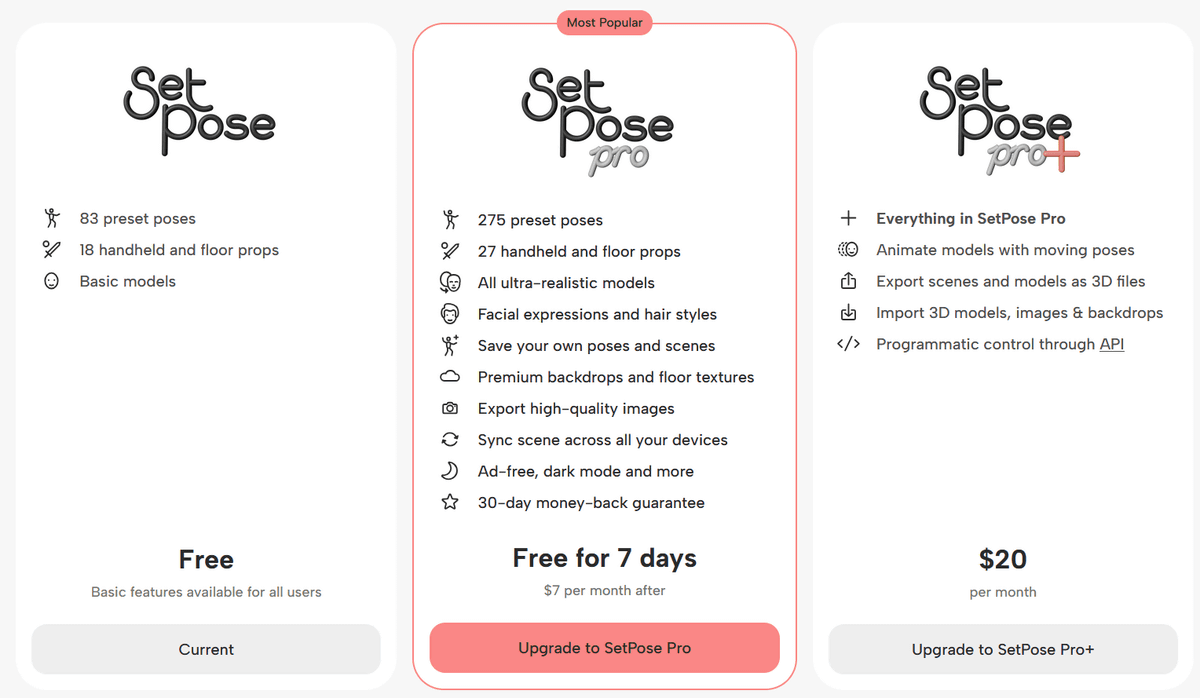
SetPose allows you to create poses by animating 3D drawing mannequins for free. Subscribing to 'SetPose Pro' ($7/month, $48/year, or $199/one-time purchase) gives you access to more preset poses and items, the ability to add expressions and hairstyles, and the ability to save and export your created poses. Additionally, 'SetPose Pro' ($20/month, $180/year) allows you to animate poses, import and export 3D files, and supports programmatic control APIs.
Related Posts:
in Web Service, Review, Creation, Web Application, Posted by log1e_dh