Apple has announced 'Container Machine,' which can provide a fast and lightweight Linux environment on macOS.
Announced at
container/docs/container-machine.md at main · apple/container · GitHub
https://github.com/apple/container/blob/main/docs/container-machine.md
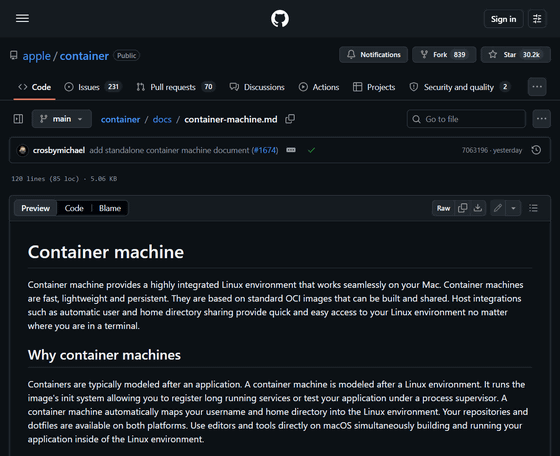
Discover Container machines - WWDC26 - Videos - Apple Developer
https://developer.apple.com/videos/play/wwdc2026/389/
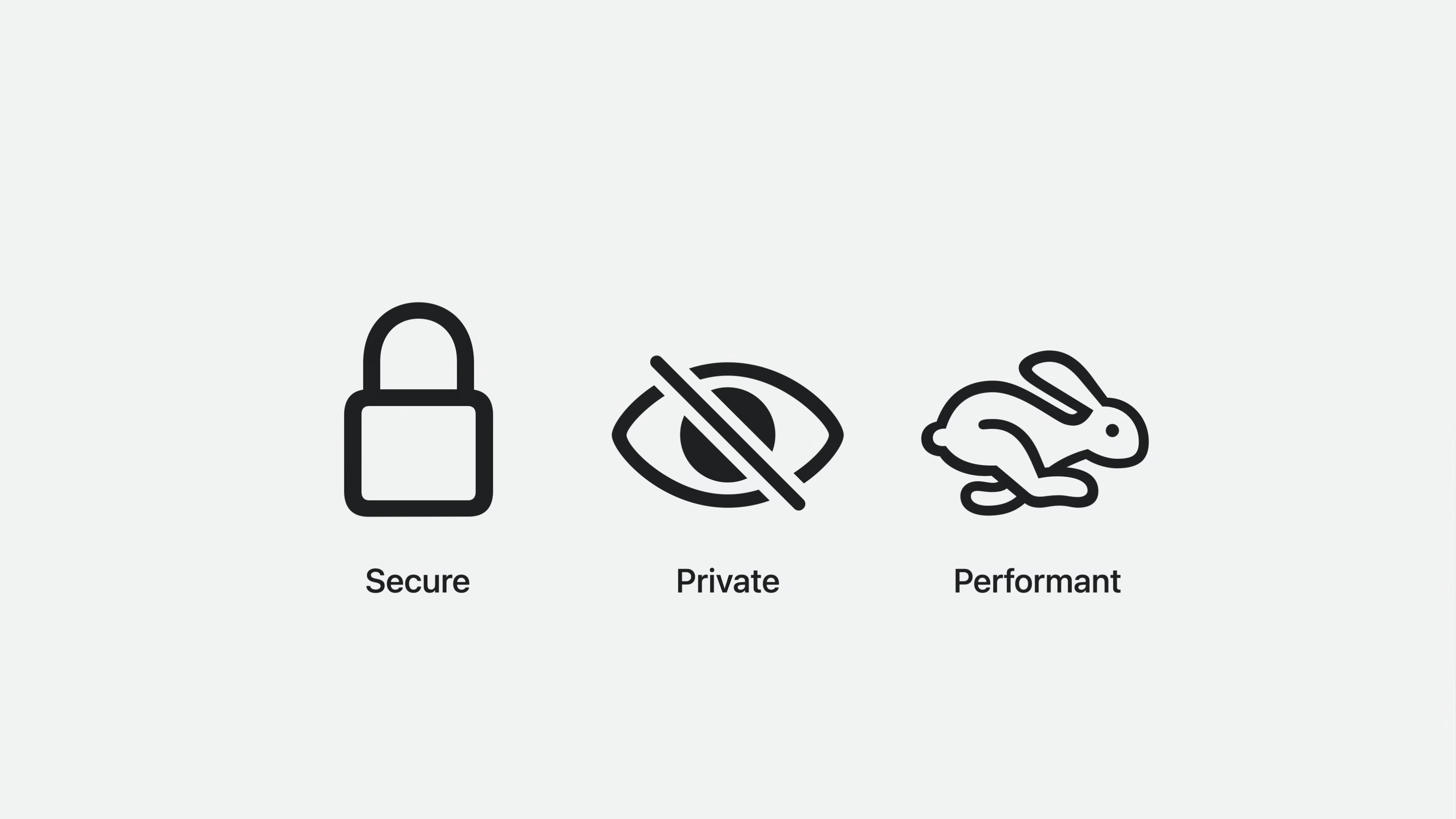
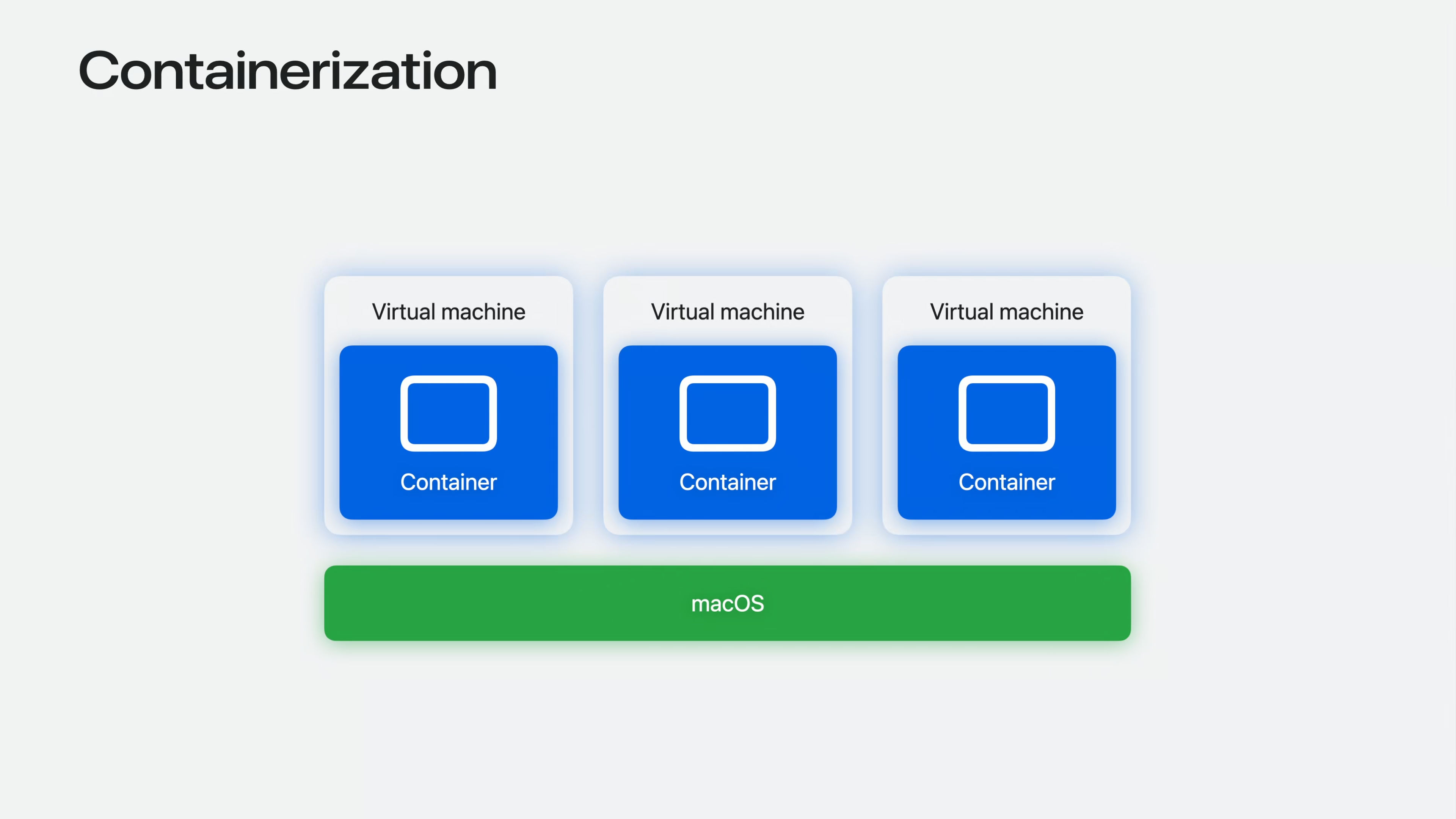
Container Machine is a new feature based on Containerization. Containerization is a Swift framework for running Linux containers, with a focus on security, privacy, and performance.
Containerization is a Swift framework that was announced and open-sourced at
Apple's official open-source Swift package 'Containerization' for running Linux containers on macOS - GIGAZINE
It is designed to provide virtual machine-based isolation for each container. This lightweight virtual machine delivers high performance and can achieve sub-second uptime.
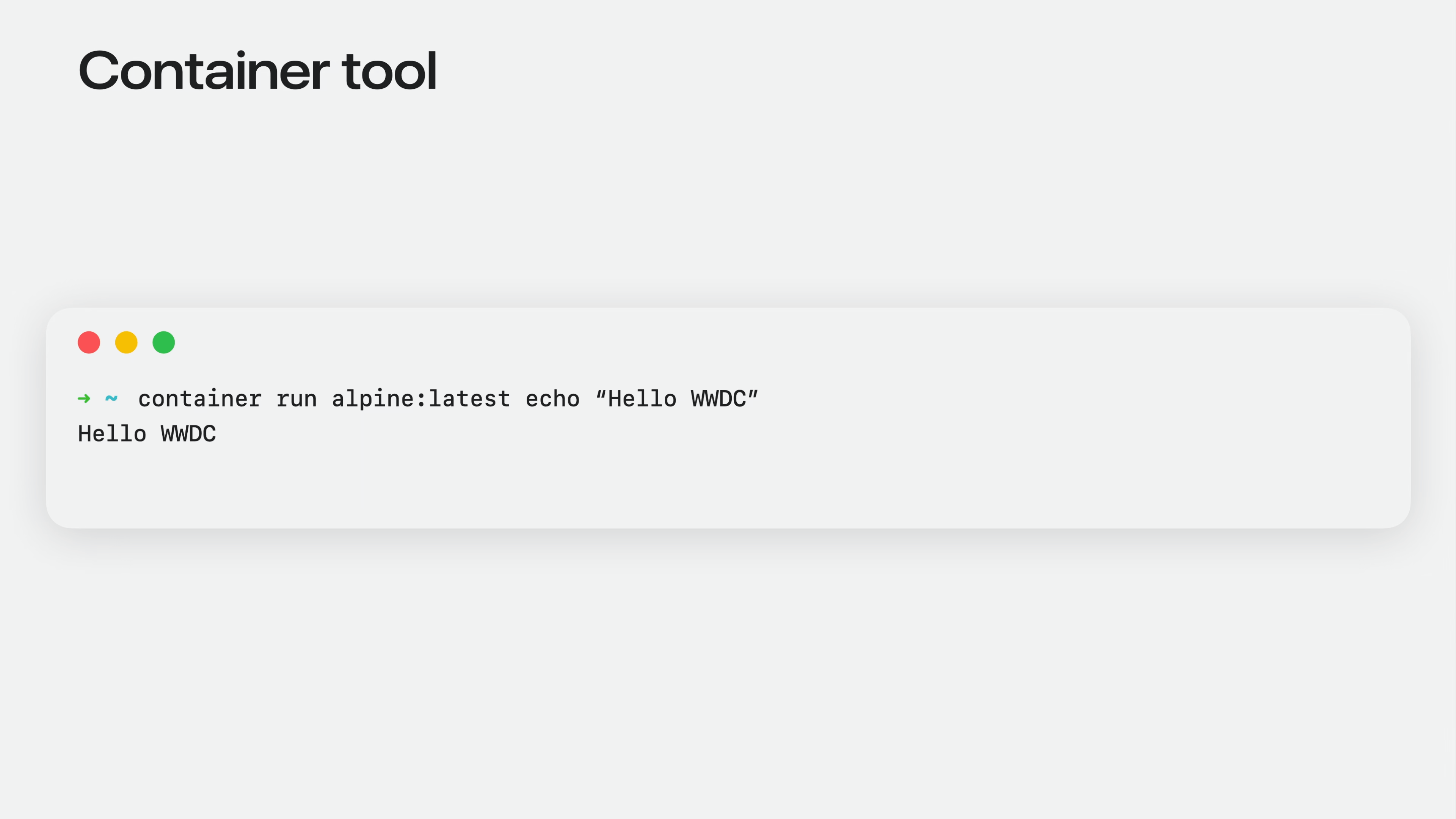
Along with containerization, 'Container tool' was open-sourced, providing CLI commands for creating and distributing images. It is also a tool that handles the lifecycle management of Linux containers.
These environments need to be fast and lightweight, not only be able to integrate into existing workflows, but also allow for easy switching between macOS and Linux. Users can customize environments and quickly create new ones. This rapid creation allows multiple projects to have their own dedicated environments, without worrying about dependencies or toolchain conflicts.
The development lifecycle often requires different tools and dependencies. A persistent environment allows for the timely introduction and utilization of additional tools.
These Linux environments need to be integrated into existing workflows. Major context switching is unnecessary for multi-platform development. Even when targeting a different environment, there's no need to learn new tools.
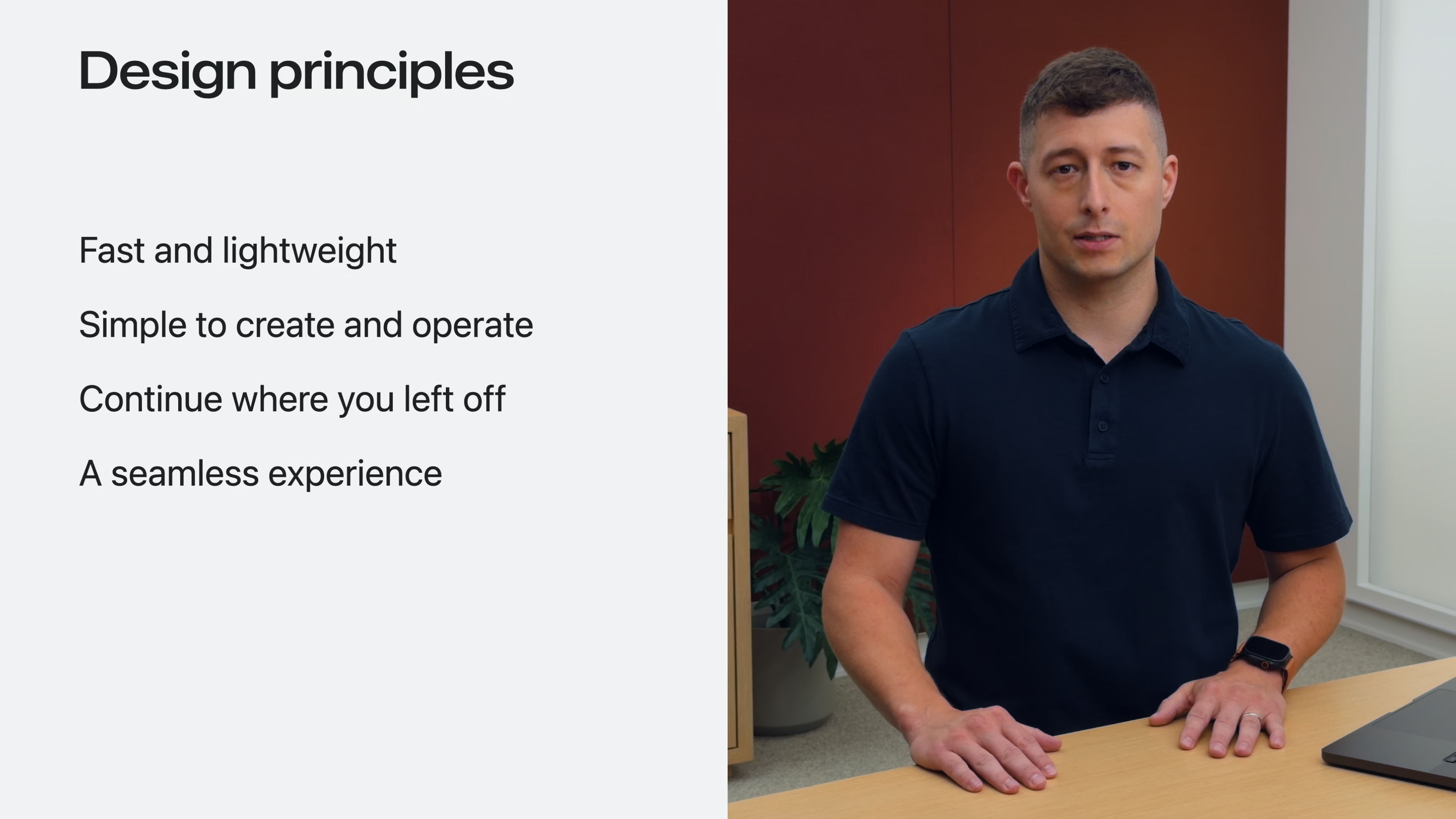
'Container Machine' is being developed with these design principles in mind. It needs to be fast and lightweight, easy to manage, provide persistence, and allow users to re-access it at any time. And, it also needs to feel like an extension of macOS.
Container machines are based on containerization, with each Container Machine running within its own lightweight virtual machine and using the same image format as containers.
Container Tool offers a familiar user experience with its core features, and images created with Container Tool can be used as a starting point for new container machines.
Container machines are stateful and can retain changes made during development, so those changes are preserved as you work. Even if you start or stop your project as needed, the Container Machine will allow you to resume your environment from where you left off.
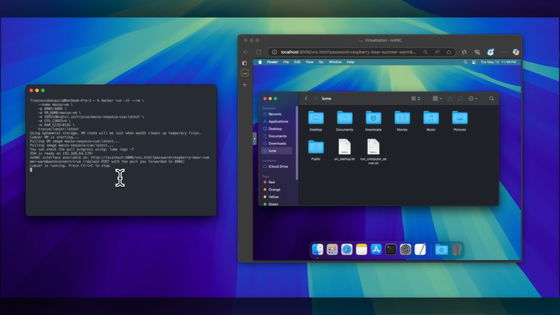
With automatic user mapping and shared file system support, Container Machine provides seamless migration from anywhere in the terminal, enabling you to easily enter a Linux environment. Migration from macOS to Linux and from Linux to macOS is also possible.
Container Machine runs an image init system, allowing you to register long-running services and test applications under a process supervisor. Container Machine automatically maps usernames and home directories to the Linux environment, making repositories and dot files available on both platforms. You can build and run applications within the Linux environment while using editors and tools directly on macOS.
The following four features are characteristic of container machines:
Edit on Mac and build within a container.
The repository resides on macOS and is mounted within the user's container machine. Compilation and execution are possible within the container machine using a macOS editor or IDE.
- macOS native tools can be used for Linux artifacts.
Profilers, screenshot tools, browsers, and GUI debuggers on Mac all refer to the same files that the container machine sees. No copying steps are required between the built state and the state to be inspected.
• Actual Linux service for testing
It runs the necessary components for the database and stack as system services. It works with the installed image.
- Create one environment for each target distribution.
Create a container machine for each target distribution. Each container machine will contain the same environment and dot files as on a Mac, allowing you to quickly test your application across different distributions.
Comments on the social forum Hacker News included: 'It's similar to wslc (WSL containers) announced at Microsoft Build. What if Apple and Microsoft had teamed up? Can you imagine?'
Related Posts:

in Software, Posted by logu_ii