A React library called 'performative-ui' has emerged, addressing the 'problem of all AI startup websites looking the same.'
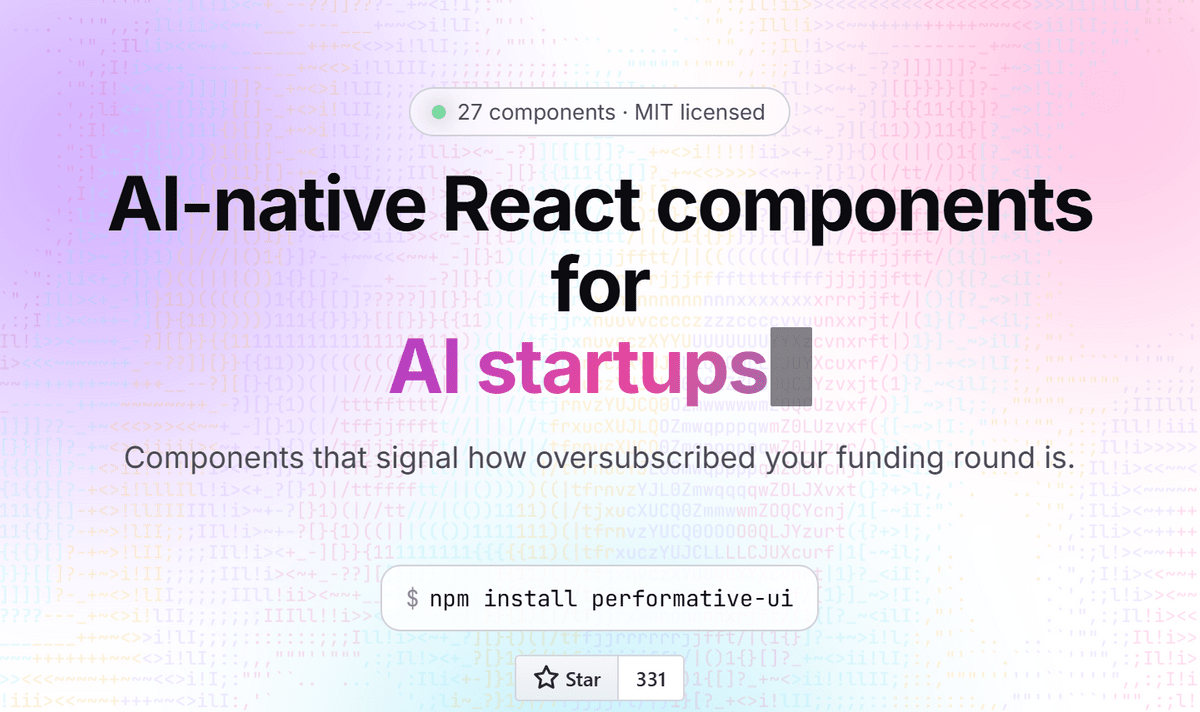
A library called 'performative-ui' has been released that bundles the effects commonly seen on AI startup websites into React components. It's a collection of parts that allows you to implement familiar expressions seen on landing pages of AI-related services, such as glowing buttons, gradient text, and prompt input fields.
performative-ui | AI-native React Components
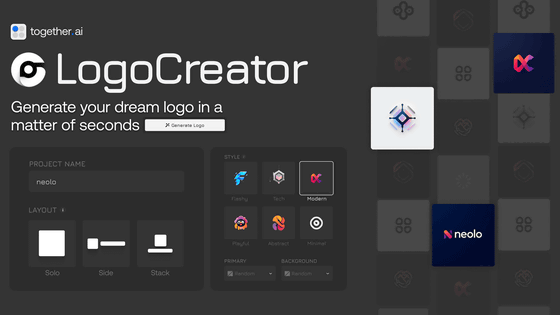
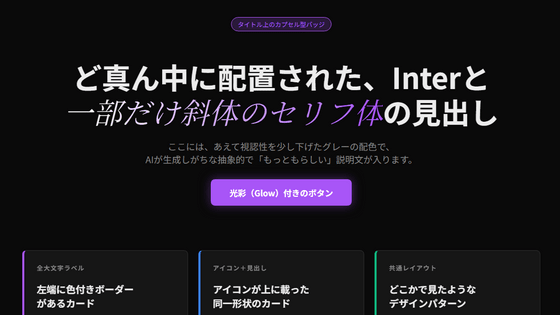
When you open the AI service website, you can observe many common patterns, such as an input field in the center of the screen that seems to say 'you can create anything,' a purple or light blue gradient slowly moving in the background, logos that appear to be from partner companies scrolling across the screen, and in the price list, only the middle plan is strangely highlighted.
The appearance of a web service is not merely decorative; it's the first point of contact that makes visitors feel that it's 'new,' 'technically advanced,' and 'well-funded.' Especially in AI-related services, it's necessary to convey a sense of 'cutting-edge' nature before actually running the model, and components such as input fields, illumination, logos, numbers, pseudocode, and chat-style UIs have become the common visual language. On the other hand, if there are too many common elements, the problem arises that all sites start to look the same.
An analysis of the surge in submissions to Show HN reveals that the lack of originality is indeed the problem, as evidenced by the 'unoriginal design patterns often seen in AI' - GIGAZINE
performative-ui is a library of jokes that satirizes the typical presentation found on landing pages of AI startups. The library's description states that performative-ui is 'an AI-native React component that shows how much of a funding round exceeded the number of applications.'
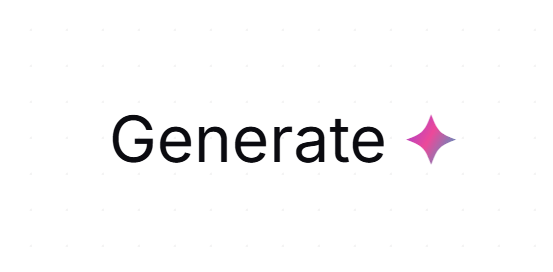
The components are categorized in a way that's typical of a UI library, but the descriptions are quite humorous. For example, 'Sparkle' is a component for adding a four-pointed star next to words. Placing a small star next to a service or feature name gives it an 'AI-like magical feel,' so it's a common expression seen on AI product websites. It said, 'Adding a ✦ to nouns doubles your release speed.'
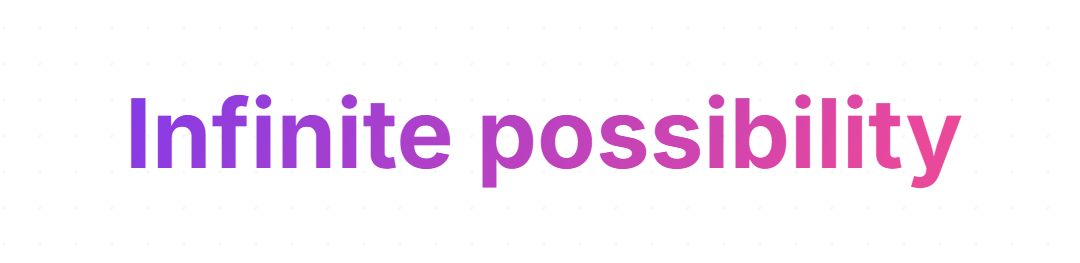
GradientText is a component that applies purple or blue gradients to text, and is used to add a 'billion-dollar company feel' when regular emphasis isn't enough.
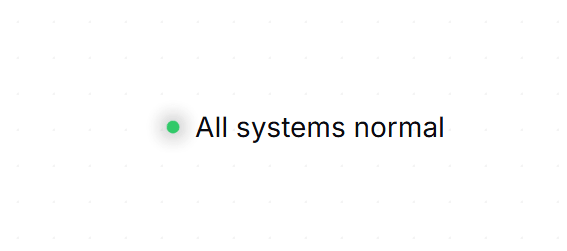
StatusDot is a dot used to indicate status. 'It's always green, even when it's not in a good state.'
Buttons are available for situations where you want to encourage user clicks based solely on appearance. Buttons can switch between appearances such as glow (illuminating), shimmer (light streaking across), ghost (outline only), solid (gradient fill), and wave (rainbow-colored band at the bottom). They are not just simple buttons, but buttons designed to create an 'atmosphere that makes you want to press them.'

Many other components were also available, such as StatCounter, which displays numbers with animation, and WaitlistForm, a form for registering email addresses.
The performative-ui project was also posted on Hacker News, a news sharing site for engineers, and has garnered comments on design homogenization, first impressions, marketing effectiveness, and UI representation in the age of AI. One comment pointed out that sites that are too simple in appearance may not be taken seriously, while another comment mentioned the advantage of using a common framework, which allows users to operate it intuitively.
In the future, if I see glowing gradient text, a flowing logo, or a pricing plan that only glows in the center on the homepage of an AI startup, I'll probably be reminded of the performative-ui catalog.
Related Posts: