'Click Click Click' is a game where you can find out what kind of information is collected just by clicking buttons displayed in your browser.
'Click Click Click' is
Click
https://clickclickclick.click/
When you access the site, a large green button appears in the center of a white screen. The button simply says 'Button,' and in the upper left corner there is the text 'please click the button.' It appears to be a simple site where you just need to click a button.
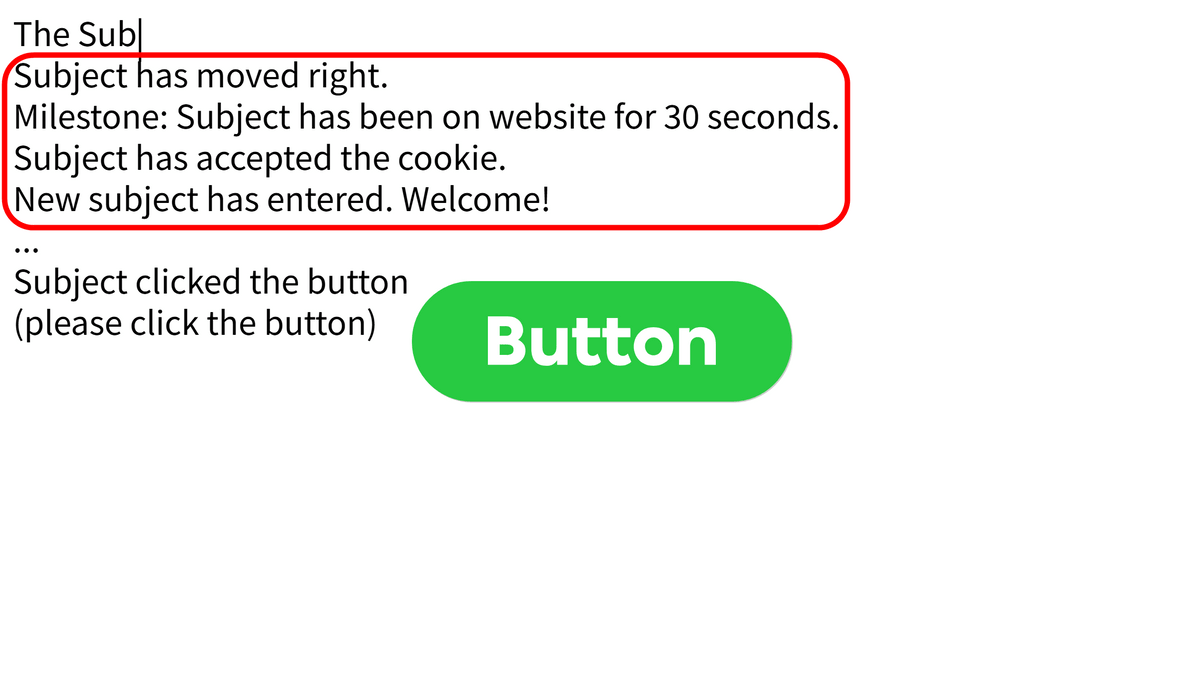
When I clicked the button, an audio message played saying, 'Go on, Subject. You are doing so great.' At the same time, a log-like message appeared on the left side of the screen, which read things like, 'Subject has moved to the right,' 'Subject has stayed on the site for 30 seconds,' 'Subject has accepted a cookie,' and 'A new subject has joined. Welcome!' So, the users viewing the site are called 'subjects.'
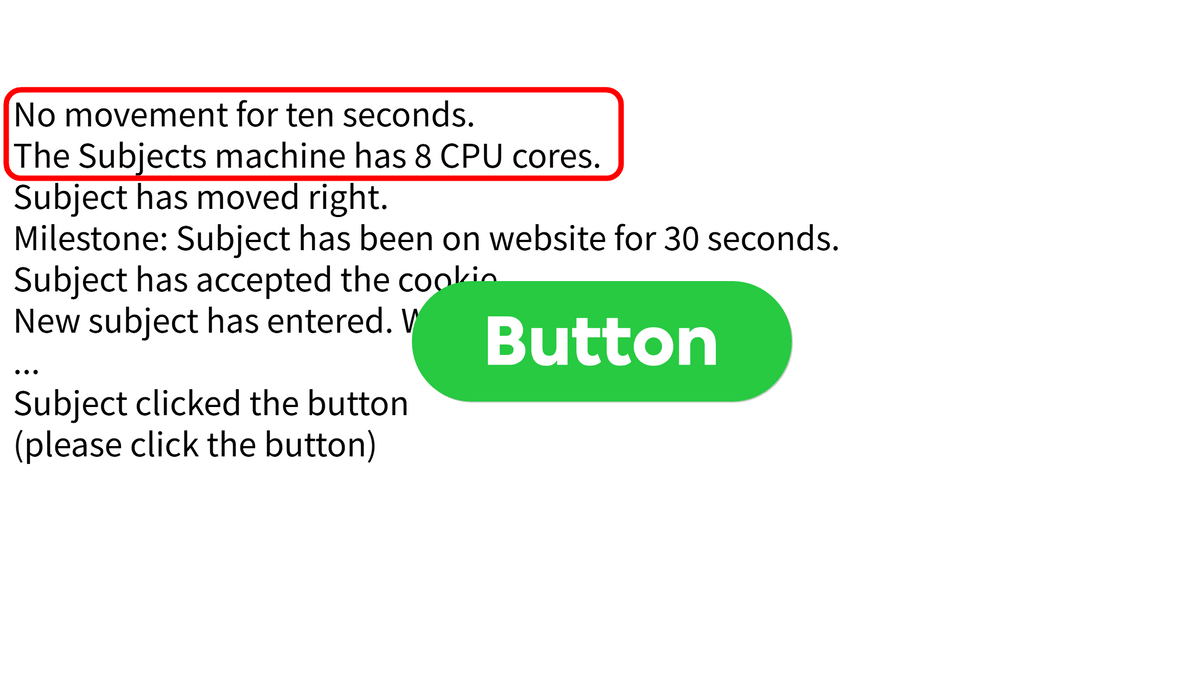
After not doing anything for a while, a message appeared saying, 'No activity for 10 seconds.' Furthermore, it even transcribed terminal information, stating, 'The subject's machine has 8 CPU cores.' It's a little unsettling to feel like all sorts of information is being collected and observed.
If you leave it alone any longer, it will display 'No activity for 30 seconds.' Then, a milestone notification will appear stating 'The subject stayed on the site for 1 minute.' It will also make comparisons such as 'The subject's average cursor speed is slower than many other subjects.' It seems that it is not just displaying your actions, but also evaluating them in comparison to the actions of other users. Furthermore, a mocking voice will play saying, 'What is this subject trying to do...? (lol),' which can be quite irritating.
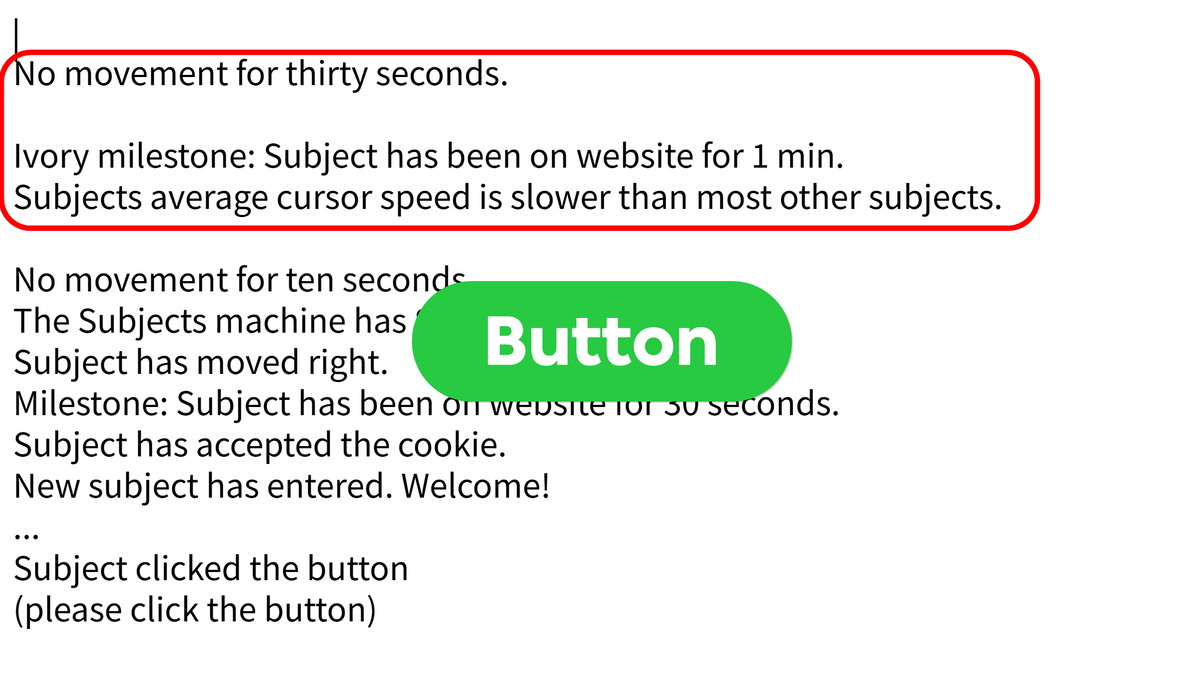
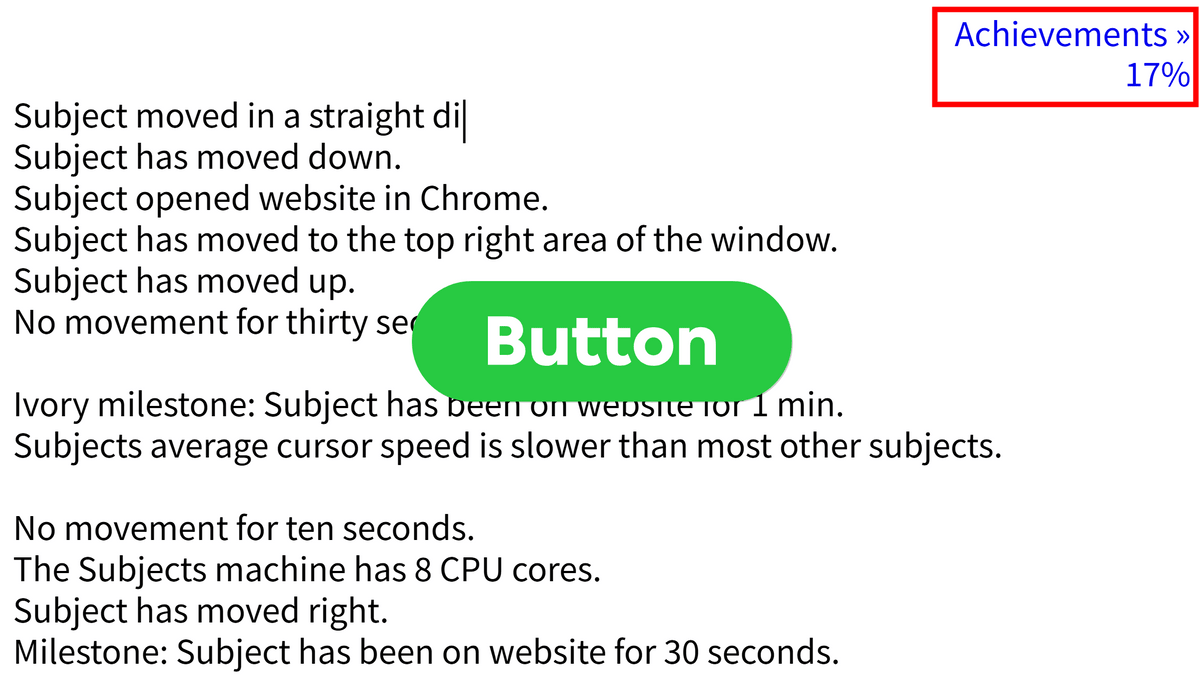
After moving the cursor around for a while, a link to 'Achievements' and a number that looked like an unlock rate appeared in the upper right corner. I clicked the link to see the achievements.
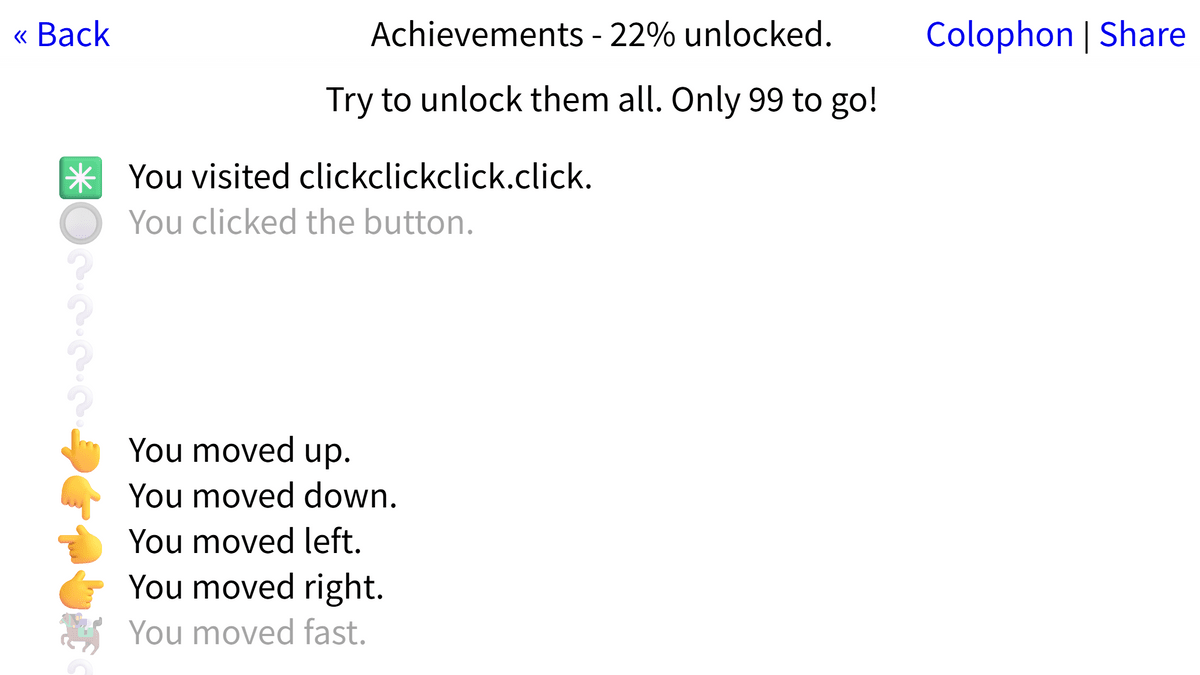
At the top of the achievements list page, a message appears stating, 'Achievements - 22% unlocked. Let's try to unlock them all. 99 more to go!' Below this, achievements such as 'Visited this site,' 'Moved up,' 'Moved down,' 'Moved left,' and 'Moved right' are listed. Unlocked items are displayed in light gray, creating a screen similar to a game's trophy screen.
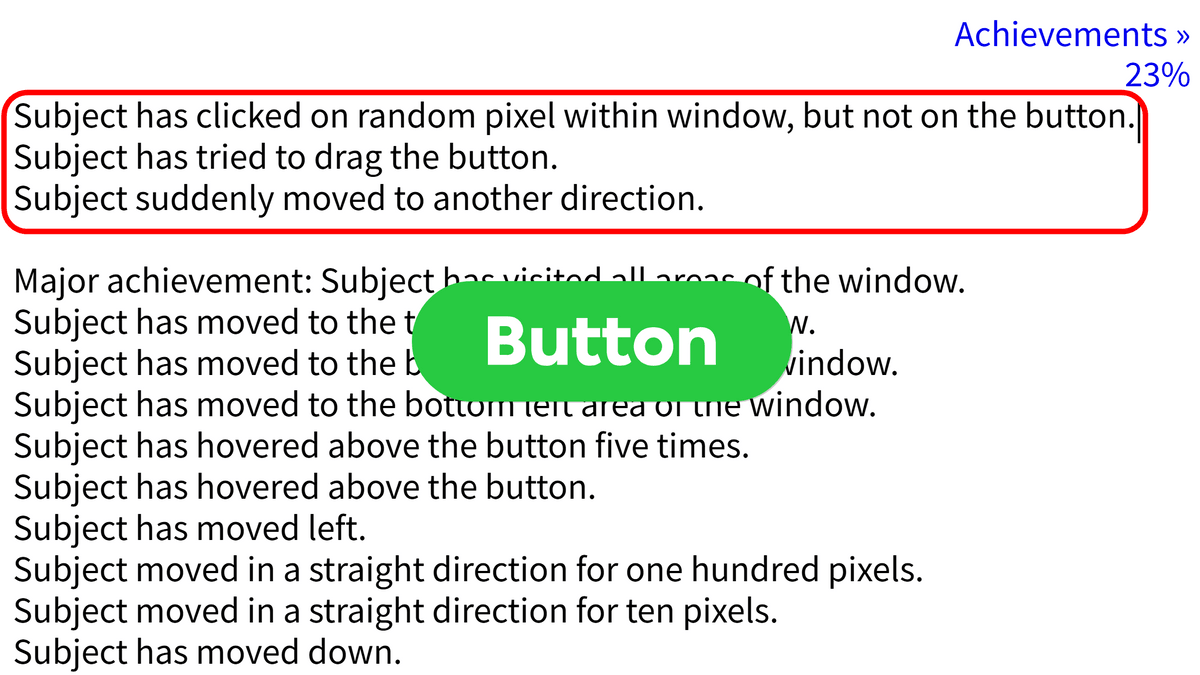
When I returned to the original screen and tried various operations, messages such as 'The subject clicked a random pixel in the window instead of a button,' 'The subject attempted to drag a button,' and 'The subject suddenly moved in a different direction' were displayed. It detects not only whether a button was pressed, but also whether a click occurred elsewhere, whether an attempt was made to drag, and whether the subject's direction of movement changed.
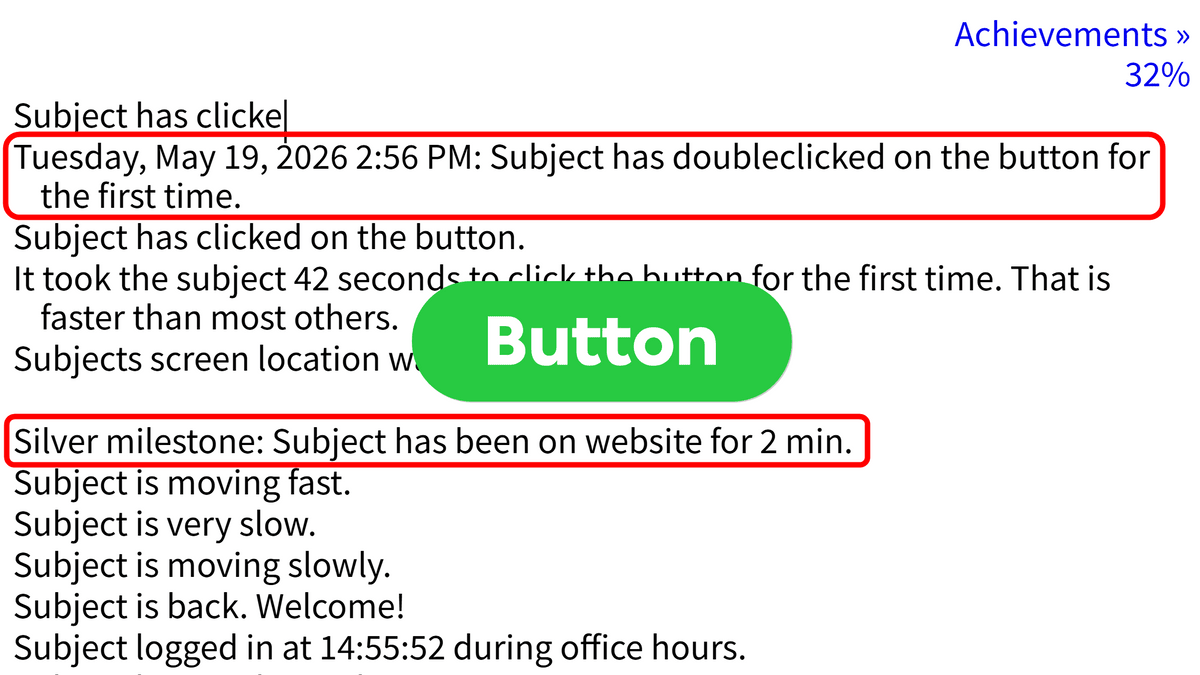
When I double-clicked the button, a log appeared with the date and time saying, 'The subject has double-clicked the button for the first time.' Below that, there was also a milestone notification saying, 'The subject has stayed on the site for 2 minutes.' From time to time, there was audio commentary from someone who seemed to be a monitor, saying things like, 'Take it easy, subject,' and 'Come on, try a little harder,' which was quite annoying.
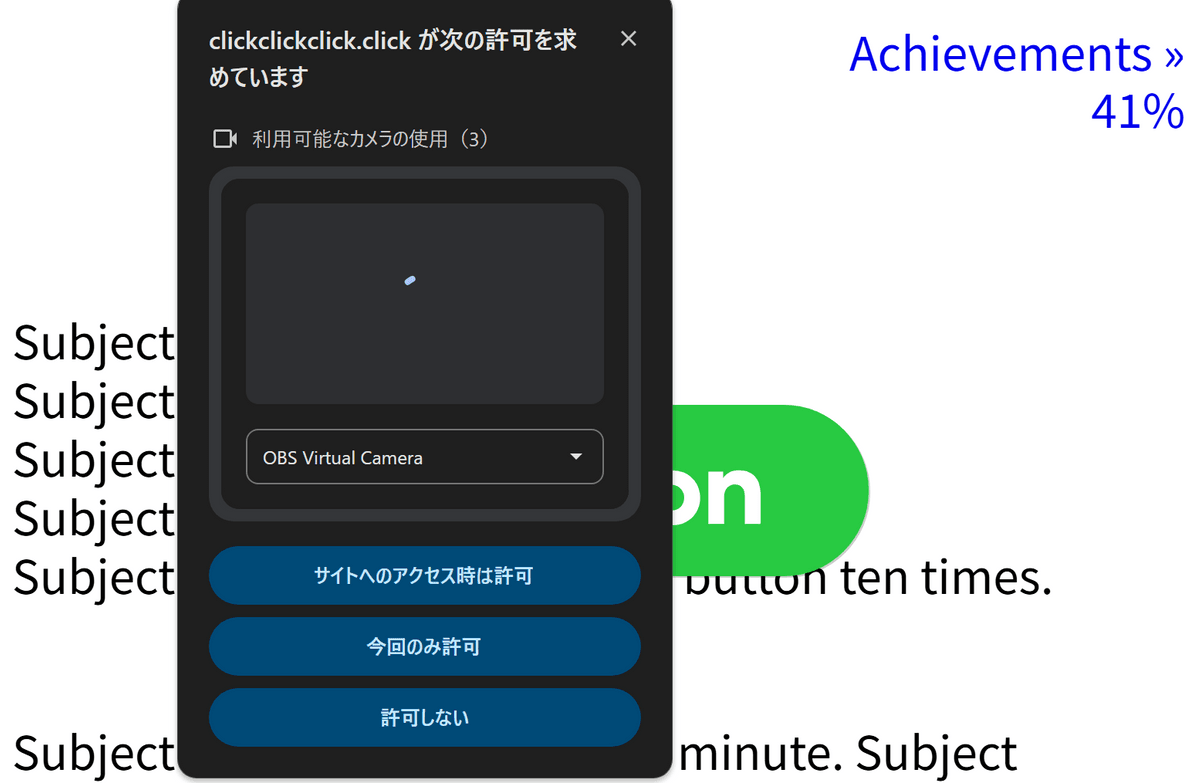
After using the site for a while, a pop-up appeared in the browser asking for permission to use the camera, accompanied by a voice message saying, 'Show me your face.' The site requests camera access, but the user can choose whether or not to grant permission.
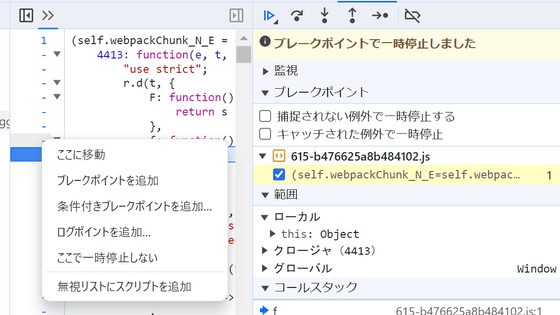
Now, press the 'F12' key to open Chrome's developer tools and try running the script from the Console.
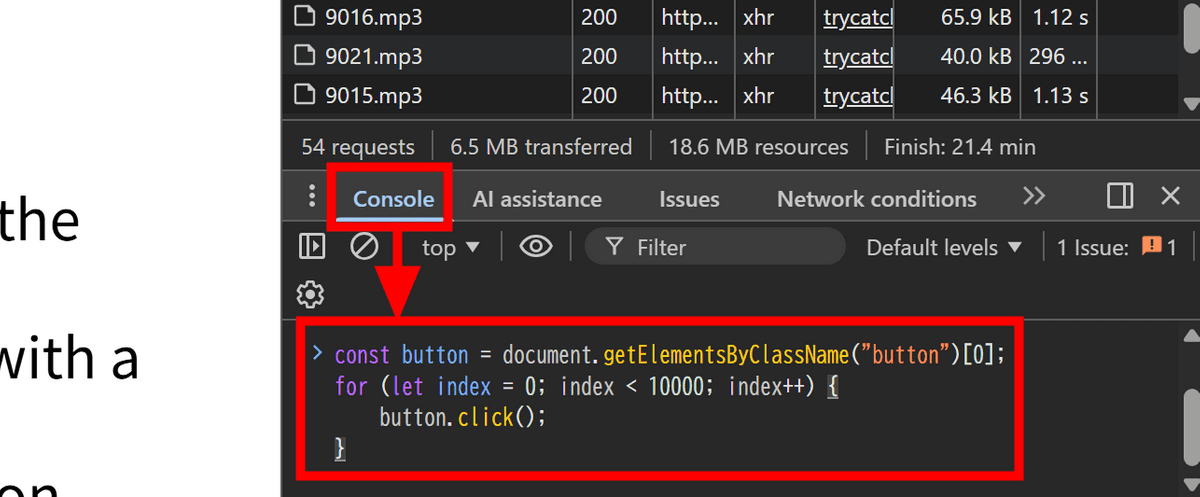
The script I executed was the following: It retrieved elements with the class 'button' on the page and clicked them 10,000 times using JavaScript, generating clicks at a speed impossible for a human to achieve manually.
[code]const button = document.getElementsByClassName('button')[0];
for (let index = 0; index < 10000; index++) {
button.click();
}[/code]
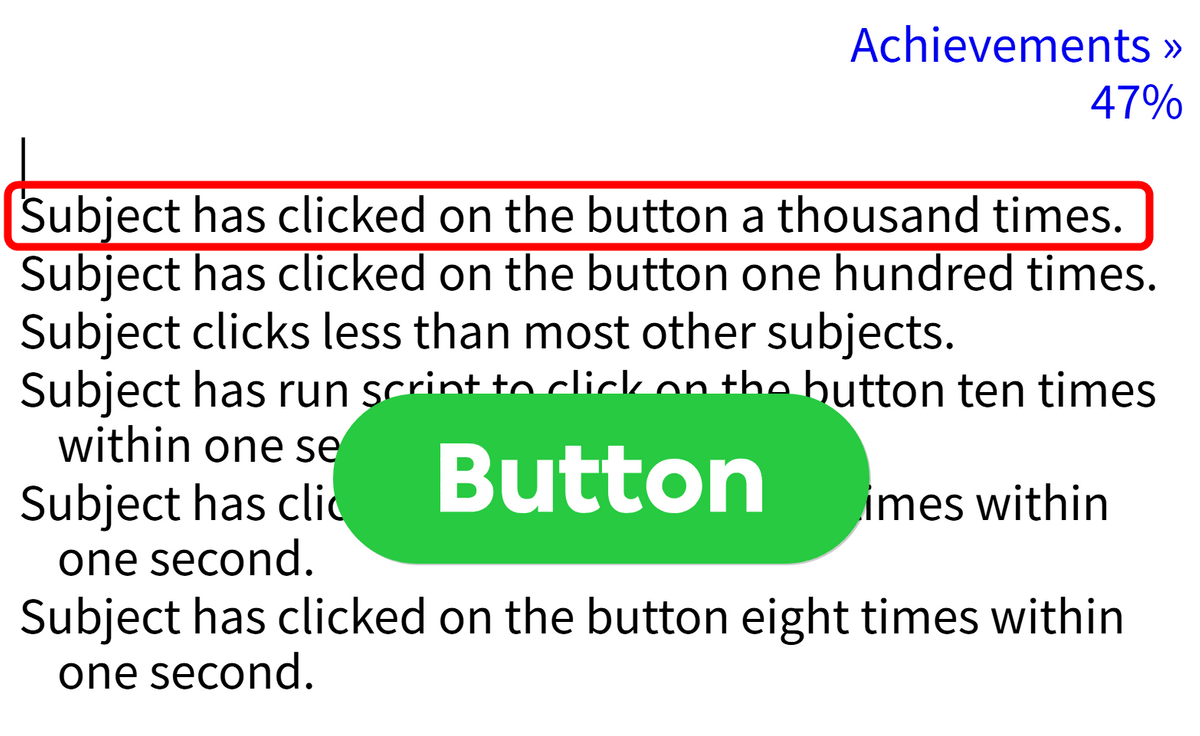
After execution, the screen displayed many messages saying 'The subject clicked the button XX times,' but it seemed to stop at 1000 clicks. On the other hand, logs such as 'The subject executed a script that clicked the button 10 times in under 1 second' were also output, suggesting that script execution was also detected.
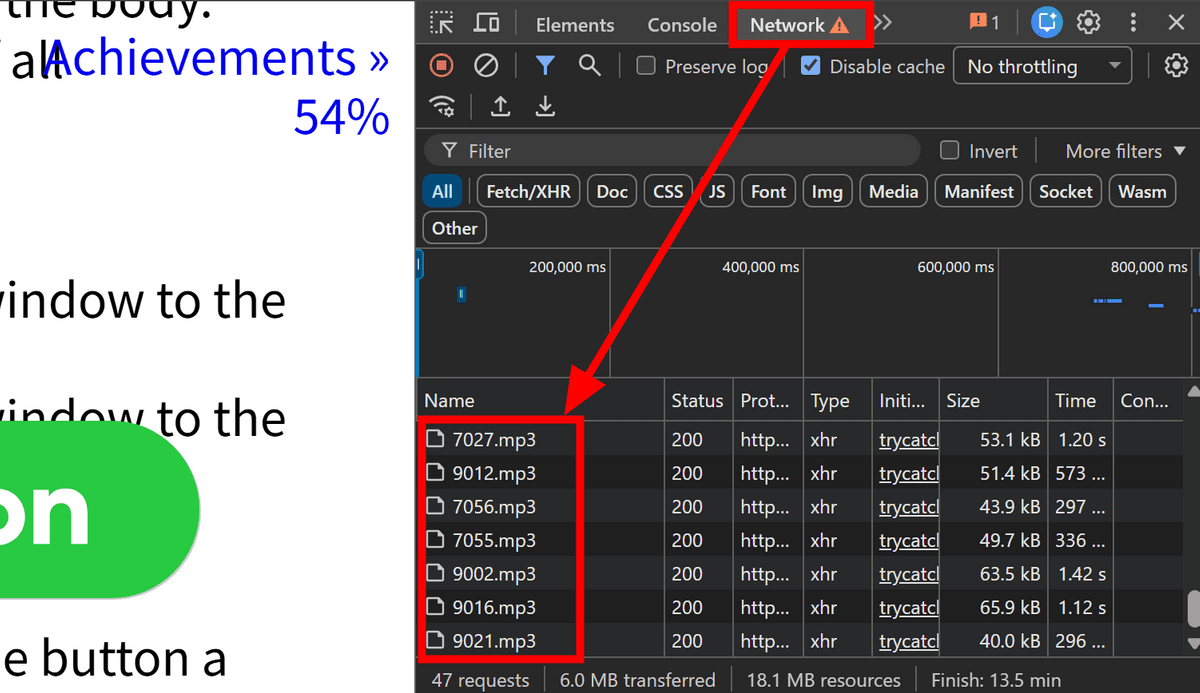
Note that the audio played during the game is loaded at the time of playback, so if you open the Network tab in the developer tools, you can listen to any audio you missed again. The audio files are named only with numbers, such as '7027.mp3', '9012.mp3', and '7056.mp3'.
Click Click Click appears at first glance to be a site where you simply 'press a green button,' but in reality, it's an interactive site that observes and records various actions, including clicks, mouse movements, idle time, browser and device information, clicks on things other than buttons, drag operations, and even script execution from developer tools.
The site consistently refers to users as 'Subjects,' giving the impression that users themselves are being treated as experimental subjects. While it's humorous when viewed simply as a game, considering that even on regular websites, behavioral data such as clicks, scrolls, and time spent on the site are analyzed, it was a slightly unsettling experience.
Related Posts: