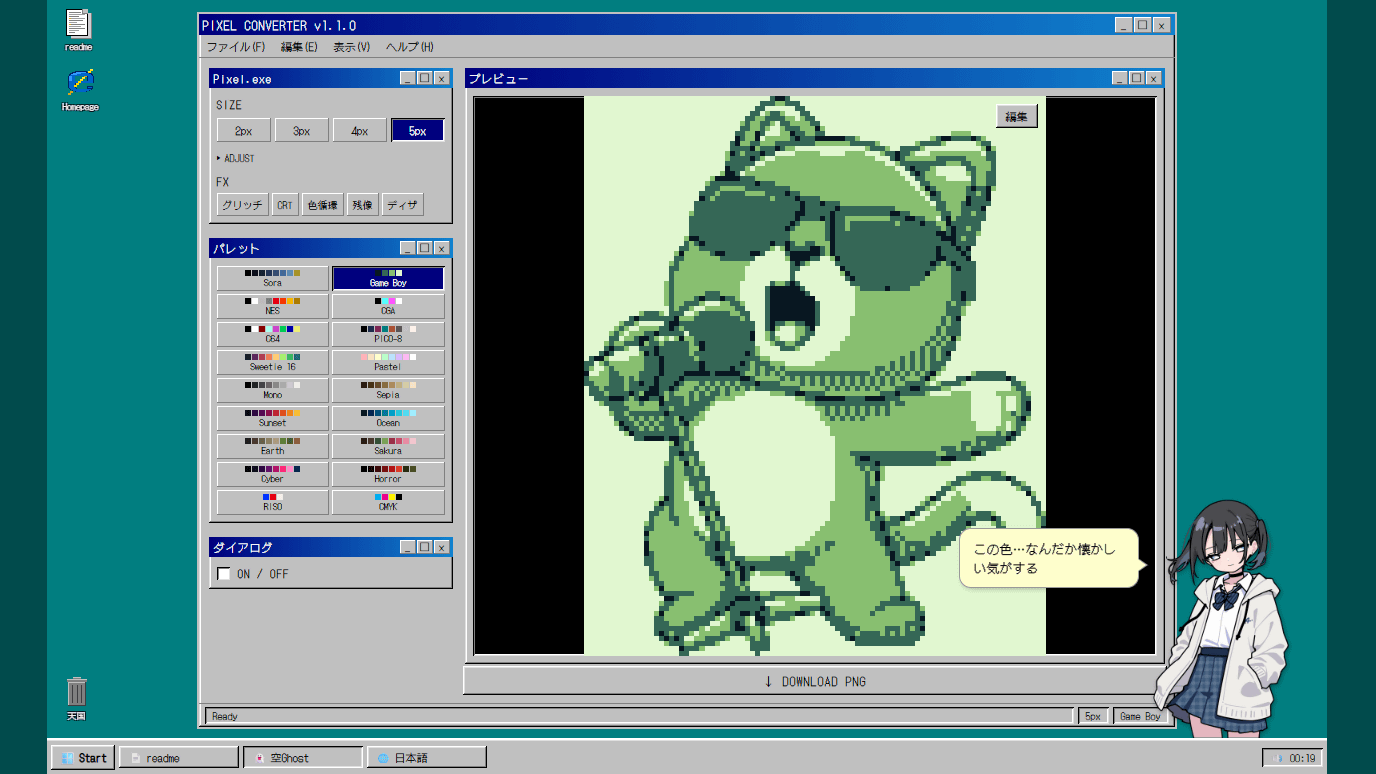
'Sora's Pixel Converter' is a web app that can convert illustrations and photos into pixel art.
' Sora's Pixel Converter ' is a web application developed by
Sora's Pixel Converter - Retro Pixel Art Generator
https://pixel-converter.ameniwa.com/
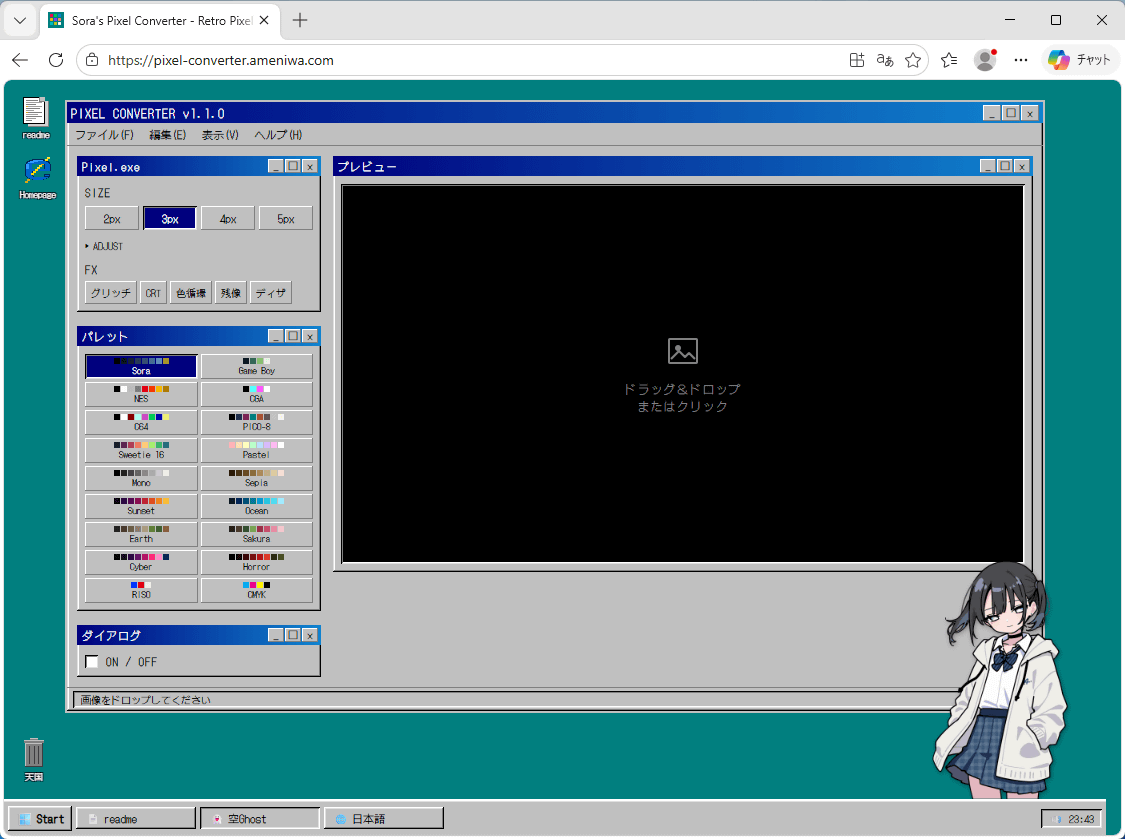
When you access Sora's Pixel Converter, you'll see a screen that looks like an older version of Windows, such as Windows 98.
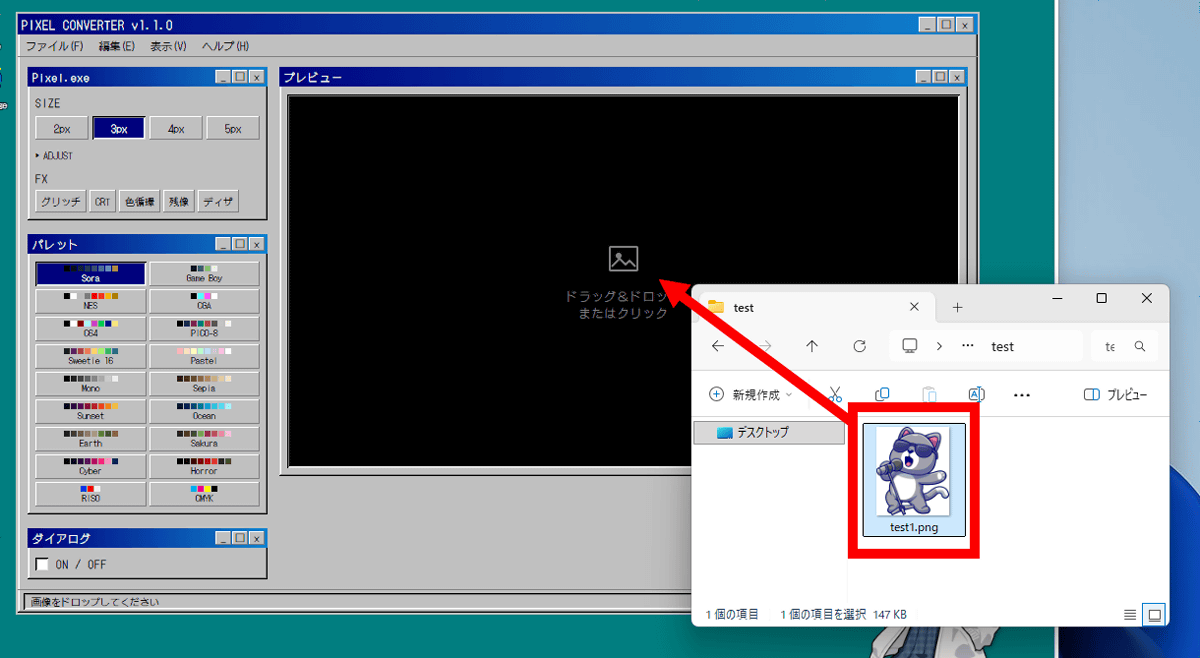
This time, we'll convert the following illustration into pixel art.

Drag and drop the illustration into the black area.
The illustration has been loaded and converted into pixel art. Please note that the image processing is performed within the browser, so the image will not be uploaded anywhere.
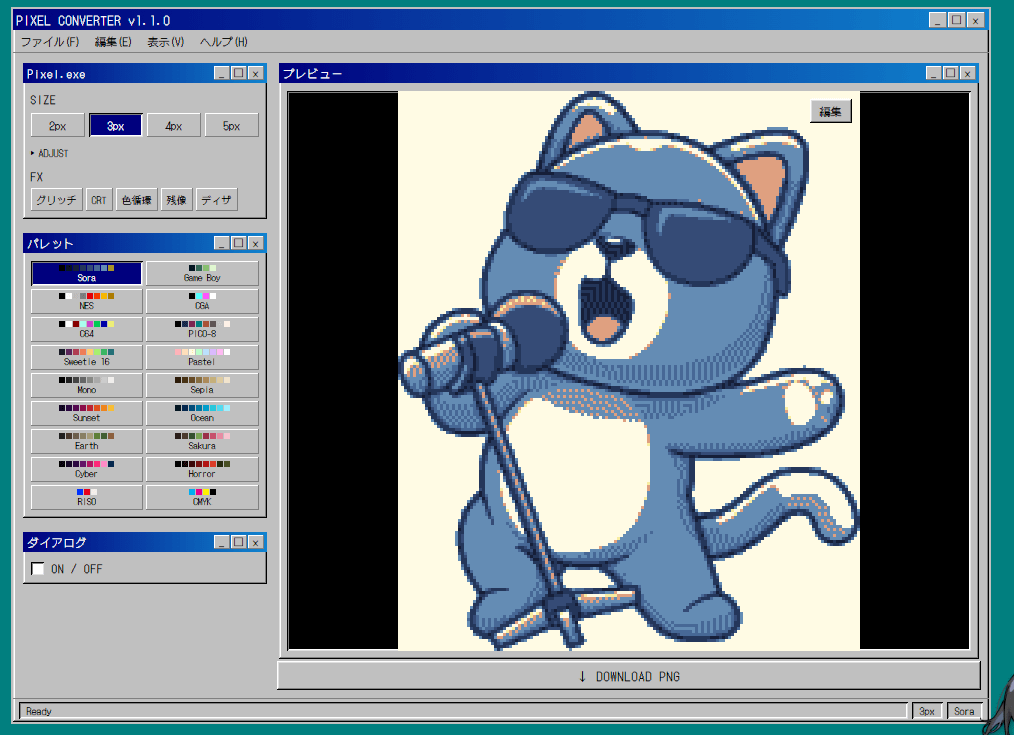
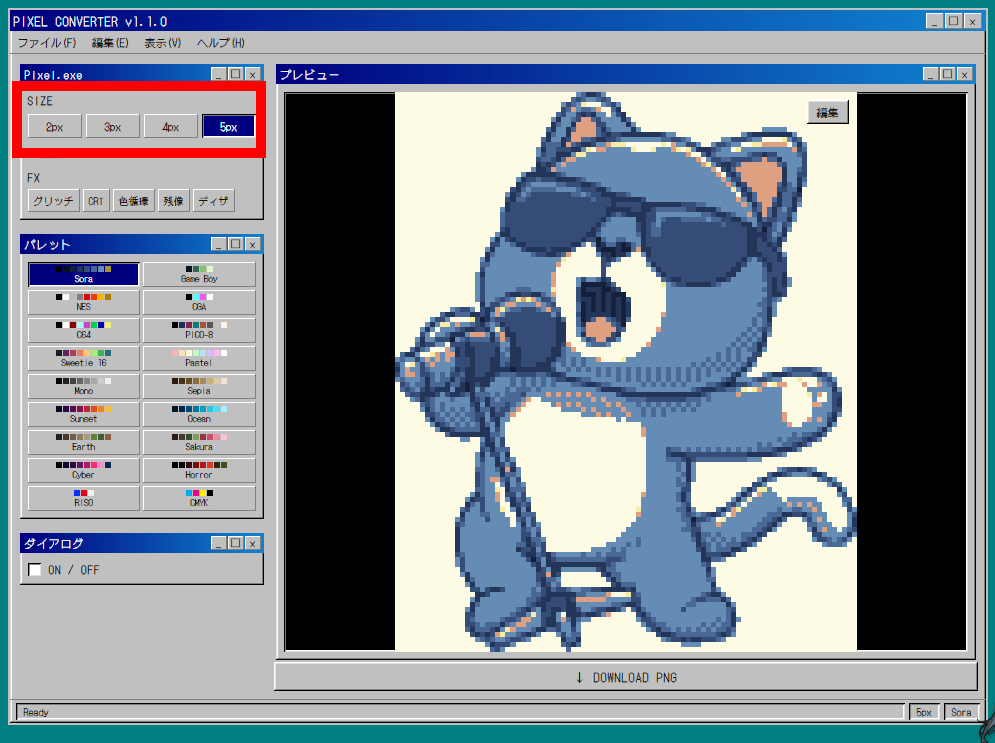
You can change the pixel coarseness in the 'SIZE' section in the upper left corner.
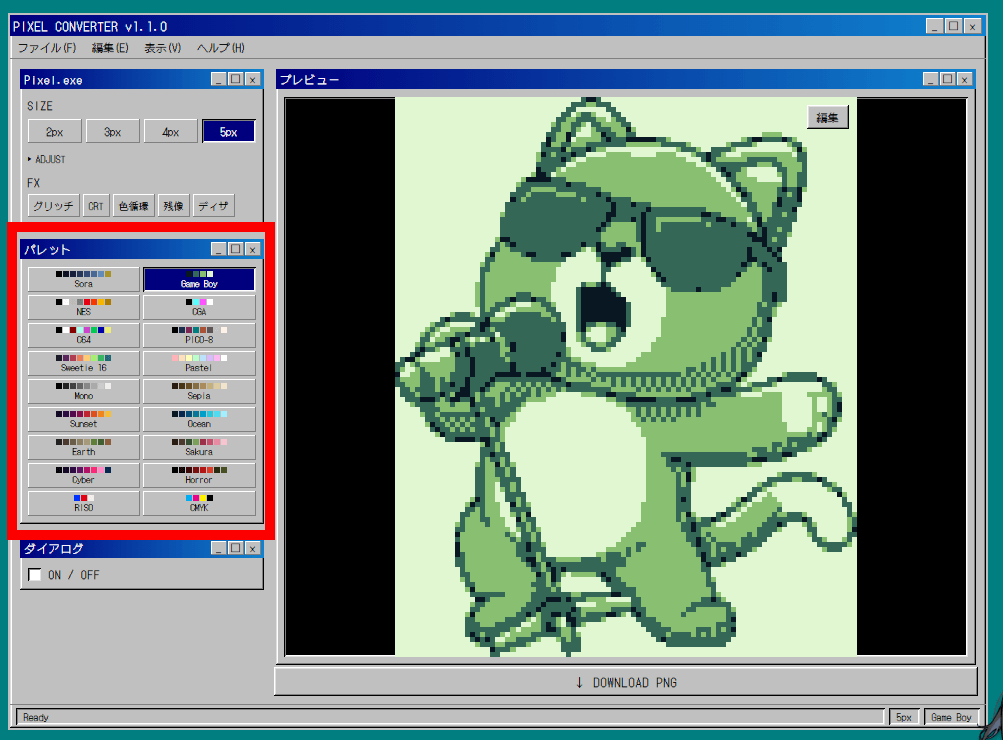
Clicking on the palettes listed in the 'Palette' section allows you to change the colors.
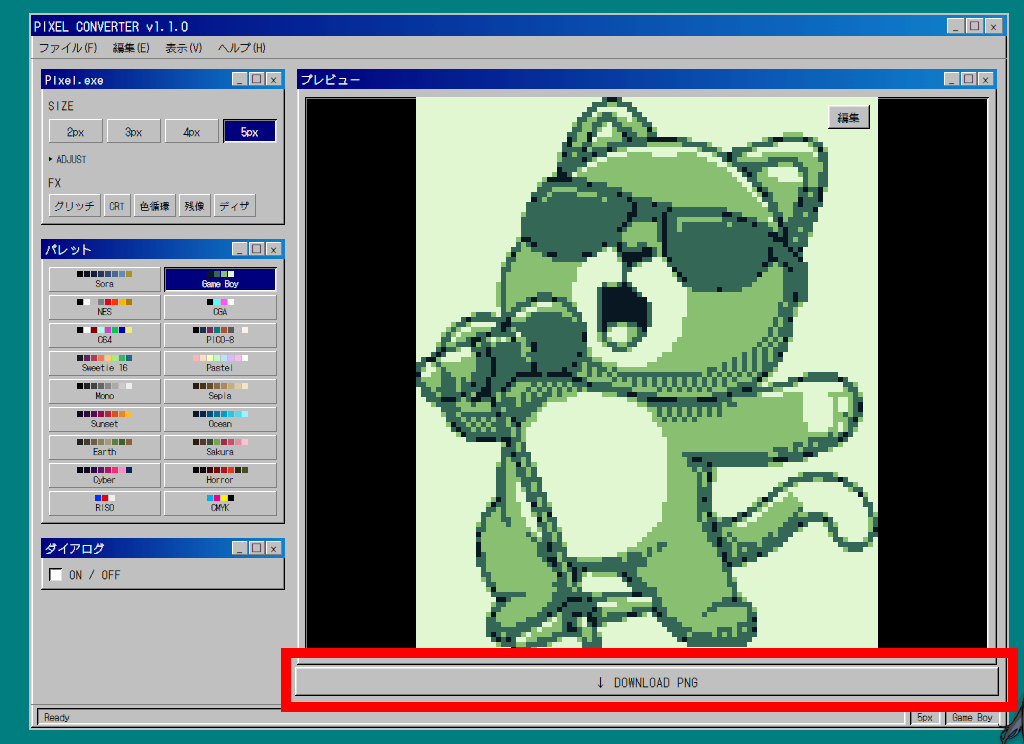
Click 'DOWNLOAD PNG' at the bottom to download the finished image.
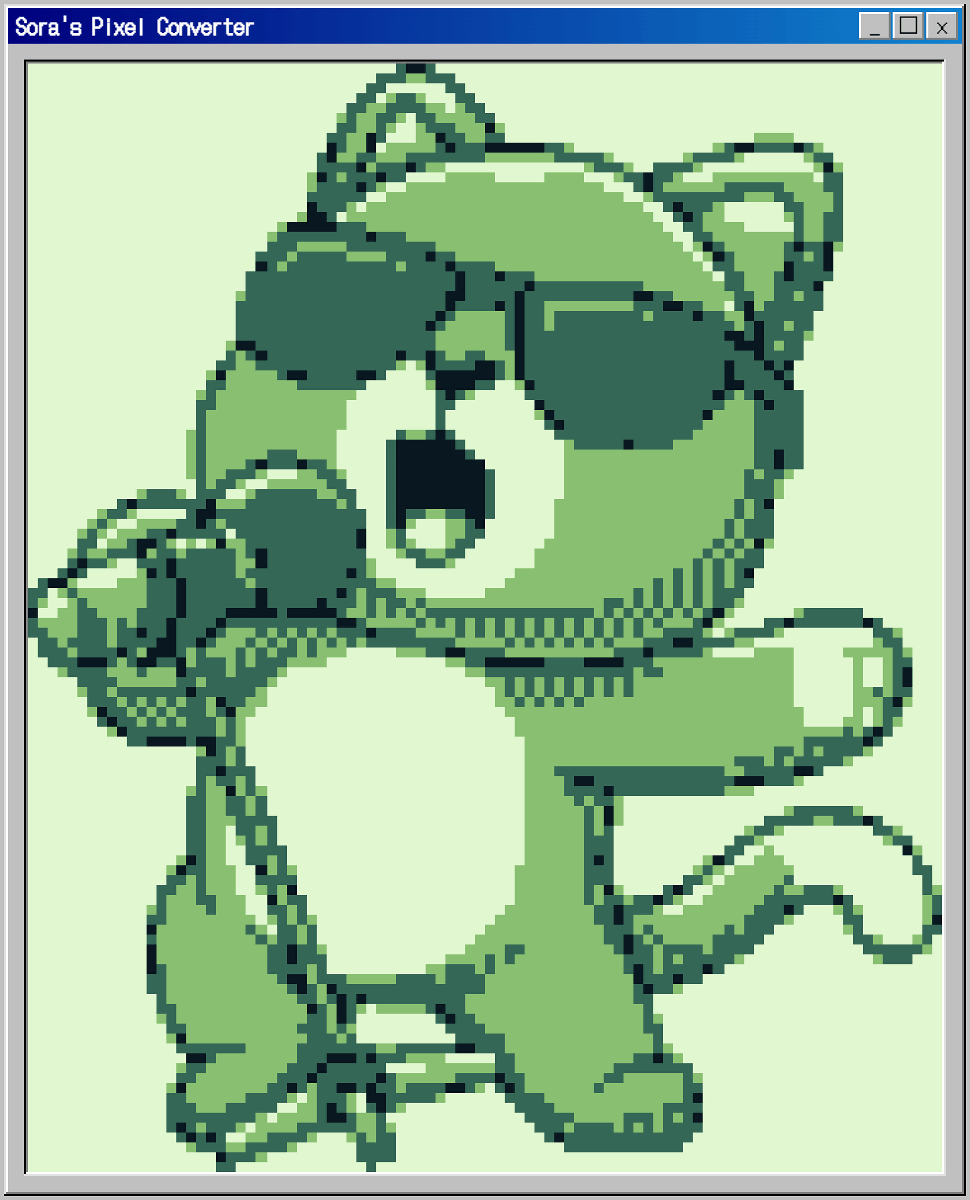
The downloaded pixel art is shown below. It's surrounded by a frame resembling an old Windows window.
Next, let's try entering a photo.
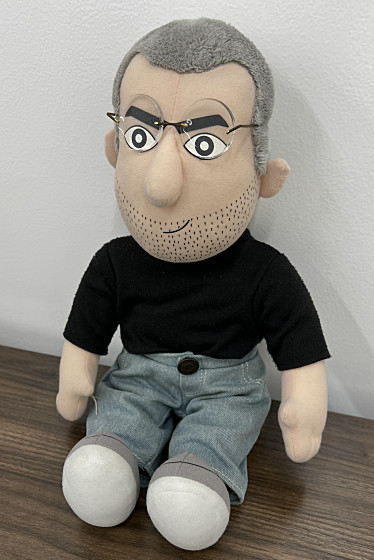
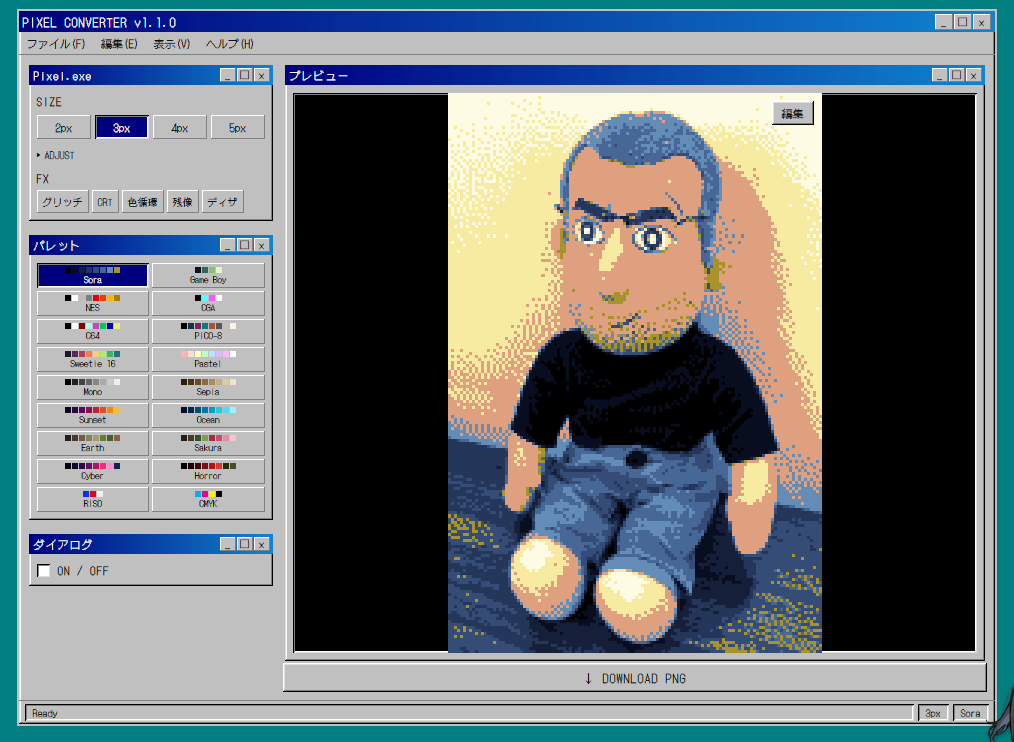
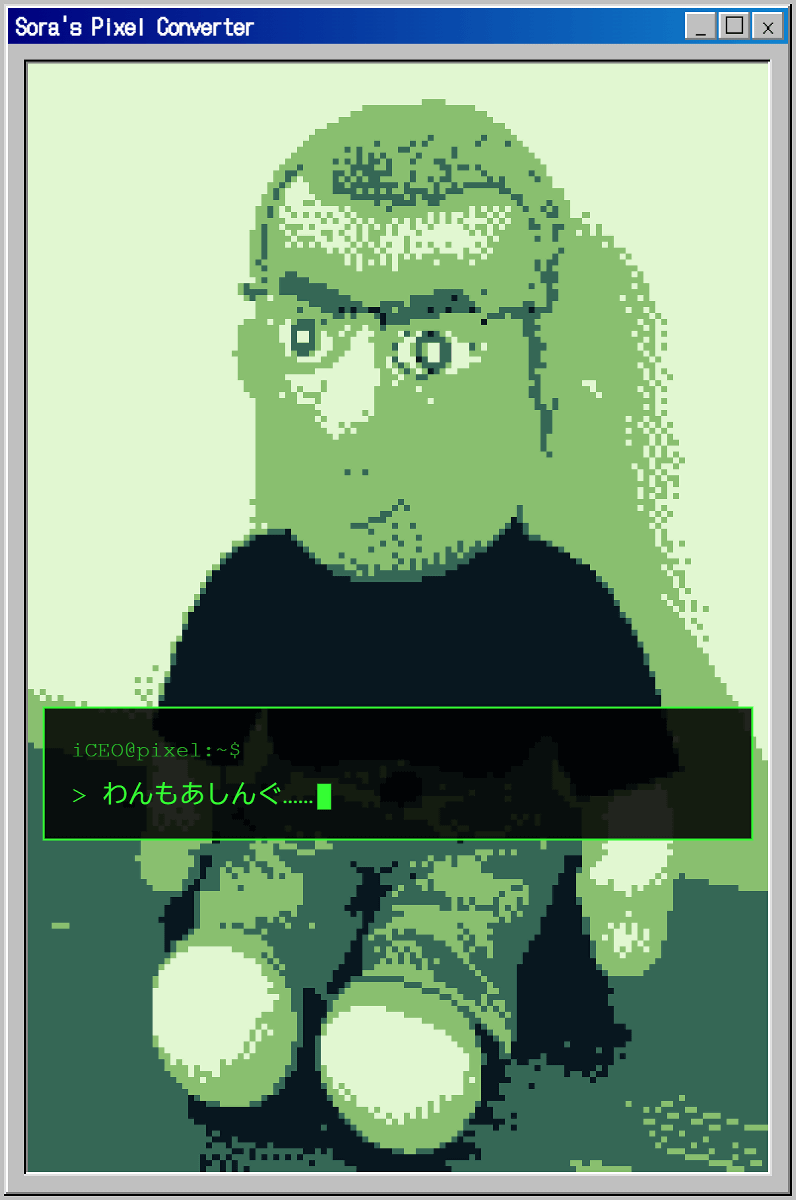
The result is a striking pixel art image, reminiscent of how photos might be displayed on a Game Boy Color or similar device.
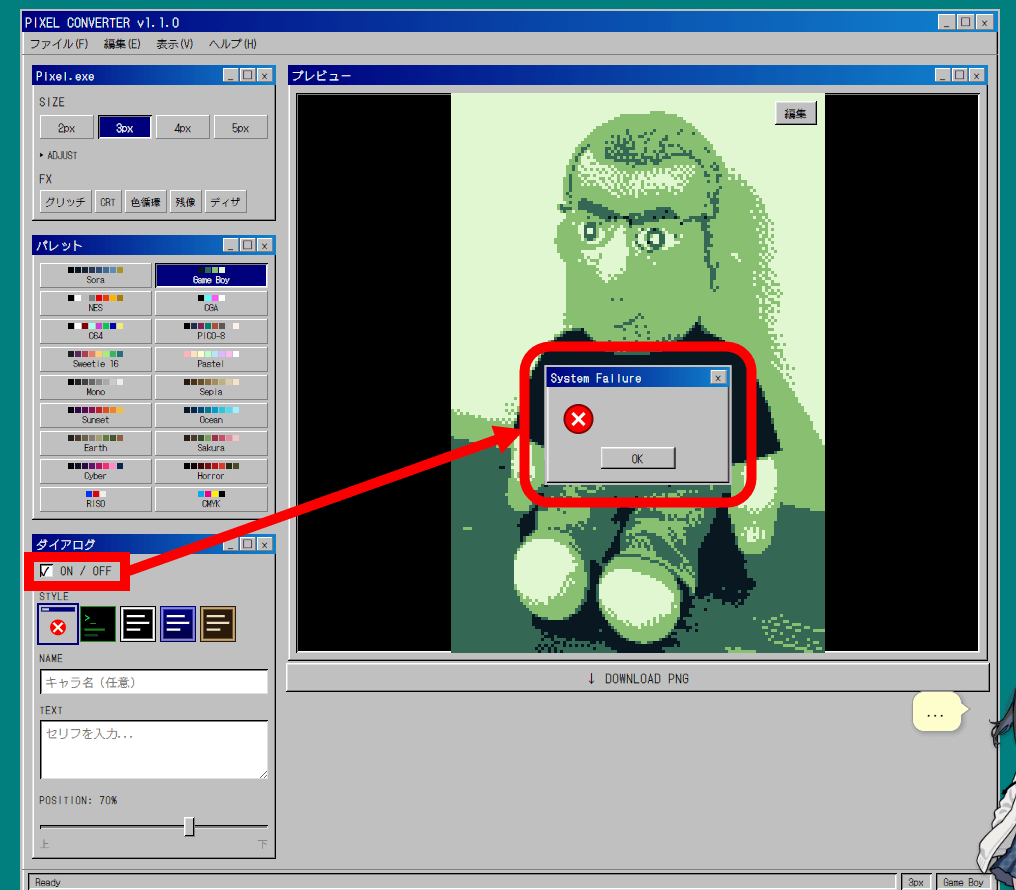
Clicking the 'Dialog' checkbox to switch it to ON will display a dialog box on top of the pixel art.
You can customize the content displayed in the dialog box by entering text in the 'NAME' and 'TEXT' fields.
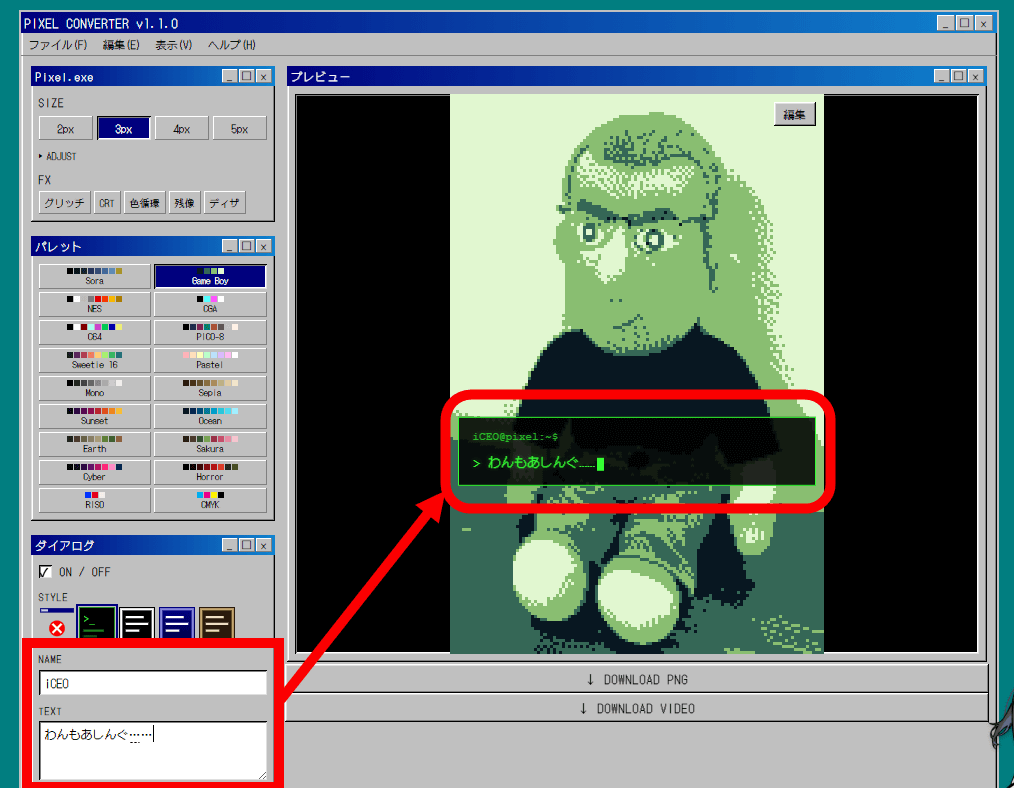
The finished pixel art is shown below. As you can see, Sora's Pixel Converter allows you to convert your favorite images into pixel art.
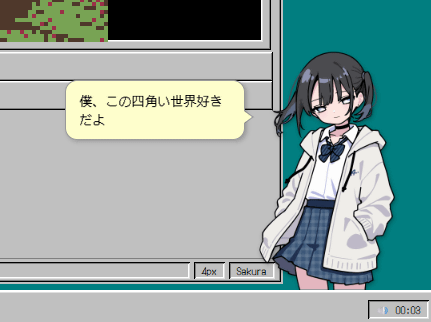
The character in the bottom right with his hands in his pockets is named 'Sora,' and he will talk to you in response to your actions. You can find more details about Sora on
Related Posts:
in Review, Web Application, Posted by log1o_hf