Review of the Anker Soundcore Sleep A30, the world's first wireless earphones with adaptive noise cancellation, specifically designed for sleep.
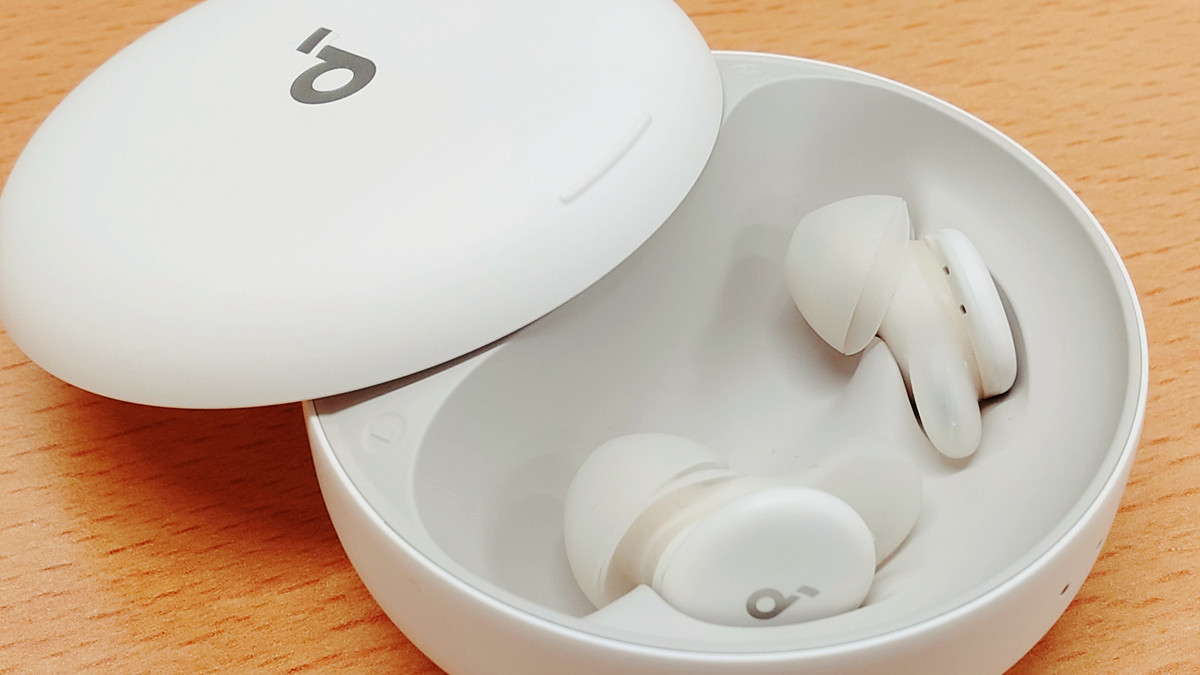
Among the many wireless earphones available, Anker's ' Soundcore Sleep A30 ' is advertised as the world's first 'sleep-focused true wireless earphone' equipped with adaptive noise cancellation, so I decided to try wearing them while sleeping.
Soundcore Sleep A30 | True Wireless Earphone Product Information | Anker Japan Official Online Store
·table of contents
◆1: Charging case & main unit exterior
◆2: Pairing & Installing the Soundcore App
◆3: Soundcore app settings
◆4: Sleep using Soundcore Sleep A30
◆1: Charging case & main unit exterior
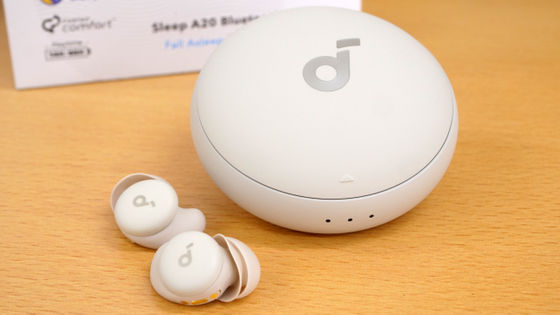
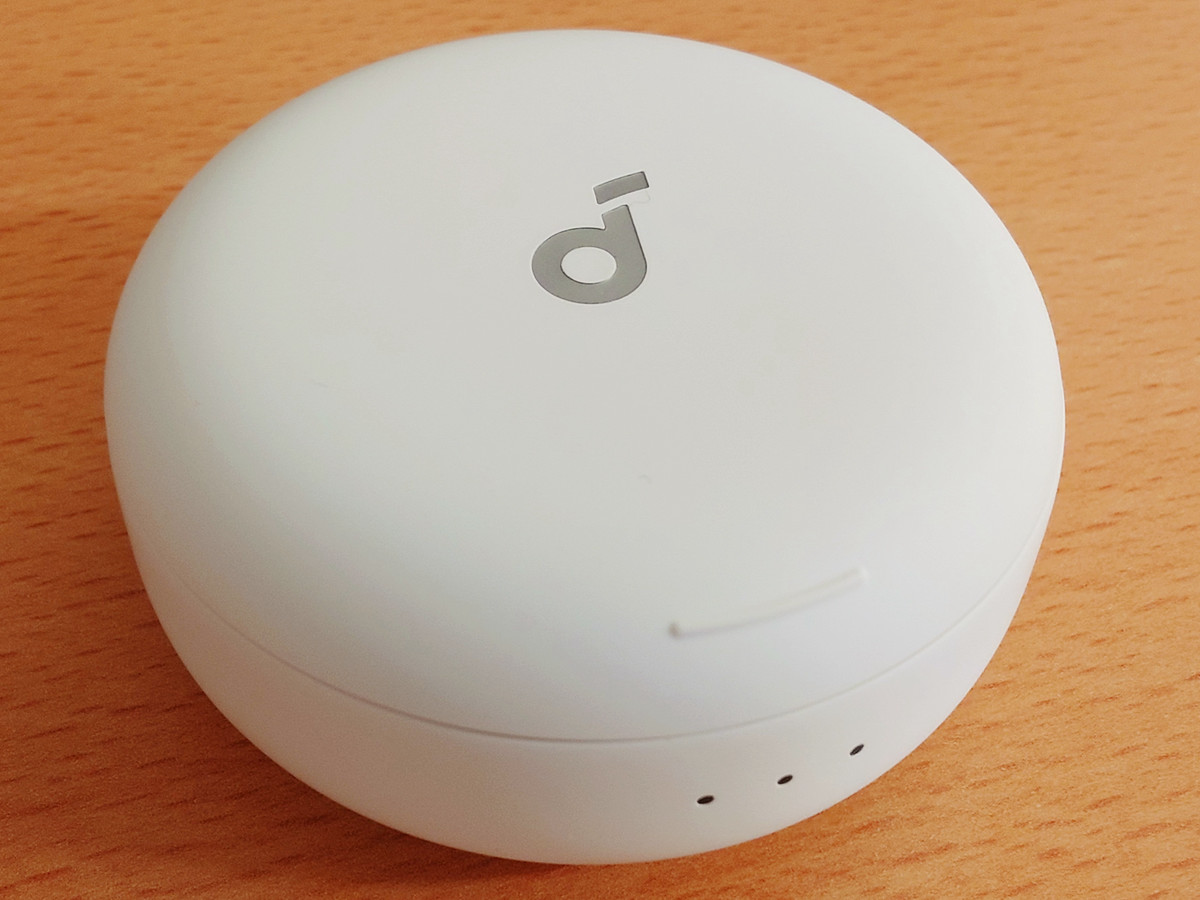
This is what the charging case looks like. There are three LED indicators on the front, and the Soundcore series logo is in the center of the lid.
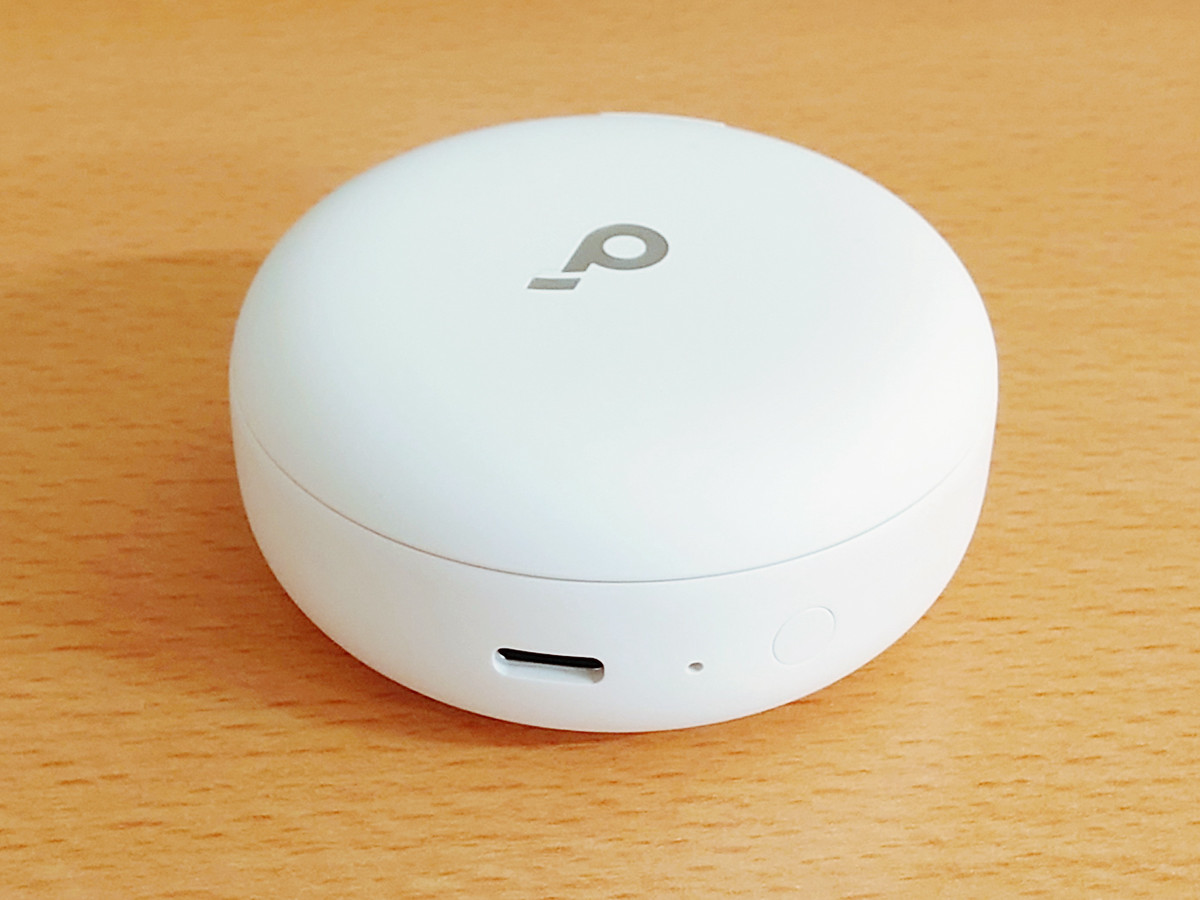
The back of the case has a USB Type-C port for charging and a button for pairing.
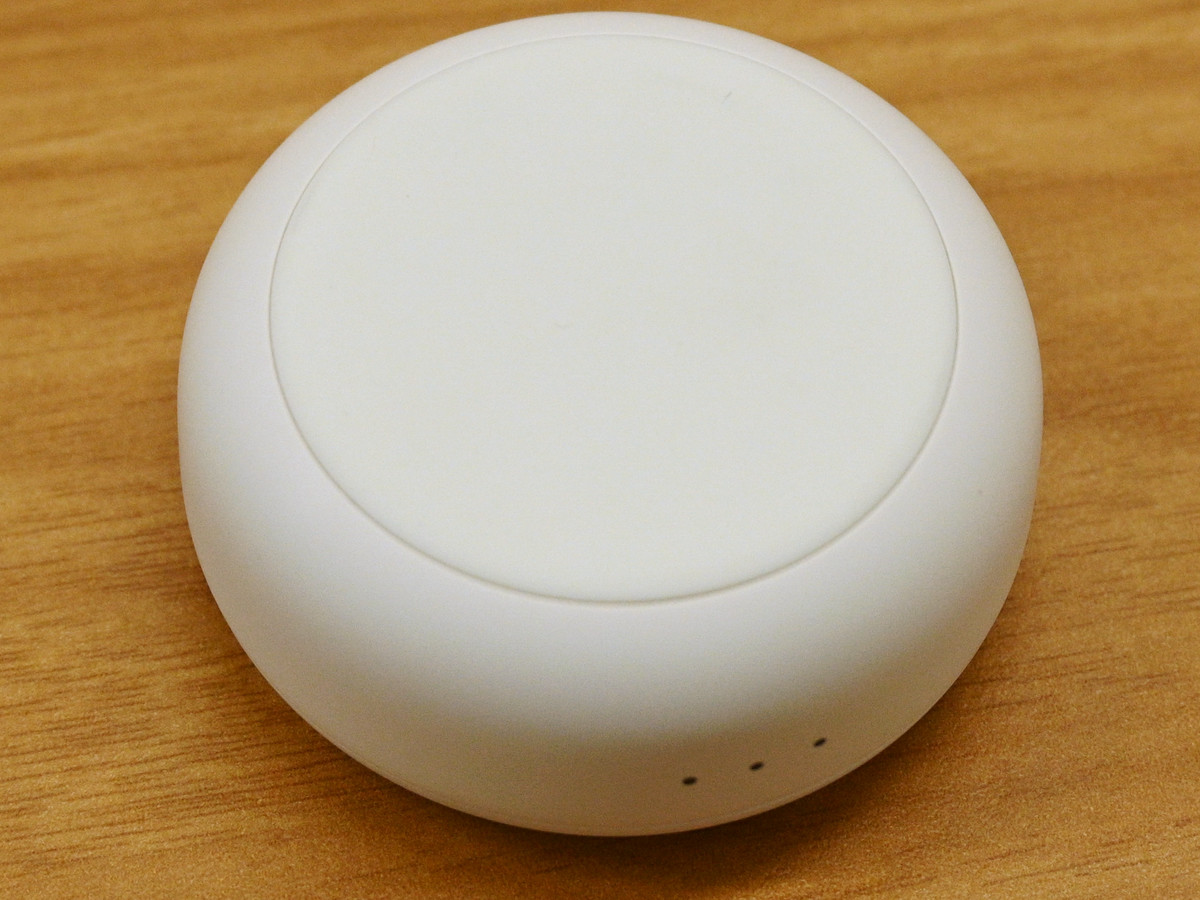
The bottom has a matte finish. It's made of a slightly soft material, making it less likely to slip even when placed on a hard desk.
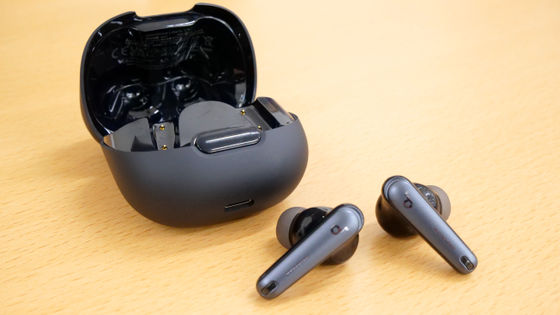
The lid slides open, and the earphones are housed inside a crescent-shaped recess.
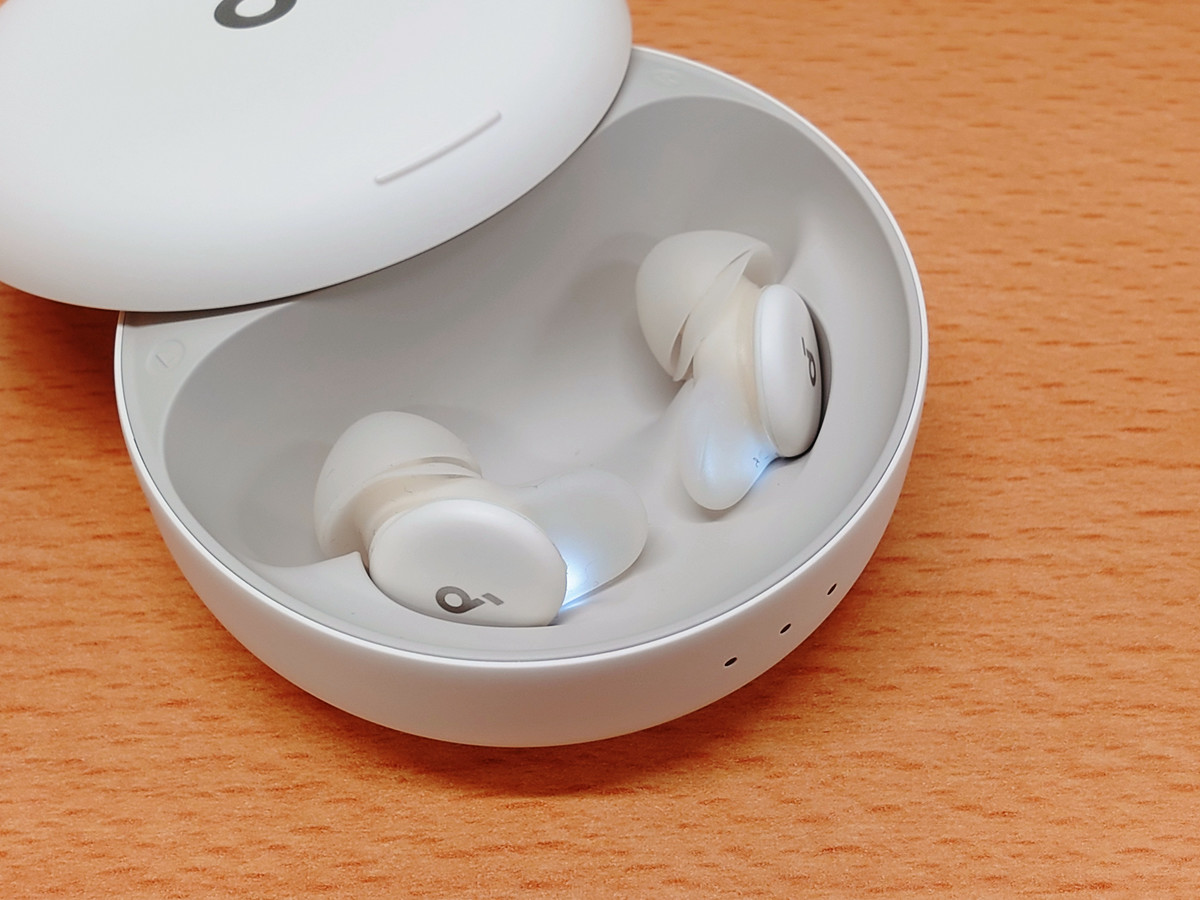
There is also an LED indicator on the bottom of the earphones.
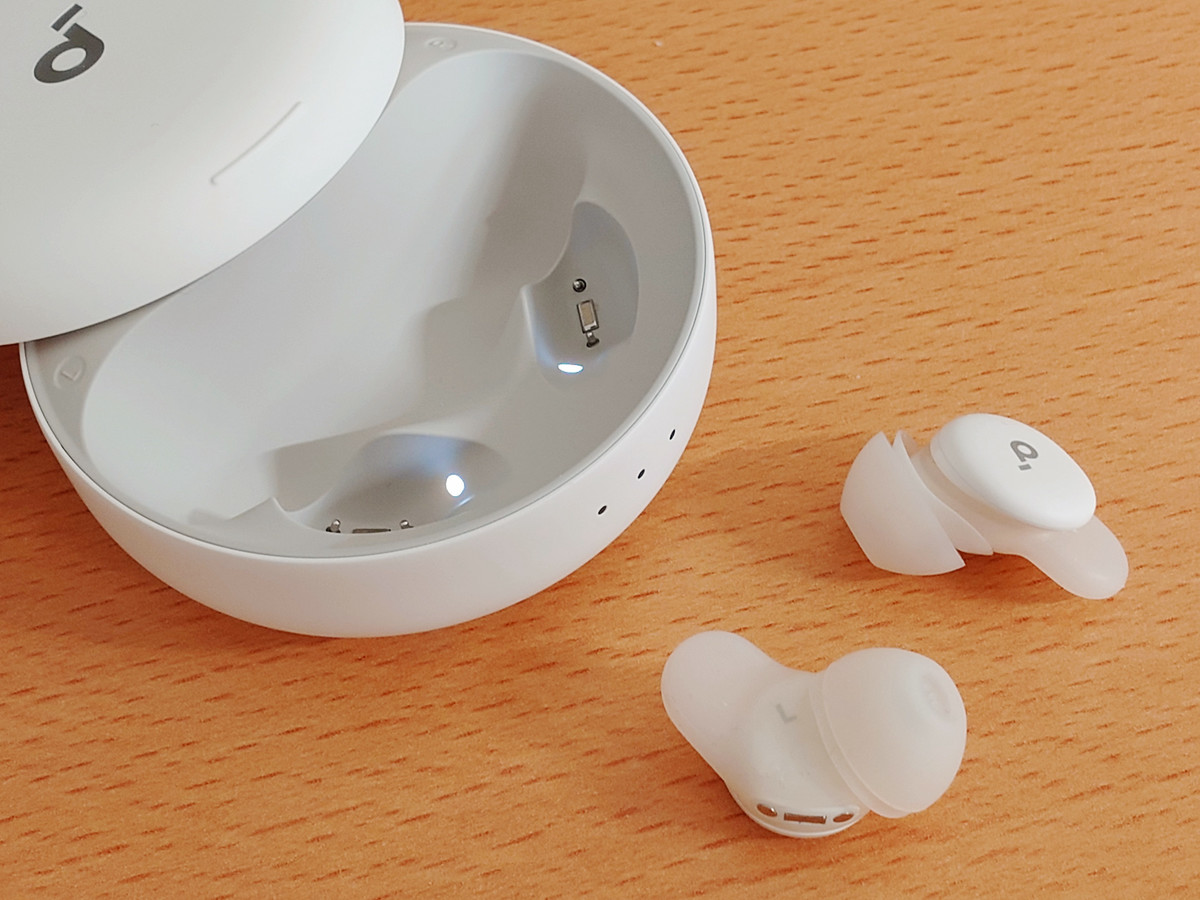
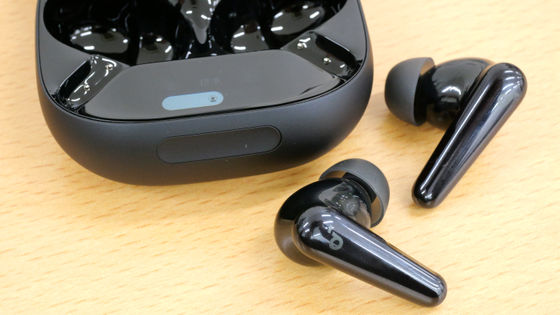
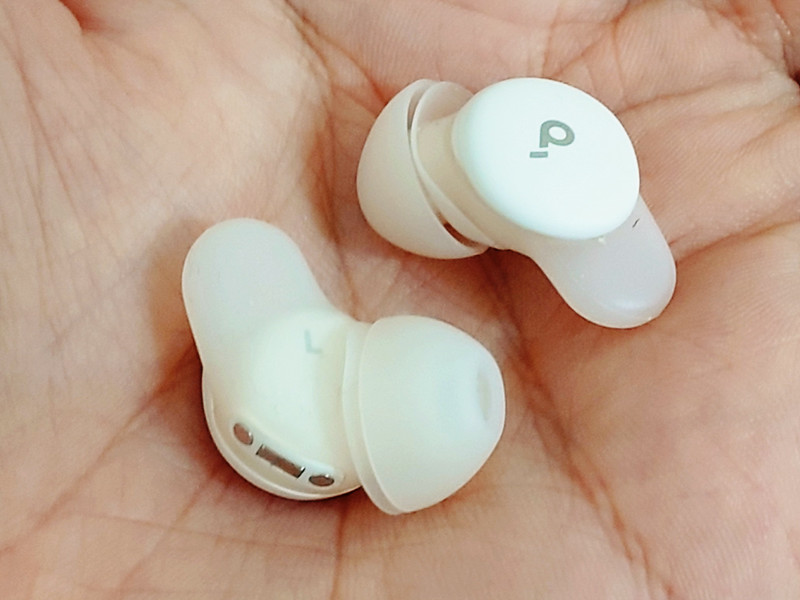
The earphones I took out look like this, and the ear tips have a double-layered structure. The rounded part sticking out on the opposite side of the ear tip is made of the same soft material as the ear tip.
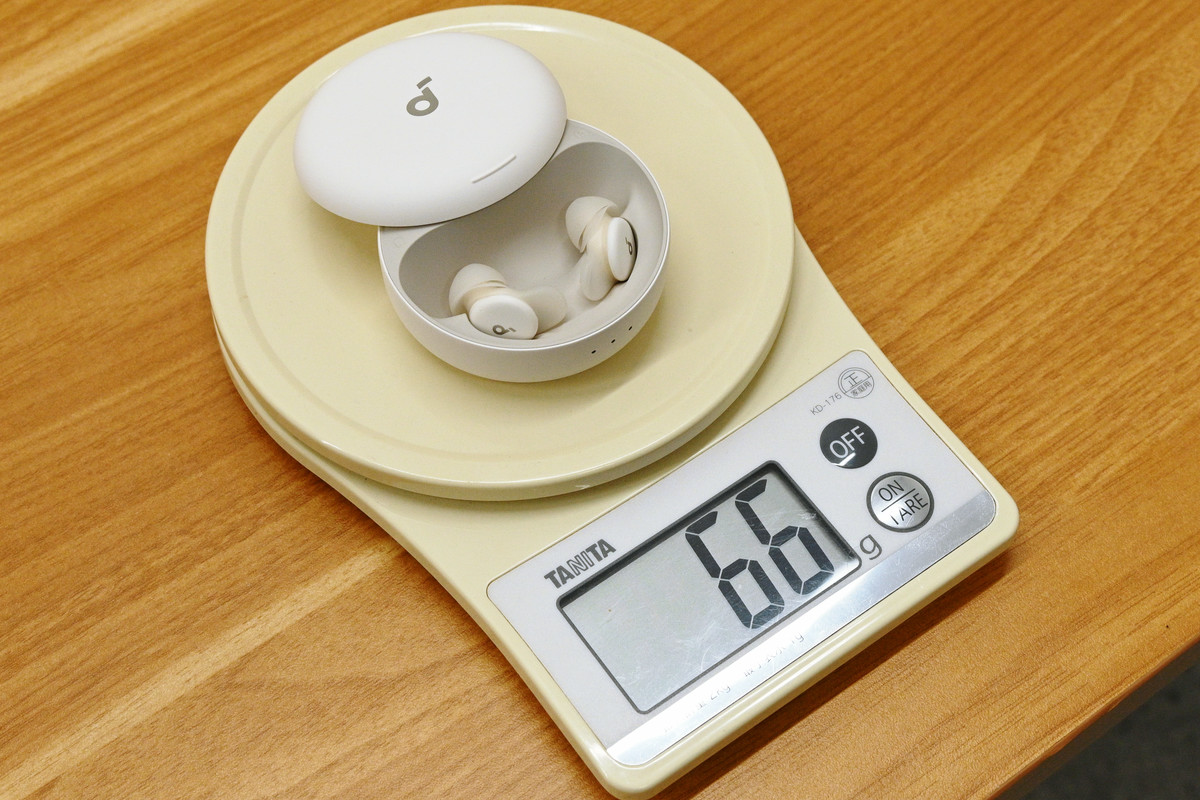
The actual weight, including the case, is 66g.
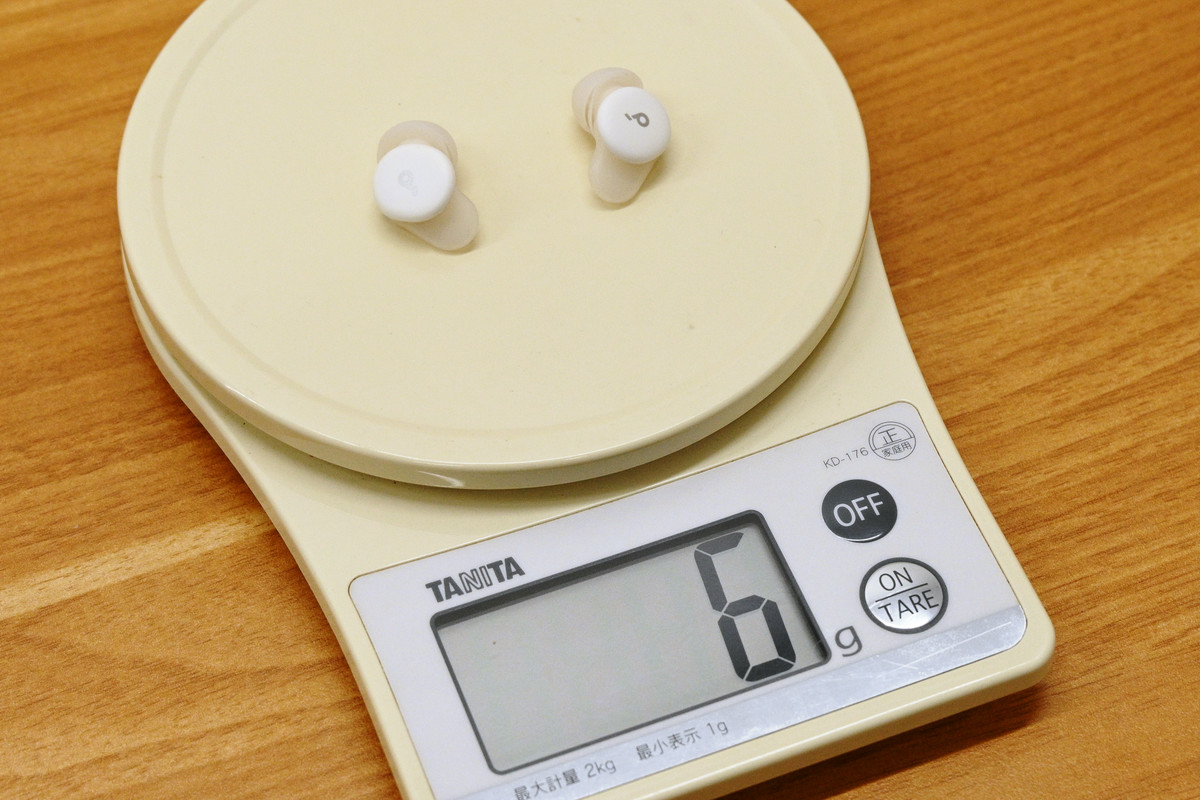
The earphones alone weigh 6g according to my measurements.
◆2: Pairing & Installing the Soundcore App
The Soundcore Sleep A30 truly shines as a sleep-focused wireless earphone when the Soundcore app is installed. The app is available for both iOS and Android on their respective app stores.
Soundcore app - App Store
Soundcore - App on Google Play
https://play.google.com/store/apps/details?id=com.oceanwing.soundcore
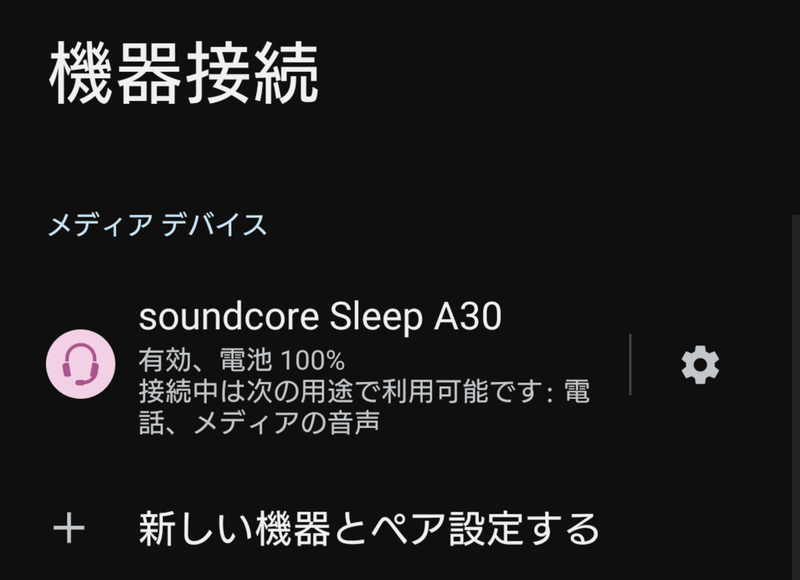
For first-time use, open the lid of the case with the earphones still inside and pair them with your mobile device.
There is a tutorial when you first launch the app. Tap 'Get Started'.

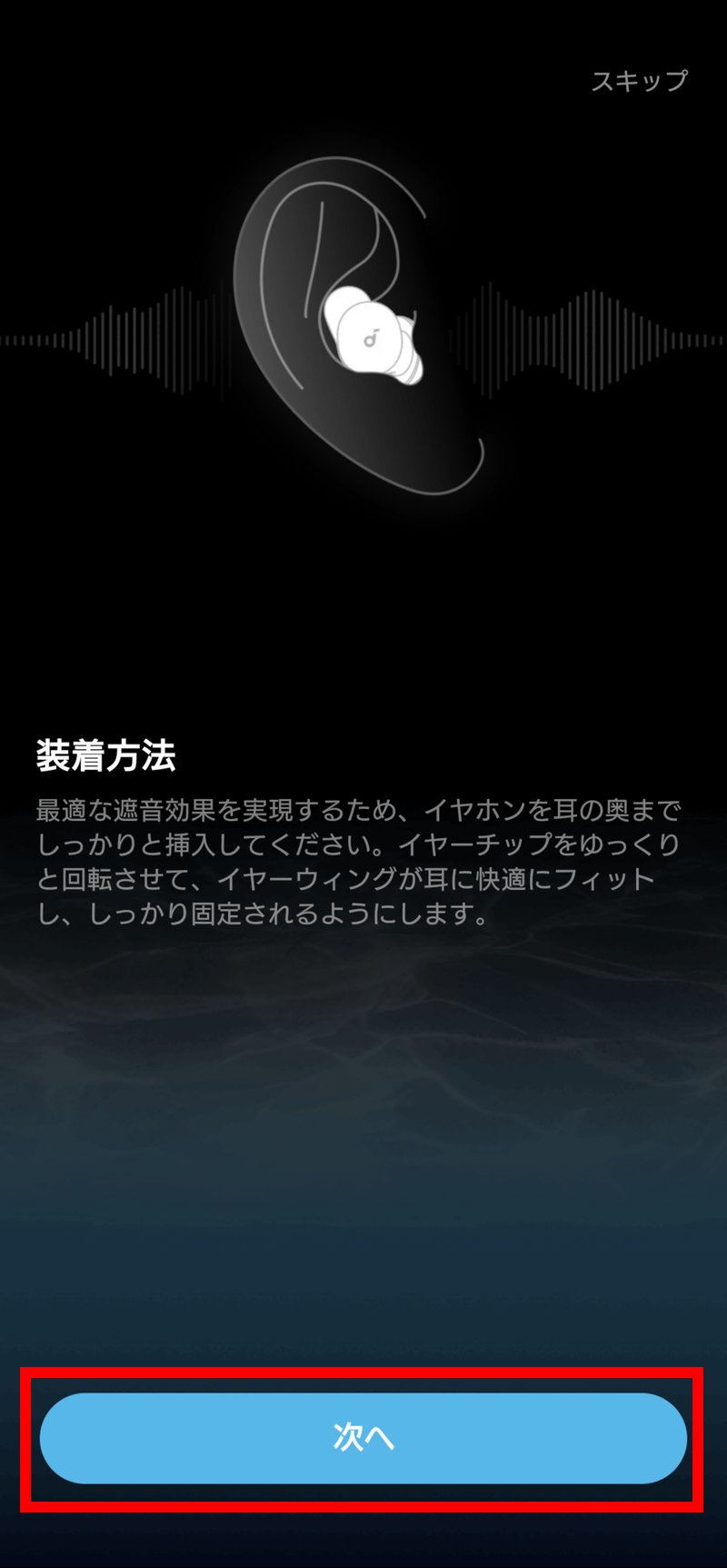
Follow the app's instructions to take the earphones out of the case, put them in your ears, and tap 'Next.'
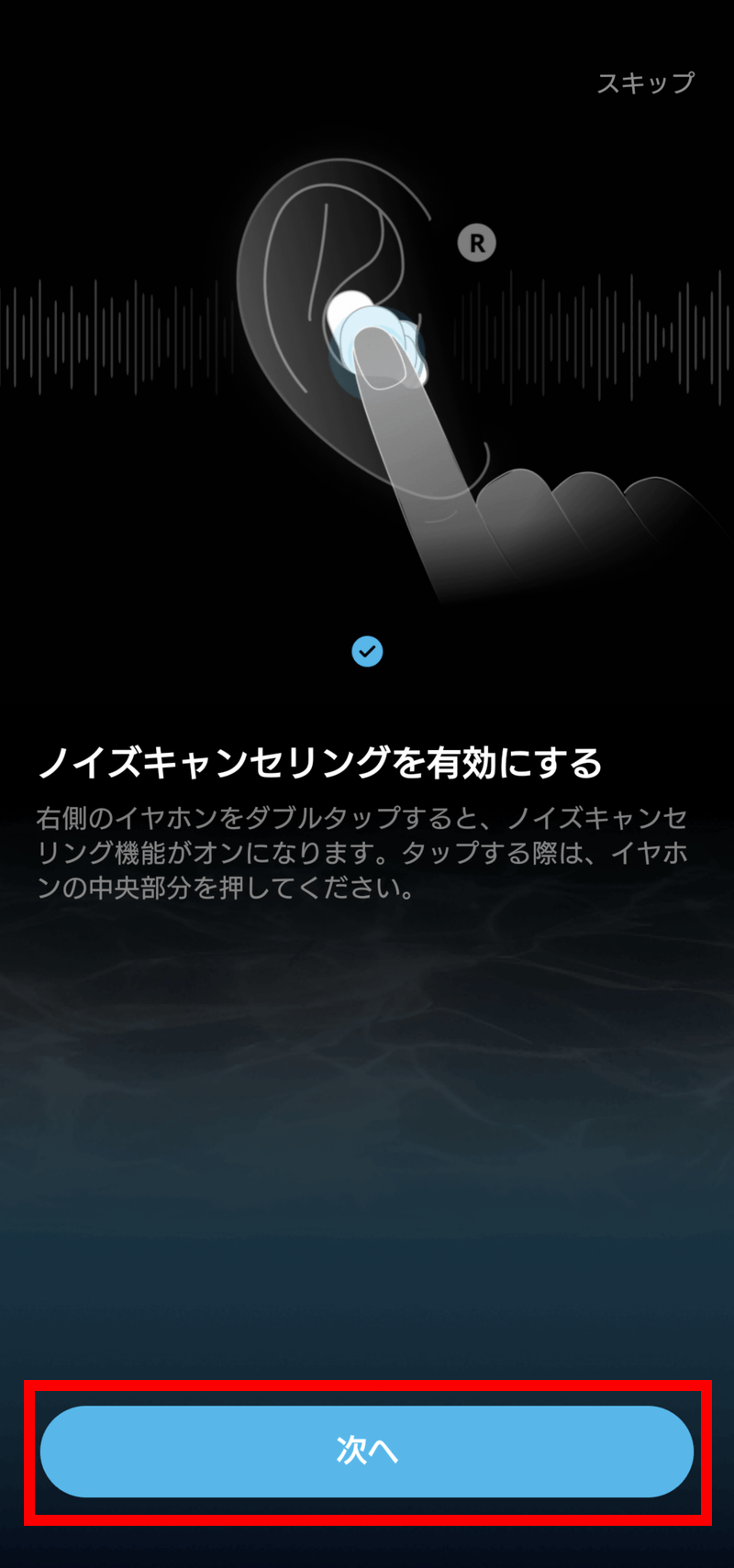
Double-tap the right earbud to enable noise cancellation, and then you'll be able to tap 'Next.'
Next, double-tap the left earphone to enable local audio and then tap 'Next'.
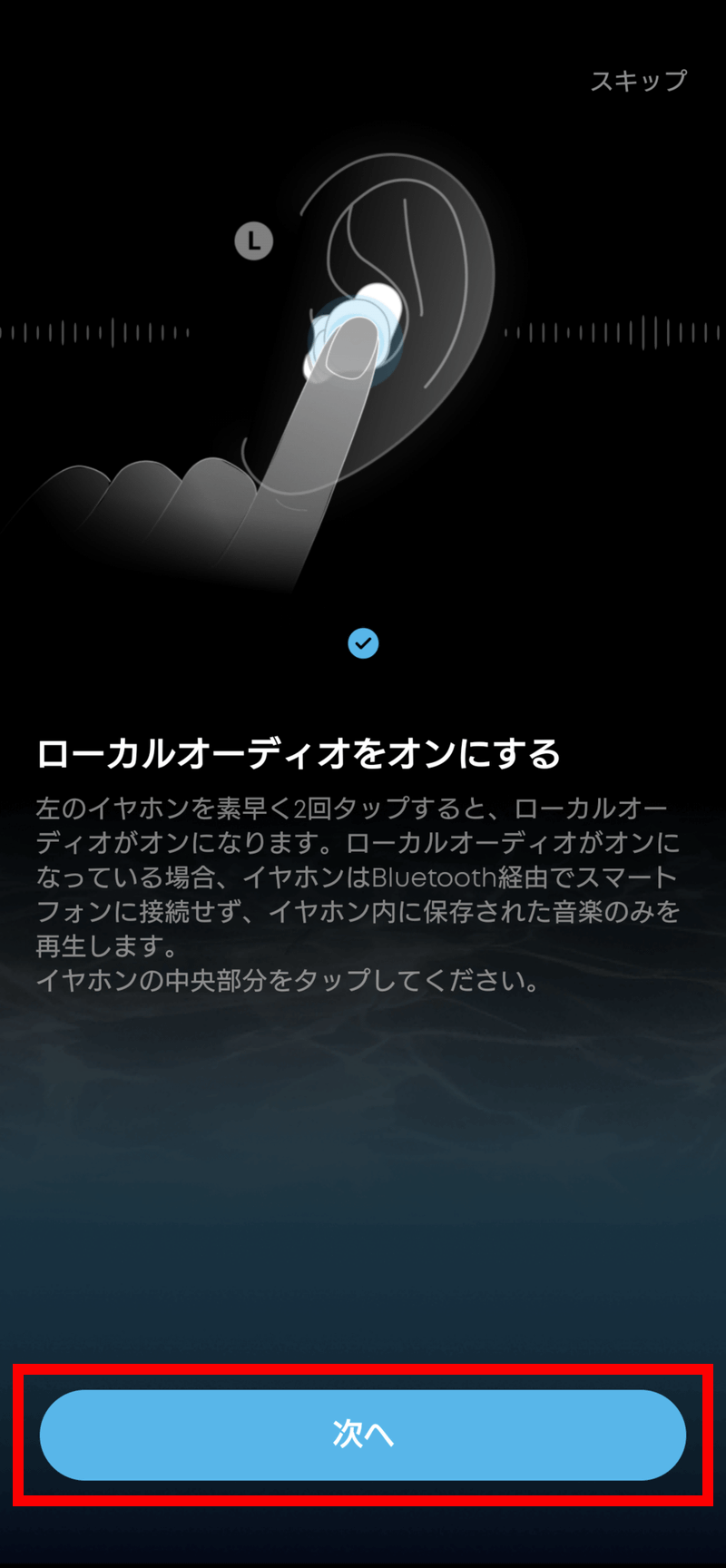
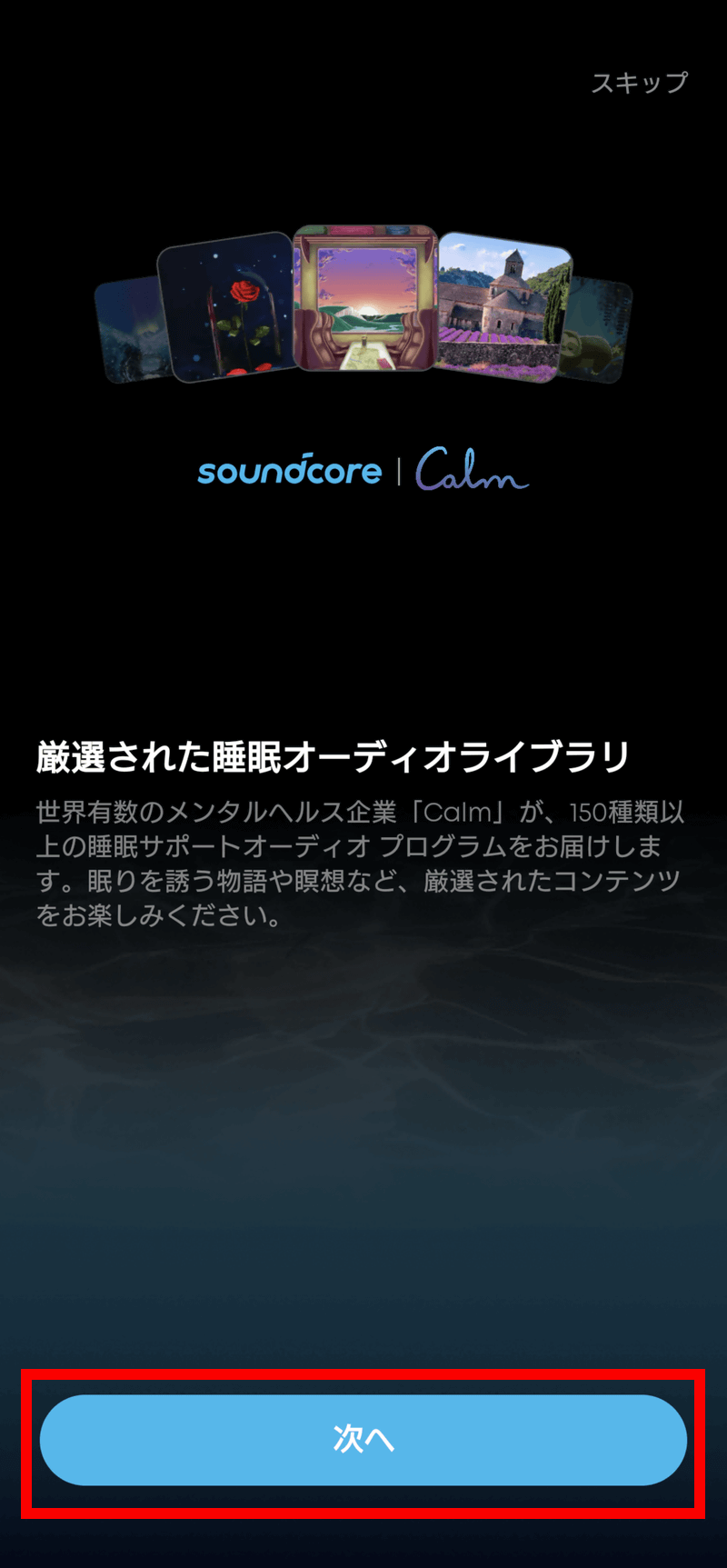
Tap 'Next'.
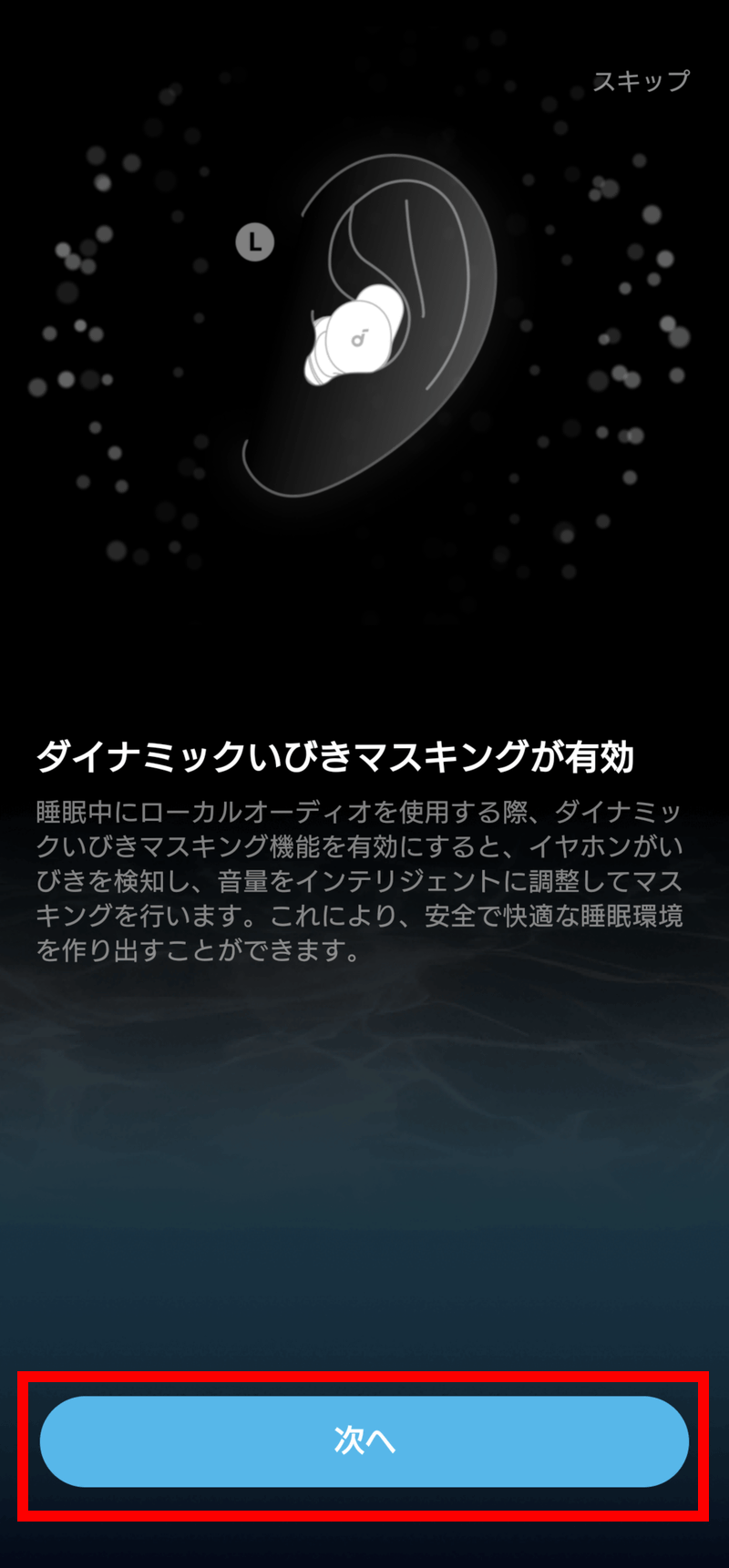
Tap 'Next'.
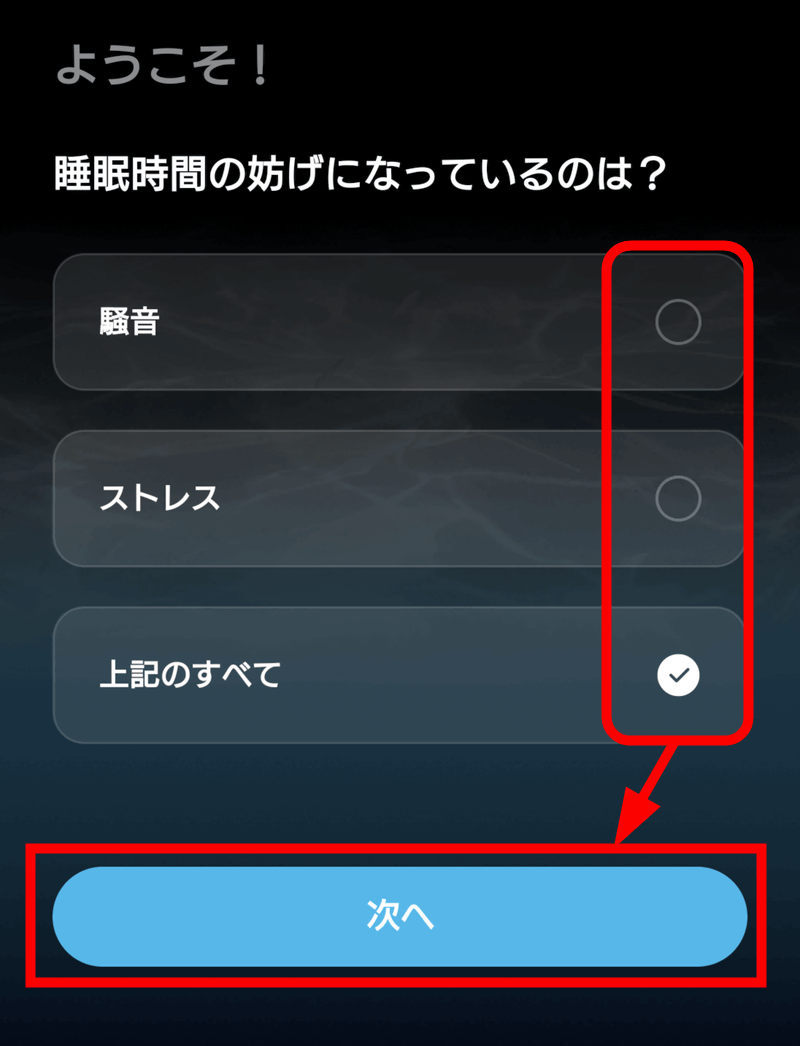
Select what is interfering with your sleep and tap 'Next'.
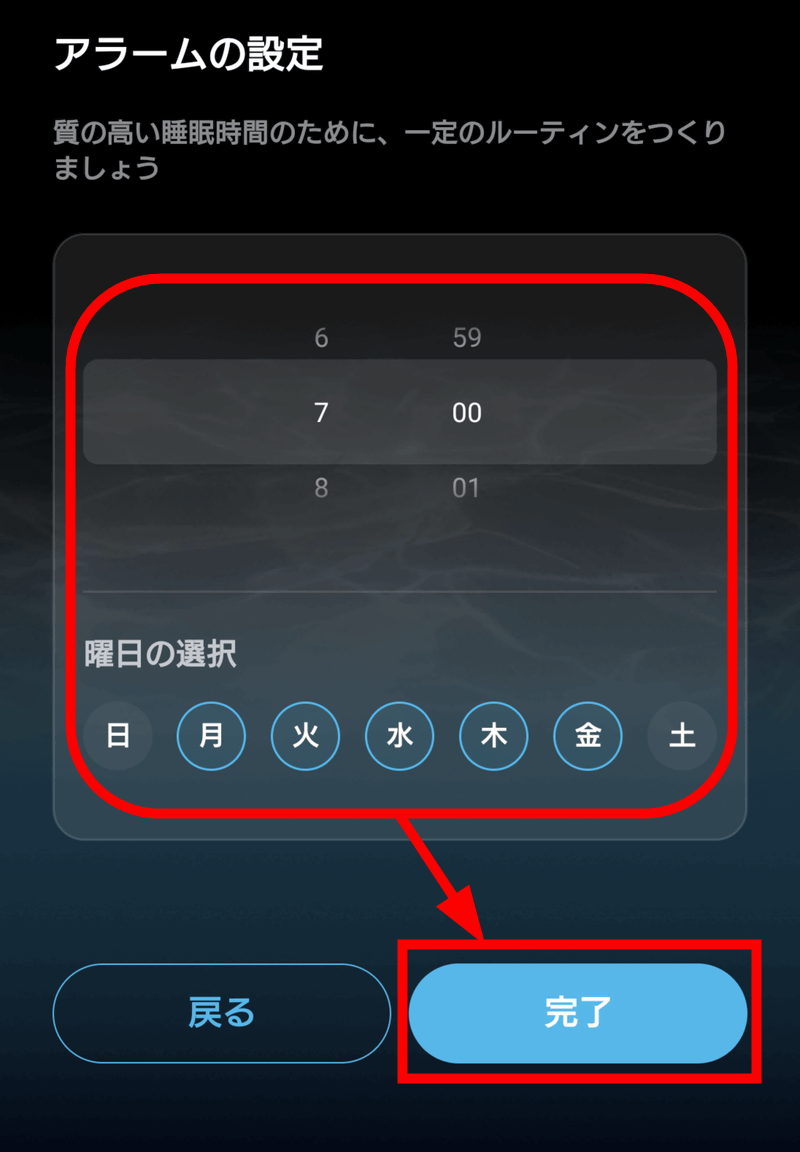
Set your wake-up alarm and tap 'Done'.
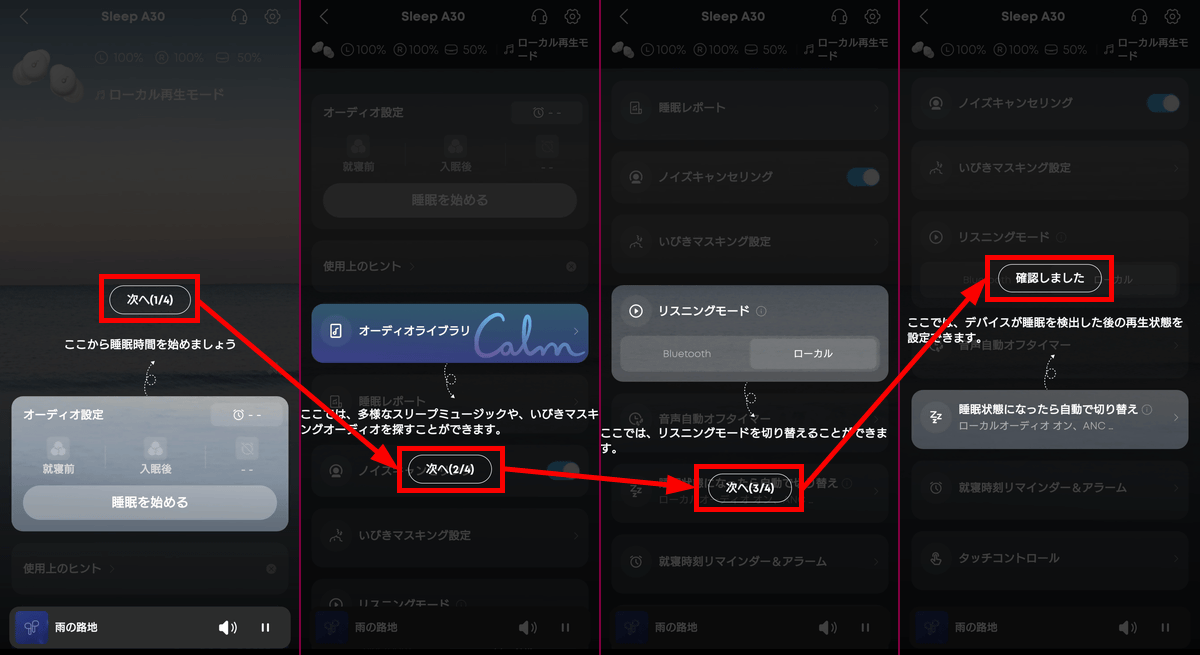
The app will show you on-screen instructions, so tap 'Next' to follow them, and finally tap 'I've confirmed.'
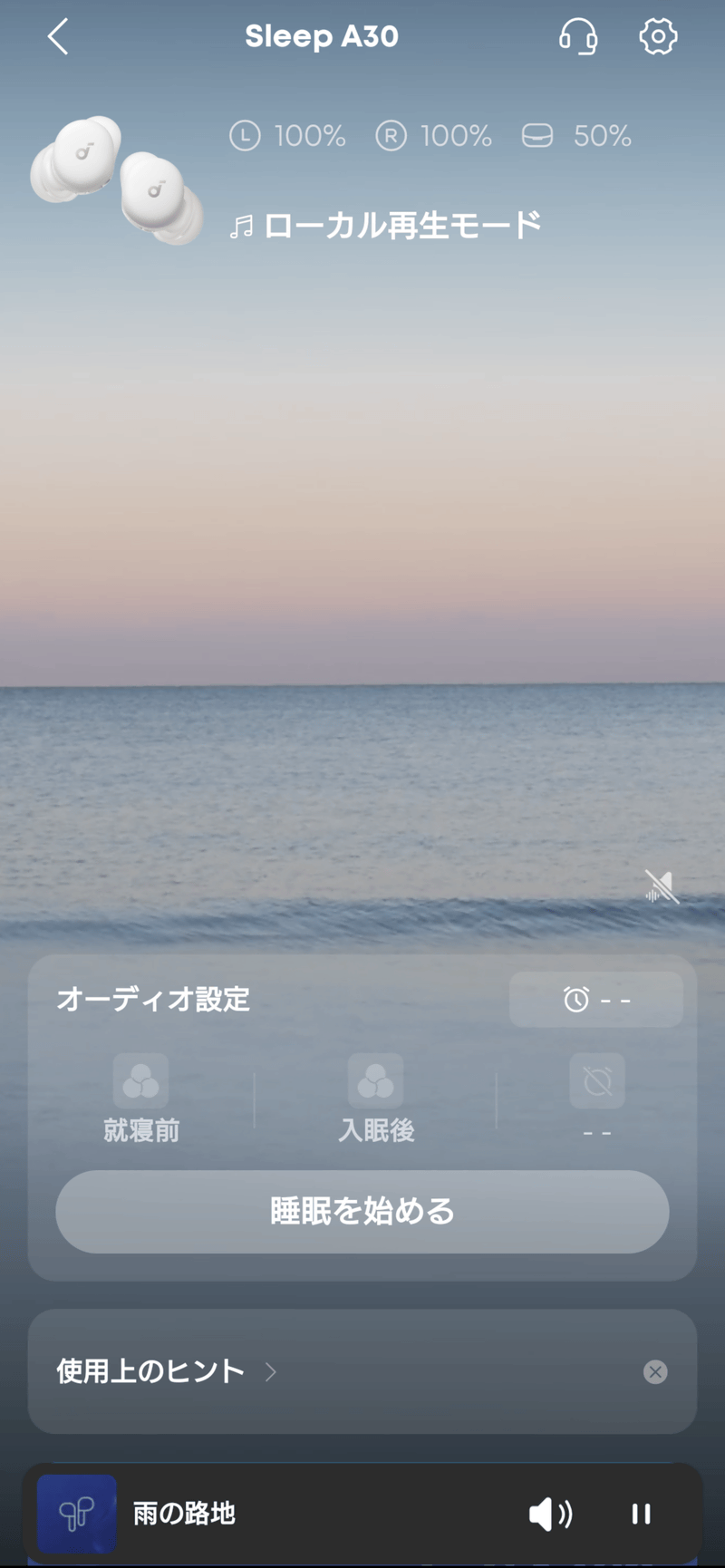
The tutorial is now complete, and the main screen has been displayed.
◆3: Soundcore app settings
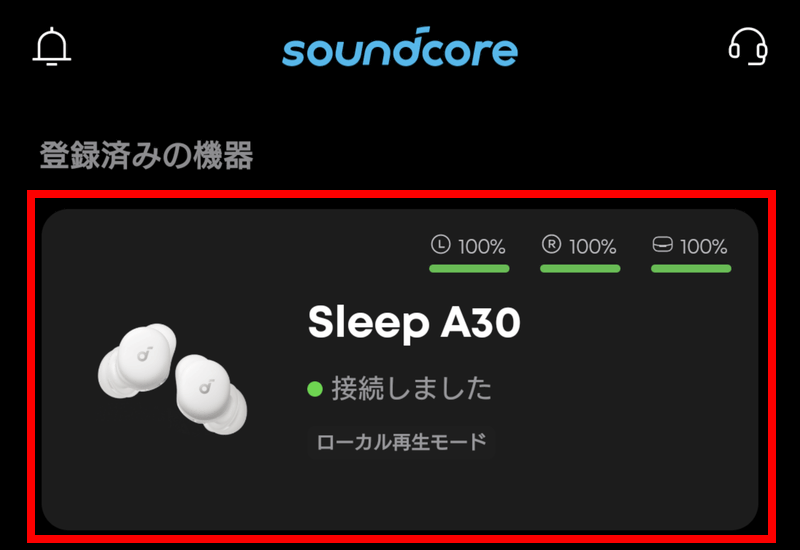
When you launch the soundcore app, you'll see a screen to select registered devices, so tap 'Sleep A30' which you paired with the device.
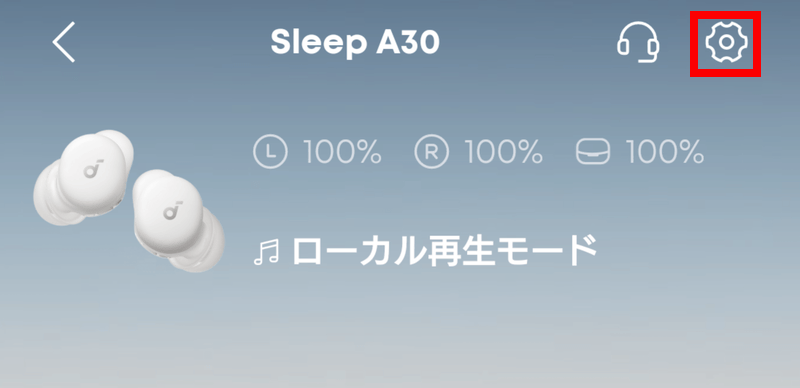
On the main screen, tapping the gear icon in the upper right corner will open the advanced settings.
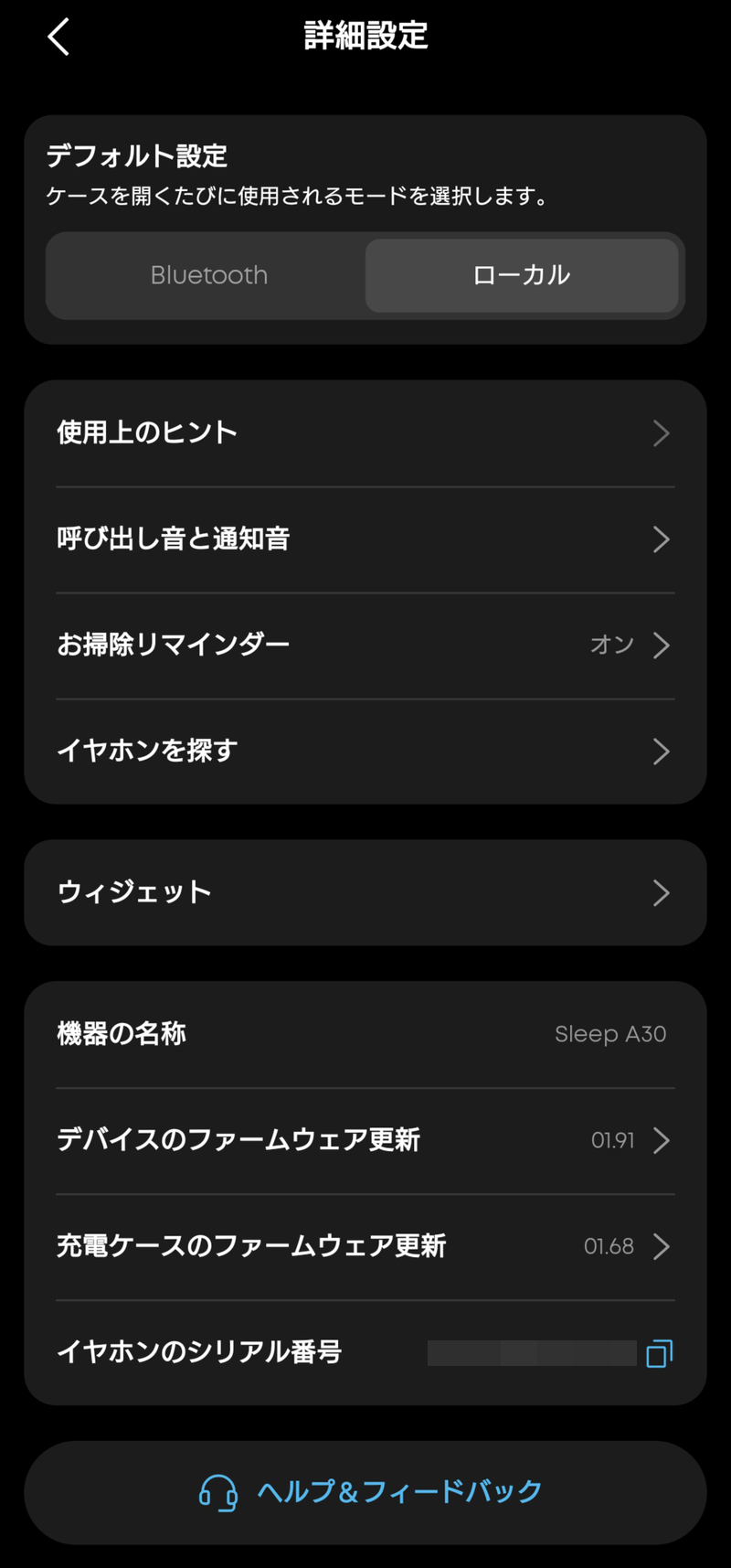
The contents of the detailed settings. You can find the earphone's serial number here.
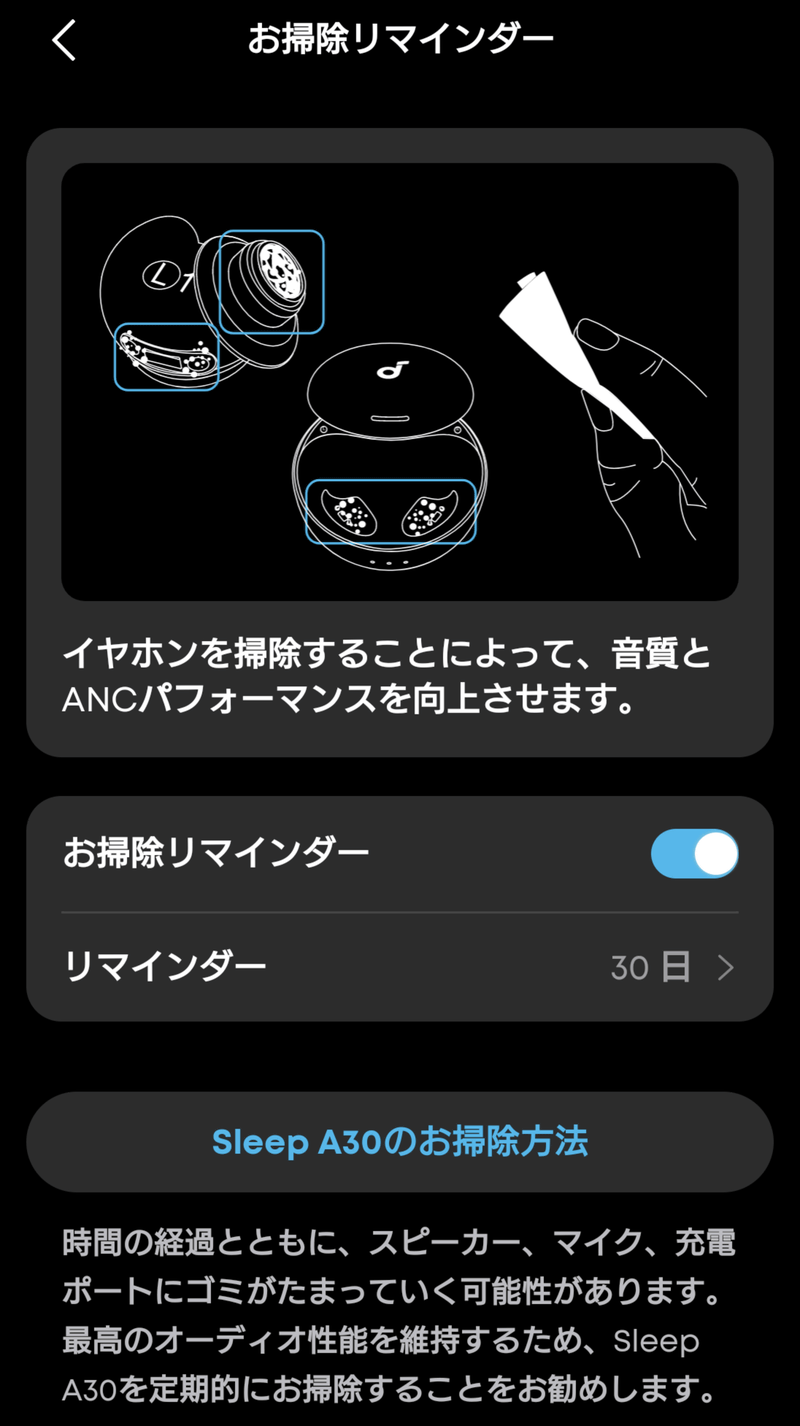
There's also a 'cleaning reminder' for improved audio performance.
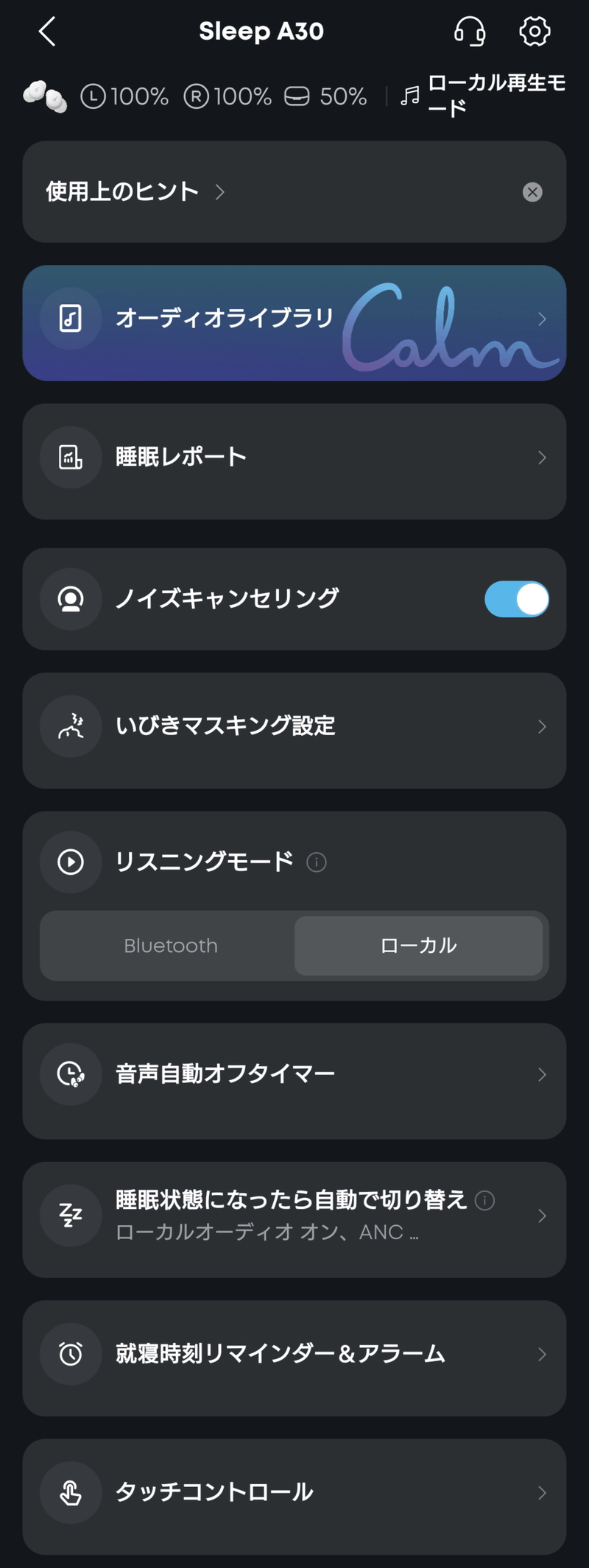
Swiping up from the bottom of the main screen will reveal another menu. From here, you can access the audio library, view past sleep reports, adjust snoring masking settings, and more.
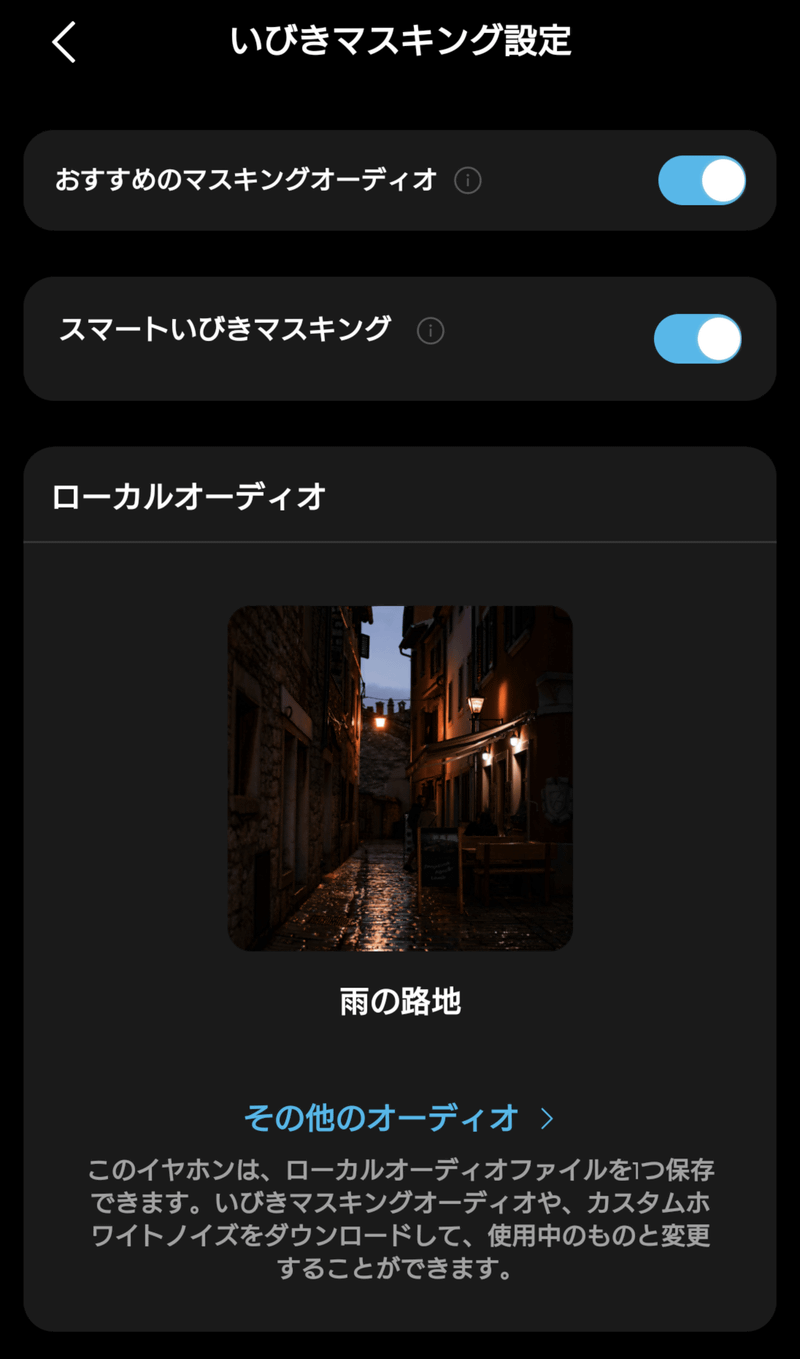
The 'Snore Masking Setting,' as the name suggests, is a function that cancels out surrounding snoring. If you turn on 'Recommended Masking Audio,' the optimal snore masking audio tailored to your characteristics will be recommended. Also, if you turn on 'Smart Snore Masking,' the microphone built into the charging case will monitor surrounding snoring and improve the snore masking performance. Both are turned on by default, so if you don't have any particular preference, you can leave them as they are.
◆4: Sleep using Soundcore Sleep A30
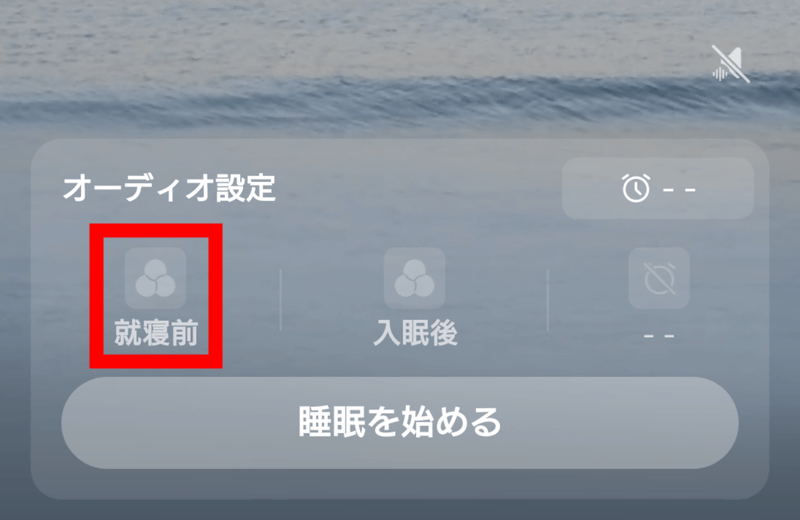
To use the Sleep A30 to go to sleep, first go to 'Audio Settings'. Tap 'Before Bedtime'.
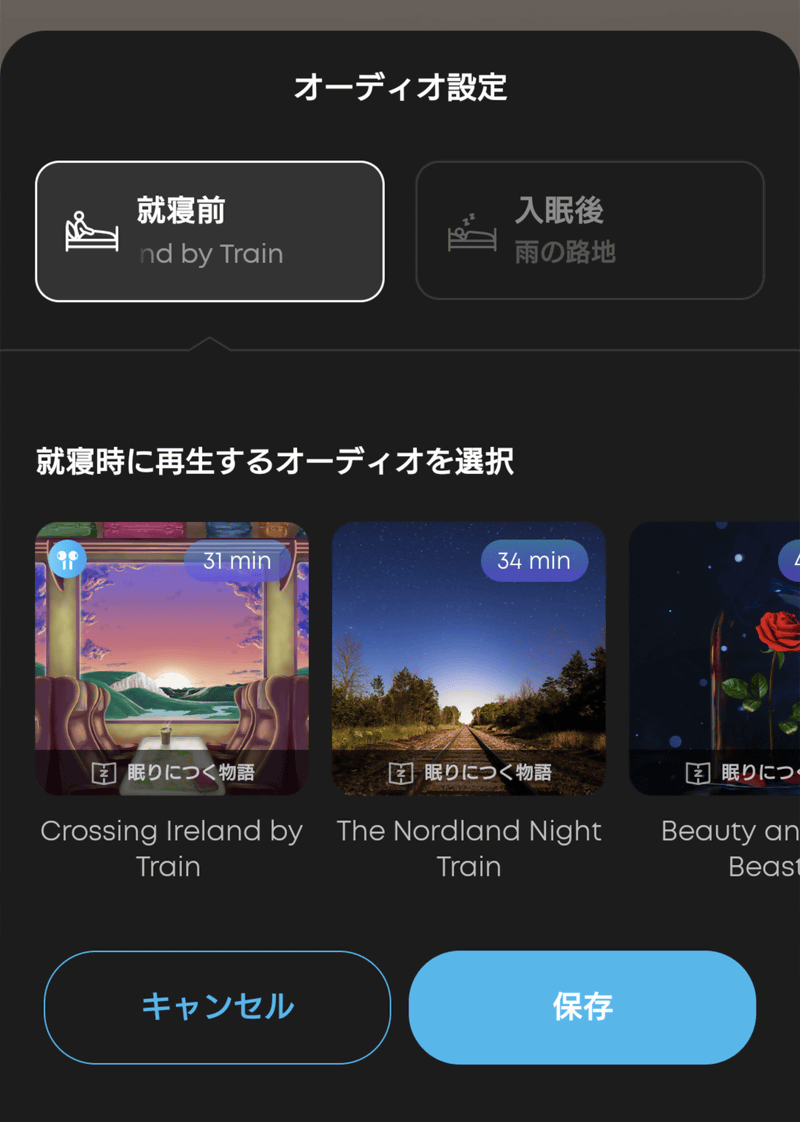
Select the audio you want to use.
The audio options are categorized into five types: 'Sleep Stories,' 'Meditation,' 'Sleep Music,' 'Snoring Masking,' and 'White Noise.' 'Sleep Stories' is further divided into subcategories such as fiction, travel/railroad, and nature. All are gentle narrations lasting approximately 20 to 40 minutes, and are all in English. 'White Noise' is also divided into subcategories such as colored noise, water, nature, daily life, and meditation.
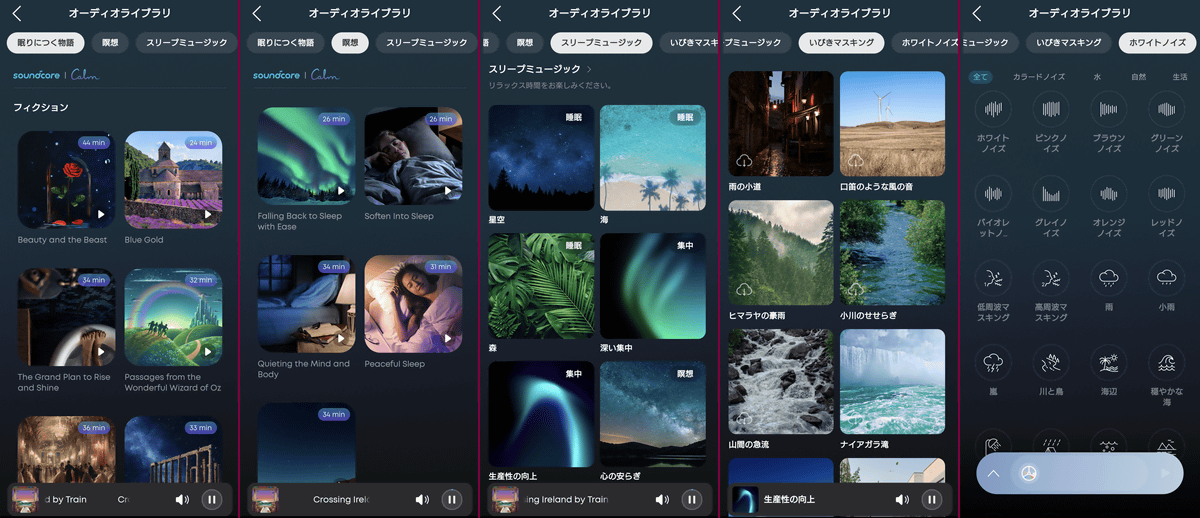
If you can't select 'White Noise,' tapping the icon at the bottom will randomly select one of three options for you.
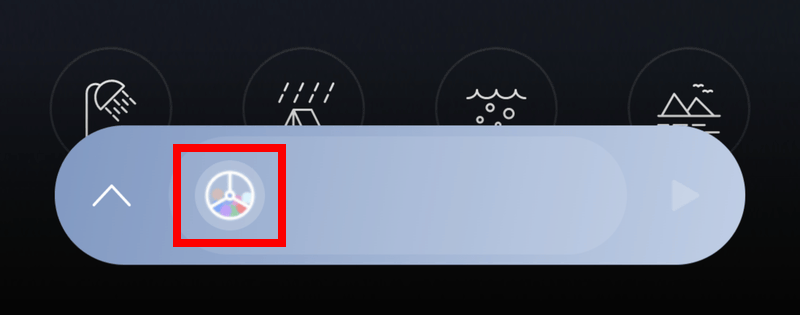
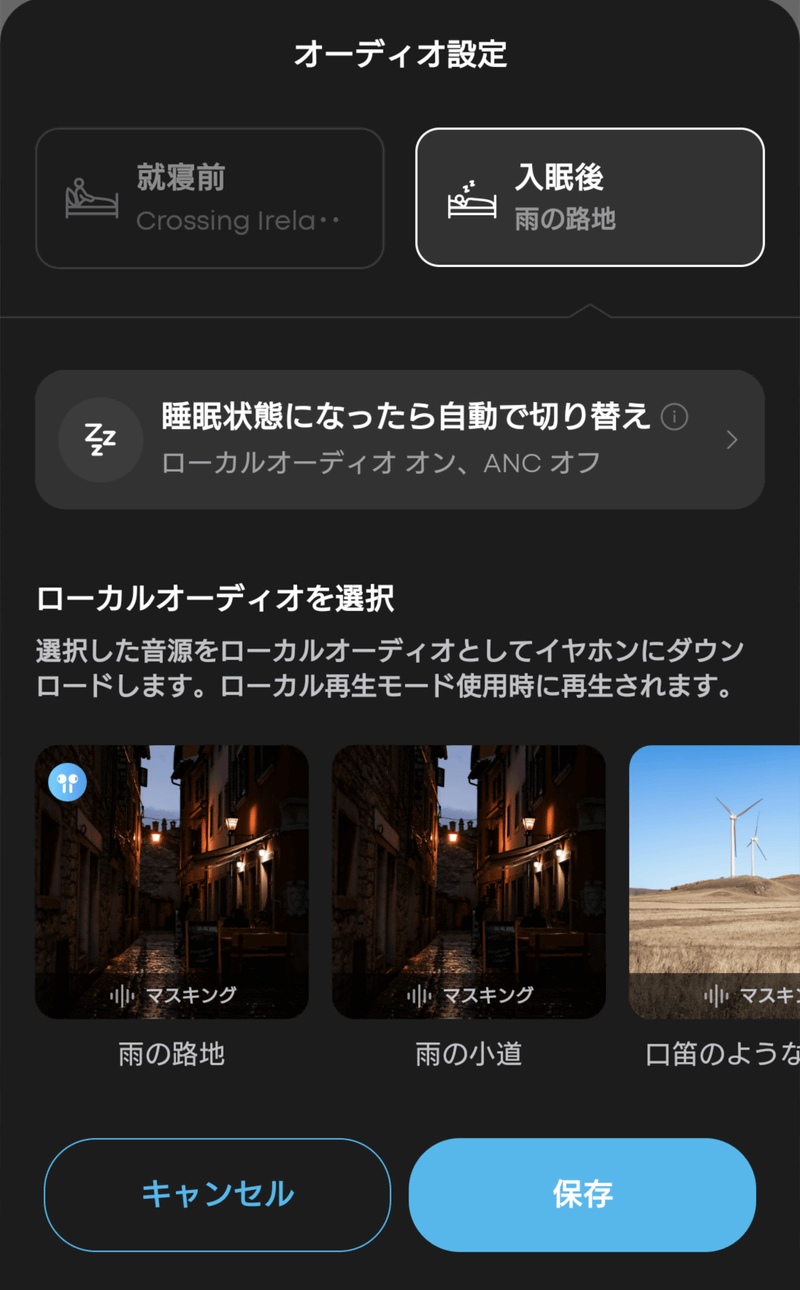
The audio settings for when you fall asleep are set similarly.
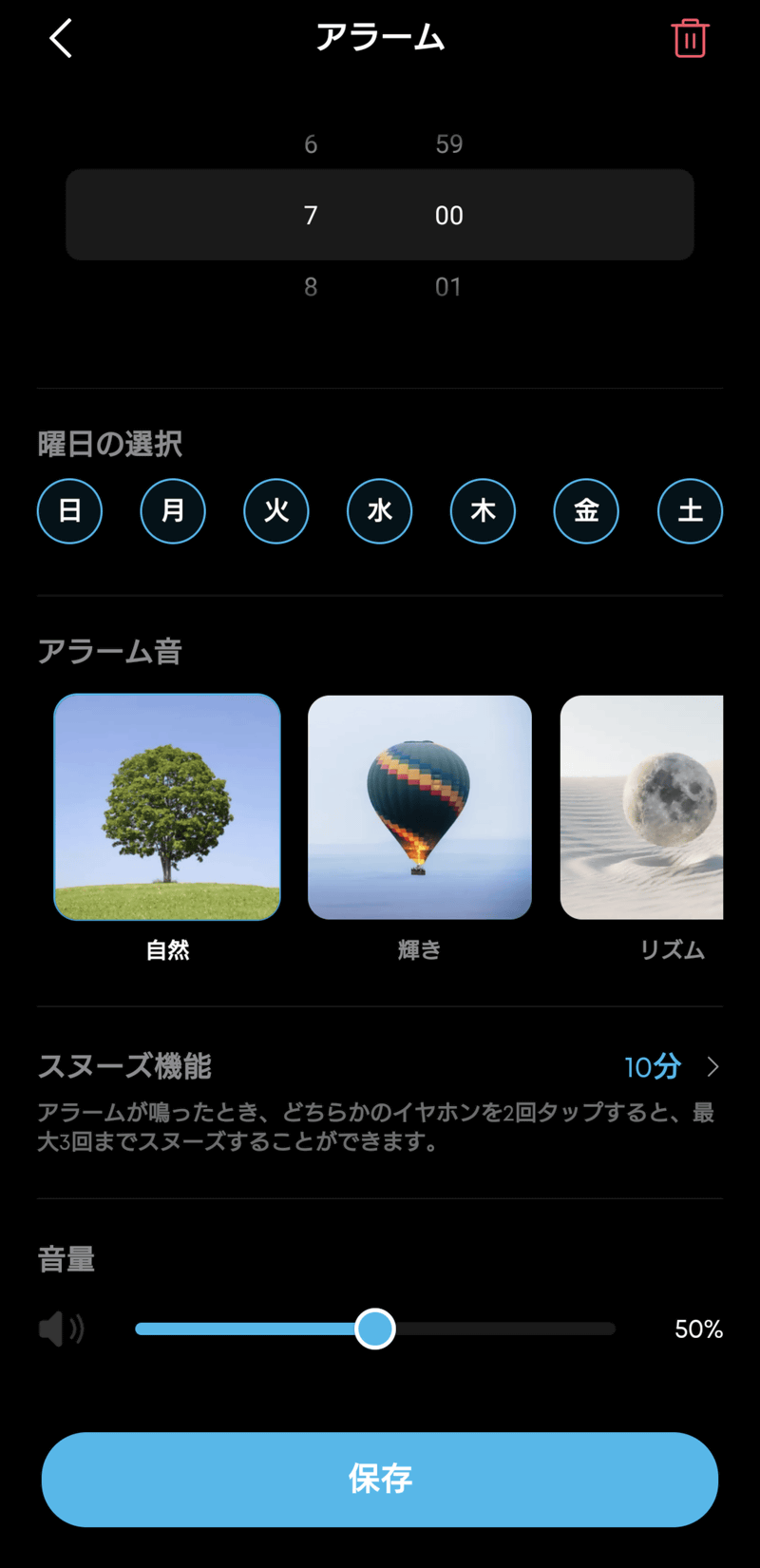
For your wake-up audio, choose from four alarms: 'Nature,' 'Radiance,' 'Rhythm,' and 'Blooming Flowers.'
All you have to do now is tap 'Start Sleep'.
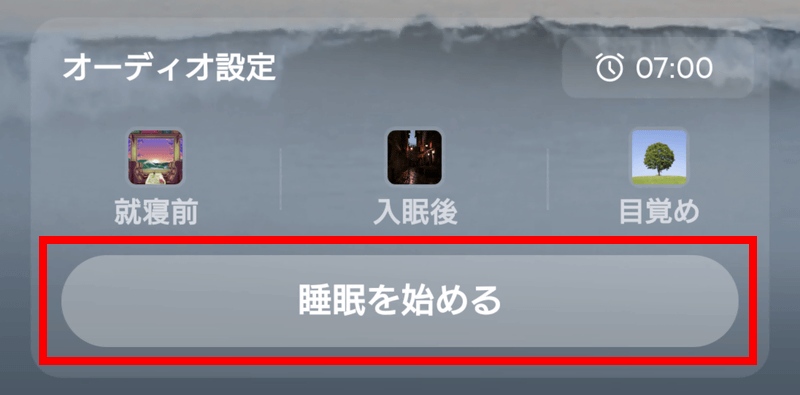
The 'before bedtime' audio you've set will start playing. Also, unless you've changed the settings, it will switch to the 'fall asleep' audio when it determines you've fallen asleep.
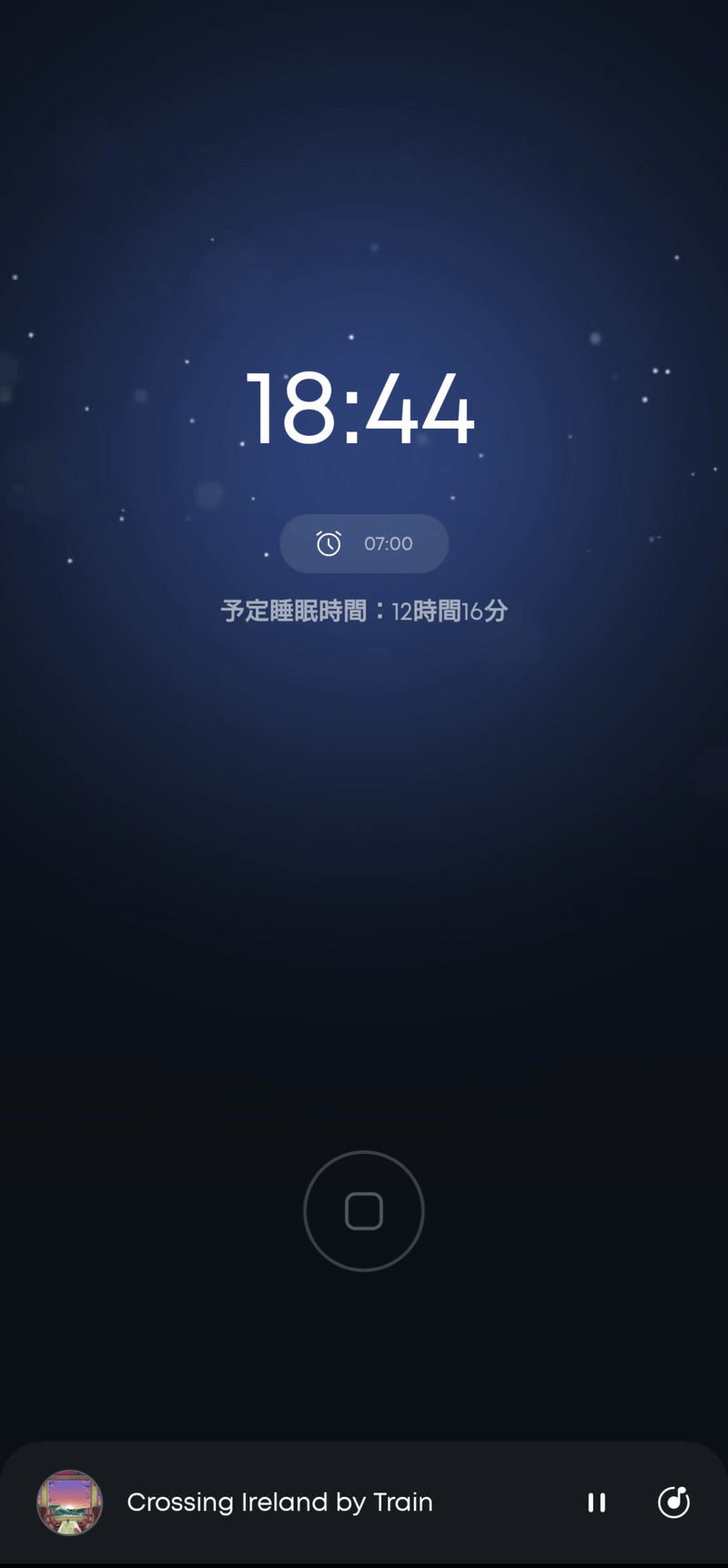
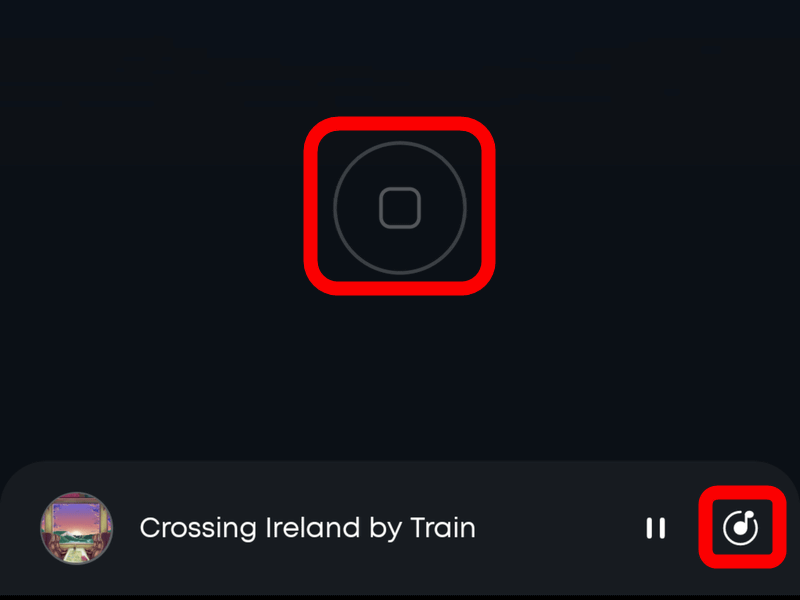
The app can be run in the background, but this defeats the purpose of sleep tracking, so if you decide 'I've changed my mind and won't go to sleep now,' simply long-press the icon at the bottom center. Also, if you listen to the audio and find it's not what you expected, the player is displayed at the bottom, and tapping the icon on the far right will open the audio library.
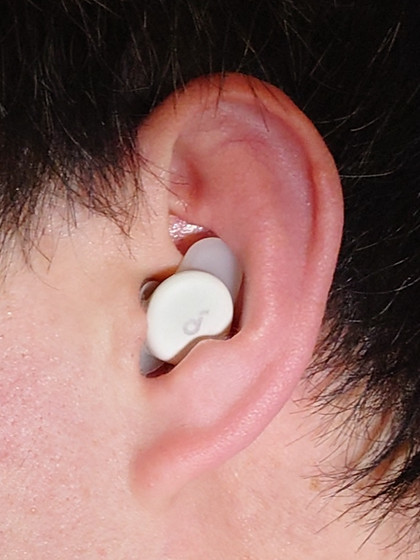
So, I decided to actually wear them and try them out while sleeping. After adjusting the ear tips to fit my ear canals and inserting the earphones so they wouldn't roll out, this is what they looked like. Unless you have particularly small ears, they fit snugly inside your ear canal. This size means that even when lying down and turning to your side, they don't touch the pillow or blanket, allowing you to sleep comfortably without any discomfort.
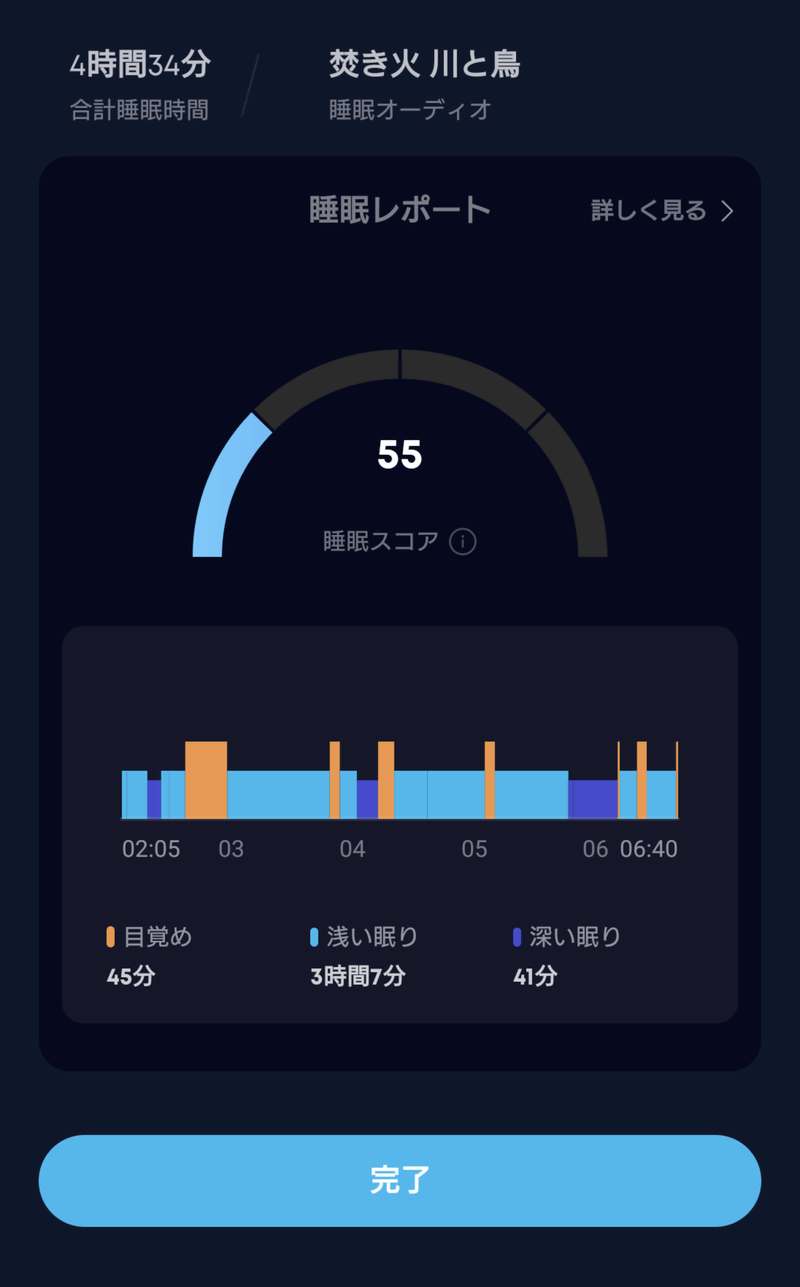
Here's my sleep report from the trial period. I didn't feel any discomfort from wearing the earphones, but I was aware of them, as I dreamt that one of them fell out and I was searching for it. In fact, one of them had fallen out when I woke up, but that's probably unavoidable since it just means I was tossing and turning a lot in my sleep. I couldn't tell how effective they were at masking snoring, but as long as I was wearing them, the noise cancellation seemed to work reasonably well.
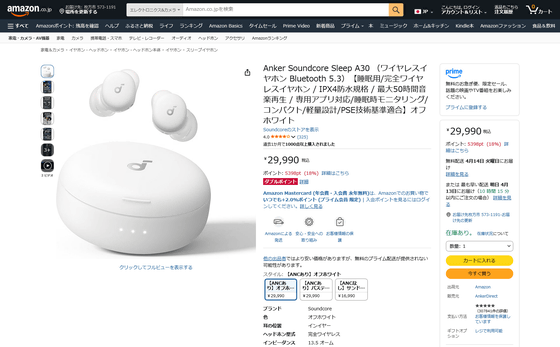
The Anker Soundcore Sleep A30 wireless earphones, designed specifically for sleep, are available for ¥29,900 (tax included).
You can also get the Anker Soundcore Sleep A30 from the following giveaway article.

Related Posts: