Google Photos for Android now features the 'AI correction' function, and the ability to change video playback speed has also been implemented in Japan.
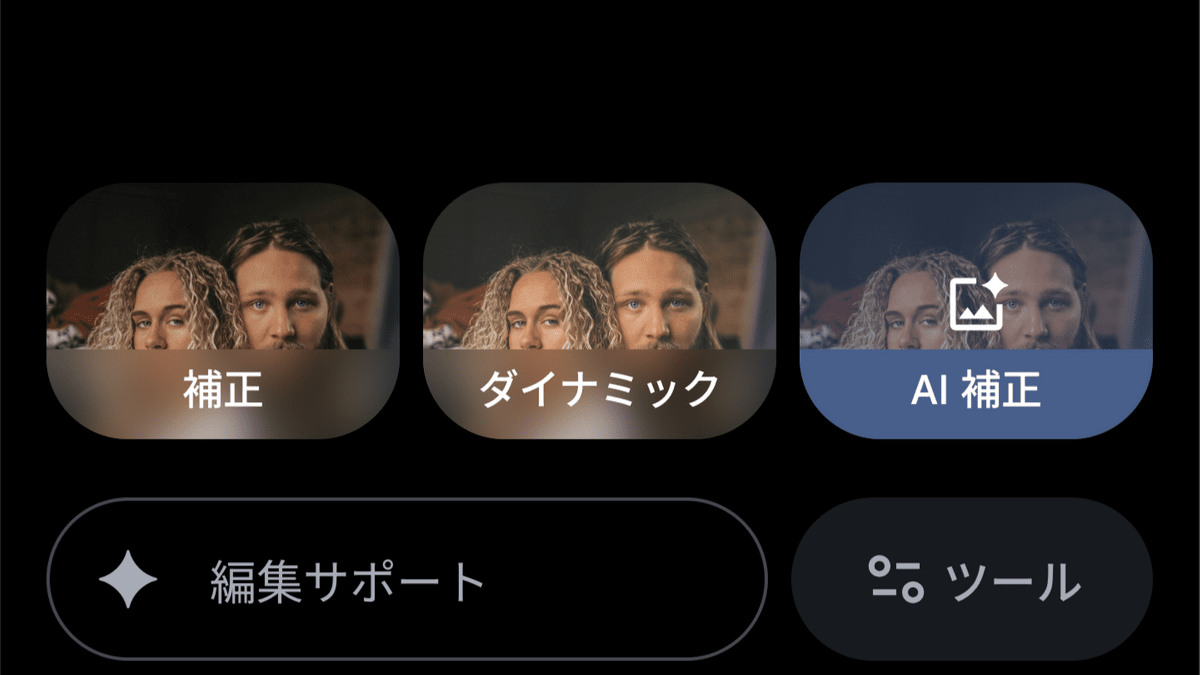
Google Photos' 'AI Correction' feature, which instantly balances light and color, is now available worldwide.
Did you see the new button in your photo editor? AI Enhance is now available to Android users worldwide! ✨????
pic.twitter.com/eCocp55ybt — Google Photos (@googlephotos) April 6, 2026
Elevate your images with a tap, balancing light and color instantly. Because your best memories deserve better than “okay” lighting. ????
Output varies by device.
The 'AI Correction' feature in the Android version of the Google Photos app was initially only available in the United States, but it became available worldwide, including Japan, from April 7, 2026.
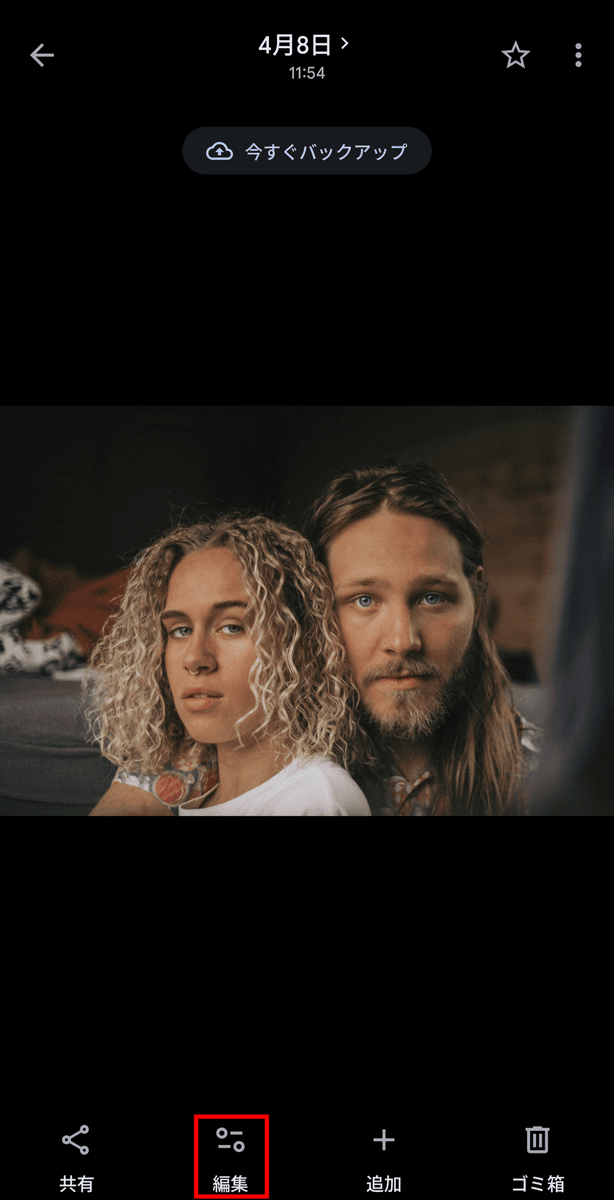
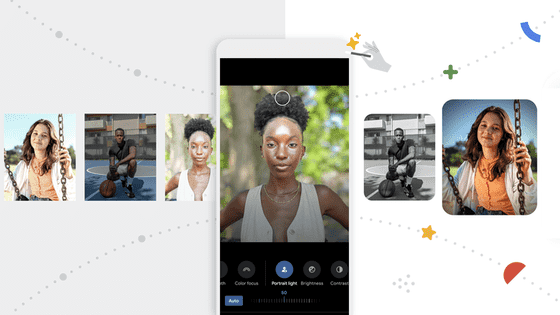
To use AI enhancements, tap 'Edit' in the Google Photos app.
Tap 'AI Correction' after 'Correction' and 'Dynamic'.
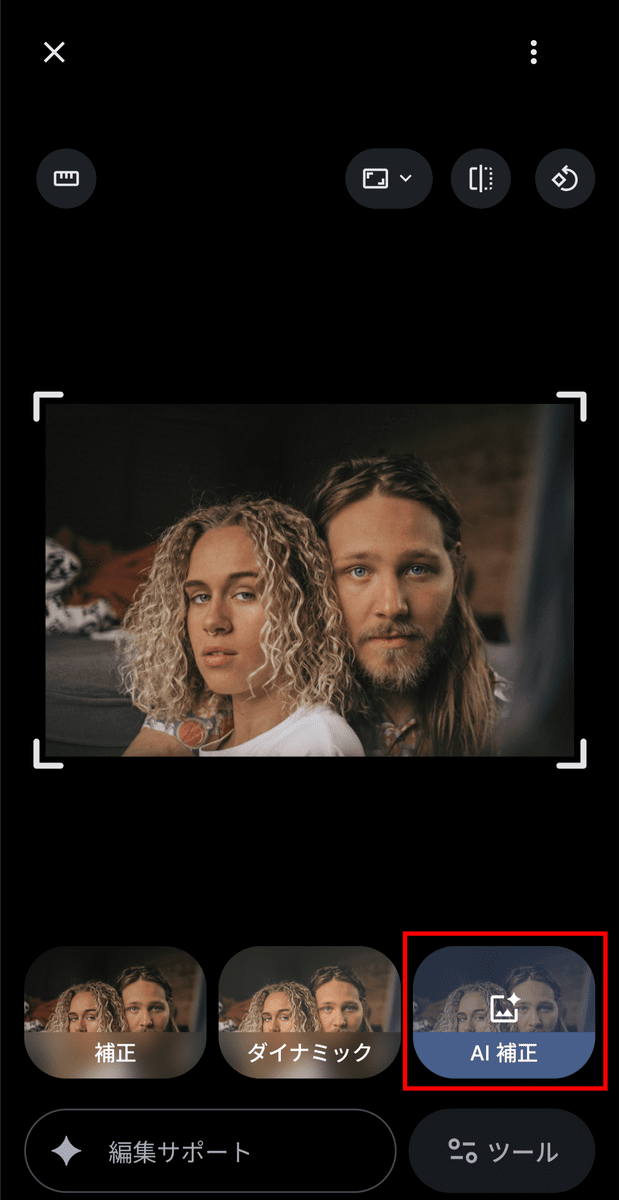
Brightness and color correction are performed automatically.
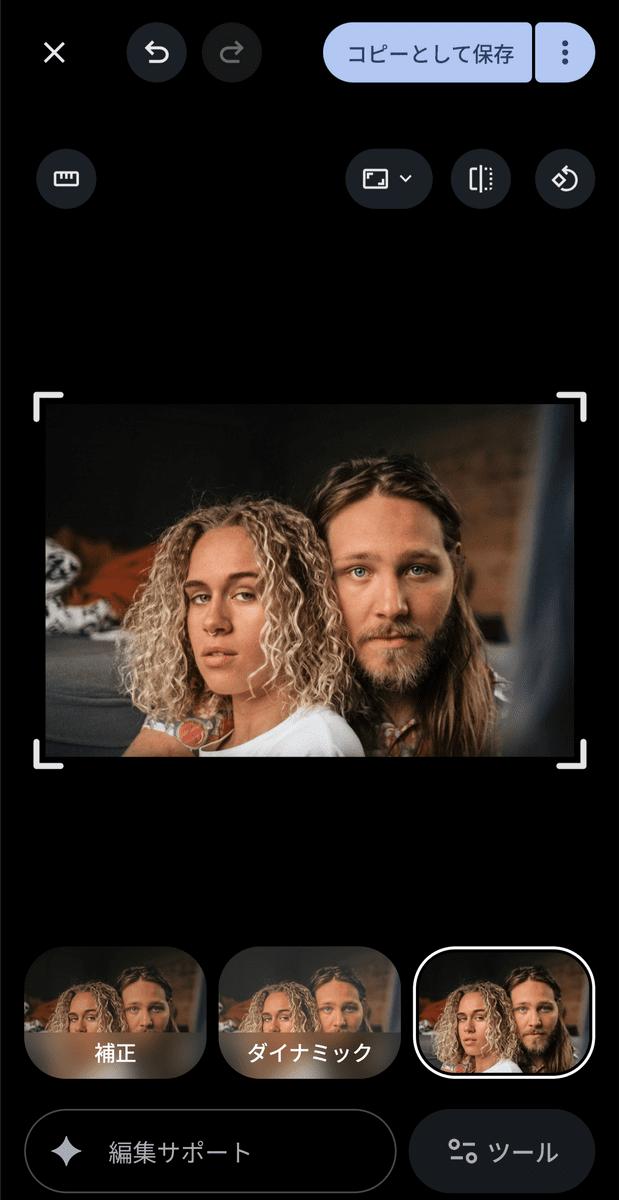
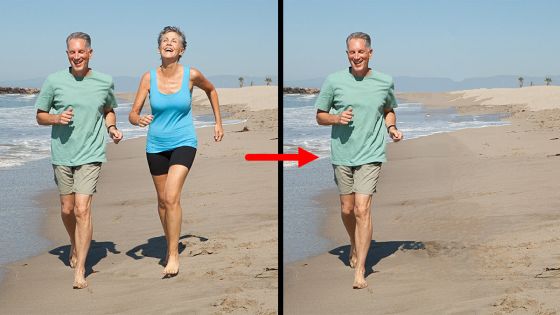
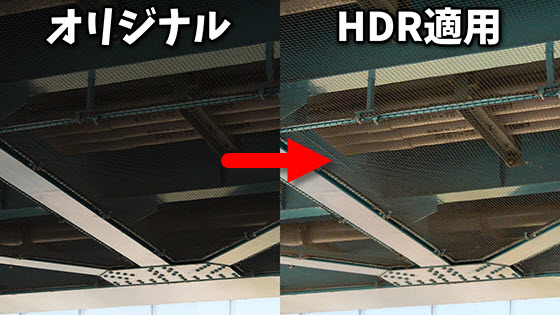
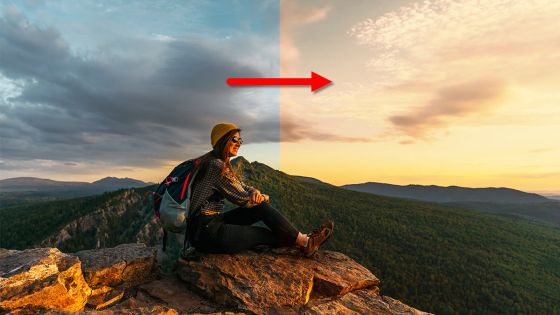
This is a comparison image before (left) and after (right) AI correction. Applying AI correction makes the image slightly brighter.
Furthermore, the Android version of Google Photos also offers a feature that allows you to change the playback speed of videos.
Change video playback speed on Android - Google Photos Community
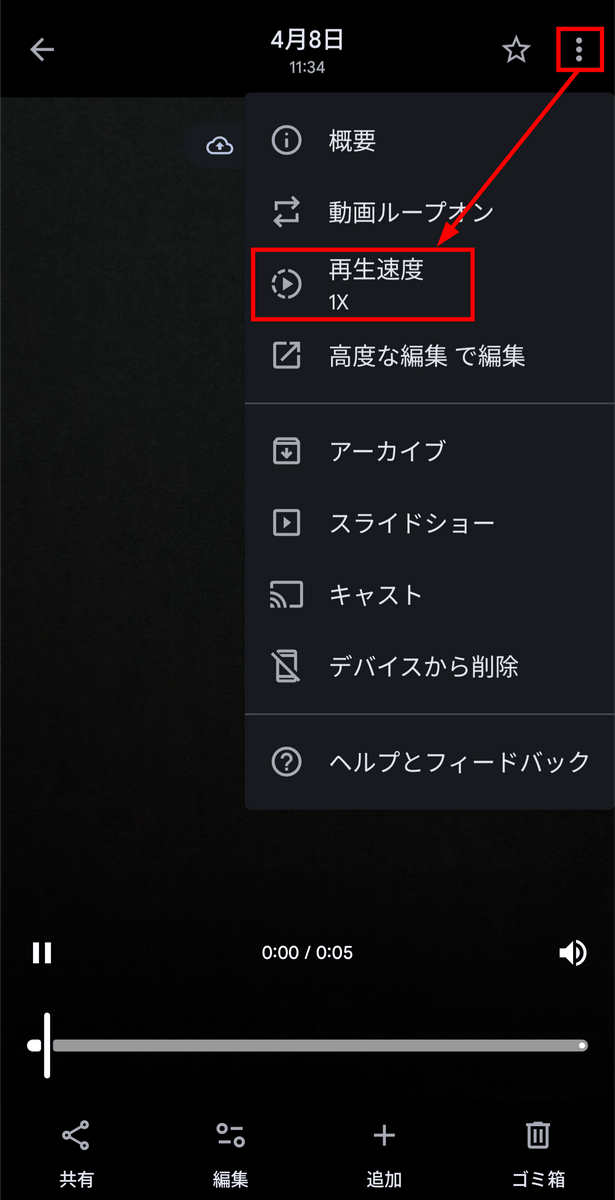
Open the video, tap the menu icon, and select 'Playback speed.'
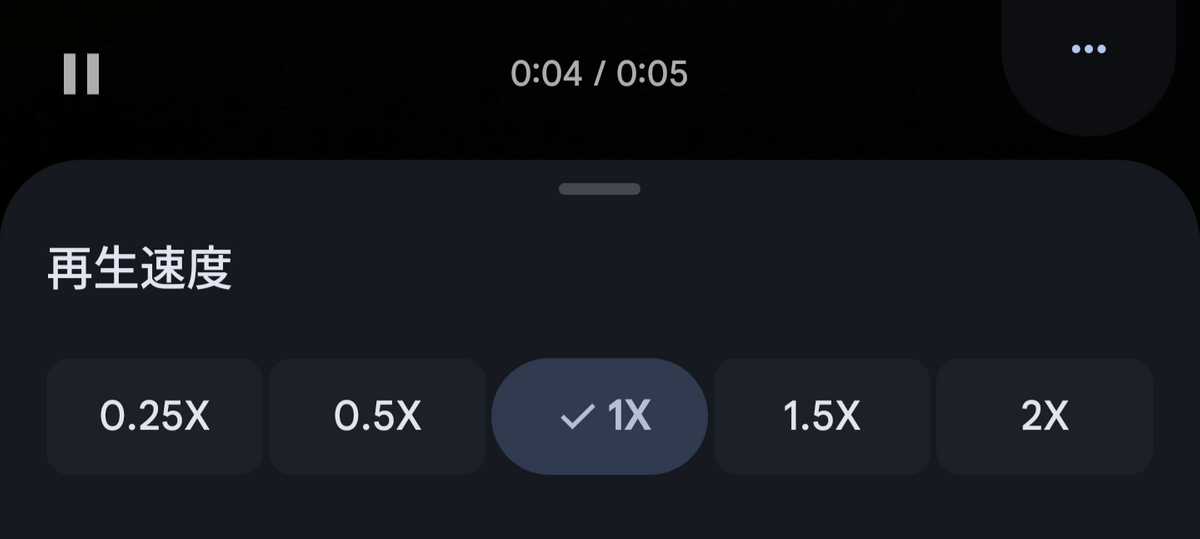
You can choose from five magnification options: 0.25x, 0.5x, 1x, 1.5x, and 2x.
Related Posts:
in AI, Smartphone, Review, Posted by log1p_kr