OpenCode is a free, open-source AI coding agent available for Windows, Linux, and macOS, and supports Claude, GPT, Gemini, and other protocols.
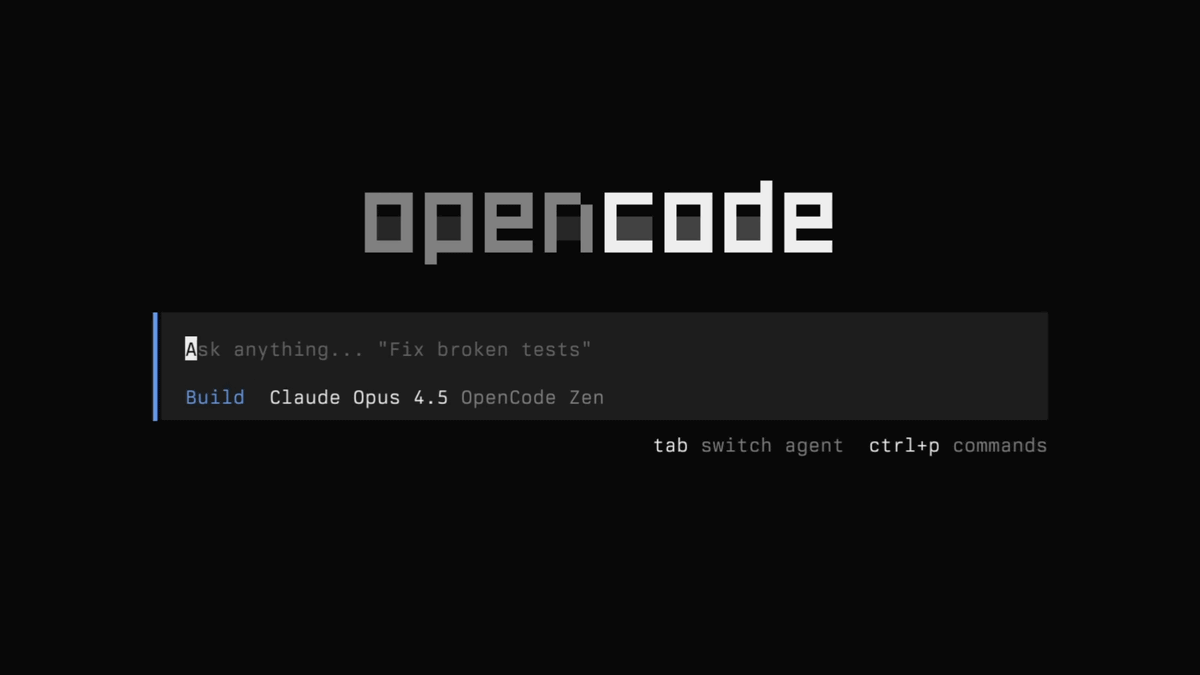
OpenCode is an open-source AI coding agent that can be used in terminals, IDEs (Integrated Development Environments), and desktop applications. It can be used with any LLM provider, and also offers 'Zen,' which utilizes a set of models validated by OpenCode itself. Its features include
OpenCode | Open-source AI coding agent
https://opencode.ai/
anomalyco/opencode: The open source coding agent.
https://github.com/anomalyco/opencode
Unlike Claude Code, OpenCode is developed as 100% open source under the MIT license. Additionally, it differs in that it offers LSP (Low-Level Programming) support from the start, emphasizes TUI (User-User Interface), and employs a client-server architecture.
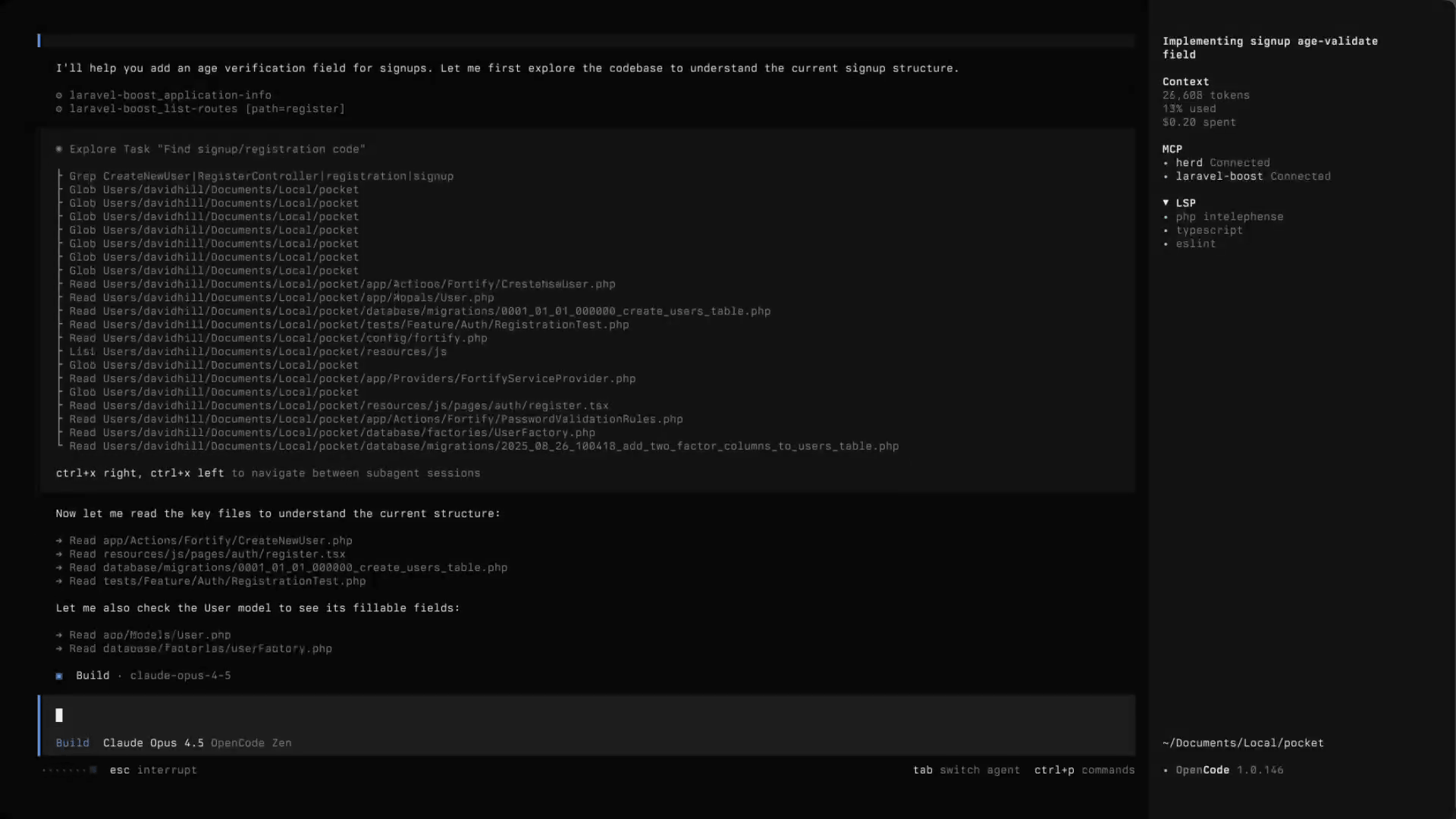
OpenCode's most significant feature is that it's a coding agent that isn't tied to a specific AI vendor. It can connect to a variety of models, including Claude, GPT, and Gemini, and you can use any LLM provider by setting up an API key. Furthermore,
OpenCode also provides two built-in agents that can be switched using the Tab key. build is a full-access agent for development work, while plan is a read-only agent for analysis and code exploration. By default, plan denies file editing and requests permission before executing bash commands, making it suitable for examining unfamiliar codebases or solidifying change plans beforehand. Therefore, it is recommended to first check the implementation plan with plan and then make changes with build, rather than rewriting the code.
In terms of security, a major feature is its 'privacy-first' design. OpenCode does not store users' code or context data, and is designed to be easy to use even in highly confidential development environments. While it has a conversation sharing function, conversations are not shared by default; a link is explicitly created only when sharing is desired. In other words, OpenCode is not a tool that is intended to widely expose information to the outside world from the start; it is designed so that users manage the scope of sharing themselves. However, since it is a system that connects to an LLM provider, it is necessary to assume that the code and instructions you actually enter will be sent to the connected model.
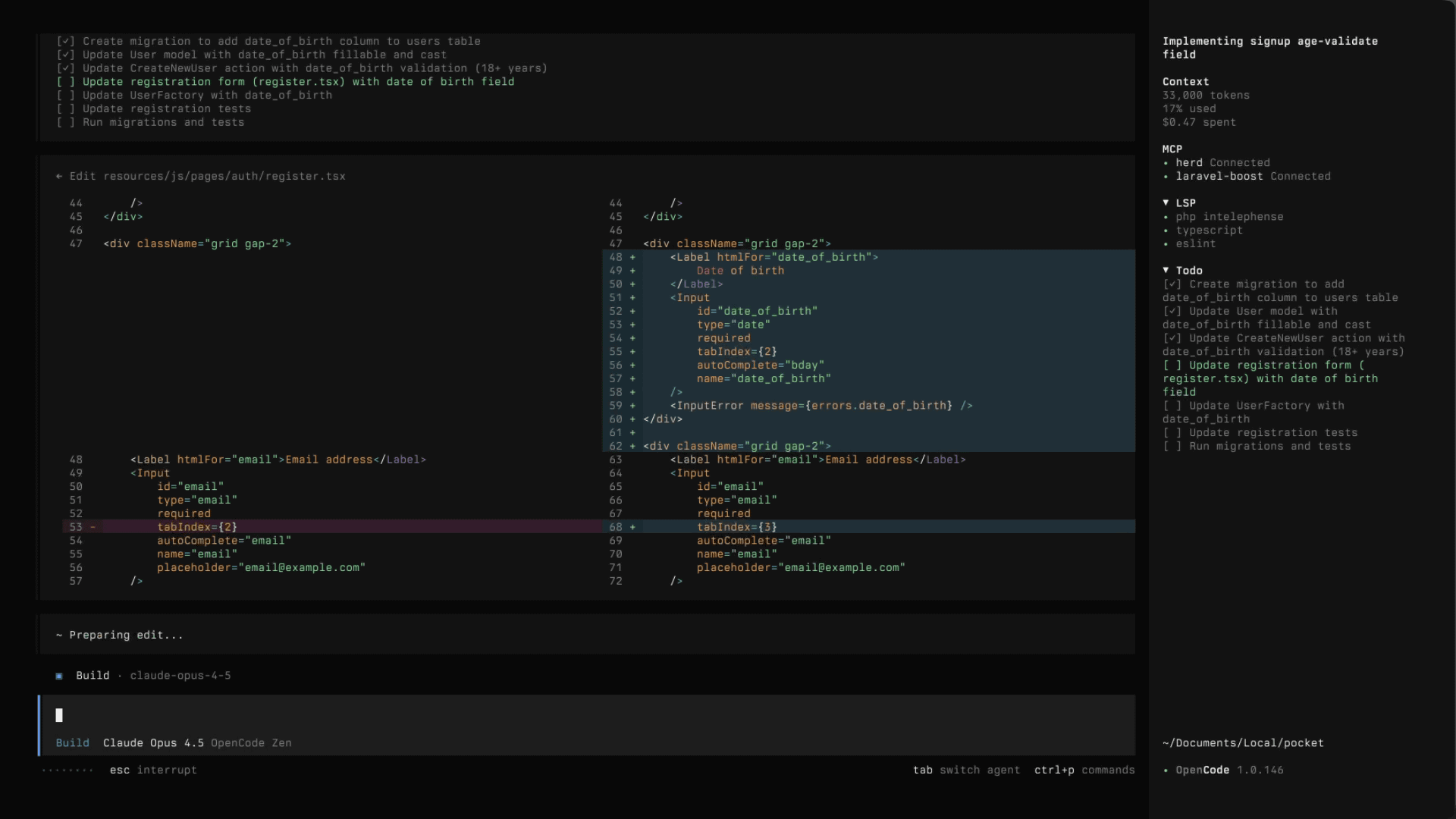
In practical use, you can ask questions about the codebase, request the addition of new features, or delegate modifications and refactoring of existing code. Files within a project can be searched using the '@' key for fuzzy searches, and images can be dragged and dropped into the terminal to add them to the prompt. OpenCode can read images and use their content as a reference to incorporate into implementation plans and changes. It is also envisioned that users will use screenshots of design examples to communicate the direction of the UI.
OpenCode is available as a terminal-based TUI, a desktop application, and an IDE extension. The desktop version is currently in beta for macOS, Windows, and Linux. Using the terminal requires a relatively new terminal emulator and an API key for the LLM provider being used. For Windows, using WSL is recommended, as it is said to provide a better experience in terms of feature compatibility and performance.
Related Posts: