Linkwarden is a free service that allows you to bookmark pages, automatically save them as HTML, screenshots, or PDFs, search, add annotations like highlighting, share with multiple people, use it via a smartphone app, automatically save RSS feeds, and automatically tag pages using AI. Self-hosting is also available.
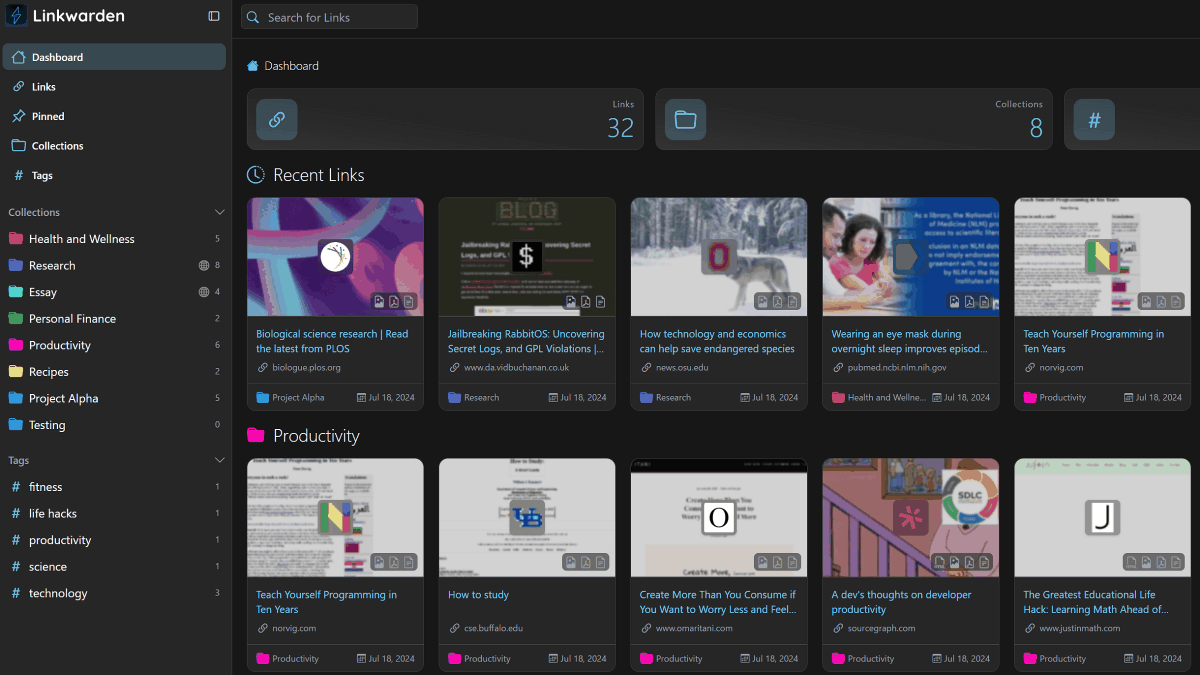
Sometimes, when you try to access articles, blogs, or technical explanation sites you've saved to your bookmarks, you might find that the pages have been deleted. ' Linkwarden ' allows you to bookmark pages, convert them to PDFs, save screenshots, and share them with multiple people and use them on multiple devices, providing a multi-functional bookmark management service.
Linkwarden - Bookmarks, Evolved
https://linkwarden.app/
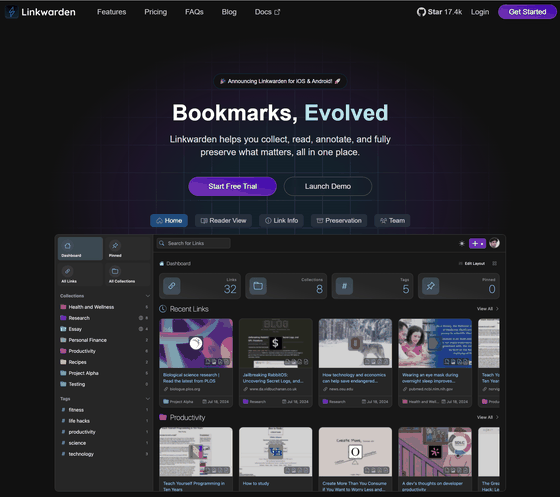
linkwarden/linkwarden: Self-hosted collaborative bookmark manager to collect, read, annotate, and fully preserve what matters, all in one place.
◆Features of Linkwarden
Bookmarks are managed using three main elements.
·link
We will use the website's URL.
·collection
You can group sites together, treating them like folders.
·tag
You can categorize websites by registering keywords that describe their content.
◆ How to add links
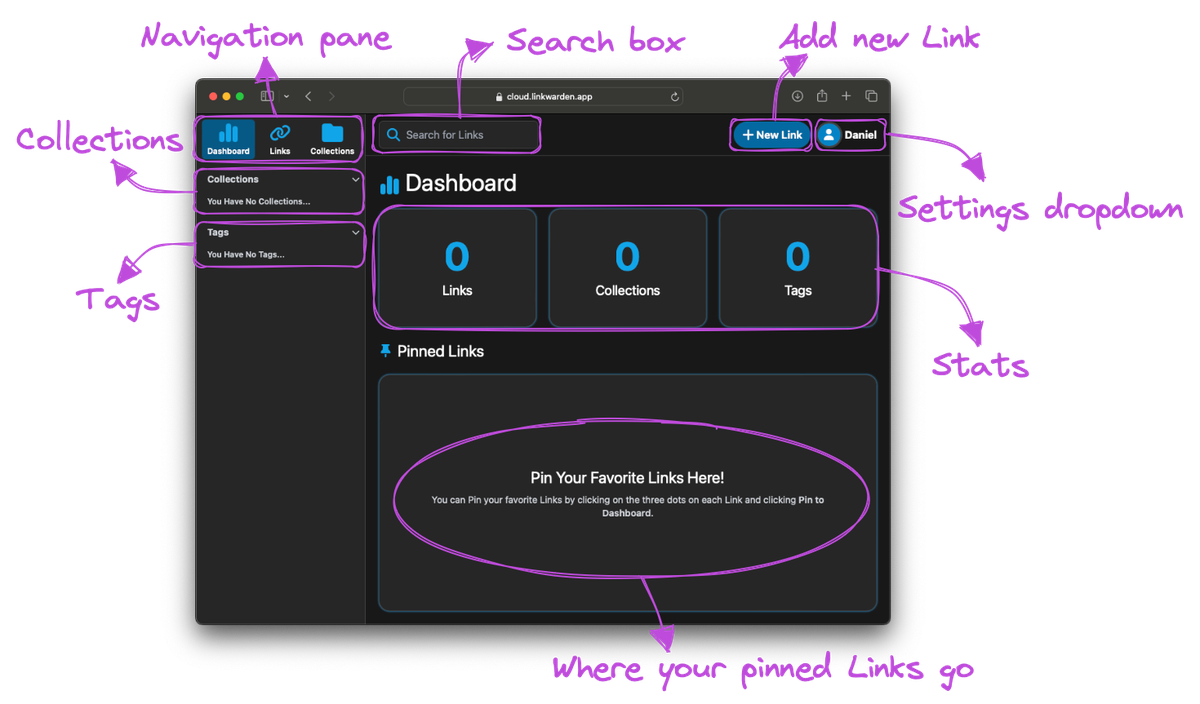
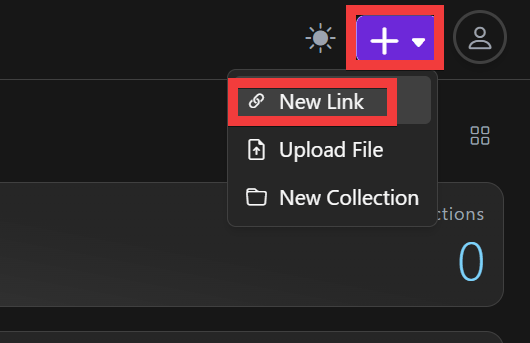
Click the '+' button in the upper right corner of the screen, then click 'New Link'.
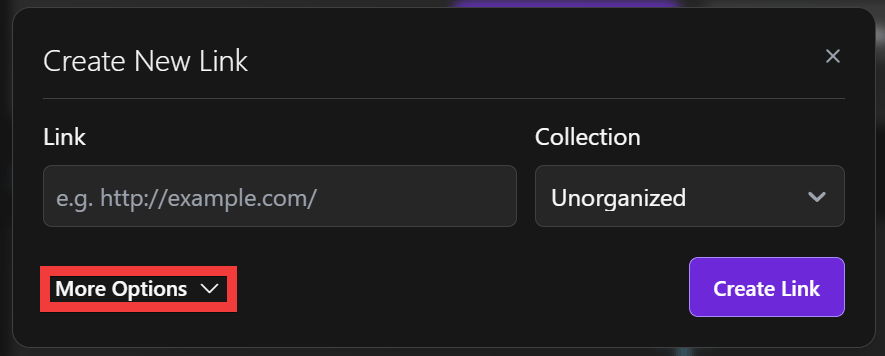
A registration form will appear. Click 'More Options'.
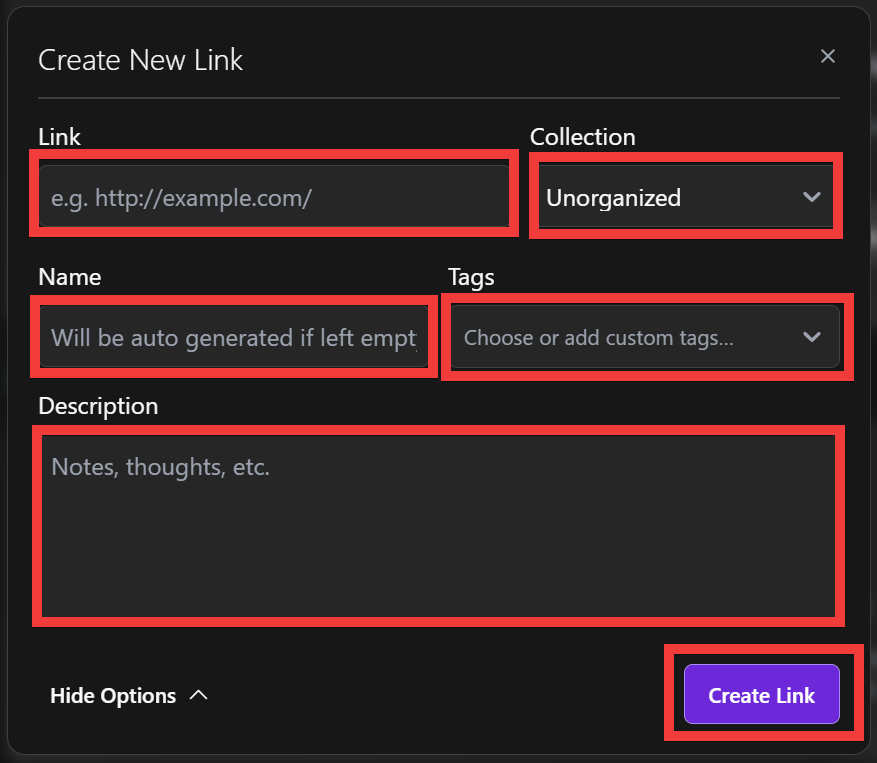
Enter the website URL in 'Link,' select the collection to register in 'Collection,' enter a desired website name in 'Name,' keywords in 'Tags,' enter a description in 'Description,' and then click 'Create Link.'
It has been added to the list. Screenshots and PDFs are automatically generated in the background, so it may take some time after registration.
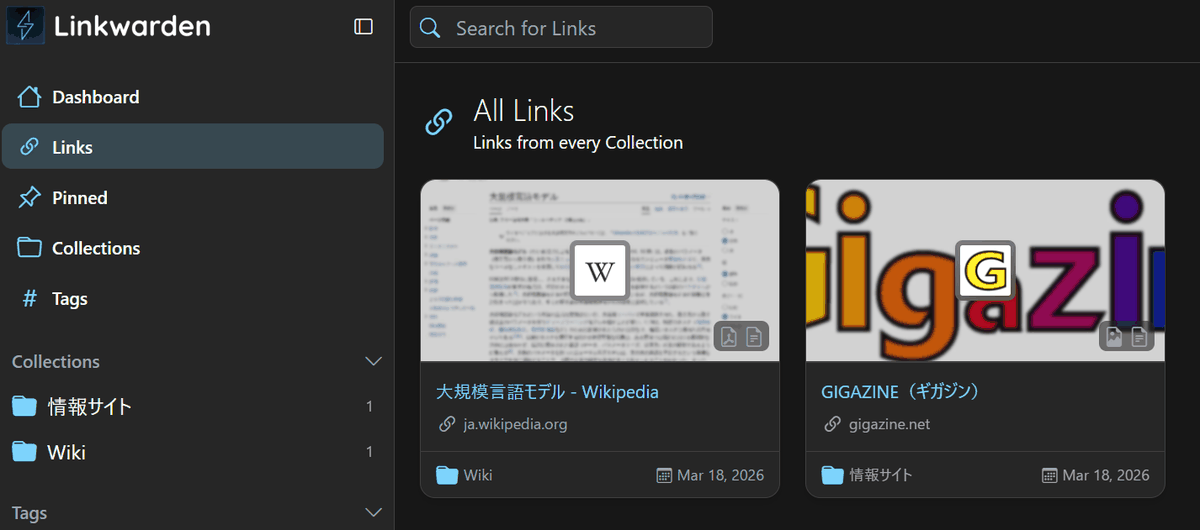
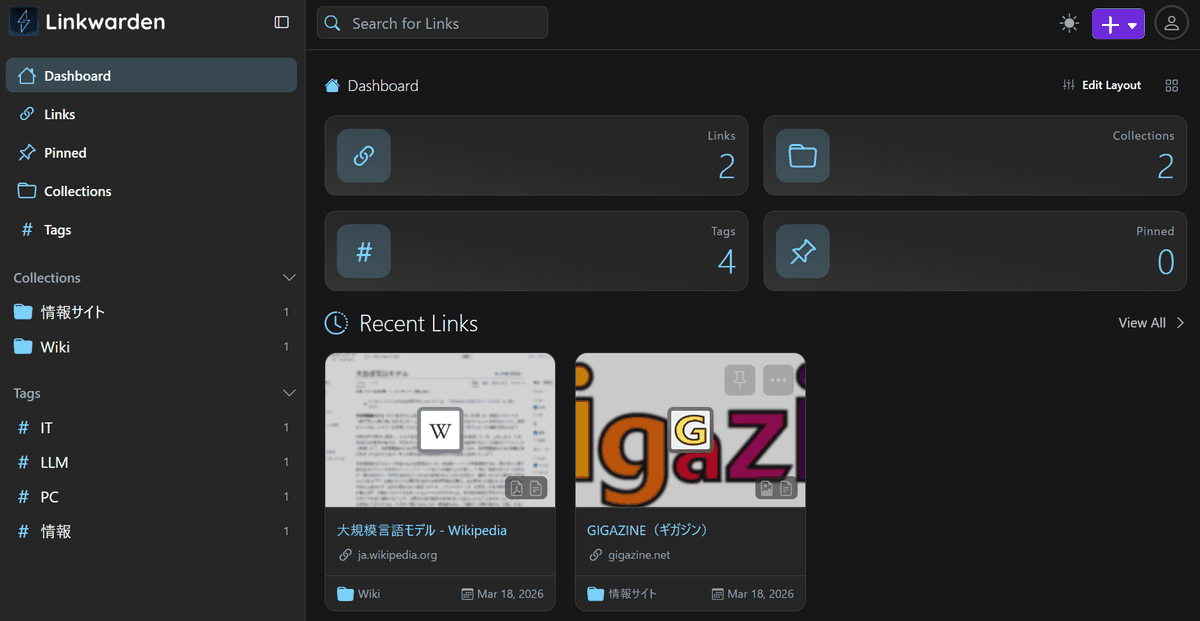
The dashboard displays statistics on your registered bookmarks, as well as a list of collections and tags, making it easier to find your bookmarks.
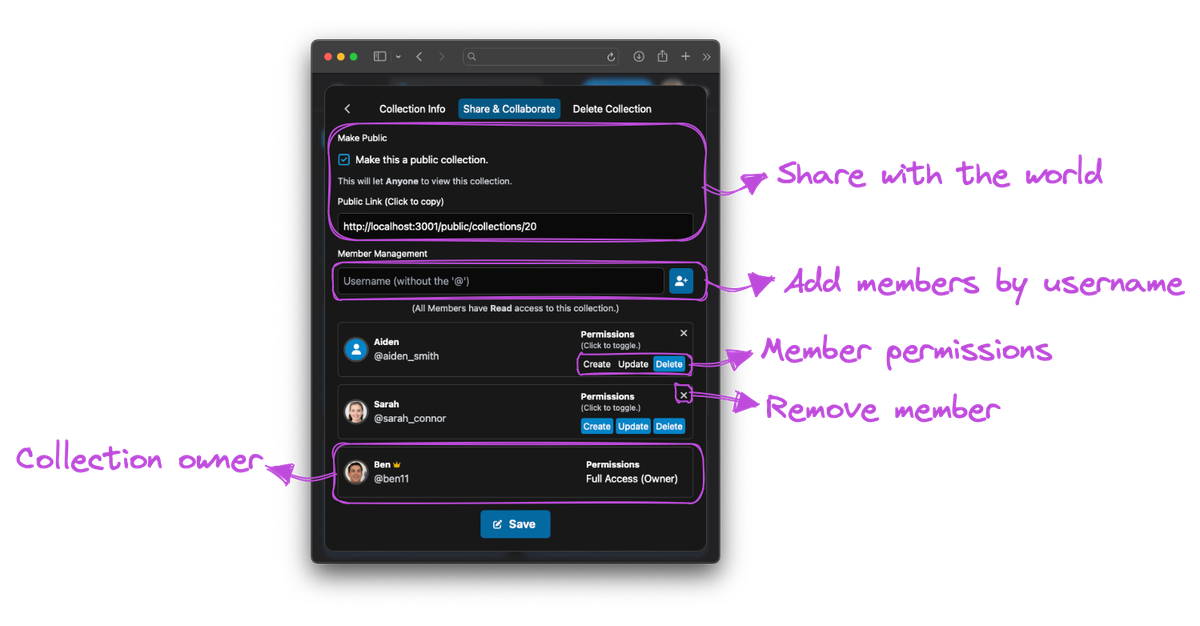
◆ Sharing collections
Collections can be shared with other users, and you can assign permissions to each user, such as adding, editing, and deleting items from the collection.
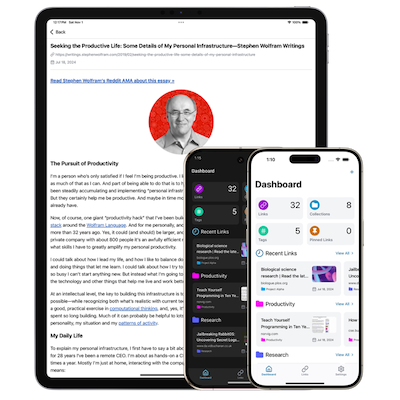
◆Official mobile app
A mobile app is available that supports both
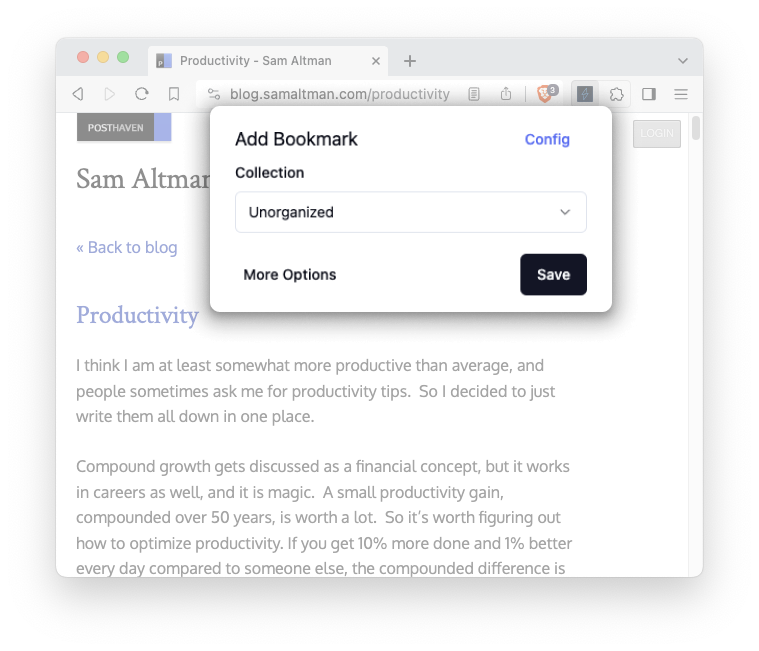
◆Browser extension
Extensions are available for browsers such as
◆PWA app
If you install it as
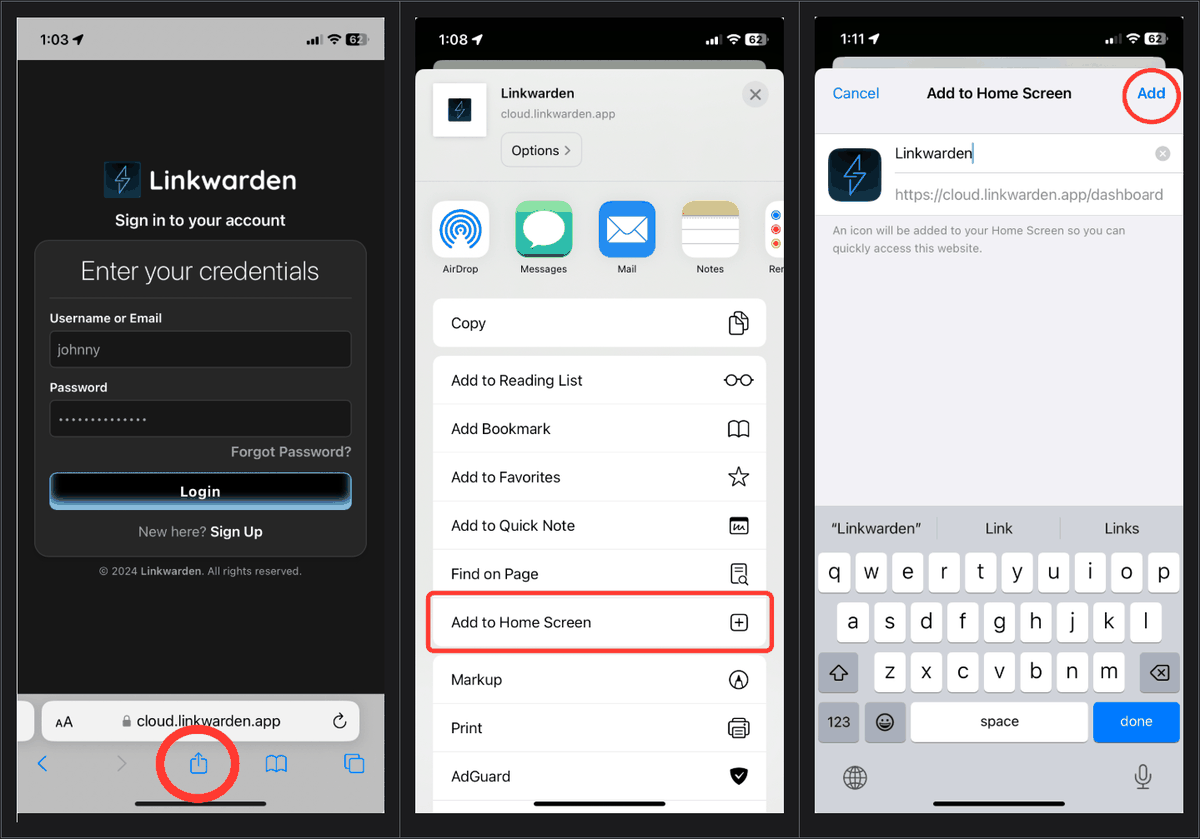
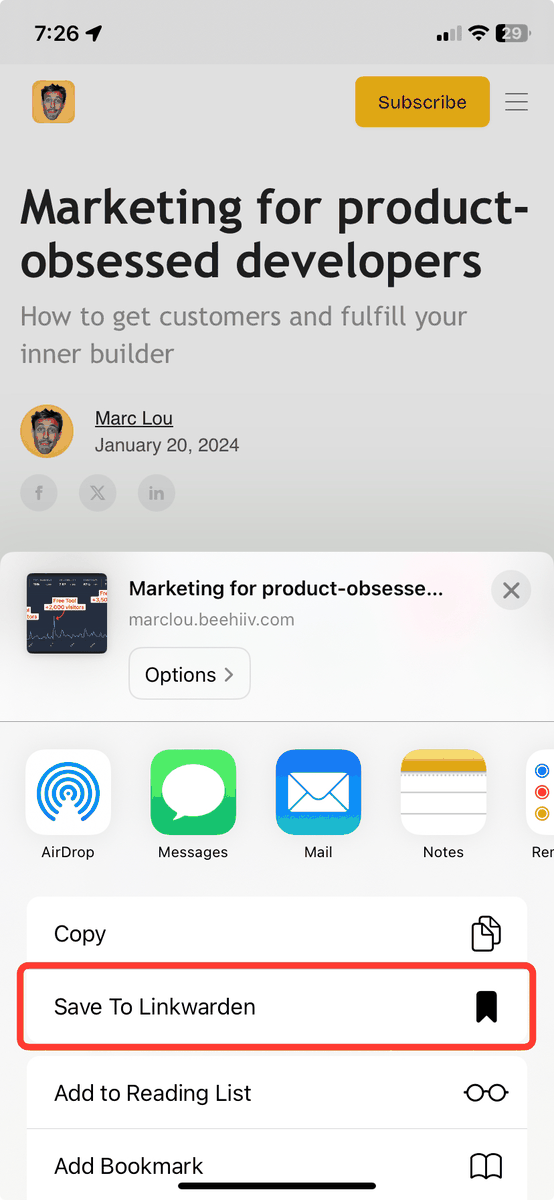
On iOS, you can also use shortcuts to add bookmarks to Linkwarden.
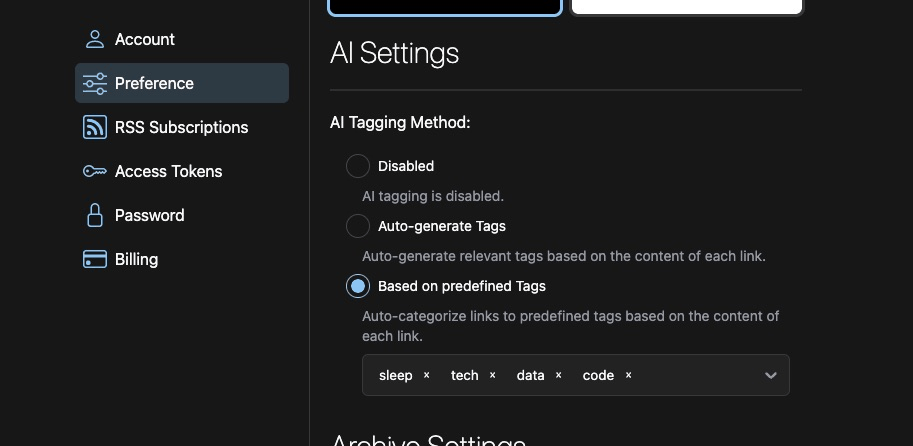
◆Automatic tagging by AI
You can use a local AI model to analyze website content and automatically add tags. Optional features include the AI creating and assigning new tags, or assigning the most suitable tags from existing ones.
◆Advanced search function
You can search using various criteria, including name, details, tags, collection, and time period.
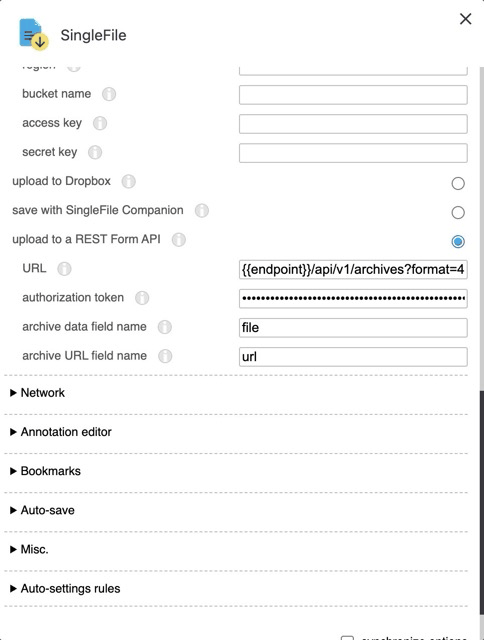
◆ Uploadable from Single File
SingleFile is a browser extension that allows you to save an entire webpage as a single HTML file to your device. By setting the save location to Linkwarden, you can save paid content and sites that require authentication, which cannot be accessed through links alone.
◆RSS Subscription
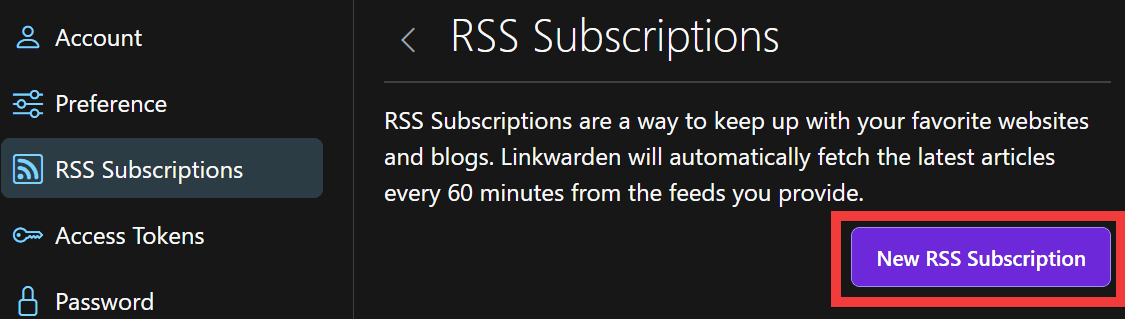
From the account settings menu, click 'RSS Subscriptions,' then click 'New RSS Subscription.'
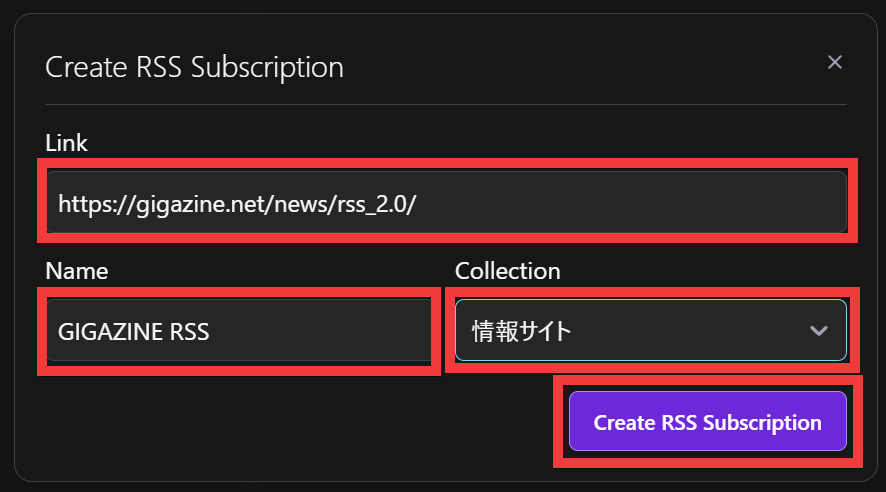
Enter the RSS URL in 'Link,' enter a name of your choice in 'Name,' select the collection you want to subscribe to in 'Collection,' and click 'Create RSS Subscription.'
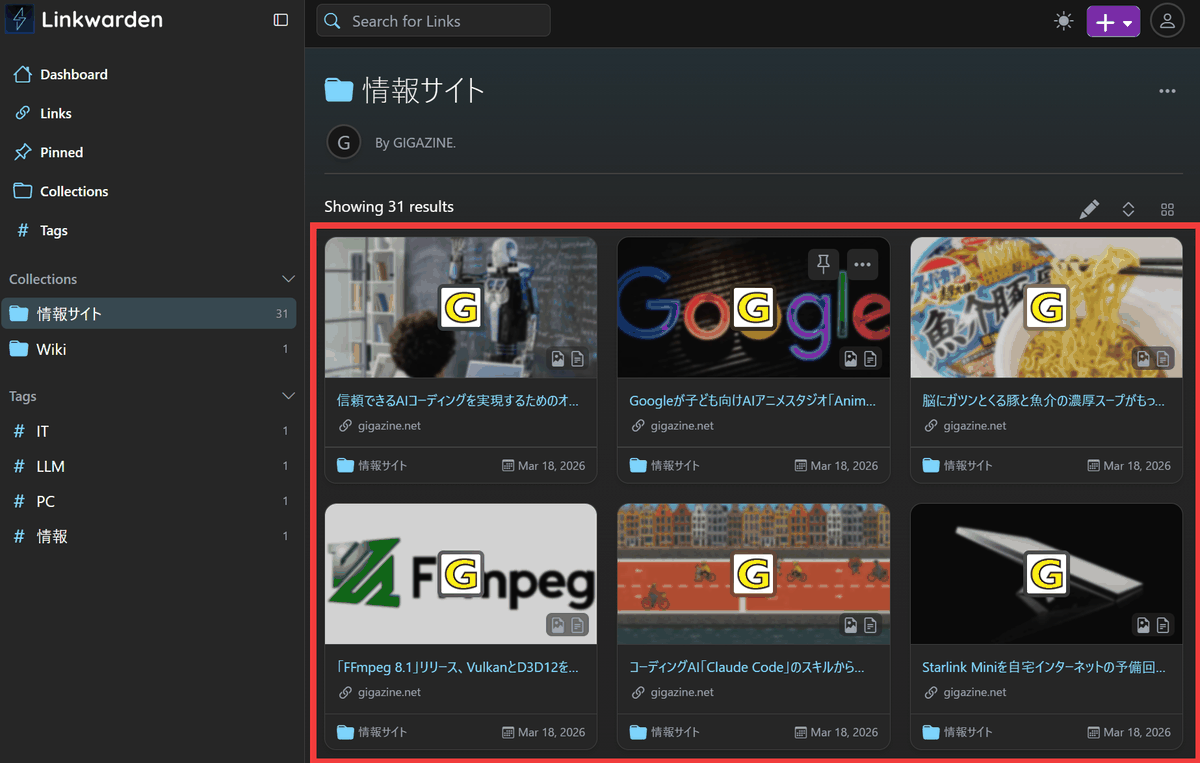
Clicking on a registered collection will display a list of sites from which RSS feeds have been retrieved. Note that RSS feeds are retrieved once every hour.
◆Self-hosted version
It is also possible to build a self-hosted version using Docker . To use AI-powered automatic tagging with the self-hosted version, you will need to use a local LLM via Ollama or an OpenAI-compatible provider.
A demo is also available, allowing you to see how saved bookmarks are converted to PDFs and screenshots. Furthermore, testing with a cloud service confirmed that there were no problems with PDF conversion or screenshot capture of Japanese websites.
Related Posts: