WordPress has released 'My WordPress,' which allows users to build a fully functional WordPress installation using only a web browser, enabling plugin support, backups and restores anywhere, and even functioning as an RSS reader.
WordPress.org has announced ' My WordPress ,' a new runtime environment where WordPress runs fully and persistently in a browser. Based on WordPress Playground technology, My WordPress allows anyone to use WordPress instantly without signing up, signing up for hosting, or setting up a domain. Unlike traditional uses for publishing websites, it is primarily intended as a private workspace or testing ground for individuals.
Your Browser Becomes Your WordPress – WordPress News
Traditionally, WordPress required you to 'rent a server, install WordPress on it, configure it, and then use it.' MyWordPress, on the other hand, is a service where 'WordPress is already running when you open it in your browser,' making it ideal for people who want to try WordPress for the first time, write drafts or notes, or learn by experimenting with its features.
Furthermore, sites on My WordPress are private by default and cannot be accessed by the general public. In other words, they are designed to be used as a personal workspace, not as a regular website intended to be seen by others. WordPress.org explains that 'WordPress can be used as a place to organize your thoughts, experiment, and learn from your mistakes, without having to worry about traffic, search engine rankings, or appearance from the start.'
My WordPress can be accessed from the link below. It's free to use.
My WordPress
https://my.wordpress.net/
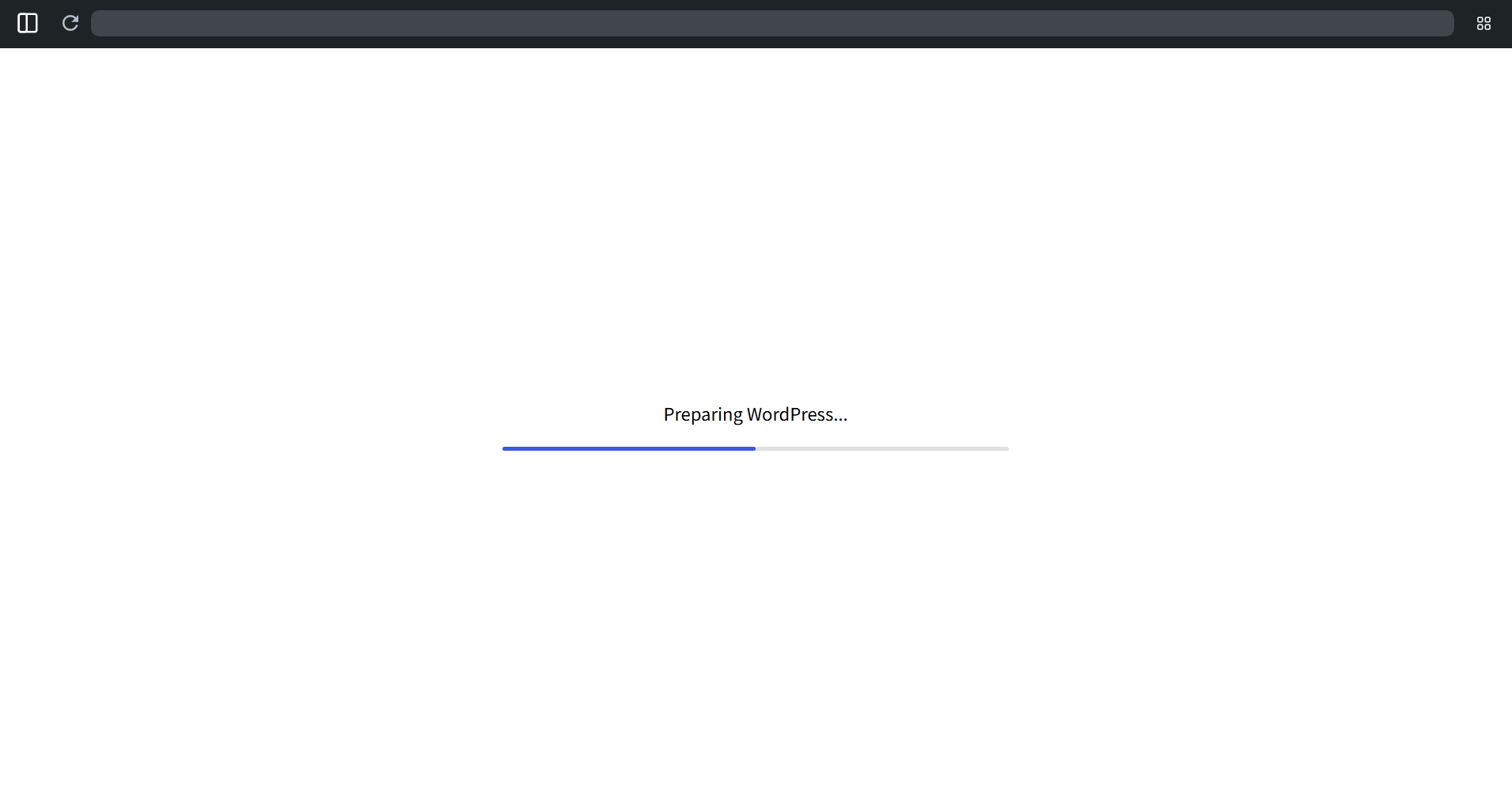
The initial access may take a little longer to complete.
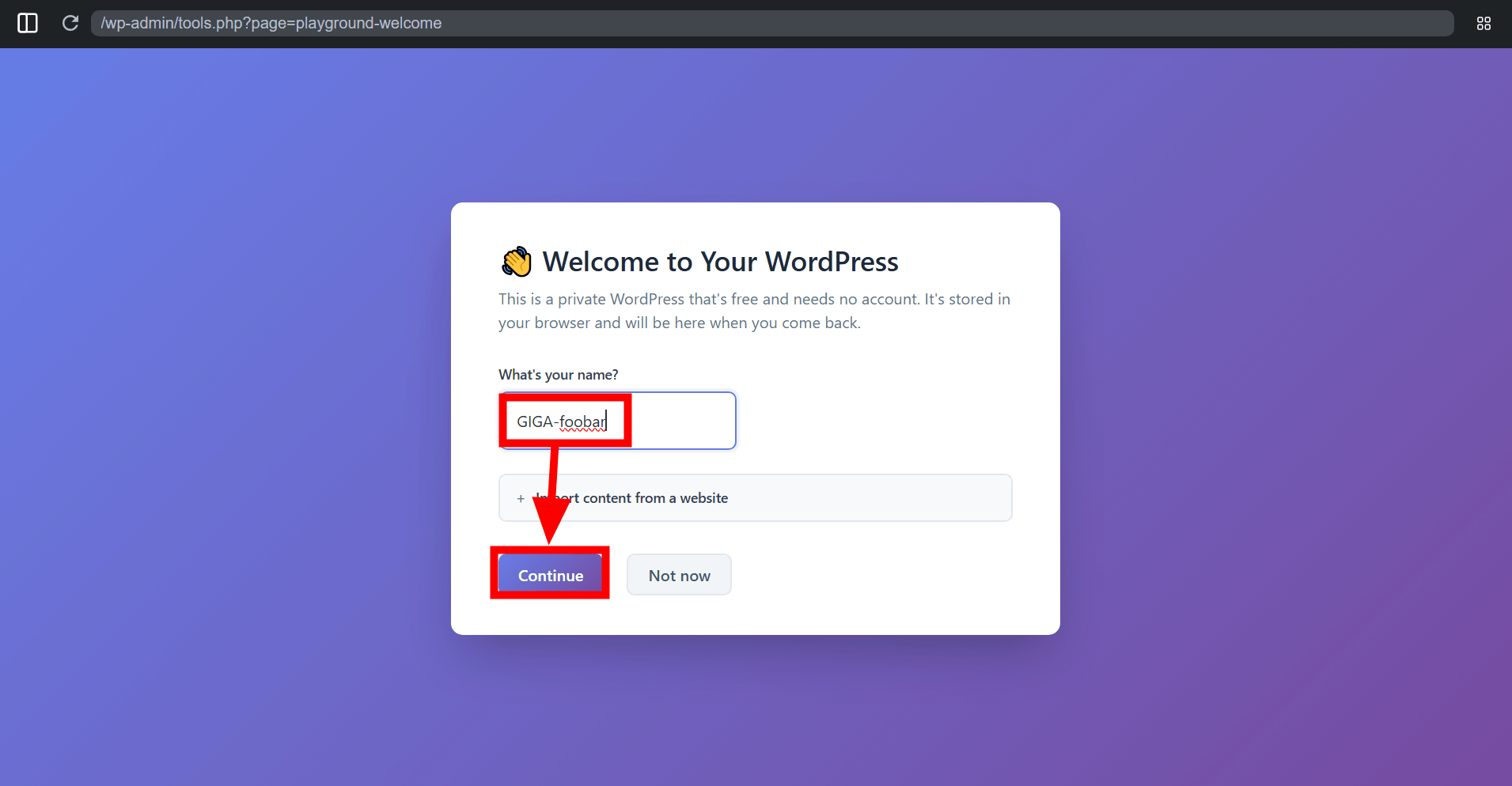
The 'Welcome to Your WordPress' screen will appear. Enter your name in the 'What's your name?' field and click 'Continue.'
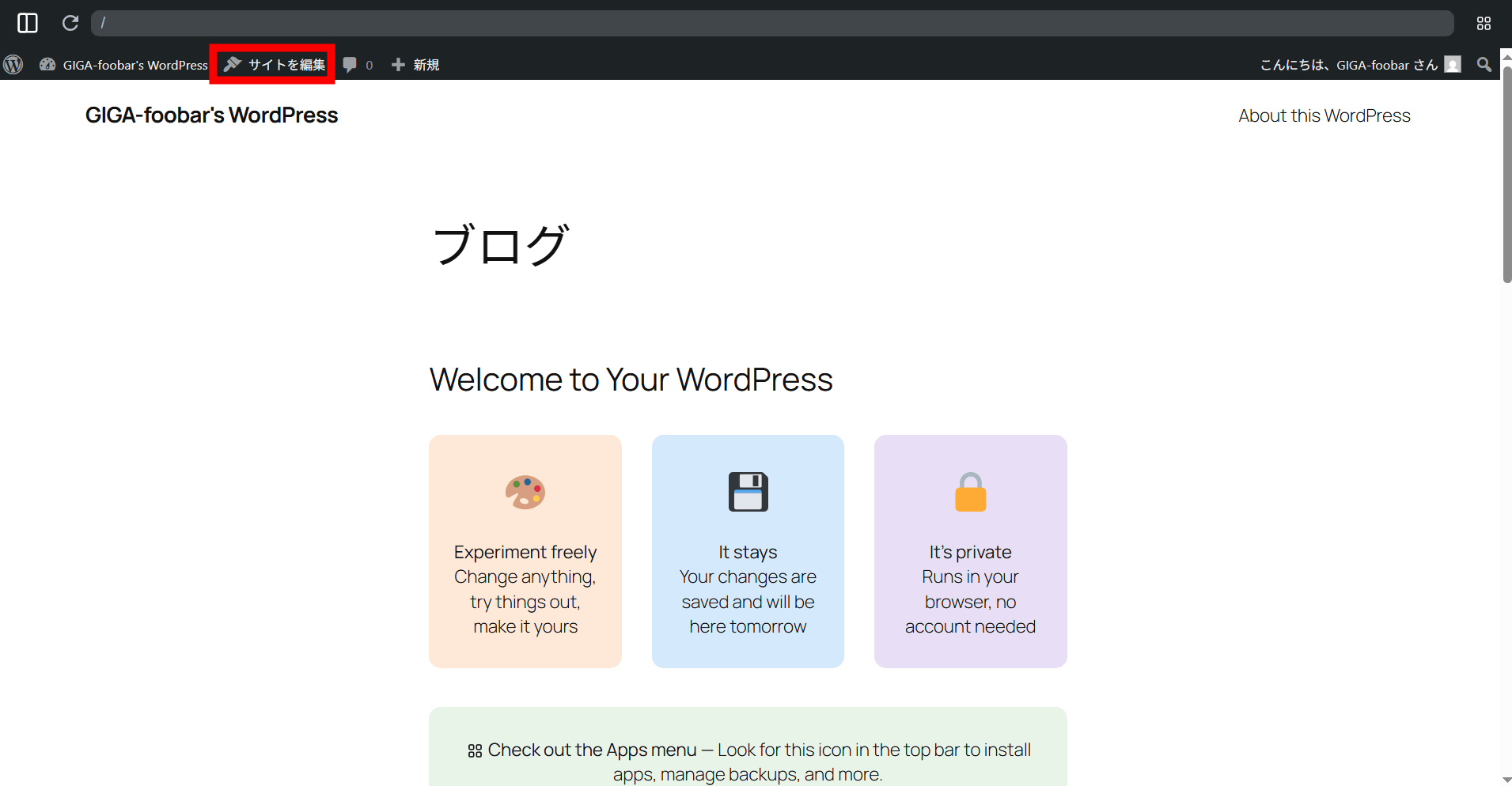
The site has been built with WordPress. Click 'Edit Site'.
The editing screen is the same as regular WordPress.
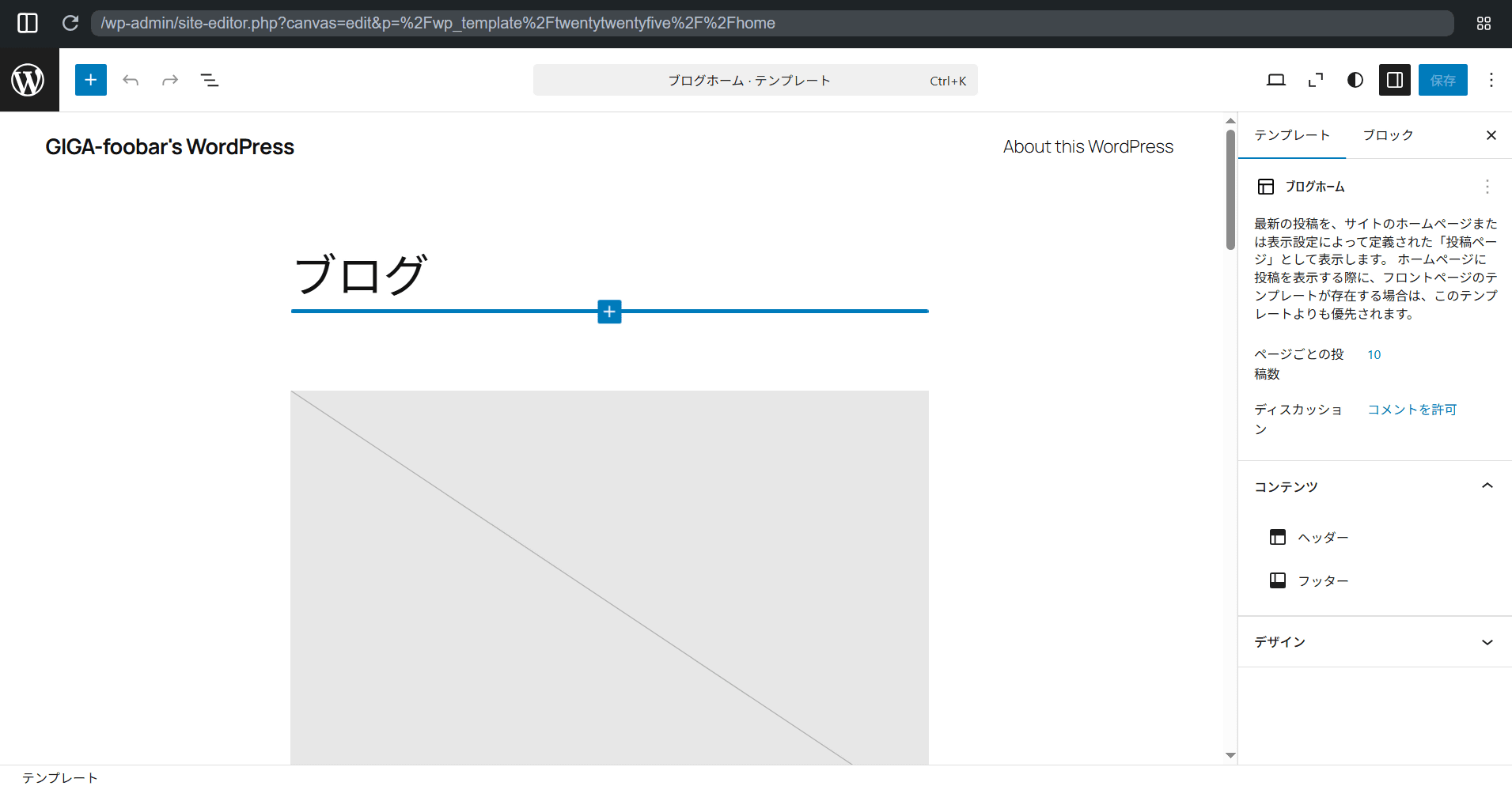
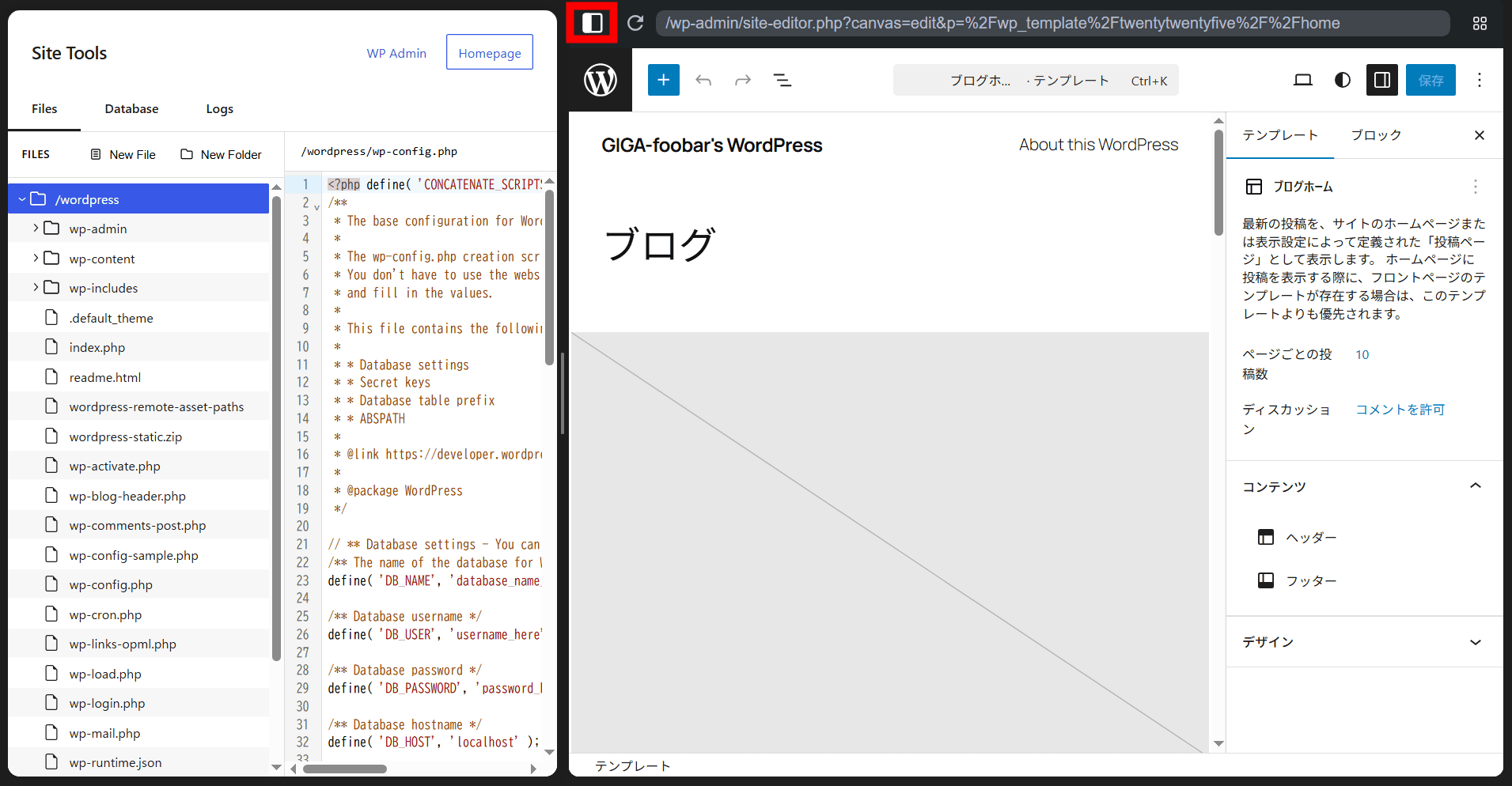
Clicking the icon in the upper left expands the site tools.
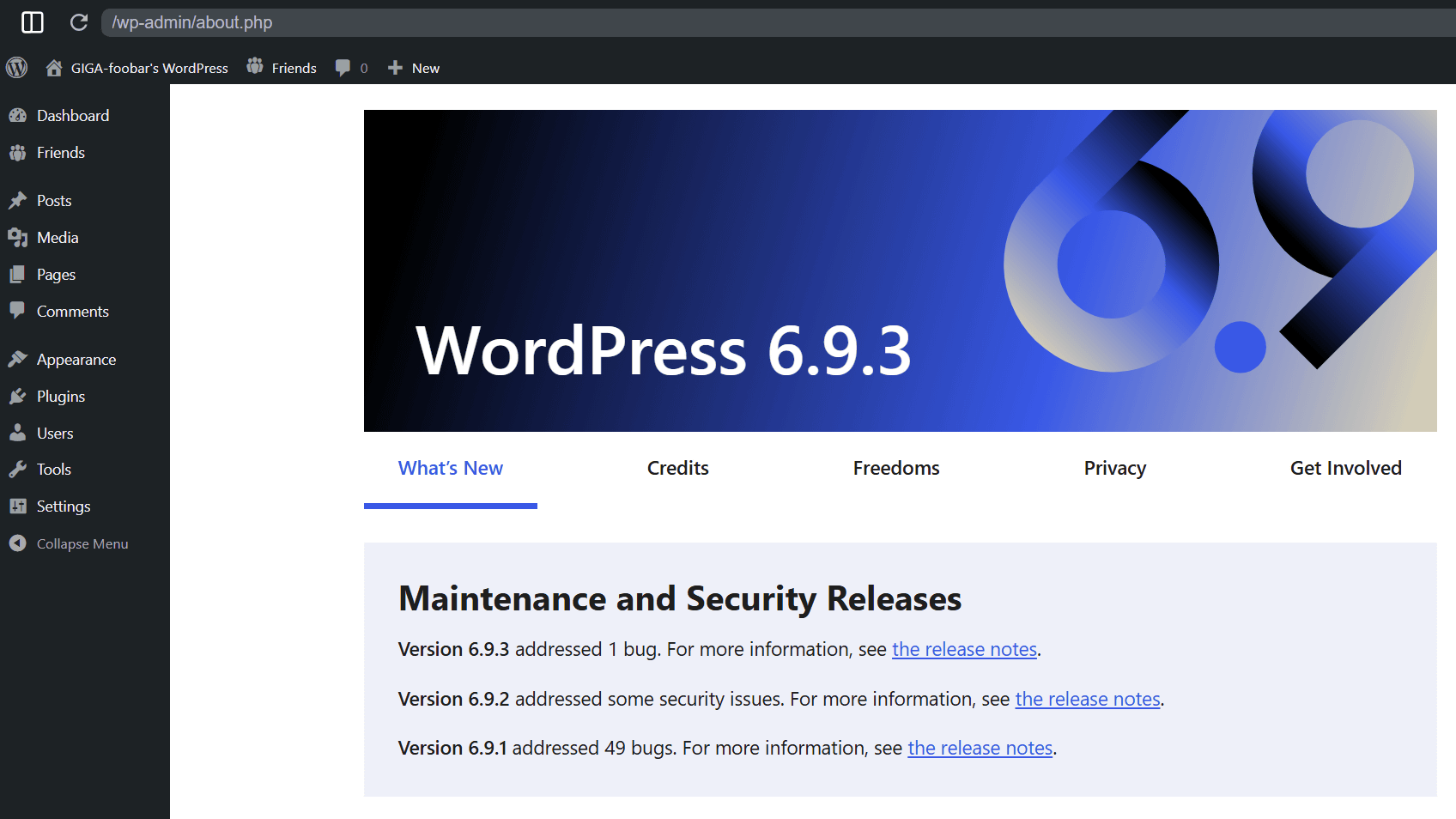
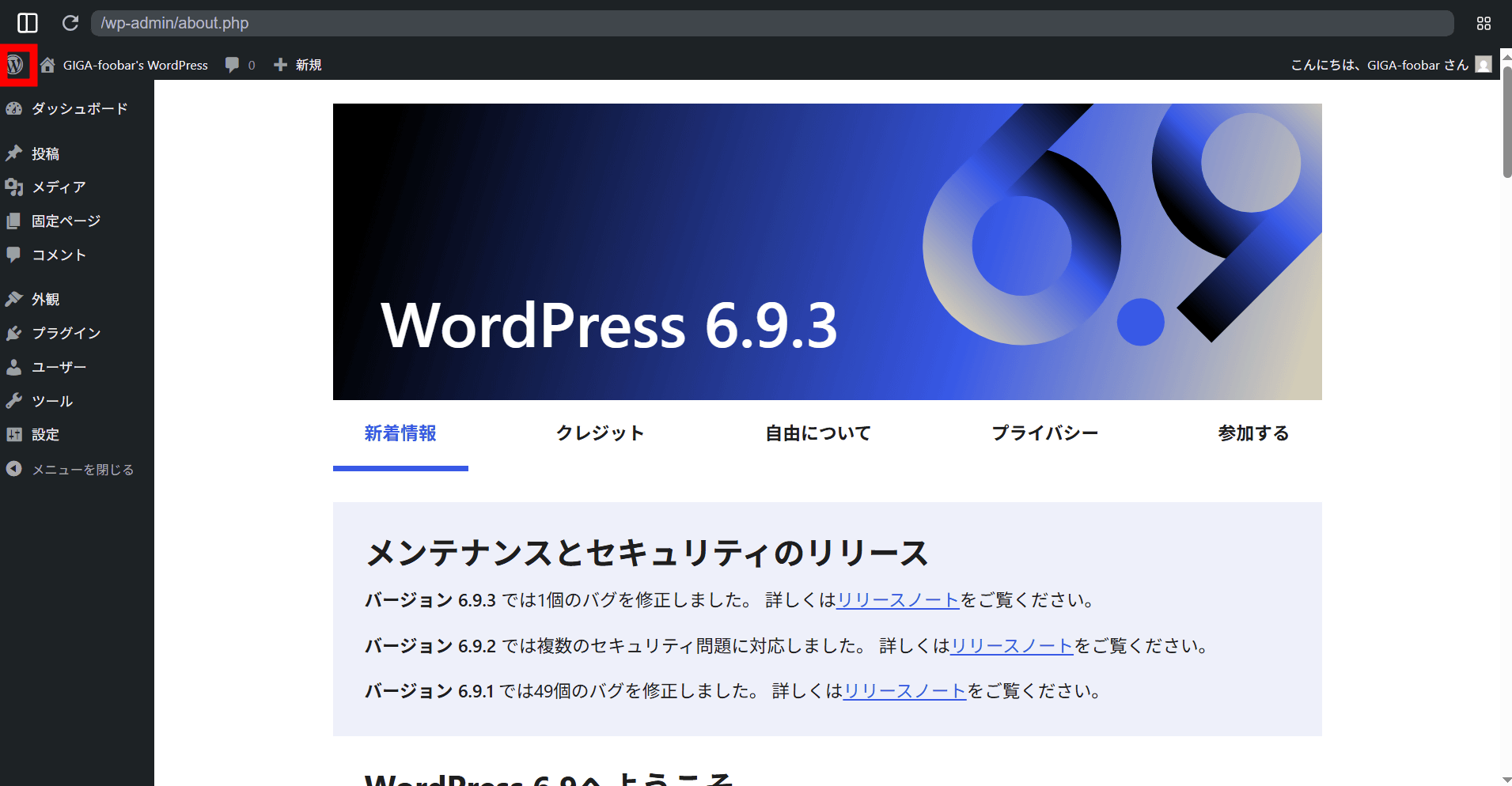
Clicking the WordPress logo will take you to the dashboard. The WordPress version you can use with My WordPress is
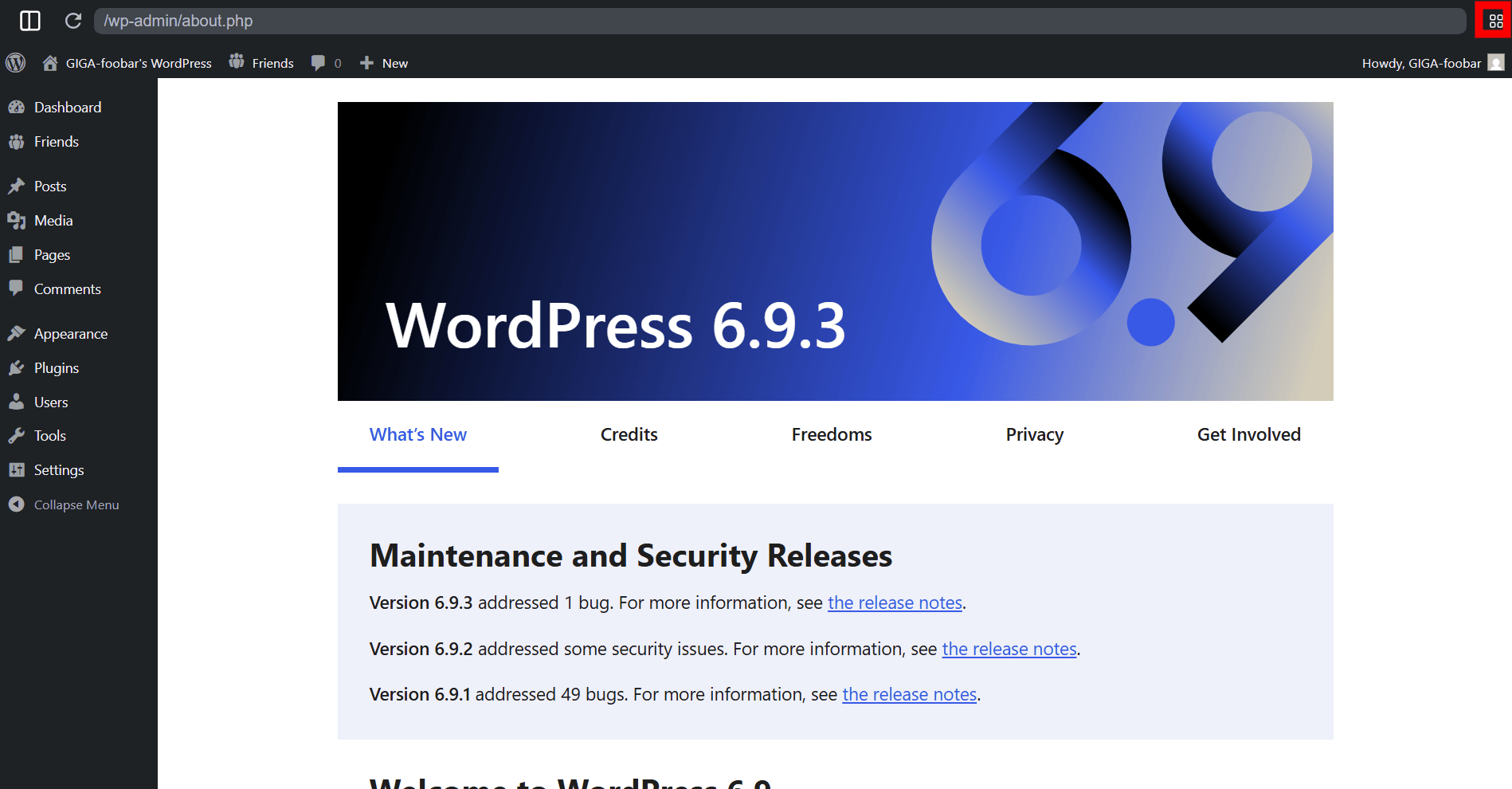
Click the icon in the top right to access the WordPress Playground dashboard.
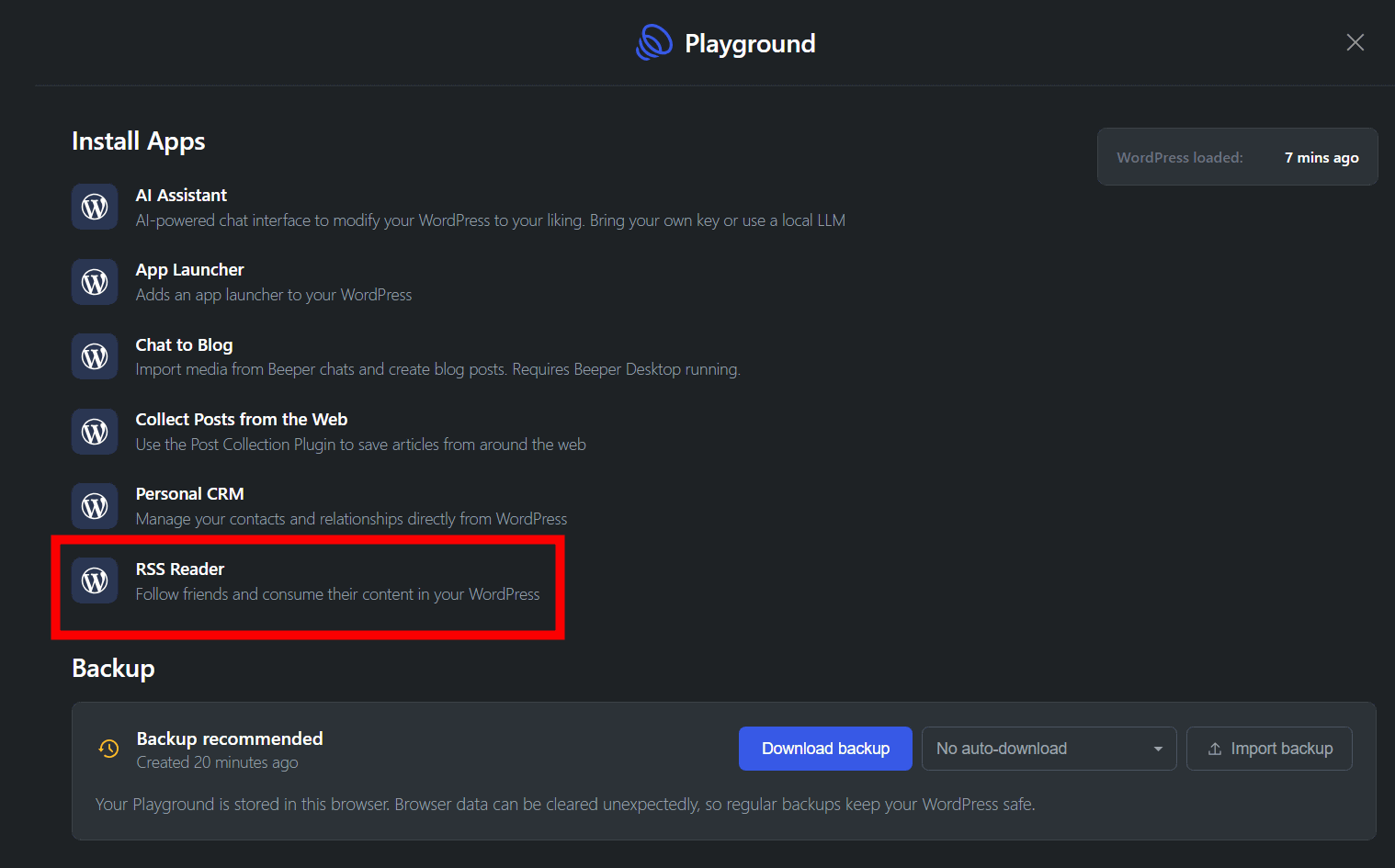
Recommended applications are displayed. This time, I clicked on 'RSS Reader' to install it.
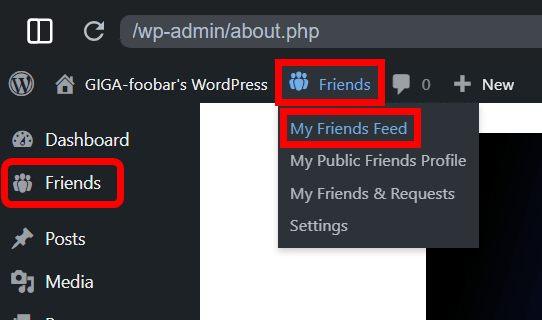
Once the installation is complete, 'Friends' will appear on your WordPress dashboard. Click on 'My Friends Feed.'
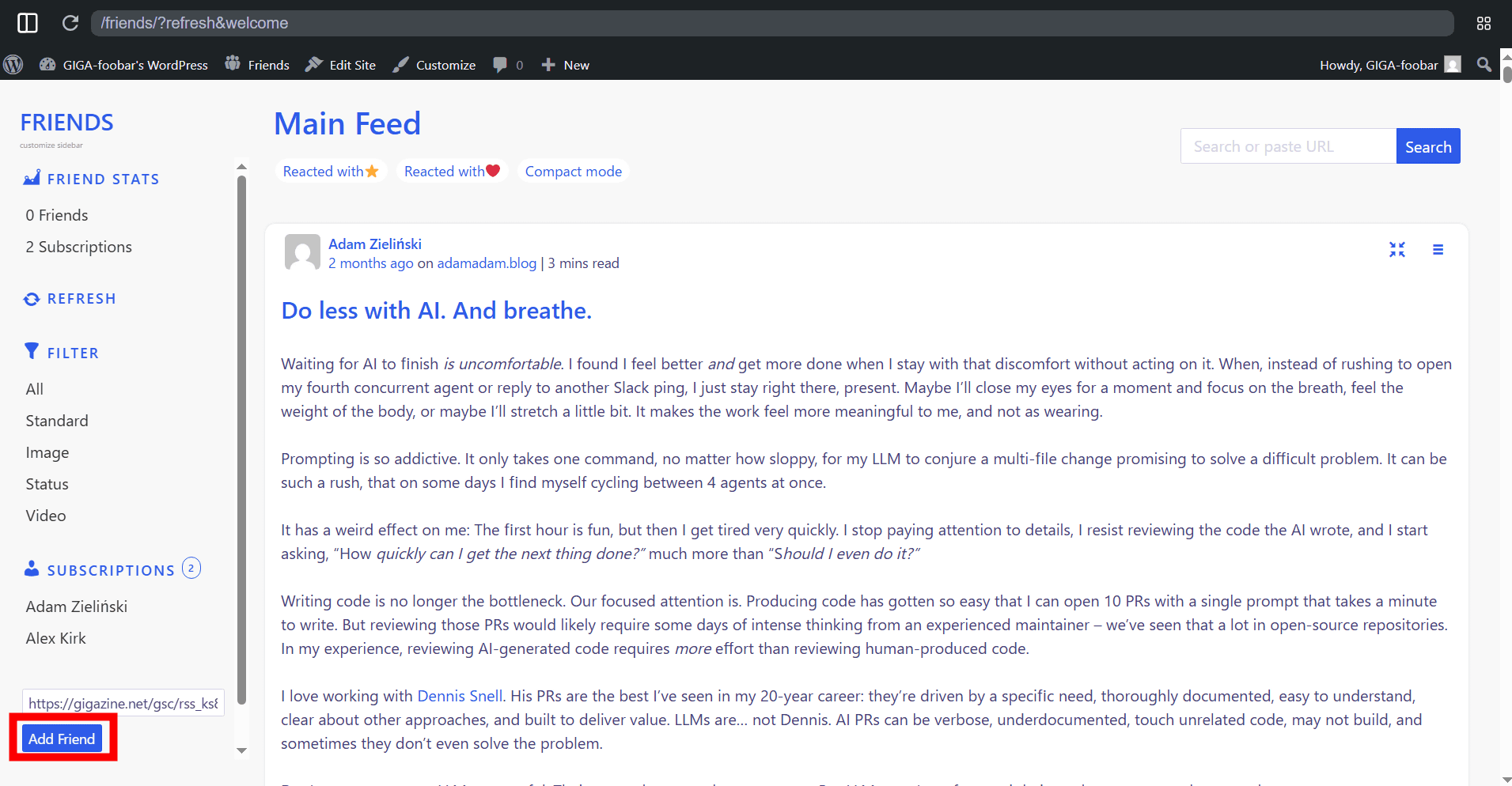
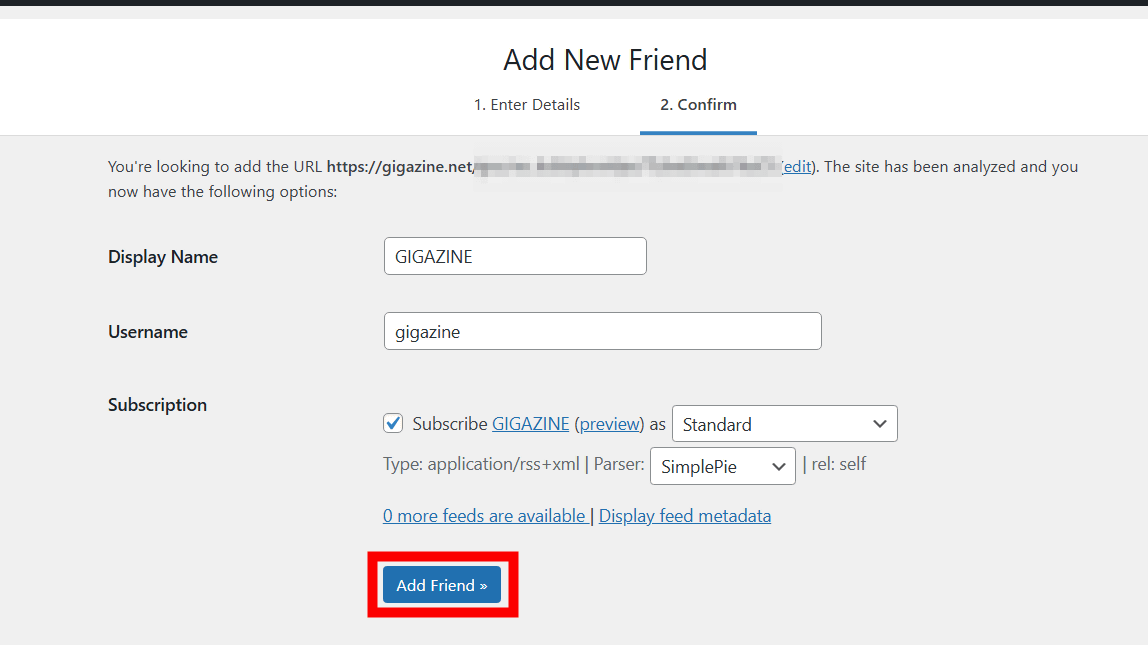
The RSS feed will be displayed. Click 'Add Friend.'
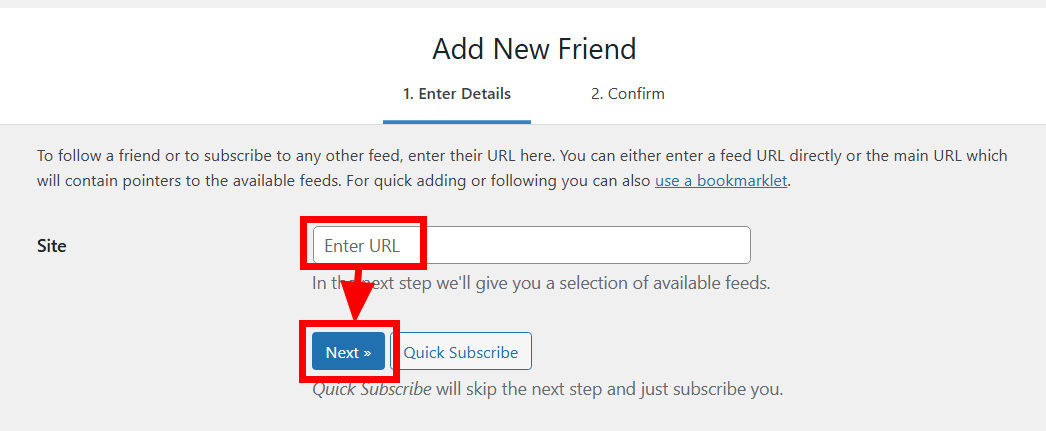
Enter the URL in the 'Enter URL' field and click 'Next'.
This time, we'll try to obtain the full text of articles via RSS using 'GIGAZINE Full Text RSS,' which is only available to members of the secretly existing
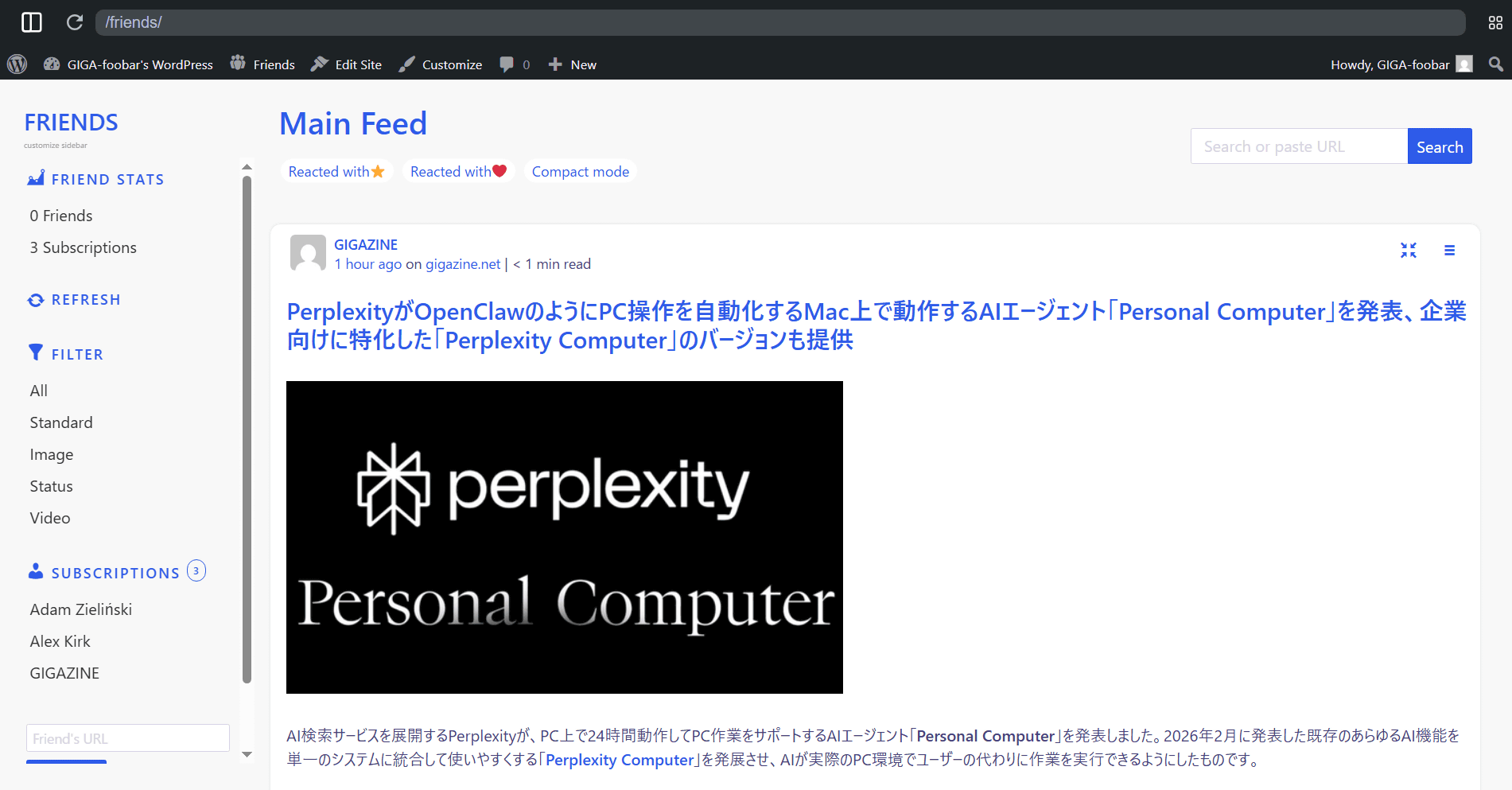
I confirmed that the full text of the GIGAZINE article was flowing in the feed. This is how I was able to easily build a browser-driven RSS reader.
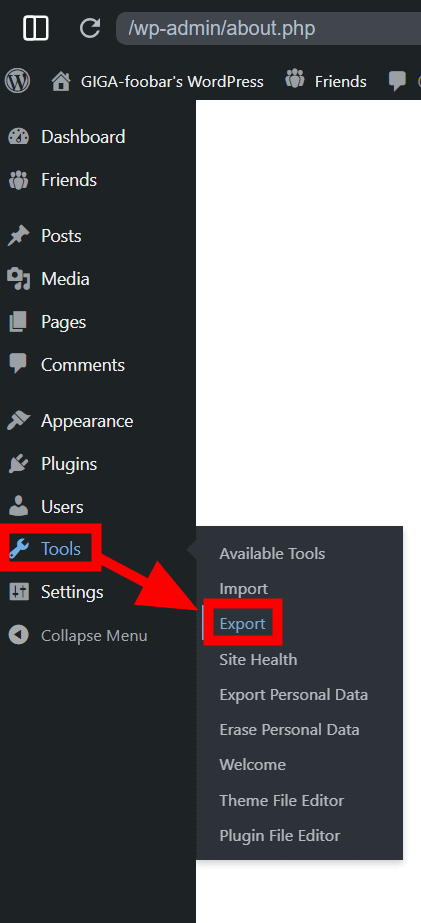
Please note that My WordPress is a locally driven browser application, so naturally all data is stored within the browser, and each device will have a separate installation. Since it's not cloud-based, you need to regularly export and back up important content.
Related Posts:

in Web Service, Review, Web Application, Posted by log1i_yk