'TextureCreate' allows you to generate texture materials for free
TextureCreate , released by
TextureCreate
https://gameanimation.info/texture-create/
TextureCreate – TextureCreate | Game UI Design
https://gameanimation.info/archives/5138
Material generation site now open!
— Takayu | UI Production Designer (@takayuP4) February 28, 2026
There are over 100 patterns!
There are many ways to use it, so please feel free to use it as you like.
Try using it when making your own game https://t.co/dBCMPJkIlj pic.twitter.com/aigjVsmg13
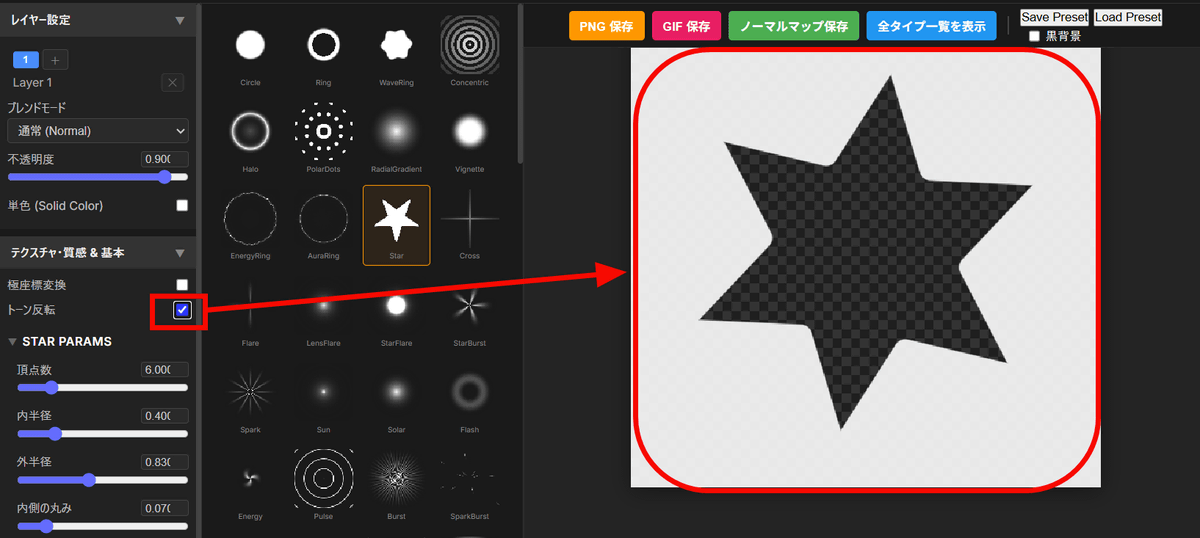
The TextureCreate screen looks like this: It is divided into a settings area on the left, a save button and preview in the middle, and an effects area on the right.
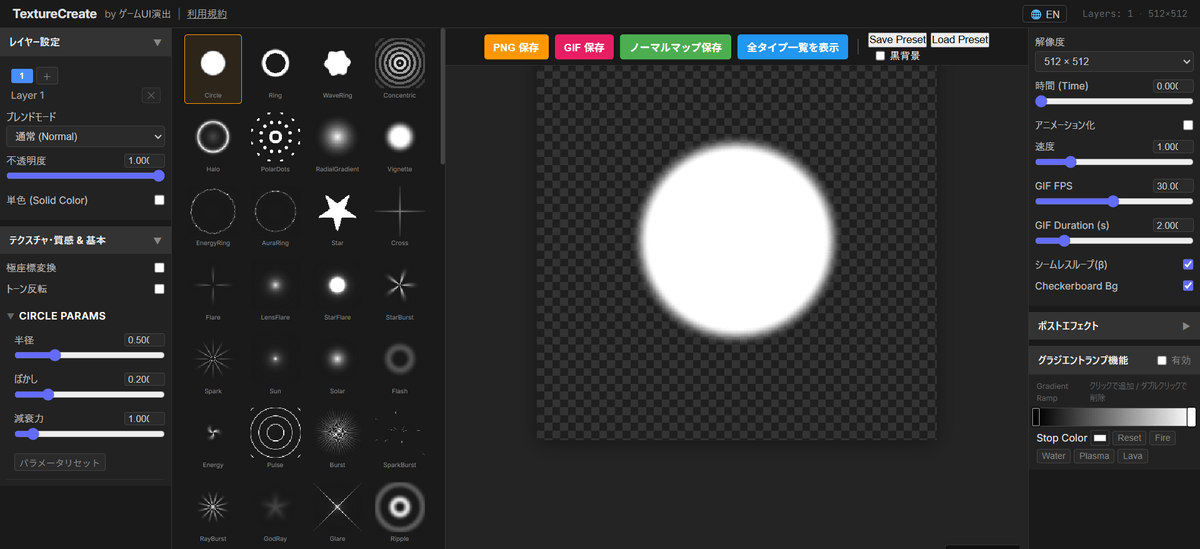
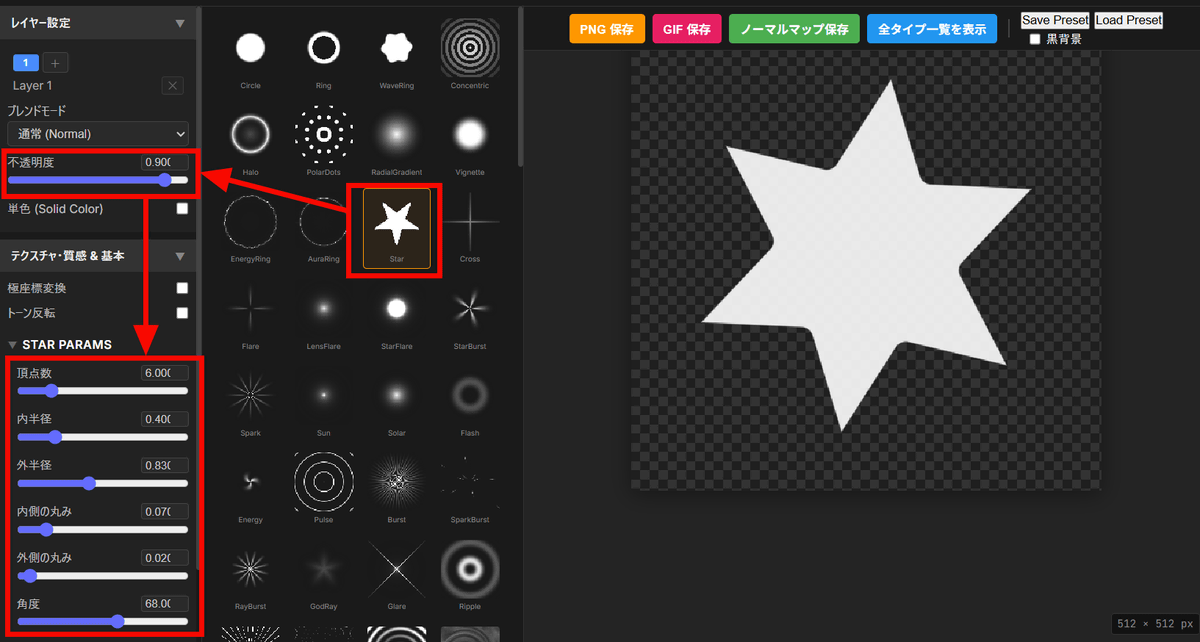
First, select the base shape, then use the sliders to adjust the opacity and other settings according to the shape.
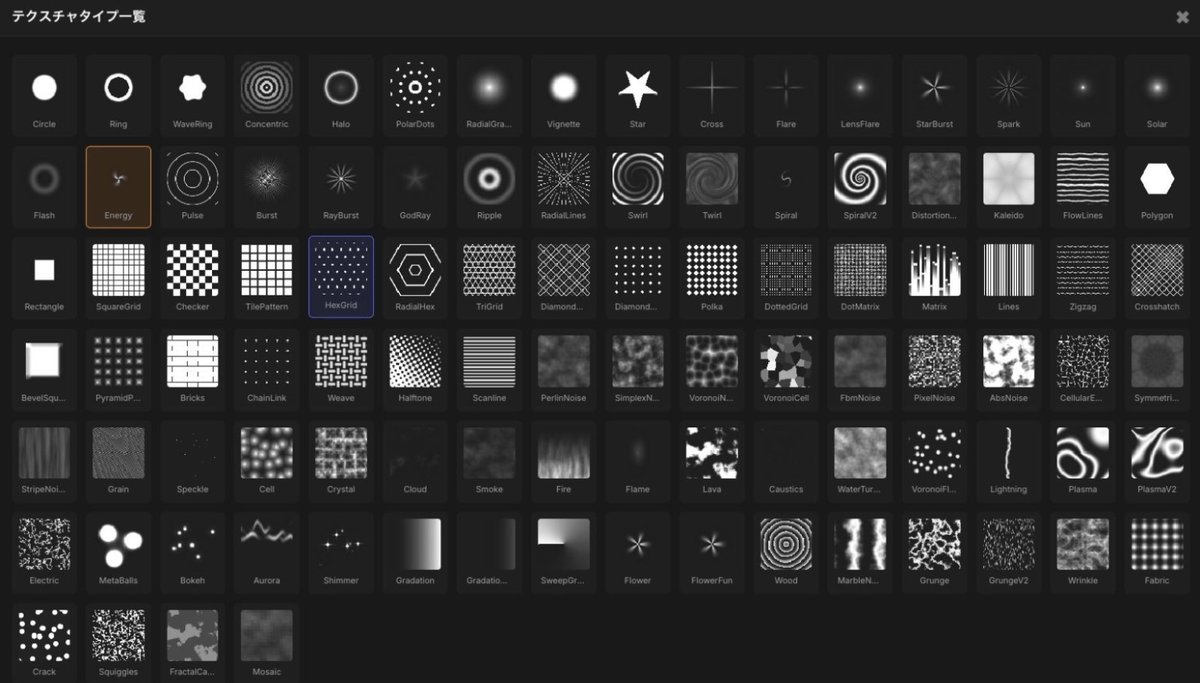
The list of texture types is as follows:
Checking 'Tone Inversion' will invert the black and white.
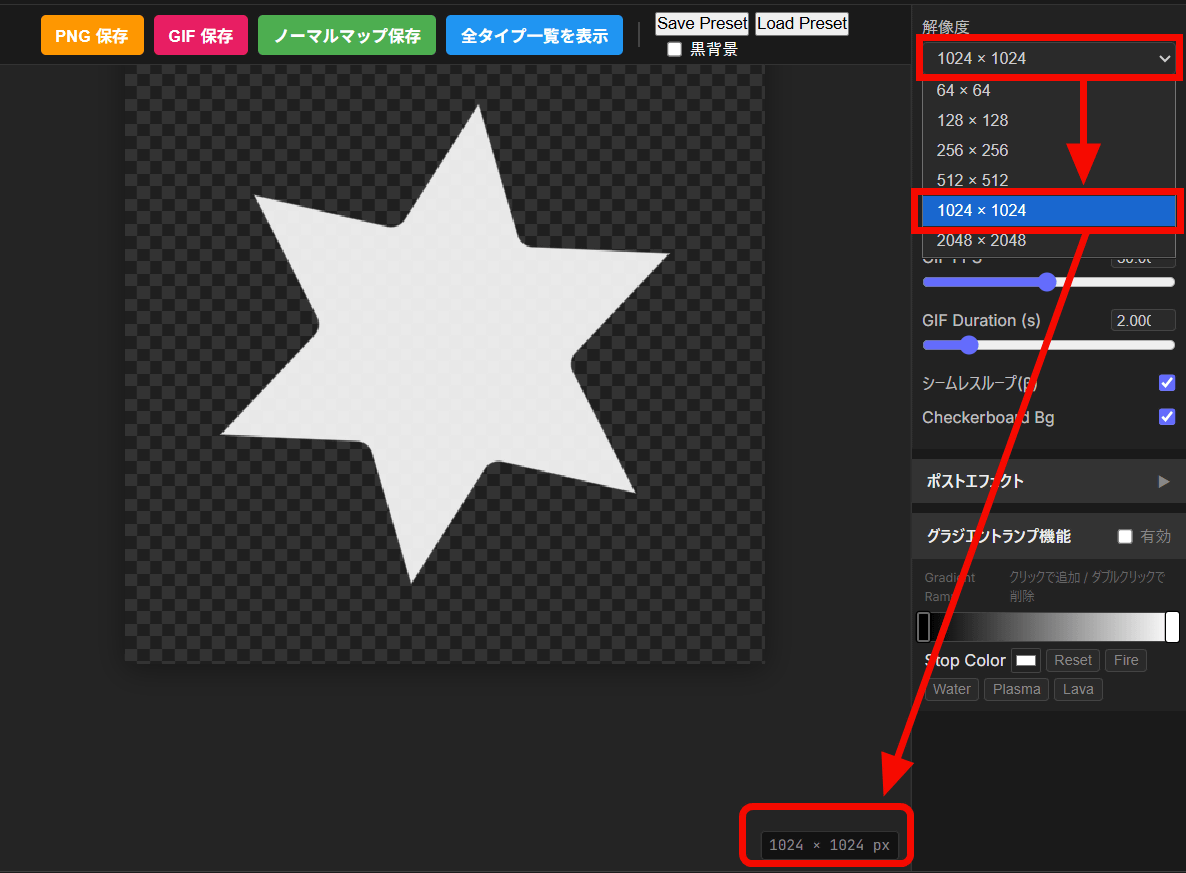
Once you have set the shape, select the resolution from the right side. The resolution displayed in the bottom right of the preview will change.
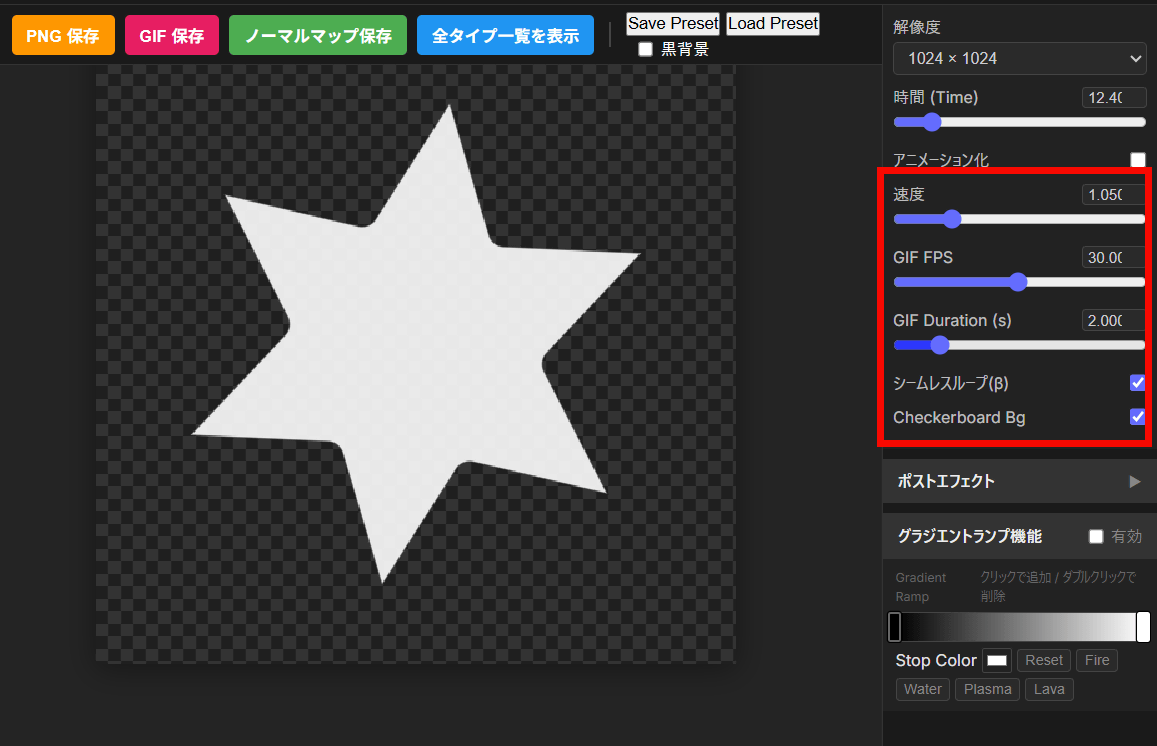
When creating an animated GIF, you set the speed, FPS, etc. Settings are not required for images only.
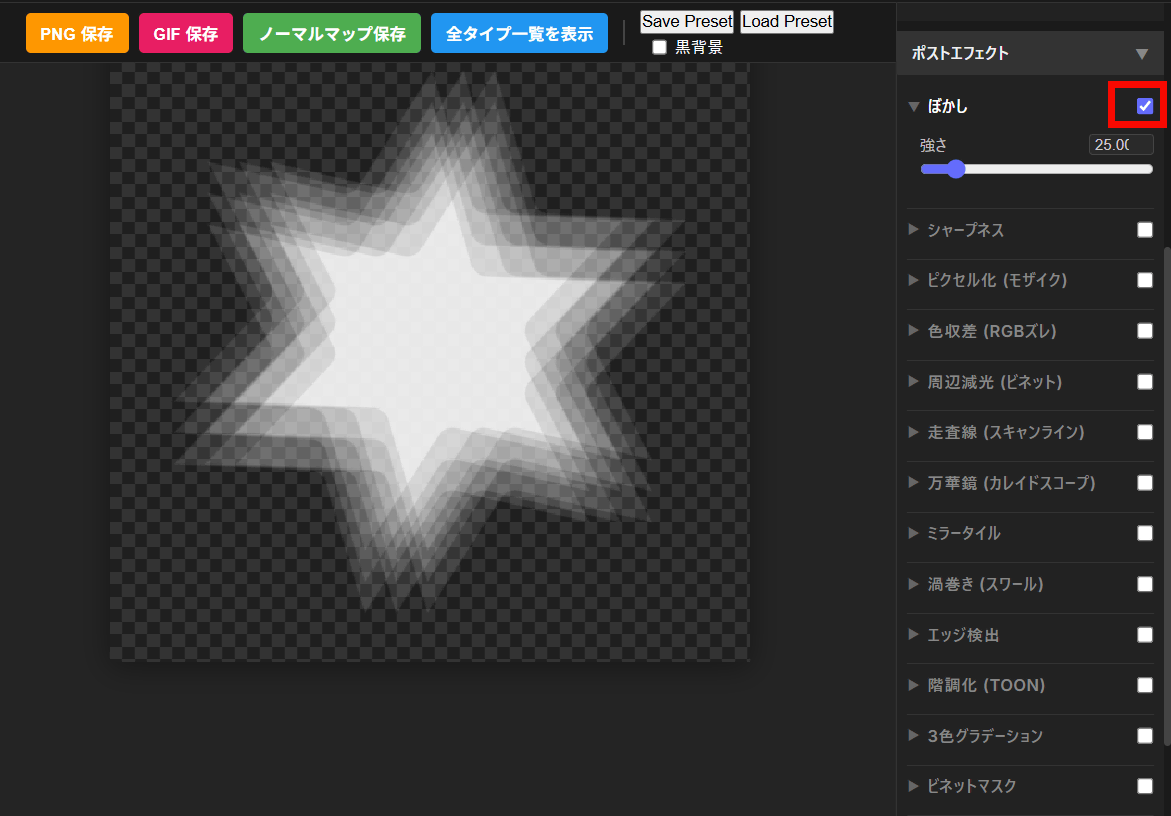
Next, you can add special effects from 'Post Effects.' Below is a 'Blur' effect that makes the texture appear blurred.
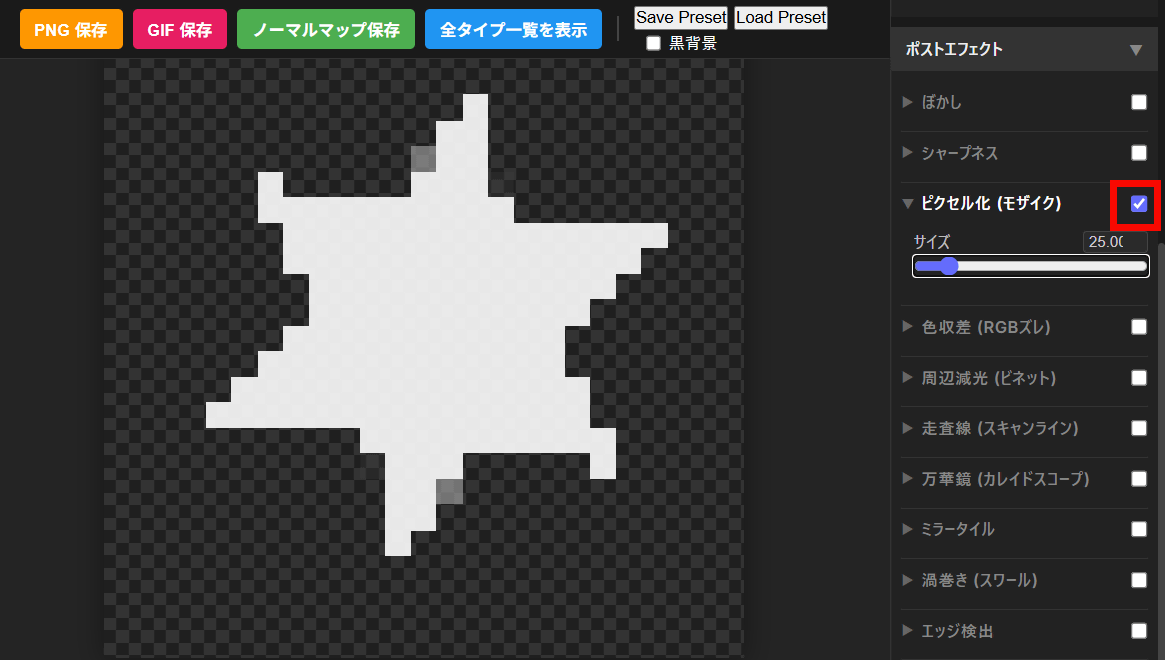
Below is the 'pixelation (mosaic)' effect.
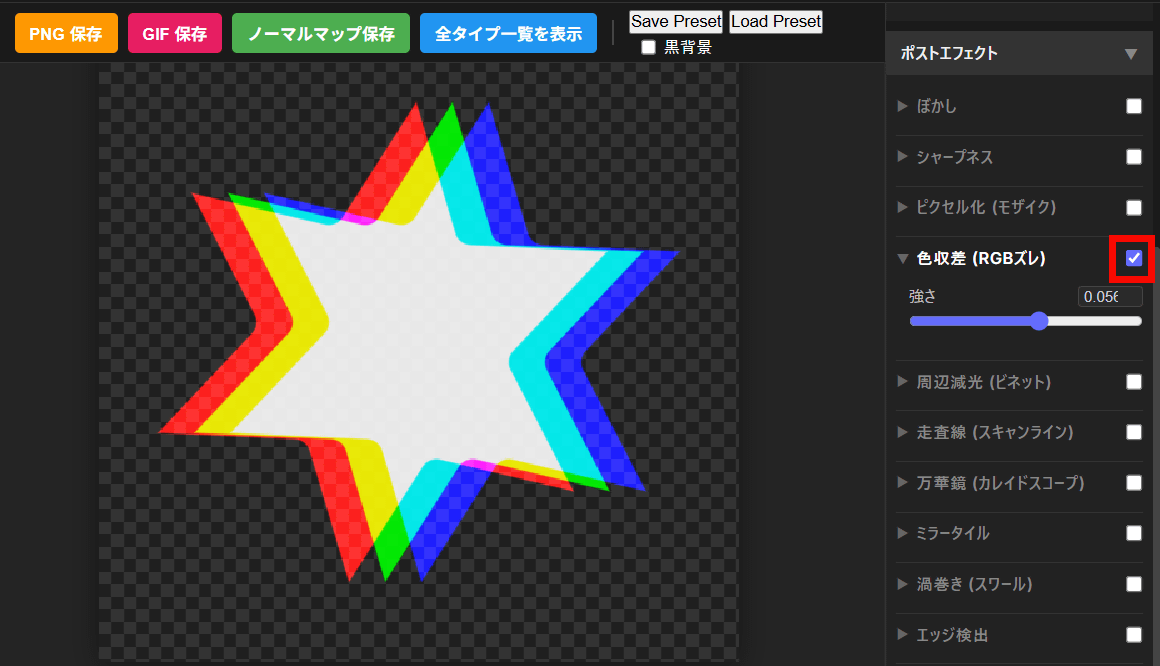
You can try out various post-effects, such as 'Chromatic Aberration (RGB Deviation),' which adds a digital noise effect that blurs red, blue, and green colors.
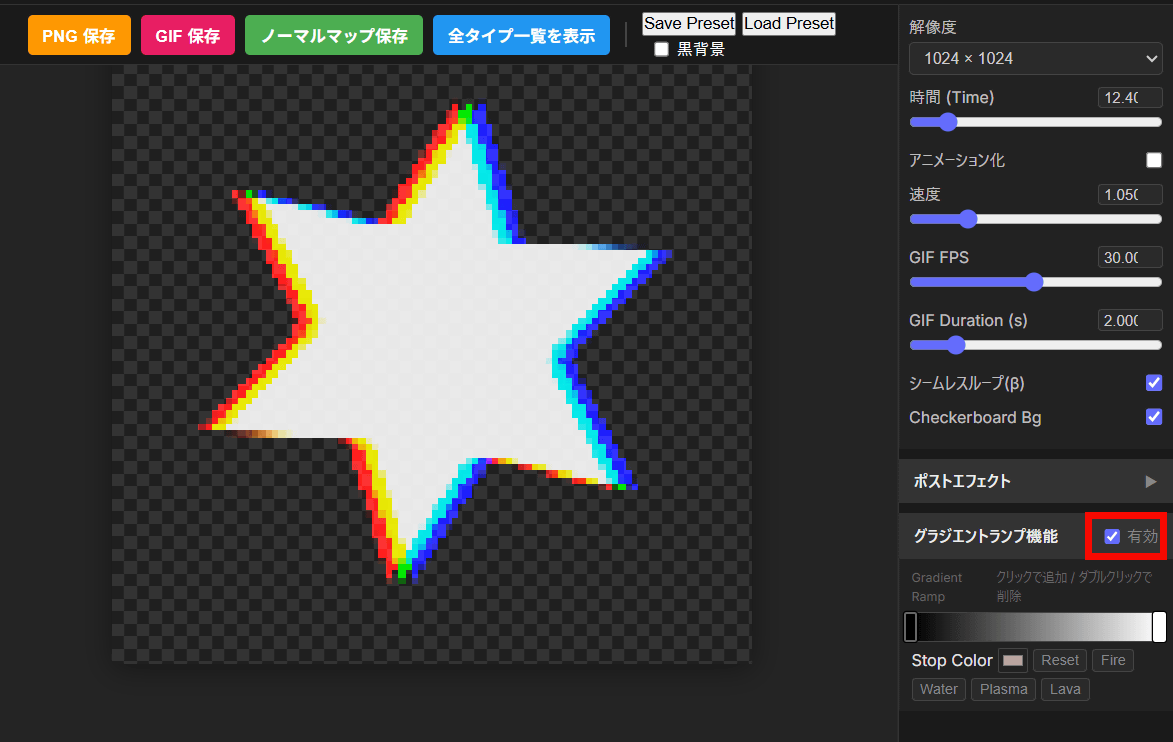
Finally, you can add color to the image by checking the 'Enable' box for the 'Gradient Lamp Function.'
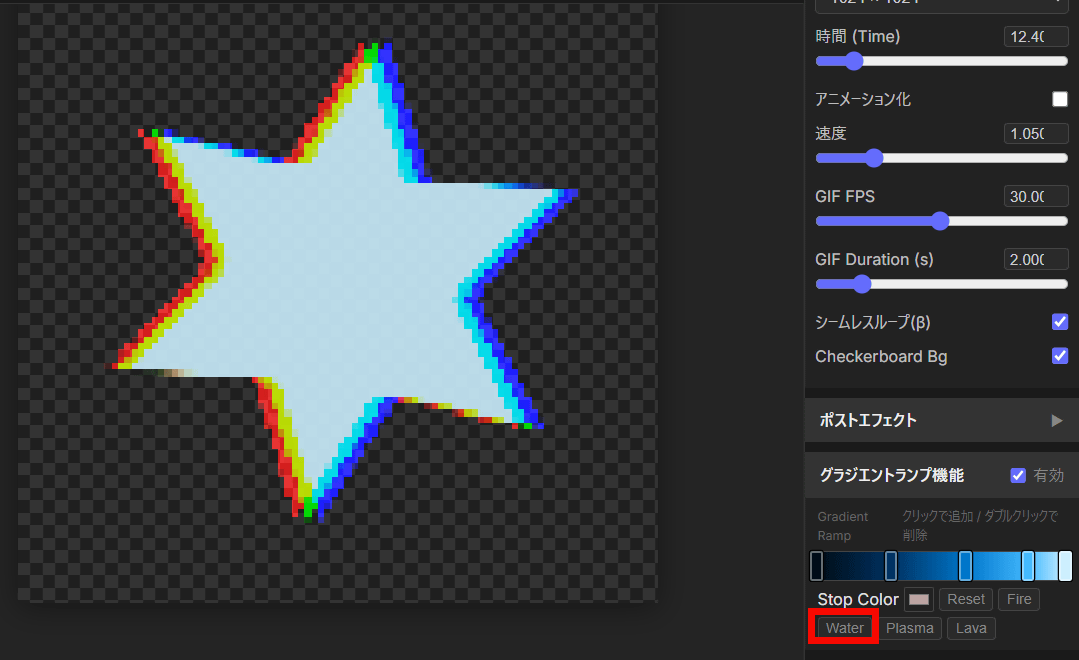
You can change the gradient yourself, or press the 'Fire,' 'Water,' 'Plasma,' or 'Lava' buttons to instantly apply a similar gradient.
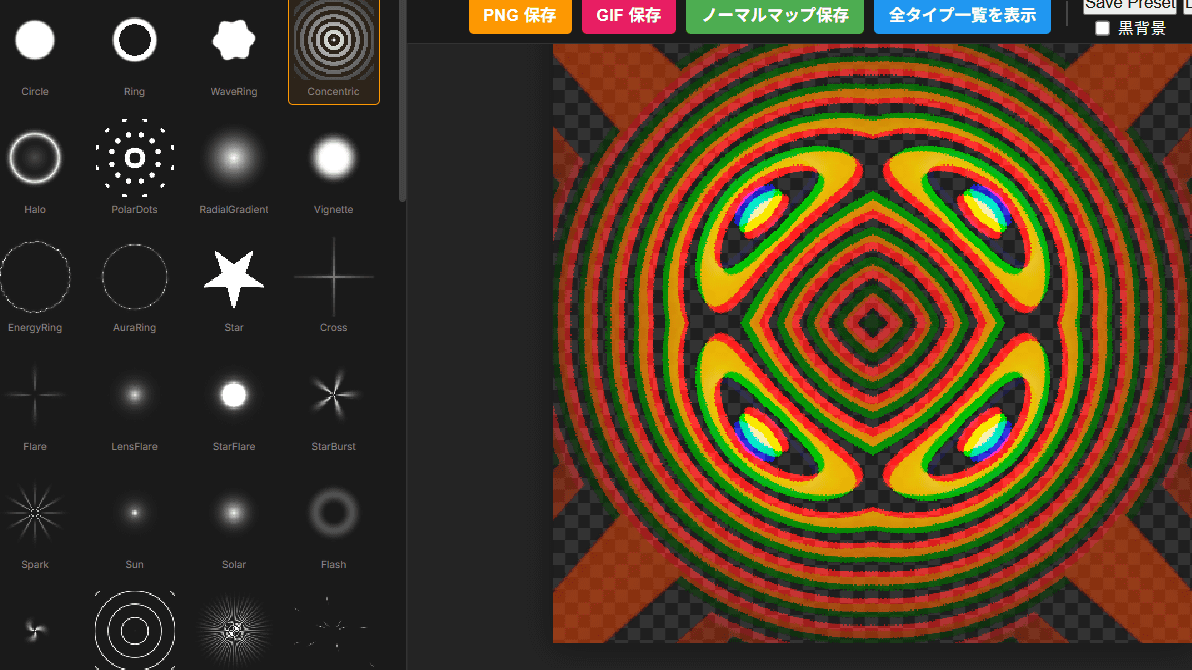
Once you've completed your design, you can save it using the button above the preview. In this case, we'll save it as an image, so click 'Save PNG.'
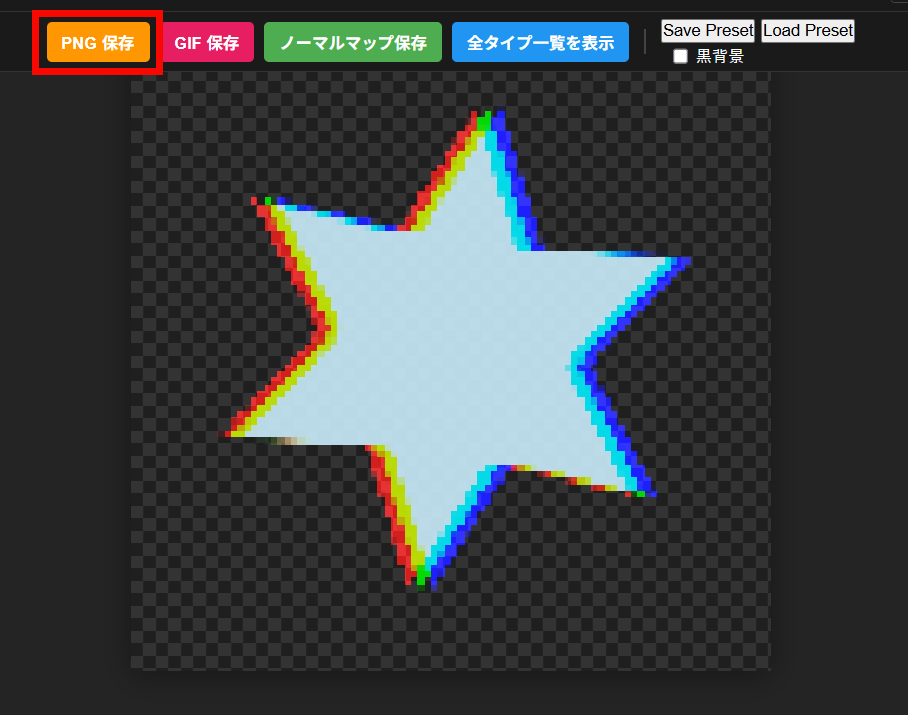
I was able to create the image below.

Textures created with TextureCreate can be used commercially and distributed secondary. More detailed terms of use can be found below.
ShaderCreate / TextureCreate Terms of Use | Game UI Design
https://gameanimation.info/archives/5200
Related Posts:


in Web Service, Review, Design, Posted by log1e_dh