A website that lets you measure whether your network is experiencing buffer bloat, which can cause delays in online games and video calls.

'
Bufferbloat and Internet Speed Test - Waveform
https://www.waveform.com/tools/bufferbloat
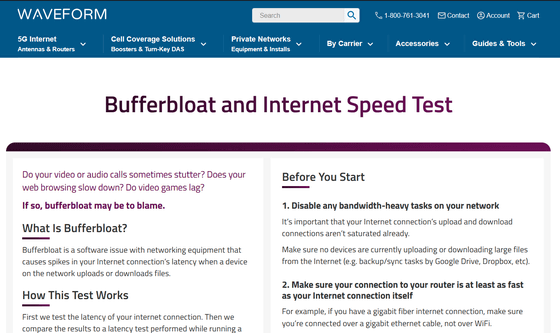
If you're experiencing issues like choppy video and voice calls, slow web browsing, or lag in online games, buffer bloat could be the cause. Buffer bloat is a software issue in network equipment that causes sudden increases in latency on your internet connection when devices on the network upload or download files. If you're prone to buffer bloat, upgrading your Wi-Fi router can often resolve the issue.
Bufferbloat and Internet Speed Test can help you determine if your internet connection issues are related to bufferbloat and if your current router is causing it.
To use Bufferbloat and Internet Speed Test, first access the website and prepare for the test. First, check to see if any PCs or smartphones in your network are running bandwidth-intensive upload/download tasks, and end any running tasks. Next, make sure the connection speed from your PC to your router is equal to or faster than your Internet connection speed. This means that an environment such as 'using slow Wi-Fi' will not be able to test to its full potential, so you need to prepare a wired connection or other connection that will allow you to test to the fullest. When you're ready, click 'Start Test.'
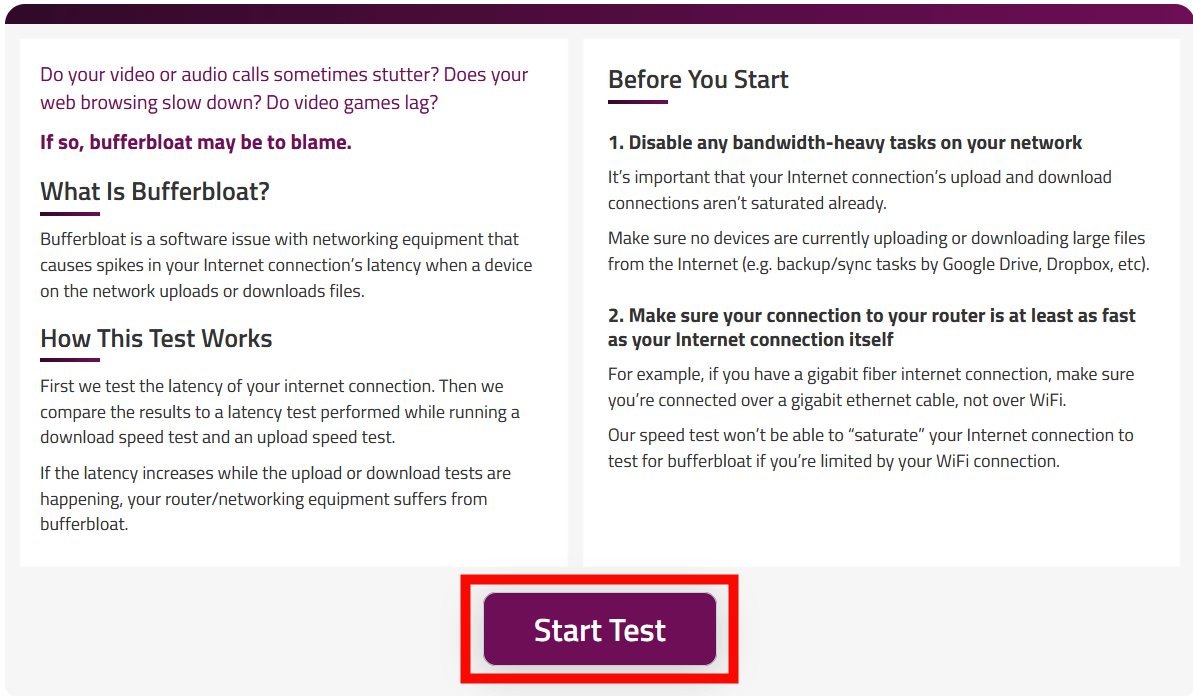
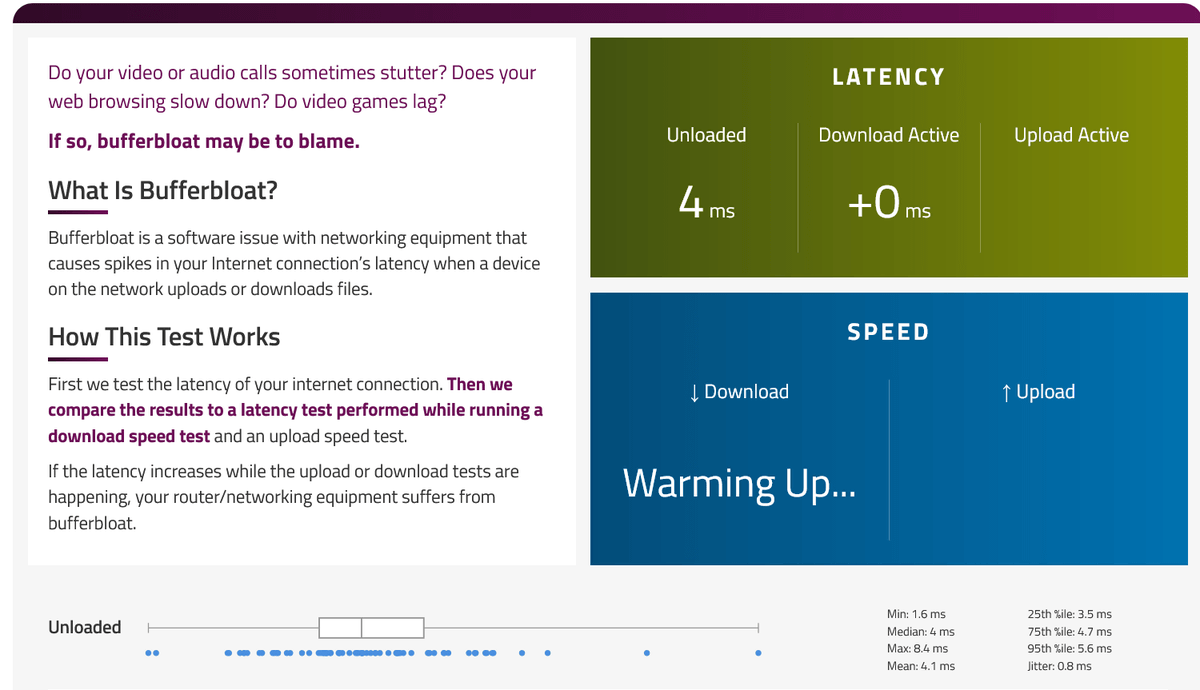
The test uses an unloaded state as a baseline, and measures response speed and latency when uploading and downloading data. Because the test pushes the load to its limits, it is important to ensure that no other people are using the Internet during the test.
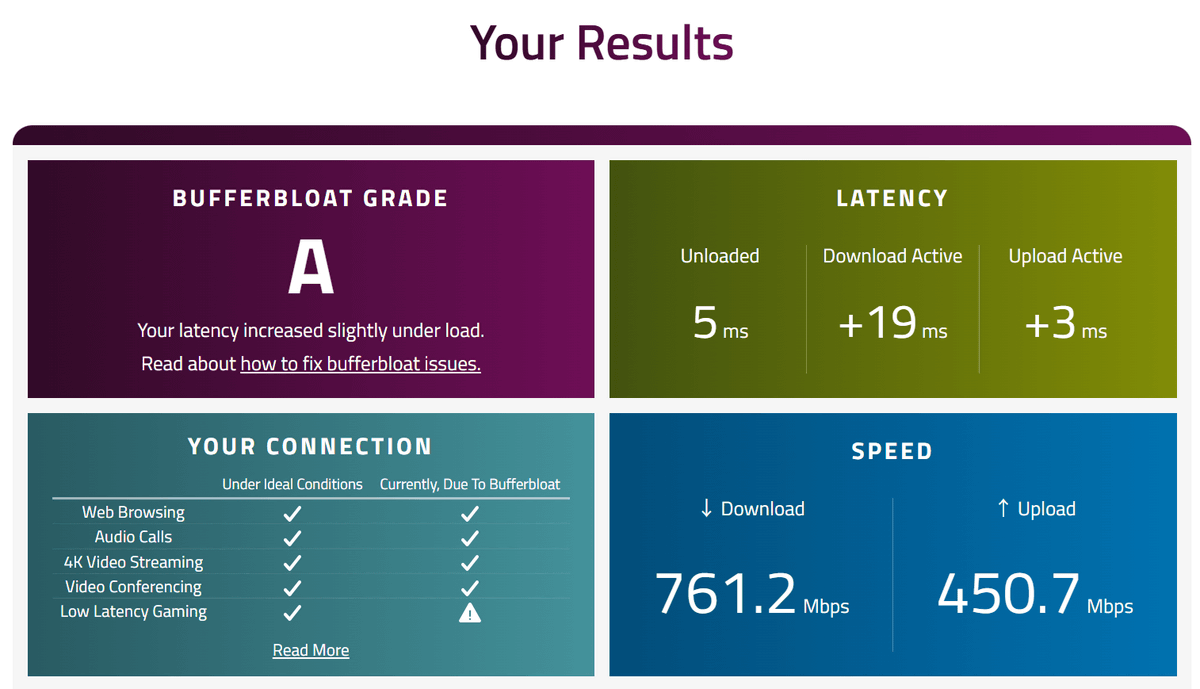
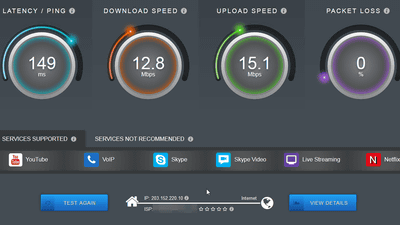
Below is an example of the test results. The bufferbloat rating is shown in the upper left, the measured latency in the upper right, the latency for specific tasks in the lower left, and the network speed in the lower right. The bufferbloat rating is as follows: If the increase in average latency measured during the download and upload tests was less than 5ms, it was given an 'A+' rating; if it was between 5 and 29ms, it was given an 'A' rating; if it was between 30 and 59ms, it was given a 'B' rating; if it was between 60 and 199ms, it was given a 'C' rating; if it was between 200 and 400ms, it was given a 'D' rating; and if it was over 400ms, it was given an 'F' rating.
If your measured bufferbloat ranking is unsatisfactory, upgrading your router may improve your internet connection. The Bufferbloat and Internet Speed Test website recommends routers such as the Amazon eero Pro 6E and the Netgear WiFi Router WiFi6 11ax AX5400 as ideal routers for reducing bufferbloat. Both routers feature Smart Queue Management (SQM), which organizes traffic and improves latency. SQM allows you to configure settings such as 'managing bandwidth to prevent large traffic volumes from filling the buffer, and prioritizing smaller, latency-sensitive packets like games and phone calls,' thereby improving speed degradation caused by bufferbloat.
Related Posts:





in Web Service, Posted by log1e_dh