How can you make ASCII art more vivid by expressing pictures and 3D models?
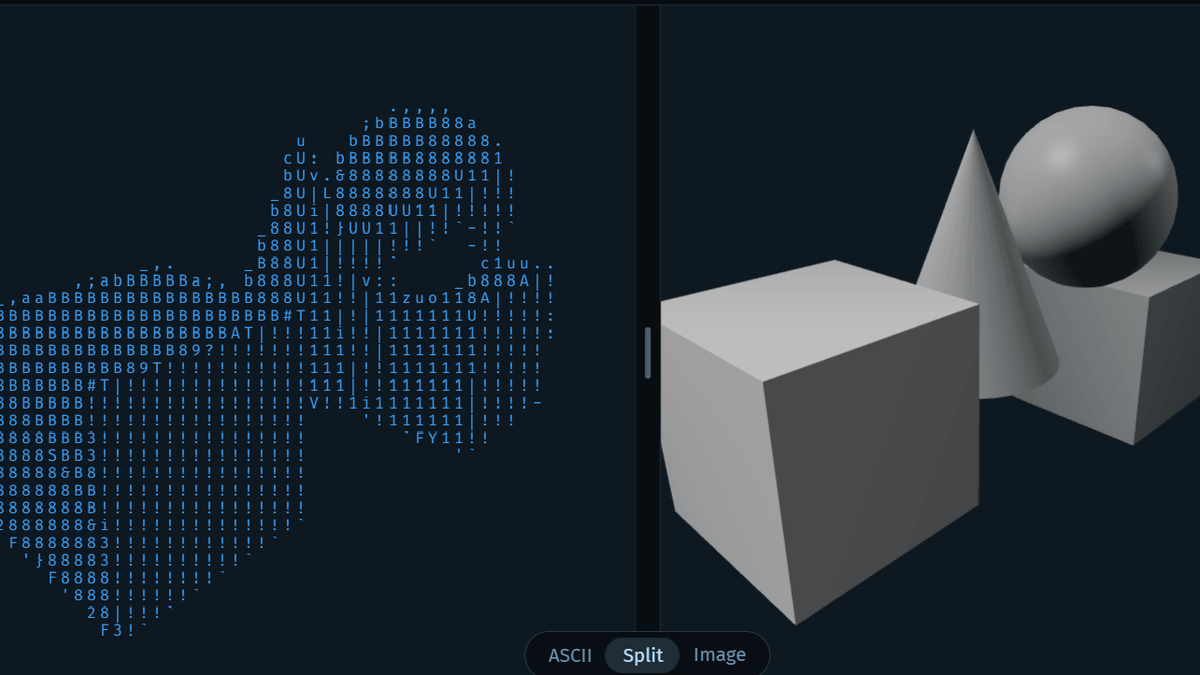
ASCII characters are not pixels: a deep dive into ASCII rendering
https://alexharri.com/blog/ascii-rendering
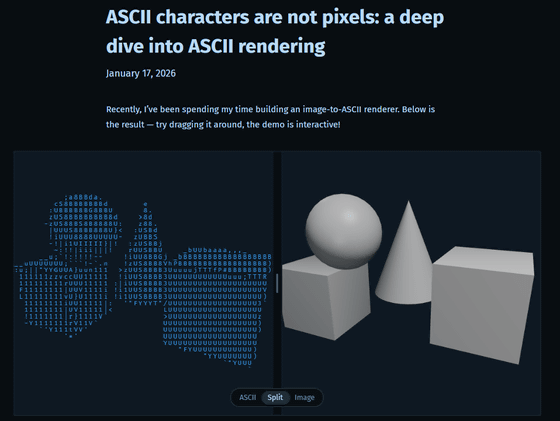
Below is a demo of the rendering shown by Harry. The right is the original image, an illustration of Saturn created by the AI generation. The left is the ASCII art converted by the rendering, and it is clear that the ASCII art is faithful to the outline of the illustration.
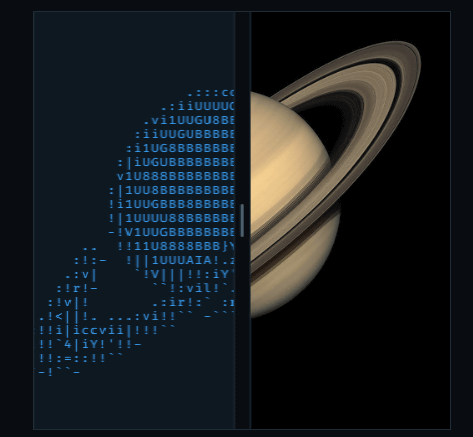
Furthermore, the demo below shows that shading can also be reflected in ASCII art.
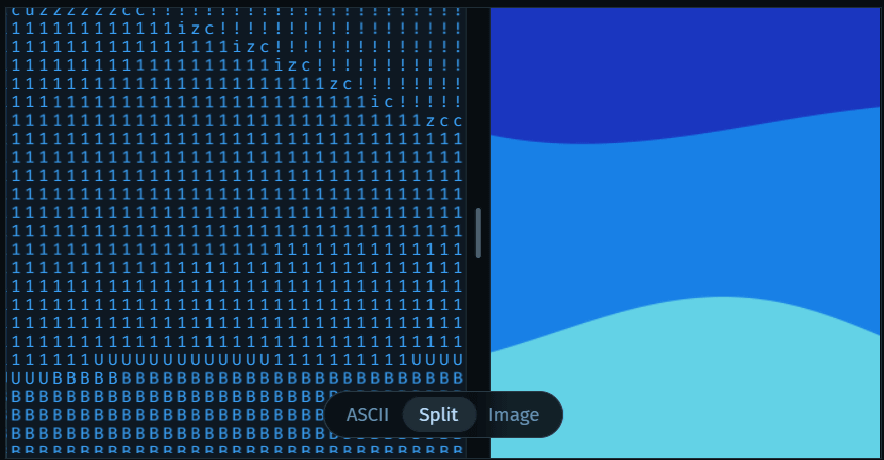
In the case of ASCII rendering, which automatically converts images into ASCII characters, many tools use a process of dividing the image into small squares, calculating the brightness of each square, and assigning characters to each square. However, in this case, characters are selected based solely on their 'shade,' which can result in blurred edges and make it difficult to recognize the original shape.
According to Harry, errors like blurring and smearing occur because 'ASCII characters are treated like pixels and their shape is ignored.' While focusing on the shape of ASCII characters rather than just their shading would result in clearer ASCII art, there are very few ASCII renderers that take shape into account.
Harry gives the example of how to create ASCII art using an ASCII renderer for the following illustration of a white circle. The renderer divides the illustration into a grid and determines which character to place in each cell. At this time, the brightness of the pixel at the center of the grid is sampled to obtain a 'brightness value' and mapped to an ASCII character. ASCII characters are ranked by shade, and a character is selected based on the shade.
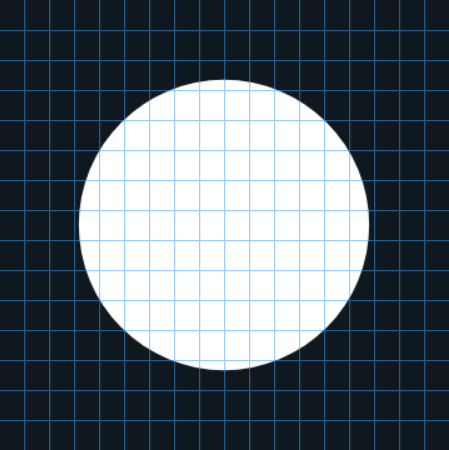
When a circle is rendered using this method, it loses a very smooth shape, as shown below. In this example, the ASCII characters are limited to a small subset and the mapping is simplified, so the rendering result is different from the original, but it shows that the shape of the original illustration cannot be properly represented by simply obtaining and mapping brightness values.

One way to eliminate jagged edges is through 'supersampling.' Supersampling involves collecting more samples when the initial grid is divided, with the quality increasing as the number of samples increases. Below is a demo of varying the number of samples taken from the grid of a white circle illustration: 1 sample, 5 samples, and 16 samples (from left to right). The more samples there are, the smoother the circle appears to be.

Increasing the number of samples smoothed the edges to some extent, but this alone still made the contours appear blurred. The solution to this problem is to use an approach that prioritizes the shape of ASCII characters. Below is an ASCII rendering that selected characters based on their shape, and the characters are positioned so that they closely follow the contours of the circle.
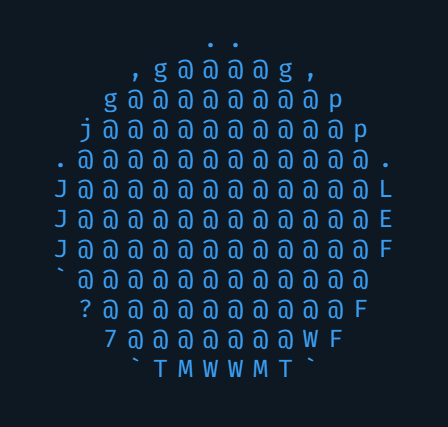
Harry cites 'character centroid' and 'quantification' as methods for taking character shape into account in ASCII rendering. Each character has a vector that indicates 'where the line is,' such as the letter 'T' being darker at the top and the letter 'L' being darker at the bottom left. By sampling this vector, it is possible to distinguish ASCII characters based on their shape. Harry explains that by treating the ASCII characters themselves as small images and sampling them in the same way, it is possible to directly compare the image and the shape of the character.
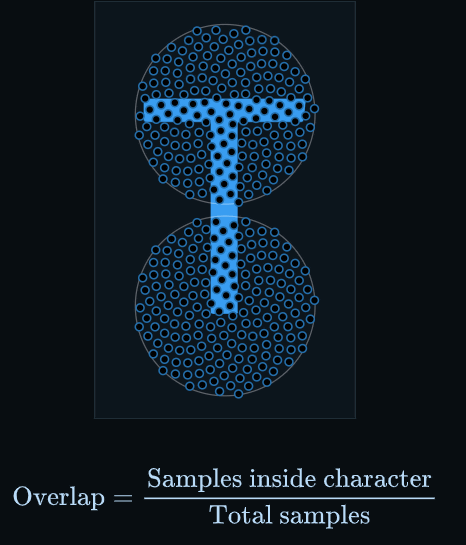
Shape-based segmentation not only provides definition and sharp edges, but also increases contrast, which makes 3D representations of ASCII characters look better.

'The idea of using high-dimensional vectors to capture shape is interesting and I think it could easily be applied to many other problems,' Harry said. 'And the solutions to the ASCII rendering problem are quite broad, with a wide variety of approaches to explore and their respective advantages and disadvantages.'
Related Posts:

in Design, Posted by log1e_dh